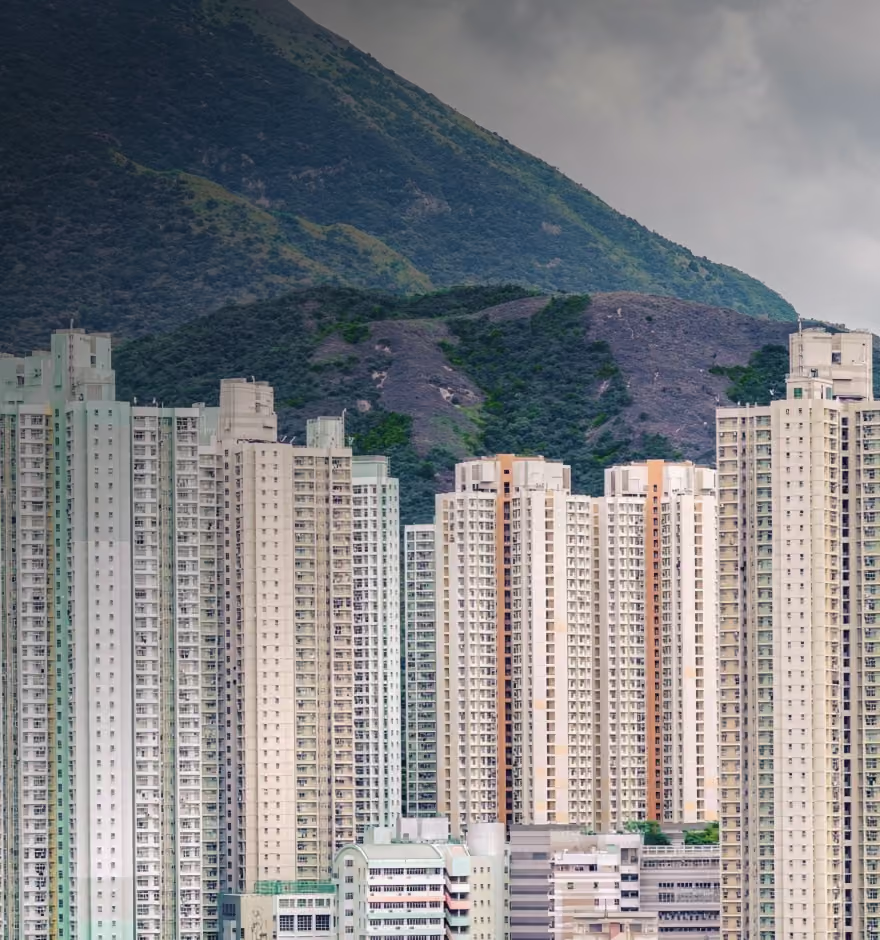
Change Photo Backgrounds Instantly With AI Prompt
Swap or transform any photo background using simple AI prompts. Create new scenes and moods in seconds.


Any Backdrop, One Sentence Away
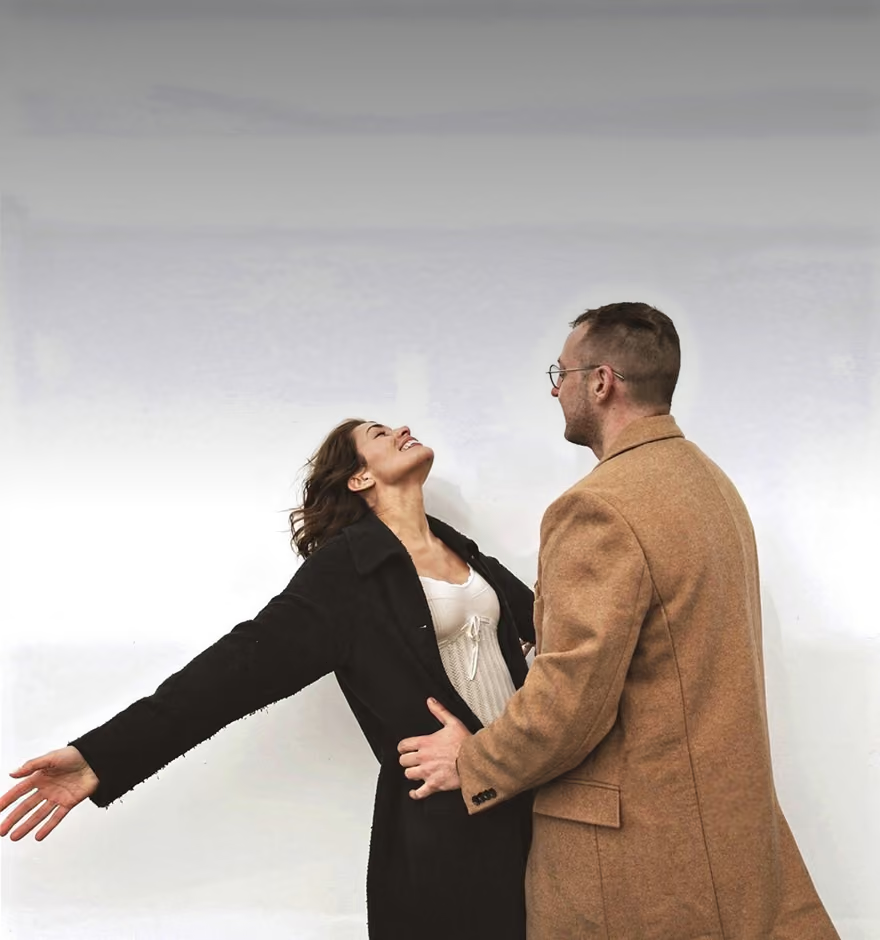
Describe the background you want and watch your image transform. Try a new location, mood, or lighting style. The Prompt tool in AI Lab preserves your subject exactly while reimagining everything around it.
Shift light subtly or try a completely different scene, the result blends into your photo's existing depth and perspective.
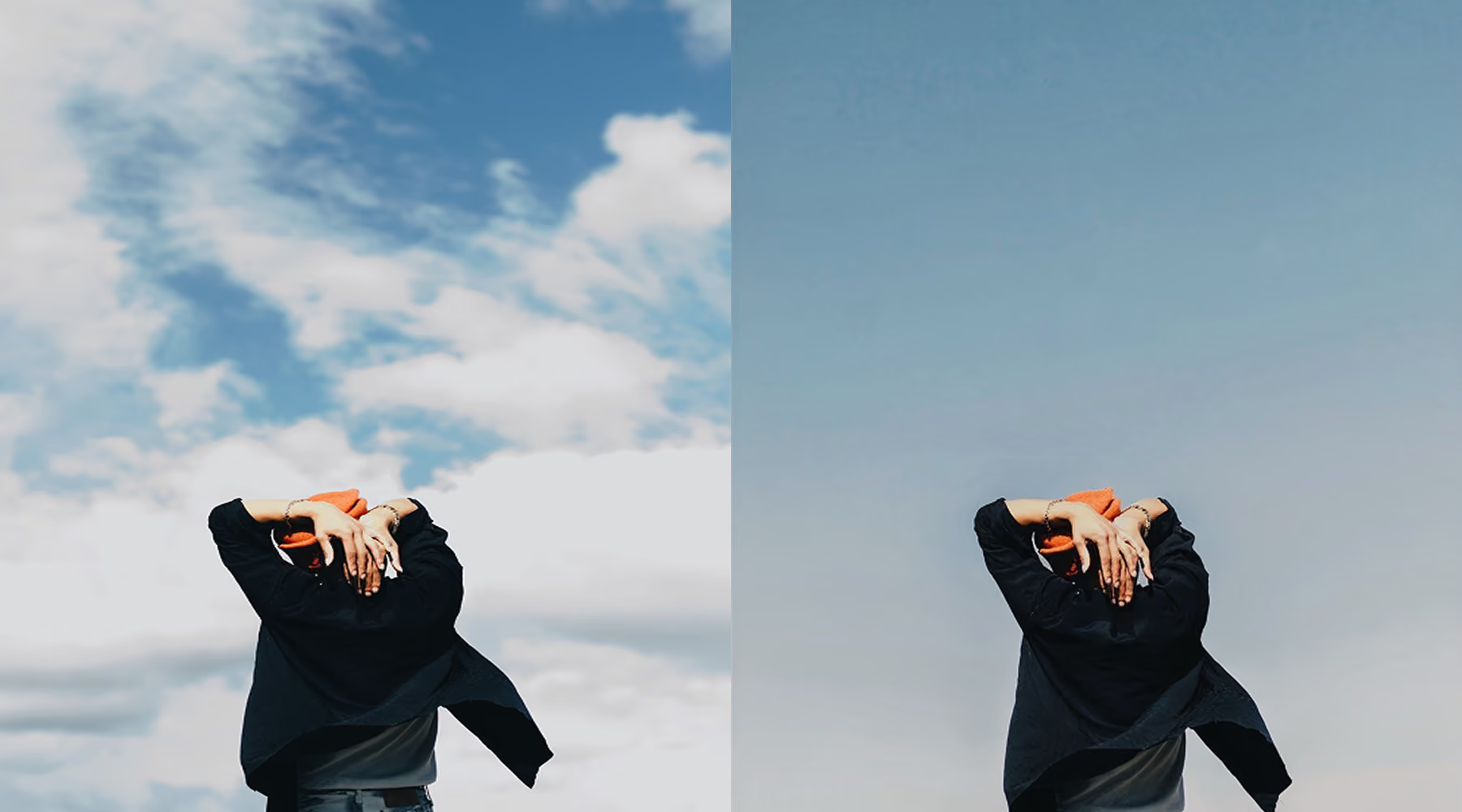
When to change your photo background
Reach for this when the moment is right but the background isn't. A portrait that needs a different mood than the day gave you. A client asking for three scenes when you only had time to shoot one. A background that's fine in person but falls apart the second you look at it on a screen.
Explore new scenes, without a second trip back to location. Save a composition that nailed everything except what was behind your subject, or give your client some extra options.
How to change photo backgrounds using AI Prompt
Use AI Prompt
Enter a prompt like "change the background to a beach sunset," "studio backdrop," or "night city skyline."
Adjust and Fine-Tune
Generate variations, adjust your prompt, and rerun until it feels right.
Download, Save, and Share
Export your final image, or make more edits with presets and tools.

Fast, flexible background editing
Skip the cutout and compositing work entirely. Describe what you want, watch it generate in seconds, and adjust the wording until it matches what you pictured. No selection tools, no layering, no technical editing background needed.
Speed up your workflow while adding extra flexibility. Instead of committing to one background before, try three or four and pick the one that aligns with your vision.
Download VSCO
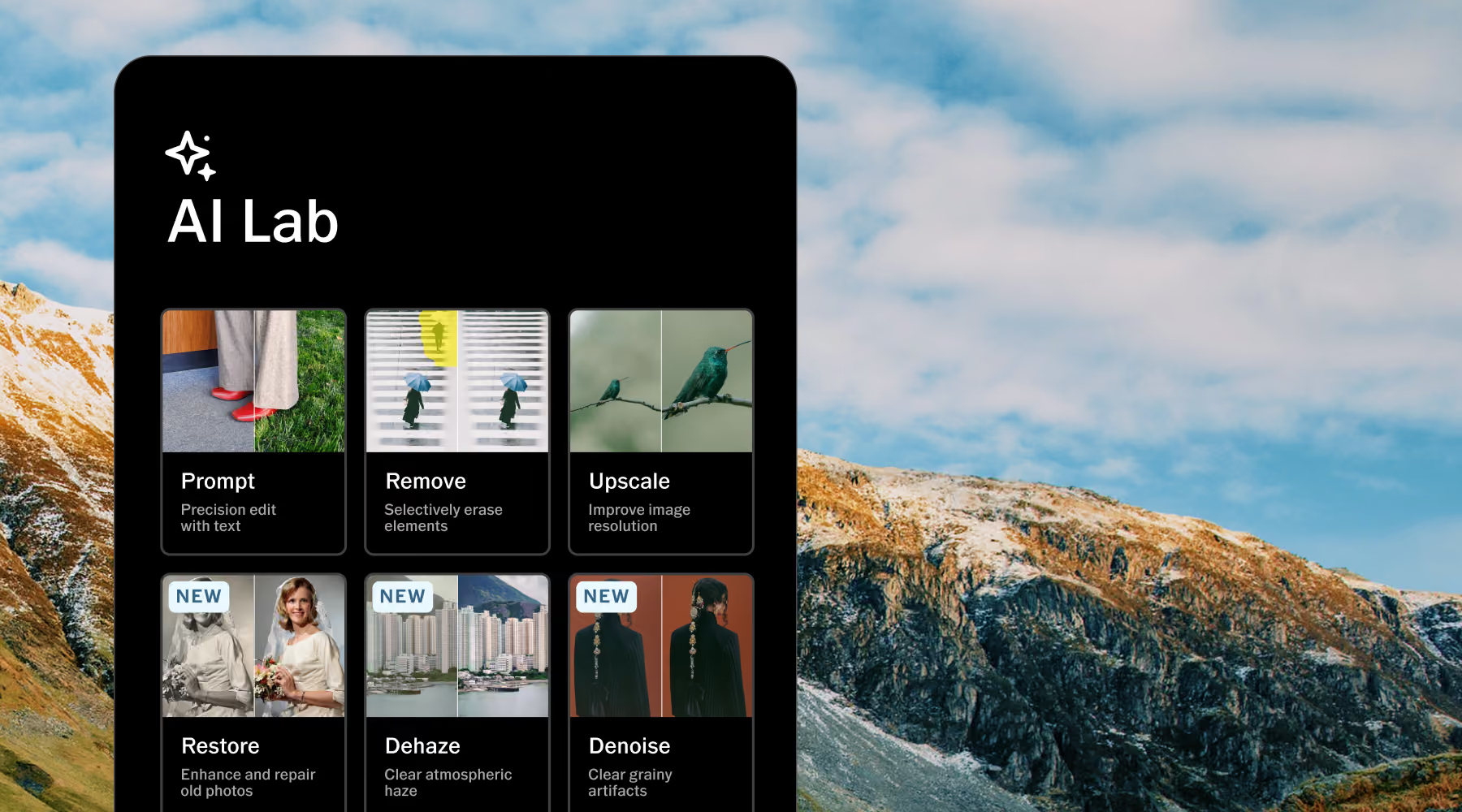
AI Lab is available in the VSCO app for iPhone. Download the app to try more AI-powered tools that can create the look you’re after in a single tap.
Frequently asked questions
How does the AI background changer work?
The Prompt tool lets you describe a new background using simple text. AI Lab regenerates your image with the updated scene while preserving your subject, composition, and overall visual structure.
Can I choose specific types of backgrounds?
Yes. Request highly specific environments or styles, from realistic settings like "mountain landscape" or "city street at night" to stylized looks like "minimal pastel backdrop" or "cinematic lighting."
Will changing the background affect my subject?
AI Lab preserves your subject's shape and positioning. Lighting, color tone, and shadows may shift subtly so the subject feels naturally integrated into the new environment.
Can I try different background variations?
Yes. Rerun the same prompt or adjust your description to generate multiple variations, making it easy to refine the look until it matches your creative intent.
Is this feature beginner-friendly?
Yes. The entire workflow is text-based, so no technical editing skills are required. No masking, no manual compositing, just describe your idea and let AI Lab handle the rest.
Related Features
Take your edits further by refining more than just the background. Use AI Remove to clear distractions, AI Isolate to precisely separate your subject, and AI Dehaze to enhance depth and atmosphere.
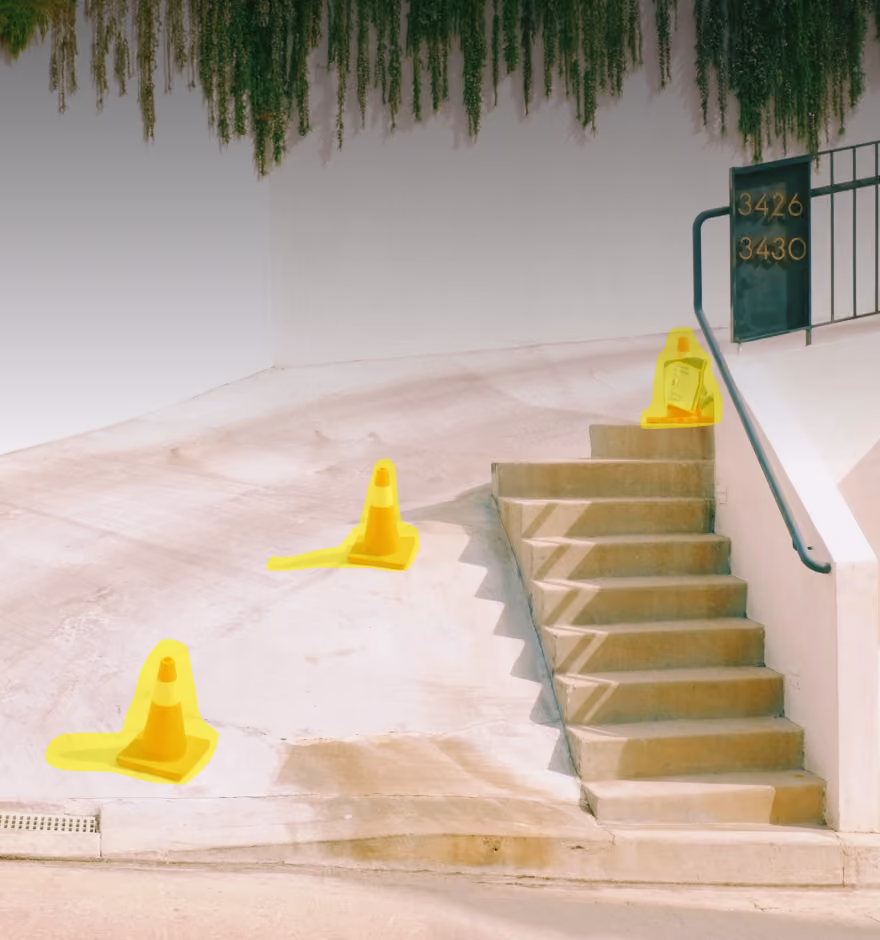
AI Remove
Erase distractions seamlessly while preserving texture, depth, and perspective.
AI Isolate
Cleanly cut your subject out onto a solid background, no manual selection needed
AI Dehaze
Improve clarity and depth in outdoor or atmospheric scenes.