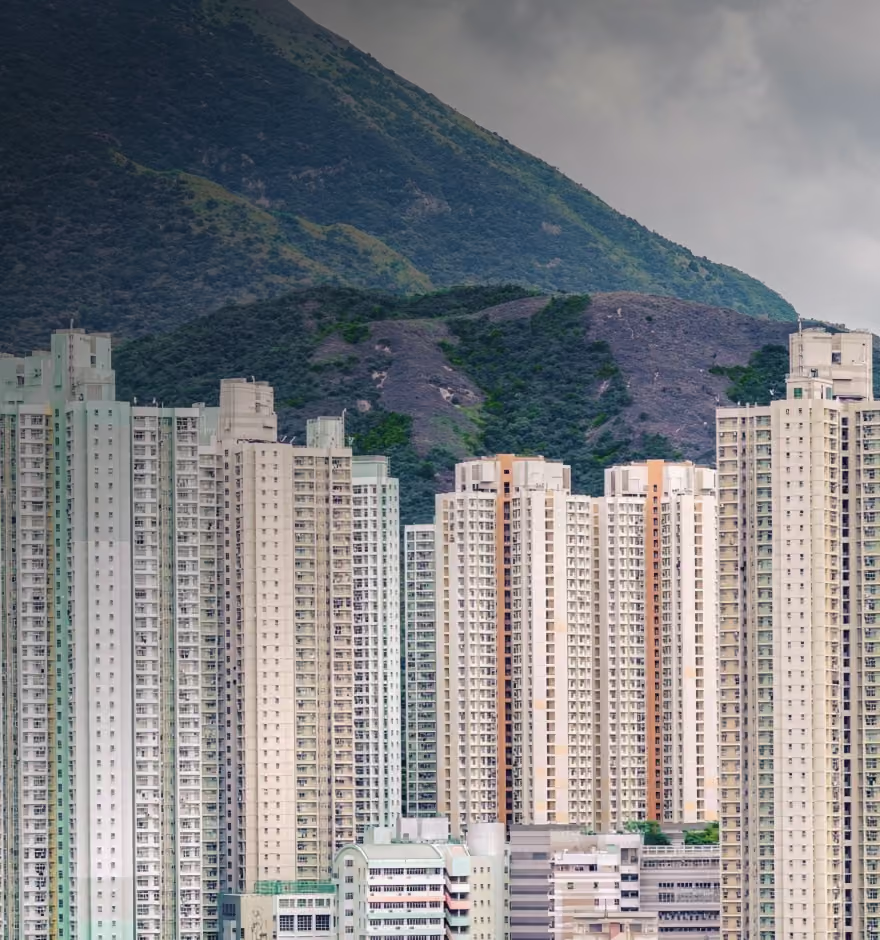
Change the Sky in Photos With AI
Turn a dull, overcast day into a vivid sunset, a dramatic cloudscape, or a clean blue horizon.
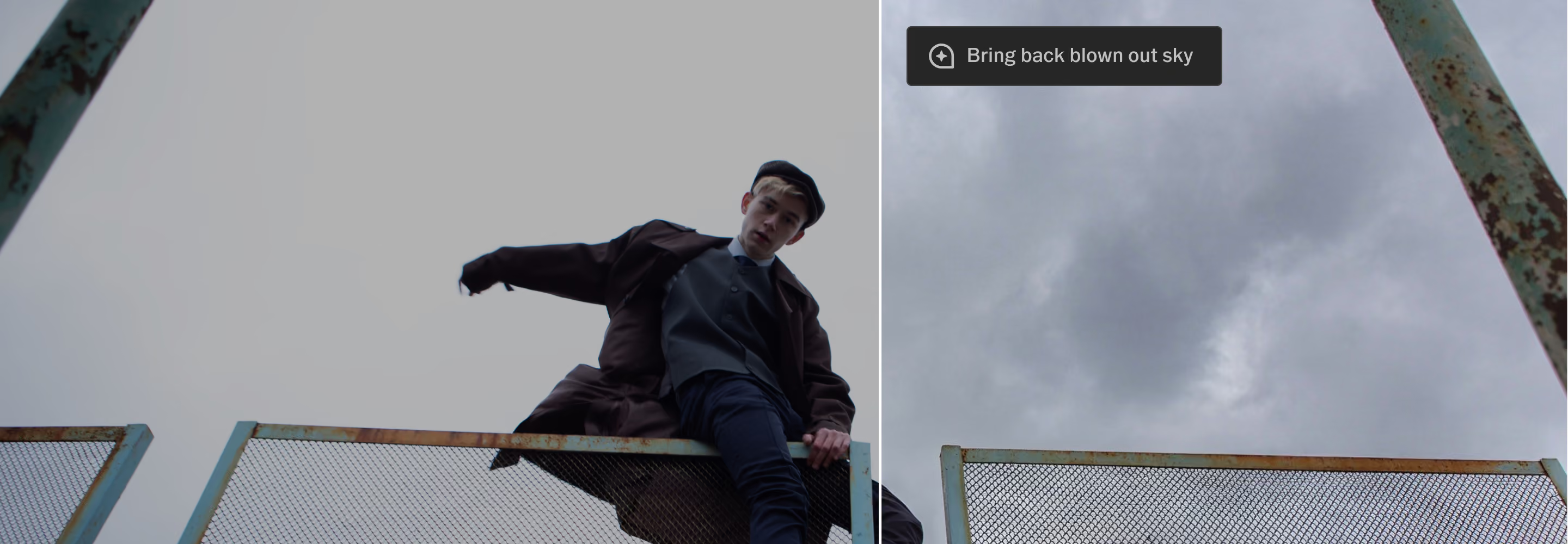
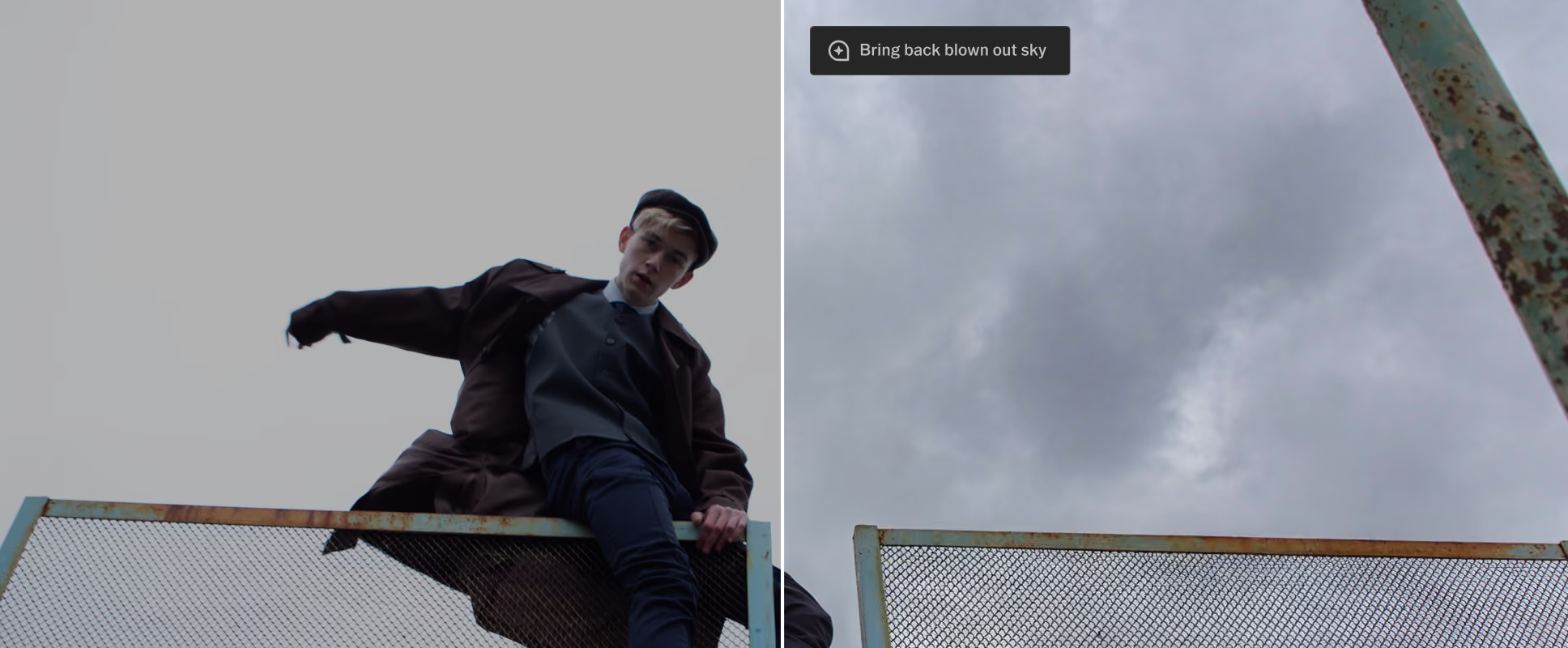
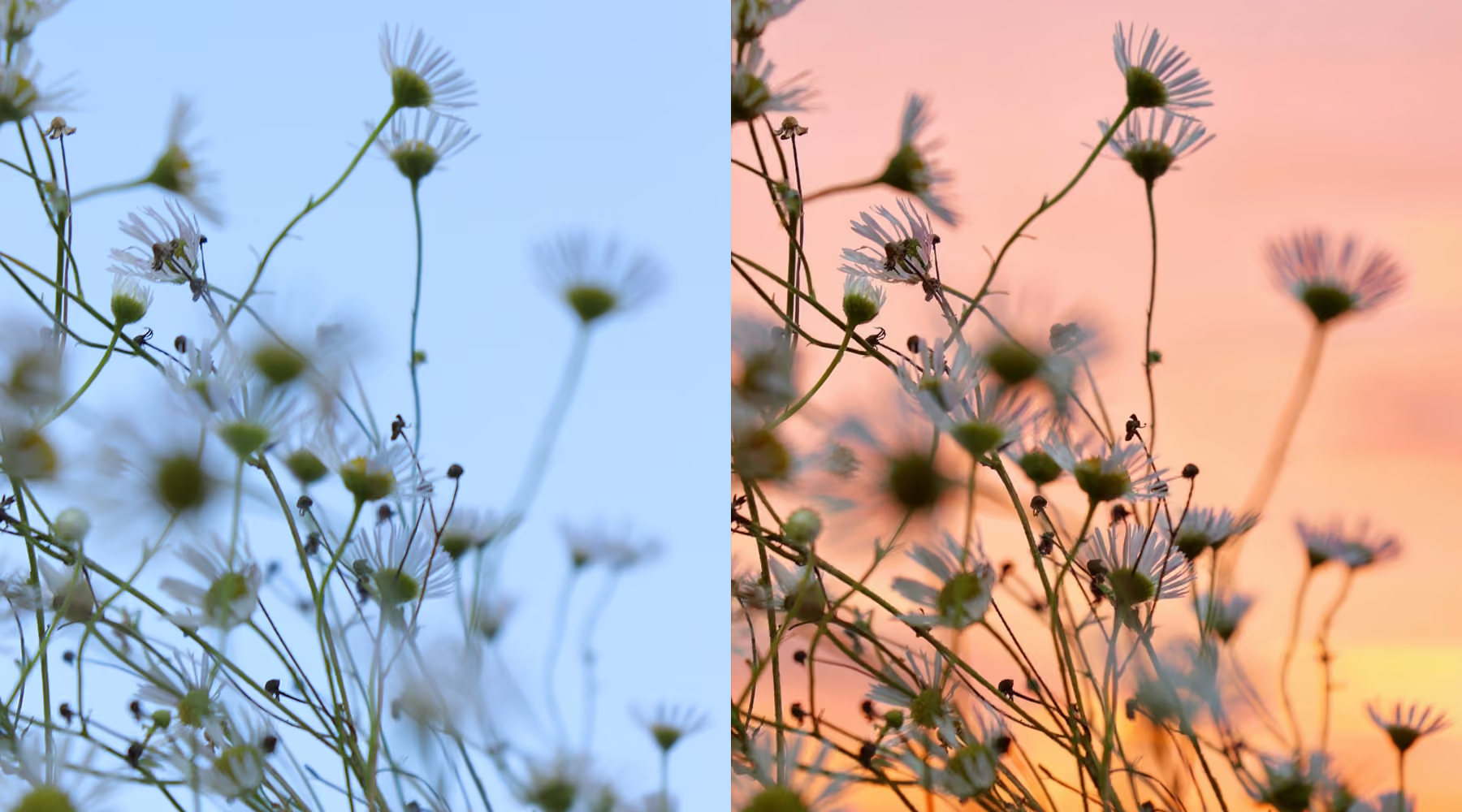
Change a flat or distracting sky into a cinematic backdrop using your own words. No masking, no complex selections, just describe the look you want and refine as you go.
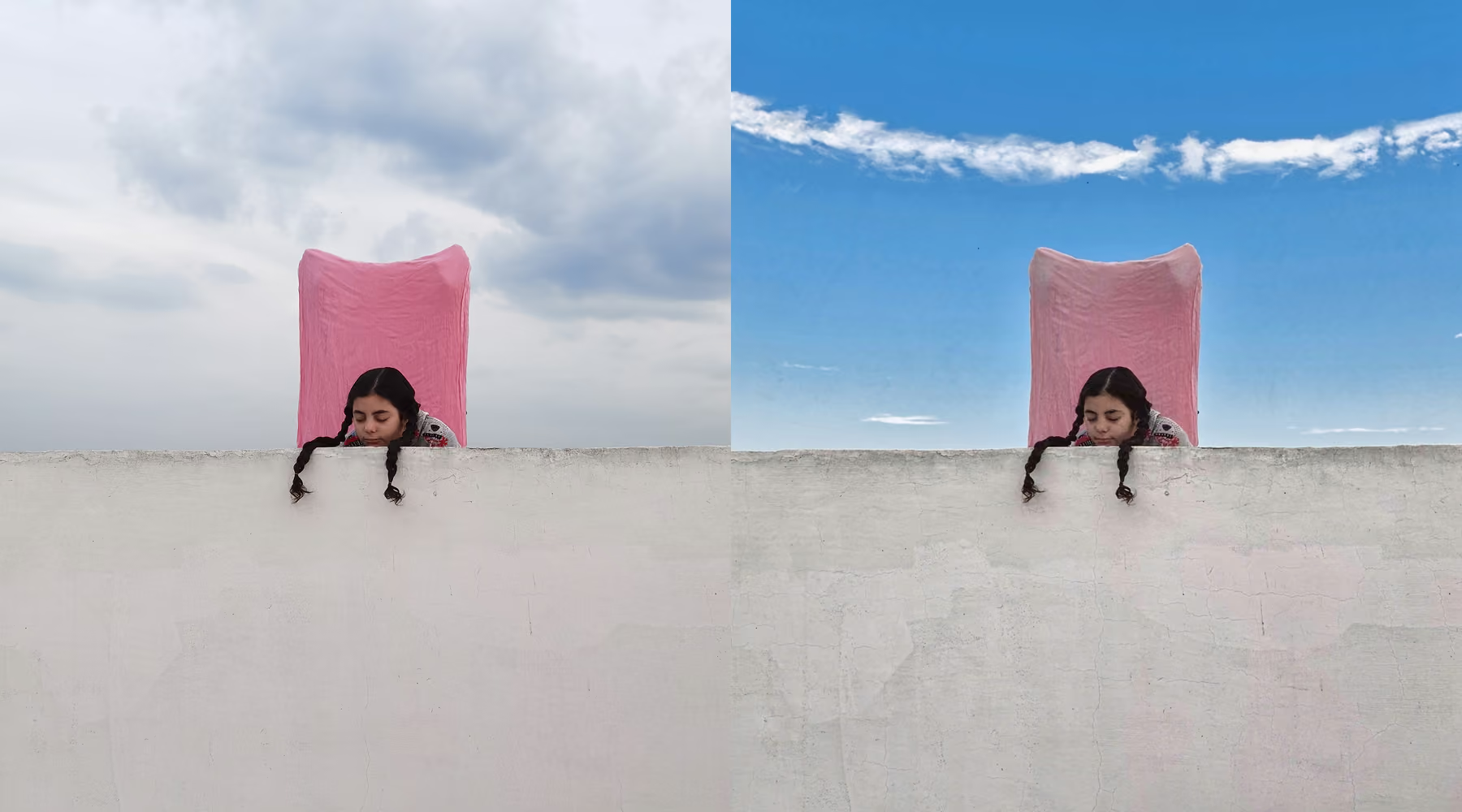
Rewrite the Sky in one Sentence
Describe the sky you want, a soft pastel sunset, fast-moving storm clouds, a crisp midday blue, and AI Prompt builds it directly into your image. A subtle tonal nudge or a full scene overhaul are both on the table; the range is entirely up to what you type.
The result blends into your photo's existing light, depth, and tonal balance instead of sitting on top of it, so the new sky reads as something you shot, not something you pasted in.
Create new skies in a few steps
Type what you want to see, like "sunset sky with warm tones" or "clear blue sky."
Adjust your prompt or rerun it to explore variations in tone and texture.
Export your final image in full resolution for sharing or client delivery.
ENHANCE IMAGE RESOLUTION
Real estate photographers use it to turn a gray listing-day sky into the clean blue horizon buyers respond to, without waiting for better weather to reshoot. Landscape and travel photographers use it to recover a moment that was almost right, a great composition under a flat, forgettable sky.
Wedding and outdoor event photographers use it when the forecast didn't cooperate, turning an overcast ceremony into the golden-hour backdrop the couple pictured when they booked the date.
Download VSCO
Spend less time adjusting gradients or masking skies by hand, and more time creating images that already match your vision. Describe the exact sky you want and see it applied at full resolution, with nothing lost in the process.
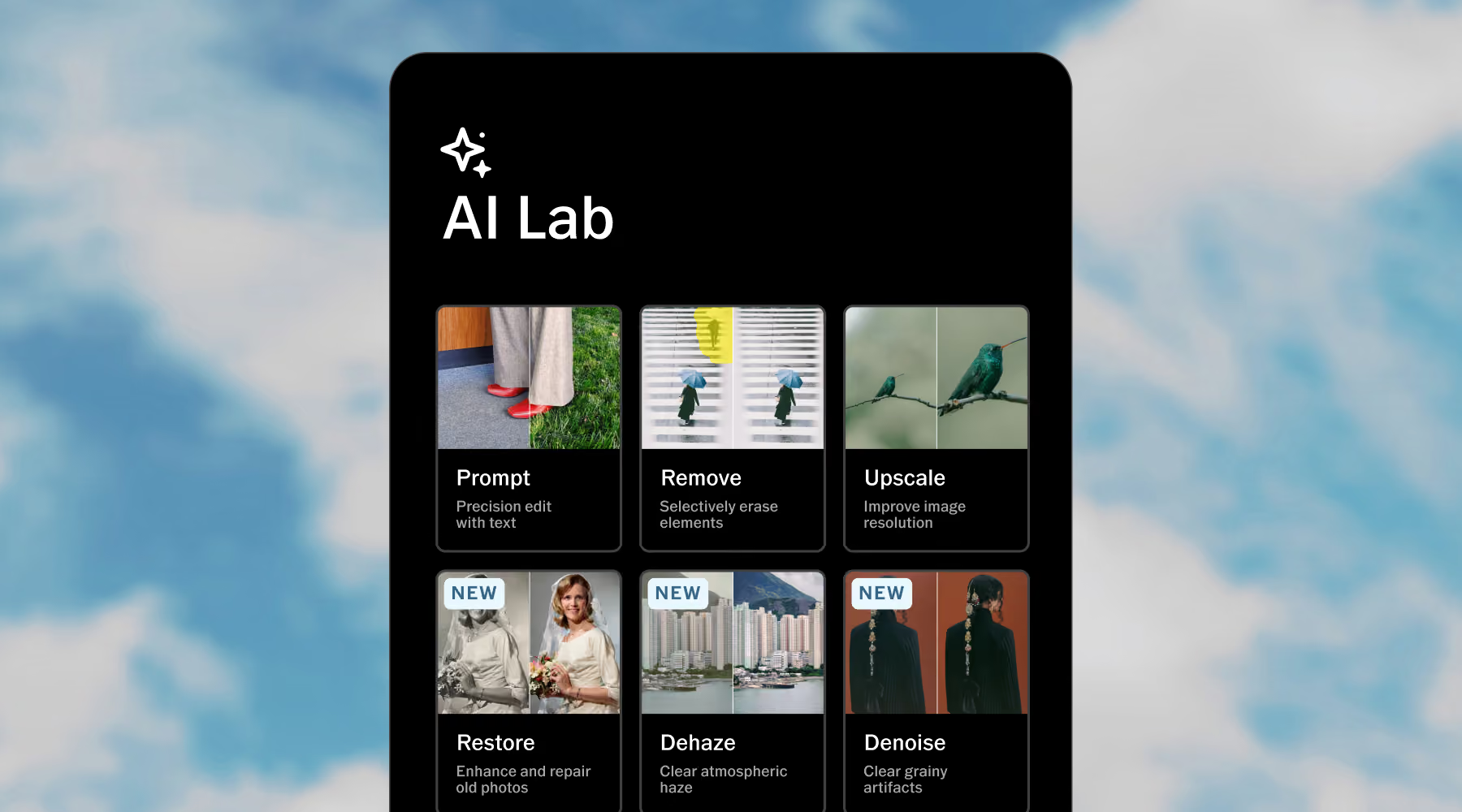
AI Lab is available in the VSCO app for iPhone. Download VSCO to start editing with AI-powered tools like Prompt, Remove, Upscale, and more, all built to support your creative direction. Human-Centered. AI-Assisted.
Frequently asked questions
Can I fully replace the sky in my photo with AI?
Yes. The Prompt tool in AI Lab lets you fully replace or enhance the sky using a simple text description, while preserving natural lighting, perspective, and overall balance so the rest of the image still feels consistent and real.
What kinds of sky edits can I create?
A wide range: sunsets, storm-filled clouds, clear blue skies, golden hour tones, and other stylized atmospheric looks. Describe the mood, color, and conditions you want, and start creating.
Will changing the sky affect the rest of my photo?
Yes, in subtle ways. AI Lab regenerates the image as a whole, so lighting, shadows, and tones may shift slightly to match the new sky, which is exactly what keeps the final result looking unified instead of pasted together.
Does changing the sky reduce image quality?
No. VSCO AI Lab preserves full resolution, so your image stays sharp and detailed. Texture and clarity hold up even after a significant sky change.
Can I refine my sky edit if it’s not quite right?
Yes. Adjust your prompt or regenerate as many times as you need, refining cloud structure, lighting, or color balance until the sky matches your creative direction.
Extend your creative control
Explore more ways to refine your images using AI-powered tools from VSCO. Remove unwanted objects with AI Remove, boost detail with AI Upscale, and recover depth using AI Dehaze.
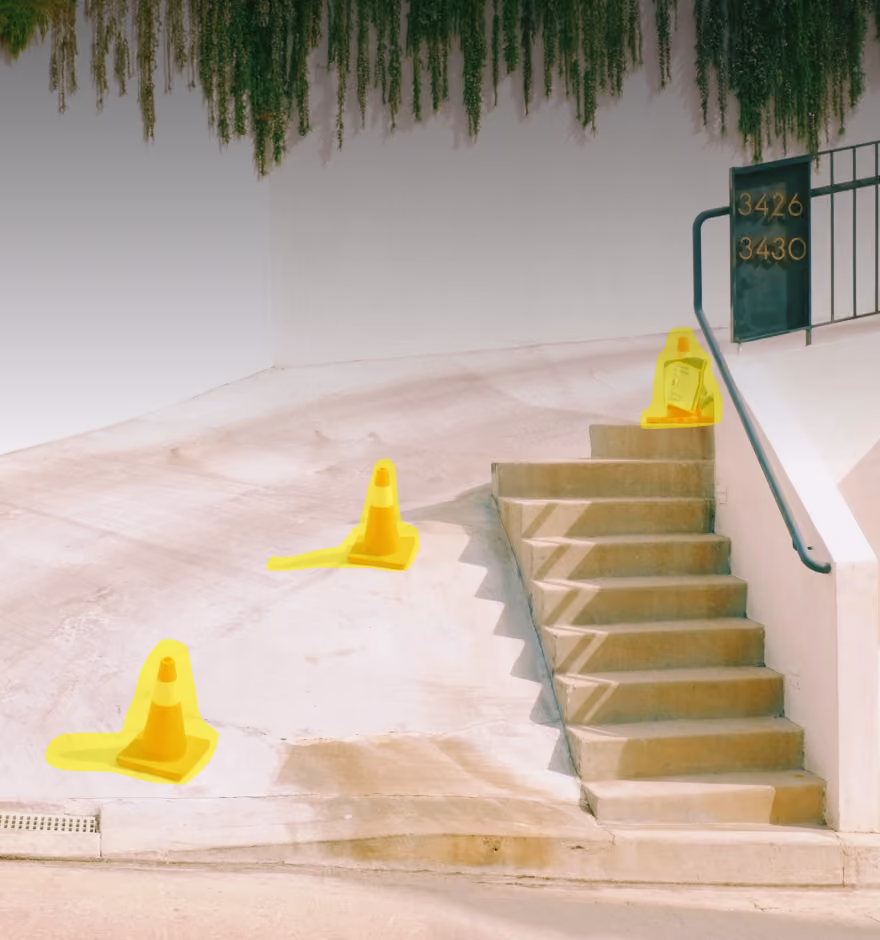
AI Remove
Erase distractions, stray elements, and blemishes with a natural, blended fill.
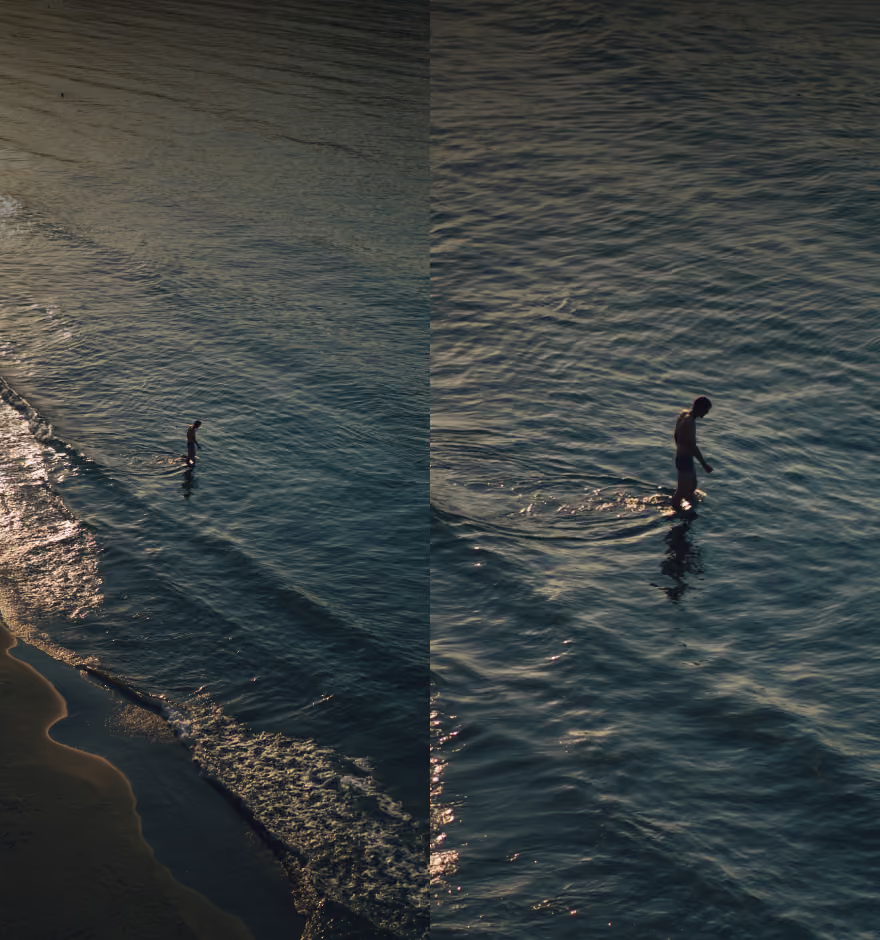
AI Upscale
Increase resolution while preserving natural detail.
AI Dehaze
Bring clarity and depth back to flat or hazy outdoor scenes.