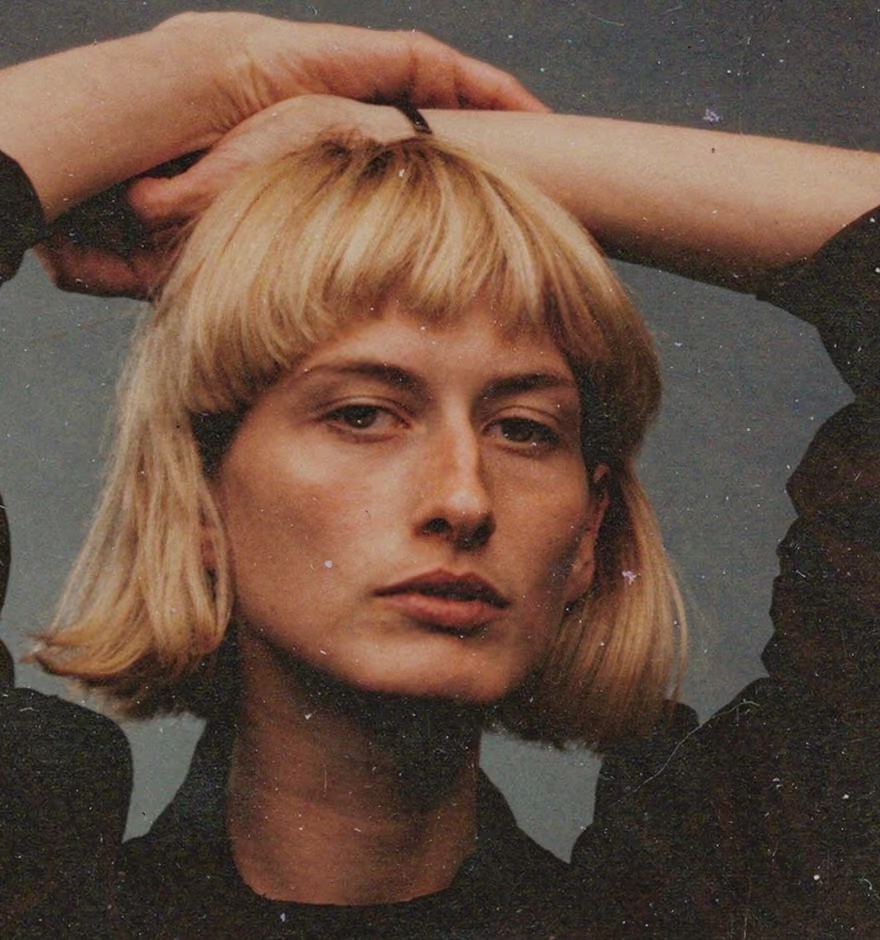
Swap Clothes With AI Text Prompt
Change outfits in seconds. No masking, no layers, no manual retouching.
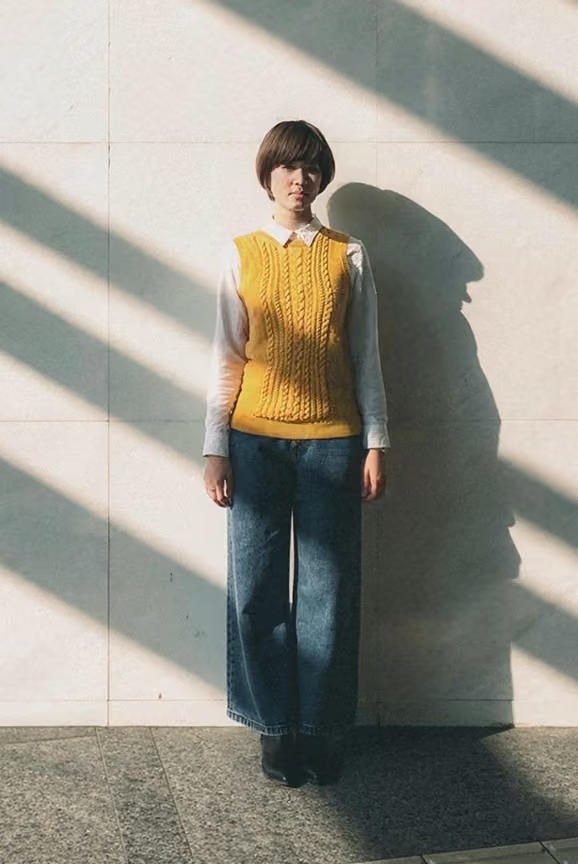
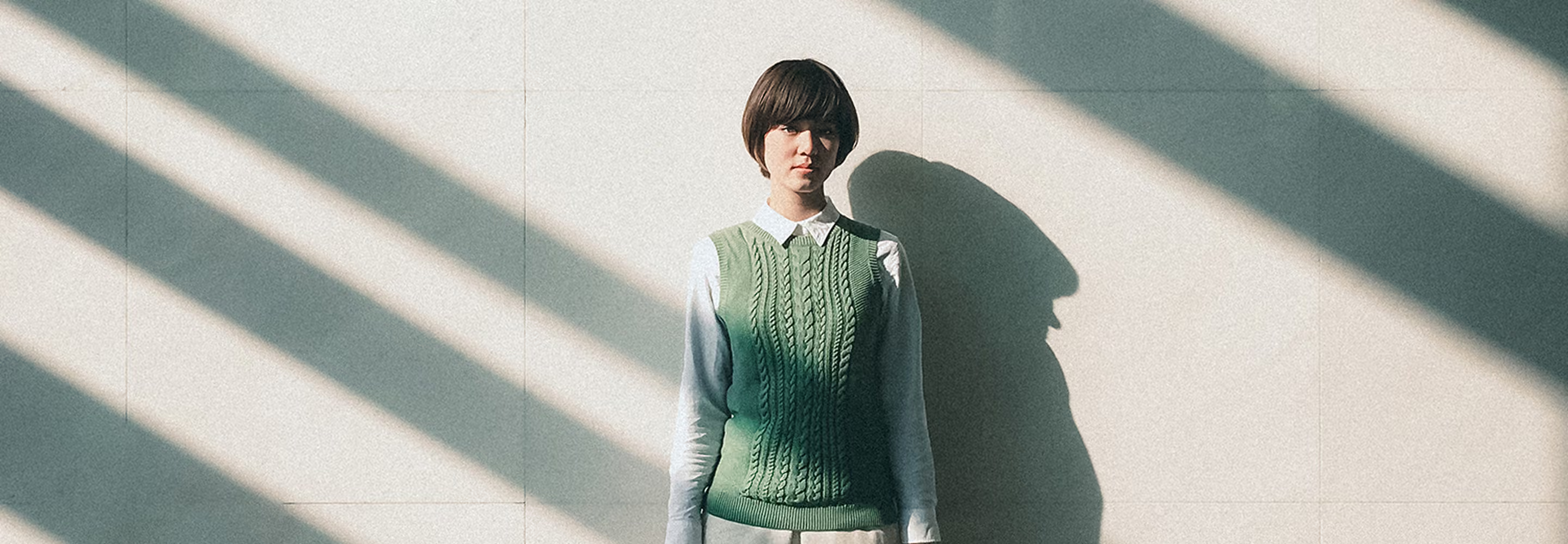
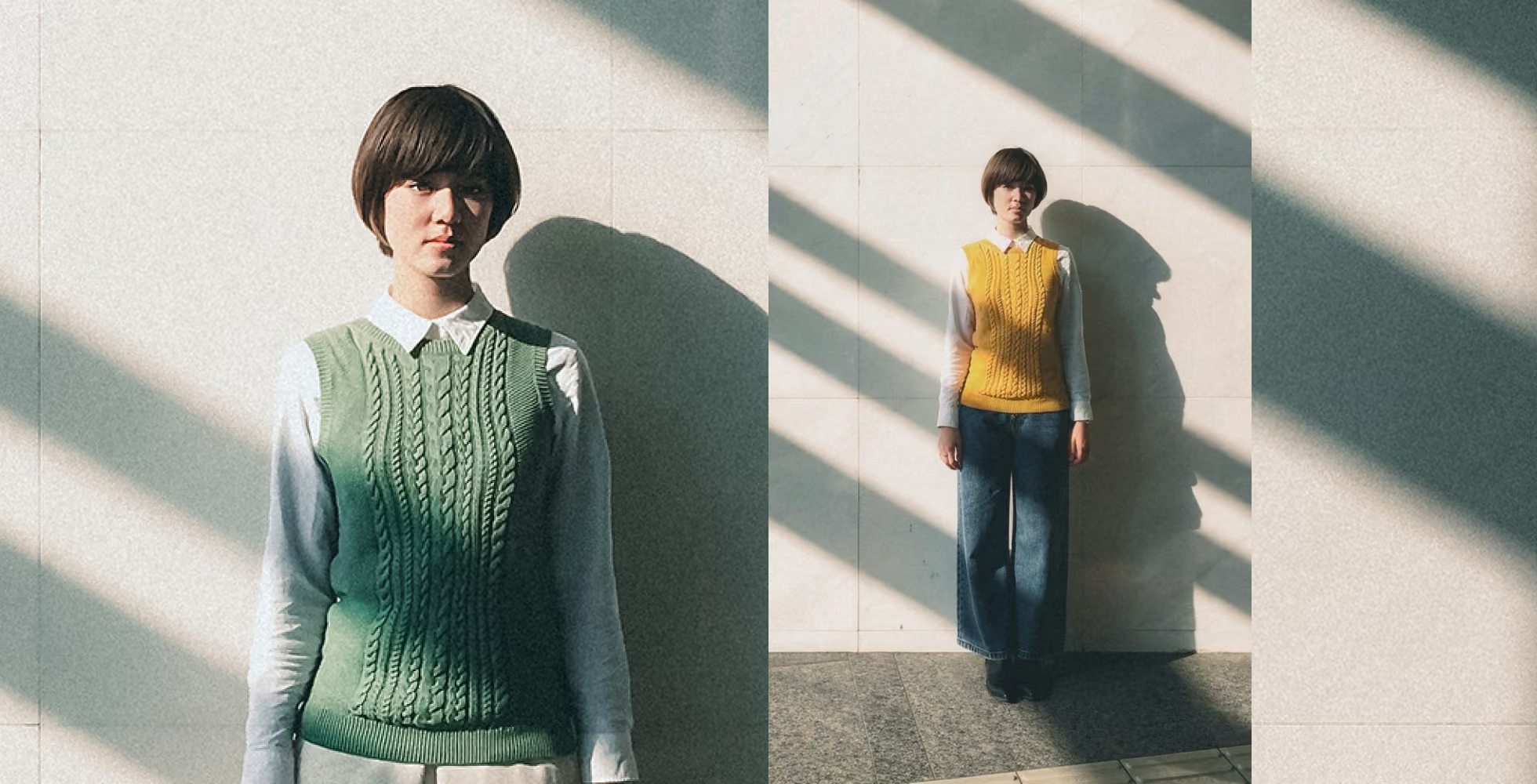
Describe the change you want and let VSCO's AI Text Prompt tool handle the rest. Update wardrobe details, explore styling directions, and refine visuals without going back to the changing room.
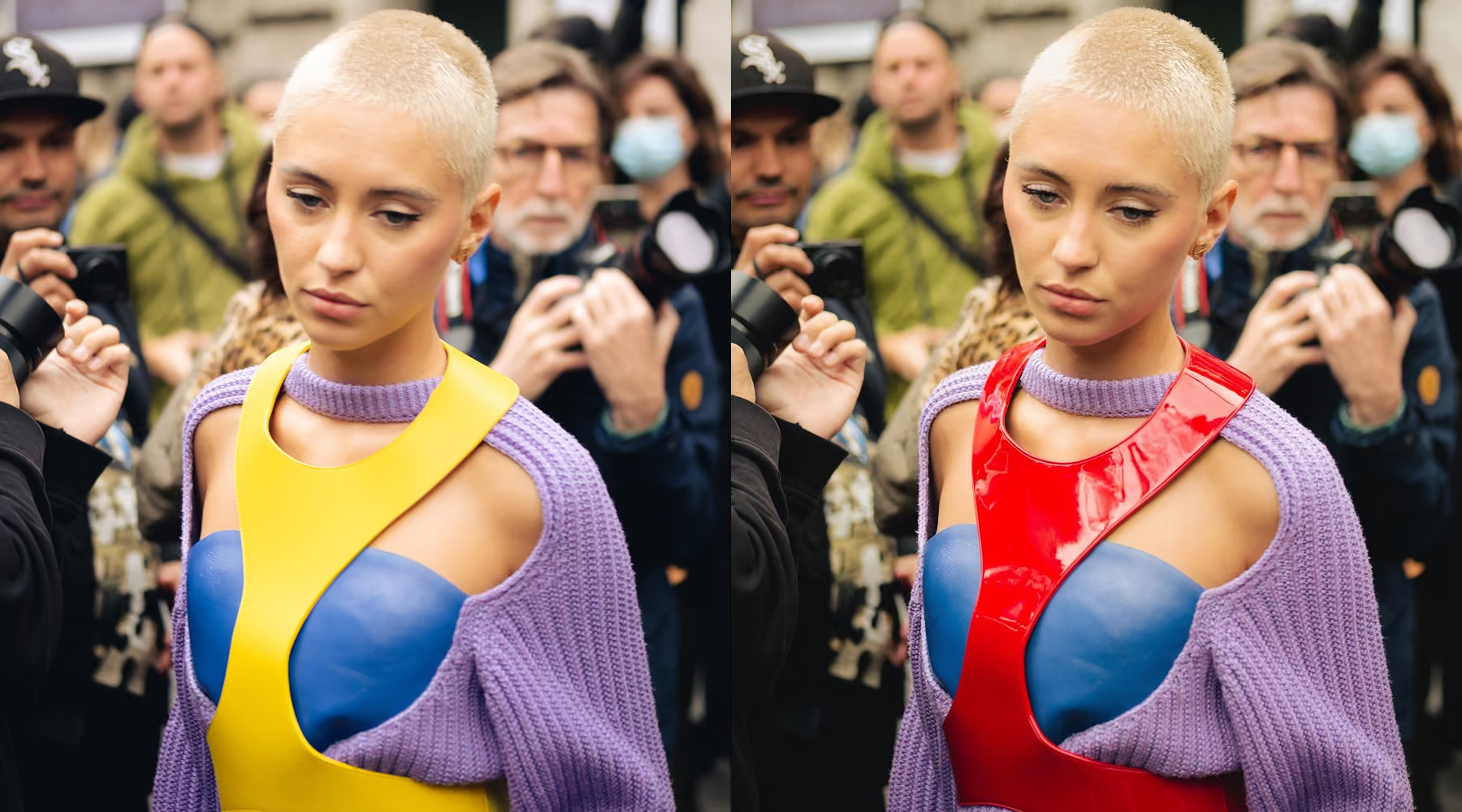
Rethink the Outfit, Not the Frame
Reshooting to explore a styling direction costs time, budget, and logistics. AI Text Prompt changes that. Describe exactly what you want (shifting colors, swapping outerwear, redesigning a full look) and the tool interprets your instructions while preserving the lighting, texture, and structure of the original image.
Explore new looks without starting over. Edit what you want to change, keep everything else intact.
How to swap clothes with AI text prompt
Describe the outfit change
Write a prompt that defines color, style, or clothing direction. Be specific. The more precise your description, the more accurate the result.
Refine your prompt
Adjust wording or re-run variations until the result reflects what you had in mind.
Download, save, and share
Export your final image or continue refining inside VSCO with presets, tonal adjustments, and additional AI tools.
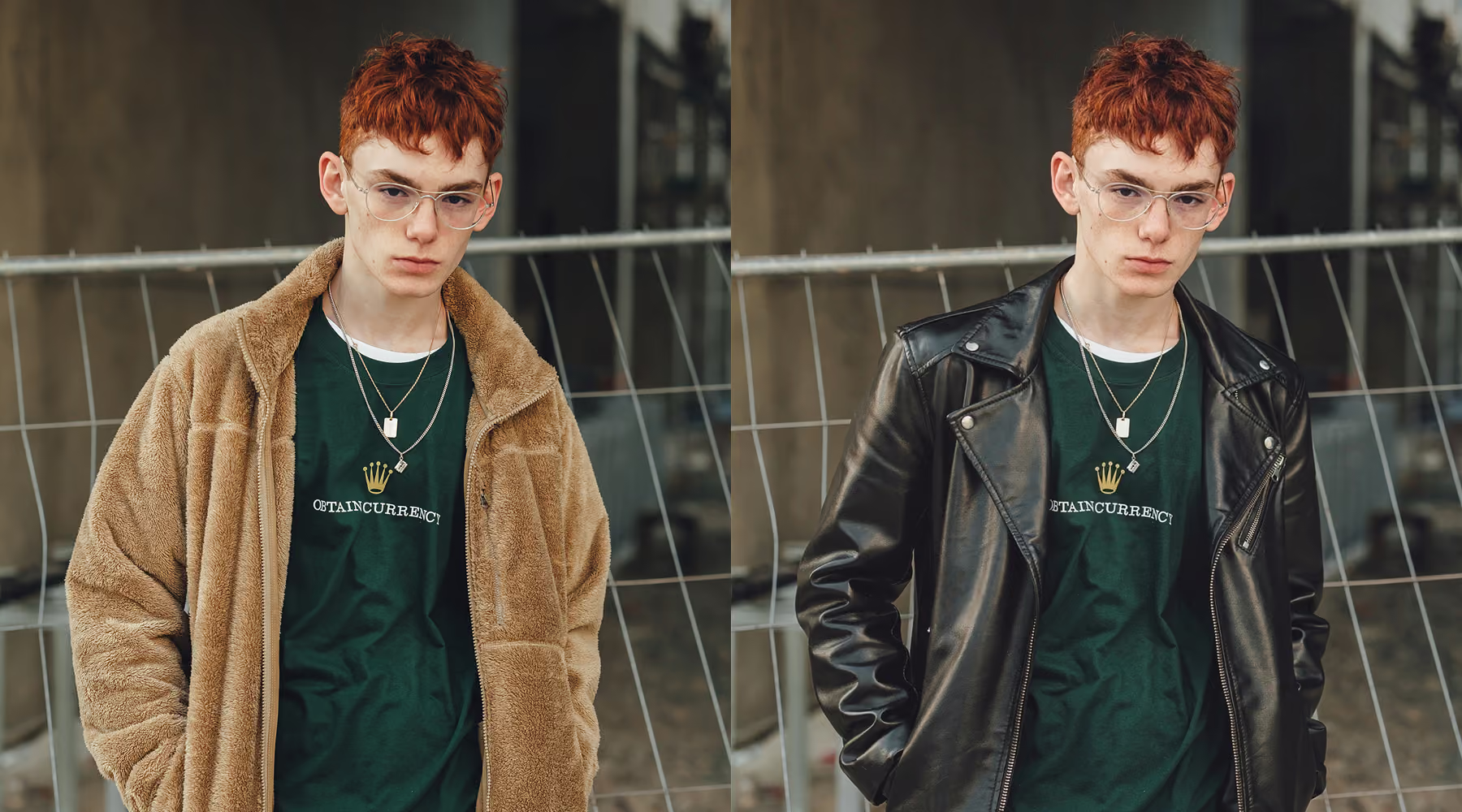
Built for fast creative iteration
Testing wardrobe variations used to mean rebuilding edits layer by layer. AI Text Prompt eliminates that friction. Quickly explore different styling directions, adjust a concept in real time, or prototype a visual idea without interrupting your workflow.
Every result maintains consistency in quality. Move from idea to execution without starting from zero each time.
Download VSCO
When you're not managing complex layers and manual tools, you have more room to explore creative direction. Swap outfits, refine styling, experiment with new looks, all while maintaining full resolution and natural image detail.
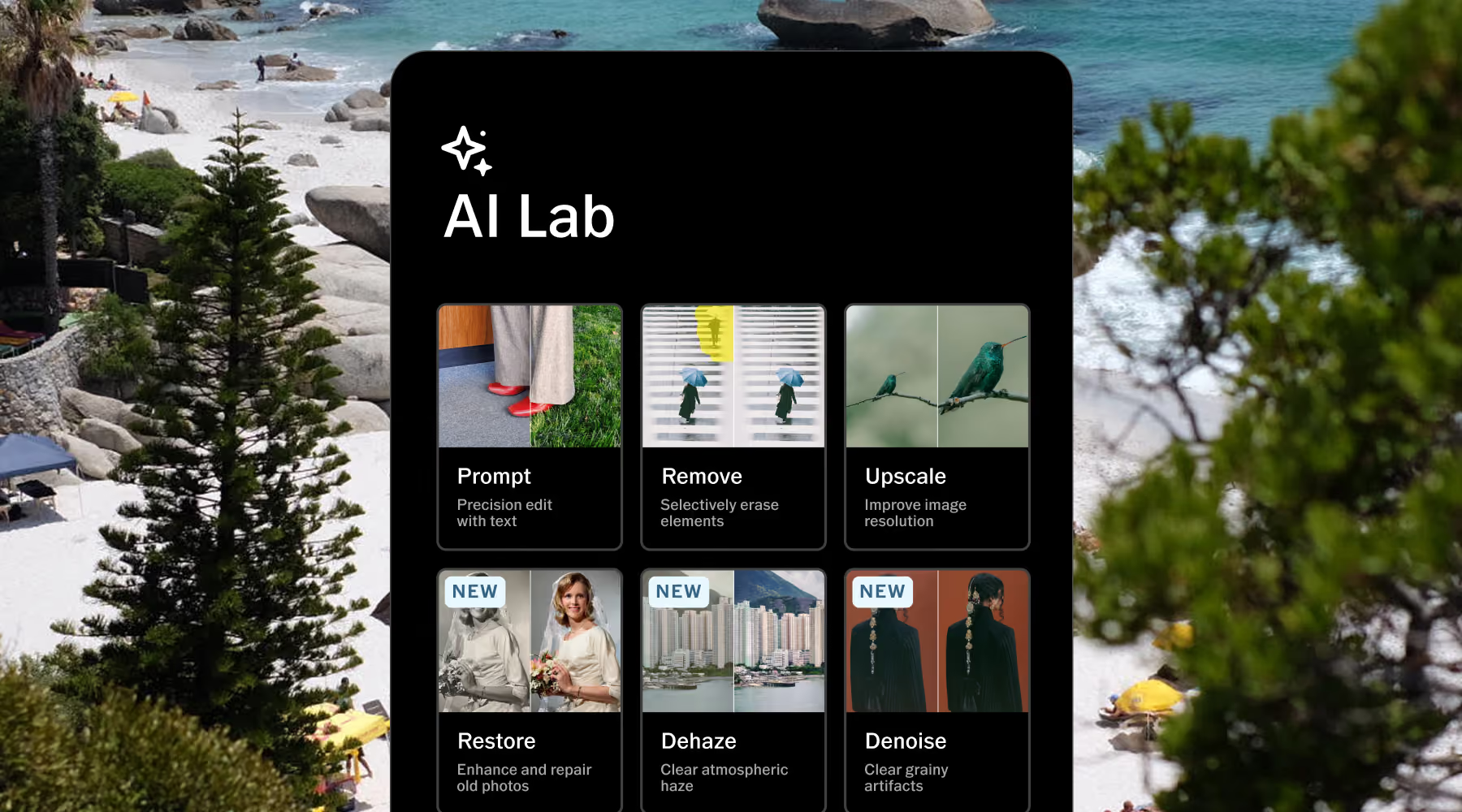
AI Lab is available in the VSCO iOS app. Access Prompt and explore the full suite of AI photo editing tools to expand what's possible in your editing workflow.
Frequently asked questions
Can I realistically change clothes in a photo with AI?
Yes. The Prompt tool in VSCO’s AI Lab handles detailed outfit changes (colors, materials, or full wardrobe swaps) while maintaining the lighting and image structure of the original. Results are designed to feel grounded in the original photograph rather than artificially generated.
What kinds of outfit edits can I make?
You can adjust shirt and jacket colors, add or remove layers like coats and outerwear, change styles entirely, and redesign full outfits. Clear, specific prompts produce more accurate and controlled results.
Why doesn’t my result match my prompt exactly?
AI outputs can vary based on phrasing, complexity, or image detail. Refining your wording or simplifying your instructions often produces results that align more closely with what you described. Generating a few variations and adjusting from there is usually the fastest path to the result you want.
Will changing clothes affect other parts of my image?
It can. Since the image is regenerated holistically, subtle changes to lighting or nearby details may occur. Refining your prompt and keeping descriptions focused helps keep edits more contained and consistent.
Do I need high-quality images for the best results?
Yes. Higher-resolution images produce cleaner, more accurate clothing edits, especially when preserving fabric texture, folds, and lighting consistency across the subject.
Can I continue editing after swapping clothes?
Yes. After generating your edit, you can continue refining with filters, tonal adjustments, cropping, or additional AI Lab tools to further shape the final result.
Is AI Text Prompt free to use?
Anyone can try AI Text Prompt for free with limited edits. Unlimited edits are included with VSCO Pro or One membership.
Expand your creative toolkit
Explore additional AI-powered tools designed to refine detail, simplify complex edits, and expand creative possibilities across your workflow.
AI Upscale
Increase resolution while preserving natural detail and tonal depth.
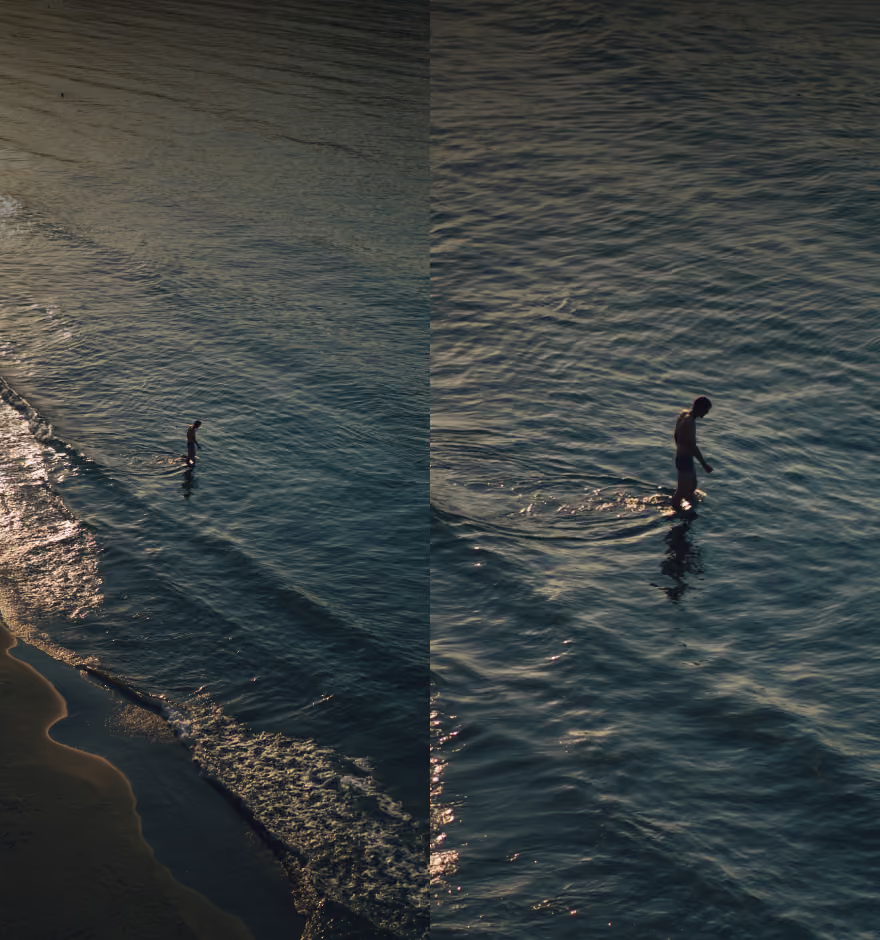
AI Remove
Erase unwanted objects or distractions with clean, seamless results.
AI Hairstyle
Refine or transform hairstyles while keeping texture and natural movement intact.