
Create All-White Backgrounds With AI Prompt
Swap or transform any photo background using simple AI prompts. Create new scenes and moods in seconds.


One Prompt, a Full White Backdrop
Turn any background into smooth white with a quick text prompt, no masking, selection tools, or manual edits required. The Prompt tool reads your description and rebuilds the backdrop directly in the image.
Create even lighting, clean edges, and a backdrop that looks like it was captured in a dedicated photo studio.
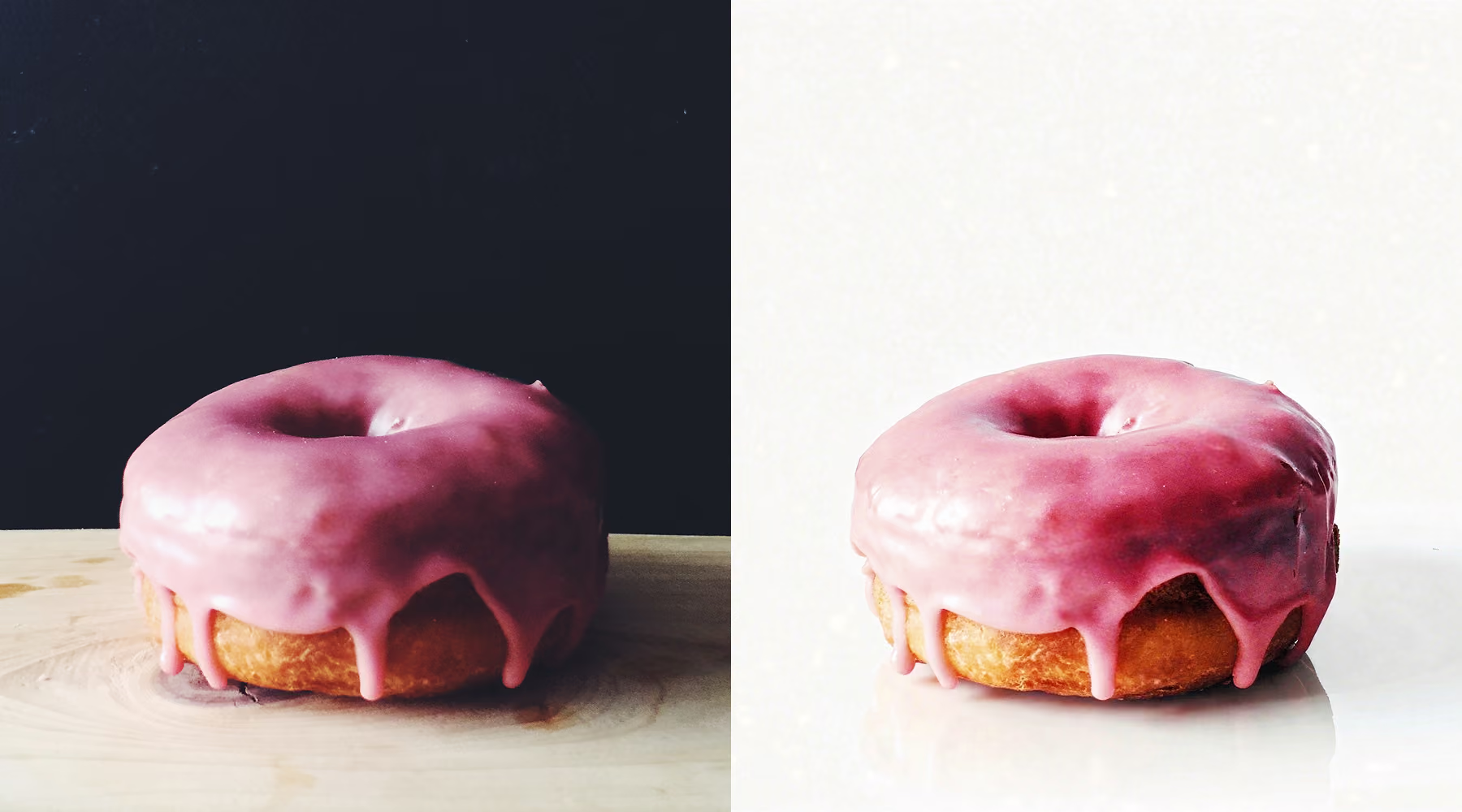
When to replace photo backgrounds with solid white
A white background can instantly make an image feel more refined by shifting attention to the subject. It works especially well in product photography, e-commerce, portraits, and social content.
It's most useful against distracting environments, uneven lighting, or busy scenes, swapping them for a neutral backdrop that keeps fashion shoots, food imagery, and brand visuals consistent.
How to create white backgrounds with AI Prompt
Use AI Prompt
Enter a prompt like "replace background with solid white" and generate your edit.
Adjust and Fine-Tune
Refine your result by tweaking your prompt or regenerating variations until it looks right.
Download, Save, and Share
Save your image or continue editing with other tools before exporting.
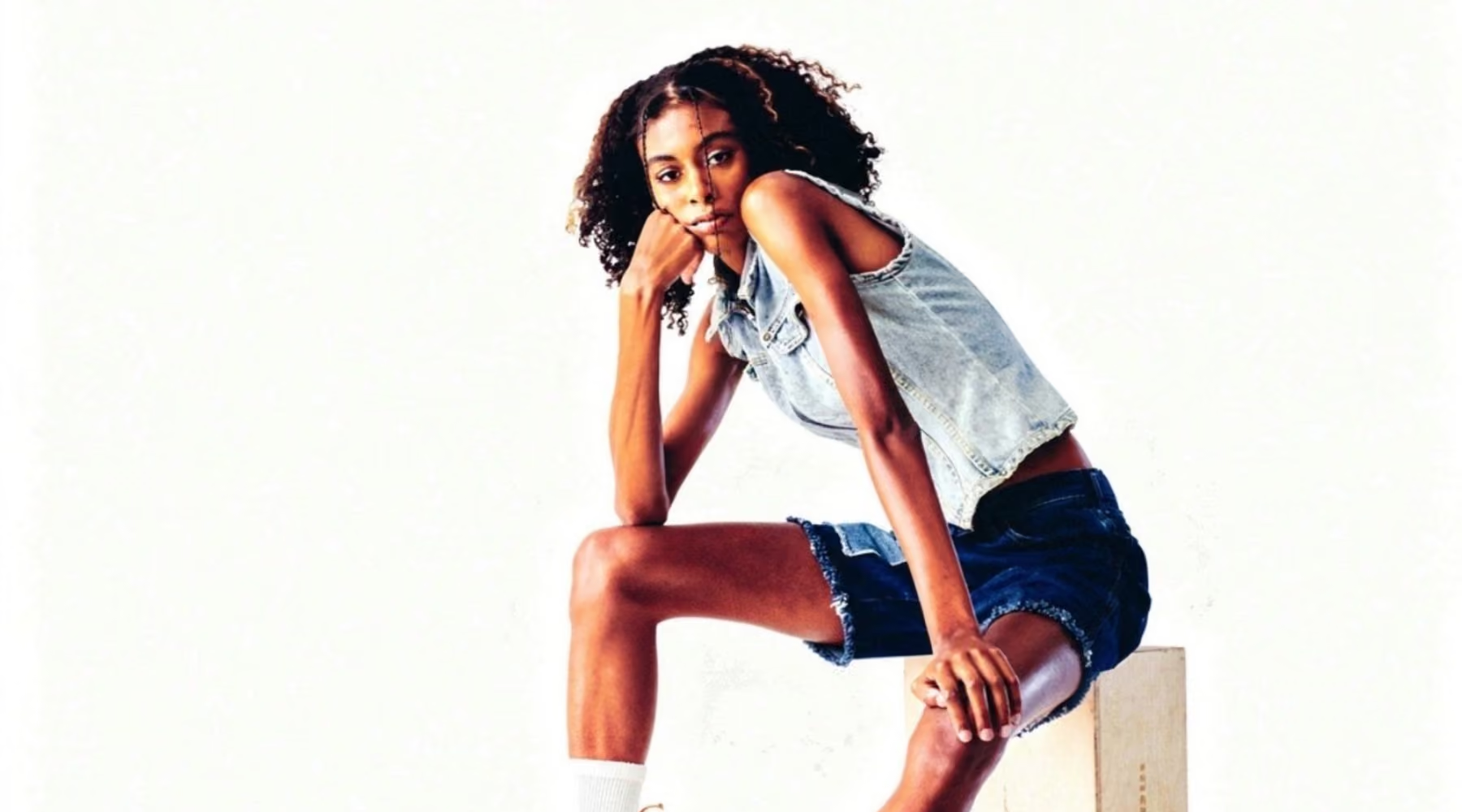
Create Studio-Ready Images in Seconds
The white background effect skips manual masking and retouching entirely, turning a time-intensive edit into a simple description. Just say what you want.
For photographers working across product sets, portfolios, or campaigns, it keeps visual consistency without slowing production, delivering a professional finish on client work or personal projects alike.
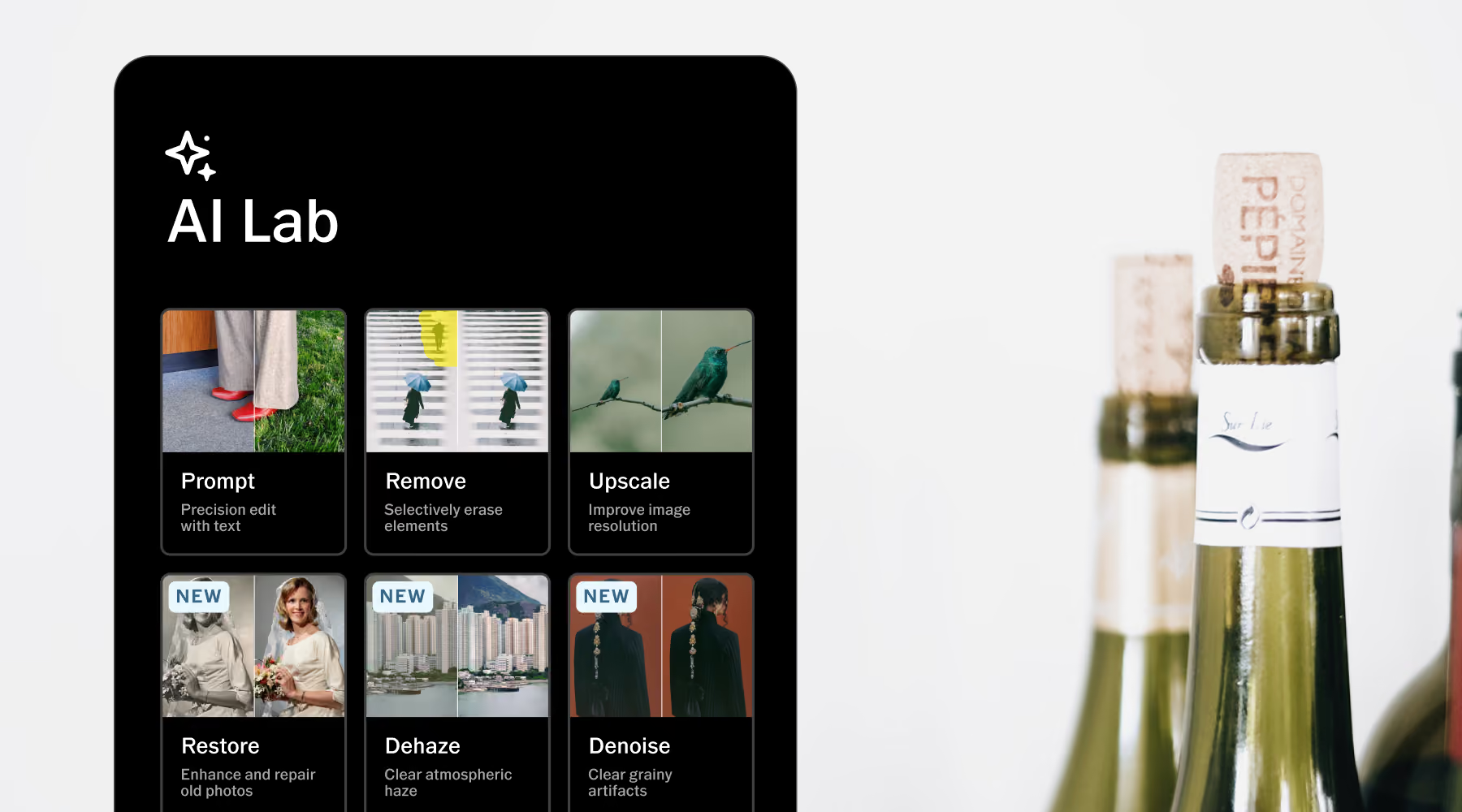
Download VSCO
AI Lab is available in the VSCO app for iPhone. Download the app to for full-resolution AI photo editing. Keep original details intact, so speed never costs you quality.
Frequently asked questions
How do I make a photo background white with AI?
Open your image in VSCO and start with AI Lab's Prompt tool. Enter "replace background with solid white," and AI Lab generates a studio-style result while preserving your subject and overall composition.
Will replacing the background affect image quality?
No. VSCO maintains full resolution and detail throughout the edit, so your subject stays sharp and natural even after the background is replaced with a clean white backdrop.
What types of photos work best for white backgrounds?
Images with clear subjects and good lighting work best. Products, portraits, and food photography perform especially well, since they benefit most from a distraction-free background.
Can I refine the white background after applying it?
Yes. Adjust your prompt, rerun variations, or combine results with VSCO's editing tools to fine-tune edges, lighting, and overall composition until it looks right.
Is this feature available on desktop?
AI Lab is currently available only on the VSCO iPhone app. You can still sync your edits to VSCO Web Studio on desktop for further refinement.
Related Features
Pair the white background effect with other AI tools to refine your image. Use AI Isolate to separate your subject, AI Remove to clear distractions, and AI Simplify to create a cleaner composition.
AI Isolate
Cleanly cut your subject out onto a solid background, no manual selection needed.

AI Remove
Erase distractions seamlessly while preserving texture, depth, and perspective.

AI Simplify
Reduce visual clutter for a more minimal, polished result without losing the moment.
