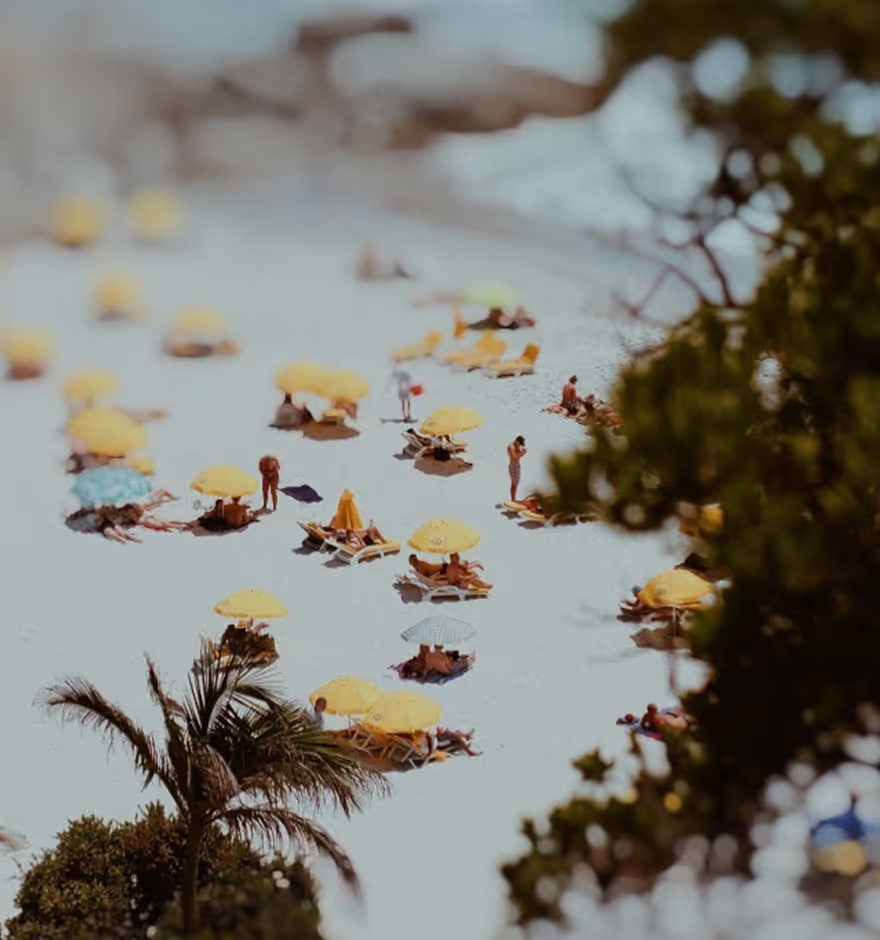
Vignette Filter
Draw viewers in with a natural vignette effect for photos and videos.
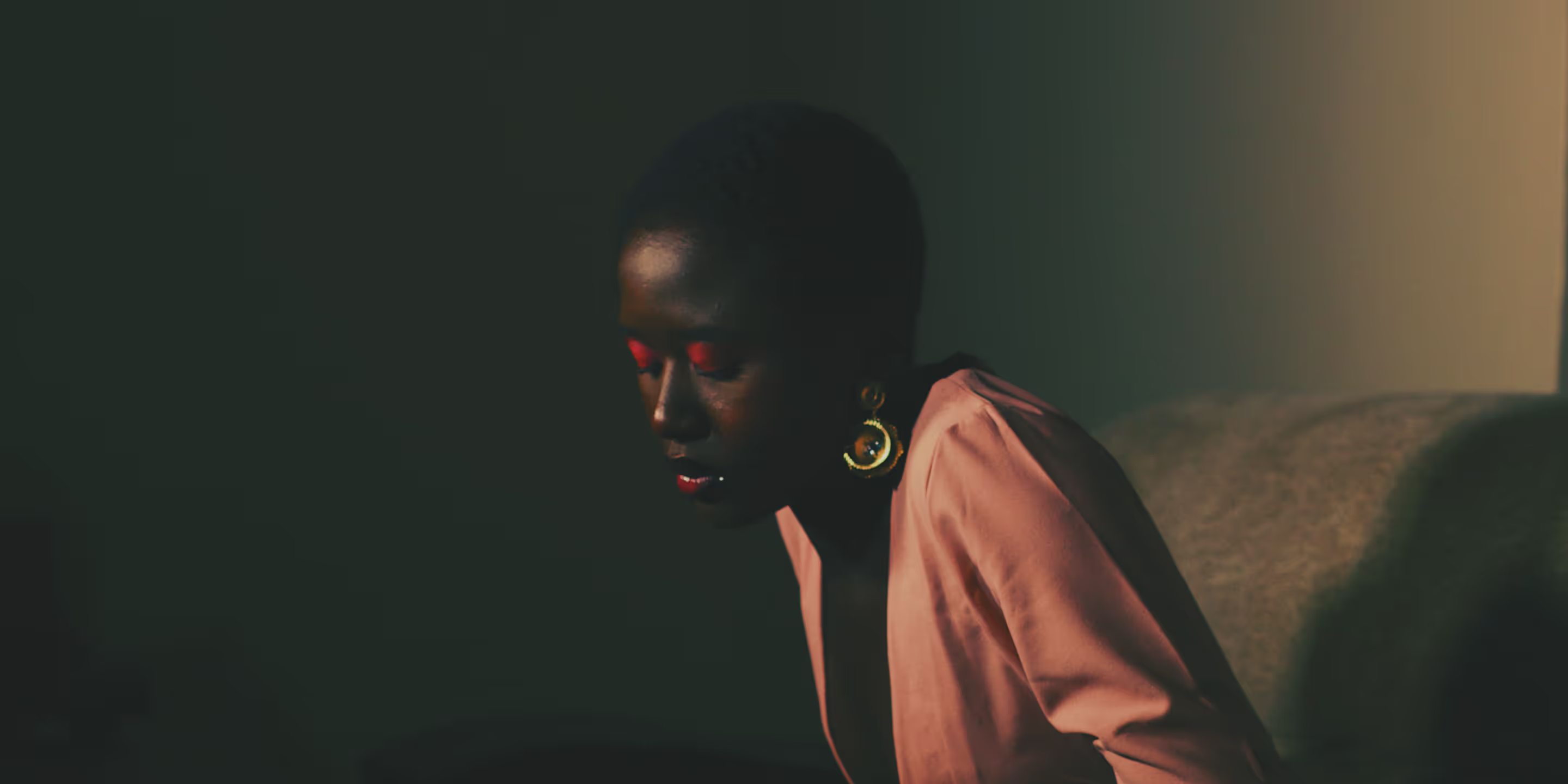
Use the Vignette filter in the VSCO mobile app to recreate a vintage lens effect that subtly darkens the corners and edges of photos and videos.
VSCO is a community-driven platform that equips photographers to expand creatively and professionally. Join today to build authentic connections that foster professional growth and to edit photos and videos with our full suite of tools. Invest in your creativity with a VSCO Membership.
Say Vignette (vin-ˈyet)
The Vignette photo editor might be easier to use than pronounce. Apply the vignette effect with a single tap from the photo and video editors and fine tune strength from subtle to overstated with a simple slider. The Vignette photo filter will darken the corners of an image to create a circular vintage lens aesthetic and draw attention to the middle of the frame.

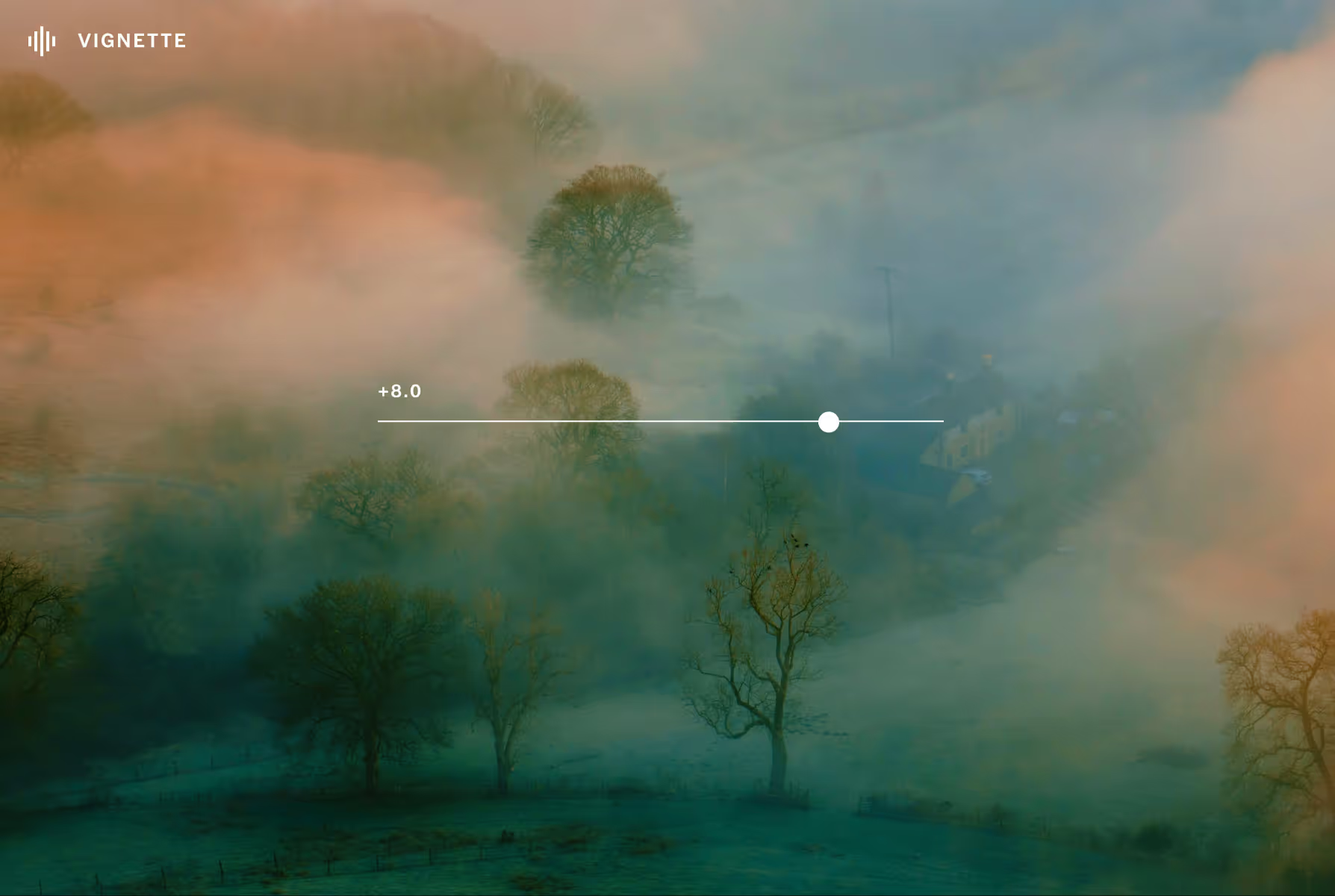
Subtle to strong
Use the slider to adjust the strength of the vignette effect. Try a strong, dark vignette overlay for portraits and vintage lens looks, or subtly direct viewers toward the center of your frame with a lighter vignette look.
Complete the look
Combine the Vignette effect with other photo and video editing tools like Grain texture and image Fade to recreate an authentic vintage style. Use Film FX to finish your edit with a film frame or lens flare effect.
Go monochrome
Match the vintage aesthetic of photo vignette with a black and white filter. Recreate real monochrome film stocks with film filters or discover a new style with customizable Pro Presets.
How to add vignette effect to photos & videos
Capture or import photos or videos with the VSCO mobile app and use the photo editor to access the Vignette editor. Use the slider to adjust the vignette effect’s strength. Try adding another photo effect to finish your edit before exporting or publishing to your VSCO Profile.
Frequently asked questions
What is image vignette?
A vignette is a photo or video effect that darkens the edges of your image to draw attention to the center and add a vintage lens look.
How do you get the vignette effect?
VSCO offers a free vignette filter for iPhone and Android that adds a dark vignette overlay to your photo or video with a simple slider to adjust the strength.
Can I add a vignette overlay to videos?
Yes, the vignette effect works for both photos and videos in the VSCO editing app, so you can use the video editor to add a subtle or dramatic edge to your video clips with Vignette.
What types of images look good with a vignette?
Knowing when to use the vignette effect comes down to mood and creativity. Portraits, still lifes, and vintage-style edits often benefit from the unique look and framing it provides.
Can I combine vignette with other photo editing tools?
VSCO lets you layer the vignette effect with other photo editing tools like image fade for a moody look, image contrast to add drama, film grain for vintage texture, and film effects to simulate analog film styles.
FADE IMAGES
Soften colors and shadows for a subtle, aged look that adds depth and mood to your photo.
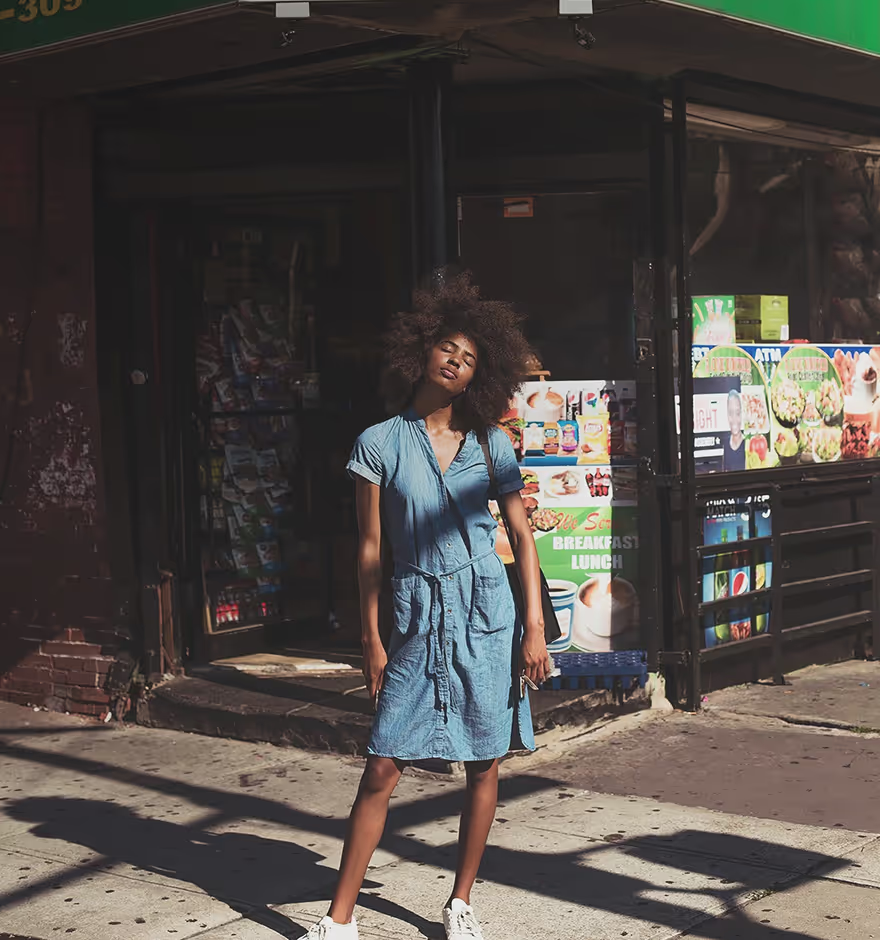
ADD GRAIN TEXTURE
Our realistic Grain adds film-like texture to your images, giving them tactile quality and visual warmth.
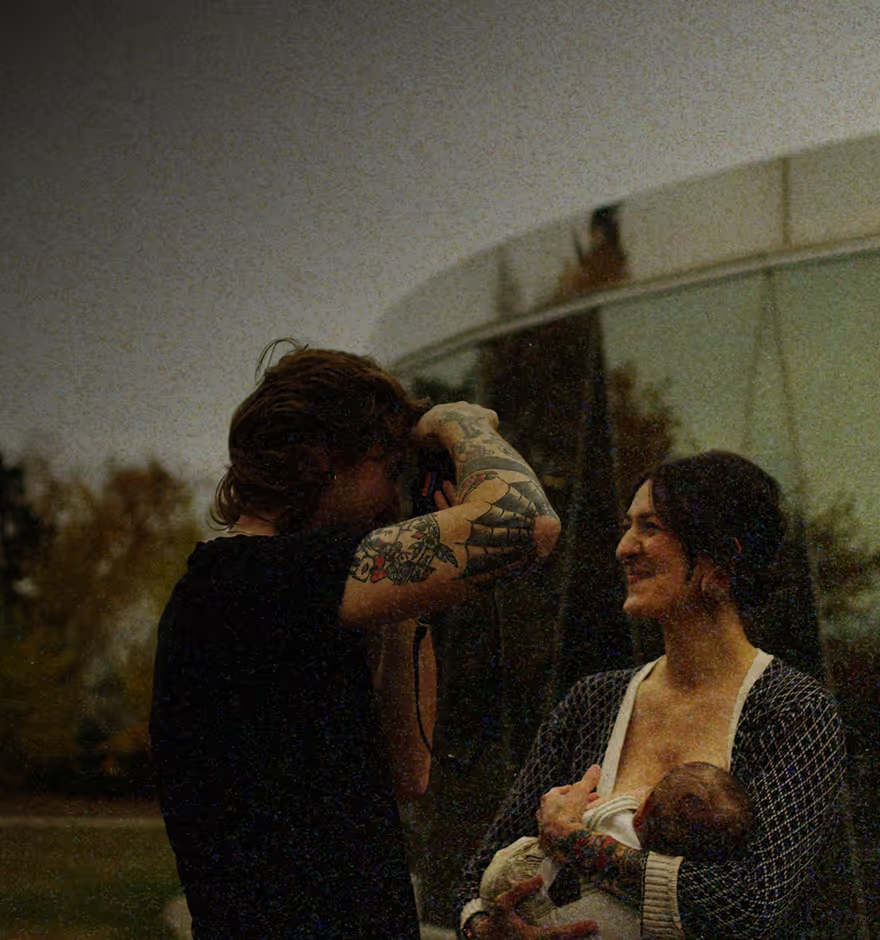
PHOTO BLUR EFFECT
Push distracting elements out of focus, create selective depth, and add ethereal blur without switching lenses.