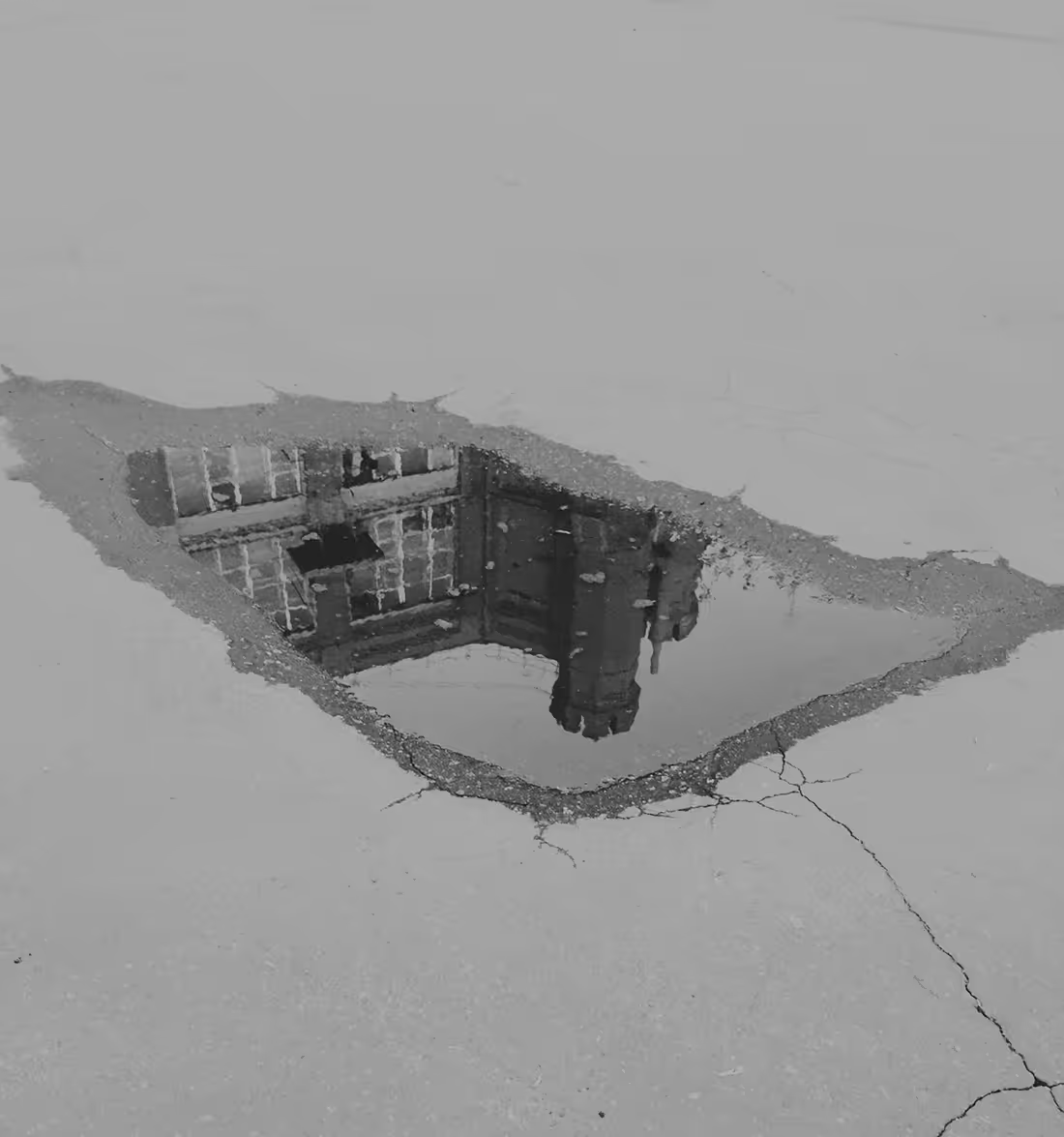
Black and White Filters
Convert color photos to black and white with one-tap photo filters. VSCO’s photo editor creates striking monochrome looks.

Go from color to black and white photo in seconds with a black and white photo editor that features endlessly customizable presets.
Download the VSCO photo editor or start editing in black and white online with the desktop photo editor. Both photo editors give you full creative control, letting you fine-tune exposure, contrast, grain, and more for a personalized black and white look.
15+ unique black and white filters
VSCO’s black and white photo filters span from clean and modern to rich and cinematic, giving you flexibility to match your creative vision. Explore the full range, from bold and high-contrast black and white, to soft and nostalgic with a touch of film grain.

Simple yet timeless, the B&W Classic presets offer versatility for all kinds of black and white photography. B1, B2, and B3 focus on balanced tones, soft contrasts, and clean shadow detail — ideal for everyday moments, portraits, and natural light scenes. B4, B5, and B6 bring boldness with higher contrast and deeper blacks, perfect for making a strong visual impact or highlighting texture.

The Legacy presets helped start it all, first introduced in 2012. The 01 black and white preset offers a balanced edit with a subtle fade — an ideal all-purpose look. 01 PRO builds on this classic style with our latest technology, adding enhanced contrast, color, and tone sliders for even more control.

Pro presets series offer enhanced precision and control, allowing you to refine your black and white images like never before. B1 PRO, has rich shadow detail and contrast, while B5 PRO adds drama and depth to portraits with bold, high-contrast tonality. Both presets offer adjustable controls for color, contrast, and tone, giving you the flexibility to craft custom, professional results.

The B&W Fade filters — X1, X2, and X3 —give your black and white images a vintage, faded aesthetic. X1 offers a strong, balanced fade. X2 adds more depth, with a slightly stronger fade that enhances shadow detail. X3 delivers a bold, high-contrast fade, giving your photos a more dramatic feel. Each filter brings a unique touch of character, perfect for creating timeless, atmospheric images.
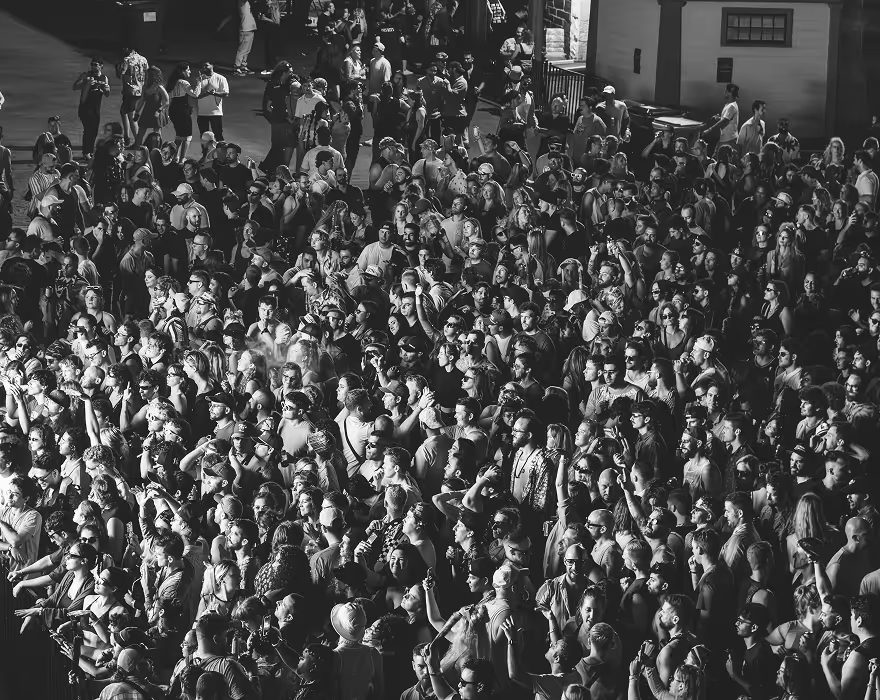
The Fuji Neopan 1600 (FN16) filter delivers striking black and white images with deep contrast and rich detail. Perfect for a classic documentary style, live events, or urban scenes, it brings a gritty, authentic edge to your shots. Enhance the effect with a touch of grain for an even more authentic film look.

The Ilford HP5 (IH5) filter brings timeless monochrome tones to photos with medium contrast and rich blacks that create a striking yet organic feel. Ideal for street photography, documentary work, and dramatic portraits, it enhances depth and texture with its versatile exposure range.
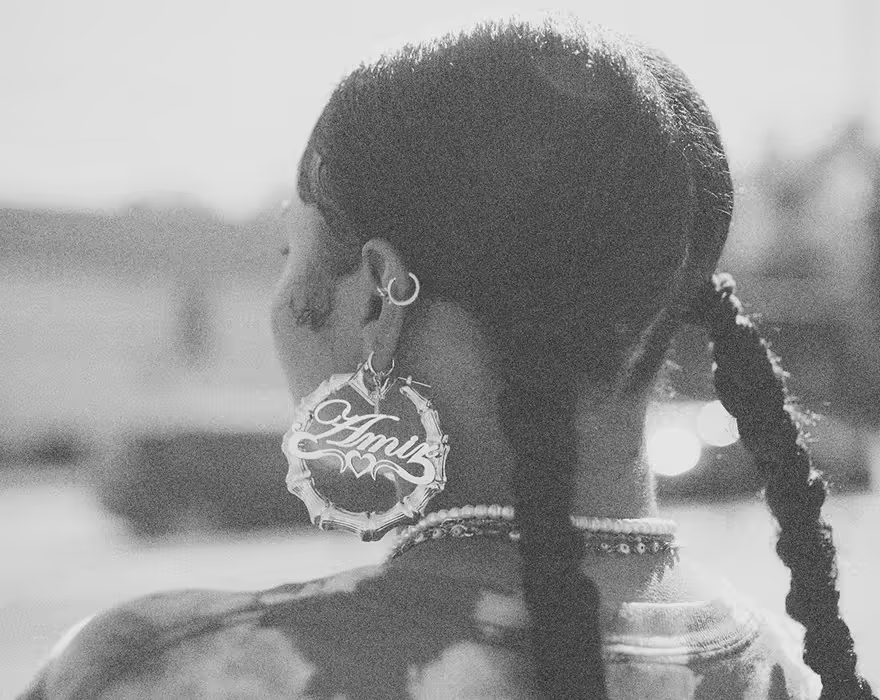
The Kodak TRI-X 400 (KX4) black and white filter is renowned for its bold, gritty look and high contrast, making it a go-to choice for capturing dynamic moments. Whether you're shooting in low or bright light, this preset brings a sense of authenticity no matter what or where you’re shooting.

The Kodak T-MAX 3200 (KT32) preset creates a high-contrast black and white look. While its contrast may soften in underexposed areas, it shines in the midtones, producing a dramatic, rich edit that adds depth and intensity to any image.

The IR3 preset simulates the look of black and white infrared film, known for its surreal, high-contrast effect. Bright whites and deep blacks are enhanced, while foliage is rendered in a striking, almost ethereal white. Perfect for creating otherworldly landscapes or dramatic portraits, this preset gives your photos an intense, dreamlike quality.
Black and white film filters
Simulate black and white film looks with Film X presets. Apply filters inspired by real film stocks like Fuji Neopan (FN16), Kodak T-MAX (KT32), and Ilford HP5 (IH5).
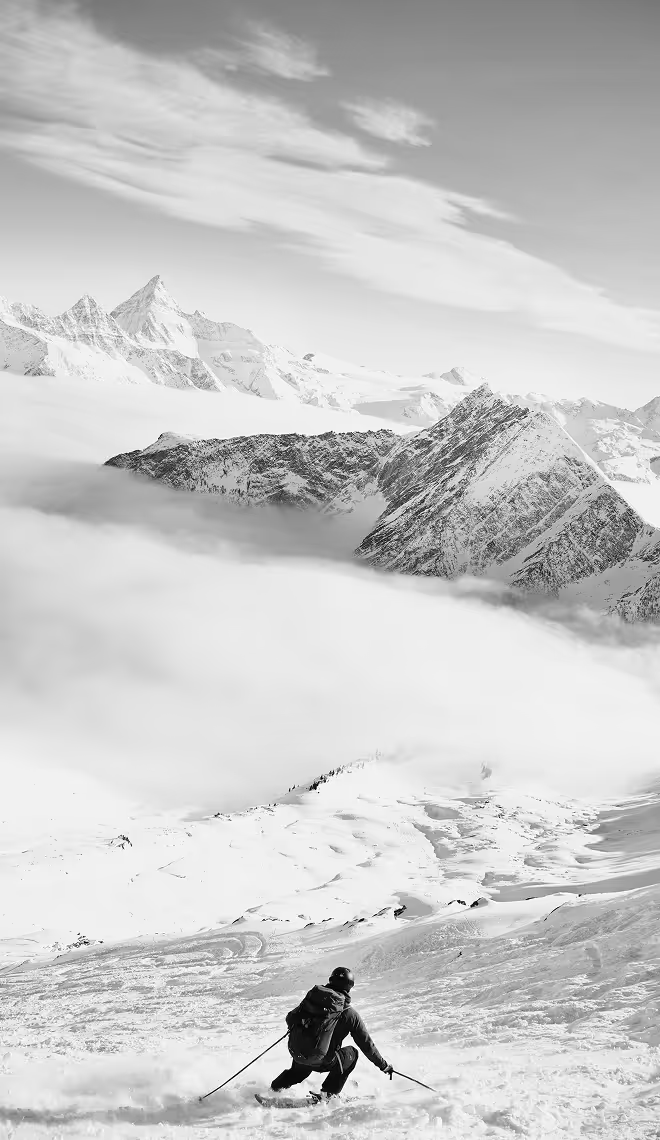
Customize your look
Fine-tune your look with photo editing tools that let you control every detail of your black and white edit. From subtle shifts to bold contrast, shape the mood and style of your photo with precision.
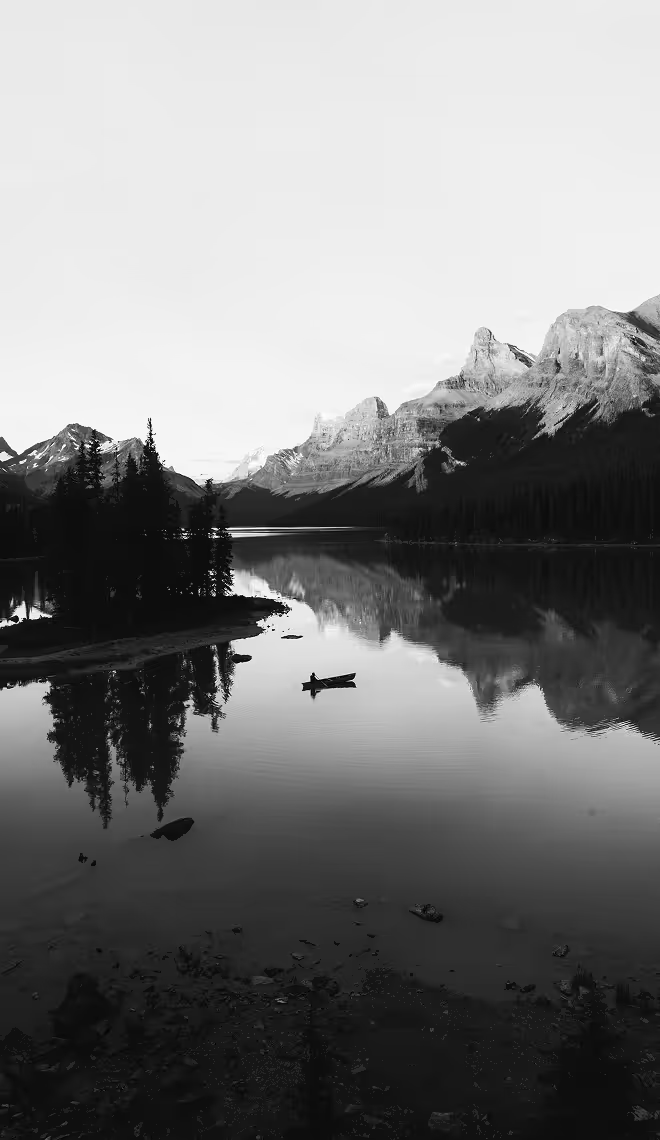
Black and white photo effects
Apply photo effects that bring a vintage feel or experimental edge. Use Film FX to add film grain overlays, film frames, and light leaks that give your images timeless character.

How to make a photo black and white
Converting photos from color to black and white is easy with VSCO Studio on desktop and the mobile app. Start by uploading an image or importing with the ‘+’ icon. Then, select the photo by tapping or clicking — on desktop, click the preset icon; in the app, tap ‘Edit Image.’ From there, choose a black and white preset that fits your style, from filters in our B&W Classic series like B1 and B5 to film-inspired Film X presets like FN16 and KT32.


Apply a black and white filter in bulk
Batch editing photos in black and white is a quick and easy way to achieve a consistent look across multiple images. Use our photo editor to copy and paste edits, save recipes to use again, or apply filters to multiple selected images at once. Learn more about bulk editing photos on desktop (Mac or Windows PC) or how to save and create editing Recipes in the mobile app.

Frequently asked questions
How can I convert color pictures to black and white?
VSCO makes it easy to convert color photos to black and white on iPhone, Android, or with our online photo filters in your browser, Mac or PC. To apply black and white filters in the photo editor just import an image to your Studio, tap ‘Edit Image,’ and choose a black and white preset to get started.
What’s the most popular VSCO black and white filter?
VSCO offers over 15 black and white presets, each with a distinct look. Classic black and white filters like B1 and B5 PRO are among the most popular, known for their bold contrast and timeless looks.
Can I add a black and white filter to a video?
Yes, you can apply black and white filters to videos on VSCO using the video editor. For even more creative options, try combining filters with Film FX for vintage-inspired video effects.
Can I emulate black and white film pictures?
VSCO offers black and white filters designed to replicate the tones and textures of classic film photography, including options inspired by Kodak (KT32 and KX4), Fuji (FN16), and Ilford (IH5). For even more authentic looks, layer your edit with our image fader and film photo effects.
Why use black and white for portraits?
Can I add film grain to a black and white photo?
Yes, you can easily add film-style grain to black and white photos using VSCO’s photo editor to enhance texture and create a more authentic film look. VSCO has both grain filter overlays and a dedicated film grain editor with strength, size, and color sliders.
What photo editing tools work best with black and white filters?
Photo editing tools like contrast, exposure, image fade, film grain, and photo clarity uniquely complement black and white filters by emphasizing mood and elevating details in your photo edits.
About Black & White Film Presets
These presets are independently developed by VSCO and are not affiliated with, sponsored by, or endorsed by the original film manufacturers such as Kodak, Eastman Kodak Company, Fujifilm, Agfa, Ilford, or any entities. Kodak, Ilford, Agfa, Fujifilm, and related marks are owned by their respective trademark holders, and are used here for descriptive purposes only.
COMBINE WITH MORE PHOTO EDITING TOOLS
Edit your black and white photos to match your unique style. Whether you're aiming for a clean, modern feel or something more timeless, our professional photo editing tools give you the flexibility to shape your final look.
IMAGE CONTRAST
Define shadows and highlights with the Contrast editor, making textures pop for a moody, high-impact look.

Dodge & Burn
Selectively brighten and darken specific areas of your photo with the Dodge and Burn tool.

Clarity
The photo clarity editor brings out texture and definition — perfect for making surfaces stand out.