If you've ever asked yourself, "What is f-stop?" you're not alone. For anyone starting their photography journey, the concept of f-stop can feel like a mix of science jargon and magic. But once you get the hang of it, you'll realize that understanding f-stop is key to unlocking creative control over your photos.
What is F-Stop?
F-stop refers to the aperture of your camera lens — the adjustable hole inside the lens that controls how much light gets through to your camera’s sensor. Think of it like the pupil of your eye: in a dark room, your pupil dilates (gets larger) to let in more light, and in bright sunlight, it contracts (gets smaller).
In photography, a low f-stop number like f/1.4 means a wide-open aperture (lots of light), while a high f-stop number like f/16 means a small aperture (less light).
F-Stop Meaning in Photography
There’s more to f-stop than just a number. The term "stop" in photography measures a doubling or halving of light. So going from f/2.8 to f/4 means you’re letting in half as much light. Go from f/4 to f/2.8, and you’re doubling the light hitting your sensor.
It’s also one-third of the Exposure Triangle, along with ISO and shutter speed. Each one plays a part in how bright or dark your image turns out — and they all affect each other.
F-Stop vs Aperture
So what's the difference between f-stop and aperture? Simple:
- Aperture is the actual opening in the lens. Think of the classic James Bond intro where he shoots the viewer through a circle— that’s an aperture.
- F-number, or f-stop, is a ratio describing the size of the aperture in relation to the focal length. For instance, a 50mm lens with a 17.9mm aperture opening would have an f-stop of 2.8, since 50/17.9 = 2.8.
Though they’re not identical, they're deeply connected, and in practice, we usually mean the same thing when we’re talking about aperture and f-stop.

F-Stop vs Shutter Speed vs ISO
Let’s take a quick look at how these F-stop, shutter speed, and ISO work together:
- F-stop (Aperture): Controls how much light gets through the lens and affects depth of field.
- Shutter Speed: Controls how long your camera’s shutter stays open. A slow shutter speed lets in more light but can blur motion.
- ISO: Controls how sensitive your camera’s sensor is to light. Higher ISO = more sensitivity, but more digital noise.
Think of them like the plumbing in a house:
- Aperture is the size of the pipe.
- Shutter speed is how long the valve is open.
- ISO is like a pressure pump boosting the water flow.

The 3 Main Effects of F-Stop
Light Control
A wide aperture (low f-stop like f/1.4) lets in more light, so it’s perfect for low-light situations. A narrow aperture (high f-stop like f/22) restricts light — useful in bright conditions.
Depth of Field (a.k.a. Bokeh)
F-stop heavily influences how blurry your background is:
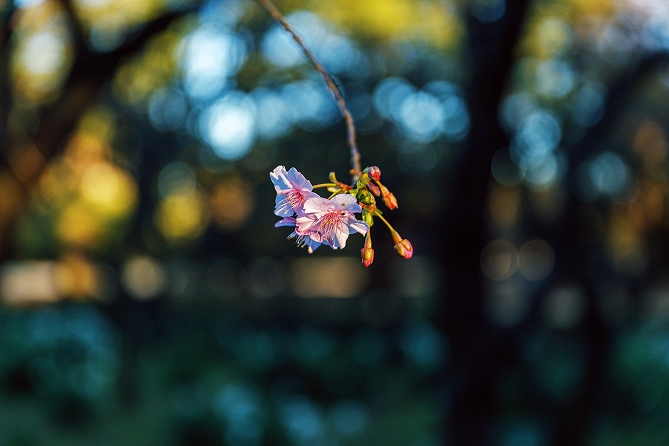
- Wide aperture (f/1.4) = shallow depth of field = blurry background = dreamy portraits.
- Small aperture (f/16) = deep depth of field = everything in focus = great for landscapes.
Read our guide on creating a bokeh effect in your photos for more on that.
Sharpness
Most lenses are sharpest around f/5.6-8. At very low f-stops, the edges of the photo may be softer. At very high f-stops like f/22, light diffraction can reduce sharpness again.
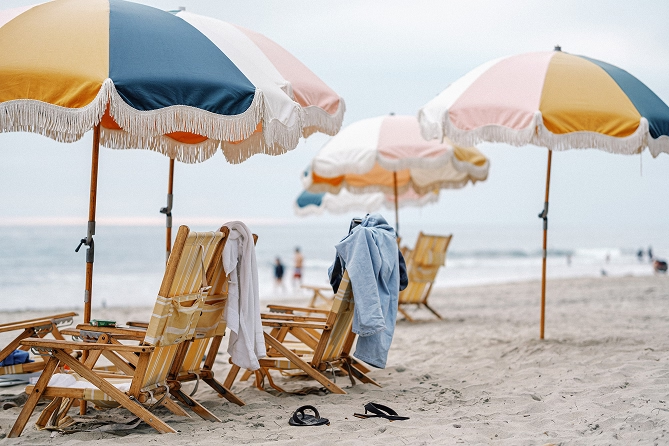
F-Stop Examples in Real-Life Photography
Portraits (f/1.2 to f/2.8)
Want creamy background blur that makes your subject pop? Use a low f-stop to isolate your subject and achieve a bokeh effect.
Editing tip: if you’d like to blur the background of a photo in post-processing rather than when you’re shooting, try our photo blur effect.
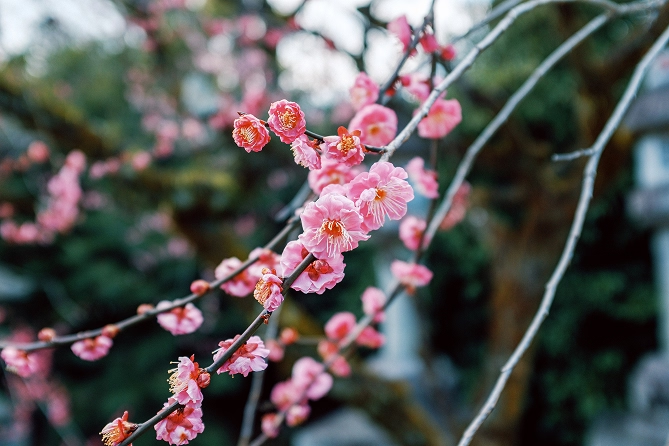
Landscapes and Nature Photography (f/5.6 to f/16)
Need everything in focus from the flowers in front to the mountains in the back? Use a high f-stop to get deep depth of field.
Street or Everyday Photography (f/4 to f/8)
Get the best of both worlds — decent subject separation and great overall sharpness.
Action or Sports (f/2.8 or wider)
A wider aperture lets in more light so you can use a faster shutter speed to freeze the action without cranking up ISO.
Long Exposure (f/16 to f/22)
Want silky waterfalls or light trails? Use a high f-stop to limit light and allow for longer exposures.
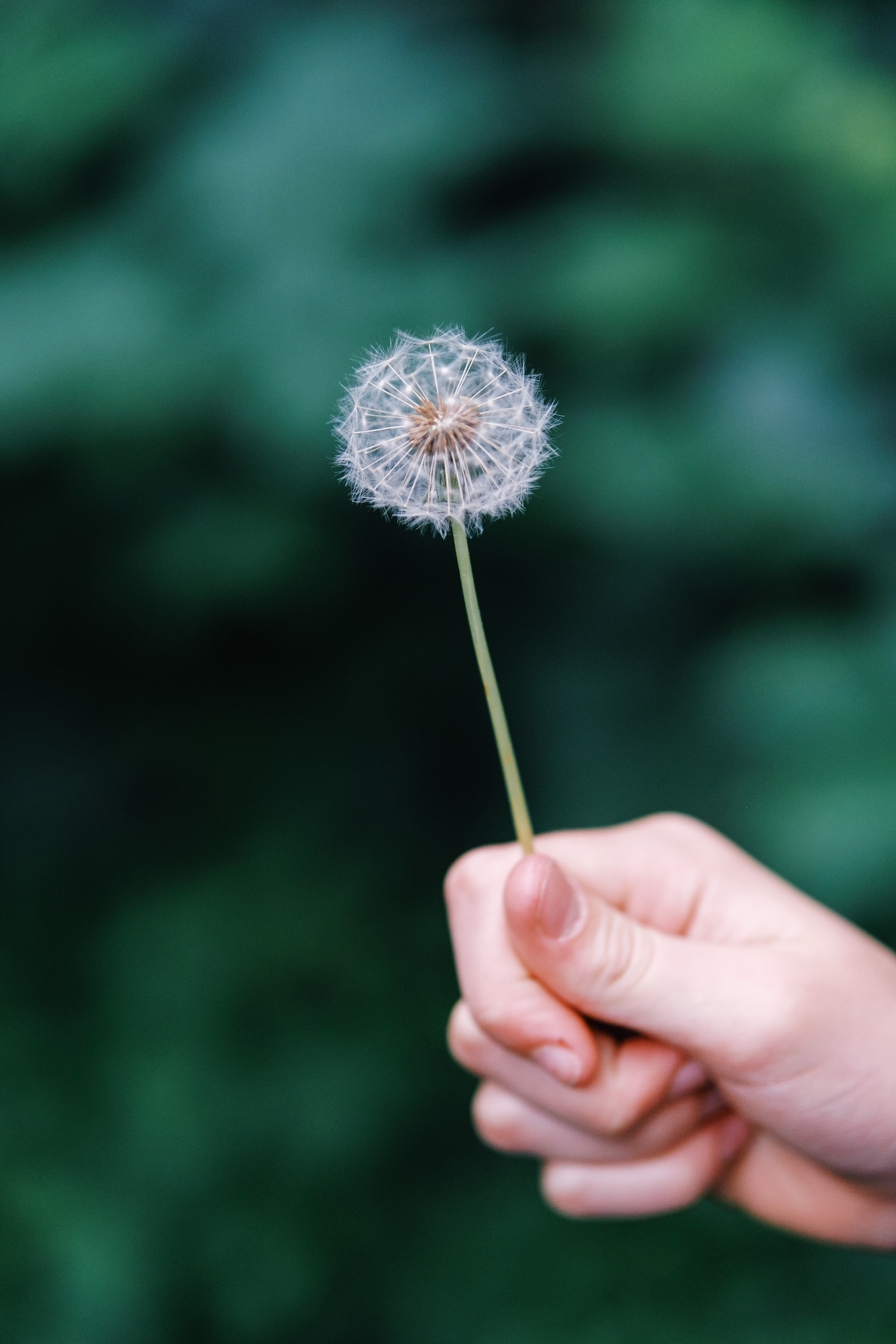
Prime vs Zoom Lenses and Aperture
Prime lenses (which don’t zoom) often have wider maximum apertures like f/1.4, allowing for better low-light performance and more dramatic bokeh.
Zoom lenses typically start at f/2.8 or f/4, and some budget zooms go as high as f/5.6 at full zoom.
If you shoot indoors or love blurry backgrounds, consider a fast prime lens.
How to Use F-Stop in Practice
- Start in Aperture Priority Mode (A or Av) on your camera. You set the f-stop; the camera sets the shutter speed.
- Experiment by shooting the same scene at different f-stops. Watch how the background blur and light change.
- Pay attention to your lens’s limits. Some lenses don’t go past f/4; others can open up to f/1.2.
- Use f-stop creatively. Want to focus attention on one thing? Go wide. Want context and scenery? Go small.
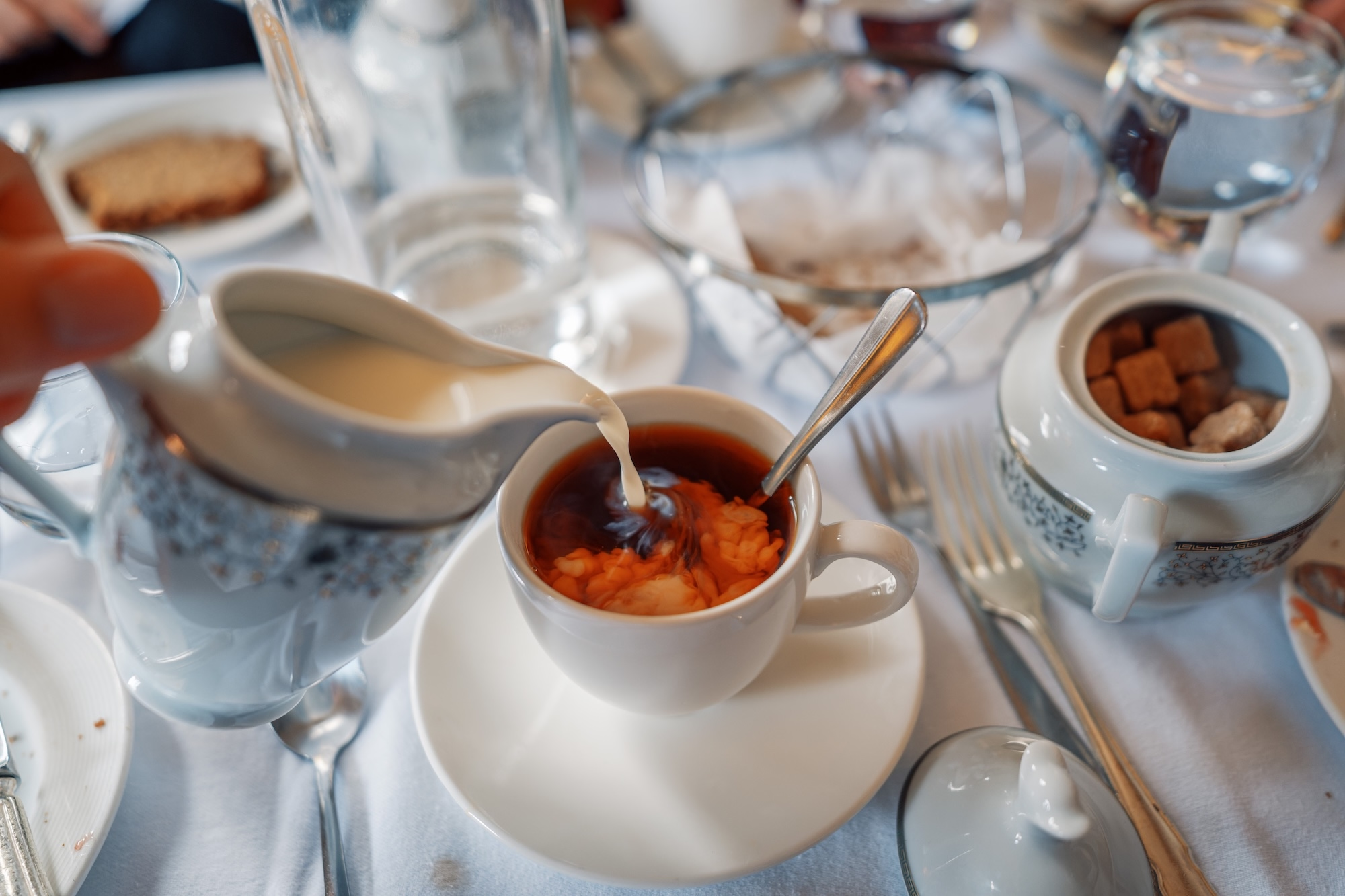
Editing Your Aperture-Based Photos
Once you've nailed your aperture settings, it's time to bring your images to life with photo editing. Here's how to enhance your photos based on f-stop settings:
- For portraits with shallow depth of field: Use selective image sharpening and a background blur effect to amplify the subject.
- For landscapes shot at high f-stops: Boost contrast and clarity to bring out details in foreground and background.
- Adjust exposure and white balance — sometimes your in-camera exposure might need minor tweaks.
- Use masking and dodging/burning to guide the viewer’s eye, especially when depth of field is shallow.
Photo editors like VSCO give you incredible power to fine-tune your shots, and a vibrant creative community to share your photos with.

Keep Experimenting with F-Stop
Once you understand f-stop and how it relates to aperture, ISO, and shutter speed, you’ll feel a lot more confident using your camera in manual or semi-manual modes. Think of f-stop as your creative volume knob — it shapes how much light your camera sees and how your images feel.
Whether you're chasing buttery bokeh for a dreamy portrait or crystal-clear focus from front to back in a sweeping landscape, f-stop gives you the control to tell your story.
So go ahead and put your camera in Aperture Priority, dial in that f-stop, and see what you can create.