Yes, VSCO is free to use. Starter membership lets you edit photos with 15 presets and core adjustment tools, publish to your VSCO Profile and website, take photos with live presets in VSCO Capture, moodboard in Canvas, explore photography through Spaces, deliver galleries, and start organizing client work with Workspace. There's no trial period, credit card, or expiration date. You can use Starter for as long as you want.
Free membership also puts you in one of the largest photography communities in the world, where you can share your work and learn from photographers who care about the craft as much as you do.
Paid memberships expand the same tools and apps with more presets, advanced editing and AI tools, more storage, and professional features for photographers working with clients. Start creating with VSCO for free.
Start creating, sharing, and connecting with VSCO for free.
Free VSCO features at a glance
In this guide:
- Getting started with VSCO for free
- Edit photos for free
- Share your photography
- Find inspiration and connect with photographers
- Take photos with Capture
- Plan creative projects with Canvas
- Deliver photos with Galleries
- Make a free photography website
- Start managing client work with Workspace
- Learn and get support
- When should you upgrade from Starter?
- Is free VSCO enough for you?
- Frequently asked questions
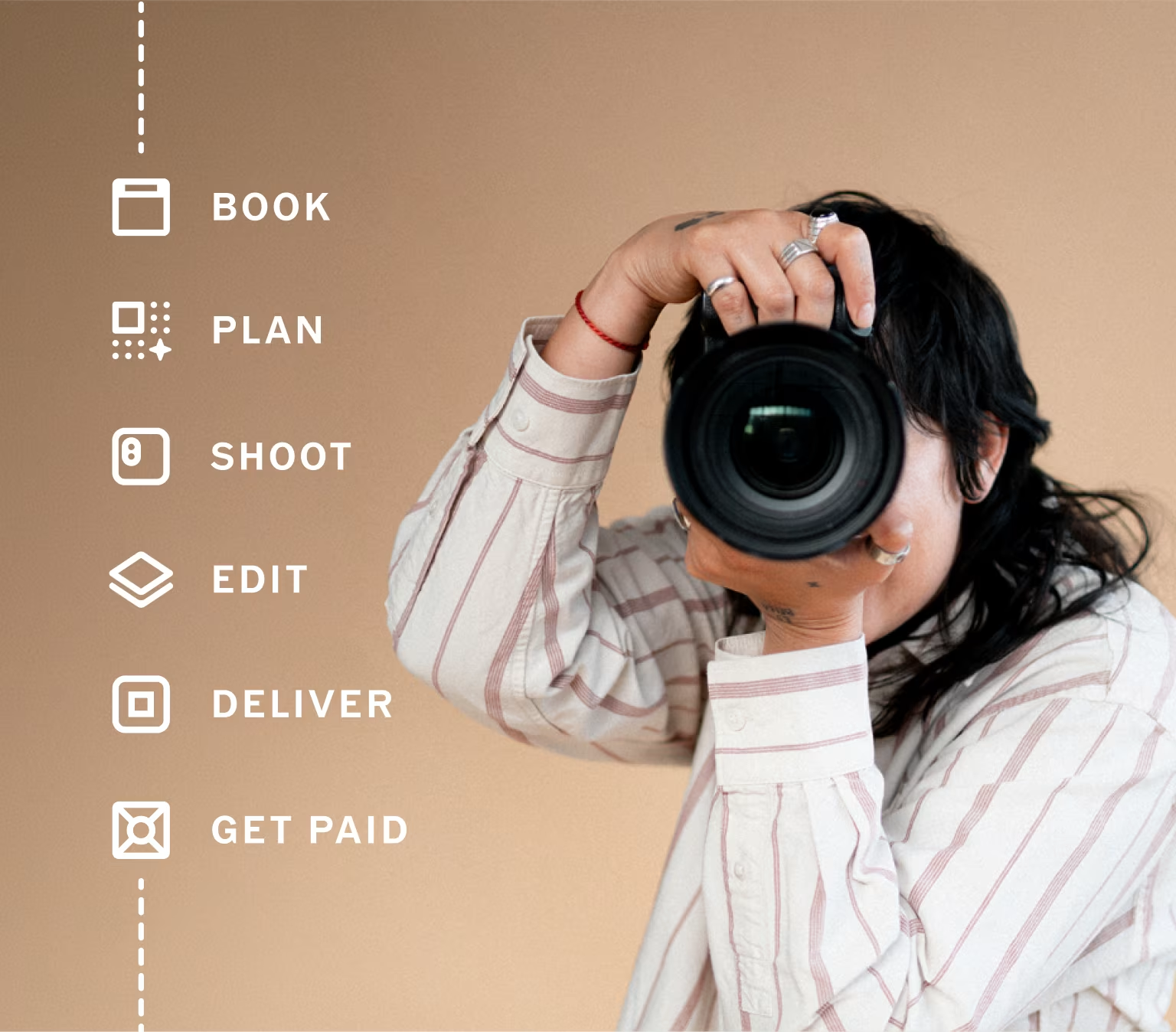
You can use VSCO's free tools and apps together to take a project from idea to delivery. Here's what that free VSCO workflow looks like, step by step:
1. Start with inspiration
Explore Discover, follow photographers whose work you like, and save ideas as you build your visual direction. Create a Space if you're working with other photographers or collaborators and want a place to share references and discuss the project.
2. Build your moodboard in Canvas
Open Canvas and start a project with reference images from other VSCO photographers, notes, links, and your own work. Use your 100 free AI image generation credits to explore different directions, then share the finished moodboard with your client or collaborators.
3. Take photos and videos with Capture
When you're ready to photograph, open the VSCO Capture app and choose a live preset or effect before you take the photo. Use manual controls when you want more control over exposure, shutter speed, ISO, or white balance. Capture in RAW or ProRAW when you want more flexibility in the edit.
4. Edit in VSCO
Bring your photos into the VSCO app and start with one of your 15 free presets. Adjust the strength, fine-tune exposure, white balance, tone, and other settings, then save your favorite look as a Recipe so you can use it again.
5. Publish your work
When you're happy with the edit, publish it to your VSCO profile or export it to share elsewhere. Your free VSCO Sites website can also give your work a permanent home online.
6. Deliver the finished work
Create a gallery in VSCO Galleries and share it with your client or friends. Starter includes 10 GB of storage, full gallery downloads, and collaborative uploads, so guests can contribute photos through a shared link or QR code.
7. Keep the project organized
If you're working with a client, use the free version of Workspace to keep your Sites contact form, invoices, and contracts together. As your client work grows, you can add more business tools with VSCO One.
That's the free VSCO workflow. Find inspiration, plan the photoshoot, capture the images, edit them, publish your work, deliver the finished project, and start organizing the business around it.


You can start editing immediately with VSCO's free mobile app or at studio.vsco.co, VSCO's browser-based editor for Mac and PC.
Every photo you import first lands in your private Studio. Edit there, fine-tune, and decide when you're ready to publish.
Starter includes 15 VSCO presets plus core adjustment tools including:
- Adjust and Crop
- Exposure
- Contrast
- Saturation
- White Balance
- Skin Tone
- Fade
- Tone
- Vignette
- For This Photo, a suggested edit tailored to your photo
Presets give you a starting point for color and tone, while the adjustment tools let you fine-tune the details. You can adjust preset strength rather than applying the same look at full intensity to every image.
You can also save your favorite combination of edits as a Recipe and reuse it in one tap. Starter includes one saved Recipe; paid memberships let you save more.
Learn more about getting started with the VSCO app.
Want to edit an entire photoshoot at once? The free VSCO Studio Pro app lets you preview batch editing and Style Match on Starter. Exporting or saving those results requires Pro or One.
Every VSCO account includes a public profile where you can publish your work.
Publishing is one tap from your private Studio, so you can edit first and decide what to share later. You can also export your photos to your camera roll and share them anywhere else, including Instagram and TikTok.
Starter also includes a basic VSCO Sites website that connects to your profile. It's a simple way to put your photography online in minutes without coding a site from scratch or adding another subscription.
You can even add a contact form to your site and send those inquiries into Workspace when you're ready to start managing client work.
VSCO Starter gives you access to the wider VSCO community.
Follow photographers and get a personalized feed, explore curated work in Discover, read editorial stories and photography education, respond to creative prompts, and search across people, images, and blogs.
You can also create or join Spaces, collaborative photo groups organized around a shared theme, project, or event.
Spaces are designed around conversation and collaboration rather than likes and algorithmic feeds. Use one to work with a small group, organize a photo walk, share a project, or bring contributors together around a specific idea.
Free members can create Spaces, join existing ones, post and comment, and invite collaborators. People without a VSCO account can view a Space through a shared link. Each Space can have up to 150 contributors, with the creator controlling who joins and what gets posted.
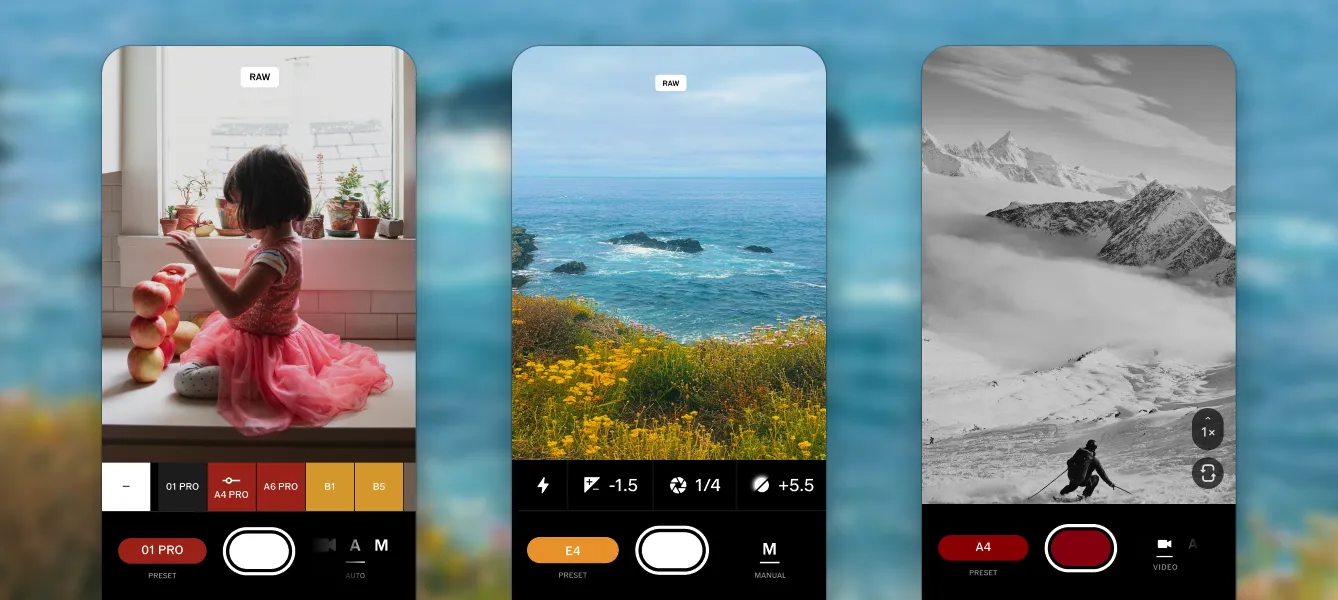
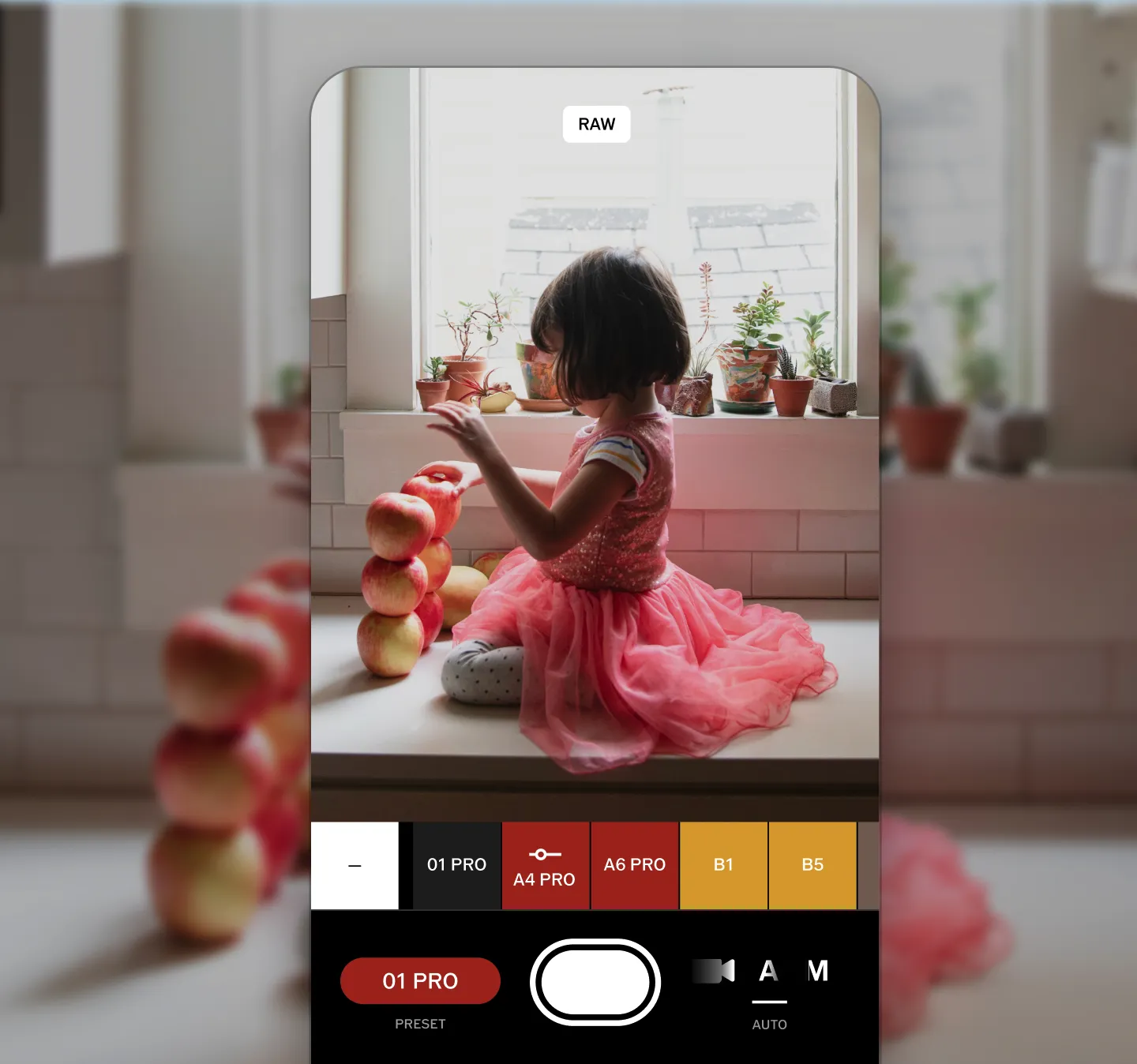
VSCO Capture is a free standalone camera app for iPhone that lets you make creative decisions before you take the photo.
You can use 50 live presets that preview your look in the viewfinder, along with real-time effects including Bloom, Halation, and Grain. Manual controls give you control over:
- Exposure
- Shutter speed
- ISO
- White balance
Capture also supports RAW and ProRAW file types, depending on your phone.
You can record video with live presets applied, too. Video editing tools are available with a paid membership.
Photos can be saved to your camera roll or Capture's in-app gallery, then brought into the main VSCO app for further editing.

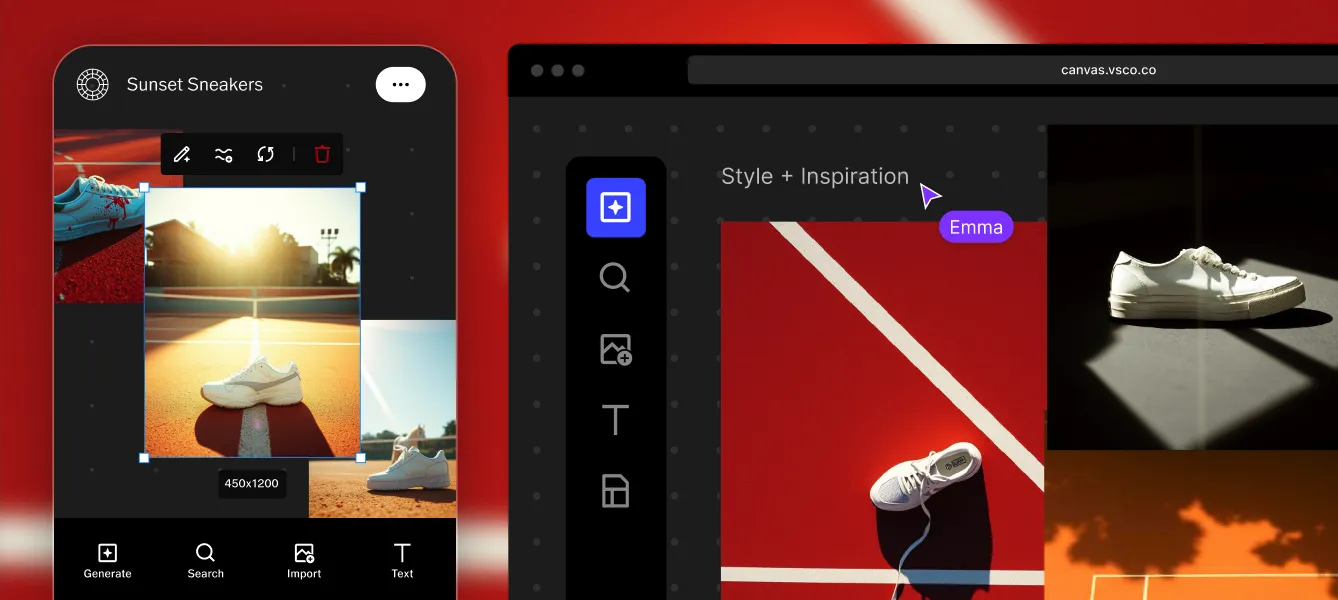

VSCO Canvas gives you a place to plan the visual direction of a photoshoot before you press the shutter.
Build a moodboard with reference images, notes, links, and more, then share it with a client or collaborator. It's useful for everything from developing a creative direction to making sure everyone arrives on set with the same idea of what you're trying to create.
Not sure where to start? Try one of the free templates so you're not working from scratch.
Starter includes one Canvas project and 100 one-time AI generation credits.
Those Canvas credits are separate from VSCO's AI Lab photo-editing tools. Paid memberships add more Canvas projects and monthly credits.
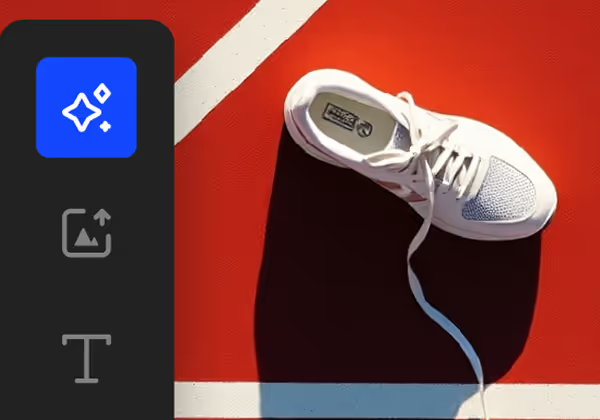


You can also use VSCO Galleries to deliver finished work.
Create a gallery for a wedding, portrait session, event, or personal project and share it with clients or collaborators. Starter includes 10 GB of storage and full gallery downloads.
Galleries also support collaborative uploads, so guests, clients, or other photographers can contribute photos through a shared link or QR code without needing a VSCO account or the app.
Galleries connects with the rest of VSCO, too. Add a gallery to your VSCO Sites website, or connect it with Workspace so delivered work stays associated with the client job.

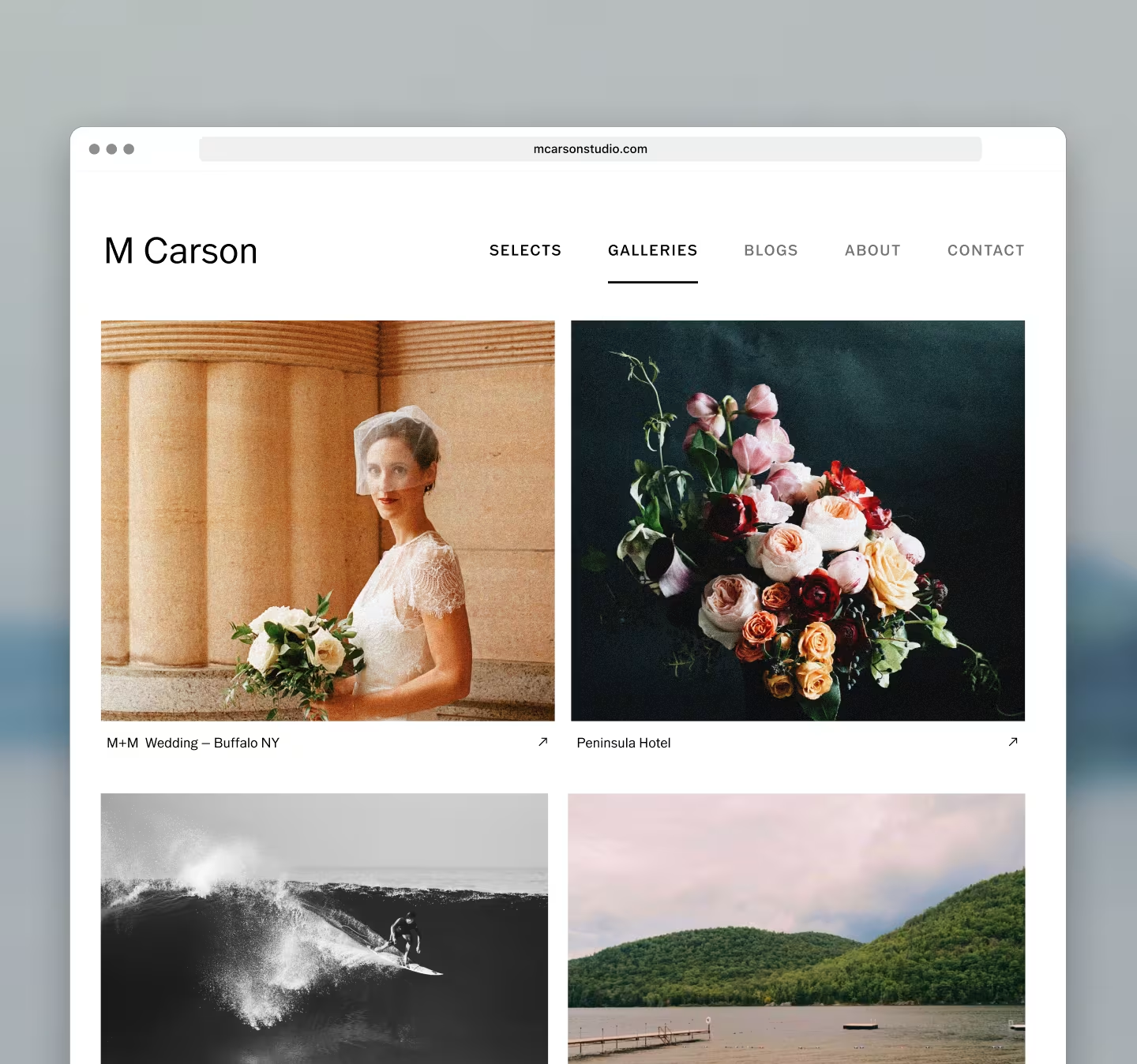
VSCO Sites turns the photos, Galleries, and Blogs already in your VSCO account into a portfolio site.
Build your site from the VSCO iPhone app or at vsco.co. Tap Build Site, choose the content you want to feature, customize your About page, and publish. Your Site connects to your VSCO Profile, and new work you post can publish automatically.
Starter includes a basic Site at a free subdomain you choose, like yourname.vsco.site. You can add any public VSCO Gallery directly to your Site, turning a finished client project into part of your portfolio.
Pro and One add a custom domain, letting you publish under a domain you already own instead of a VSCO subdomain.
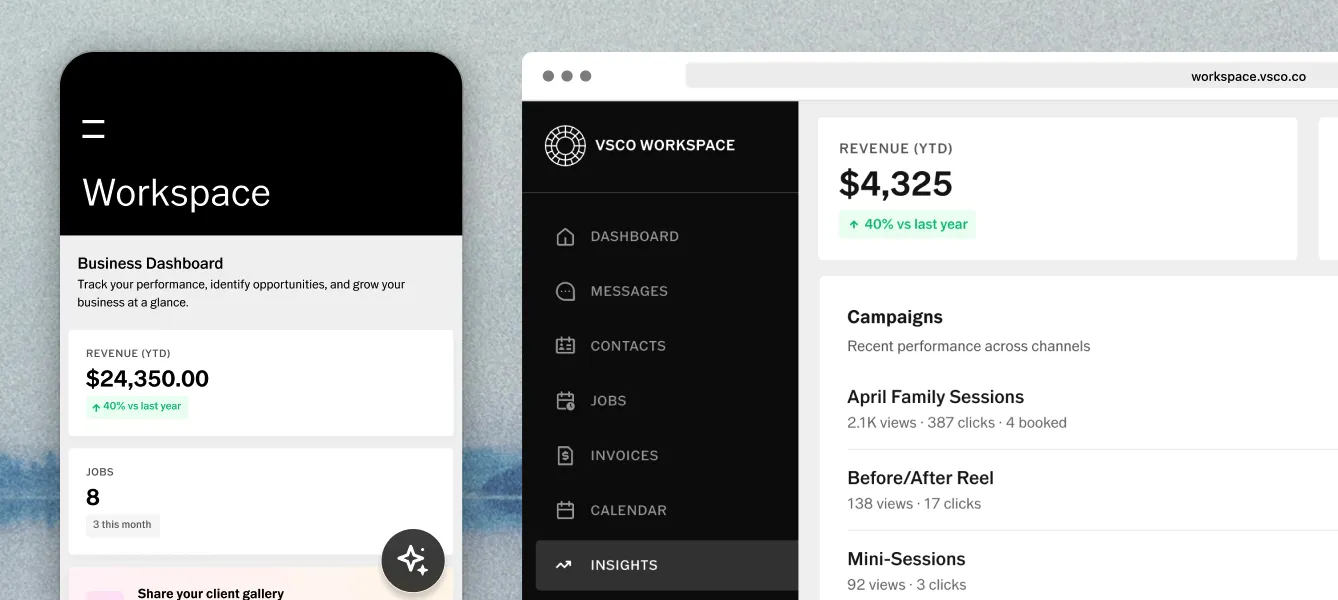
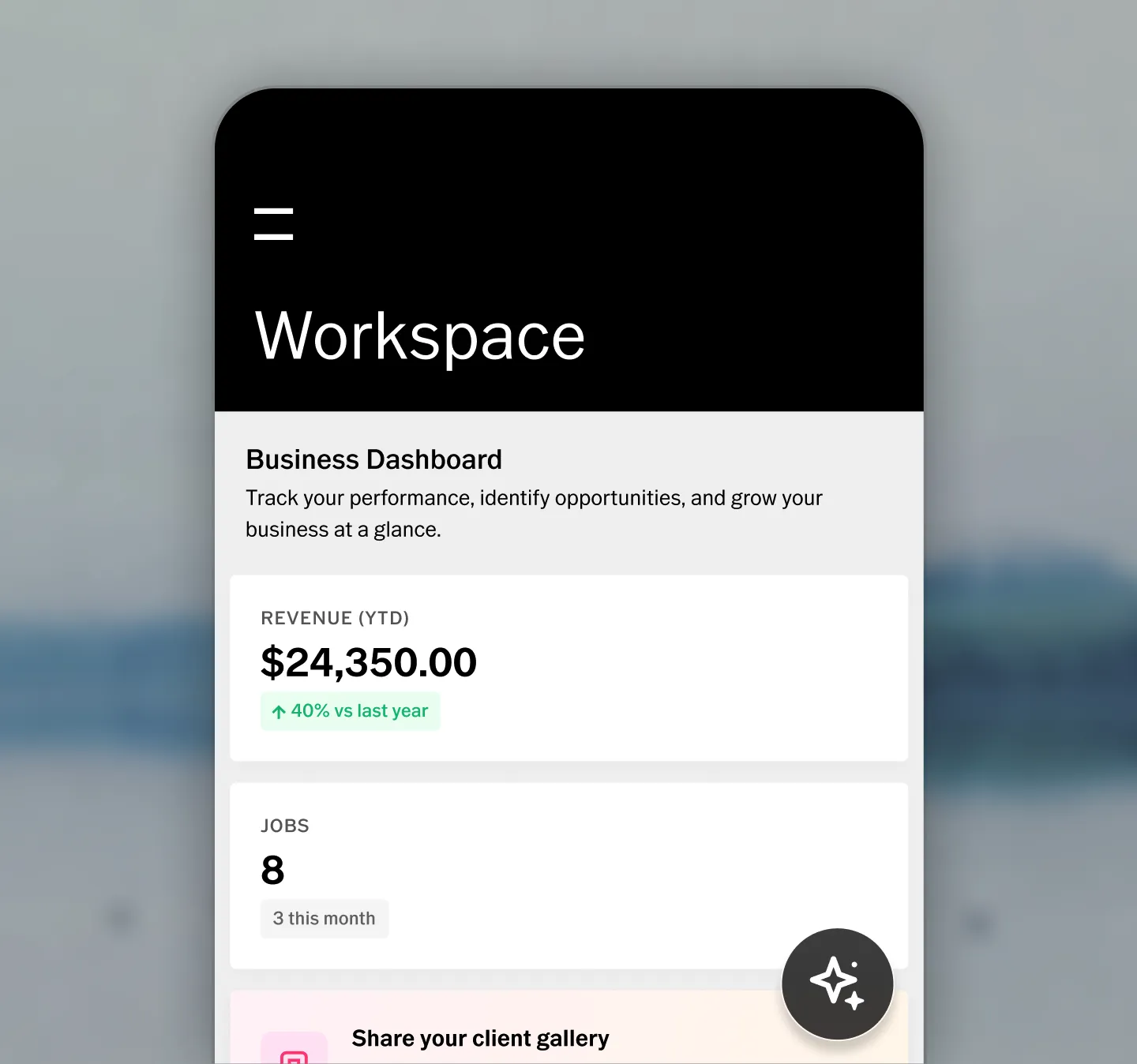
You don't have to wait until you're running a full-time photography business to start organizing your client work.
VSCO Workspace includes basic tools with Starter, including one contact form, invoices, and contracts. That's enough to begin keeping client information and essential business documents in one place.
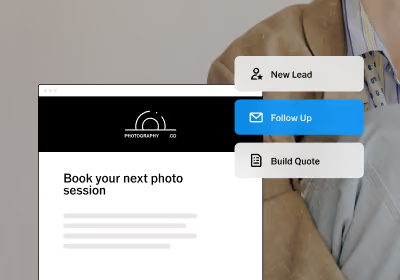
When your business grows, VSCO One expands Workspace with tools including quotes, price lists, lead reporting, automations, a client portal, online payments, and calendar and email integrations.
Every VSCO membership, including Starter, includes access to VSCO Learn content, with educational articles and resources covering photography fundamentals, creative technique, and running a photography business.
Starter also includes 24/7 AI-powered support when you need help using VSCO.
Pro and One members get premium support, while VSCO One also includes a full video-on-demand education library.
Starter is designed to give you the core VSCO experience without putting a time limit on it. You can edit, publish, explore, capture, plan, deliver, and start working with clients without ever paying.
A paid membership makes sense when you need more from the same tools.
Want more creative control?
VSCO Pro expands your preset library to 200+, including Pro Presets, adds more editing and video tools, including Grain, HSL, Dodge & Burn, and gives you unlimited Recipes.
VSCO Pro also adds the full VSCO Studio Pro experience, expanded exports, and advanced editing features including Histogram, Bloom, Halation, and AI Lab tools.
Need more room to work?
Pro and One add unlimited image storage, 65 GB of video storage, and password-protected galleries.
Canvas also expands with paid memberships. Pro and One include up to 50 projects and 500 monthly AI credits.
Running a photography business?
If you're moving beyond individual projects and managing photography as a business, VSCO One brings the professional workflow together.
It combines editing, galleries, websites, and studio management tools in one membership, so you can move from creating the work to delivering it and getting paid without stitching together multiple services.
Starter is probably enough if you're:
- Learning photography and developing your editing eye
- Posting for fun or building a public profile
- Exploring presets to find your style
- Looking for a more creative camera app
- Planning occasional photoshoots or creative projects
- Sharing galleries with friends, family, or clients
- Starting to organize a small number of client jobs
Consider a paid membership if you're:
- Building a consistent look across full photoshoots
- Editing large volumes of photos or video
- Looking for more advanced editing tools
- Using AI editing tools regularly
- Delivering larger amounts of client work
- Building a professional portfolio site
- Managing contracts, bookings, payments, and other business tasks
You don't need to upgrade to start creating with VSCO. Starter gives you a complete place to edit, publish, explore, capture, plan, and share. Paid memberships give you more creative control, more room to work, and more tools as your needs grow.
Is VSCO free?
Yes. VSCO Starter is free with no time limit and no credit card required. You can continue using Starter without ever upgrading.
How many VSCO presets are free?
Starter includes 15 presets. VSCO Pro and One include 200+ presets, including Pro Presets available with VSCO Pro, and Lightroom and Capture One preset packs available with VSCO One.
Can I edit photos on VSCO for free?
Yes. Starter includes VSCO's core photo editing tools on mobile and Web Studio, including exposure, contrast, saturation, white balance, skin tone, fade, tone, vignette, crop, and For This Photo.
Can I post photos and create a profile on VSCO for free?
Yes. Every account includes a public profile, and you can publish photos from your private Studio for free.
Can I create a website with VSCO for free?
Yes. Starter includes a basic VSCO Sites website that syncs with your profile. Pro and One add a professional site with custom domain support.
Can I use VSCO Spaces for free?
Yes. Starter members can create Spaces, join existing Spaces, post, comment, and invite contributors. People without a VSCO account can view a Space through a shared link.
Can I download VSCO Capture for free?
Yes. The VSCO Capture camera app is available for free on iPhone and requires a VSCO account. Starter members can use its live presets, effects, and manual camera controls.
Can I create a Canvas project for free?
Yes. Starter includes one Canvas project and 100 one-time AI generation credits.
Is VSCO Galleries free?
Yes. Starter includes VSCO Galleries with 10 GB of storage, full gallery downloads, and collaborative guest uploads. Download the free app on iOS and Mac.
Can I use VSCO Workspace for free?
Yes. Starter includes a simplified version of Workspace with one contact form, invoices, and contracts. VSCO One adds the full set of business management tools.
Can I use VSCO Studio Pro for free?
Free members can preview Studio Pro features including batch editing and Style Match. Exporting or saving the results requires Pro or One.
Can I edit video on VSCO for free?
You can record video with live presets in VSCO Capture for free. Video editing tools and video color grading, including trimming and video Recipes, are available with Pro and One.
Is AI photo editing free on VSCO?
VSCO's AI Lab photo-editing tools, including Remove and Upscale, require Pro or One. Canvas AI generation is separate and includes 100 one-time credits with Starter.
Does free VSCO have ads?
Yes. Starter includes ads. A feed experience with no third-party ads requires Pro or One.
Can I use VSCO without ever paying?
Yes. Starter does not expire. You can continue editing, publishing, exploring, photographing, planning, and using the included community and creative tools without upgrading.
Is there free education or support on VSCO?
Yes. VSCO Learn content and 24/7 AI-powered support are included with every membership. Pro and One include premium support, and VSCO One includes a full video education library.
Get started with VSCO for free
You don't need to pay to take a photoshoot from idea to delivery with VSCO. Starter gives you the tools to plan your project, edit your photos, publish your work, and deliver it to clients, with no time limit and no credit card required.
Create your free VSCO account and start your first project today.