Add White Borders To Photos
Add white borders to your pictures quickly and easily. Use the VSCO app to create clean, professional white photo borders in seconds.


Frame your images by adding a white photo border
Create professional-looking photos by adding a white photo border quickly with the VSCO border app.
Import your photo
Add a white border to the photo
Save and share your photo
Add a Minimalist White Border Around Photos
Give your photos space to shine and a professional look by adding white borders.
Add a simple white border and customize your photo with tools for cropping, straightening, adjusting exposure, and more.
No complicated editing, no design skills needed, and ready to share instantly.


How to Add a White Border to Photos
Import your photo to the VSCO app from your camera roll.
Crop, straighten, and add a filter that matches your style.
Use the Borders tool to add a white border and scale your photo to the perfect size.
Save your edited photo and post directly to your profile or social media.
Create Photos that Stand Out
Add a white or colored border in seconds to give your photos a polished, eye-catching frame.
Overlay text to personalize your images with captions, quotes, or dates.
Combine multiple images into photo collages with simple drag-and-drop tools for creative layouts.

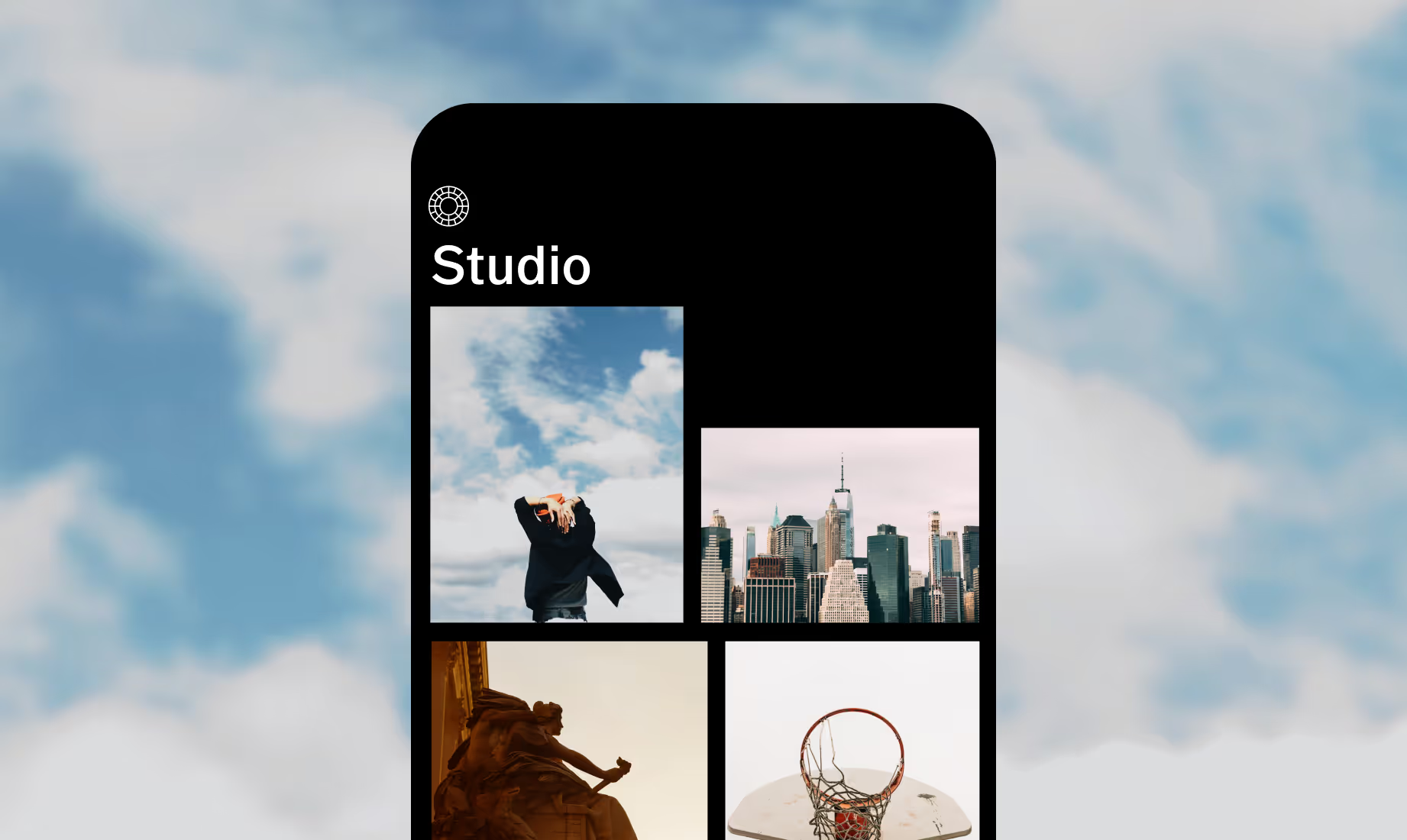
Download VSCO
Add white borders to your photos using the VSCO borders app for iOS and Android.



Frequently asked questions
How do I add a white border around images?
Should I add a white border to my photos?
VSCO is a great way to add a white border that makes your photos stand out and look polished on social media. Borders help your images feel consistent and professional with minimal effort.
How to get white border on photos for Instagram?
VSCO offers easy-to-use white border tool on iPhone and Android, perfect for posting and sharing Instagram. Simply crop, frame, and adjust the border before exporting your photo. Use the ‘Share to’ option to quickly and easily post to your social profiles.
BEYOND PHOTO BORDERS
Refine your photos with simple adjustments that keep every detail aligned and balanced. Straighten lines, frame your subject, add text, and fine-tune light for a clean, polished look that pairs perfectly with white borders.
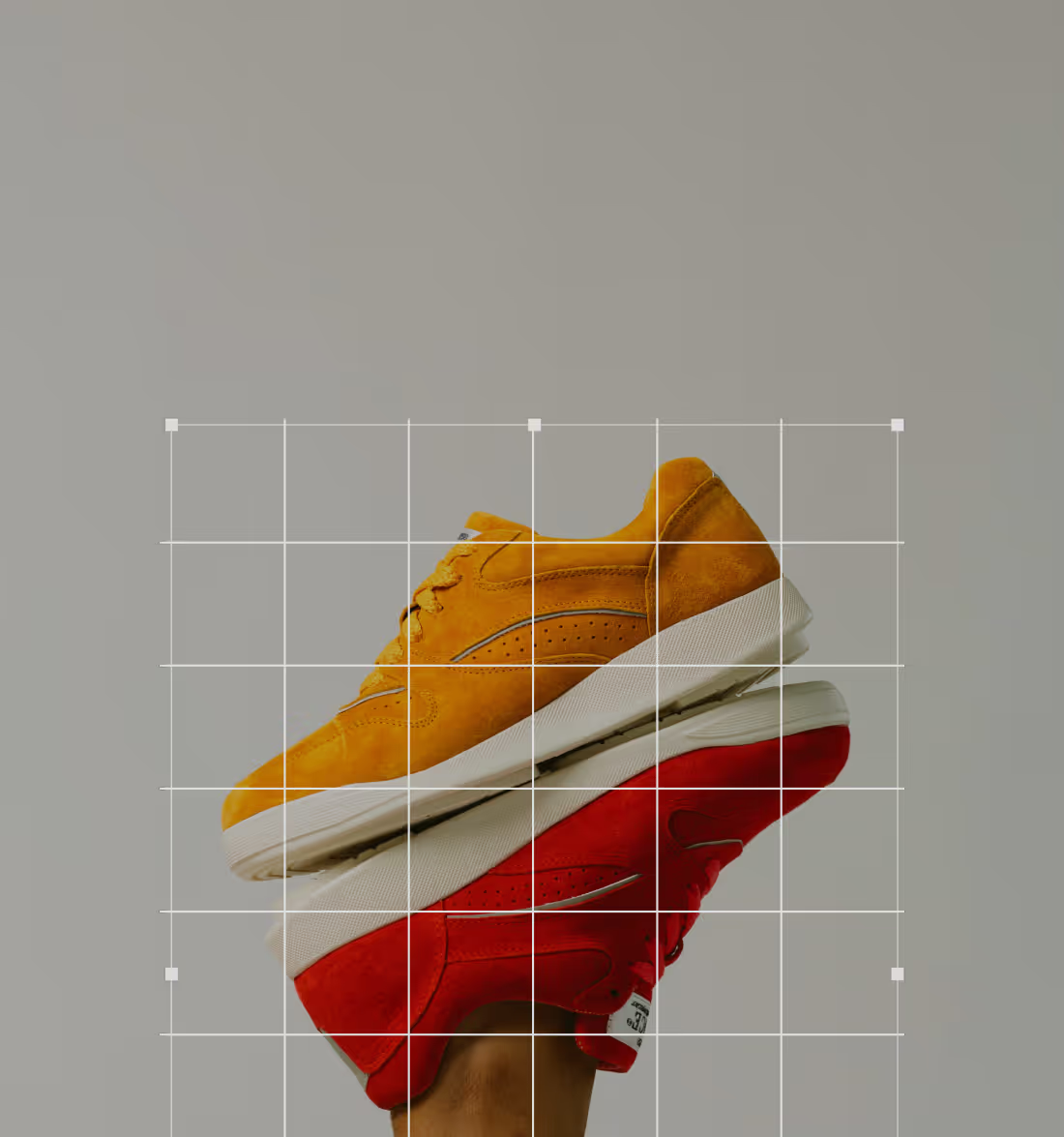
Crop, Rotate, and Skew
Easily adjust framing and perspective to make every photo look its best.
Add Text to Your Photos
Add captions, quotes, or dates and customize fonts, colors, and placement.

IMAGE Exposure
Lighten or darken photos with an easy-to-use exposure tool for adjusting image brightness.