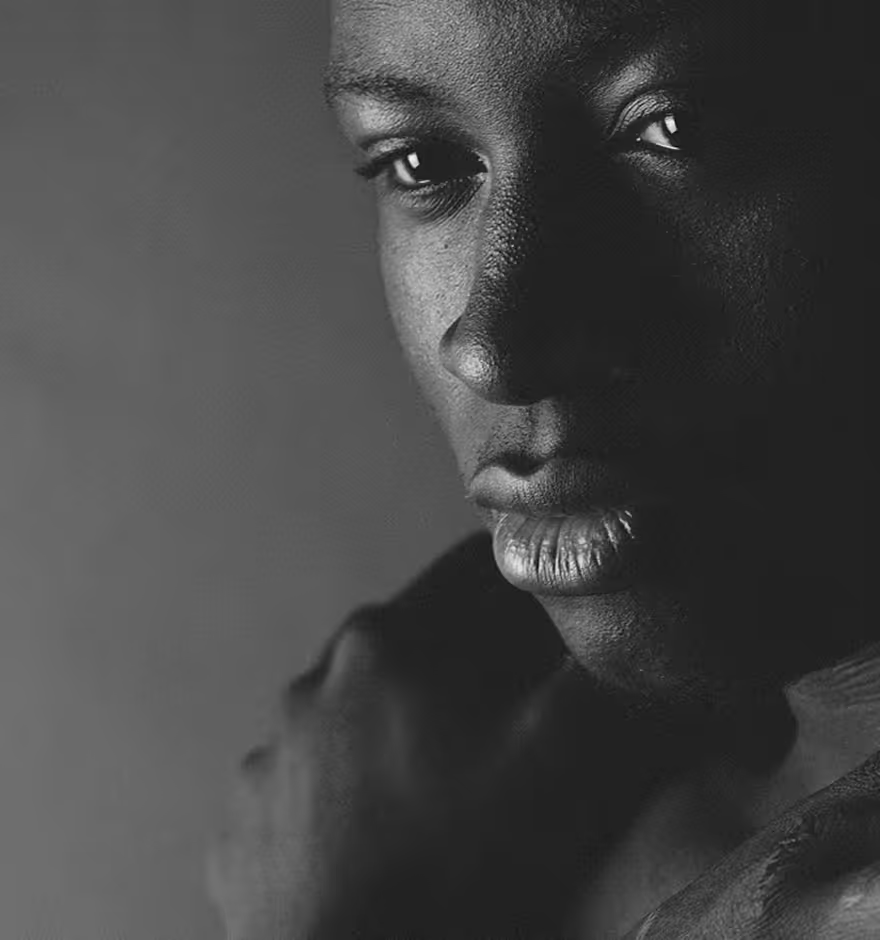
Grunge Textures For Photos and Videos
Add grunge overlays, effects, and textures to photos and videos in the VSCO app. Give your photography a tactile edge in just a few taps.
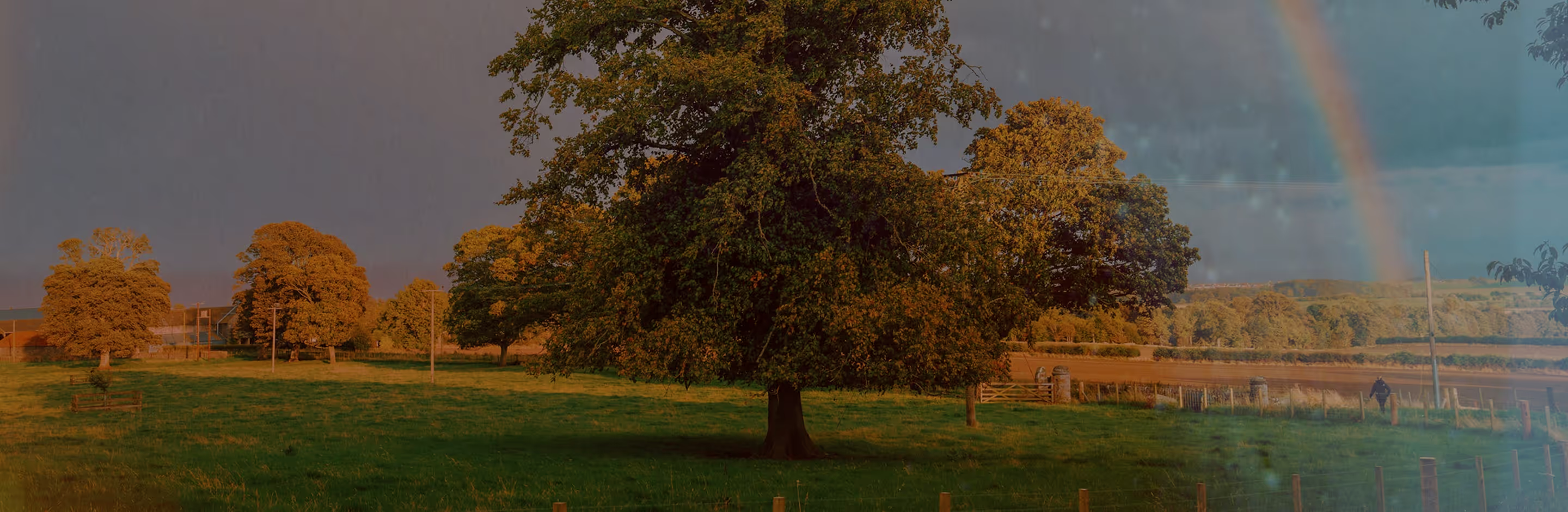
Apply grunge textures to photos and videos
Add grunge filters in the VSCO photo and video editing app.
Import photos and videos
Apply a distressed grunge effect
Export and share your photos and videos
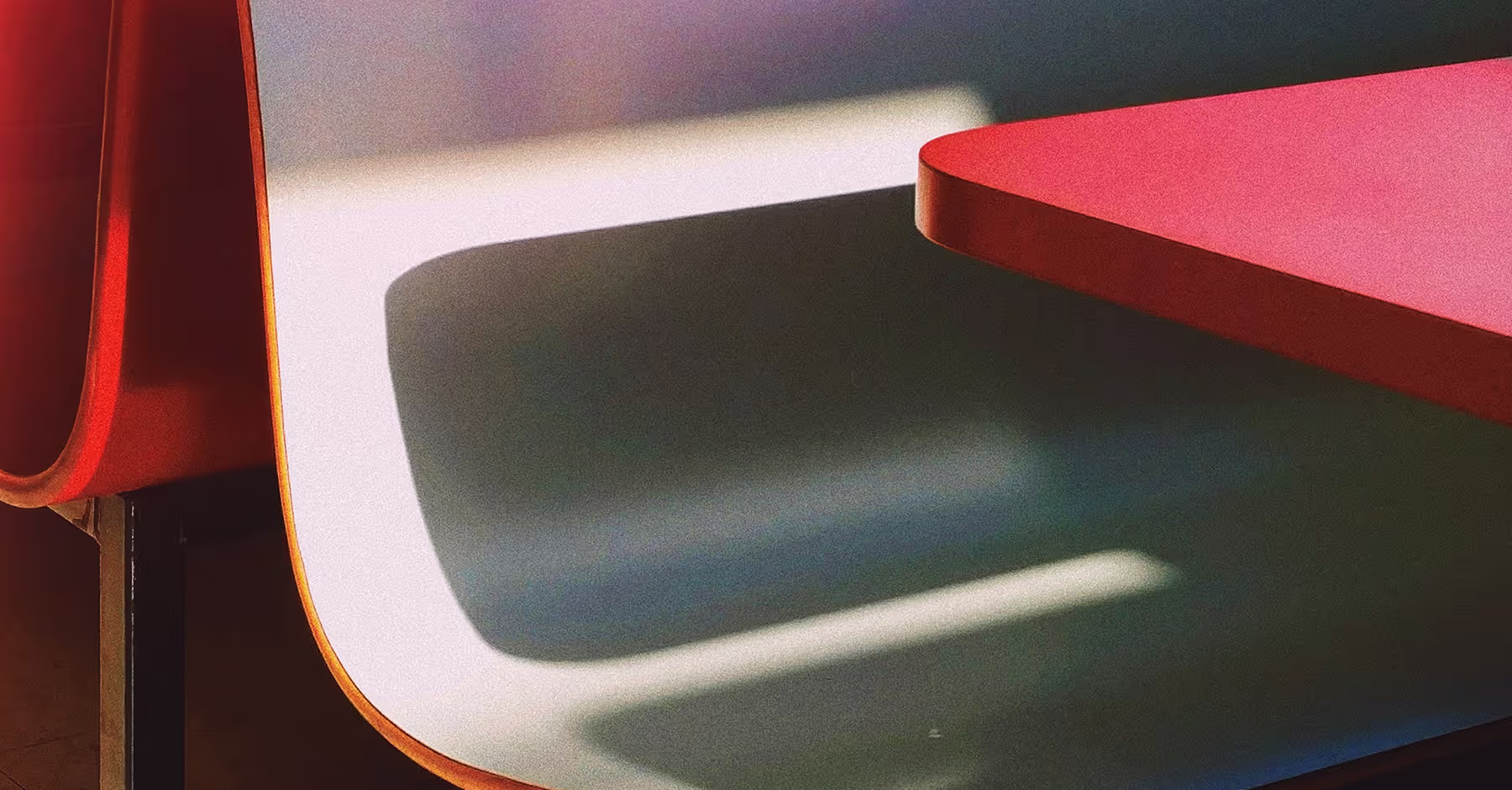
Create a Grunge Texture Effect
VSCO Film Effects (FX) add mood, texture, and depth to your photos and videos.
Layer grunge textures, light leaks, distressed frames, and grain filters to give every shot a tactile, analog edge.
No matter your camera or lens, the VSCO app makes it easy to recreate the raw look of grunge videos and photography.

How to Add a Grunge Overlay IN VSCO
Import photos and videos to VSCO from your camera roll.
Tap Film FX to select from dozens of grunge textures, from light leaks and distressing to grain and scratches.
Explore others tools like Fade, Vignette, and Blur to enhance your grunge look.
Save your edited photos and videos, then post directly to your VSCO profile or social media.
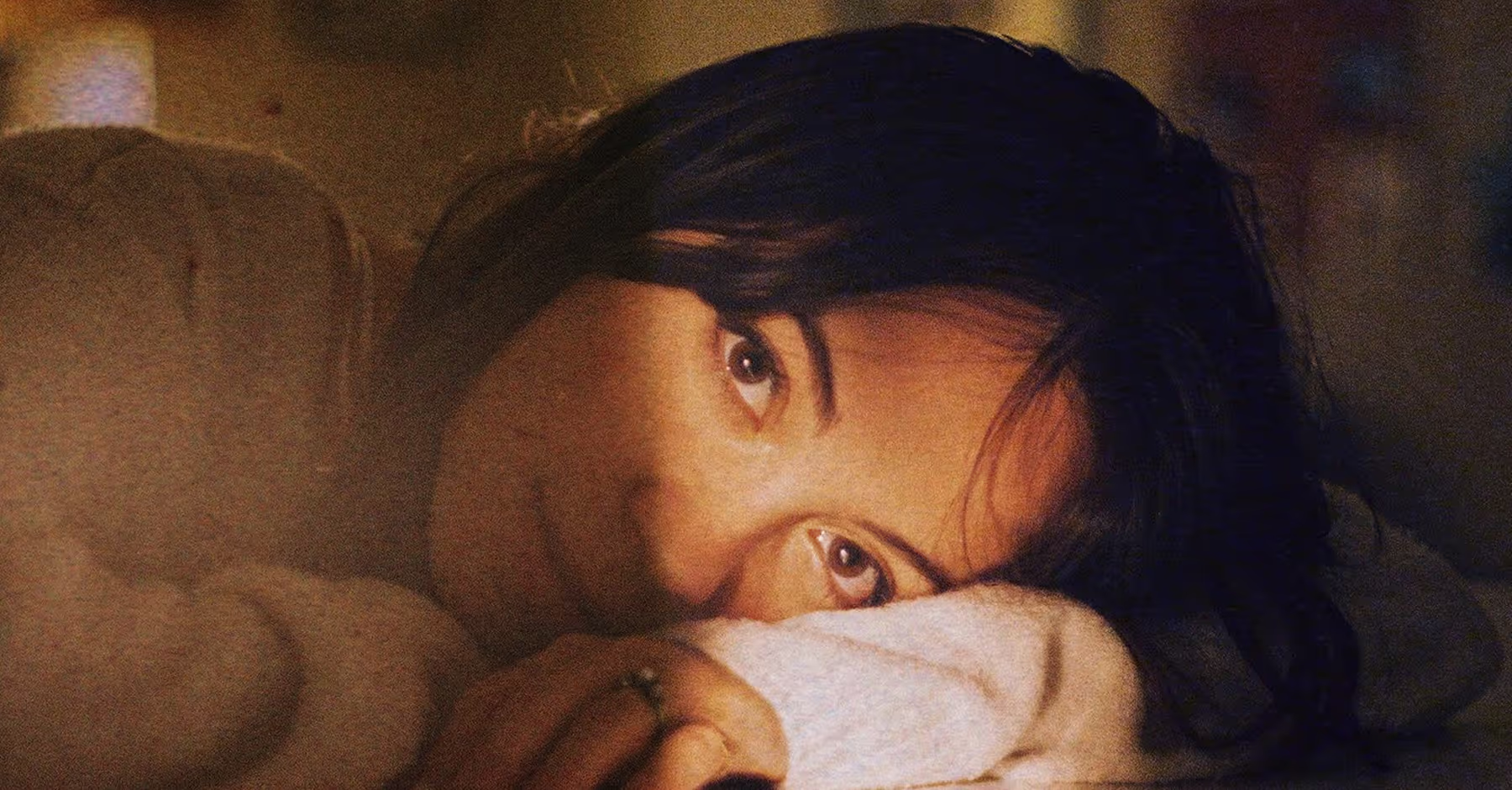
Apply Grunge Effects and Filters
Grunge effects and filters add worn textures, faded tones, and distressed details for a raw, film look.
Perfect for photos and videos, grunge overlays create mood, depth, and a layered, vintage aesthetic that emphasizes imperfection and visual character.
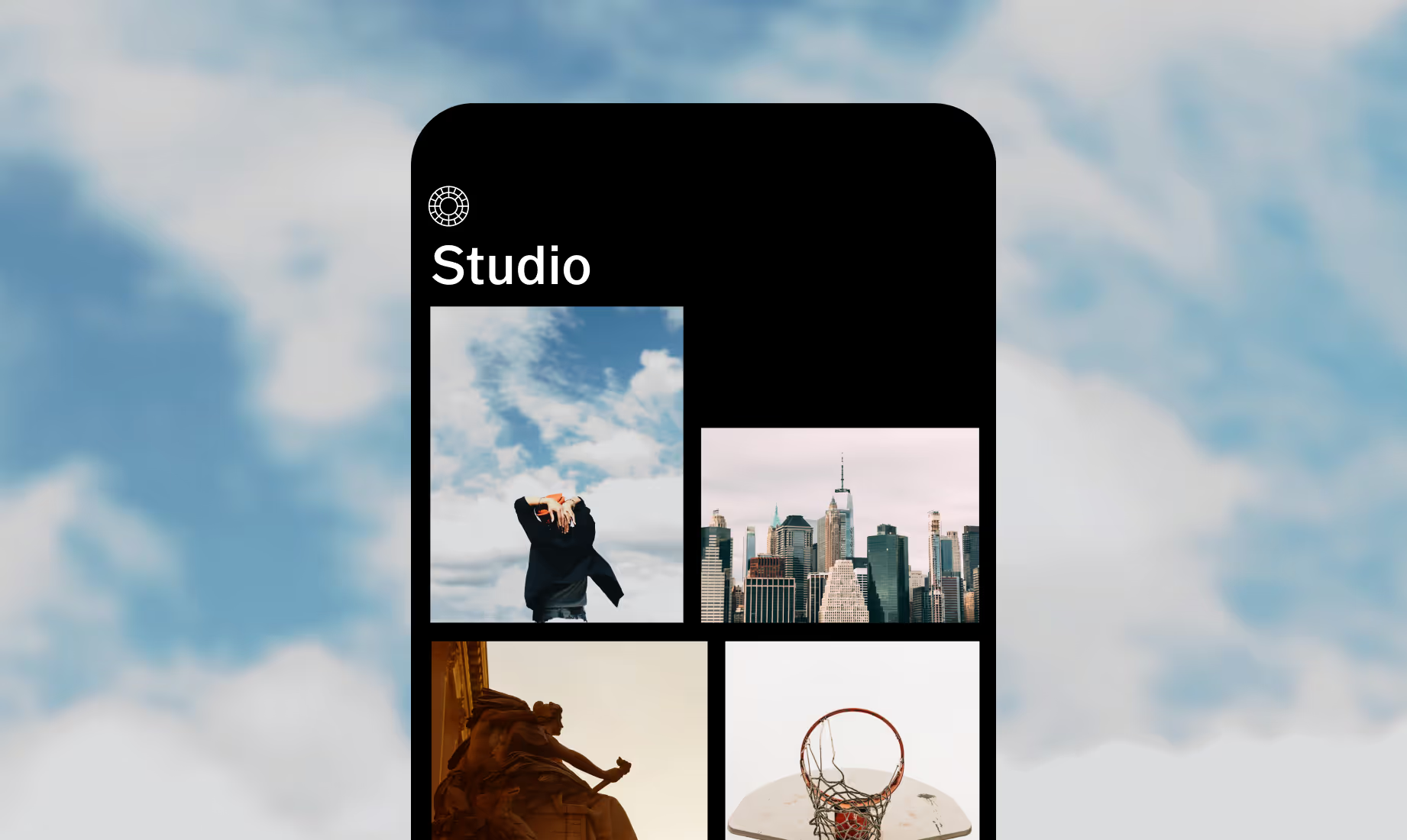



Frequently asked questions
What is a grunge texture?
Grunge textures add worn, distressed details like scratches, grain, and faded tones to your photos or videos, creating a raw, tactile, and gritty look.
How can I add a grunge effect to my photos or videos?
You can add grunge effects using the VSCO app on iPhone or Android. Apply film effects, filters, and textures like grain, light leaks, and distressed frames.
Is there an app or tool for applying a grunge texture?
Yes, the VSCO photo editor app on iPhone and Android lets you easily apply grunge textures and film-inspired effects. Explore dozens of different grunge overlays and combine them with powerful editing tools.
Why use a grunge style of photography?
Grunge photography brings a gritty, textured, and vintage look to your photos and videos, highlighting flaws and details to create a raw, analog atmosphere.
MORE VINTAGE FILM EFFECTS
Enhance your photos and videos with VSCO’s grunge and film-inspired tools. Explore the full lineup of film effects, soften details with blur, and fade images for a subtle, vintage finish.
Explore More Film Effects
From grunge to grain, learn more about all the texture overlays and effects you can add.
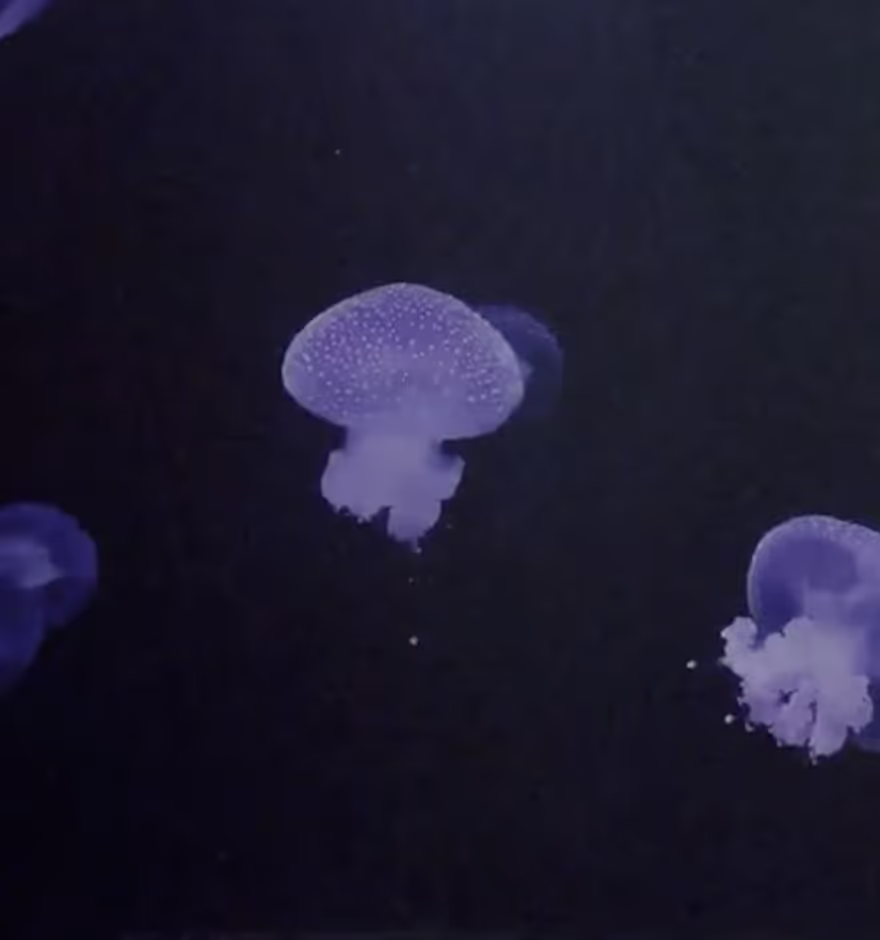
Soften with Lens Blur
Contrast grunge with a soft, dreamy photo blur effect to beautifully isolate your subject.
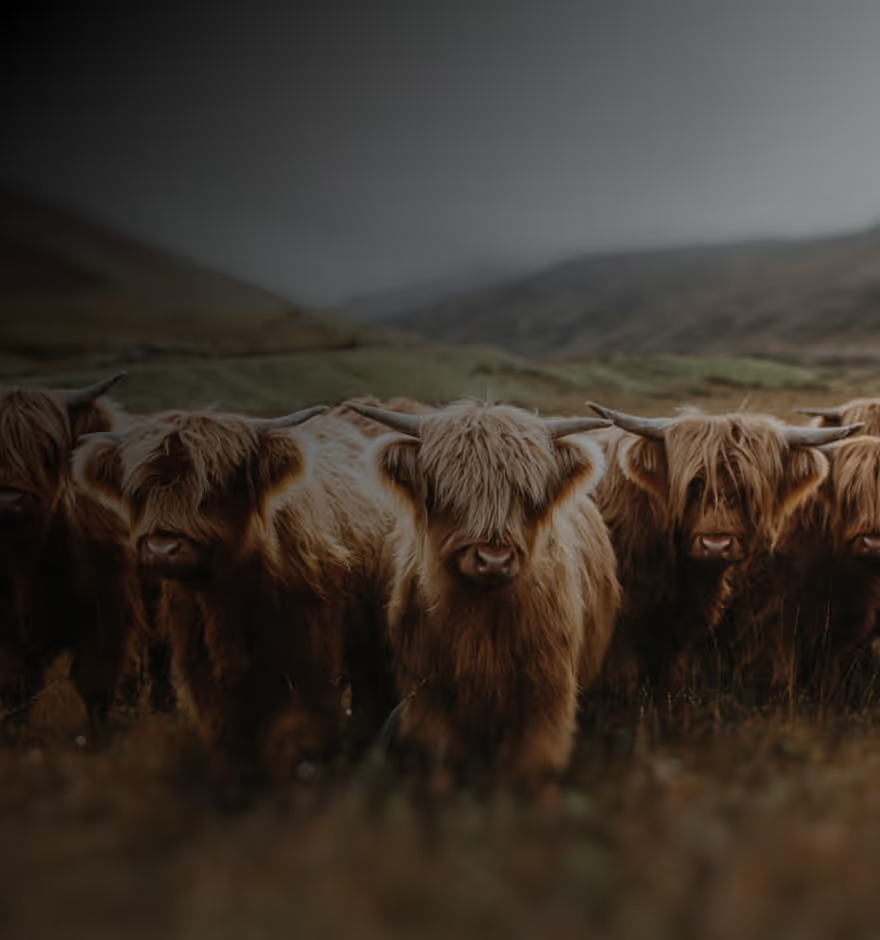
Mute Shadows with Fade
Flatten shadows to add a muted, worn look that enhances grunge textures.