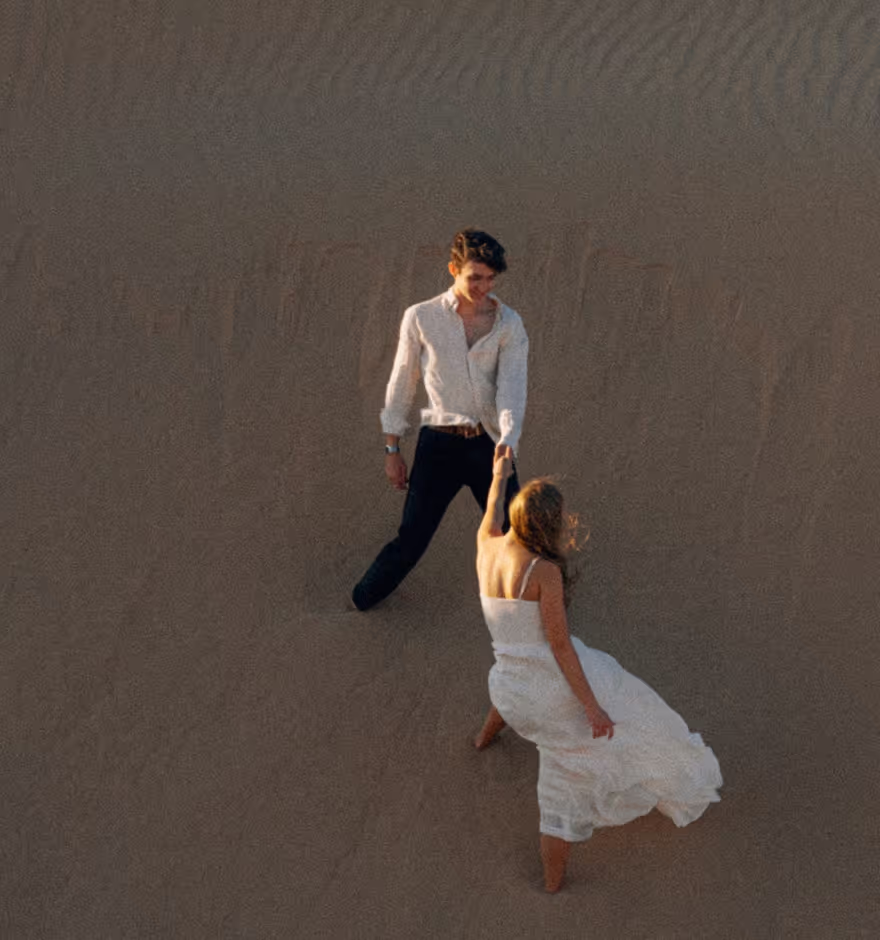
Reverse Video
Create seamless video loops and reverse video playback with the VSCO video editor app.
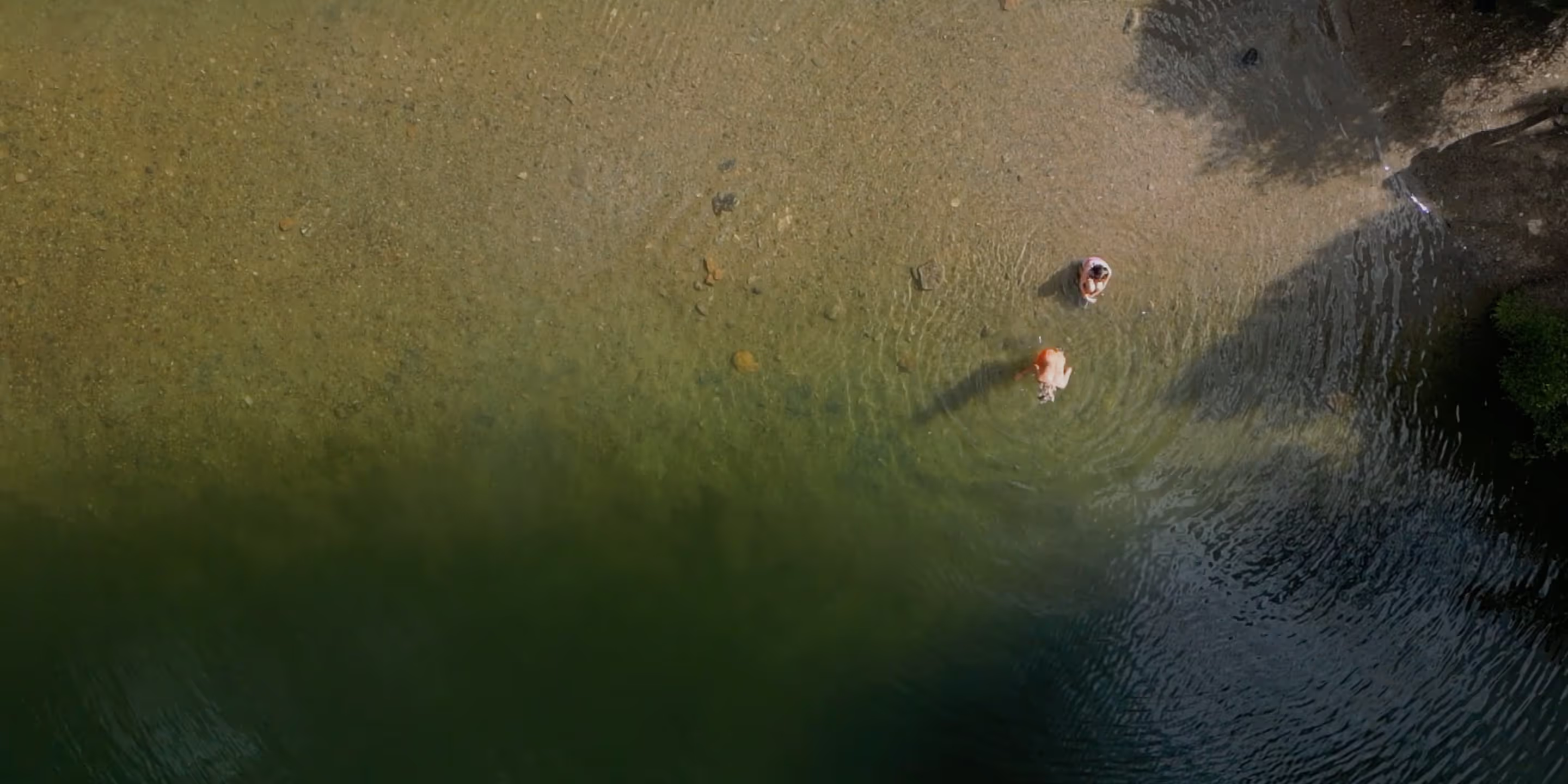
Reverse videos with the VSCO mobile video editing app. Try presets, effects, and tools like Reverse to edit your videos in any creative direction.
Combine Reverse with other VSCO video editing tools like Speed to create a unique slo-mo clip. Join today to build authentic connections that foster professional growth and to edit photos and videos with our full suite of tools. Invest in your creativity with a VSCO Membership.
Top quality video editing
VSCO Members can use the video reverser to reverse video playback without sacrificing quality. Easily mirror your video to create a seamless loop before exporting or publishing.
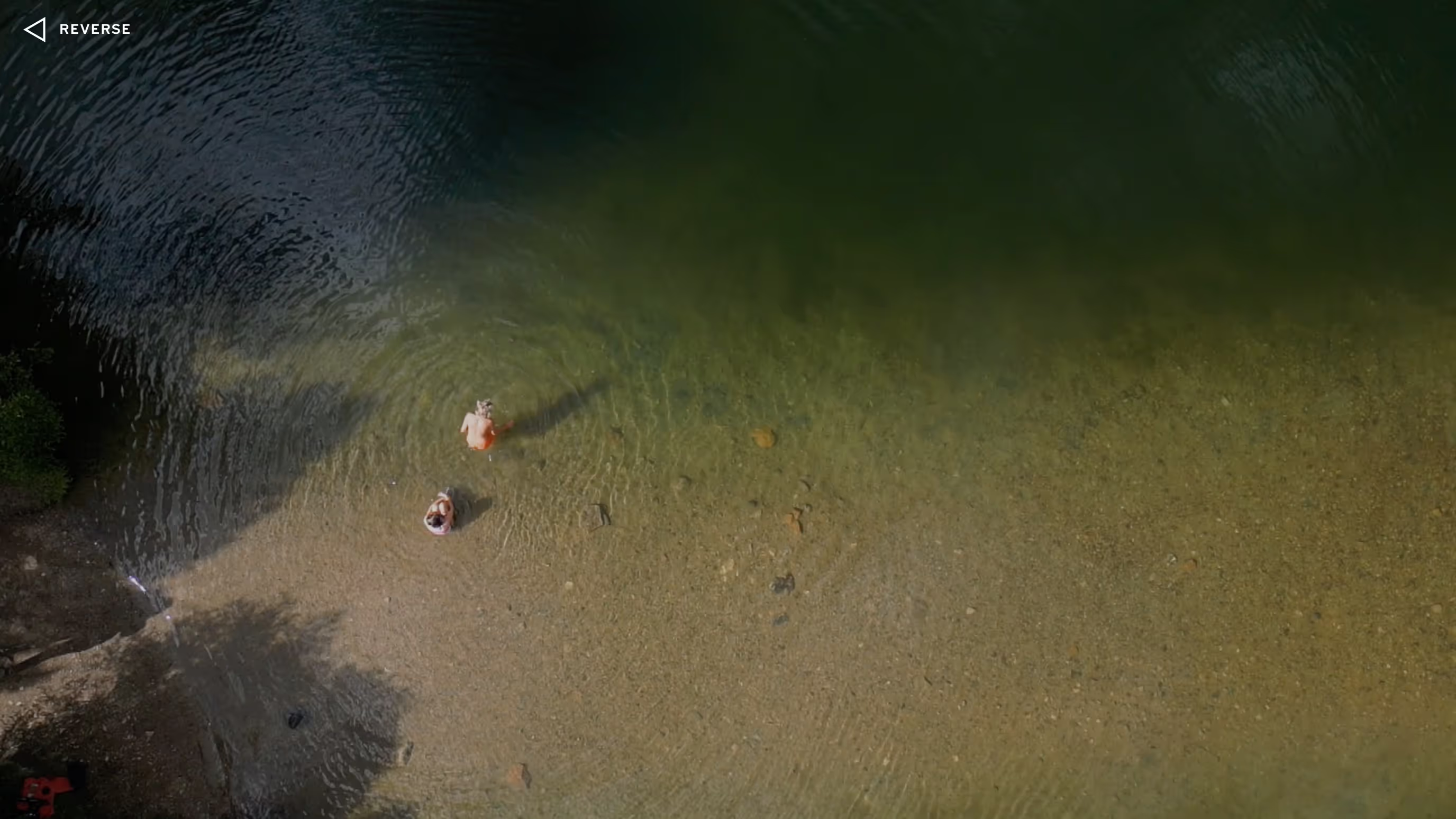

Turn back the time
Play with movement and composition as you turn back the time in your videos with the video reverser. Use your creativity to defy gravity or reassemble broken pieces.
Perfect video loops
Editing videos into a loop takes one tap. Use the Mirror video looper option to create seamless looping videos that play forward and back.
Creative combinations
Push your creativity by combining video Reverse with other professional videos tools and effects. Shift into slo-mo with Speed or create a vintage look with film effects.
How to reverse a video
Capture or import your video with VSCO mobile app. Use the video editor to reverse it in one tap with the video Reverse tool. Tap Reverse to play your video backwards, or Mirror to create a video loop forward and back. Experiment with other editing tools and effects, then easily export or publish your video to your VSCO profile.
Frequently asked questions
Can I play a video backwards with VSCO?
How to reverse a video?
To reverse a video in VSCO, open the mobile app, select your clip, and tap the video reverse editor to instantly play your video backwards.
Can I loop videos?
Yes, you can loop videos in VSCO using the Mirror option, which plays your clip forward and then in reverse for a seamless video loop.
Can I speed up or slow down a reversed video?
Yes, VSCO lets you combine the reverse video editor with the video speed editor tool to slow down or speed up a reversed video.
Can I add a filter to a reversed video?
You can add 200+ video filters, video effects, and edit reversed videos in VSCO to match your creative style.
Can I mute or adjust the sound of a reversed video?
Yes, VSCO’s video editor lets you mute videos or adjust the audio volume of your reversed video for better control over audio.
Can I trim a video before or after reversing it?
Yes, you can use the video trimmer tool before or after applying the reverse video effect using VSCO’s mobile video editor.
MORE VIDEO EDITING TOOLS
Once you reverse your clip, shape the rhythm even further with precise video speed control, clean cuts with the video trimmer, and audio tools that help your edit land exactly the way you imagined.
SPEED UP OR SLOW DOWN VIDEOS
Create smooth slow-mo videos or speed up clips up to 16x with intuitive controls for the perfect rhythm.

VIDEO TRIMMER
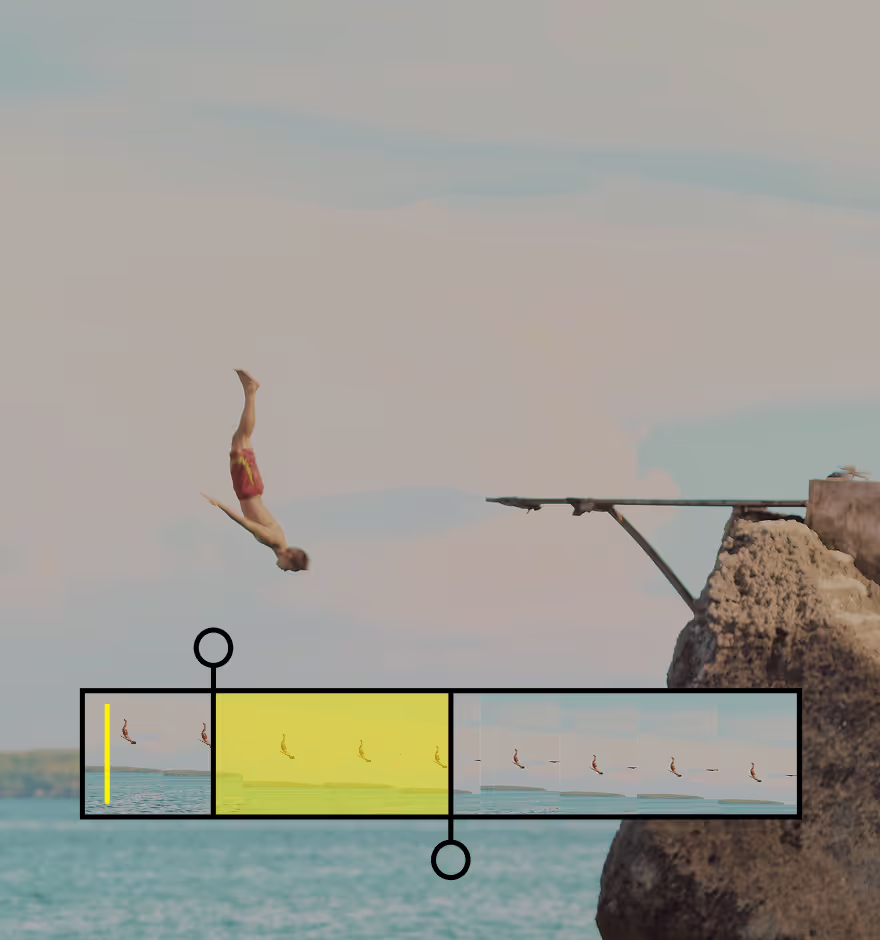
Trim the beginning or end of your clip to keep only the strongest moments. Polish your video with precise, clean cuts.
MUTE OR REMOVE AUDIO
Silence distracting audio or clear space for your own track. Control the sound with a single, easy to use slider.