Trim Video
Edit and trim video length with VSCO’s mobile video editor.
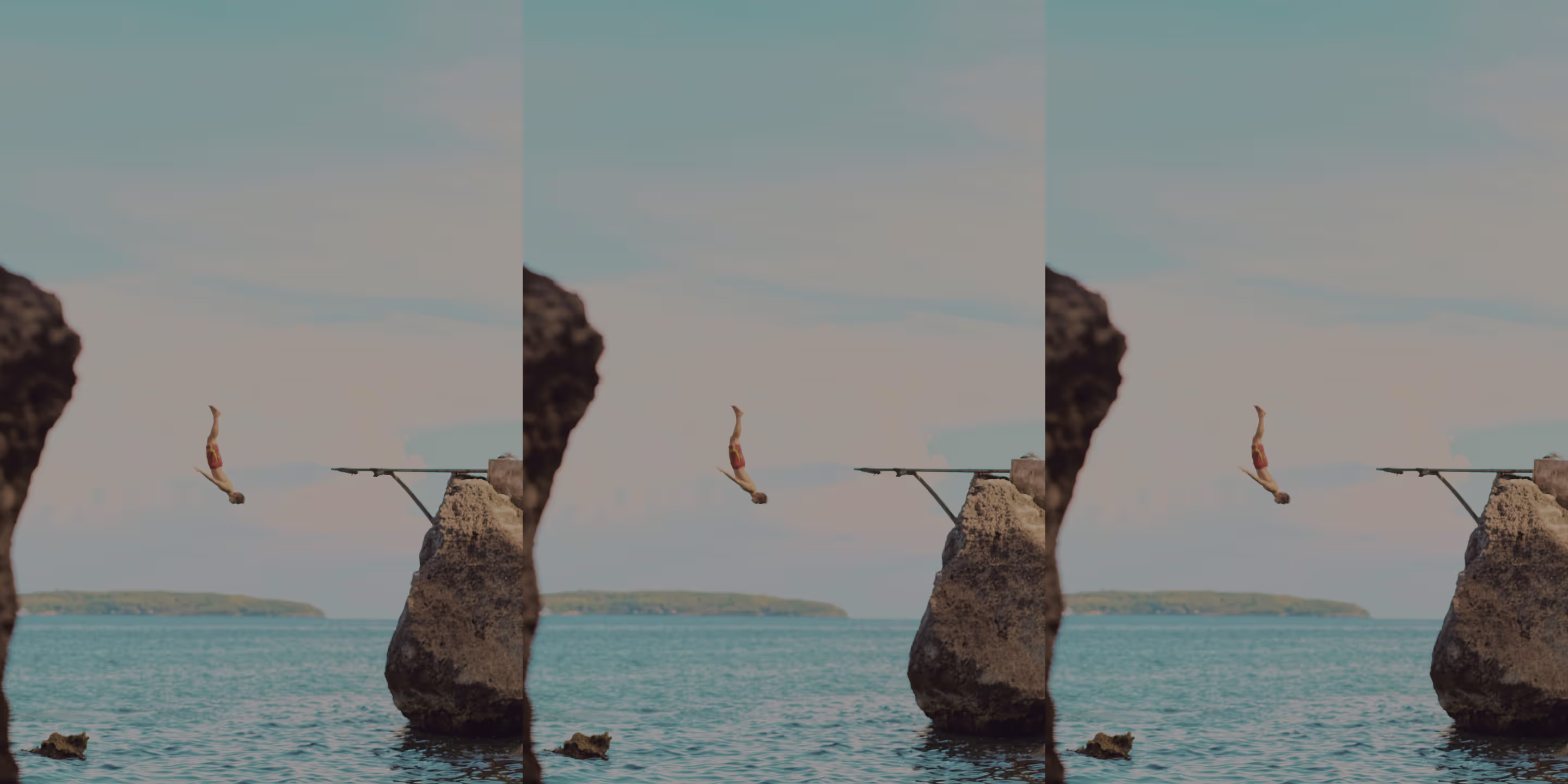
Trim video length on iOS and Android with VSCO. Use the professional video trimmer to trim, cut, and adjust the start and end points of your videos.
VSCO is a community-driven platform that equips photographers to expand creatively and professionally. Join today to build authentic connections that foster professional growth and to edit photos and videos with our full suite of tools. Invest in your creativity with a VSCO Membership.
Perfect video cuts
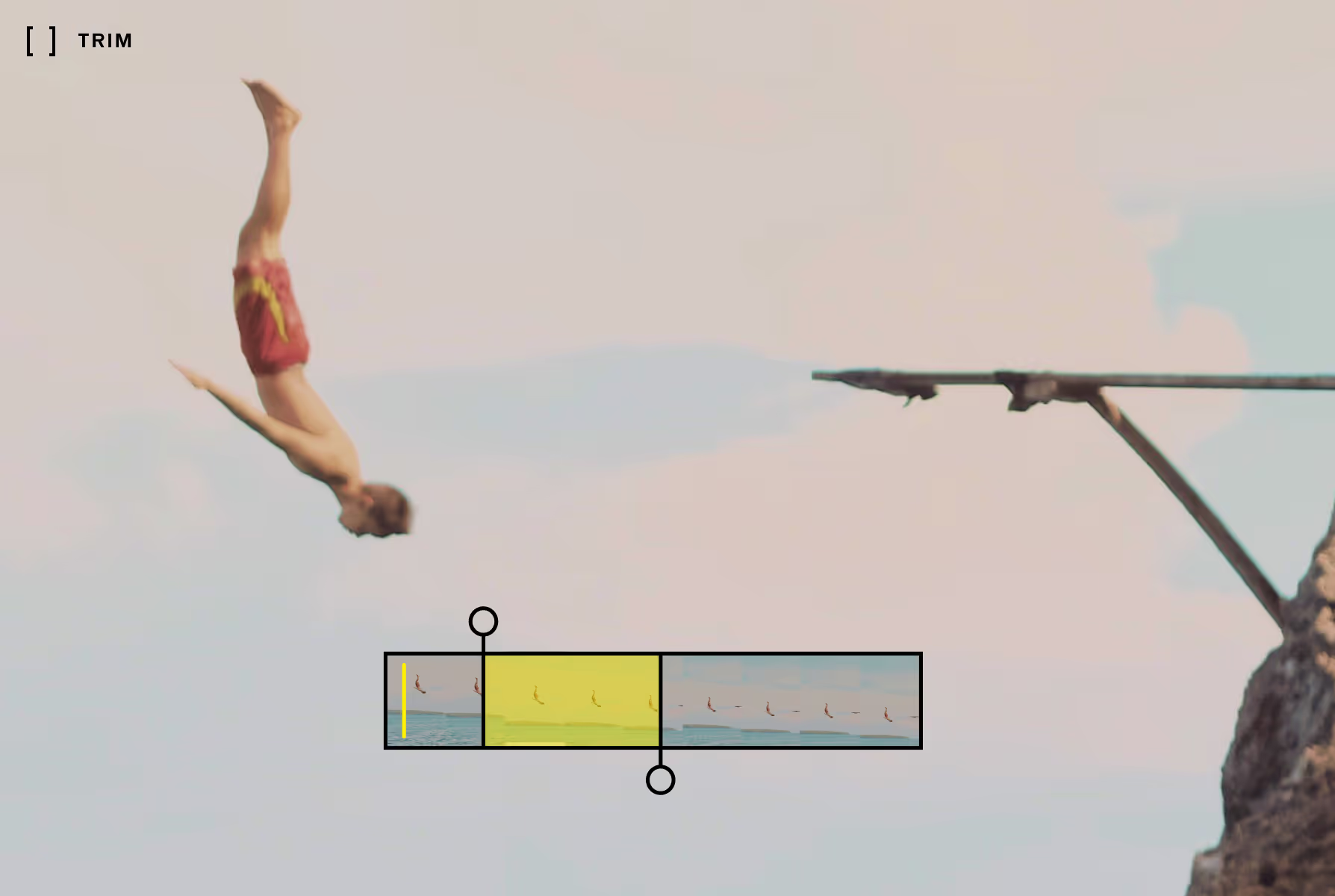
Getting video length just right is vital for stitching together video clips and making scenes. Preview playback in top quality and find the perfect cut using the video trimmer's precision markers.

Precision and control
Whether you’re timing scenes for a short film or finding the perfect moment, video Trim gives you the precise control you need to make the perfect video cut. Preview video edits with looping playback and combine other video editing tools and effects.
Merge with Montage
Combine photos and video clips with Montage and share your story to your VSCO profile. Use designer templates, add color with a shape, and sequence scenes in one mobile video editing app.
A better place to publish
Publish from anywhere with a VSCO Pro Membership and share photos and video in an authentic environment and global community of photographers.
How to trim a video
Capture or import videos with the VSCO video editing app and use the video editor to access the video trimmer tool. Adjust the starting and ending points to where you’d like to cut the video. Tap and drag the handles at either end of your video to trim parts from the beginning or end. Try finishing your video edit with film effects before exporting or publishing to your VSCO profile.
Frequently asked questions
Can I cut unwanted parts of a video?
Yes, VSCO offers a mobile video trimmer that lets you cut unwanted parts of a video with simple start and end point adjustments.
How do I trim a video on my phone?
Can I trim slow motion or reversed videos?
Yes, VSCO’s video trimmer and editor lets you trim slow motion and reversed videos just like any other clip.
Can I crop a video?
Yes, VSCO offers a video cropper as part of the Adjust feature, available on iPhone and Android. You can crop and straighten videos to refine your composition before or after trimming.
Can I add a filter to a trimmed video?
Yes, after you trim your video, you can add a VSCO filter or video effects to complete your edit before exporting or sharing.
MORE VIDEO EDITING TOOLS
Trimming lets you isolate the exact part of a clip that matters. Build on that precision with Speed to adjust the pacing, mute or remove audio to control sound, and reverse videos to flip motion for creative loops.
SPEED UP OR SLOW DOWN VIDEOS
Stretch or compress time. Smooth slow-mo video creates cinematic flow, and sped up playback energizes.

MUTE OR REMOVE AUDIO
Silence video sound to remove distractions or make space for music and effects that match your edit.
VIDEO REVERSER
Play videos backward to create mirrored actions, loops, or unexpected motion that adds a creative twist to your edit.