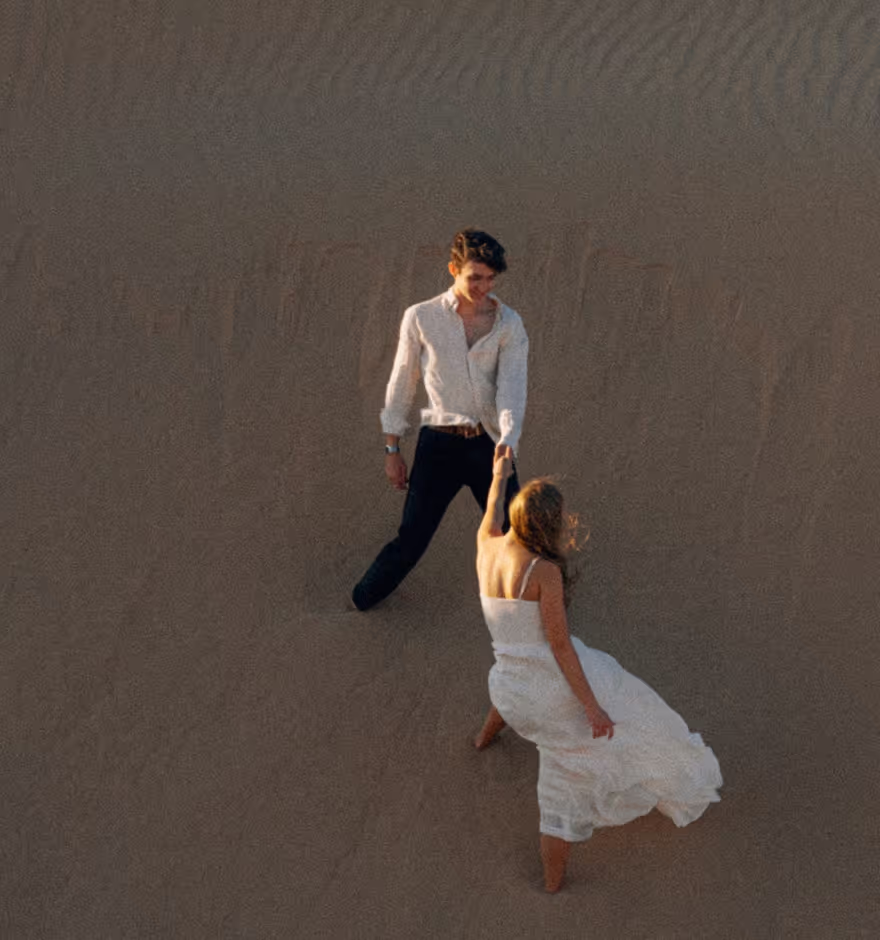
Video Speed
Control video speed with VSCO. Edit for smooth slow motion or speed things up.

Speed up and slow down video with VSCO’s video editor. Use the app’s video speed controller to create professional, cinematic looks.
VSCO is a community-driven platform that equips photographers to expand creatively and professionally. Join today to build authentic connections that foster professional growth and to edit photos and videos with our full suite of tools. Invest in your creativity with a VSCO Membership.
Pro video editing
VSCO Members can use the Speed tool to adjust video playback speed — speed up video or slow down video without sacrificing quality. No more choppy frames and you can export or publish to your profile with ease.


Keep it smooth
With a dedicated Smooth feature for creating slow motion videos, the Speed tool allows you to edit slower without creating choppy frames. Push your video to its limits without losing that professional look.
Speed up video
Have a lot to show in little time? Increase your video’s speed up to 16x the original playback rate. Finding the perfect speed for your next video is easy with our intuitive Speed dial.
Slow down video
Emphasize fleeting moments with slow motion video effect. Reduce video speed all the way down to .1x the original playback with seamless, smooth frames and full creative flexibility.
Shift to Reverse
Join today to combine Speed with other professional video editing tools like Reverse to create backward videos and looping clips with a one tap.
Frequently asked questions
Can I speed up a video with VSCO?
Yes, VSCO lets you speed up video playback of an already recorded video up to 16x using the video speed controller in our mobile video editing app for iPhone and Android.
Can I make a slow motion video with VSCO?
VSCO offers a slow motion video editor for iPhone and Android that lets you slow down video playback as low as 0.1x, creating smooth slow motion without choppy frames.
How fast or slow can I make the video playback speed with VSCO?
With VSCO’s video speed editor, you can speed up video to 16x or slow down a video to 0.1x the original speed.
How do I smooth slow motion videos in VSCO?
VSCO’s video speed editor includes a smoothing feature designed to reduce stuttering, choppy frames and create seamless, cinematic slow motion videos.
Can I adjust video speed and audio separately in VSCO?
Yes, VSCO does support separate audio editing with the video Volume tool. You can mute or change video volume while adjusting video speed independently.
Can I reverse a video and adjust playback speed together with VSCO?
VSCO offers both a Reverse video editor and Speed tool, so you can reverse a video and change video speed in the same edit.
Can I trim or crop a video before adjusting speed with VSCO?
Yes, you can trim and crop your video in the VSCO app with the video trimmer and the Adjust tool for cropping, rotating, skewing, straightening videos. All are available on iPhone and Android so you trim or crop a video anytime in your video editing workflow.
Is VSCO a good app to slow down video?
VSCO is a professional slow motion video editing app that makes it easy to slow down video playback with smooth, high-quality results.
How do I use VSCO to speed up videos on iPhone or Android?
Just open the VSCO video editor app on your iPhone or Android, import your clip, and use the Speed tool to quickly change video speed.
Can I edit slow motion video online with VSCO?
VSCO’s slow motion video editor is currently only available for iPhone and Android devices, allowing you to create and smooth slow motion videos right from our mobile app.
MORE VIDEO EDITING TOOLS
Pair the video speed tool with Reverse to flip playback direction, the video trimmer to isolate the moment you want to adjust, and mute or remove audio to silence original sound.
VIDEO REVERSER
Play videos backwards and create seamless video loops with the reverse video editor.
VIDEO TRIMMER
Cut to the moment that matters. Trim video start and end points before changing speed or reversing.
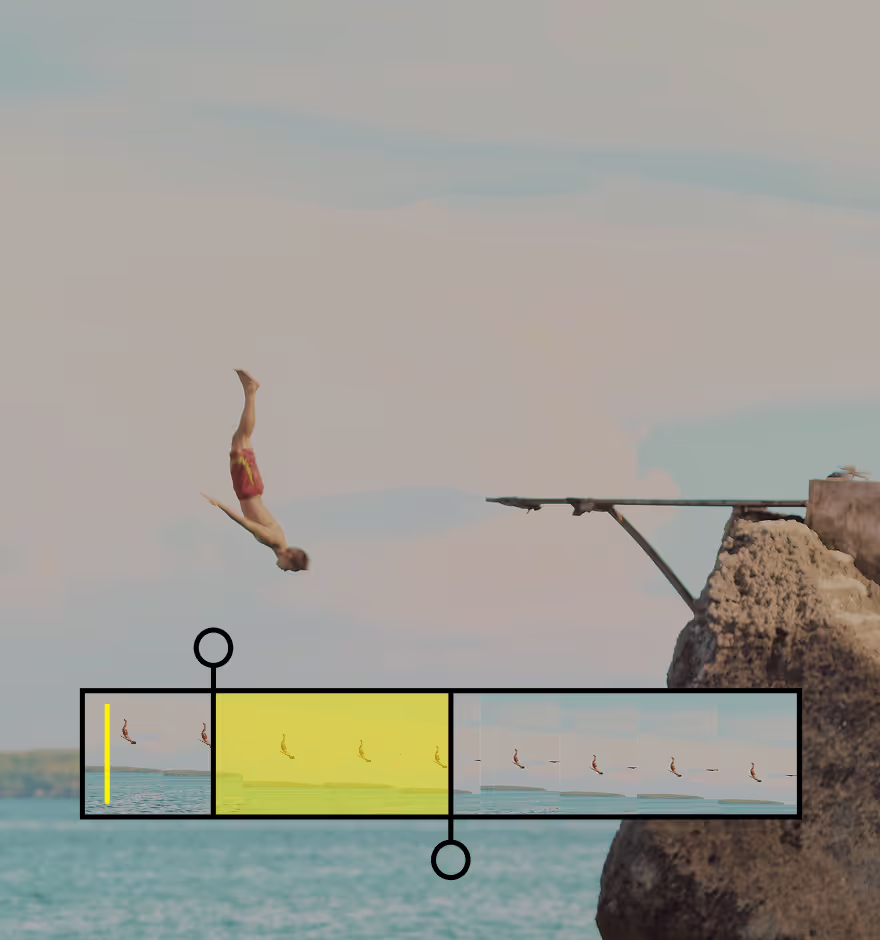
MUTE OR REMOVE AUDIO
Quickly reduce or mute video audio with a single slider for clean, controlled sound.