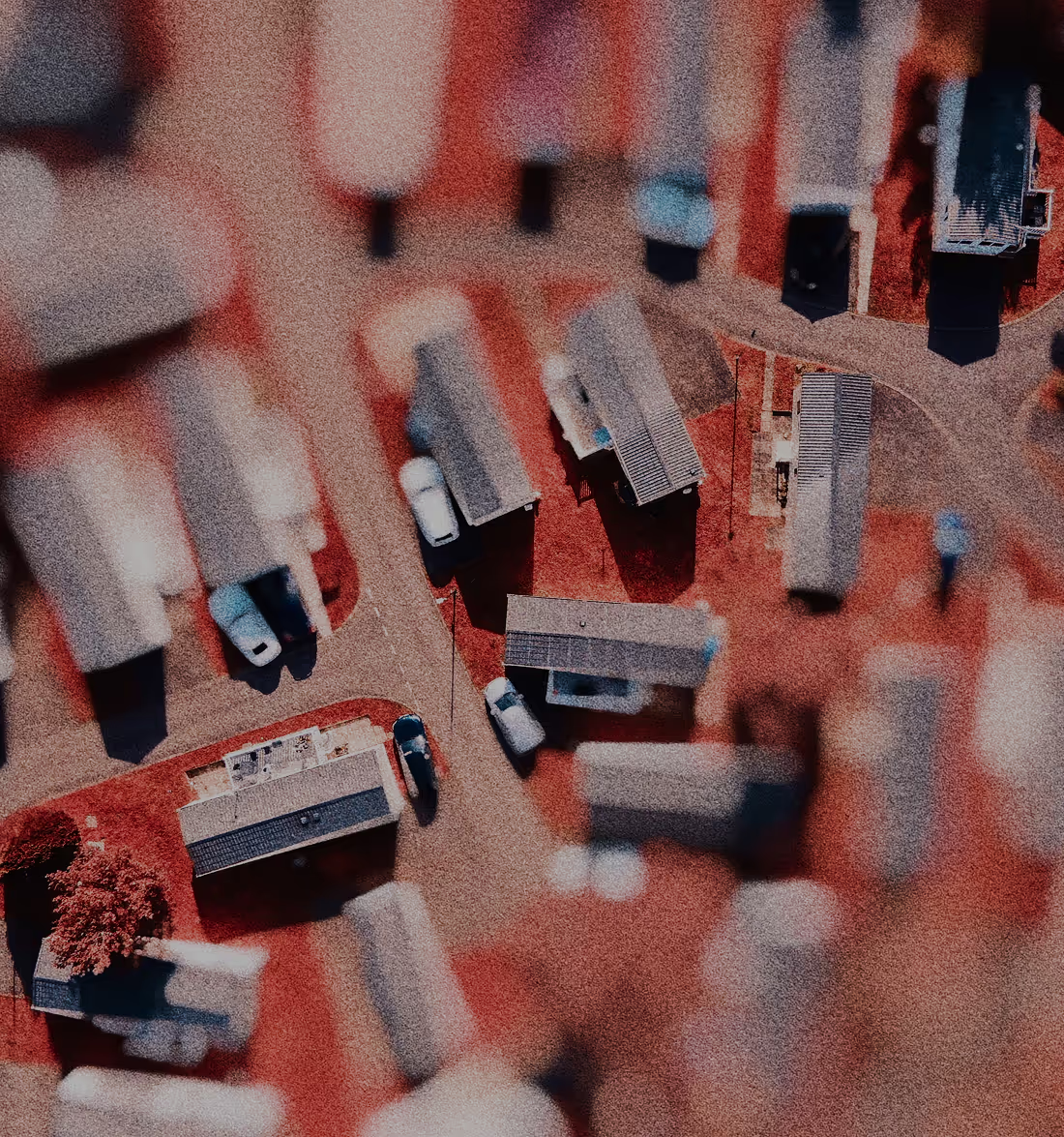
Infrared Filters
Get the look of infrared photography in one tap with the IR filter series. Create surreal scenes with photo filters inspired by real infrared film.
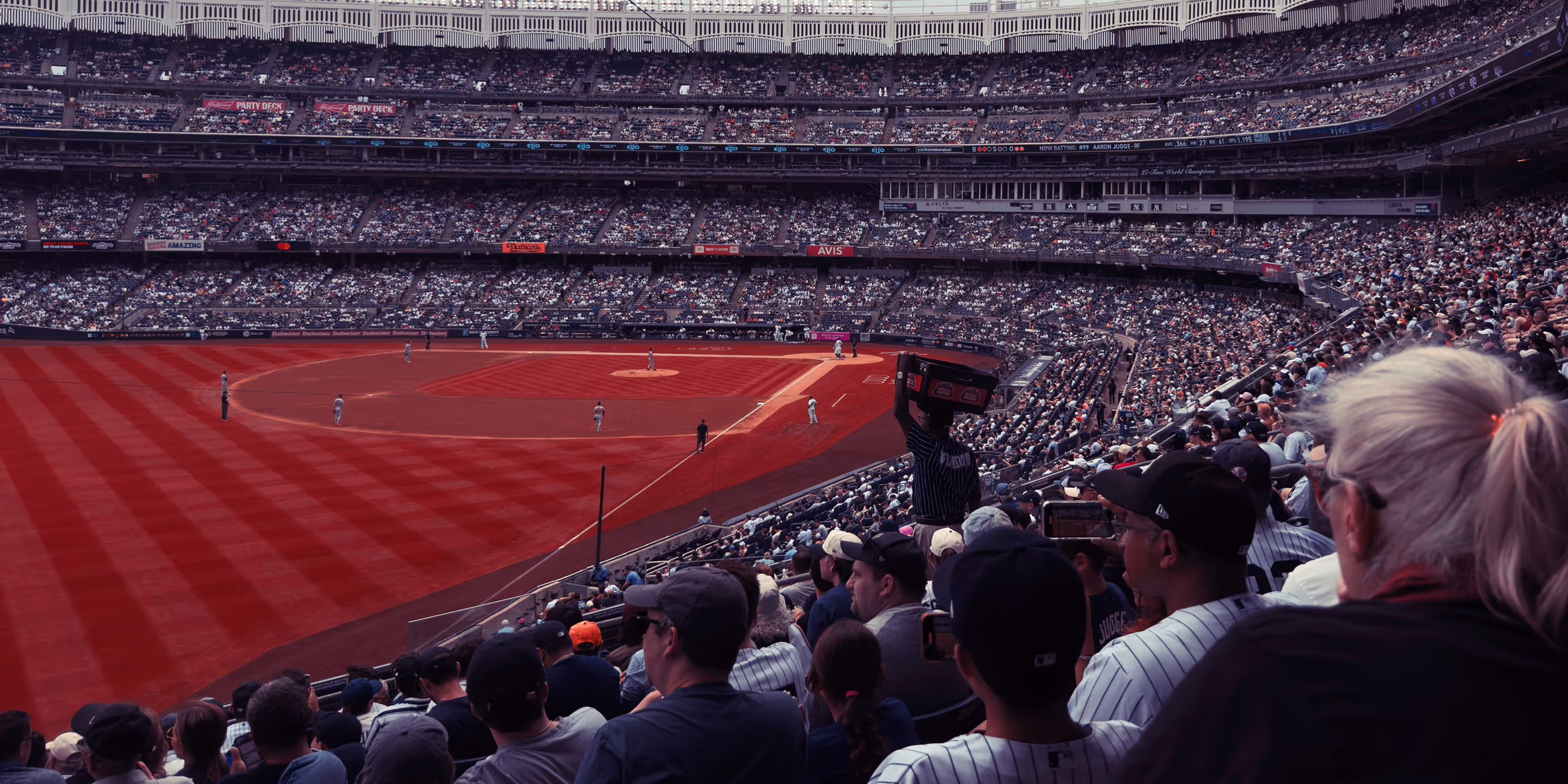
Transform any image into a infrared photo in seconds with a photo editor that offers customizable infrared filters and effects.
Download the VSCO photo editor or start editing infrared photography online with the desktop editor. Create and customize surreal, infrared photo effects — from vibrant otherworldly landscapes to ethereal black and white portraits.
7 unique infrared filters
Capture the surreal beauty of infrared photography with seven distinct presets in the Infrared (IR) photo filter series. From bright pinks to deep magentas and crimson reds, each infrared filter brings the signature look of classic infrared film, creating a bold aesthetic that you won’t find anywhere else.
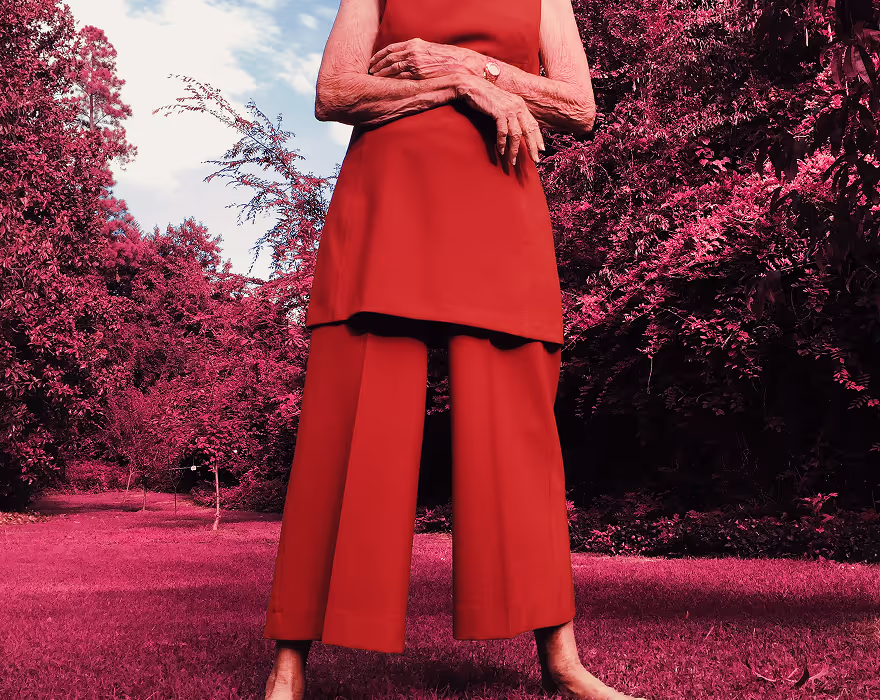
The IR1 preset, inspired by infrared film, boldly converts greens and yellows into deep shades of magenta and red. This striking effect enhances landscape images with vivid contrast and intense color, giving your photos a distinct infrared look.

The IR2 preset offers a more subtle infrared conversion, gently shifting green and yellow hues toward softer magentas and reds. Ideal for portraits, it creates a smooth, natural contrast that works with skin tones while maintaining the unique look of infrared photography.

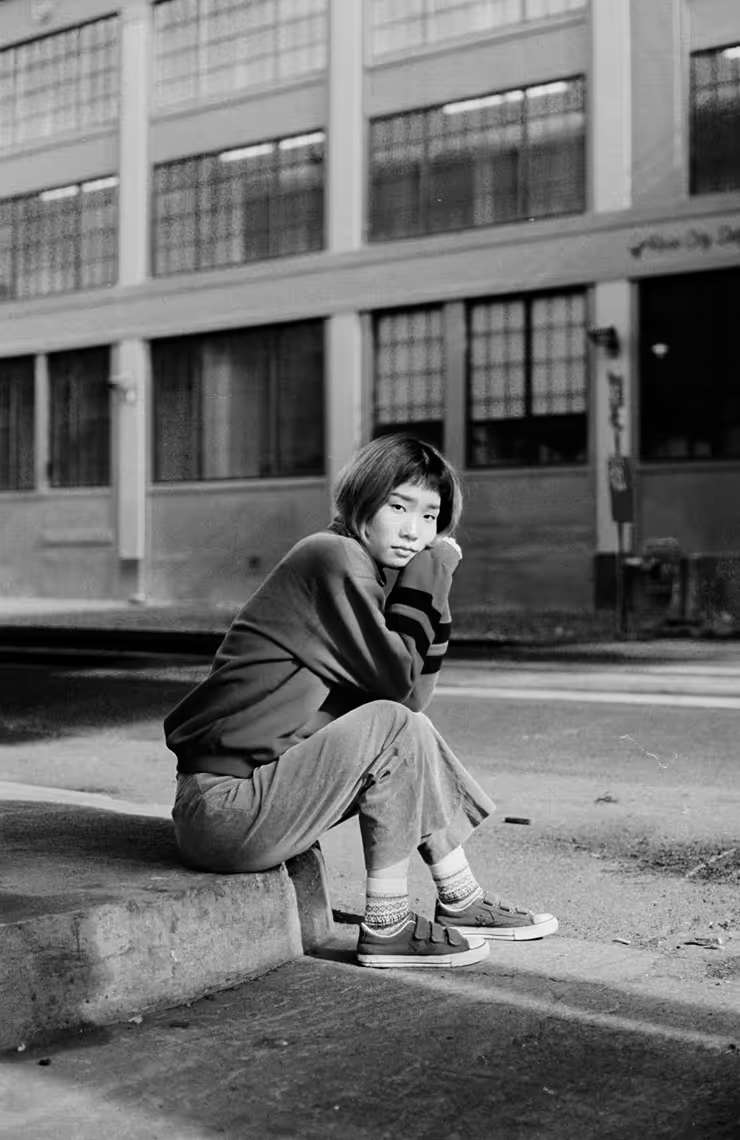
The IR3 preset mimics the unique style of black and white infrared film, offering a high-contrast, surreal effect. It intensifies bright whites and deep blacks, while transforming foliage into a striking, almost ethereal white. Ideal for crafting otherworldly landscapes or bold portraits, this preset adds an intense, dreamlike quality to your images.

The IR4 preset delivers a bold infrared effect, transforming greens and yellows into vibrant shades of pink and magenta. Perfect for landscapes, it creates striking contrasts and adds a rich, colorful depth to your images, giving them a distinct, eye-catching look.
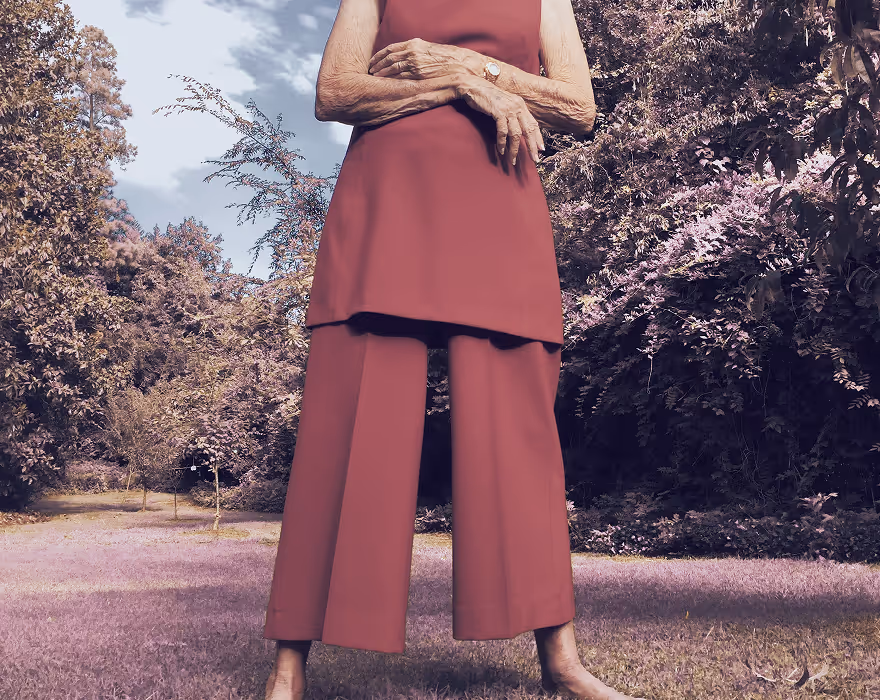
The IR5 preset offers a gentle infrared conversion, shifting greens and yellows toward a soft pink hue. Designed with portraits in mind, it preserves skin tones while maintaining the unique feel of infrared film photography.

The IR6 preset brings a cool twist to infrared photography, shifting greens and yellows toward soft blues and bright whites. Ideal for landscapes, it creates crisp contrast and a clean, atmospheric look that highlights natural elements in a fresh, unexpected way.
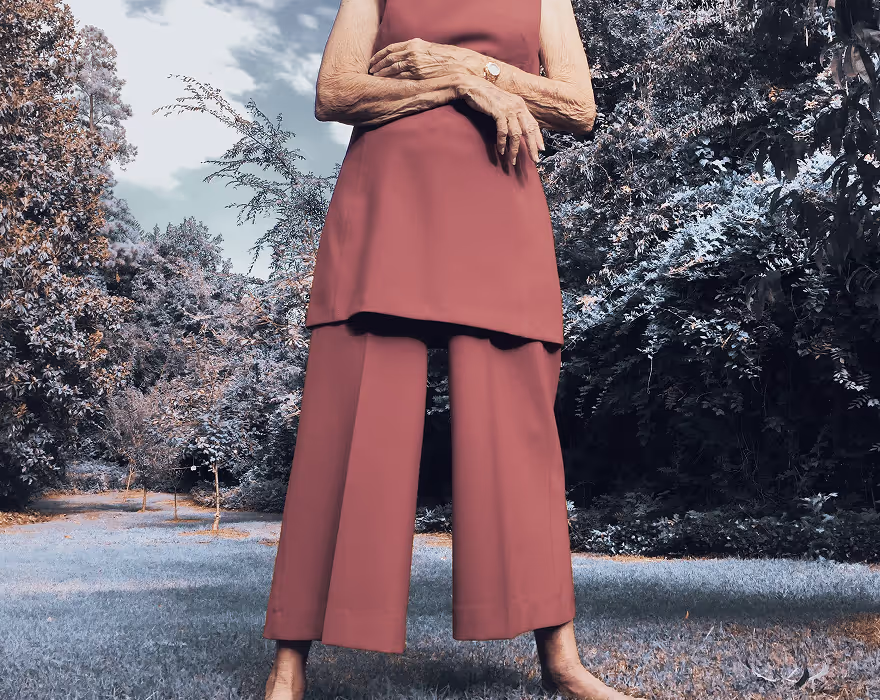
The IR7 preset offers a cool-toned infrared look tailored for portraits, shifting surrounding green and yellow hues toward softer blues and whites while preserving natural skin tones. It adds an understated infrared feel to your images without overpowering the subject.
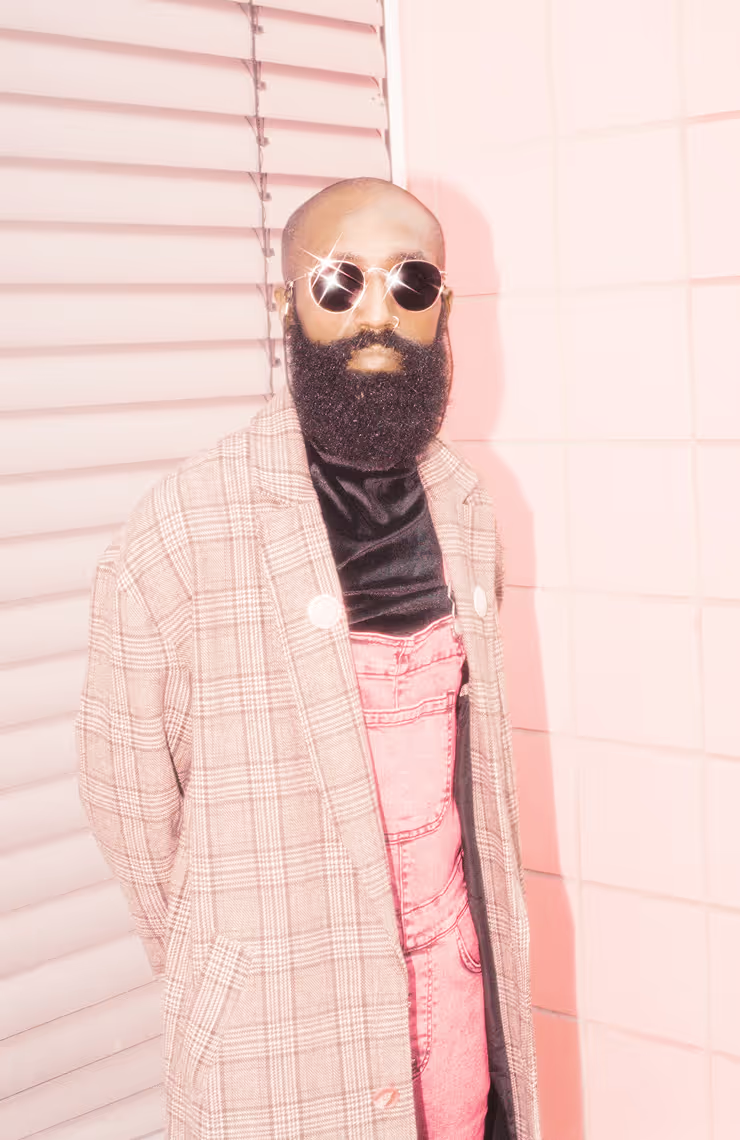
Infrared portrait filters
Designed to preserve natural skin tones while adding signature infrared color shifts, IR2, IR5, and IR7 are ideal for expressive, stylized portraits.
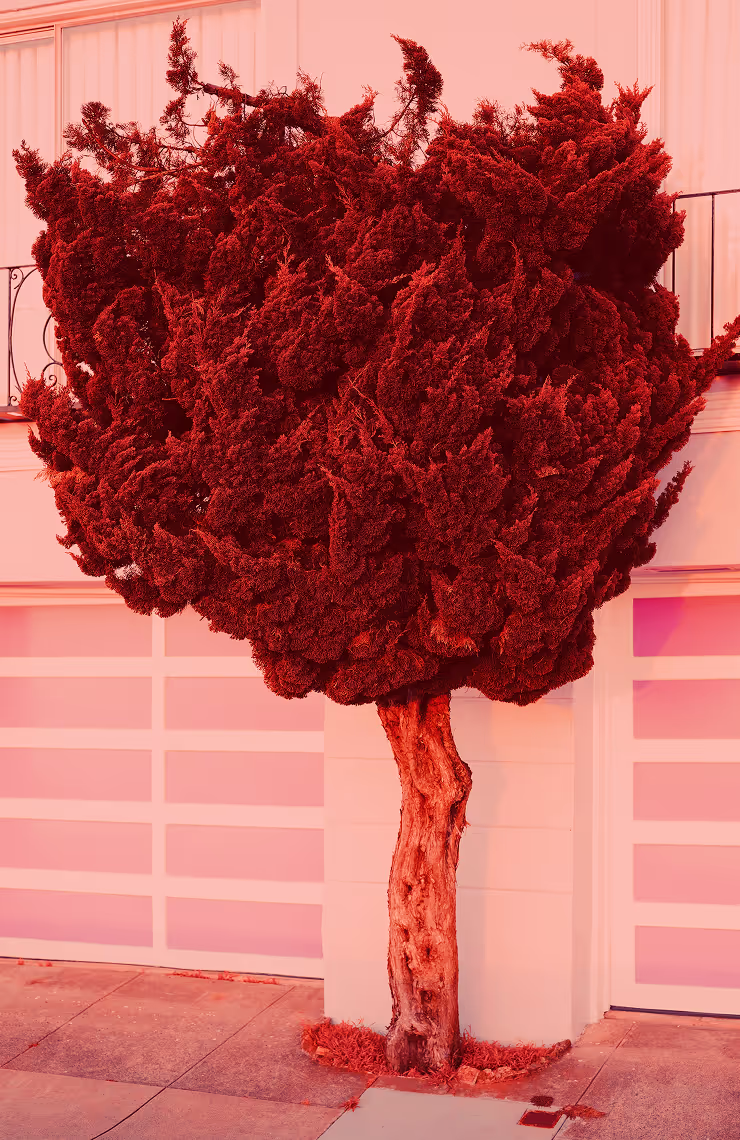
Infrared landscape filters
Turn everyday scenes into striking visual statements with IR1, IR4, and IR6. From deep reds and magentas to icy blues and whites, these filters transform landscapes with bold color shifts and contrast.
Black and white infrared filter
Get the classic look of black and white infrared film with IR3, a high-contrast preset that brightens greens hues and deepens shadows. Ideal for adding intensity and visual impact to any scene or genre.
How to add infrared filters
Turning your photos into infrared images is simple with VSCO Studio on desktop or the mobile app. Upload an image or import one using the ‘+’ icon, then tap or click to select it. On a Mac or PC, open the photo preset panel by clicking the preset icon; with the iPhone or Android app, tap ‘Edit Image.’ From there, scroll and pick an infrared (IR) filter that matches your creative vision.


Frequently asked questions
What are infrared filters?
Infrared filters are photo presets that let you digitally mimic the look of infrared photography—shifting colors like greens and yellows into pinks, reds, blues, or whites to create surreal, otherworldly effects.
How do infrared filters work in VSCO?
VSCO’s infrared filters simulate the look of traditional infrared photography by transforming color tones in your image rather than capturing actual infrared light. These filters remap hues, like turning greens to vibrant pinks or cool blues, and adjust contrast for dramatic visual impact.
Do I need a special camera to use VSCO infrared filters?
No. You don’t need a specialized infrared camera. VSCO’s infrared filters are digital effects applied within the mobile app or desktop editor, so you can create infrared-style images from any photo.
Are there different infrared filters for landscapes and portraits?
Yes. VSCO offers multiple infrared presets tailored for different subjects. Some infrared filters emphasize bold colors perfect for landscapes, while others are optimized to preserve skin tones in portraits while still giving an infrared-inspired look.
Can I adjust the strength of an infrared effect?
Yes. In the VSCO mobile app or desktop editor, you can customize the intensity of your infrared filter by adjusting the Strength slider, allowing you to fine-tune the look from subtle to dramatic. After applying an infrared filter, tap the preset tile again to adjust the intensity.
How do I apply an infrared filter in VSCO?
Open your photo in the VSCO app or desktop editor and scroll through the presets to find the infrared filters (IR1–IR7). Select the one you like, then adjust the strength. Continue with additional editing tools like Contrast or Saturation to refine your look even further.
RELATED PHOTO EDITING TOOLS
Edit your infrared photos to reflect your creative vision. From bold color shifts to film aesthetics, VSCO’s photo editing tools let you craft the exact tone, texture, and intensity you’re after.
Film Photo Effects
Bring the texture and beauty of analog photography to your digital images with vintage film effects.

HSL EDITOR
The HSL tool (Hue, Saturation, Lightness) controls individual colors in your photo to customize your infrared look.

PHOTO Blur Effect
The photo Blur editor lets you selectively soften areas of your photo, creating depth and refining focus with a blur effect.