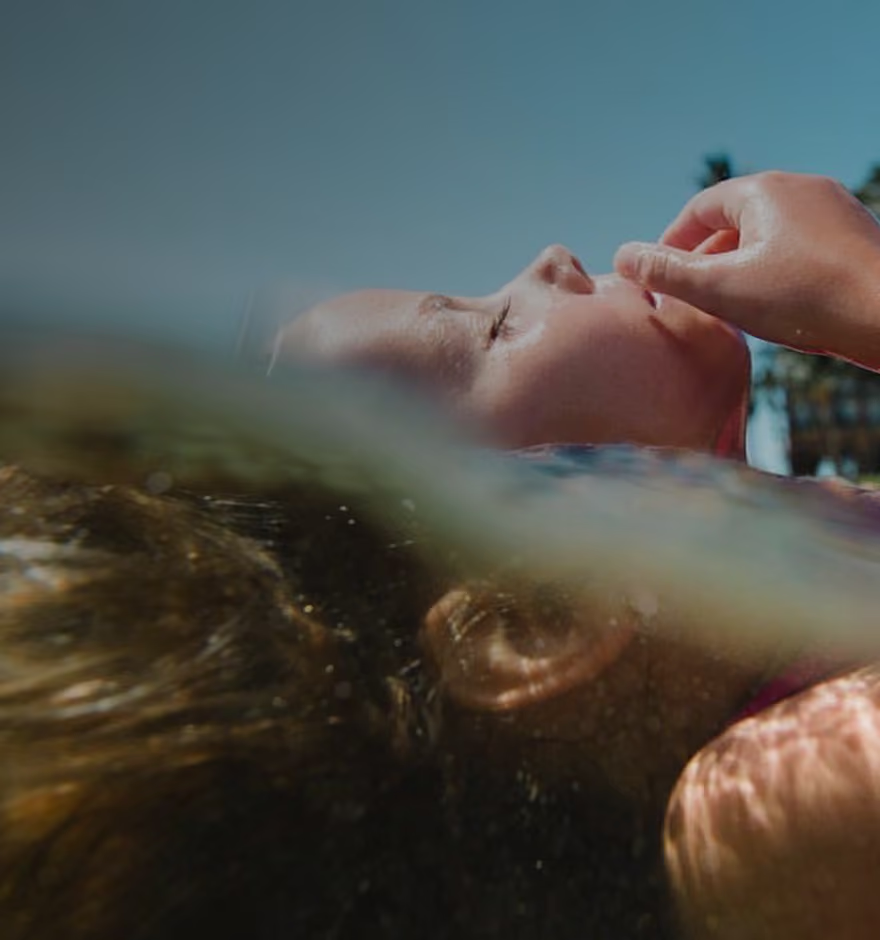
RAW Photo Capture for Full Creative Control
Capture in RAW and ProRAW with VSCO Capture, the free camera app for iPhone built to preserve every detail.
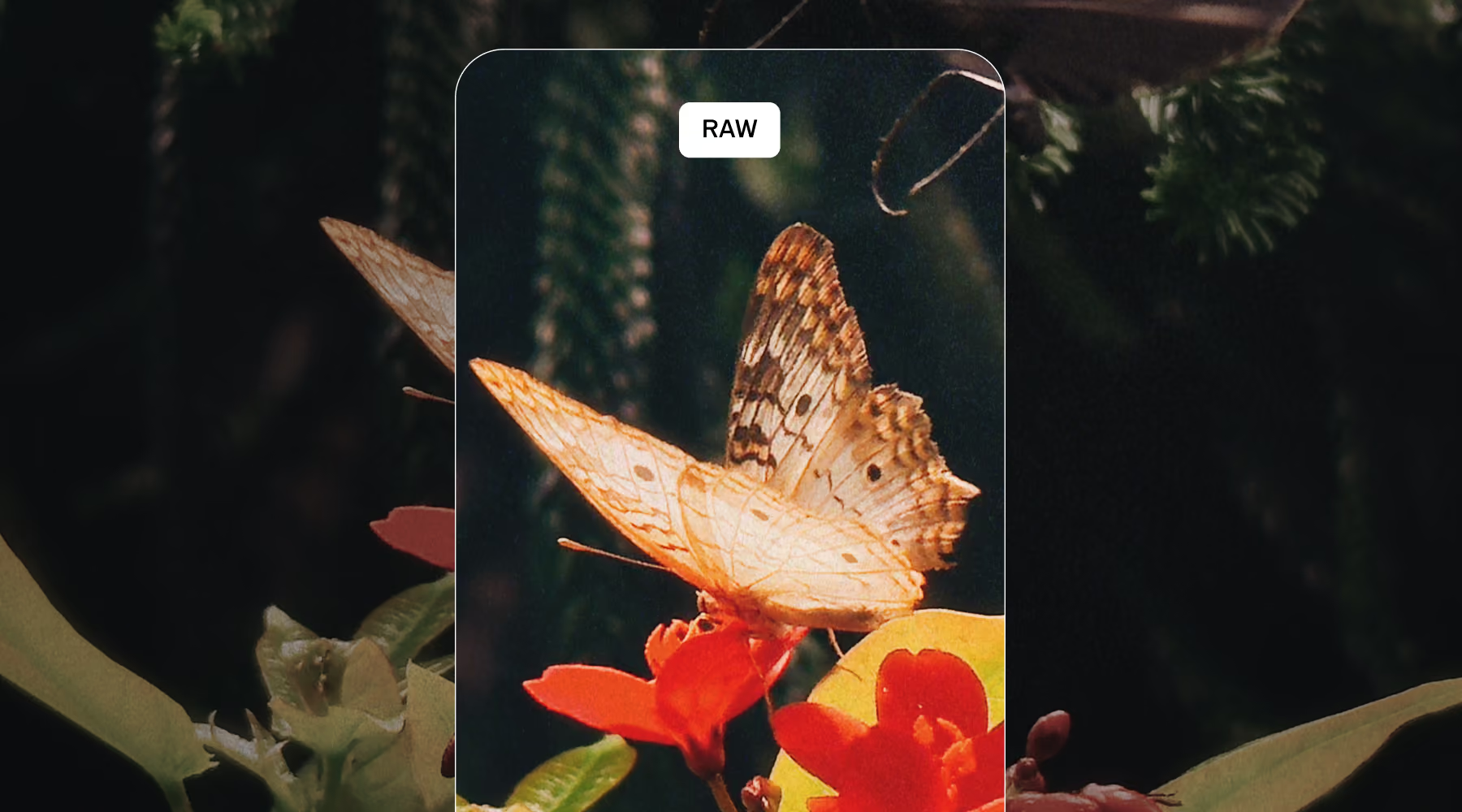
Shoot RAW or ProRAW in VSCO Capture to keep the full range of exposure, color, and tone your sensor actually saw. Nothing gets locked in by an algorithm, you control every detail.
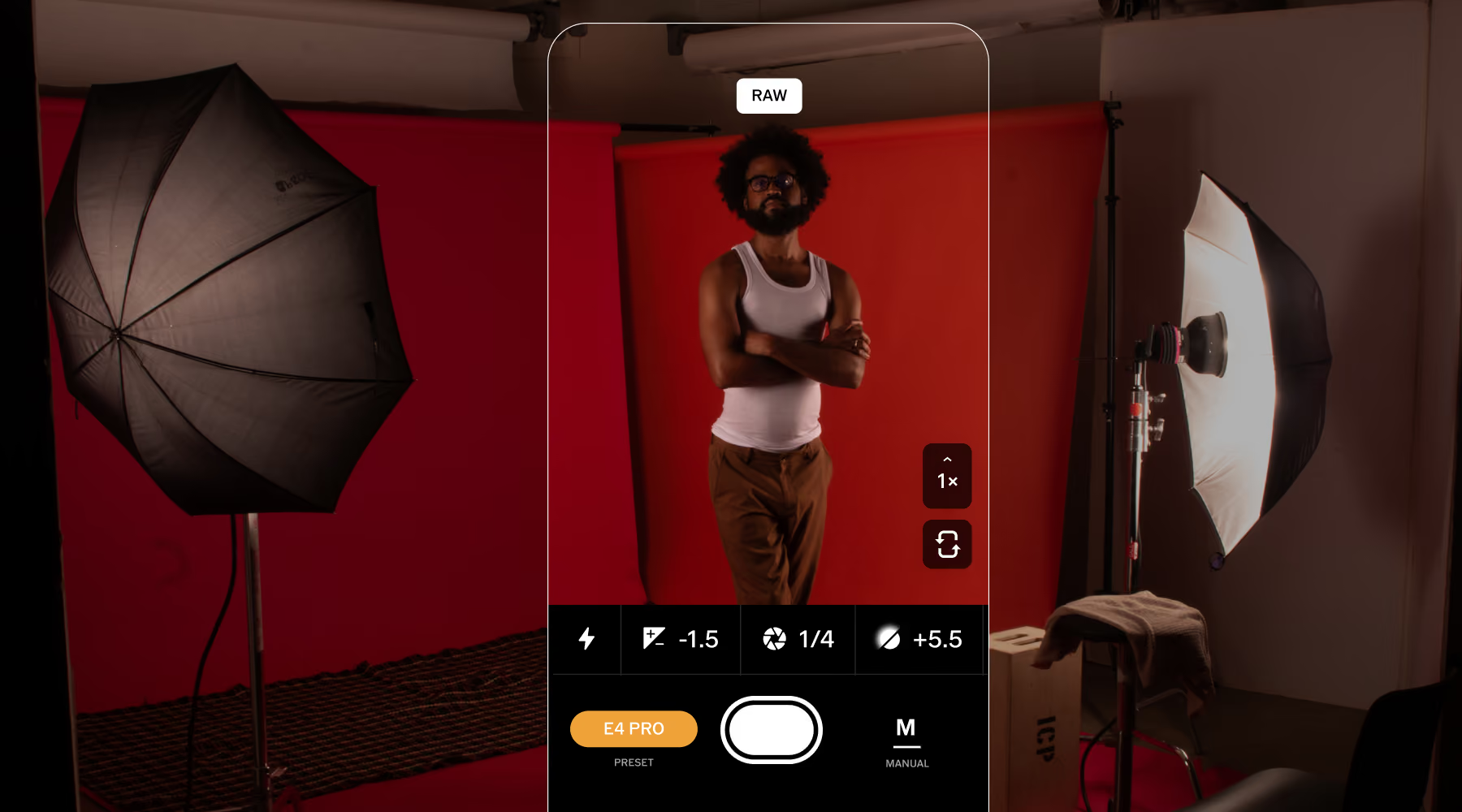
Full Manual Control, Built Around RAW
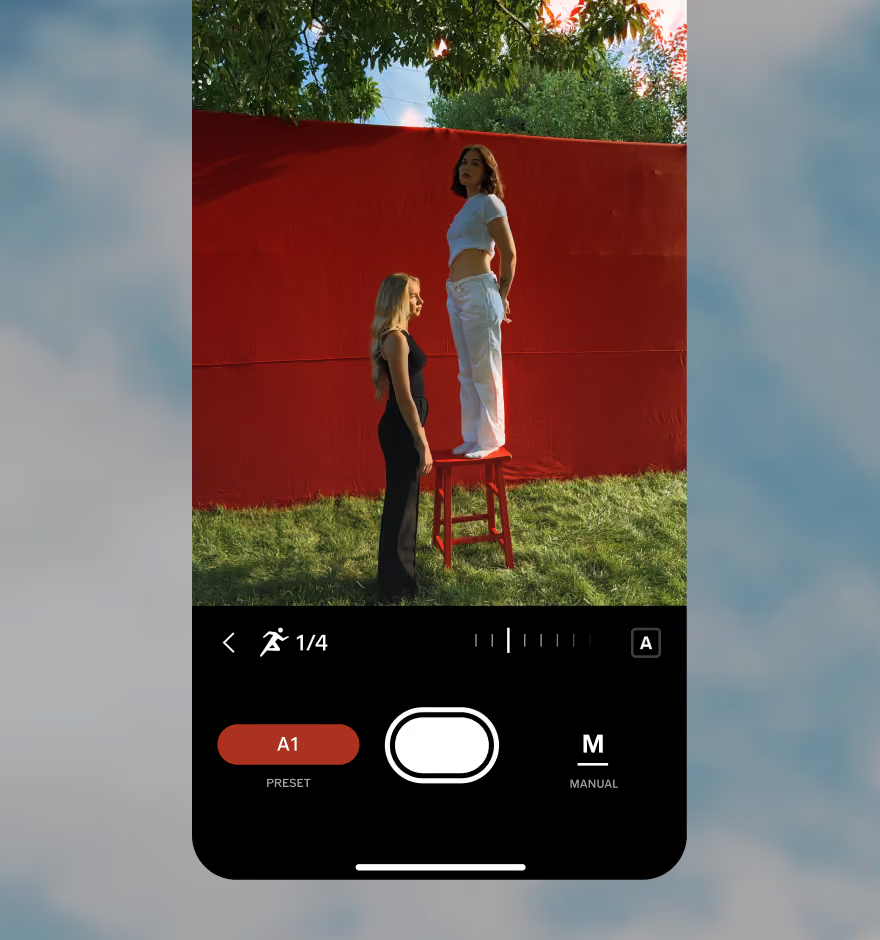
Switch to RAW or ProRAW right on the camera screen, then take ISO, shutter speed, and white balance into your own hands instead of leaving them to auto mode.
Golden hour, a dim reception hall, a sky that keeps shifting: set your exposure for the moment you're in, and the highlights and shadows are still there to recover later.
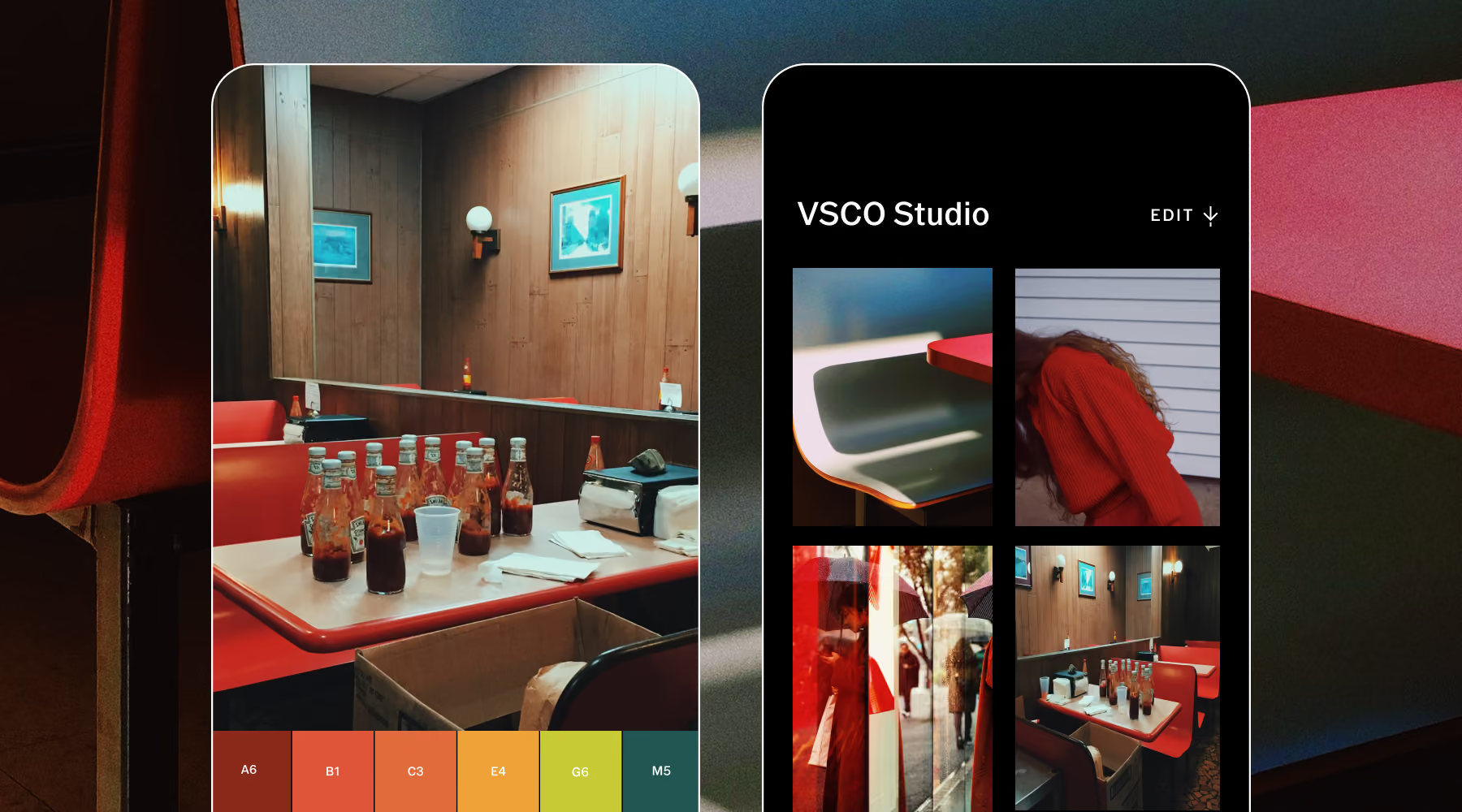
Edit without losing the source
Every RAW capture is saved in its original form, alongside your edit. Your adjustments are applied, while the RAW file sits untouched.
That means you're never editing yourself into a corner. Come back to the original whenever you want, restart an edit from scratch, or export the finished version the moment it's ready to share.
How to Take RAW photos
Install VSCO Capture on iPhone and open the camera to begin taking photos.
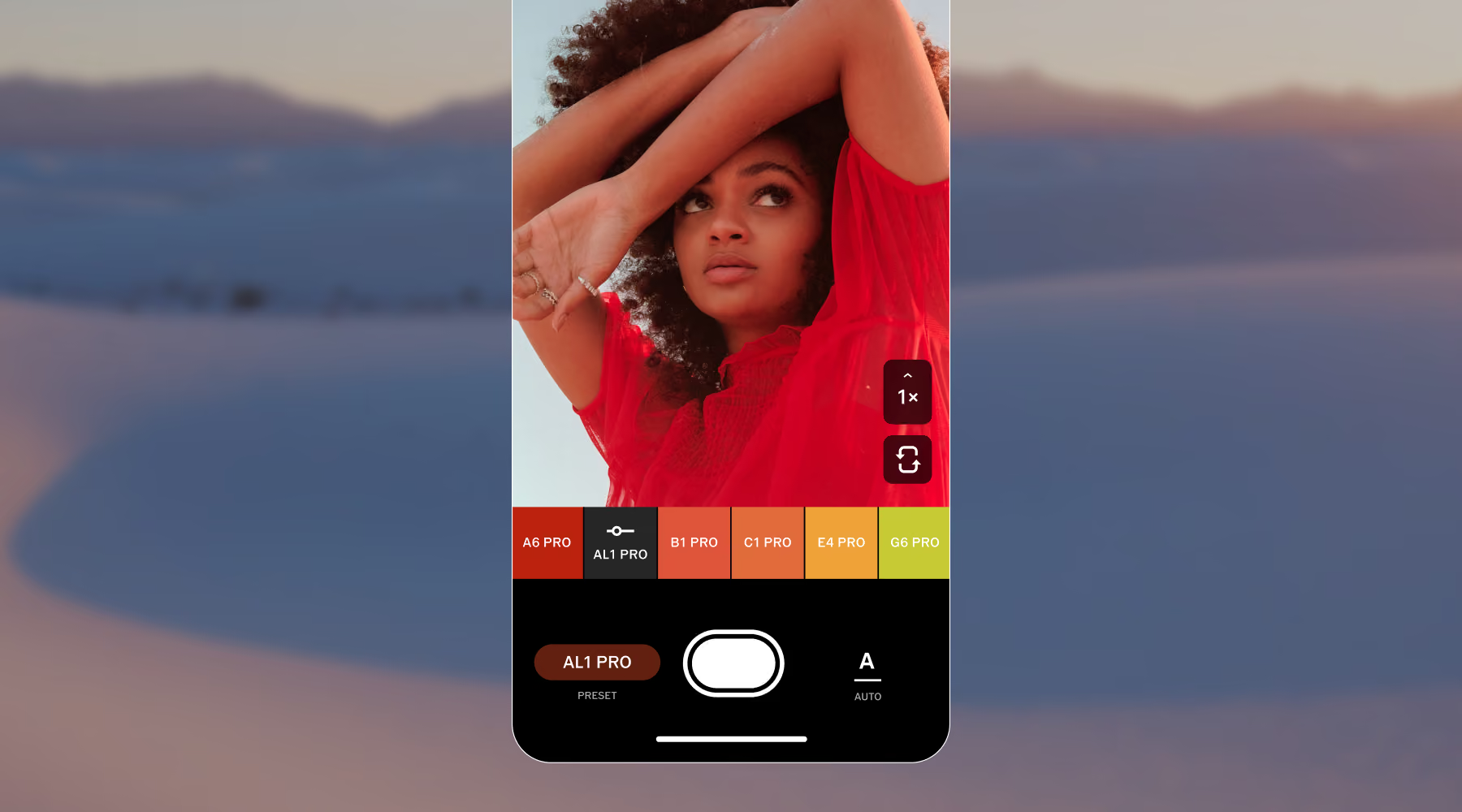
Select your file format from the camera interface before you capture the image.
Open your image in VSCO to adjust tone, color, and exposure with advanced tools.
Export and share it wherever your work is published.
Make the most of RAW capture
RAW matters most exactly when light stops cooperating: a portrait against a bright window, a landscape at golden hour, a dim room your phone would otherwise flatten out.
Blow out the sky, lose the shadows, whatever happens in the moment, you get a real chance at fixing it later instead of living with whatever auto decided.
DOWNLOAD VSCO CAPTURE
Download and try the VSCO Capture camera app to take RAW photos.
EDIT PHOTOS ON YOUR PHONE
Apply more effects by exporting photos from VSCO Capture to the VSCO photo editing app.
EDIT PHOTOS ON DESKTOP
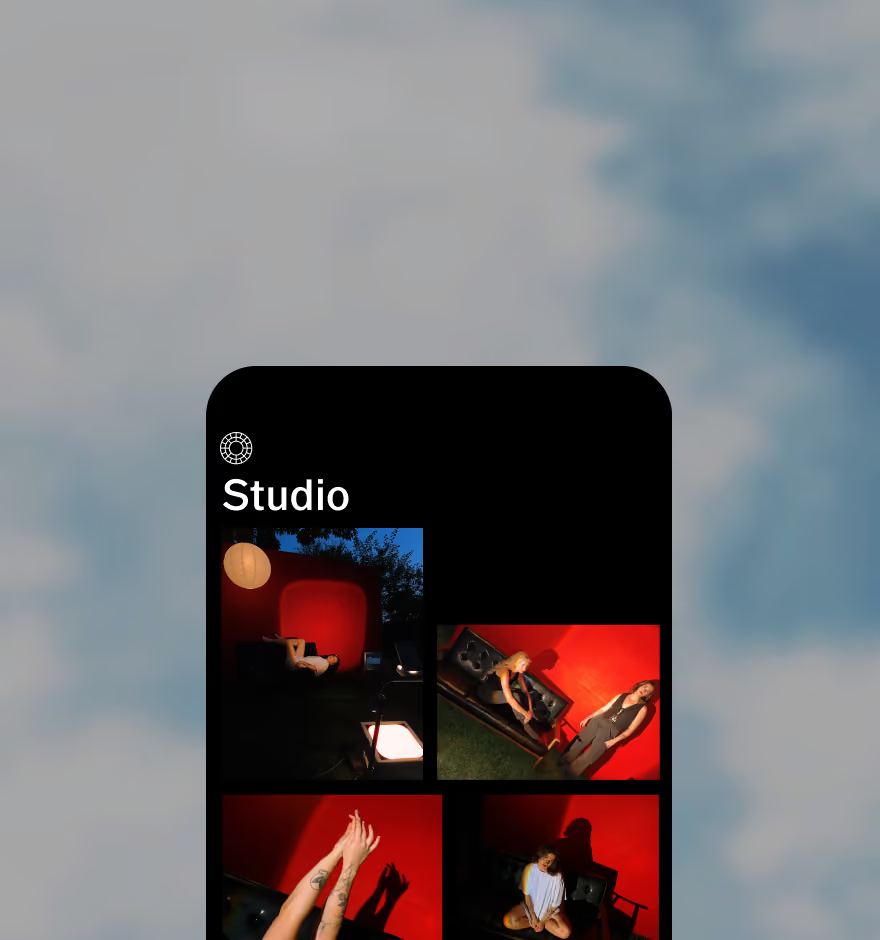
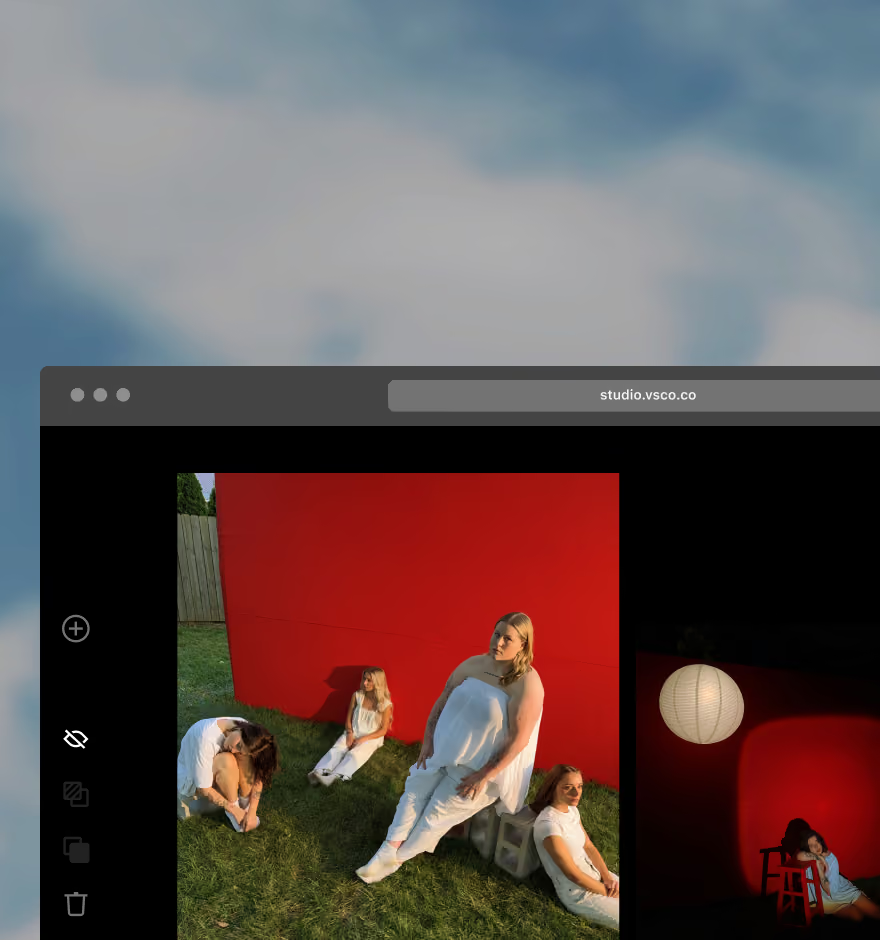
Sync your photo edits with VSCO Desktop Studio for PC & Mac and import from Adobe Lightroom.
Frequently asked questions
Can I shoot in RAW with VSCO Capture?
Yes. VSCO Capture supports both RAW and ProRAW on compatible iPhone devices. Both formats hold more detail and dynamic range than a standard JPEG or HEIC, giving you far more room to edit and refine your photos later.
What’s the difference between RAW and ProRAW?
RAW files are unprocessed, preserving maximum image data for full editing control. ProRAW combines that same flexibility with Apple's computational photography, adding detail, color, and dynamic range on top while keeping your editing freedom intact.
Will my edits stay in RAW format?
No. Edits are saved to a separate JPEG version of your image, while the original RAW file remains untouched. This keeps your source file intact while still giving you a finished, shareable photo.
Why can’t I shoot RAW at 48 MP?
Standard RAW capture is limited to 12 MP due to file format constraints. If you want 48 MP resolution, for heavy cropping or large prints, shoot in ProRAW instead. ProRAW supports both 12 MP and 48 MP capture, so the resolution you're after is available, just under a different format.
Do I need a VSCO account to use VSCO Capture?
Yes. A free VSCO account connects Capture to the main VSCO app. From there, you can edit your RAW and ProRAW photos with more advanced tools and effects.
More VSCO Capture Tools
Discover more ways to shape your style with tools designed for creative control, from live presets to film-inspired effects and intuitive manual controls.
VSCO Capture
A camera app built for creators who want to see and shape their style in real time.
Live Camera Filters
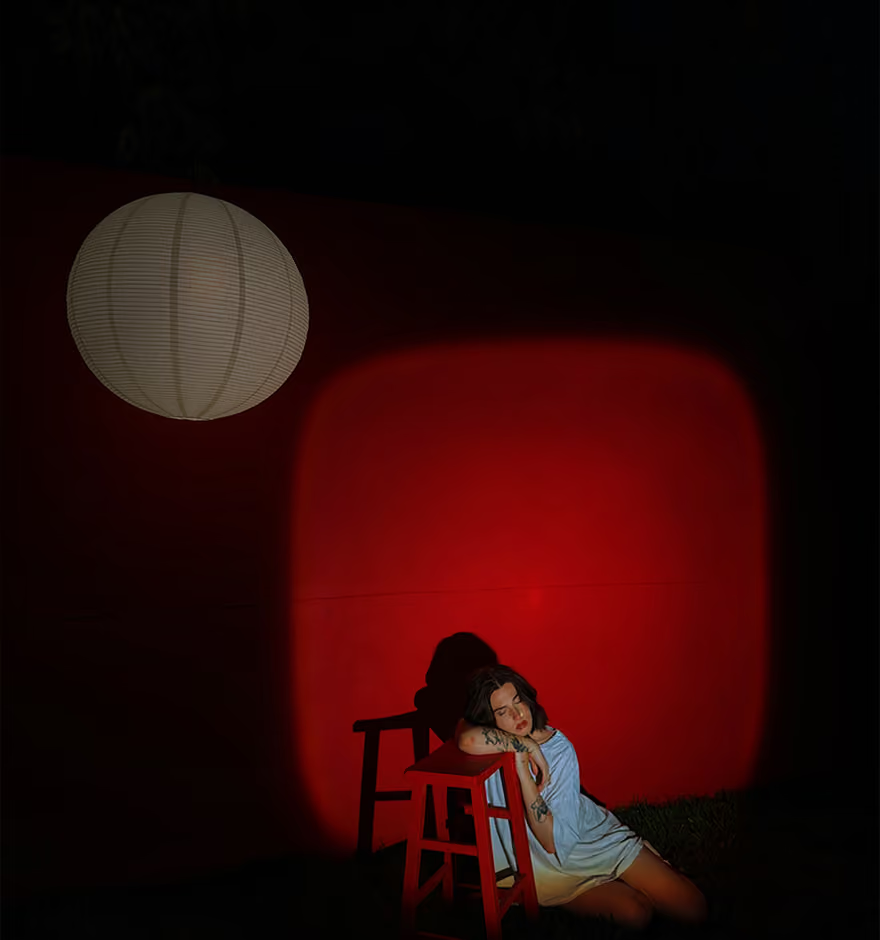
Apply iconic VSCO presets as you shoot and preview your aesthetic before capturing the moment.
Manual Controls
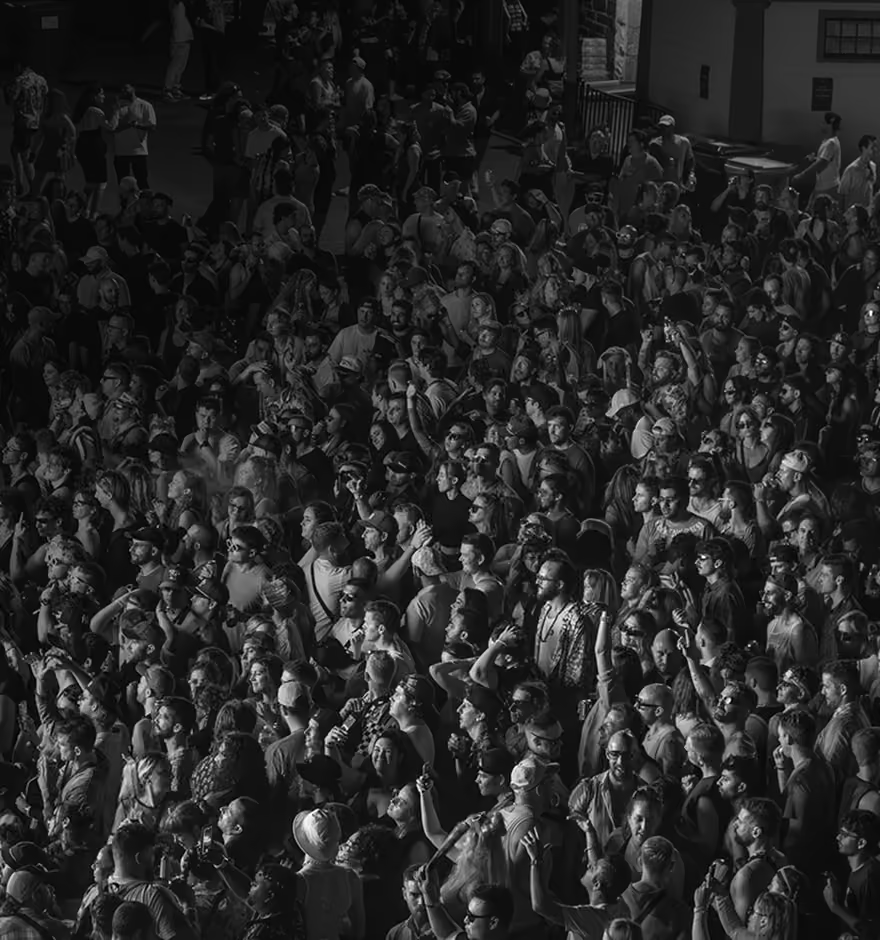
Fine-tune exposure with ISO, shutter speed, and white balance for precise, intentional photography.