Manual Camera Controls in VSCO Capture
VSCO Capture is a free manual camera app for iPhone. Control ISO, shutter speed, white balance, exposure, and live effects to get the look you want in camera.

Intuitively set exposure, ISO, shutter speed, and white balance, and watch every change happen live on screen. No auto mode misses, no having to fix it later in the edit.
Capture with precision
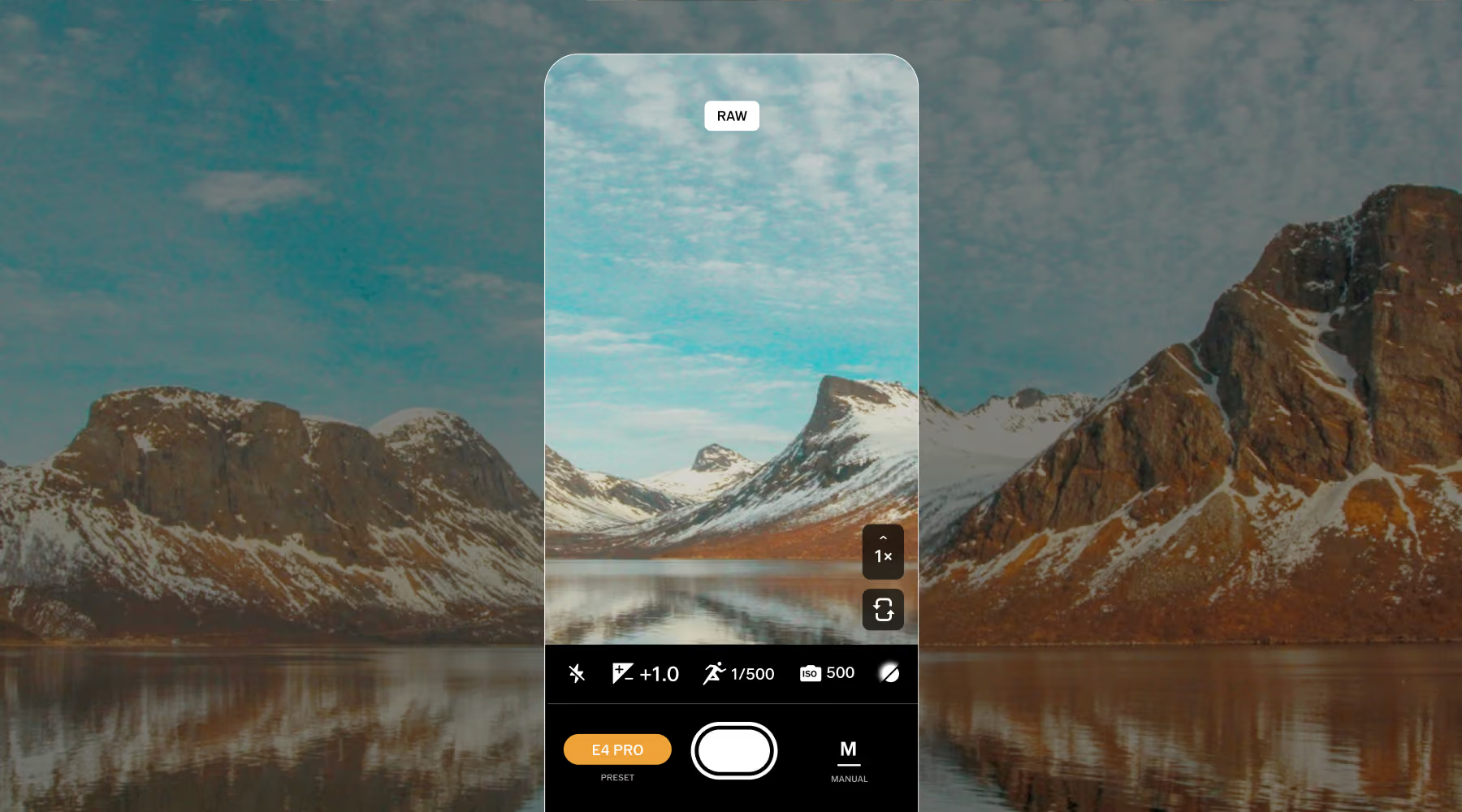
Manual mode in VSCO Capture puts you in charge, not your phone. Set your own ISO, shutter speed, and white balance before you press the shutter, the same way you would on a DSLR or mirrorless body.
That matters most when light won't sit still: a subject stepping out of shade, a sky shifting by the minute, a room lit by three different bulbs. Auto mode averages the scene. Manual mode lets you decide.
Control light, motion, and color
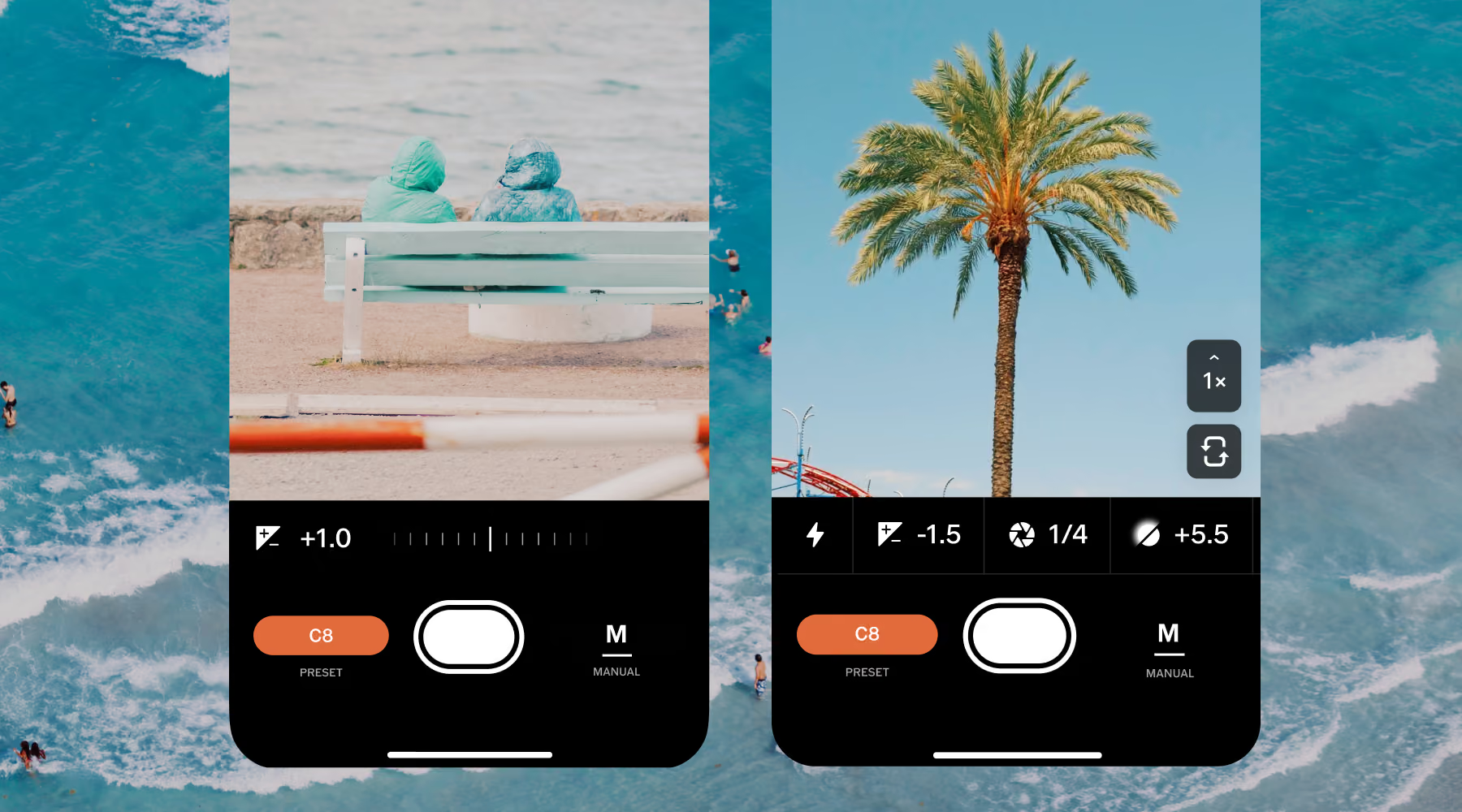
Every setting lives right where you're composing, not buried in a menu:
Exposure: Brighten or darken the frame with a tap and slide, or dial in exact values with the exposure compensation control.
Shutter speed: Freeze a subject mid-motion or drag it into a blur. Your call.
ISO: Raise it in low light to keep your shutter fast enough for a sharp handheld shot, or keep it low in bright conditions for a cleaner, lower-grain image.
White balance: Warm up a golden hour shot, or correct the cast that fluorescent and tungsten light leave behind.
Focus: Tap anywhere in the frame to lock it exactly where you want.

How to use manual controls in VSCO Capture
It's free on the iOS App Store. Open the app and head to the camera.
You'll find the toggle in the bottom right of the viewfinder.
Adjust exposure, ISO, shutter speed, and white balance, and watch the frame update as you go.
Export straight to the VSCO app to fine-tune with more tools and presets, or share your photo right away.
Photograph with intention, not guesswork
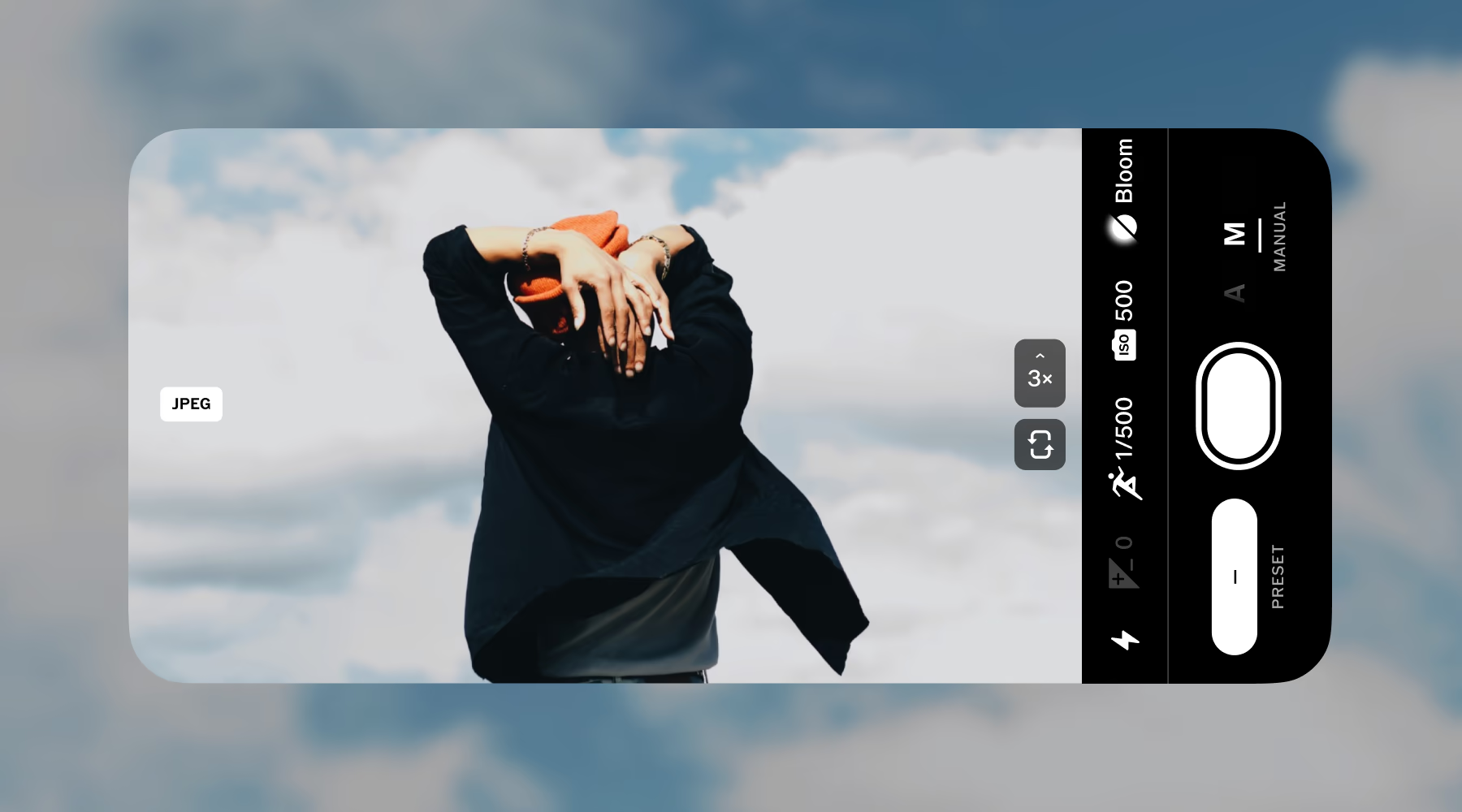
Take control of the light, motion, and mood before you press the shutter. Lower your ISO in bright light to keep more detail. Raise it when the light falls. Speed up your shutter to freeze a moment, or slow it down when you want motion to show.
Take that same intention into the edit. VSCO Capture gives you the control to make more deliberate images in the moment, with RAW and ProRAW editing available in VSCO when you want more flexibility afterward. Your edit can start before you ever leave the camera.
DOWNLOAD VSCO CAPTURE
A free camera app for iPhone, built around full manual control.
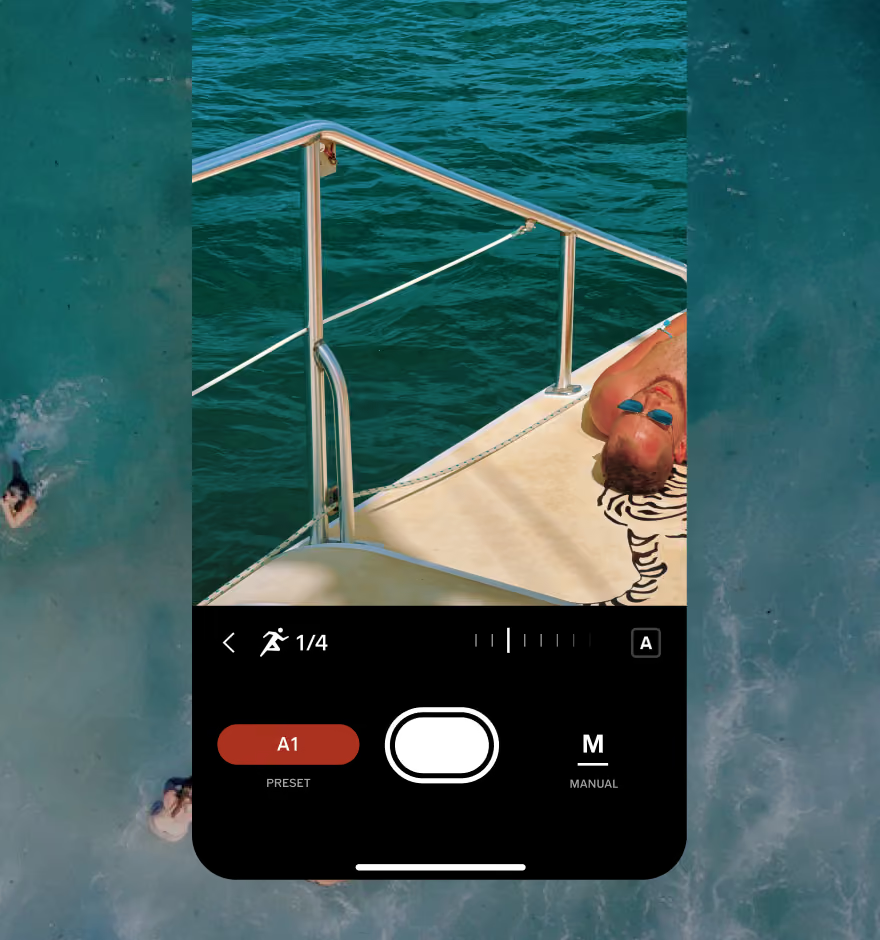
EDIT PHOTOS ON YOUR PHONE
Export your photos to the free VSCO app to apply more presets and finish your edit.
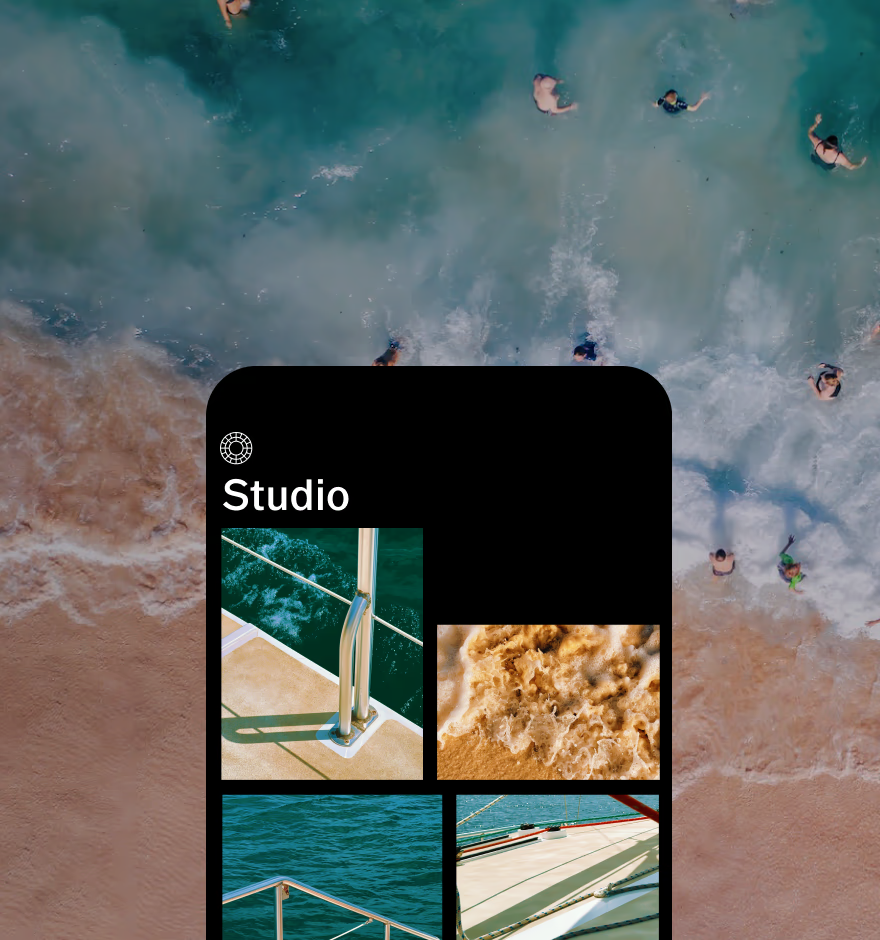
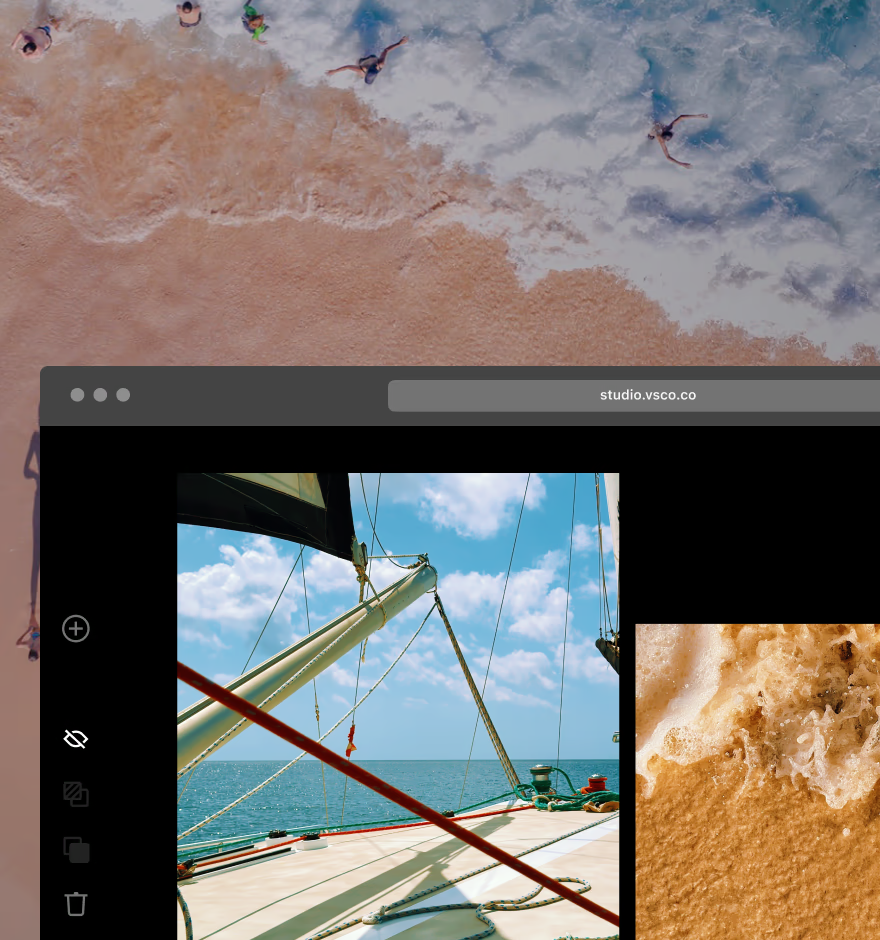
EDIT PHOTOS ON DESKTOP
Sync your photos with VSCO Desktop Studio for PC & Mac and import from Adobe Lightroom.
Frequently asked questions
Does VSCO Capture have manual camera controls?
Yes. Manual mode gives you direct control over exposure, shutter speed, ISO, and white balance, so you can make creative decisions before you press the shutter. You can also adjust focus, flash, and exposure compensation as you compose.
How do I adjust exposure in VSCO Capture?
Tap anywhere in the frame to focus, then slide up or down to adjust exposure. For more control, switch to Manual mode and use exposure compensation or set your own shutter speed and ISO.
Can I switch between Auto and Manual modes?
Yes. Use the A/M toggle to switch between Auto and Manual as you compose. Stay in Auto when you want to move quickly, or switch to Manual when the light, motion, or mood calls for more control.
Can I capture in RAW with manual controls?
Yes. VSCO Capture supports RAW and ProRAW, along with JPEG and HEIC. You can also choose between 12MP and 48MP capture where supported. RAW and ProRAW give you more image data to work with when you edit later.
More Ways to get your look
Explore more ways to shape your photography with VSCO Capture. From live presets to film-inspired effects, the app brings creative tools directly into the camera experience.
VSCO Capture
Apply manual controls, live presets, and film effects before you ever tap the shutter.
Raw Capture
Capture high-detail RAW and ProRAW files for maximum flexibility when you edit.
Camera Filters and Presets
Preview VSCO presets live as you compose and lock in your look before you capture.