Camera Filters and Live Effects for iPhone
VSCO Capture gives you 50+ live filters, real-time film effects, and manual controls that you can take with you anywhere. See your style evolve as you shoot.
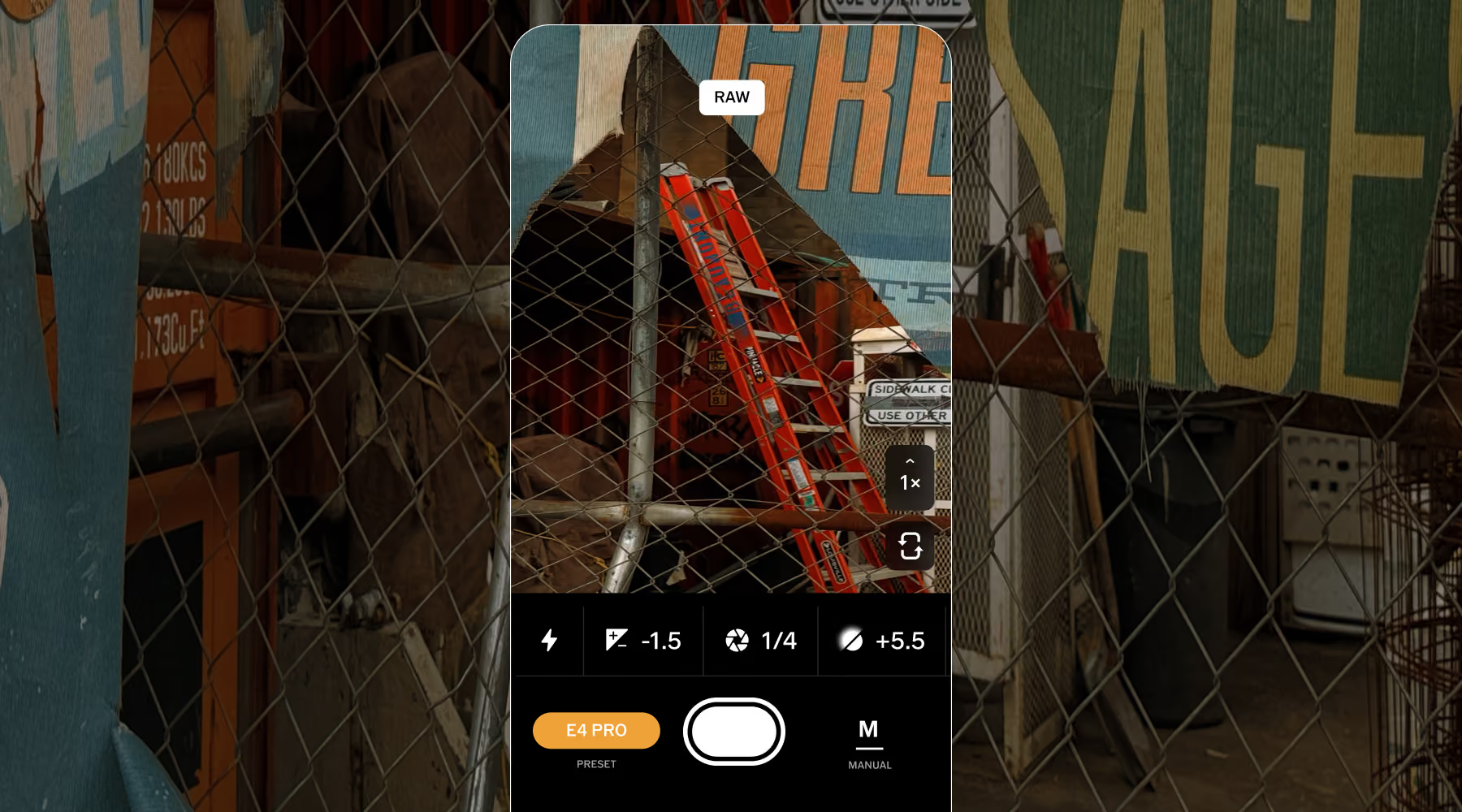
Apply film filters, add effects, adjust exposure. All live on screen. What you see is exactly what you get with the free VSCO Capture camera app.
Watch your style take shape
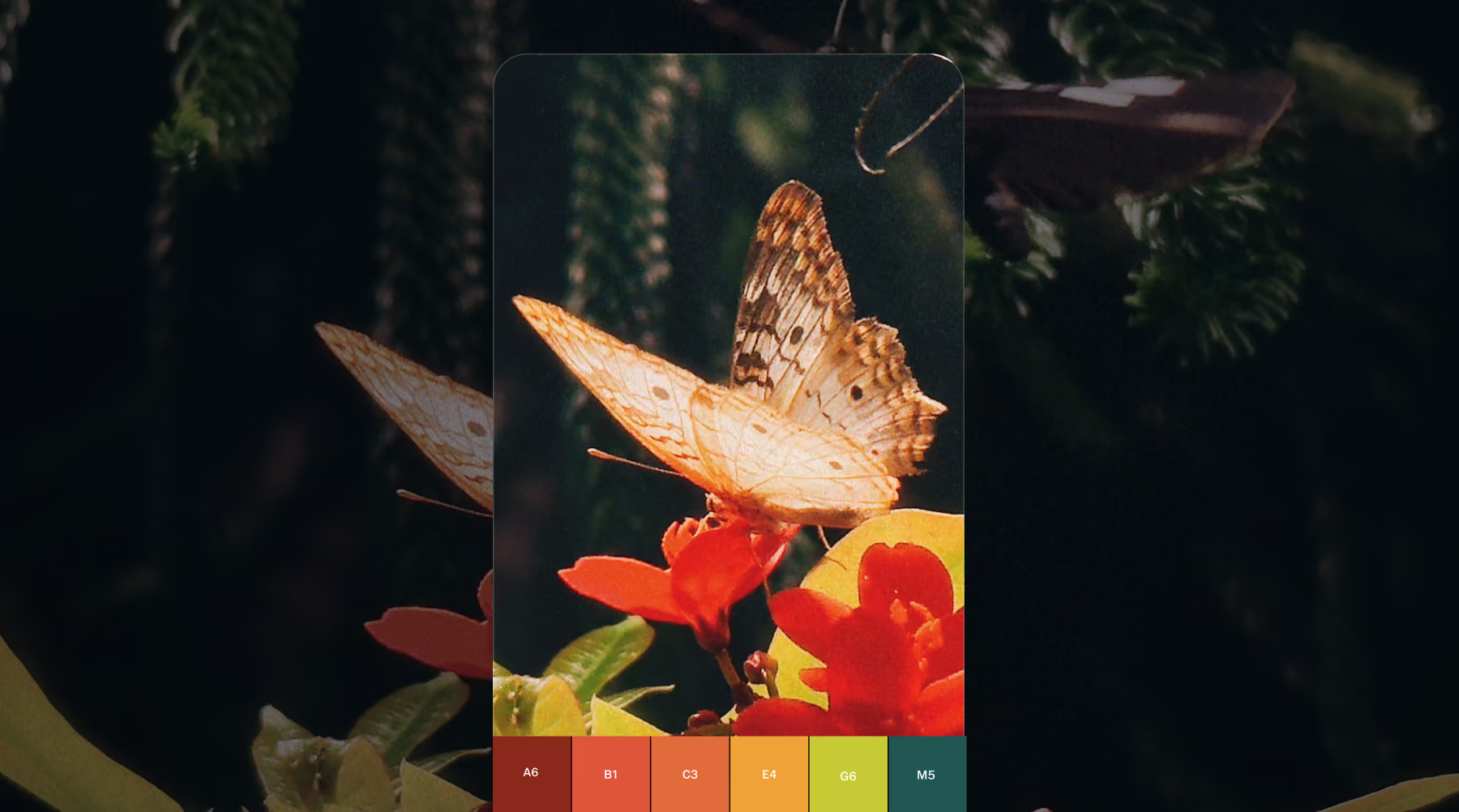
VSCO Capture is designed for photographers who want creative control in the moment. Your aesthetic isn’t something you apply later. It evolves as you shoot.
Live presets, film-inspired effects, and real-time adjustments let you preview your image exactly as it will appear. Every frame becomes a deliberate creative choice.
Apply live filters with full control
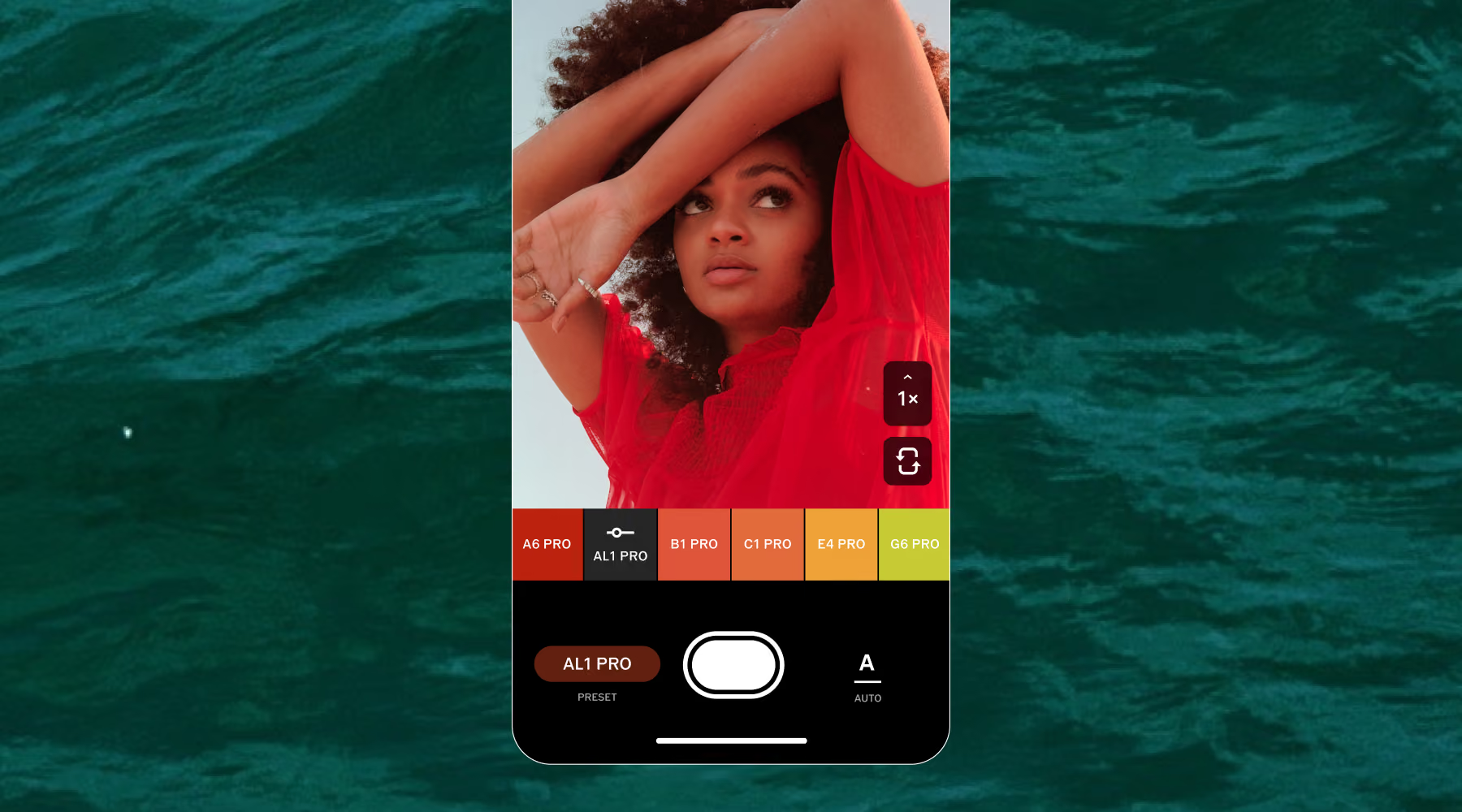
With 50+ live camera filters and advanced controls, VSCO Capture turns your phone into your go-to camera.
Preview everything from soft vintage tones to bold editorial styles before you capture the shot. Fine-tune intensity as you go, then adjust exposure, ISO, and white balance to match the scene exactly as you see it.
How to use camera filters and effects
Free on iOS. Open and instantly start shooting with live filters and film effects.
Browse 50+ filters and add camera effects like Bloom, Halation, or Grain to build a film-inspired look in camera.
Adjust preset intensity, exposure, ISO, white balance, and shutter speed to match the light exactly as you see it.
Export photos to the VSCO editor app for even more creative control or save straight to your camera roll.
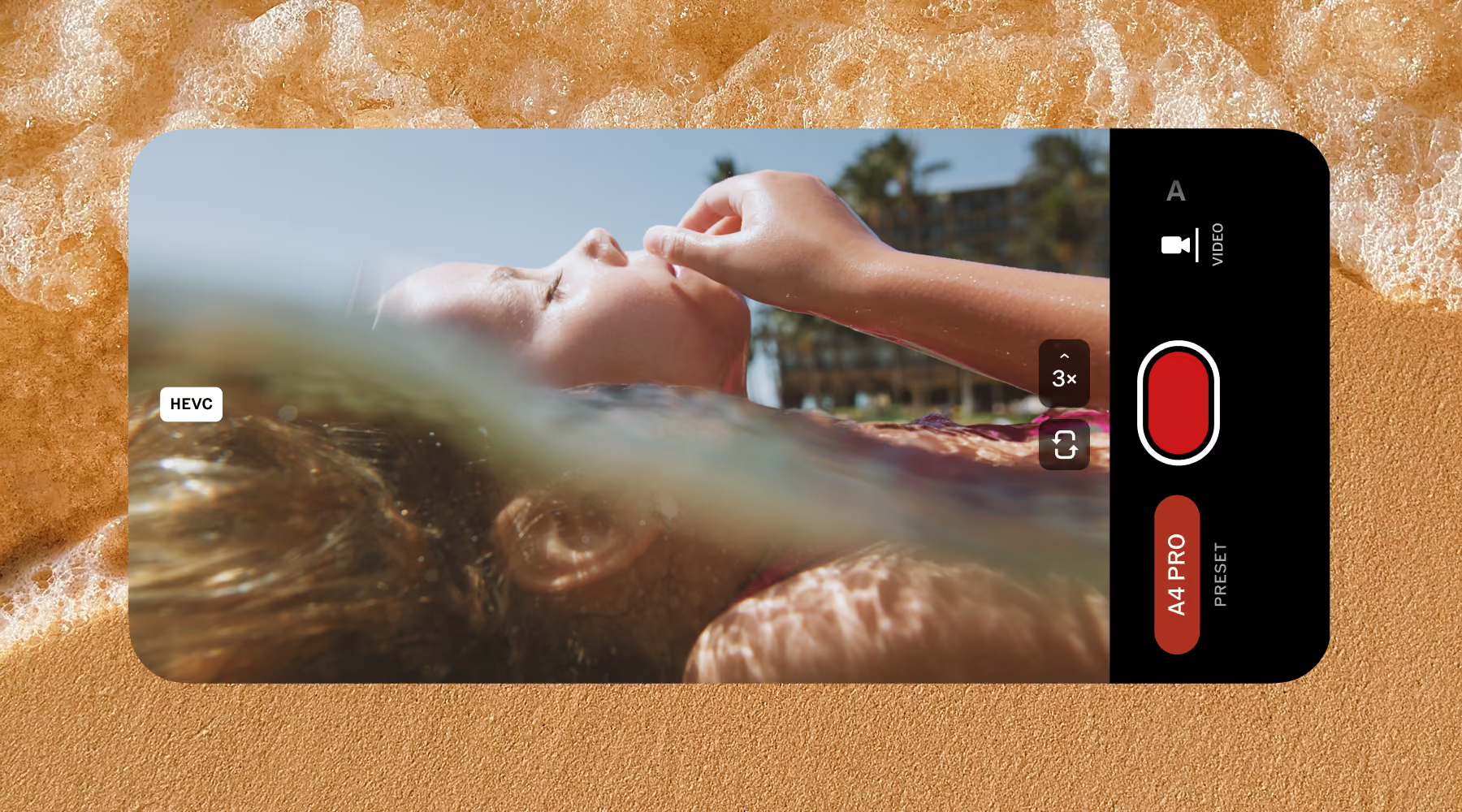
Bring your look to video
Move from stills to motion without breaking your creative flow. Apply live presets as you record to keep your visual style consistent across every frame. What you see is what you capture, making it easier to shoot video that already feels finished.
Whether you’re capturing quick moments or more intentional footage, VSCO Capture helps your aesthetic carry through seamlessly.
Go from capture to edit, seamlessly
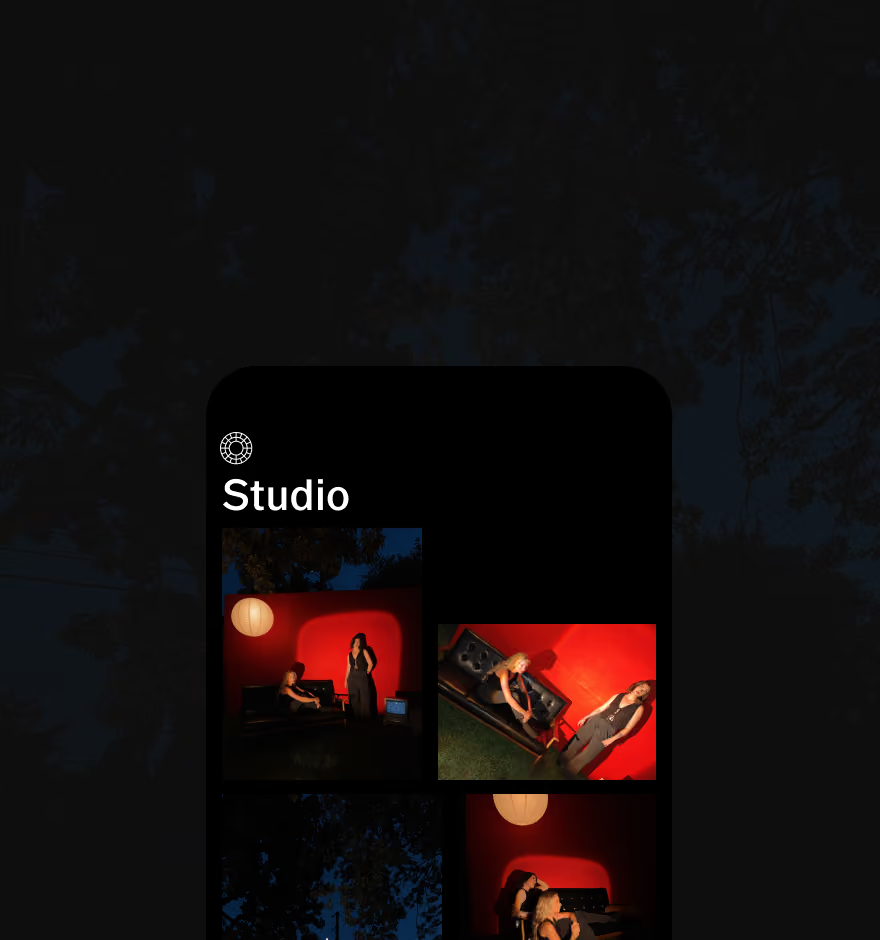
Send images directly from VSCO Capture to the VSCO app with a single tap. Fine-tune with more presets, advanced editing tools, and film-inspired effect. Or skip editing entirely and export straight to your camera roll or VSCO profile. Your workflow, your pace.
DOWNLOAD VSCO CAPTURE
Get the free camera app. Apply live filters and film effects the moment you frame your shot.
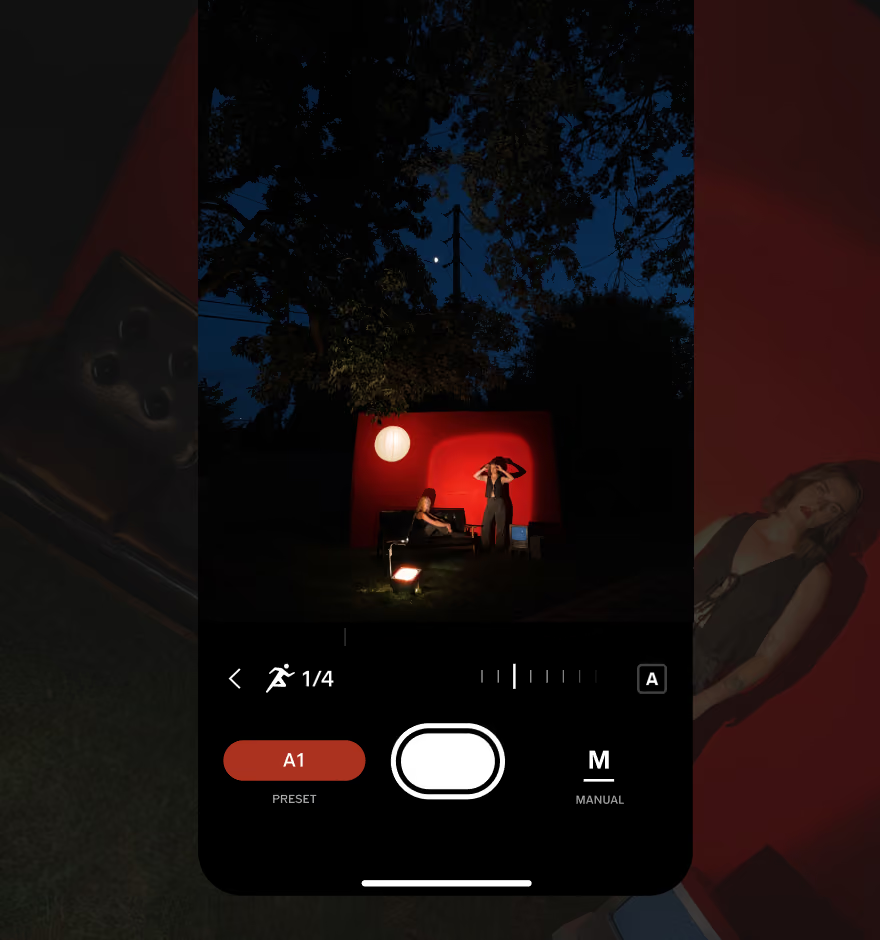
EDIT PHOTOS ON YOUR PHONE
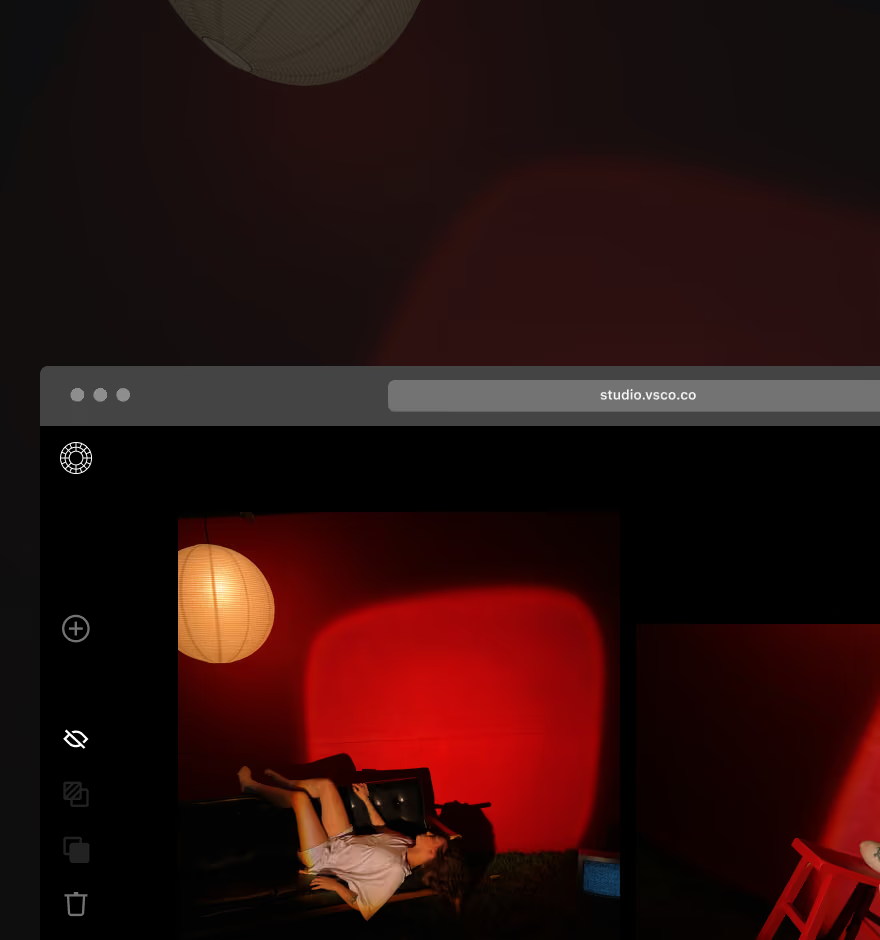
EDIT PHOTOS ON DESKTOP
Access every edit online with VSCO Web Studio for PC and Mac. Adobe Lightroom supported.
Frequently asked questions
Can I use VSCO filters while taking a photo?
Yes. VSCO Capture applies live presets as you shoot, so you can instantly preview your aesthetic and lock in the exact look before you take the photo.
Can I adjust the strength of filters while shooting?
Yes. You can fine-tune the intensity of each preset in real time, giving you control over how subtle or bold your final image looks before you capture it.
Can I use filters and effects when recording video?
Yes. You can apply live presets while recording video to maintain a consistent look. Film effects and manual adjustments are currently available for photo capture only.
Can I combine multiple camera effects while shooting?
Is VSCO Capture free?
Yes, completely. VSCO Capture is free to download on iOS with full access to all filters, manual controls, and live film effects. A free VSCO account is required to get started.
Does VSCO Capture support RAW photos?
Yes. Capture in JPEG, HEIC, RAW, or ProRAW (up to 48MP, depending on your iPhone model). RAW files give you maximum flexibility for higher quality edits in the VSCO app later.
More VSCO Capture Tools
Discover more ways to shape your photography with tools designed for real-time creative control and film-inspired editing.
VSCO Capture
See your look before you press the shutter. Live filters, film effects, and manual controls,
take RAW images
Capture high-quality RAW and ProRAW images with full detail and more editing flexibility.
Apply live film effects