Add Dust Texture to Photos and Videos
Create a distressed, tactile look instantly with dust overlay photo effects in the VSCO app.
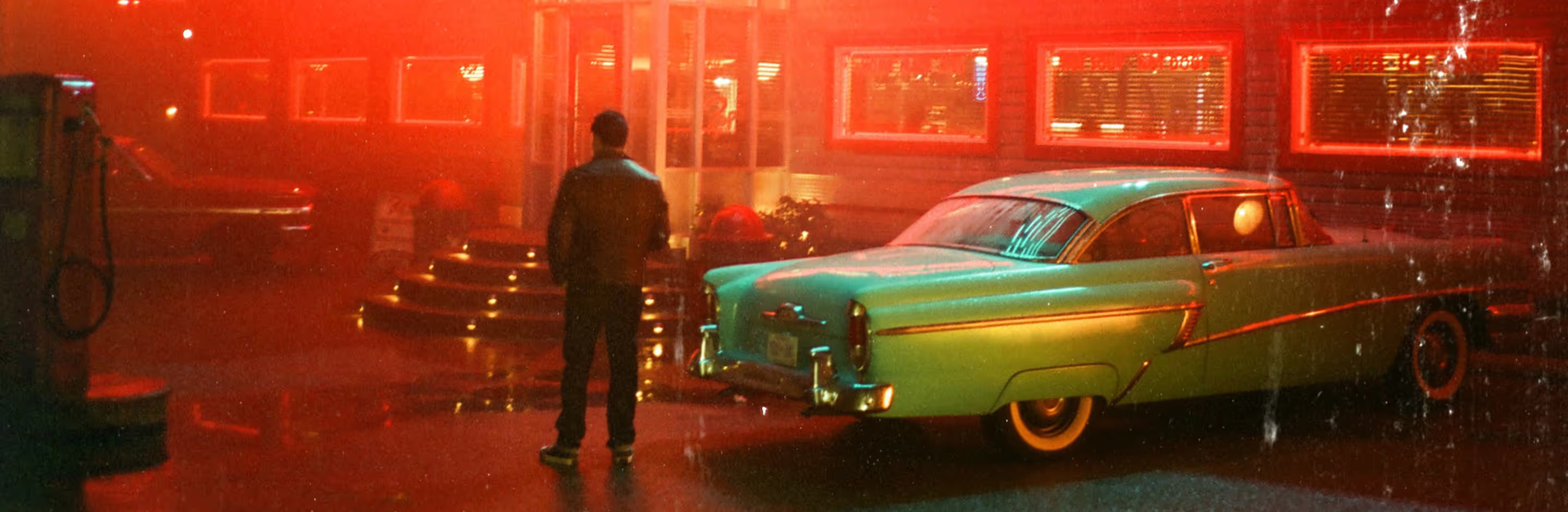
Give your photos texture with a dust overlay effect
Add realistic dust texture with the VSCO photo and video editing app.
Import your photo or video
Select a dust overlay effect
Save and share your photo or video
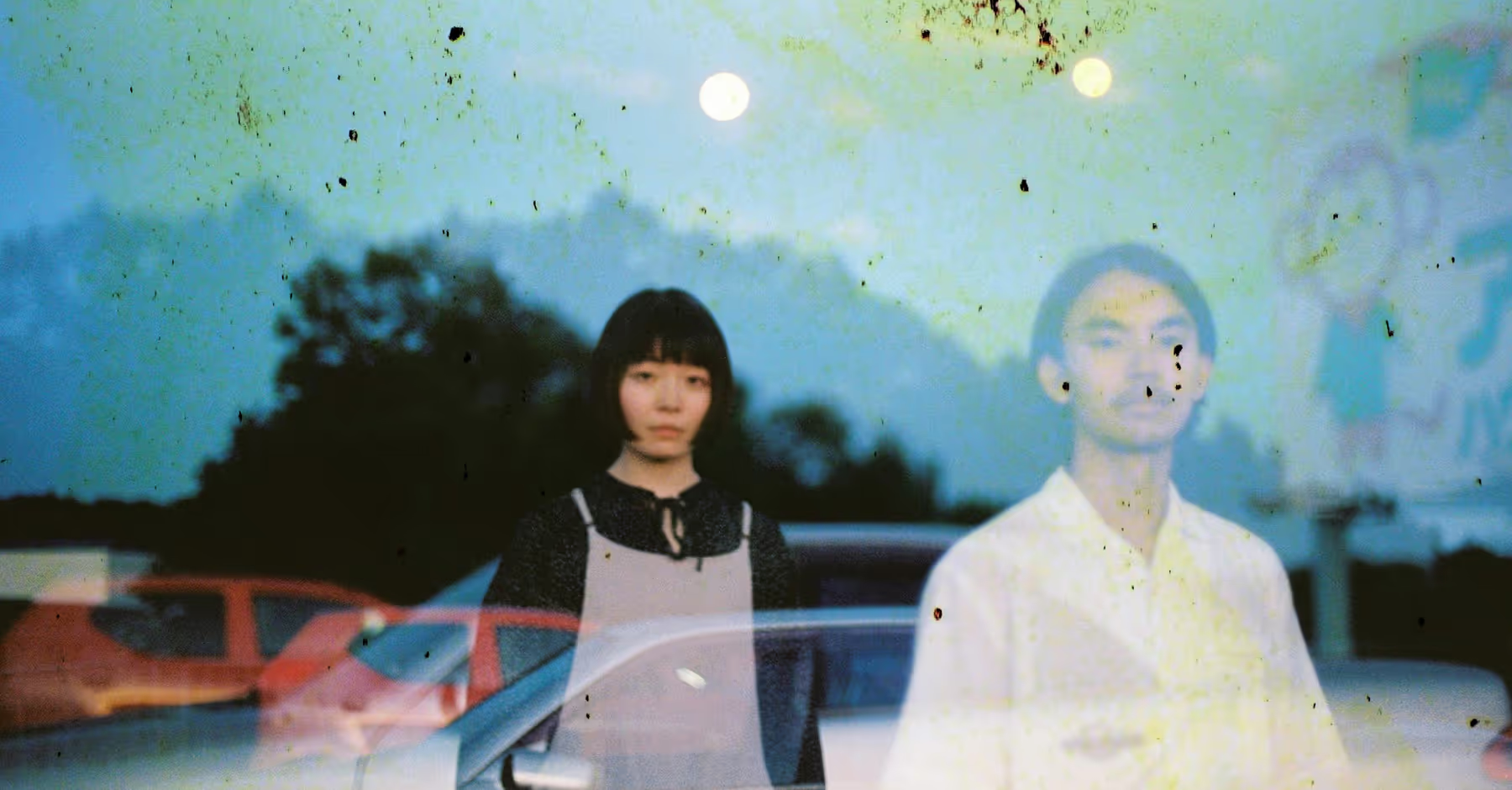
Get The Dust Effect
Give your photos and videos a vintage look with dust overlays.
Choose from a range of subtle textures and specks to create the authentic feel of aged film.
Apply dust effects instantly in the VSCO app to add depth, character, and timeless atmosphere to every shot.
Layer light leaks, film frames, distressing, grain filters, and other film effects for extra mood, texture, and depth.
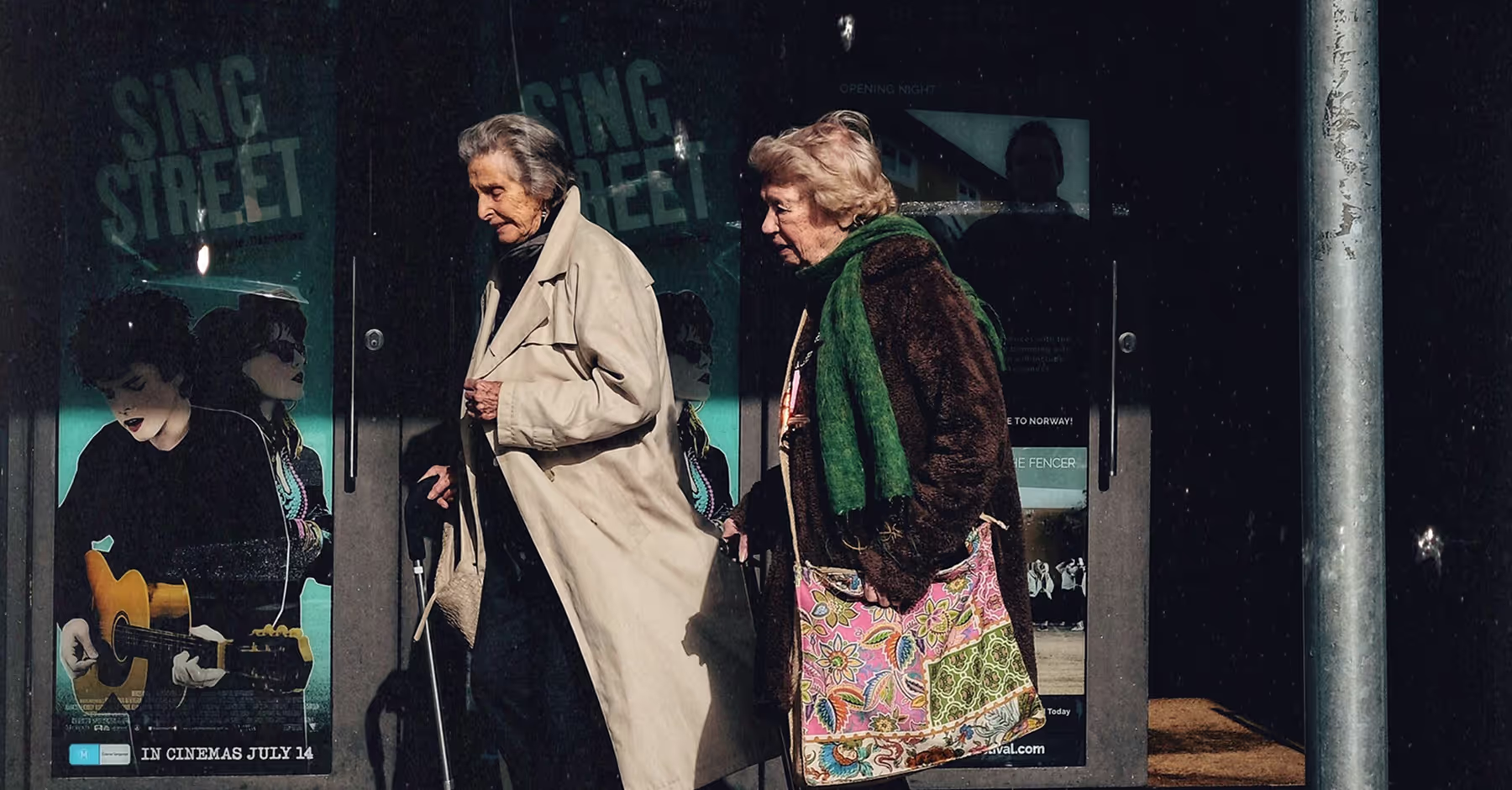
How to Add Dust TO PHOTOS AND VIDEOS
Add photos and videos to VSCO from your camera roll.
Tap Film FX to select from 8 different dust texture effects.
Explore other film filters and effects like expired film, grain filters, light leaks, and frames.
Save your edited photo or video and post directly to your profile or social media.
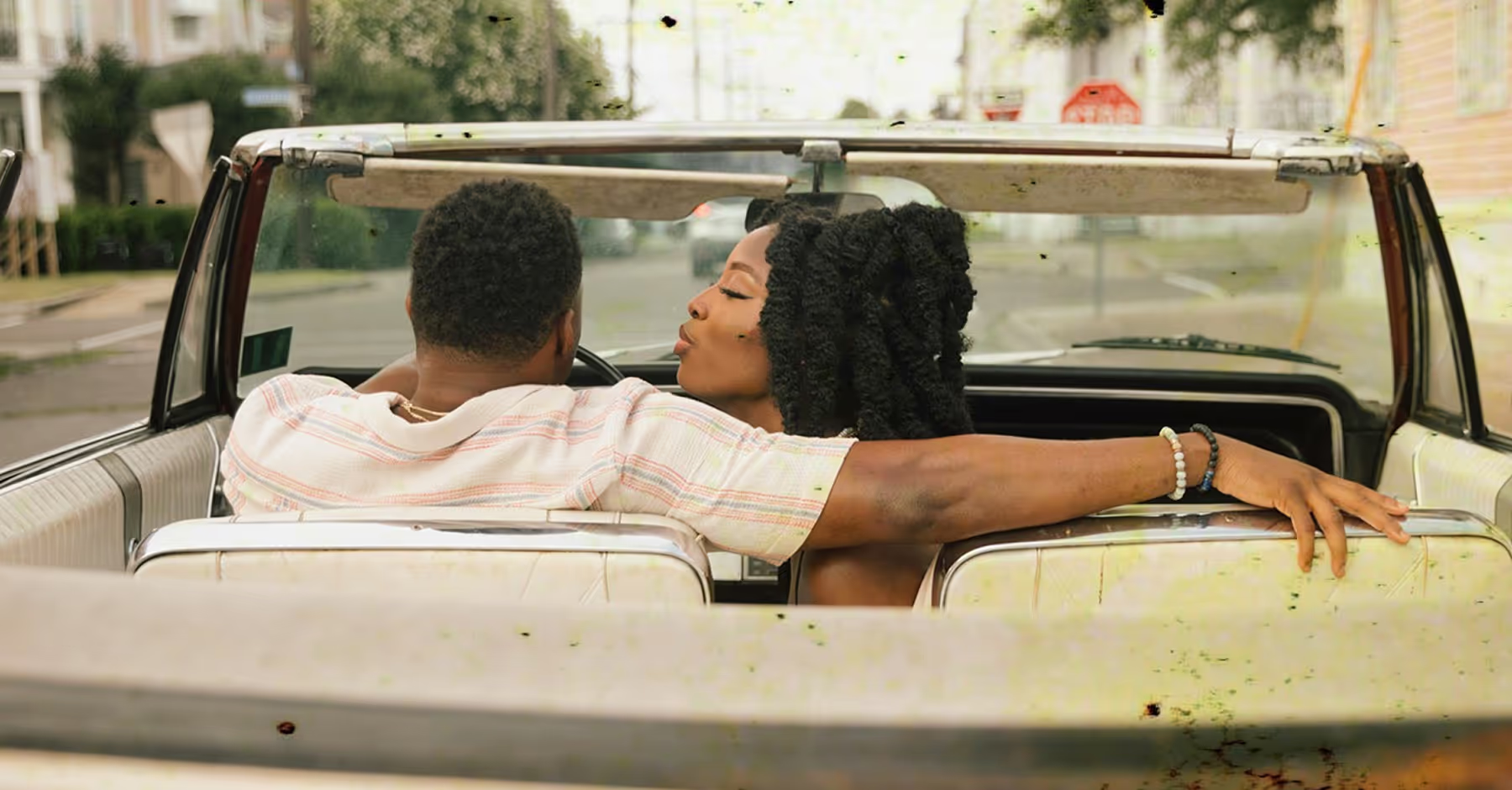
Create A DustY Effect
Dust overlays add subtle specks and textures for a vintage, film-inspired look.
Use film effects to apply different dust overlays, plus light leaks, film frames, and grain filters.
After you find the perfect dust overlay effect, fine-tune with powerful tools and features like Grain, Fade, and authentic vintage filters.
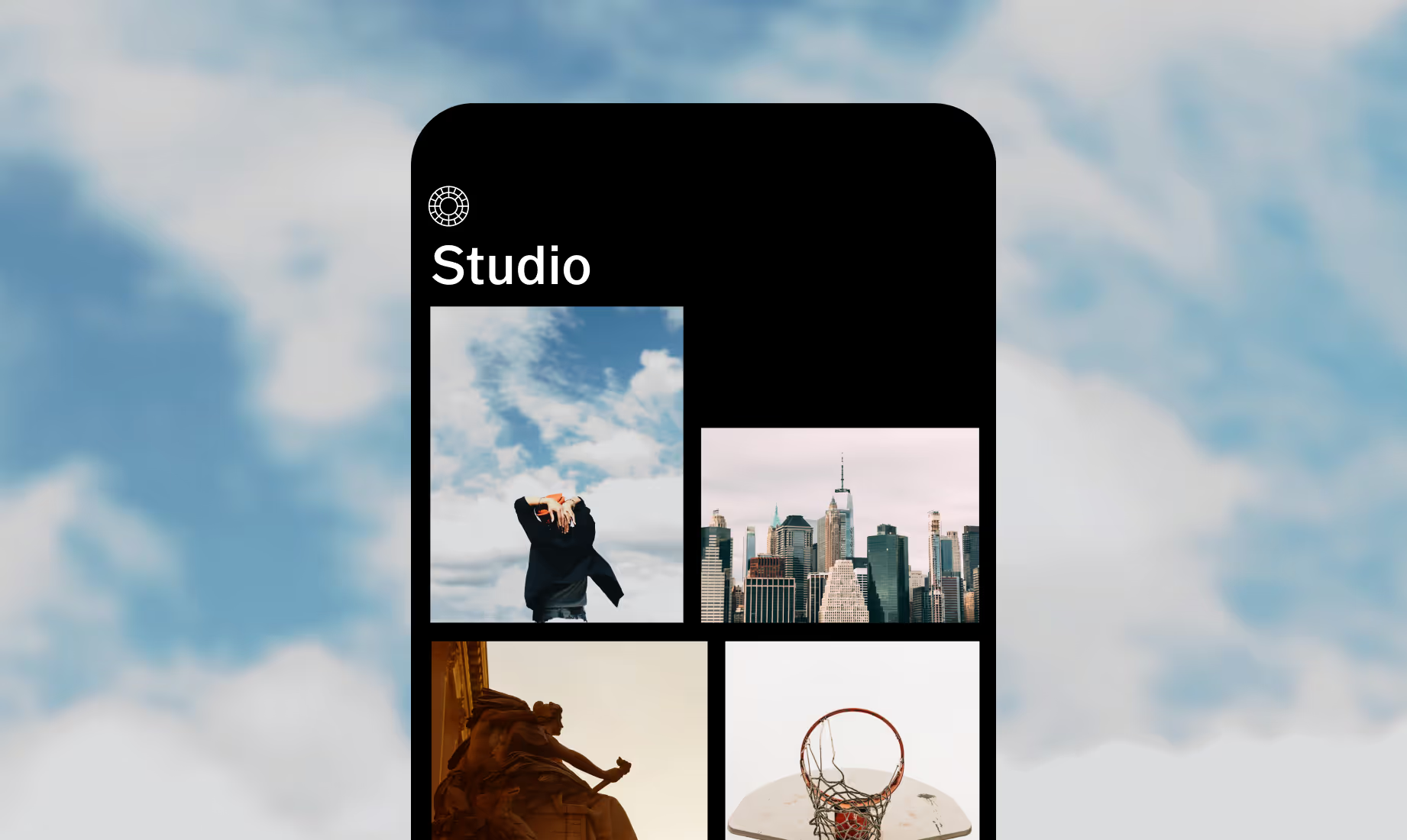
Add DUST OVERLAY on Your Phone
Give photos and videos a vintage touch with dust overlays in the VSCO app for Android and iPhone.



Frequently asked questions
What is a dust overlay?
How do I apply a dust overlay to a photo?
VSCO offers dust overlays you can apply in just a tap on iPhone and Android. Select from 8 different dust textures in the Film FX menu, plus dozens of other film effects for photos and videos.
Can I add a dust overlay to video?
Yes, VSCO lets you apply dust overlays to both photos and videos so your edits have the same nostalgic film feel.
MORE FILM EMULATION TOOLS
Elevate your photos with dust overlays and tools that add authentic film texture. Enhance depth with a grainy filter, soften shadows by fading, and layer film-inspired filters for a classic analog look.
Add A Touch of Film Grain
Apply and customize an authentic grain effect. Adjust strength, size, and grain color.
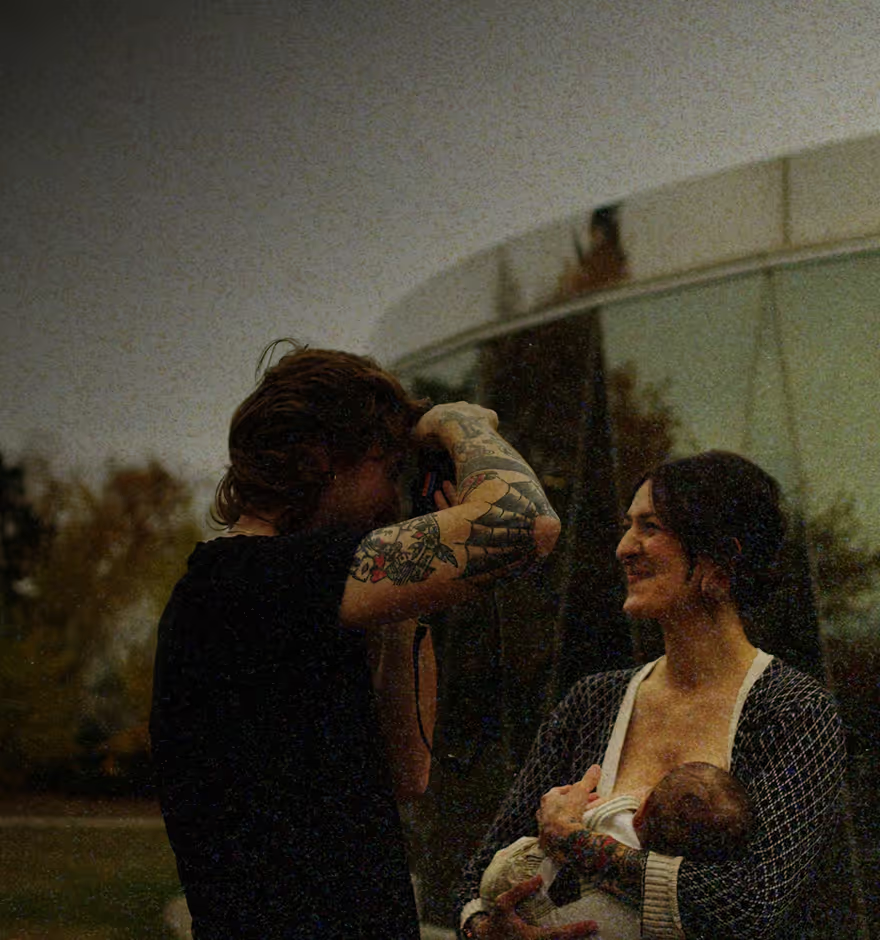
Go Back in Time With Fade
Soften colors and shadows for a subtle, aged look that adds depth and mood to your photo.
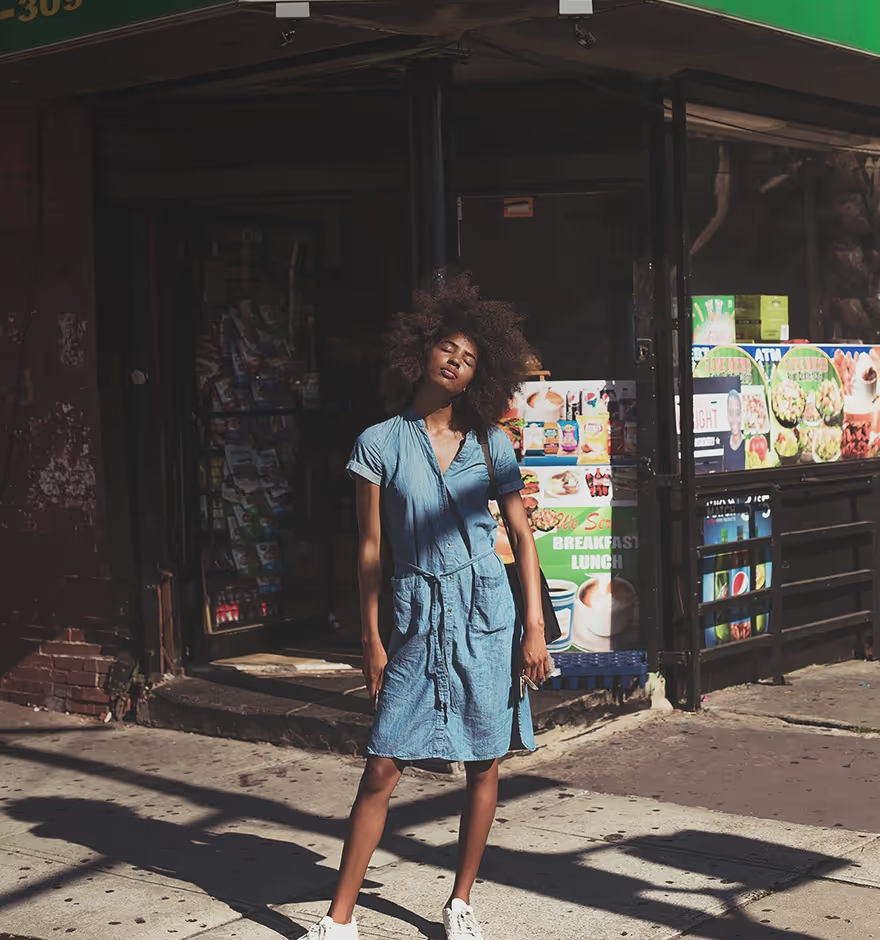
Apply Real Film Filters