Golden Hour FILTERS
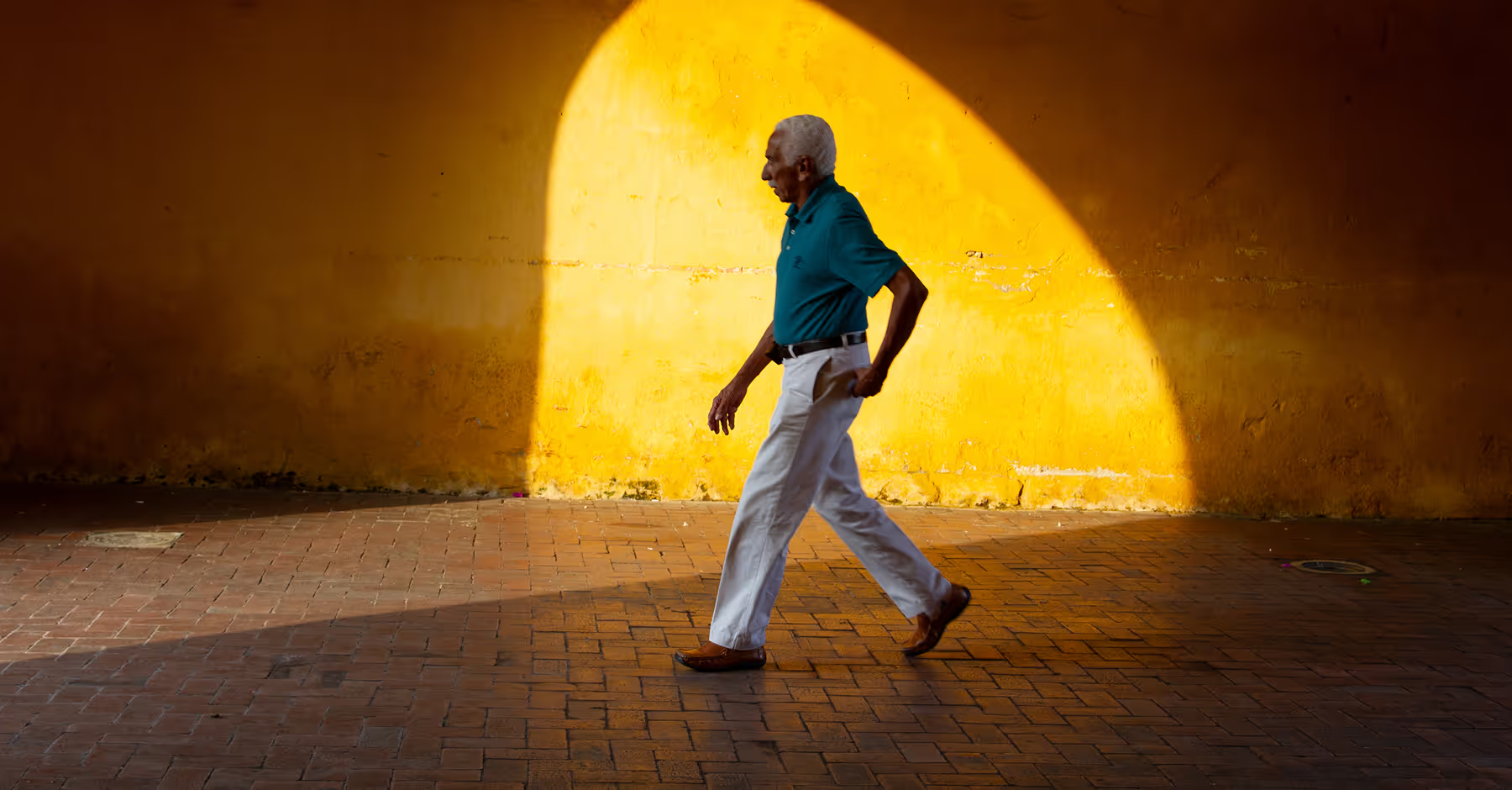
Capture the warm, glowing tones of golden hour photography. Editing tools and golden hour presets help you recreate sunset light anytime, anywhere.

Make every shot glow
Give your photos that golden hour glow with warm, sunset-inspired filters and tools in the VSCO app.
Import your photo
Apply a warm, sunset filter
Finesse your look with editing tools
Get the Golden Hour Look
Recreate the soft, radiant tones of the golden hour with VSCO’s iconic filters and photo editor.
Choose from favorites like Fuji Velvia 50 (FV5) for vibrant, sunlit colors, Chromatic (C5) for subtle fade, Warm Portrait (G8) for flattering skin tones, or Mood (M5) for cinematic depth.
Fine-tune your golden hour photos with tools like Exposure, White Balance, Saturation, Bloom, and Halation to enhance that natural, sun-kissed glow.
You don’t always have to wait for sunset, recreate and enhance golden hour light any time in the VSCO app or online photo editor for Mac and Windows PC.

How to Add a Golden Hour Filter
Import your photo to the VSCO app from your camera roll.
Apply a warm, golden hour preset like FV5, C5, G8, or M5.
Enhance your look with tools like Exposure, White Balance, Saturation, Bloom, and Halation.
Save your edited golden hour photo and post directly to your profile or social media.
Popular Golden Hour Filters
Explore popular golden hour filters in the Warm preset category when editing on VSCO.
The FV5 preset creates saturated, glowing colors for landscapes and nature.
The C5 preset adds subtle fade and warm tones for natural, timeless sunsets.
The G8 preset gives subjects a soft warmth that flatters skin and adds a golden glow.
The M5 preset creates cinematic, moody light for emotive golden hour imagery.
Tap to apply any filter, then tap the tile again to fine the strength of the look.

Golden Hour ON YOUR PHONE
Enhance and recreate golden hour on your iPhone or Android with the VSCO mobile app.


Sunset FILTERS onLINE
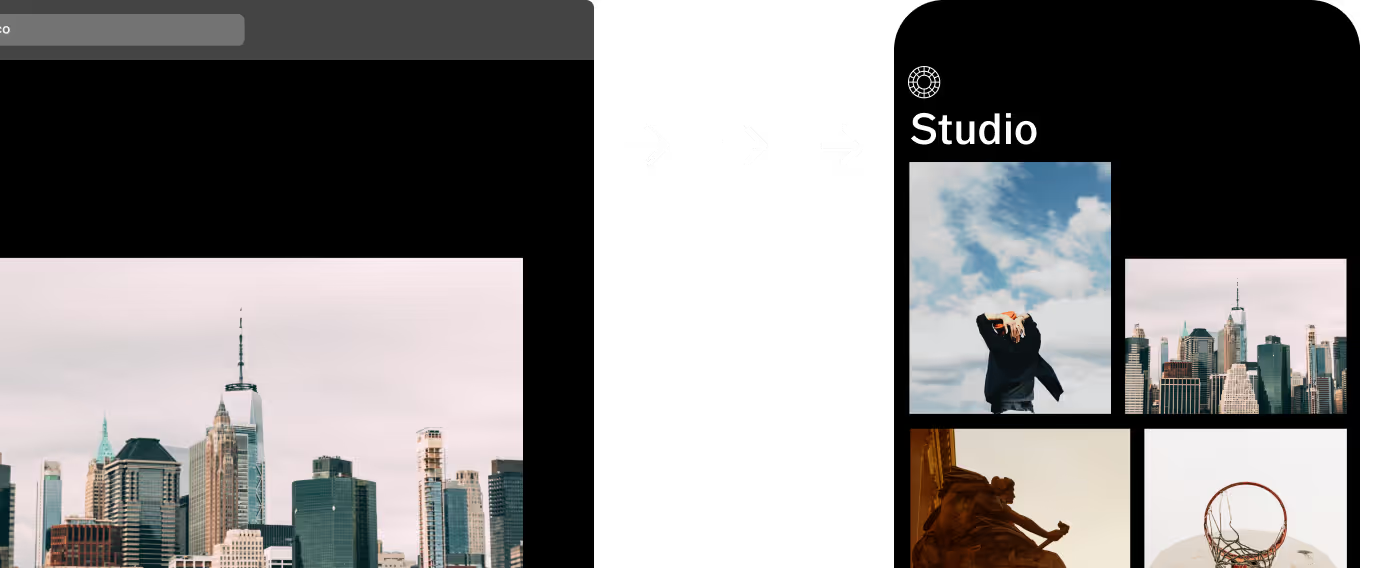
Add filters with VSCO Desktop Studio for PC & Mac, or try the Adobe Lightroom plugin.


ACCESS YOUR PHOTOS ANYWHERE
Sync your sunset edits across VSCO Studio on desktop and the mobile app.

Frequently asked questions
What is the golden hour for photography?
VSCO helps you capture, enhance, and recreate golden hour, the short period after sunrise or before sunset when sunlight is soft, warm, and perfect for photos.
When is golden hour?
Golden hour is typically the first hour after sunrise and the last hour before sunset, though the exact time depends on your location, the season, and weather conditions.
What is the golden hour effect?
The golden hour effect is a warm, sun-kissed glow you can enhance and recreate with VSCO photo filters like FV5, C5, G8, or M5 and tools like Exposure and White Balance.
What ISO should I use for golden hour?
Using a low to moderate ISO, like 100–400, to keep photos clean while capturing the soft, natural light of golden hour. Set your ISO manually when you shoot with the VSCO Capture camera app.
How do I get the golden hour look?
VSCO offers golden hour presets and editing tools on iPhone, Android, and our online editor to warm up light, enhance color, and recreate that iconic sun-kissed glow anytime.
Shoot with golden hour effects in real-time
The VSCO Capture camera app lets you apply golden hour effects directly in-camera as you shoot. Choose your favorite filter, create glow with the live Bloom effect, and add a touch of warm, cinematic Halation.


related PHOTO EFFECTS
Bring warmth, depth, and soft light to your images with golden hour effects and photo editing tools. Balance highlights and shadows, enhance natural warmth, and let colors glow for that iconic, radiant look in every photo.
Adjust Exposure
Adjust image exposure to balance light and shadow, creating a perfectly sun-kissed photo.
Control White Balance
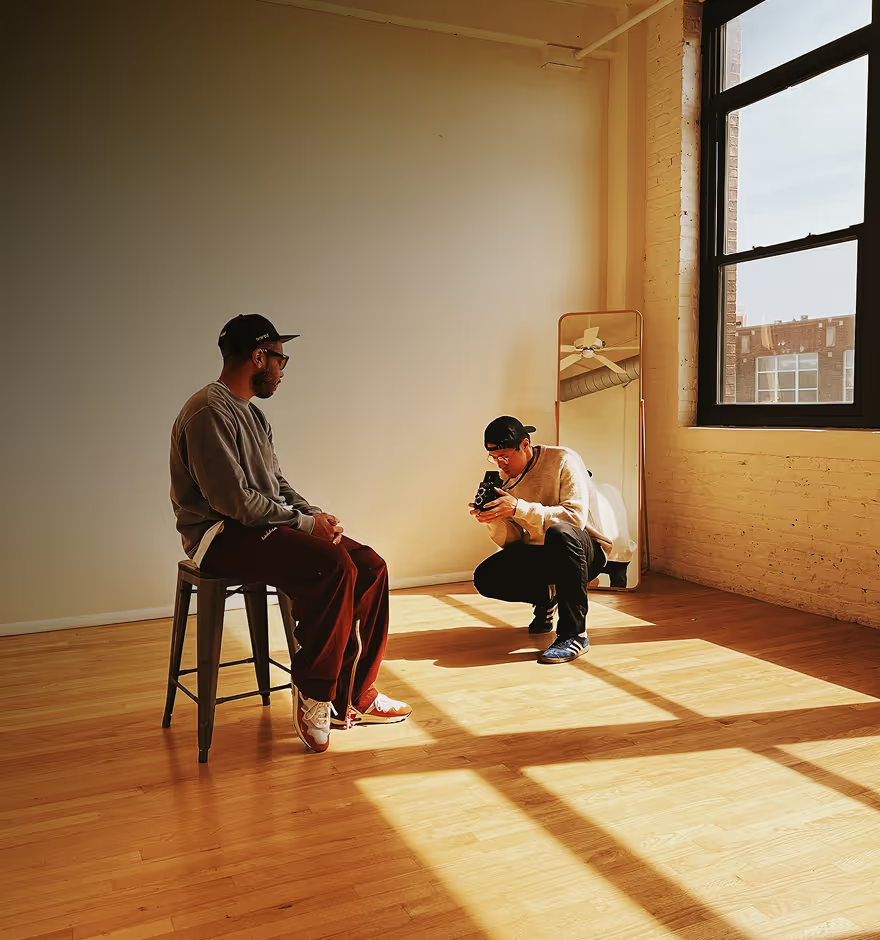
Enhance your photo’s warmth by sliding the temperature control to the right.

Boost color Saturation
Boost your photo’s vibrancy to make colors pop and highlight rich sunset tones.