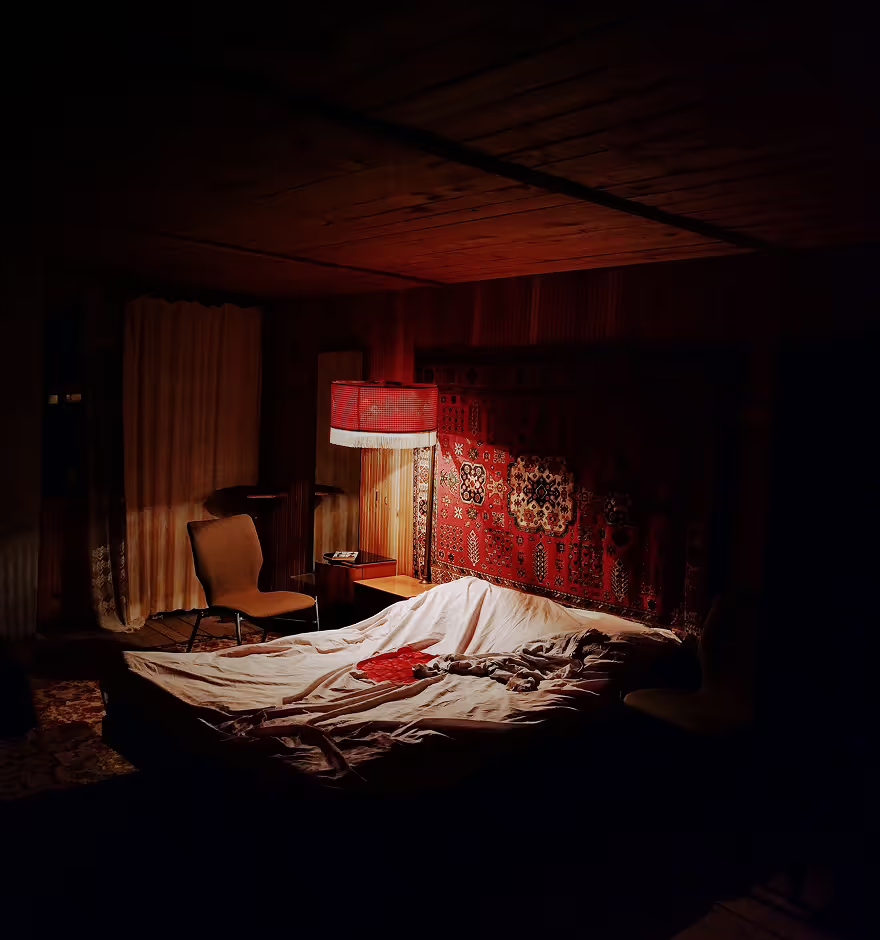
Saturate Photos and Videos
Easily adjust color intensity with VSCO’s Saturation slider. Make photos and videos vivid or muted, bringing every color to life.
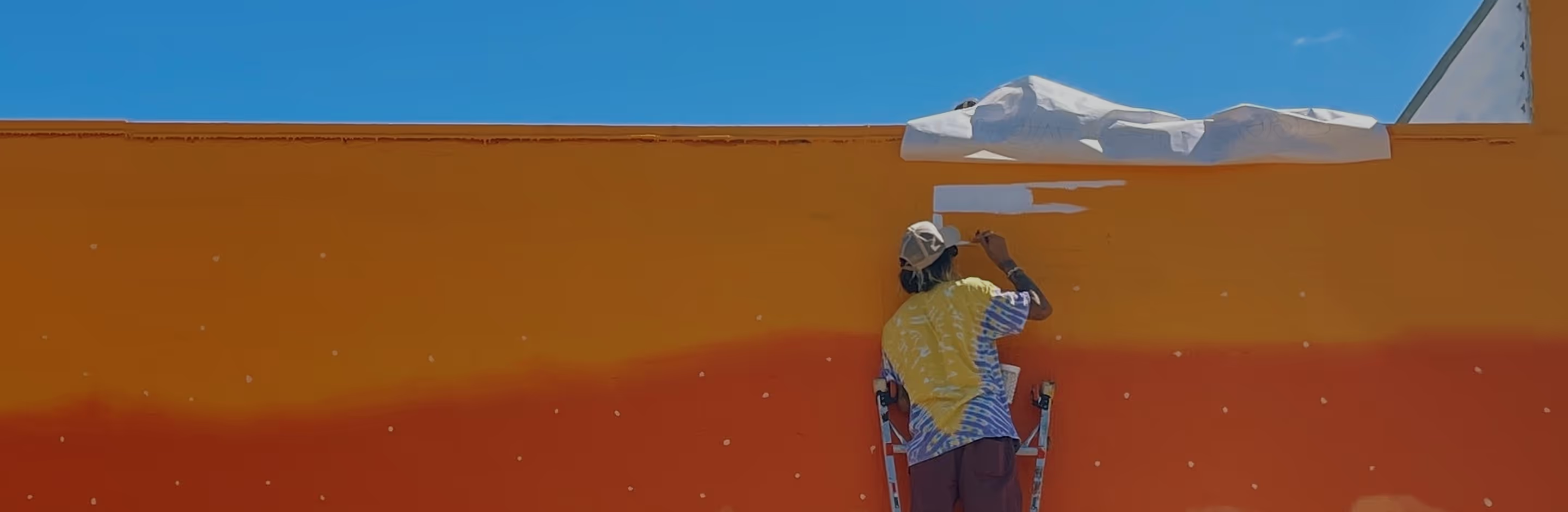
Make your photos and videos look vibrant or muted
Control color intensity with a single slider to make your images pop or create a softer, more understated mood.
Import your photo or video
Adjust saturation
Fine-tune and export
When To Saturate
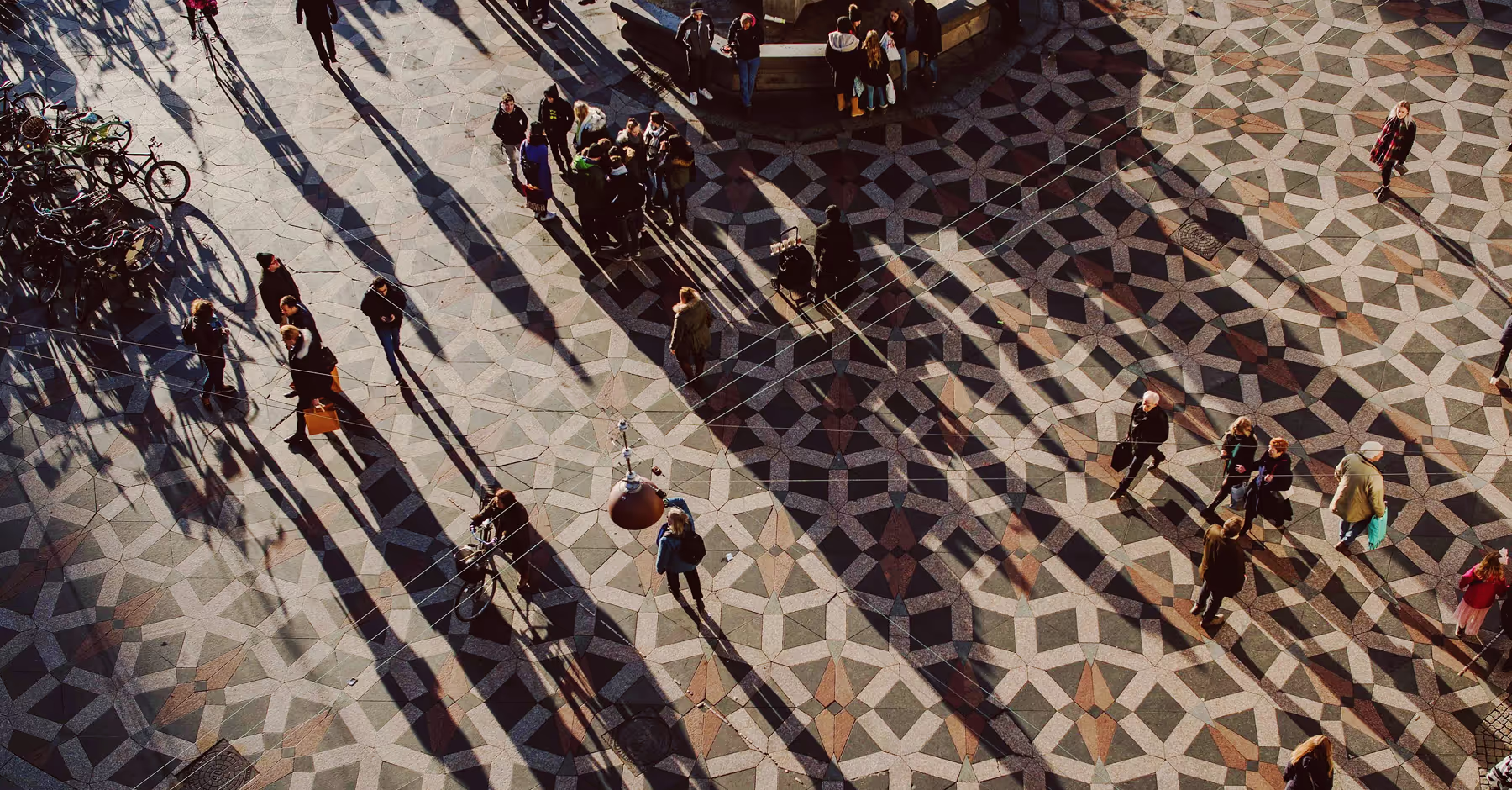
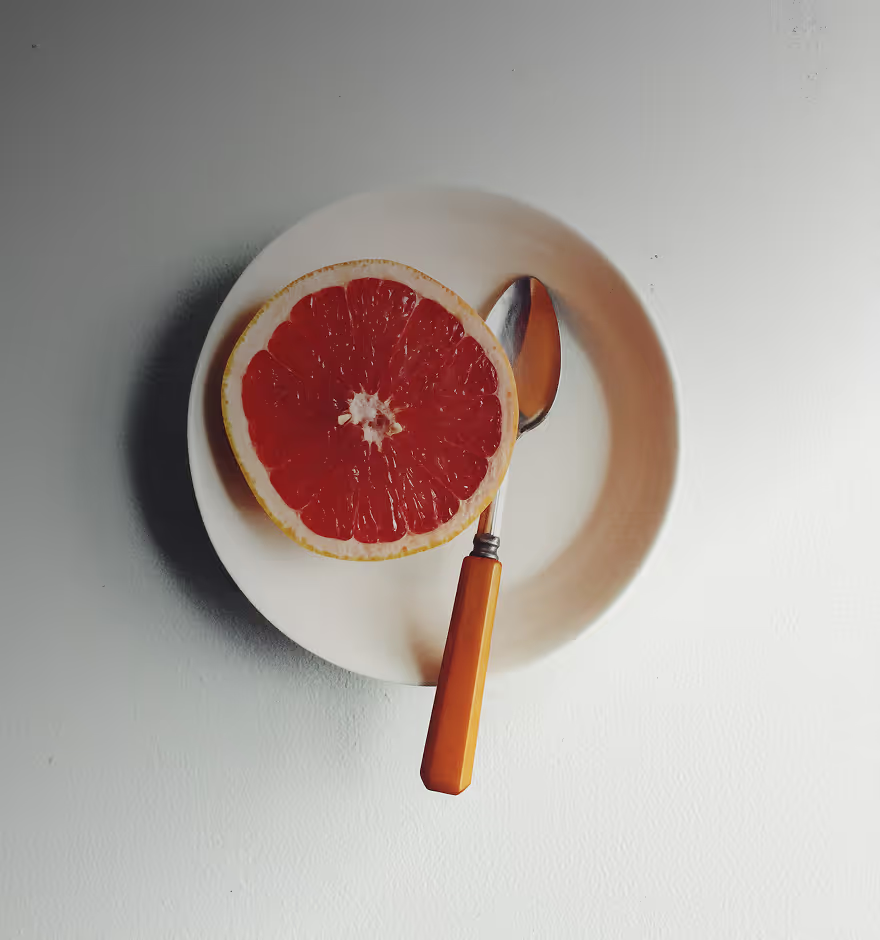
Saturation helps set the emotional tone of your images. Boost it to create bold, energetic edits for landscapes, travel shots, food, and product photography. Lower it for a muted, cinematic effect often used in portraits, fashion, and editorial content.
Whether you want colors lively or intentionally subdued, Saturation lets you shape mood while staying true to your vision. Experiment freely, trust your eye, and refine edits with VSCO’s advanced tools to achieve a look that feels authentic.
How To Saturate Images AND VIDEOS
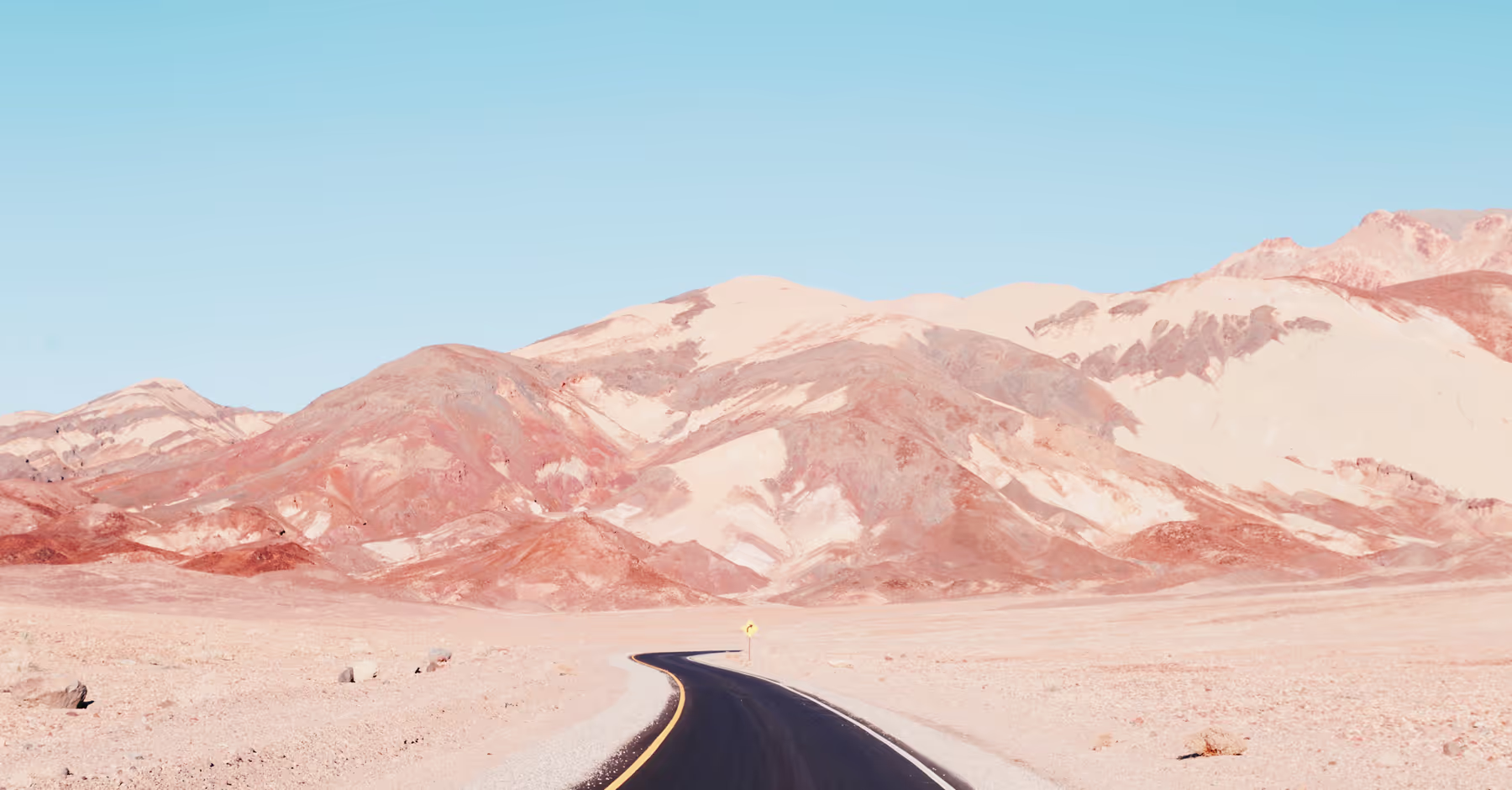
Import images into the VSCO app on your iPhone or Android or the desktop editor on Mac or PC.
Open the editor and use the Saturation slider to adjust overall color intensity.
Refine specific colors with the HSL editor and pair saturation with the Contrast or Tone tools for more control.
Export your edits or publish directly to VSCO to share with the creative community.
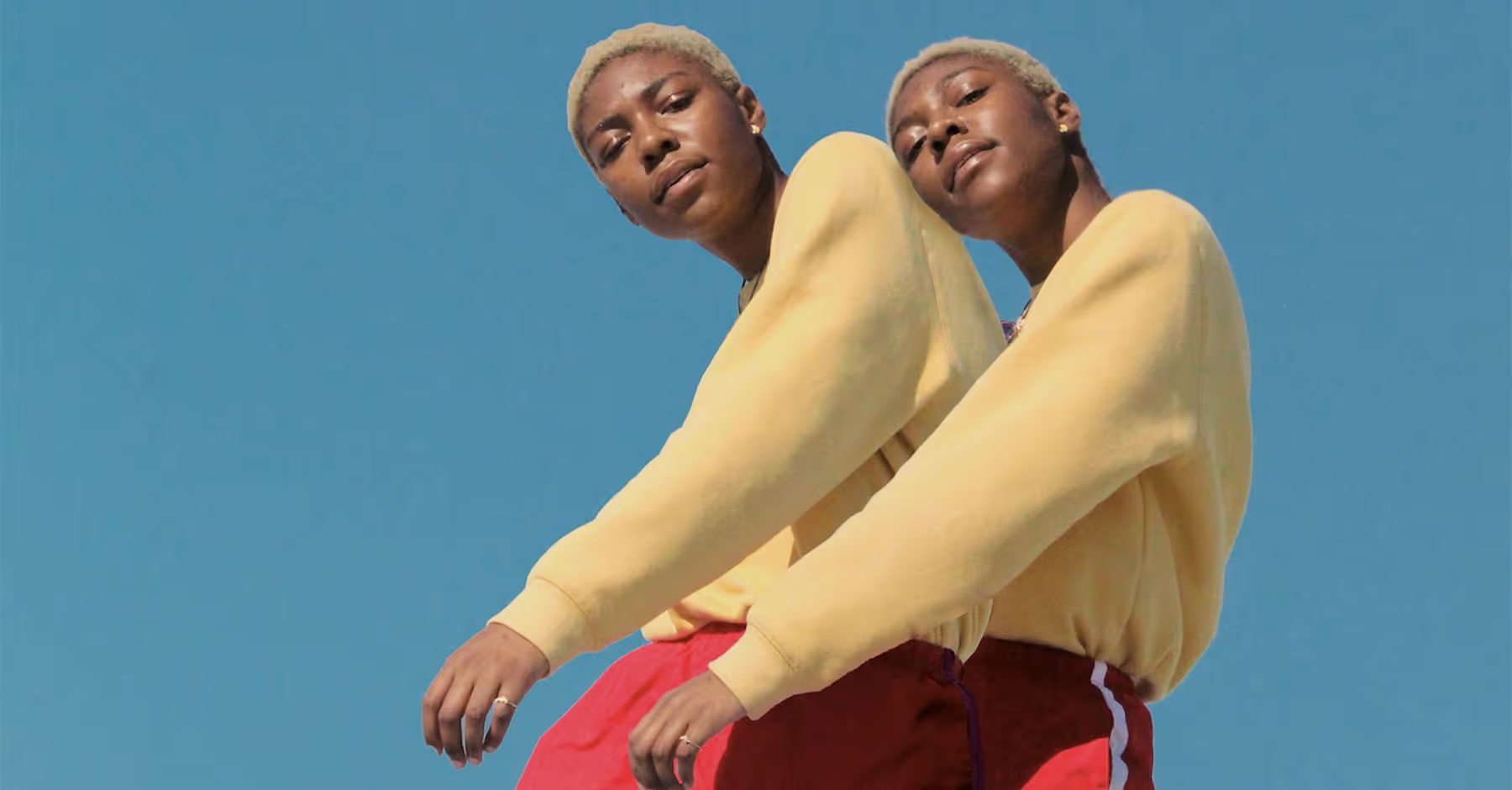
Consistent Color, From Photo to Video
Saturation isn’t just for photos. Use the same intuitive slider to adjust color intensity in video edits for a consistent visual style. Increase saturation to add energy and warmth to travel clips or lifestyle footage, or decrease it for a moody, cinematic feel.
With VSCO, you can edit both photos and videos using the same tools, making it easy to maintain a cohesive aesthetic.
Saturation Filters on Your Phone
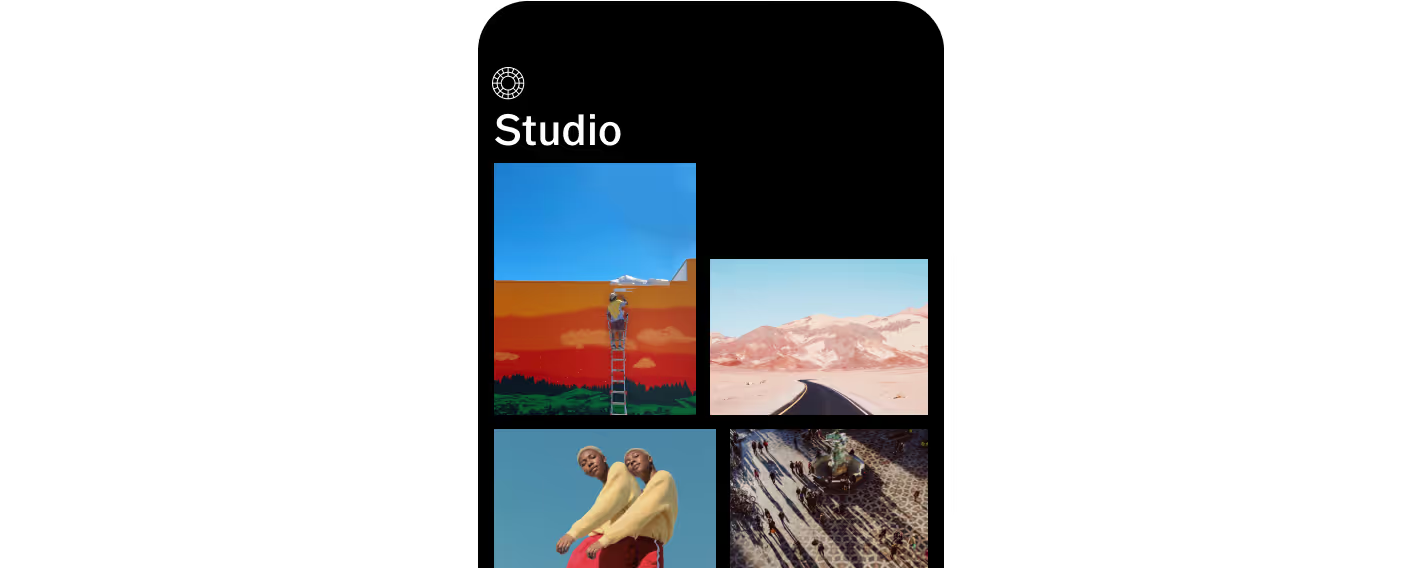
Saturate iPhone or Android photos and videos with the VSCO mobile app.

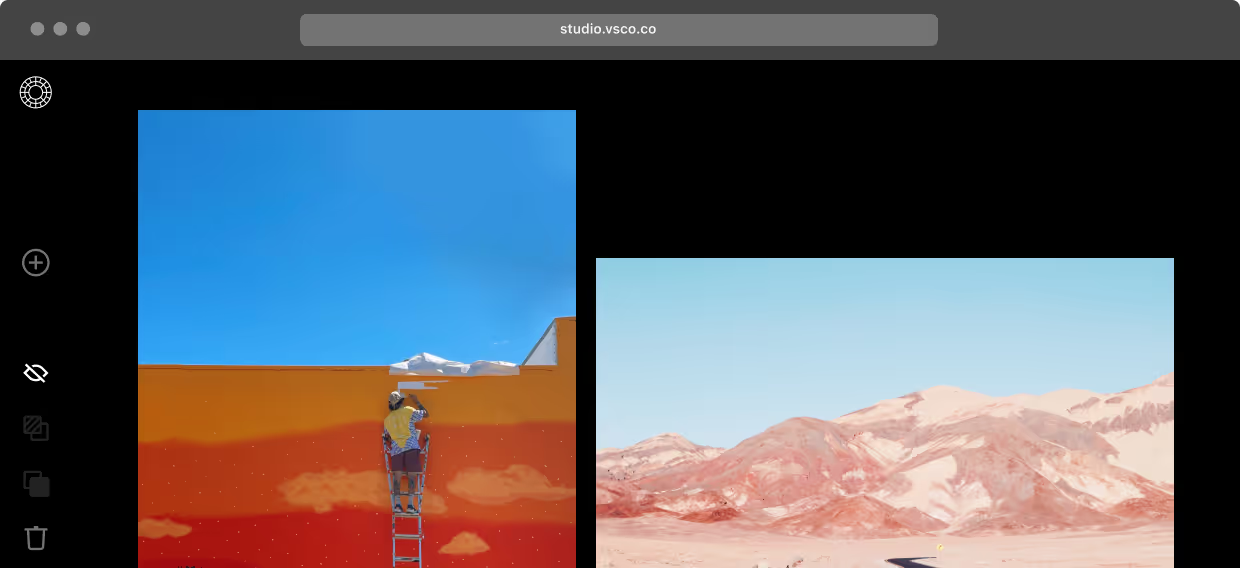
Saturation Filters on Desktop
Add saturation to photos online using VSCO Studio for Mac & PC, or try the Adobe Lightroom plugin.

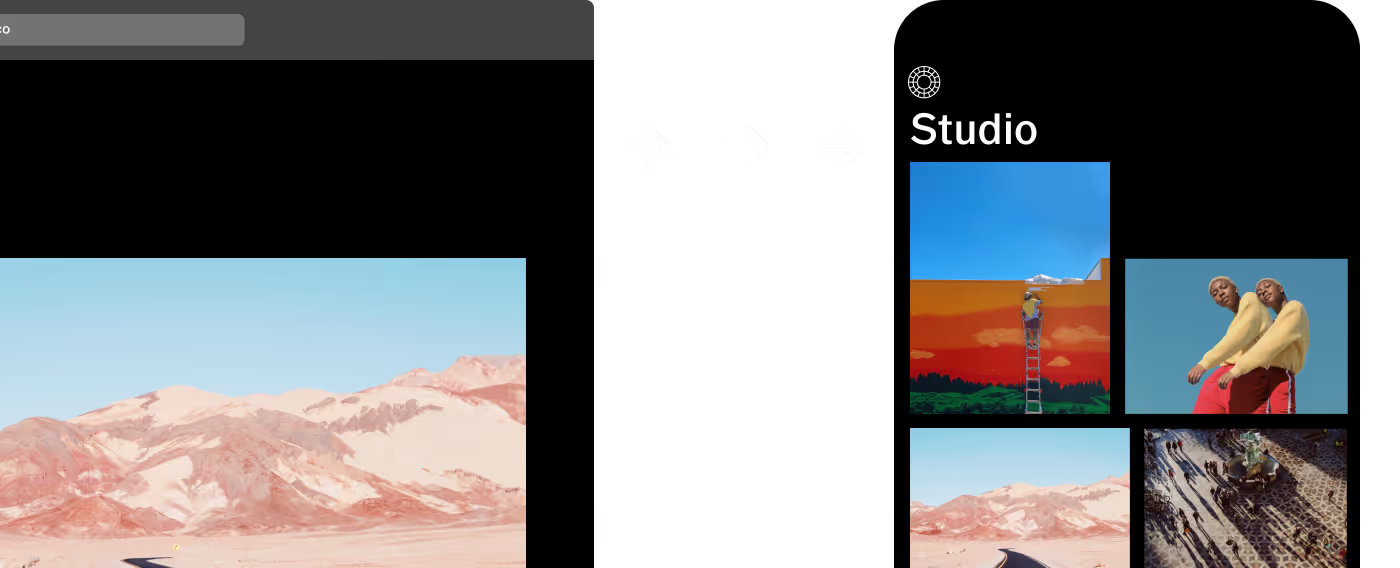
Access Your Photos Anywhere

Frequently asked questions
What does saturation do in photo editing?
Saturation controls the intensity and vividness of all colors in your image. Increasing it makes colors bold and energetic, while decreasing it produces a muted, softer, or more cinematic look.
Can I adjust saturation for individual colors?
Yes. VSCO’s HSL (Hue, Saturation, Lightness) editor lets you target specific colors in your photo. Adjust reds, blues, or greens independently without affecting the rest of the image for more precise, creative edits.
Does saturation work for videos in VSCO?
Absolutely. The Saturation tool works on both photos and videos, letting you maintain consistent color intensity and mood across all your content.
How do I avoid over-saturating my photos?
Make subtle, intentional adjustments, keeping an eye on skin tones and highlights. Combining saturation with the HSL editor, Exposure, and Contrast ensures balanced, natural results.
More Editing Tools
Pair the Saturation tool with the HSL editor, Contrast, and Tone to create expressive edits with depth and intention.
HSL Editor
Adjust individual colors precisely for creative, vibrant image edits.
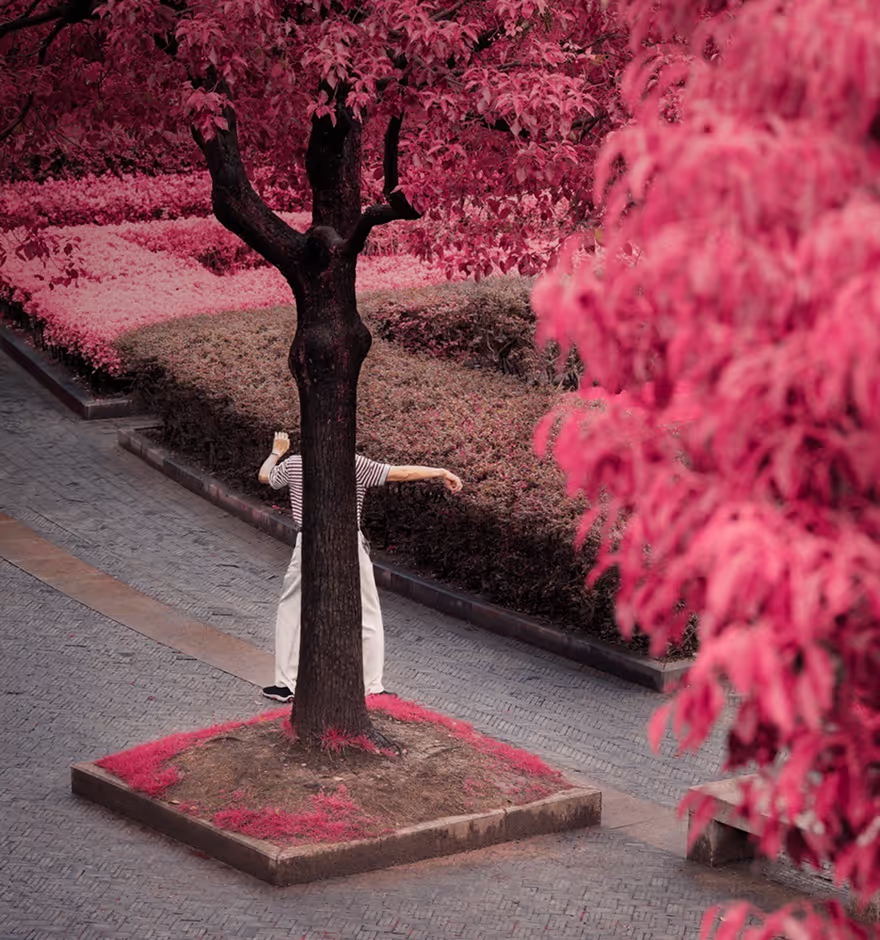
Image Contrast Editor
Deepen shadows and brighten highlights to enhance photo depth.
Tone Shadows and Highlights
Recover details and balance light for a polished look.