Color Grading Presets
Transform your photos and videos with cinematic color grading presets designed to match any mood.

With CG1 – CG8, you can shift tones, enhance emotion, and bring professional-grade color correction to your photos and videos.
VSCO is a community-driven platform built for photographers who want to grow both creatively and professionally. Join today to connect with other creators, expand your craft with powerful editing and business tools, and explore our full suite of features. Invest in your creativity today with a VSCO Membership.
Cinematic color control
The Color Grading presets come in four distinct tones: Duotone, Blue, Gold, and Green, with both low and high variations for each. From subtle image color changes to bold photo color grading, these presets give you flexible options to match any mood.

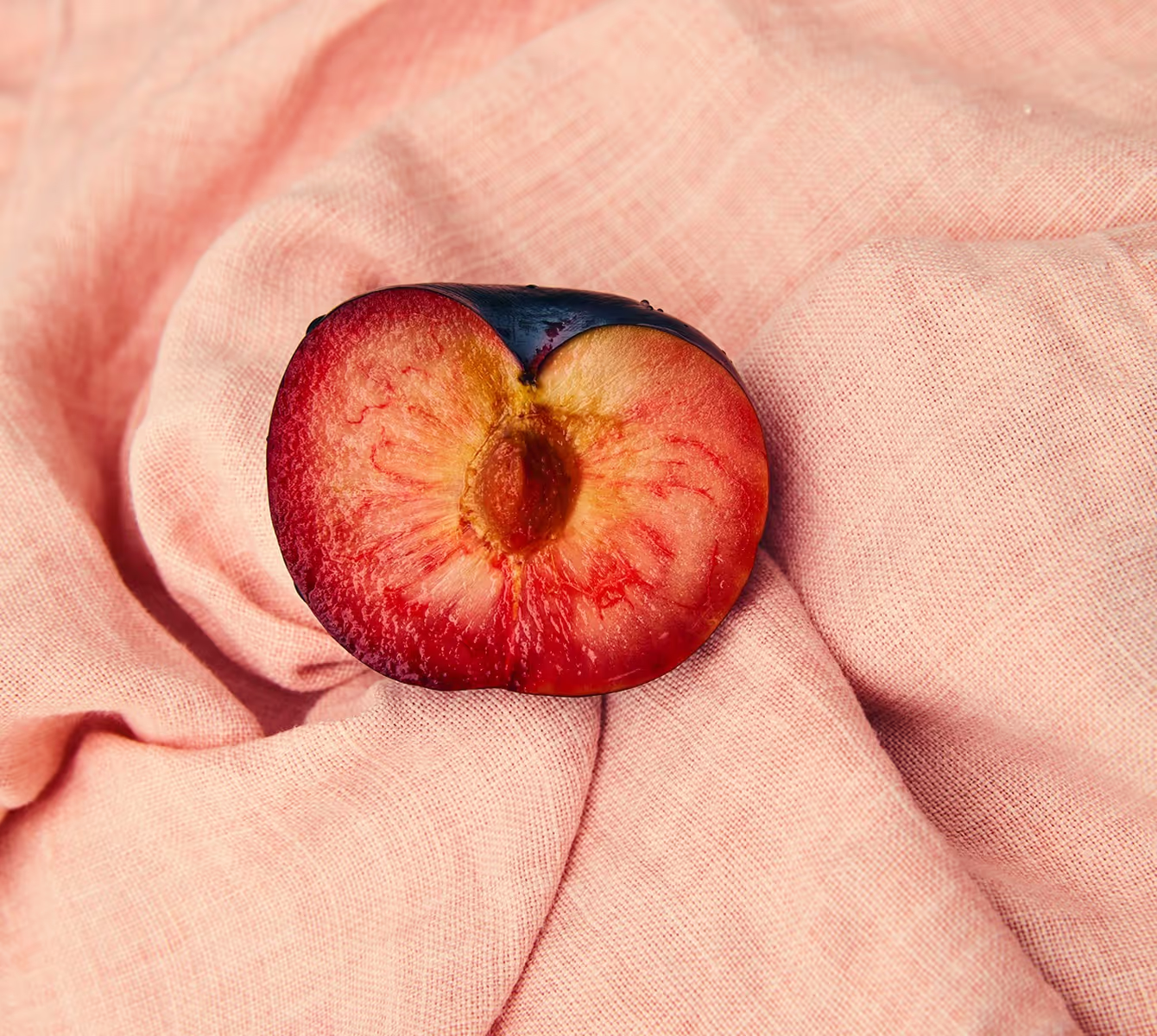
Cool shadows meet warm highlights for a complementary palette. CG1 keeps things soft and low-contrast, while CG2 pushes saturation and contrast for a bolder mood.

Shift into calm, reflective tones with CG3, or energize your work with the color and contrast of CG4. Perfect for video color correction or photo edits where atmosphere matters.

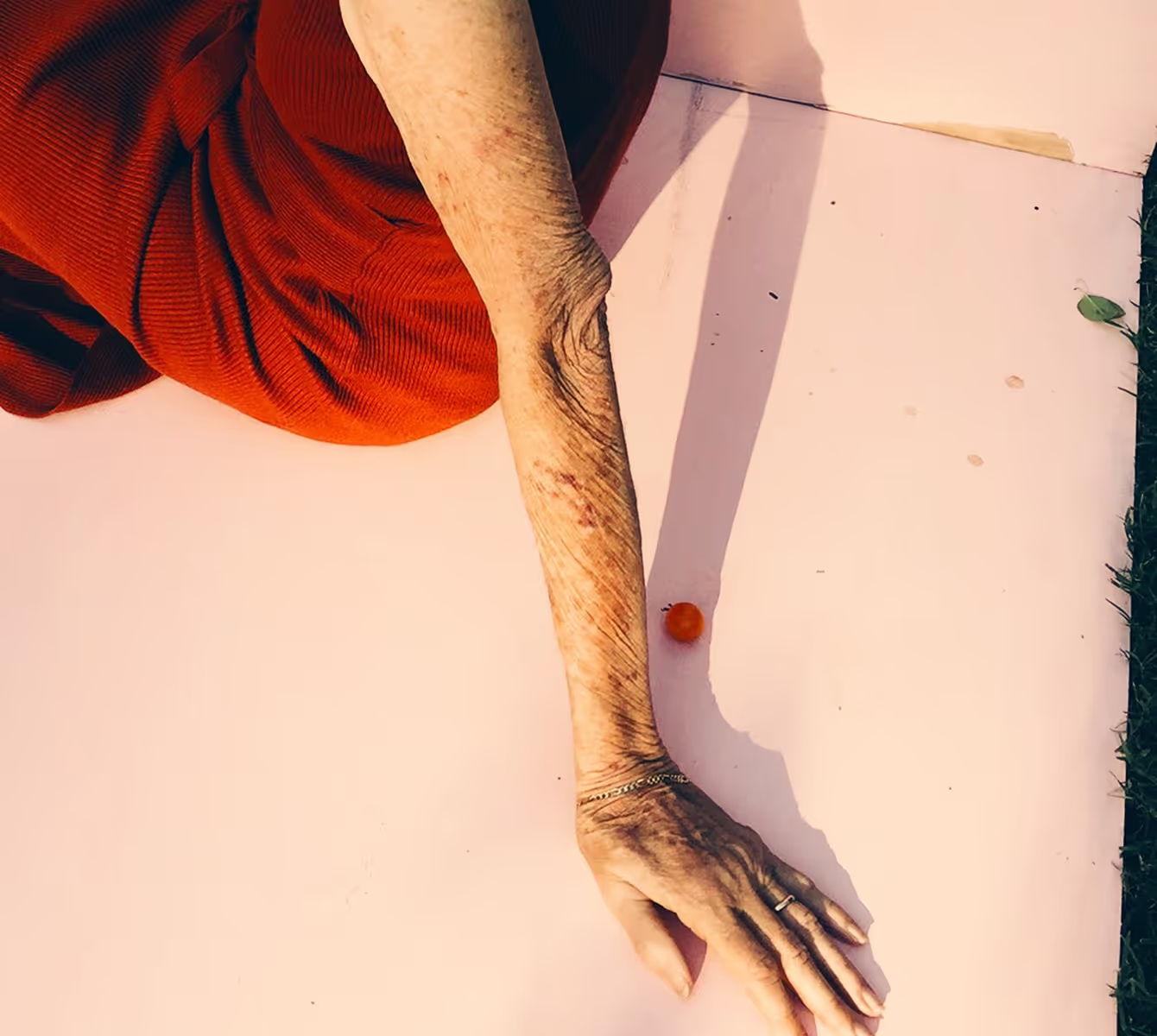
Capture warmth and emotion. CG5 offers muted, longing tones while CG6 creates glowing, radiant energy. Both are ideal for portraits, travel, or storytelling with emotional depth.
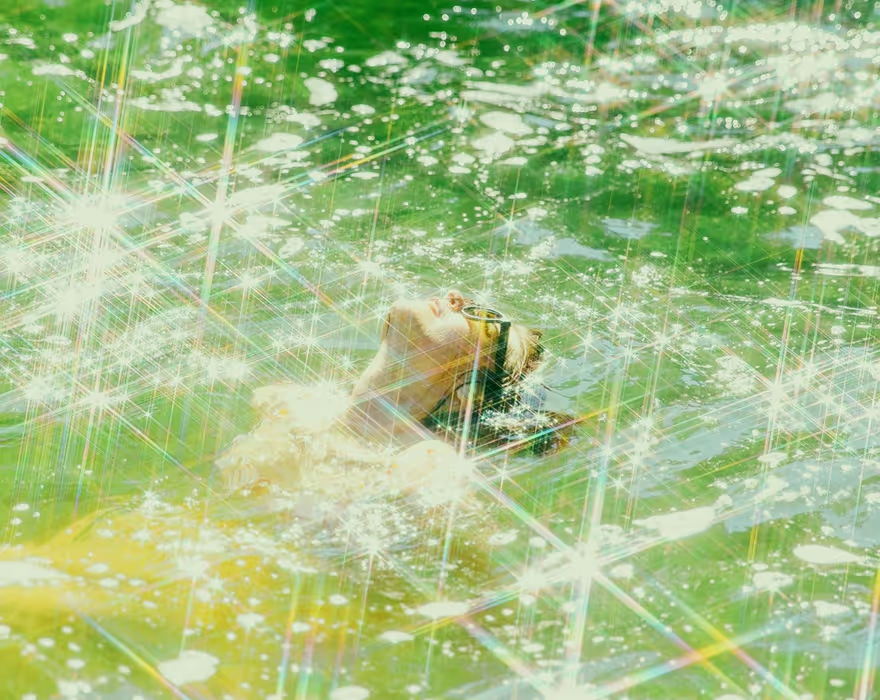
Embrace a serene mood with CG7 or explore high-intensity green grading with CG8. Depending on your subject, this preset can feel eerie and dramatic or fresh and full of life.
Why use the color grading presets?
The Color Grading presets make it easy to change the color of an image, fine-tune tones with color correction tools, and apply cinematic video color grading or photo color grading. Whether you’re looking for professional color filters for photos or an online color grader that simplifies the editing process, VSCO is the go-to color grading app for creators.
How to color grade photos and videos
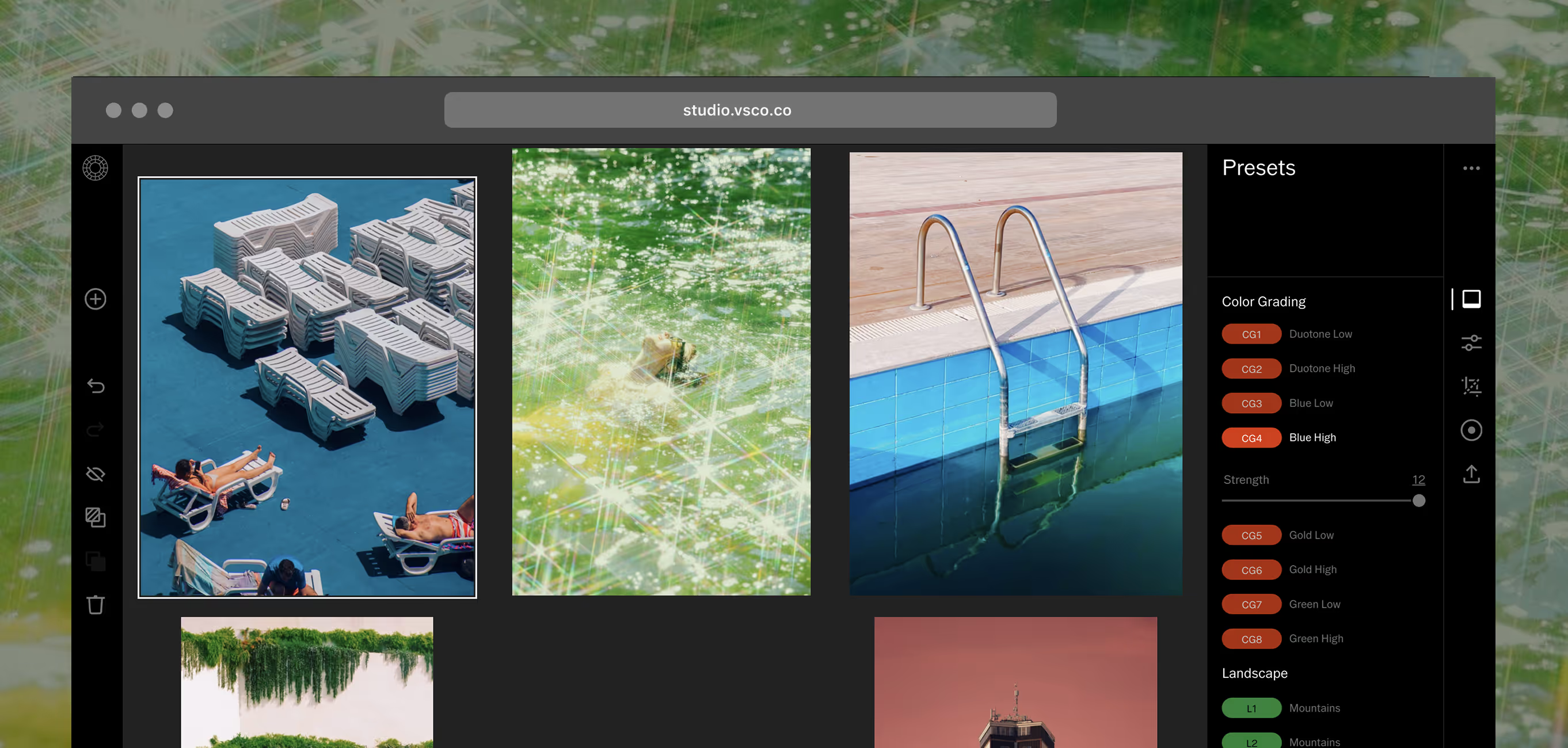
Download the VSCO app and import your photos and videos. Select a photo or video, then tap Edit. Scroll to find CG1 – CG8 and select a preset based on the tone you want: Duotone, Blue, Gold, or Green. After you apply a preset, tap the preset tile again to adjust intensity, then pair with our full suite of powerful editing tools for precise color correction. Export and share directly to your VSCO profile, Instagram, or other social media.
RELATED PHOTO EDITING TOOLS
Go further with creative tools that complement the Color Grading presets. From saving your signature style to exploring advanced photo filters and editing video, VSCO gives you more ways to create consistently and with ease.
Bulk Edit with Recipes
Save your favorite preset and tool combinations with Recipes to keep a consistent style across both photos and video.
Customizable Pro Presets
Pro presets give you more ways to refine your work with exclusive looks and sliders for even more control.

Video Editing Made Easy
Apply video effects and presets to your videos so your work stays consistent across all formats.