Family Photo Galleries for Professional Delivery
Deliver family memories in a gallery that feels as thoughtful and intentional as the session itself.

Family photo sessions capture things that don't happen twice. With VSCO Galleries app, you can give those photos a home that matches just how much they actually matter.
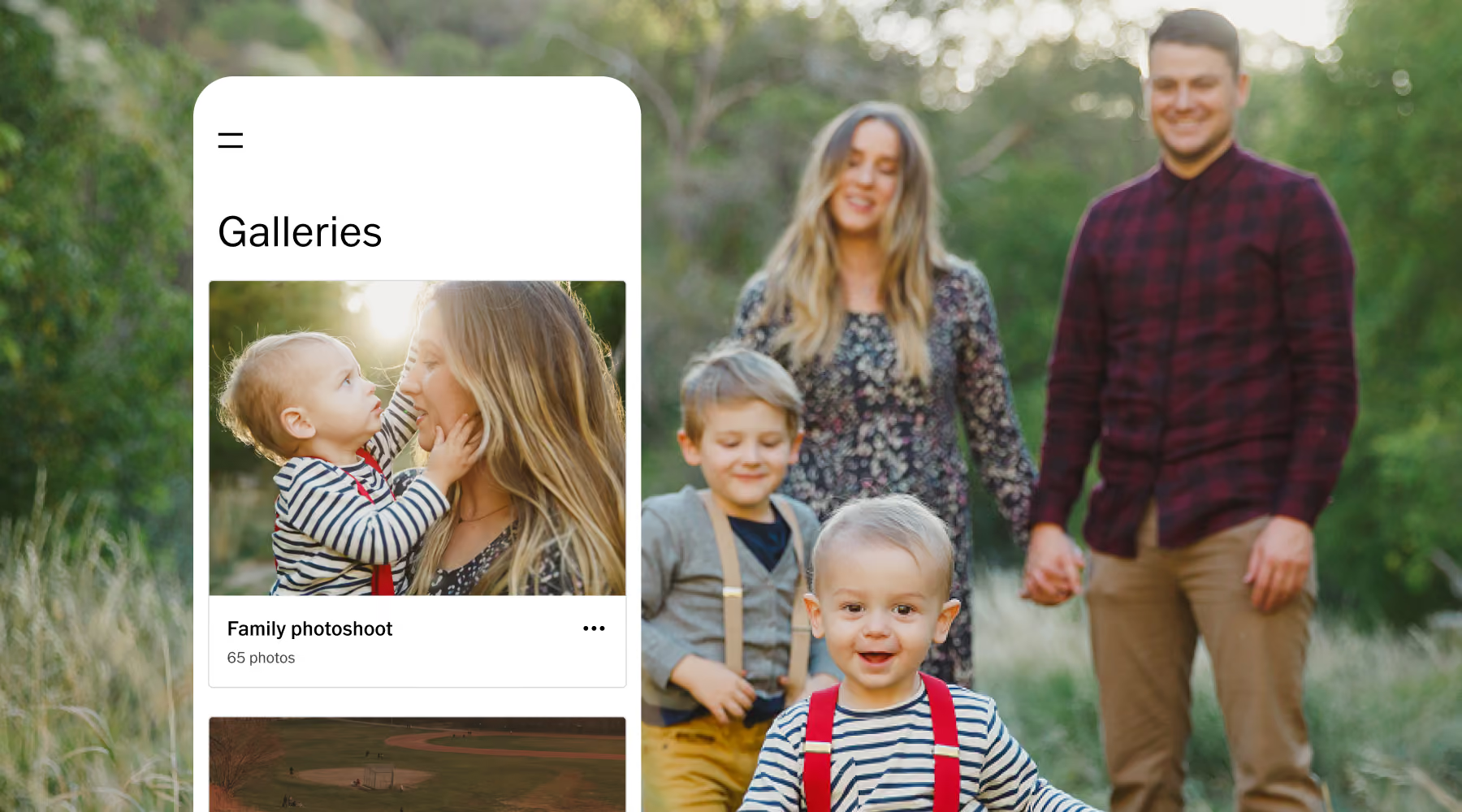
Showcase family sessions with clarity and care
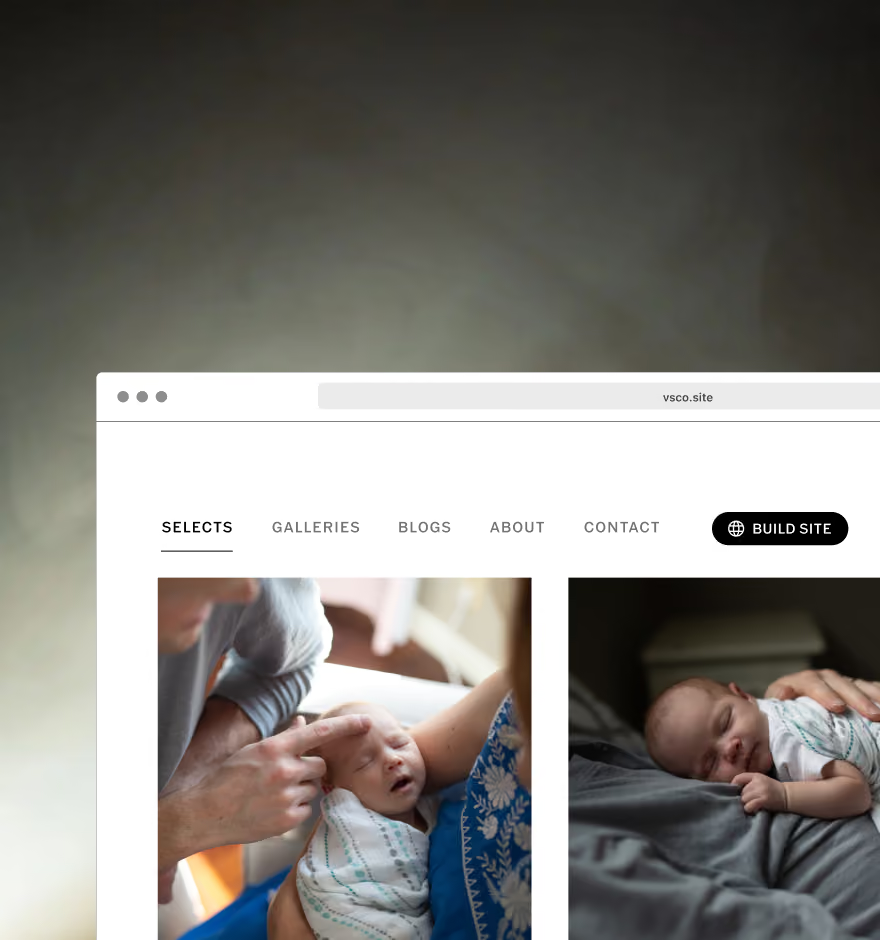
Family photos deserve a presentation that feels as intentional as the session itself. VSCO Galleries gives you a clean, distraction-free space that keeps attention exactly where it belongs, on the people in the photos.
Clients get a gallery that feels cohesive and polished all the way through, not just on the cover image. It reflects the care you put into the session, and makes it simple for them to sit with their photos instead of scrolling past them.
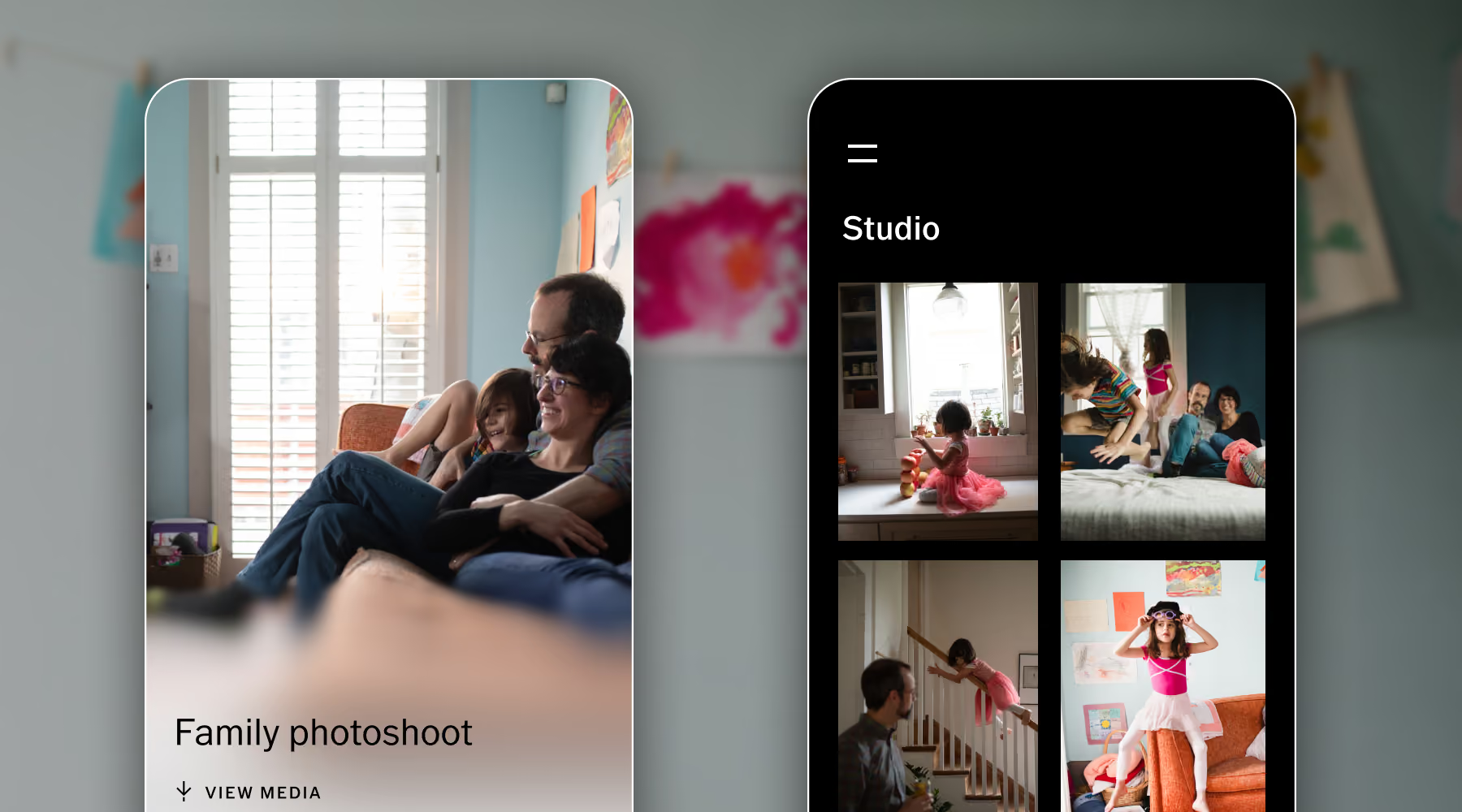
How to create a Family photo gallery
Add new gallery
In the VSCO Galleries, click “+” to create a new photo gallery.
Name and adjust settings
Name your gallery, adjust access and privacy, add a password if needed.
Import photos
Upload the full session directly from your camera roll.
Deliver your gallery
Send a simple link or QR code so clients can download, save, and share their favorites.
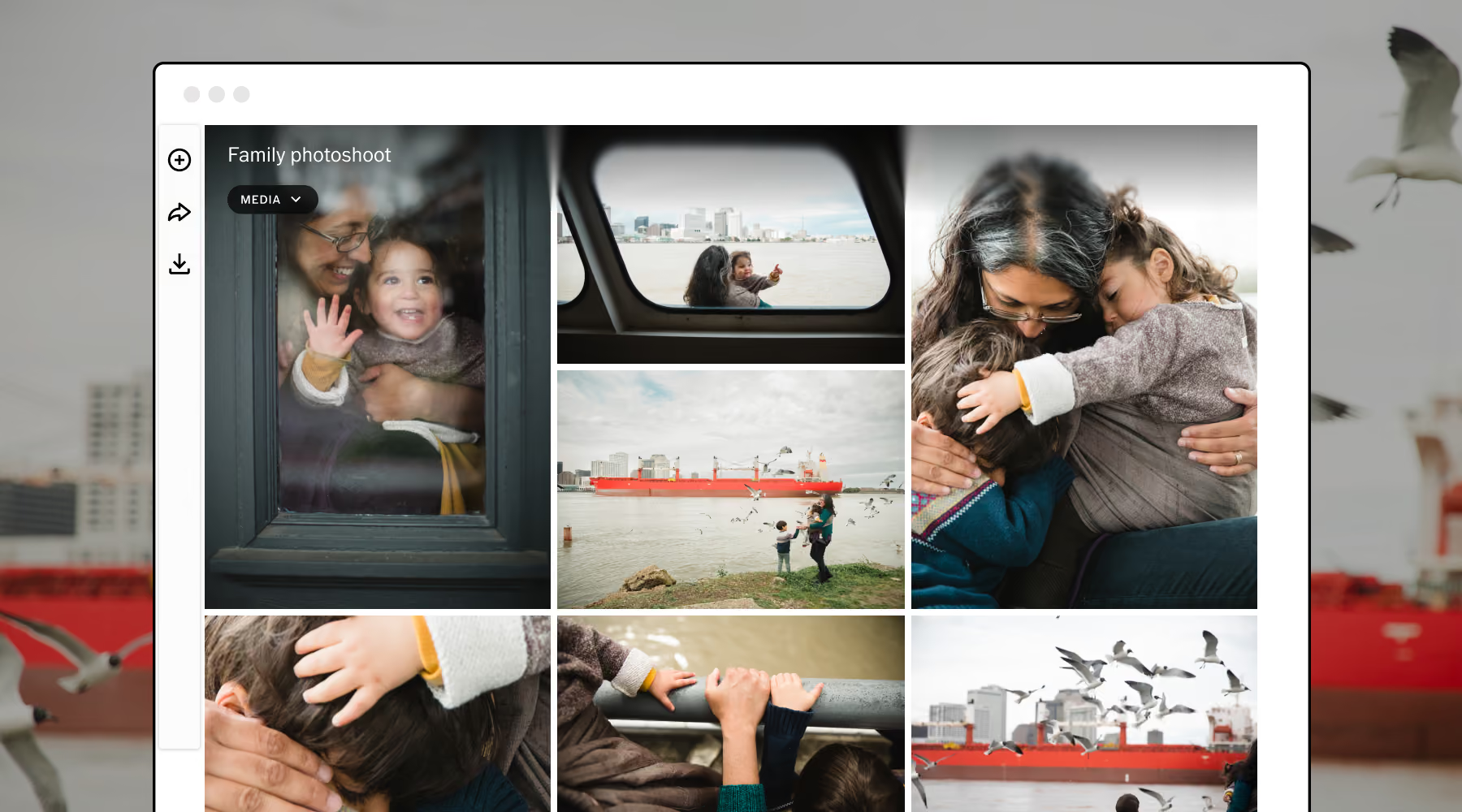
Fast, simple, and built for sharing
Family photography is meant to be lived with, not opened once and forgotten. VSCO Galleries loads fast, feels natural on a phone, and never asks a grandparent to figure out a complicated interface just to see their grandkids.
Clients can revisit favorite moments whenever they want, download full-resolution files, and pass the gallery along to extended family without an account or an extra confusing step. It's a smoother experience for them, and a more professional delivery for you.

Download VSCO Galleries
Spend less time managing delivery and more time behind the camera. VSCO Galleries lets you create and share family session galleries that look polished on any device, whether it's a quick milestone update or a full family reunion.
Frequently asked questions
How do I deliver a family photo gallery to clients?
Create a gallery with VSCO Galleries, upload your selected images, and share a private link or QR code. Clients can view and download photos instantly on any device.
Can family members access the gallery without an account?
Yes. Anyone with the link can open the gallery in their browser, no login or app download required. That makes it simple to share a session with grandparents, aunts, and uncles who just want to see the photos.
Can I control which photos are included?
Yes. You can fully curate each gallery as you upload, so only your final, edited images reach clients for a clean, professional presentation.
Are family galleries private?
Yes. Galleries are only accessible through a private link, and VSCO One or Pro adds password protection for extra security on especially personal sessions.
Can clients download high-quality images?
Yes. Clients can download full-resolution files directly from the gallery, making it simple to print, save, or share their favorite family moments.
More ways to create and deliver
Extend your workflow beyond delivery with VSCO tools designed to support every stage of your photography process—from planning and presentation to client management.
PHOTOSHOOT PLANNING
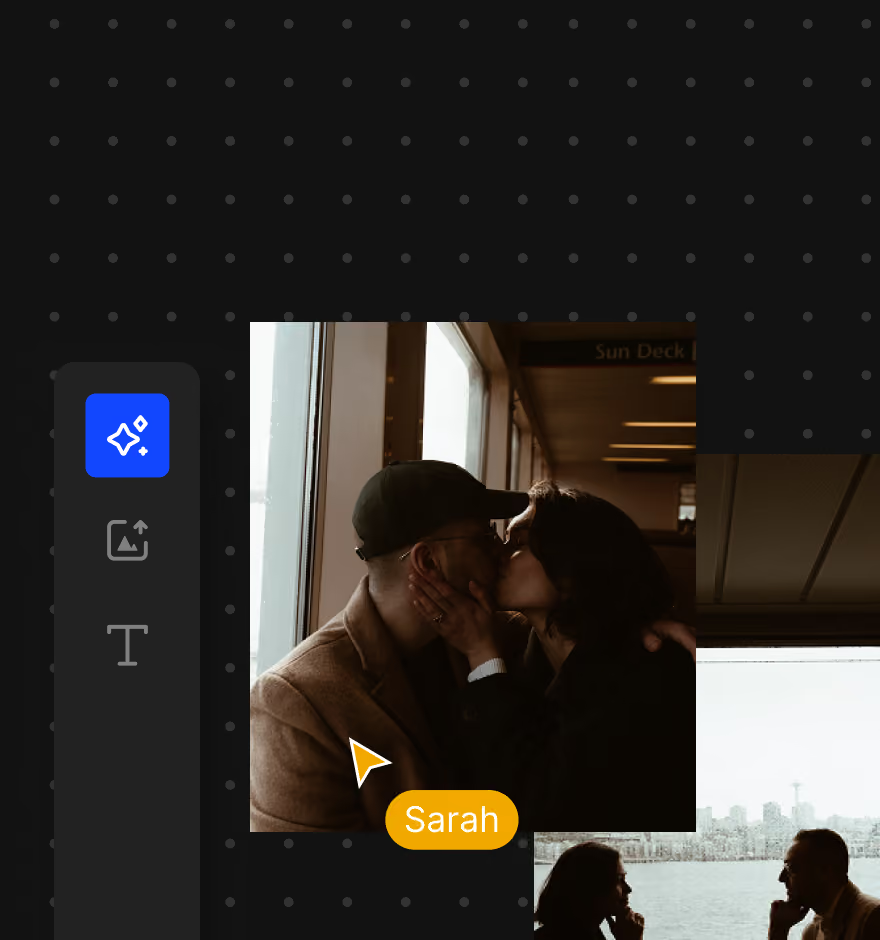
Plan family sessions with mood boards, shot lists, and visual direction.
Publish a client-ready website
Showcase your family photography with a clean, professional online presence.
VSCO Workspace
Keep inquiries, bookings, and client communication organized in one place.