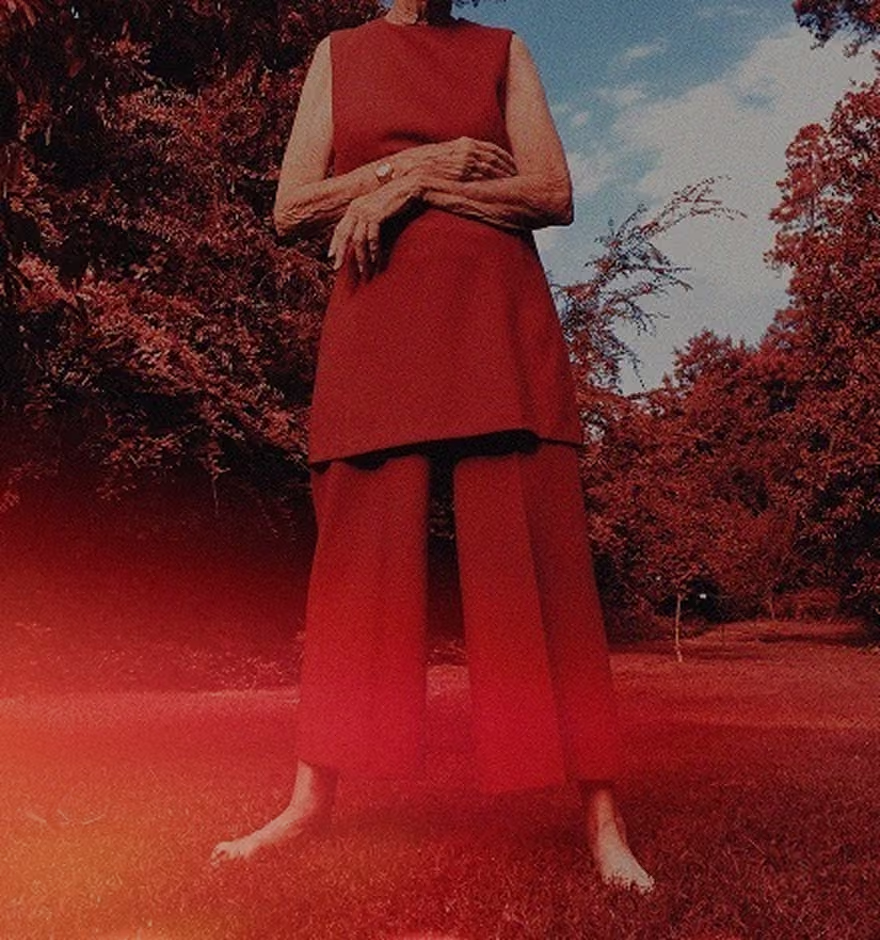
Film Camera App for iPhone
Take film-inspired photos in real time with the free VSCO Capture camera app.
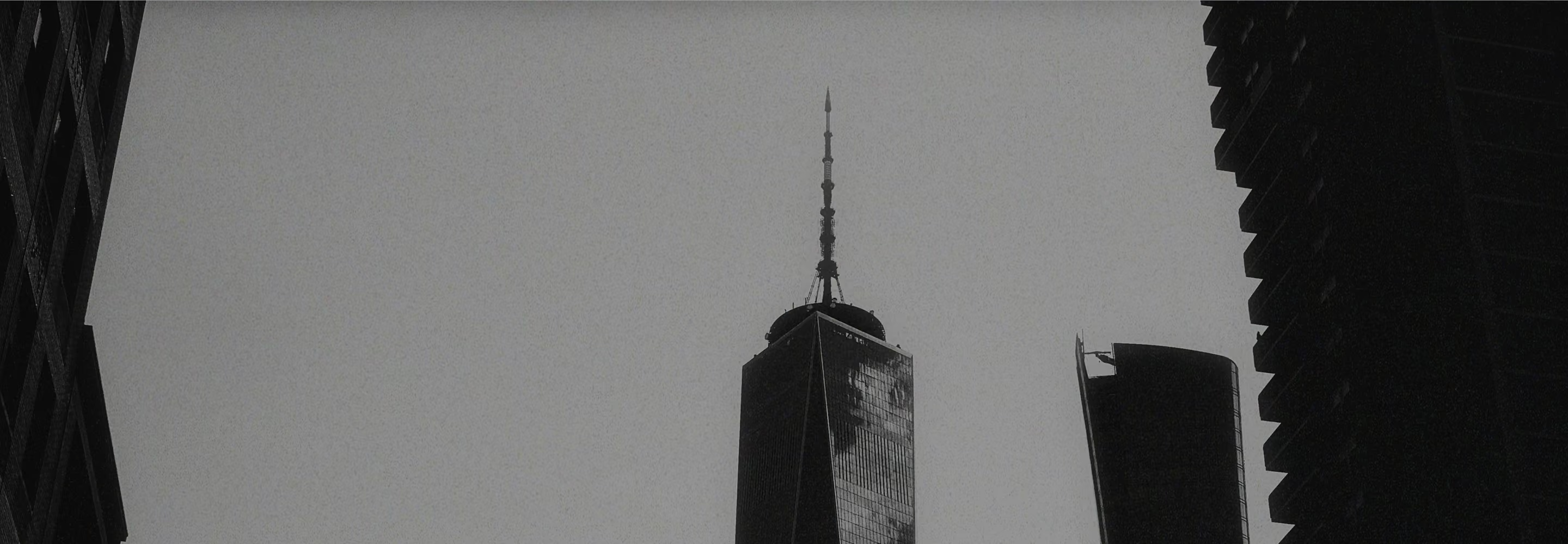
See your look as you compose with 50+ live film-inspired filters, Grain, Bloom, Halation, and precise manual camera controls. Capture photos and video on iPhone, then keep editing in VSCO.
Capture film-style photos in real time
Most photo apps make you capture first and figure out the look later. VSCO Capture puts creative control in the camera.
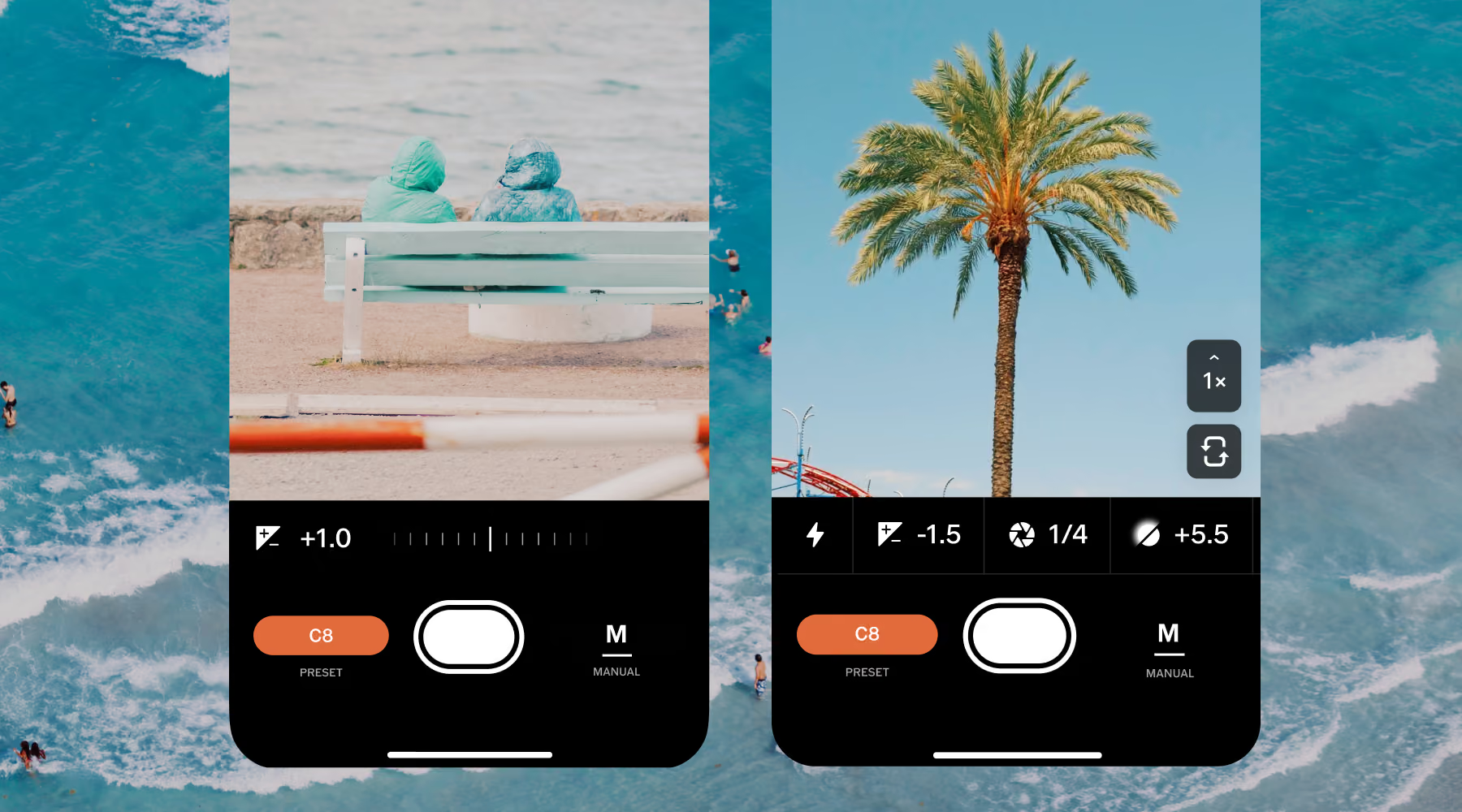
Preview 50+ VSCO presets as you compose, adjust their intensity in real time, and add film-inspired effects like Grain, Bloom, and Halation before you press the shutter. You can also control exposure, ISO, shutter speed, and white balance when you want more precision.
Instead of imagining what the finished photo might look like, you can see it in real time.
Control light, motion, and color
See your color, grain, and mood come together as you compose, not after. VSCO Capture applies film-inspired rendering live on screen so every creative decision happens in the moment, not in the edit.
Great for:
Quiet street scenes
Natural portraits
Low-light moments where subtle imperfections add character
The focus shifts from correcting images to composing them with intention.
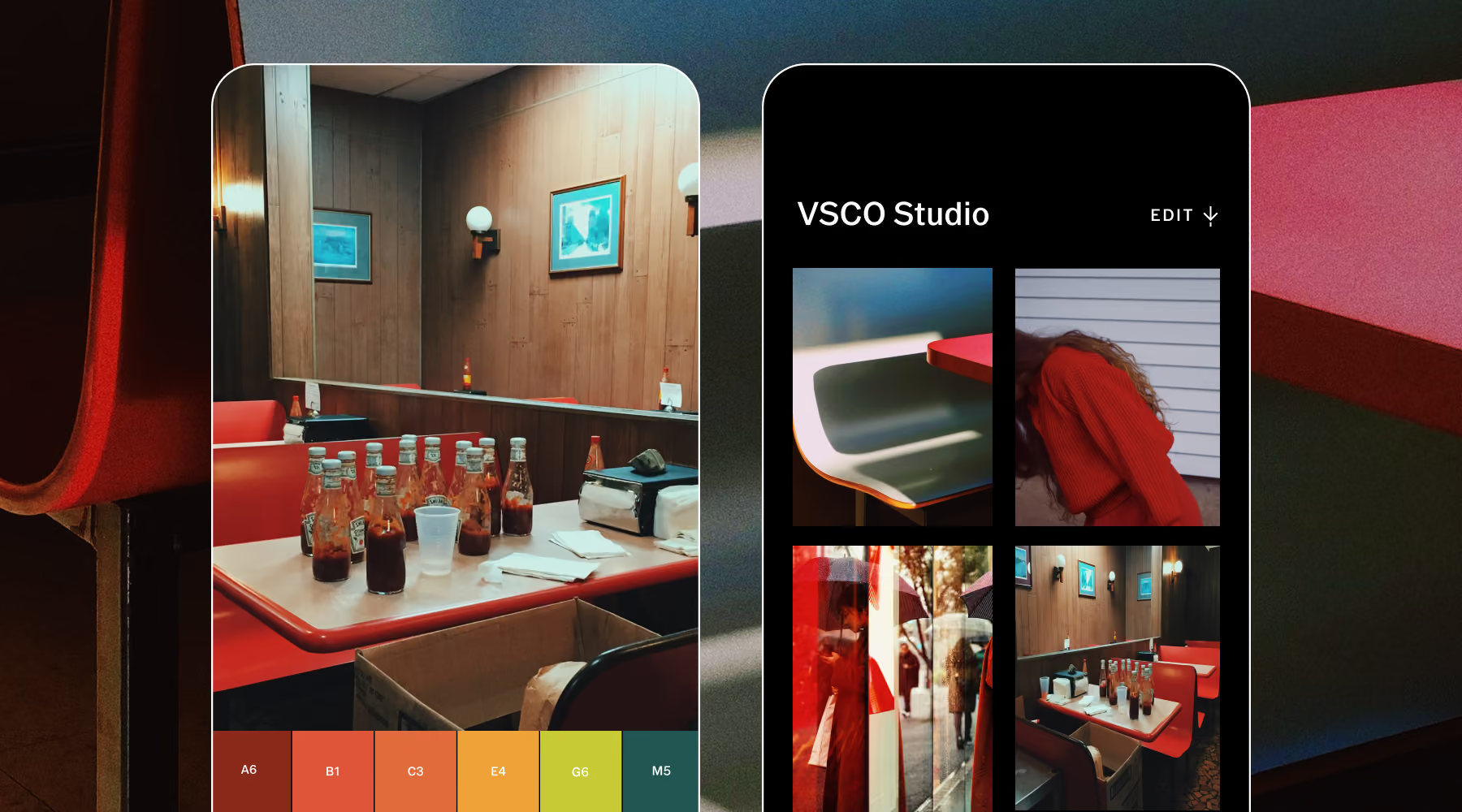
4 Steps to a Film-Inspired Workflow
Free on iOS. Open the app and start taking photos and video immediately with built-in film-inspired color profiles and real-time controls.
Browse 50+ looks as you compose. Shape the color and mood of each frame before you capture it. Adjust intensity on the fly.
Send images directly to the VSCO app for deeper refinement: exposure, color grading, grain intensity, and additional film-style effects.
Export instantly to your camera roll, publish to your VSCO profile, or share directly from the app.
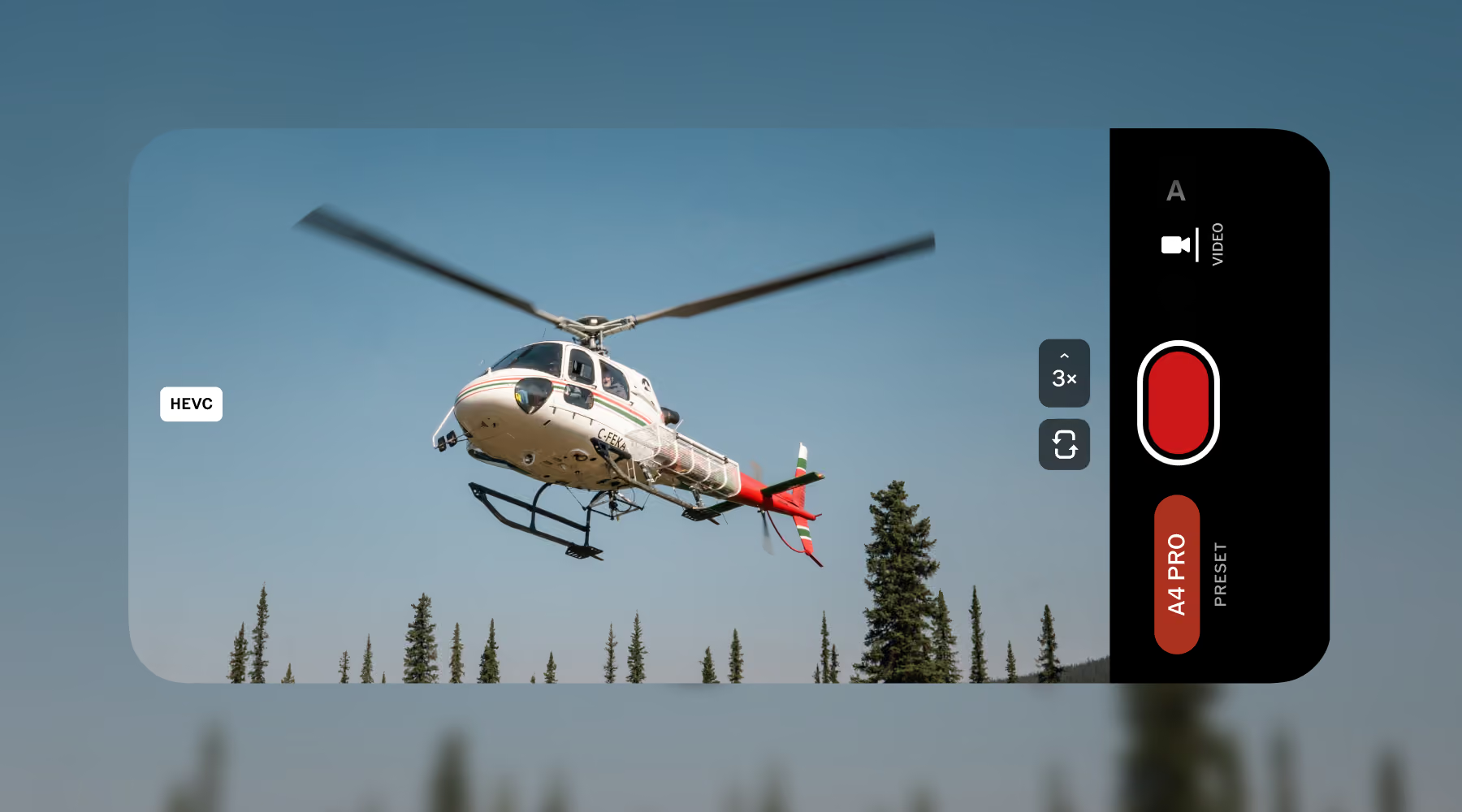
Bring Your Film Look to Video
Apply 50+ live film-inspired presets as you record, so you can see your color and mood take shape in the moment. Then move between photos and video without changing your approach, using the same visual language across both.
Capture lets you carry your look from stills to motion without recreating it in post. Choose a preset for a scene, then use that same look on the clip you capture moments later for a more consistent body of work.
DOWNLOAD VSCO CAPTURE
The film camera app for iPhone. Free to download. Apply live presets and effects.
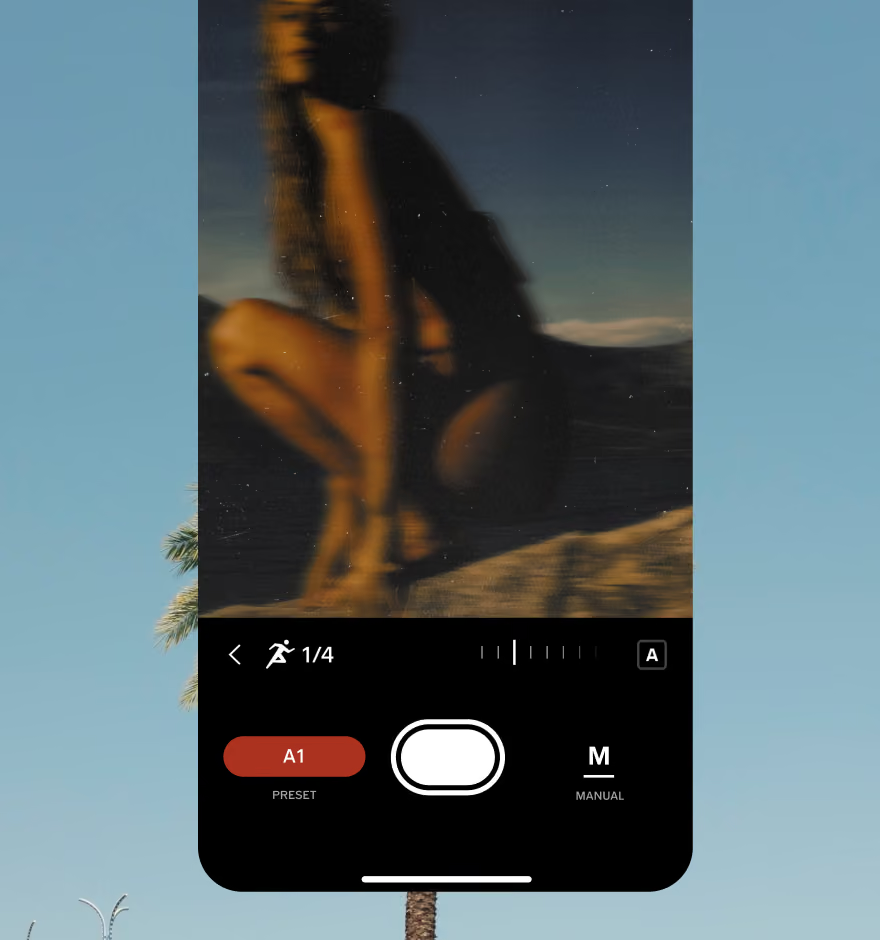
EDIT PHOTOS ON YOUR PHONE
Apply more effects by exporting photos from VSCO Capture to the VSCO app.
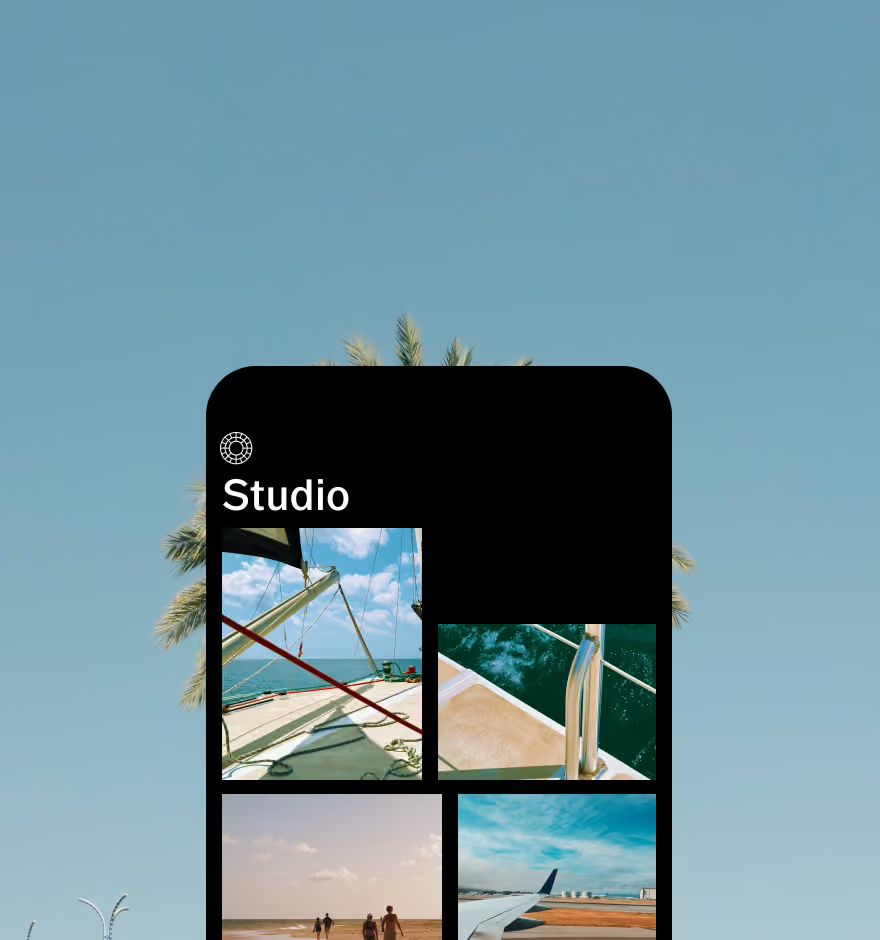
EDIT PHOTOS ON DESKTOP
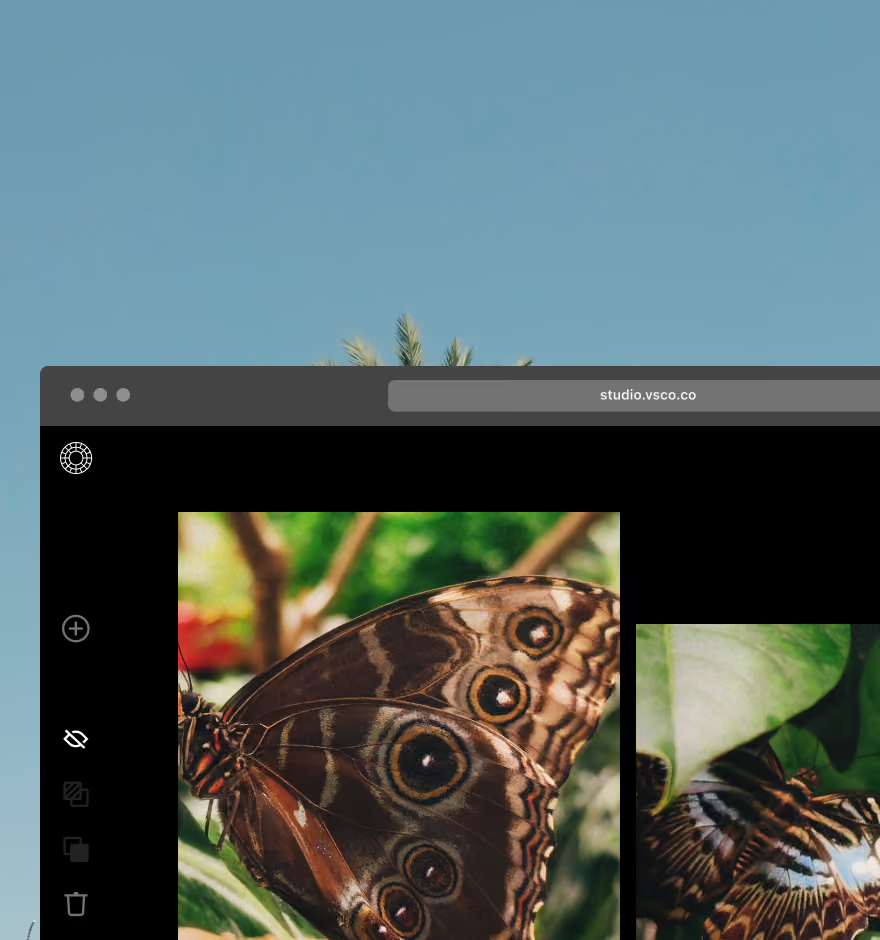
Sync your edits with VSCO Web Studio for Mac and PC. Adobe Lightroom integration supported.
Frequently asked questions
How do I make my photos look like film in VSCO Capture?
Start with a live preset that establishes the tone and color direction, then layer in Grain, Bloom, or Halation to add the analog character that makes the look convincing. Adjusting white balance and exposure manually gives you the most control over the final result.
What actually creates a true film aesthetic in photos?
A film look is about how light, color, and texture behave together, not just a filter applied on top. Real film has a characteristic way of handling highlights and shadows, shifting colors subtly across the tonal range, and introducing grain with organic texture. VSCO Capture recreates these relationships live so the aesthetic is part of how the image is formed, not applied afterward.
Is grain enough to make a photo look like film?
No. Grain adds texture, but the full film aesthetic also depends on color behavior, highlight roll-off, and how the exposure is handled working together. Add a live preset to shape the color, then use Grain to support the texture rather than carry the whole effect.
When should I use film effects like Bloom or Halation?
Use Bloom when you want to soften bright highlights and add a gentle glow, particularly in high-key scenes or portraits with soft, diffused light. Use Halation when you want to add warm, cinematic color around strong light sources: street lights at night, windows in a dark interior, backlit subjects. Both effects are most convincing when the underlying exposure supports them.
MORE VSCO CAPTURE FEATURES
Explore additional tools that help you shape mood and composition as you shoot, giving you more control over your image straight from the camera.
VSCO Capture
A film-inspired camera app that combines live presets, Grain, Bloom, Halation, and manual controls for more intentional photography.
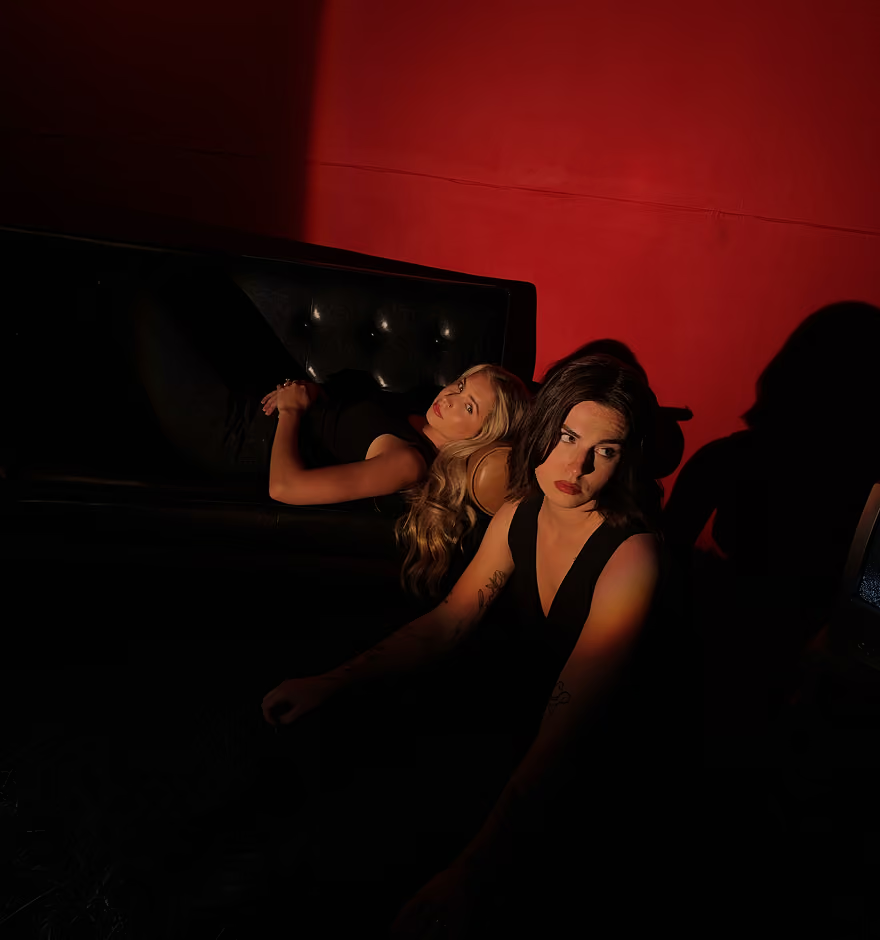
Raw Capture
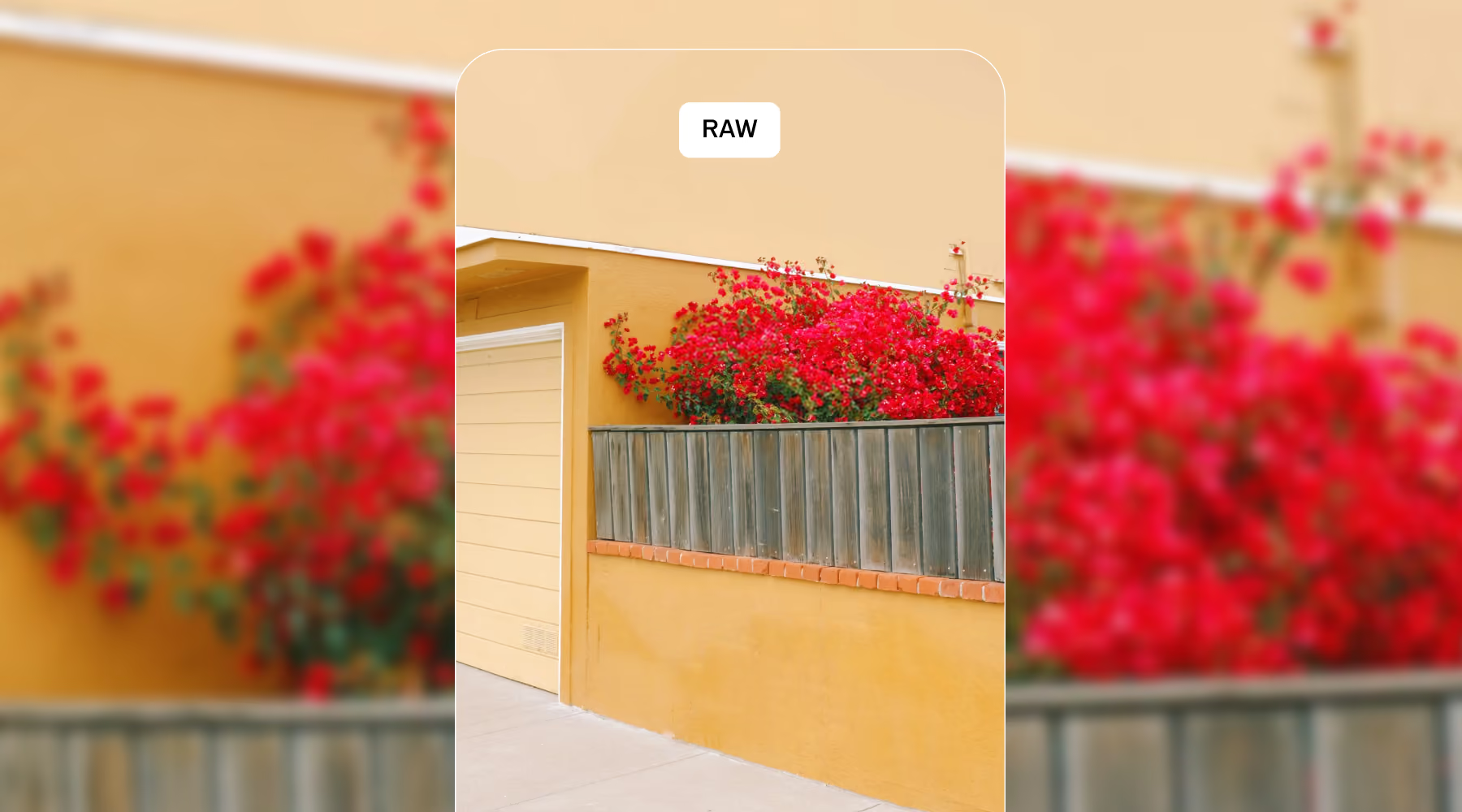
Capture images in RAW or ProRAW to preserve maximum detail and maintain full flexibility during editing.
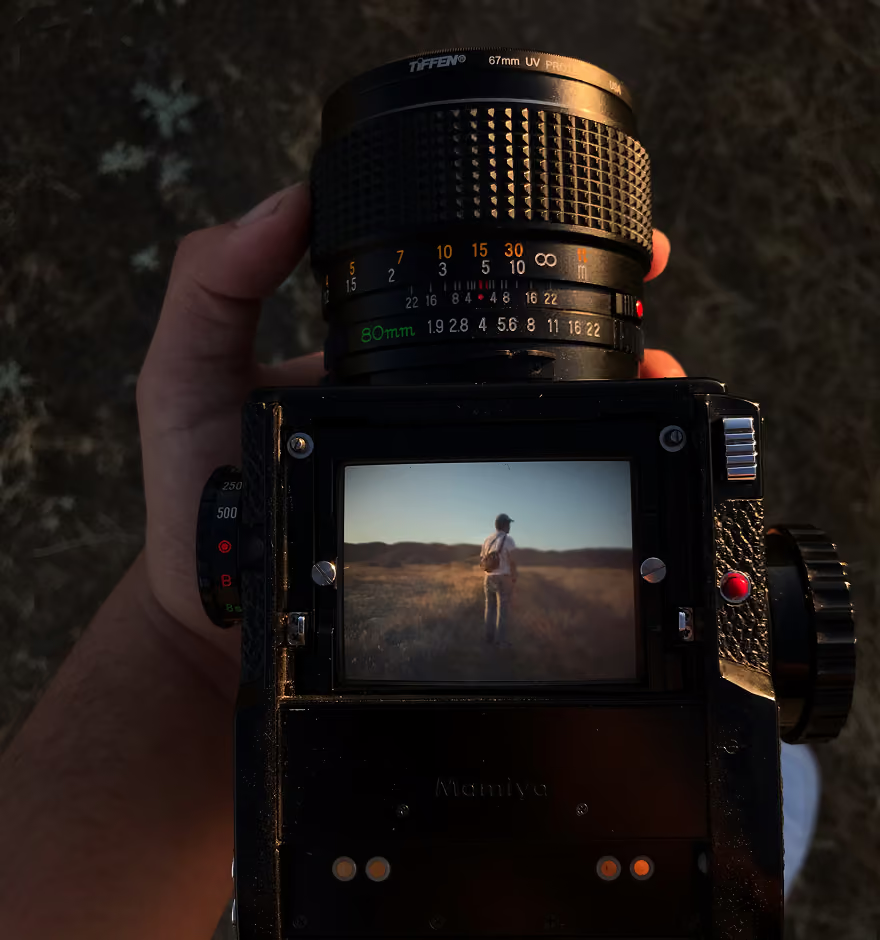
Camera Filters and Presets
Apply 50+ live film-inspired presets to define your aesthetic before you capture the image.