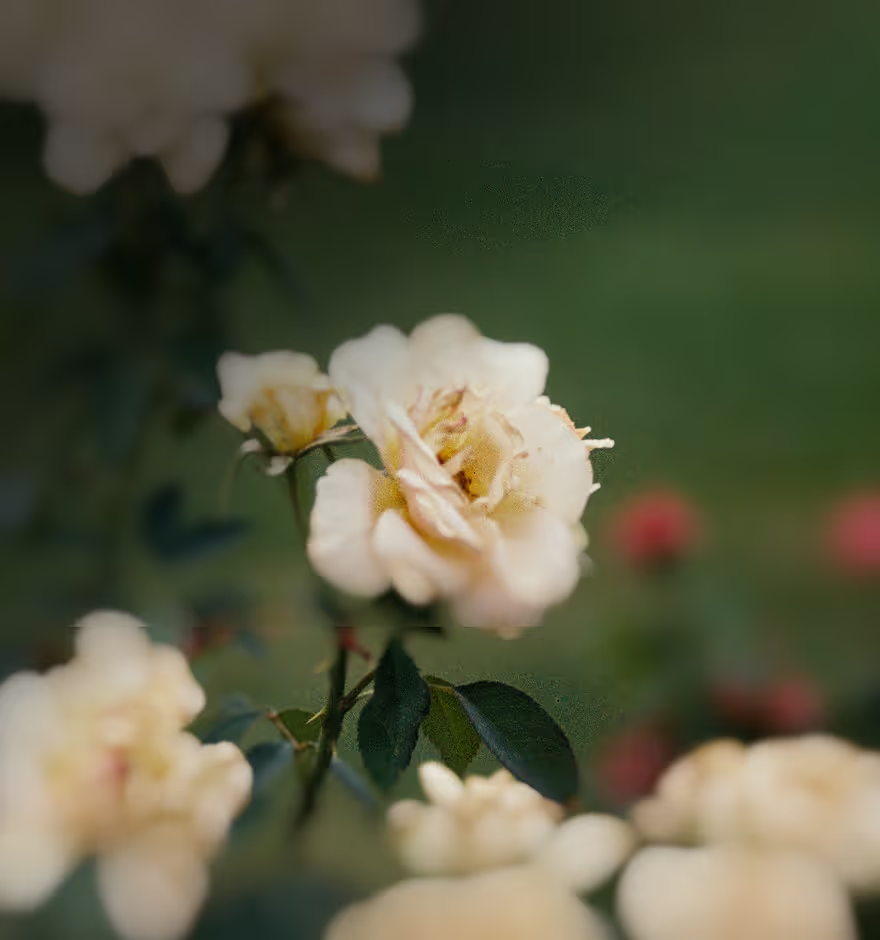
Create Dreamy Photos
Turn everyday light into a soft, glowing atmosphere with the dreamy Bloom effect—VSCO’s diffusion effect for dreamy, cinematic photos.

Make your photos look dreamy
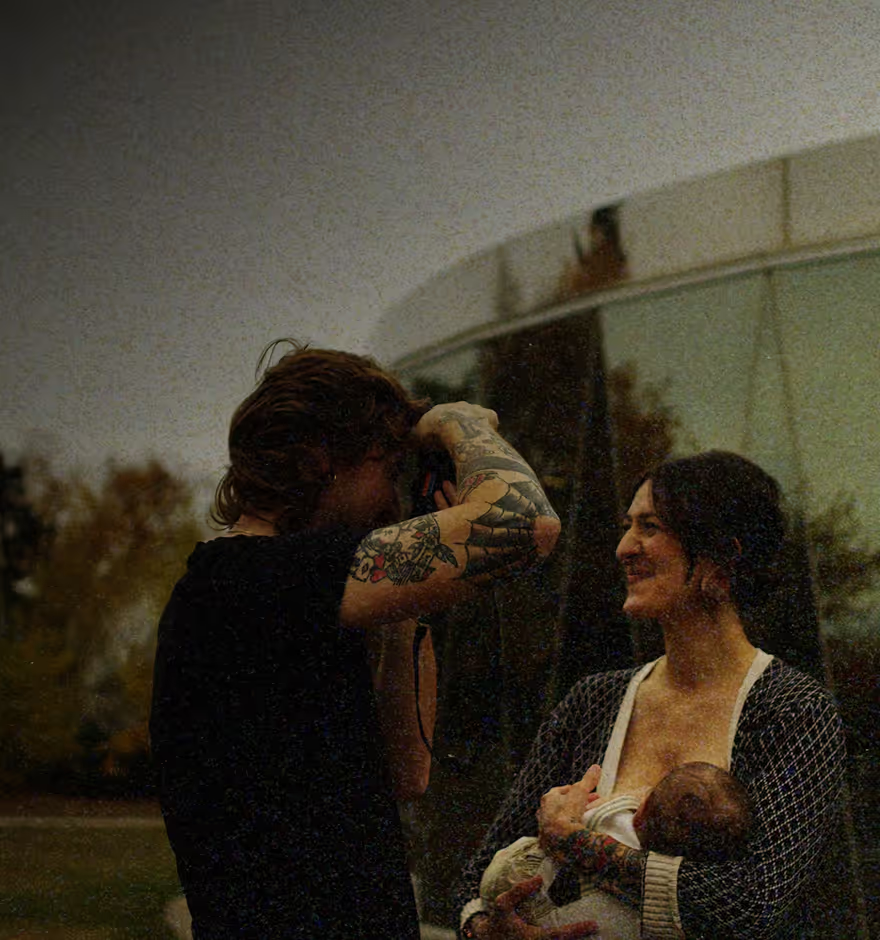
Transform your photos into soft, glowing, cinematic images that feel romantic, nostalgic, or moody.
Import your photo
Apply the Bloom effect
Fine-tune and export
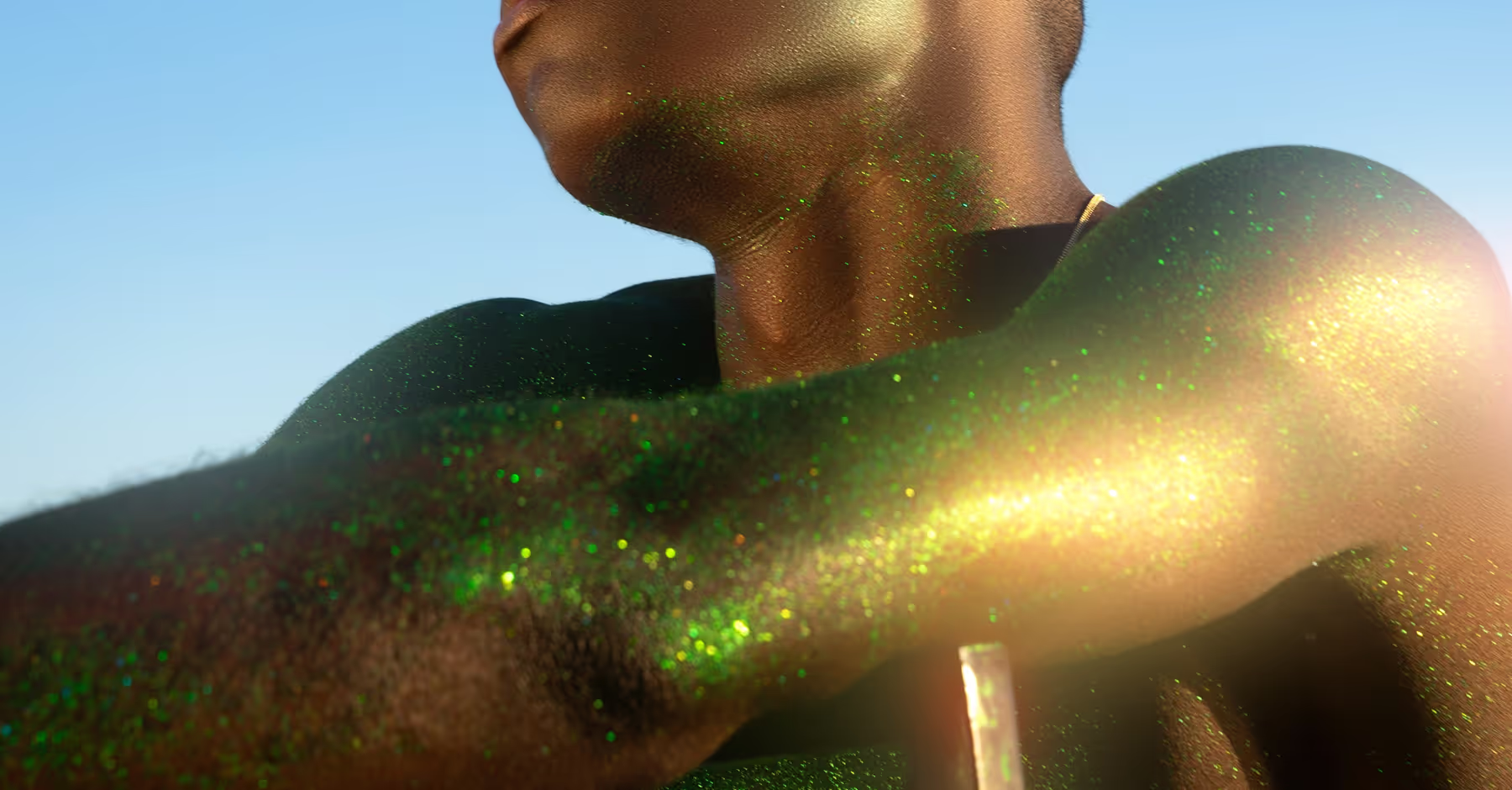
Use Bloom for Dreamy Effects
Dreamy photos are all about mood, light, and emotion. Use Bloom to soften skin tones in portraits, turn streetlights and neon into cinematic glows for night scenes, or add a hazy warmth to landscapes and golden-hour shots.
Bloom encourages experimentation—layer it with other VSCO effects, try all 25 light leak options, and adjust glow intensity to create a look that sets your work apart. It’s perfect for photographers seeking romantic, nostalgic, or moody imagery in stills.

How To Achieve Dreamy Photos
Import or capture your image in the VSCO app on iOS or Android.
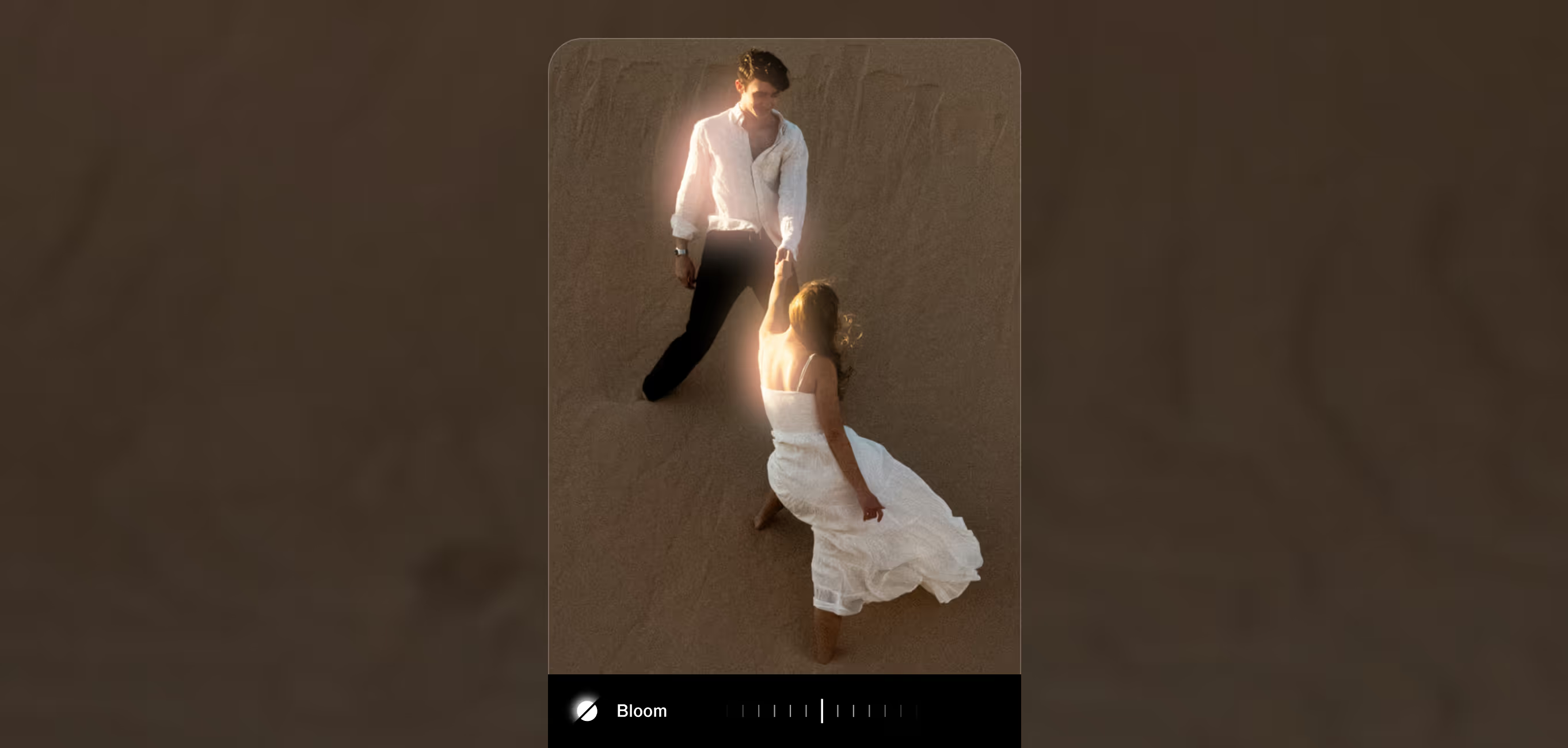
Select the Bloom effect from the editing tools to soften highlights and add glow.
Control Strength, Size, and Range to shape the dreamy atmosphere.
Export your finished edit or post it to your VSCO profile.
Capture Dreamy Photos
Soft haze, warm glow, pure film magic. The VSCO Capture camera app brings effects like Bloom and Halation to life in real time, so every shot looks dreamy before you even take it.




Frequently asked questions
What is the Bloom effect in the VSCO app?
Bloom is a diffusion-style glow effect that softens highlights and lets light gently spill into surrounding areas, creating a dreamy, cinematic look.
Is the Bloom effect available for free?
Bloom is available with a VSCO Pro membership, which includes advanced effects, film filters, and professional editing tools.
What types of photos work best with dreamy effects?
Bloom shines on portraits, night scenes, landscapes, editorial shots, and any imagery where mood, light, and softness are key.
Can I adjust how dreamy the photo looks?
Yes. Sliders for Strength, Size, and Range let you control glow intensity and spread for a custom dreamy effect.
MORE PHOTO EFFECTS
Enhance dreamy photos by with other VSCO tools. Combine Bloom with Halation for cinematic halos, film effects and overlays for nostalgic textures, or photo blur to add soft focus and depth.
Halation Effect
Add warm, cinematic light halos to enhance your photos.

Film Effects
Apply nostalgic textures and analog-inspired visual effects effortlessly.
Blur Effect
Soften focus and create dreamy depth in any image.