
Light Leak OVERLAYS
Instantly infuse photos or videos with film-style warmth and glow using VSCO’s light leak overlays — 20+ effects crafted for cinematic, analog looks.

Make your photos look warm and glowy
Add film-style light leaks in just a few taps to quickly warm, soften, or transform the mood of any photo or video.
Import your photo or video
Add light leak and set intensity
Save or share at full resolution
When To Use Light Leaks
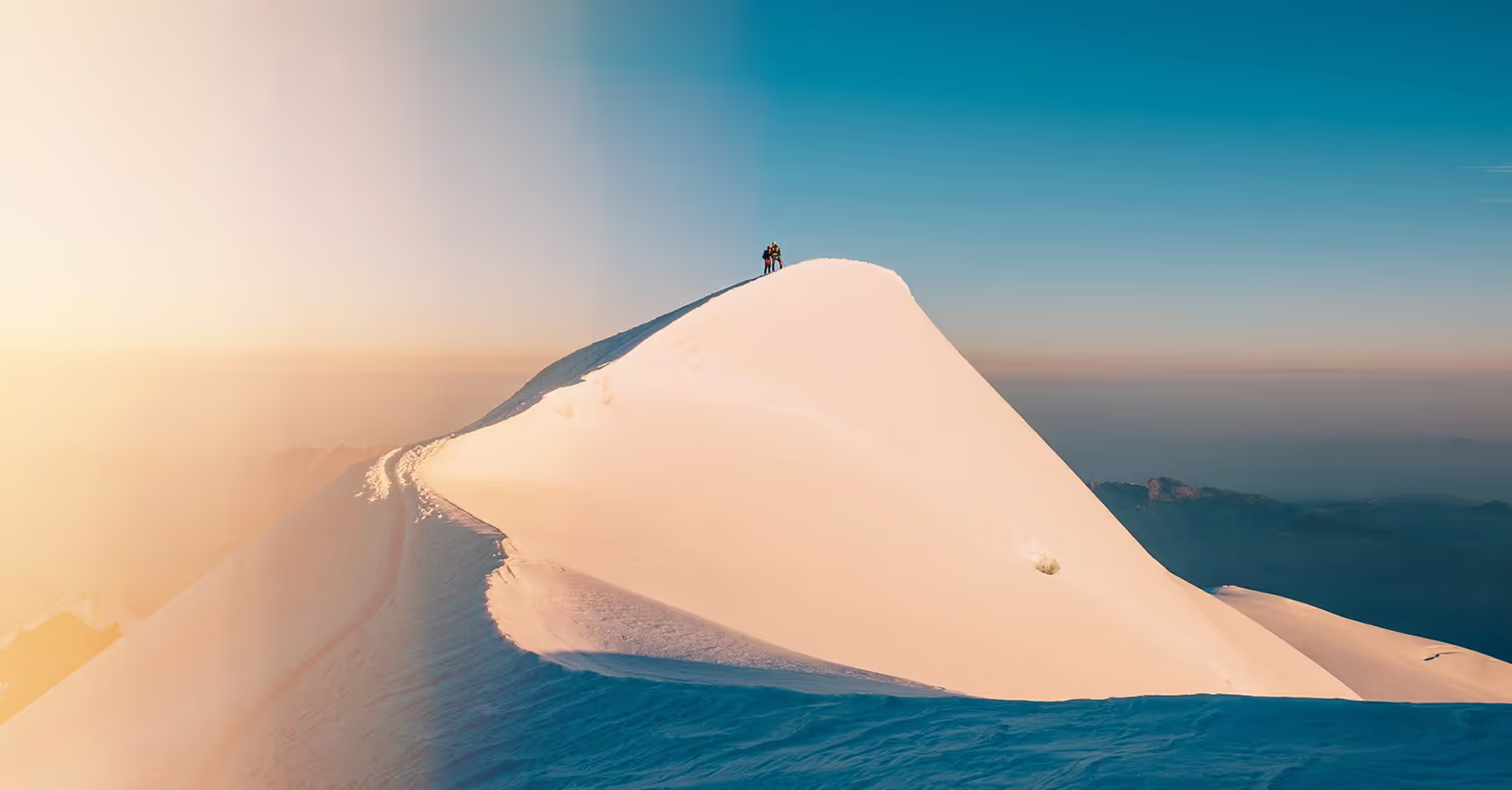
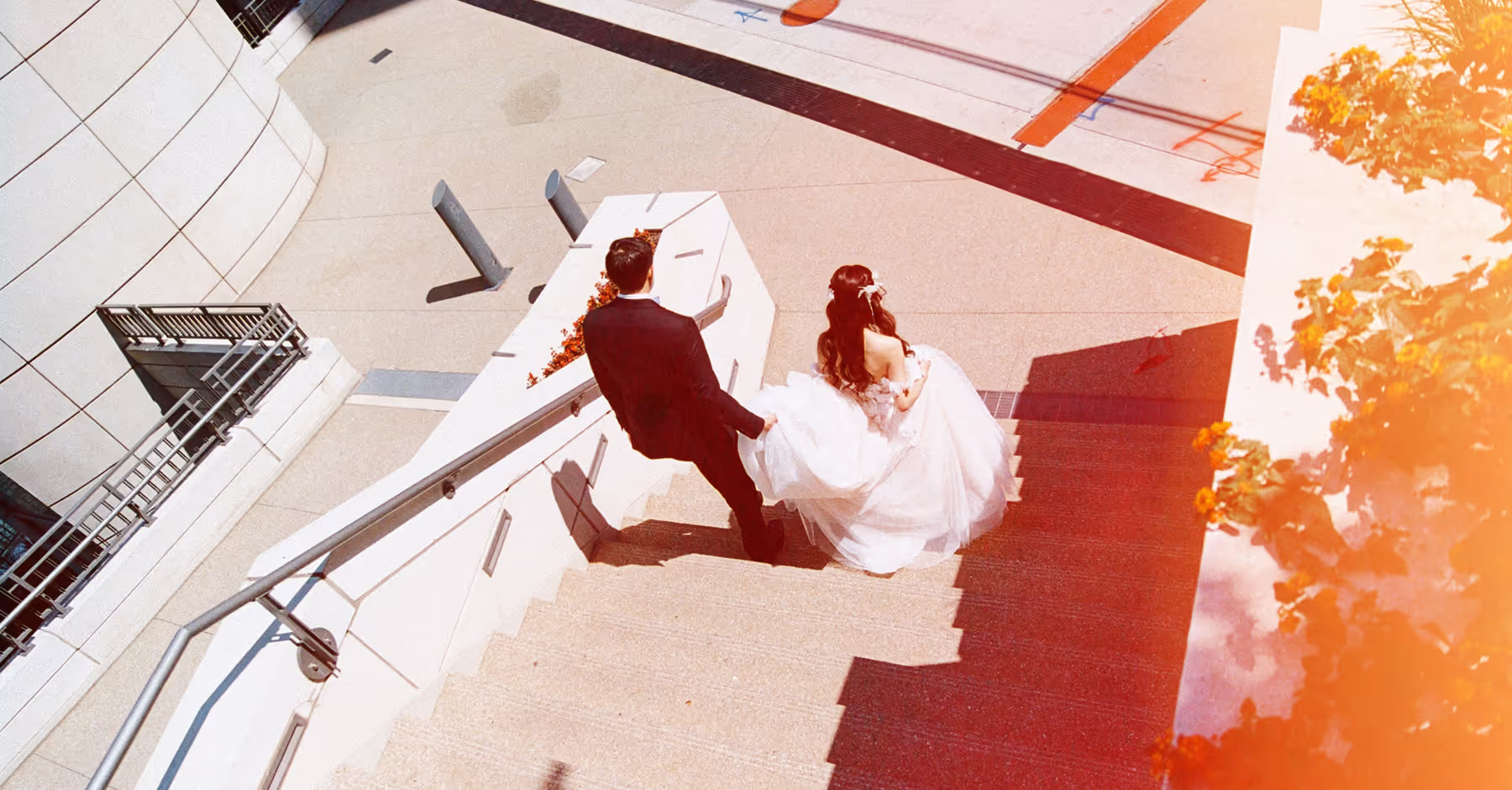
Light leaks can turn ordinary photos and videos into glowing, film-inspired edits. Add warmth to low-light portraits, give travel images more character, or introduce a soft vintage look that elevates product shots.
Each light leak overlay offers a different intensity and color profile, helping you echo natural light, hint at lens flare, or introduce graceful imperfections. With 20 variations, you have endless ways to layer, refine, and craft a unique film aesthetic.
How To Apply Light Leaks
Open the VSCO mobile app and import the photo or video you want to edit.
Tap the effects (FX) tab, select the Light category, and choose from 20 light leak overlays for your photos.
Adjust strength to blend and balance your light leak. Tap the effect again to refine the look.
Export your final edit and post directly to your camera roll or social platforms.

Apply Light Leaks to Videos
Light leaks bring the same warm, vintage glow to your videos as they do to photos. In the VSCO video editor, you’ll find 6 video-specific light leak overlays designed to create cinematic texture and motion.
Add soft color streaks, glimmers, and warm flares that enhance storytelling without overpowering your footage. Adjust intensity to match your scene’s lighting, then export in high quality for seamless sharing across VSCO, Instagram, TikTok, or anywhere you publish video content.
Build a Broader Film Aesthetic
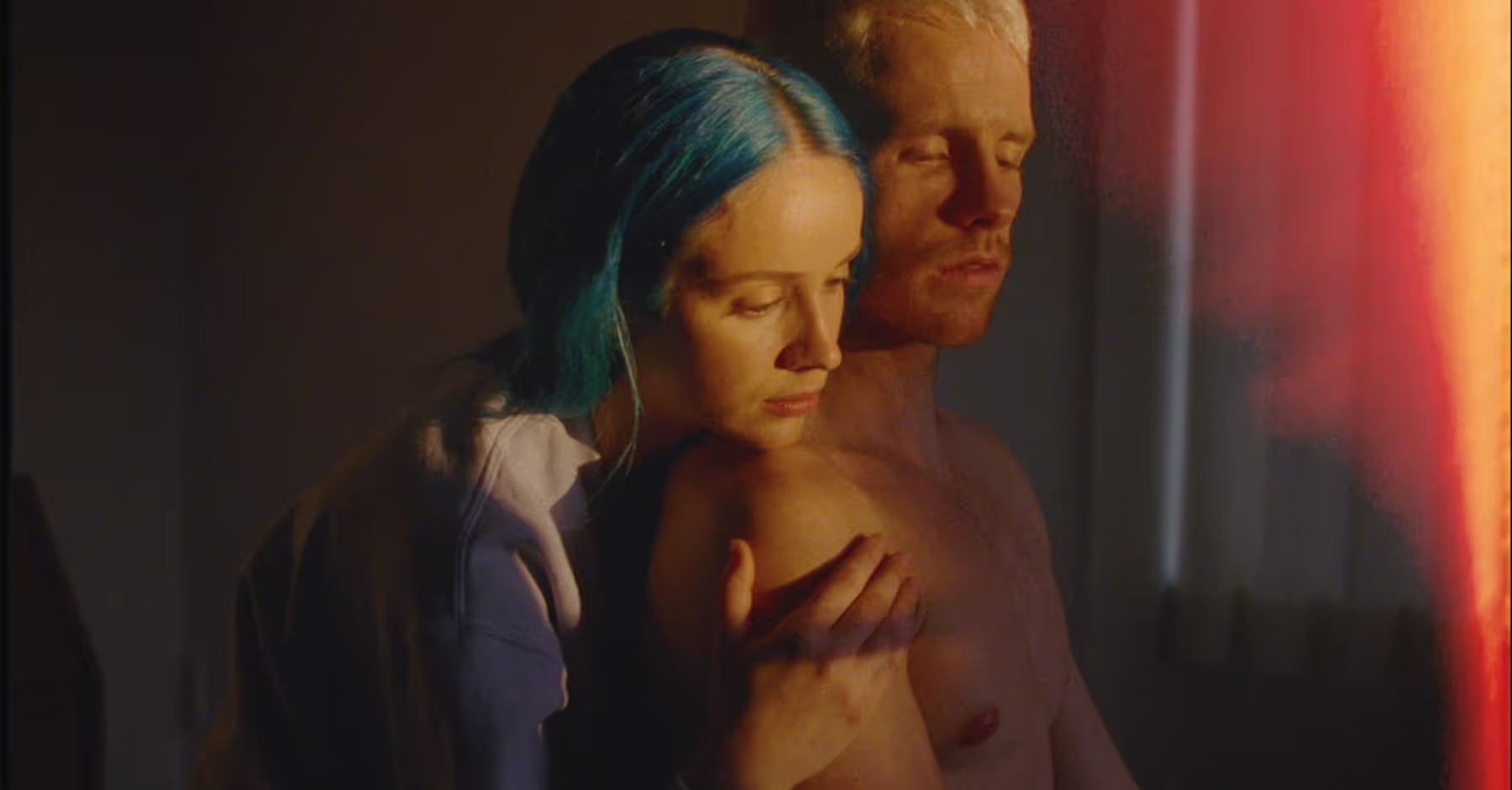
Light leaks are part of VSCO’s larger family of film-inspired editing tools. Pair them with Film (FX) Effects, vintage filters, Grain, Fade, Bloom, Halation, or film emulation presets to build a complete analog aesthetic.
These tools help you recreate the character of classic cameras, real film stock, and light-damaged negatives—all from your phone. Blend multiple elements for a textured, nostalgic look or keep it minimal and subtle. It’s an easy way to give your photos and videos a timeless film feel.



Frequently asked questions
What are light leaks in photography?
Light leaks originally happened when stray light slipped into film cameras, creating colorful streaks or flares. Today, digital light leak overlays simulate that look by adding warm gradients or glows to a photo, creating a nostalgic, cinematic feel.
How can I add light leaks intentionally to my photos?
Import your photo, choose a light leak effect, and fine-tune the intensity so it blends naturally with your composition. Warmer leaks emphasize sunset tones, while softer gradients pair well with portraits. Keep it subtle for a natural, film-inspired finish.
What types of photos look best with light leak effects?
Light leaks shine on portraits, travel shots, lifestyle images, and anything captured in soft natural light. They add warmth, energy, and retro texture without overpowering the subject.
Where can I find high-quality light leak overlays?
You can find curated, film-inspired light leak overlays directly in the VSCO app, or explore creative marketplaces for additional options.
MORE FILM EFFECTS
For an even stronger film aesthetic, layer light leaks with other analog-style tools in VSCO. Use lens flares for extra glow, Film FX for texture, and vintage filters for timeless color to create expressive, nostalgic edits.
Lens Flares
Add natural bursts of light for a cinematic atmosphere.


Vintage Filters
Make photos timeless with color shifts inspired by classic film.
