Loop Videos
Create seamless video loops with VSCO. Mirror your clips forward and backward for smooth, cinematic, and endlessly shareable videos.

Make your videos play forward and back
Transform any video into a smooth, continuous loop with just a few taps in VSCO.
Import your video
Apply mirror effect
Fine-tune and export

Create Perfect Loops in Seconds
Seamless video loops elevate your content by adding motion and style. Mirror your clips forward and backward, experiment with VSCO’s filters, or combine with speed adjustments for cinematic effects.
The result? Videos that play continuously like a GIF, ideal for social sharing or portfolio highlights.

How To Loop Your Videos
Add your clips to the VSCO app.
Open the Reverse Editor and select the ‘Mirror’ option to play the video forward and backward in a loop.
Export your finished video or publish directly to your VSCO profile.
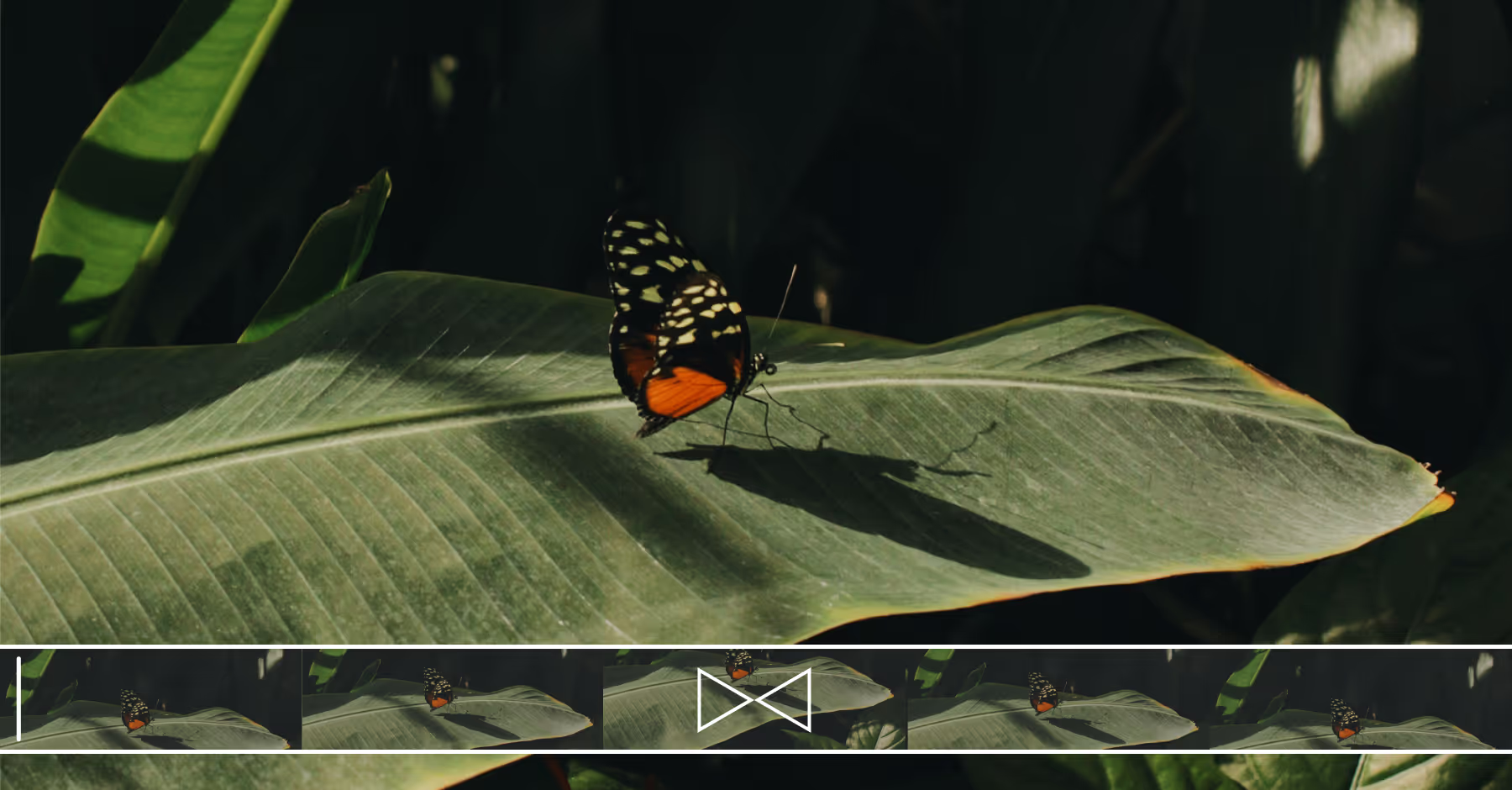
When To Use Video Loops
Use video loops to give your clips a polished, creative edge. They’re perfect for short films, product showcases, or dynamic portraits.
By experimenting with timing, trimming, speed, and video effects, you can create seamless, professional-looking loops that hold viewers’ attention and make your content stand out online.
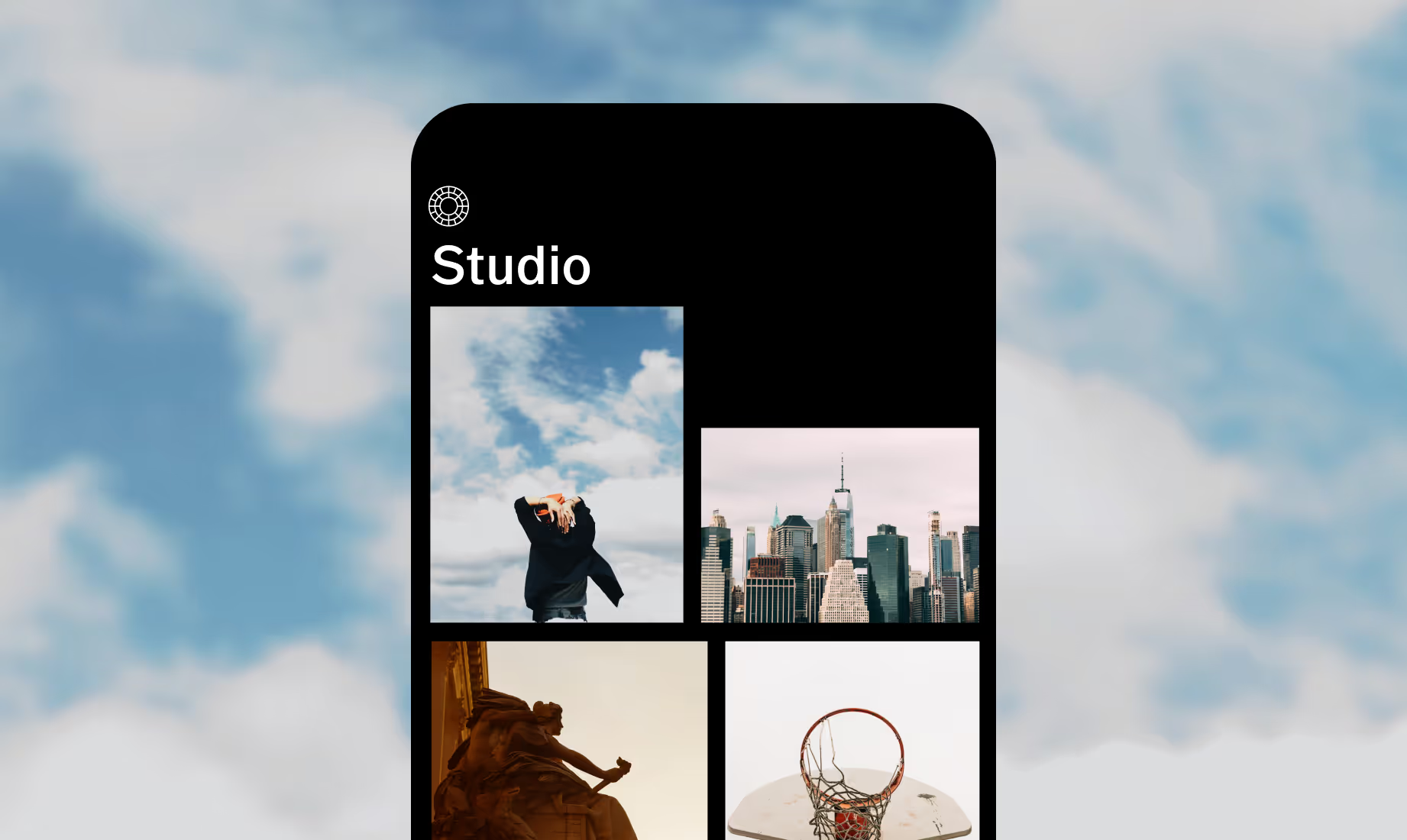
Download VSCO
Use the loop video tool for your next video with the VSCO app for iOS and Android.



Frequently asked questions
Can I loop videos on my mobile device?
Yes. Video loop features are available in the latest VSCO app for iOS and Android. Simply import your clip to start creating seamless loops.
Does looping videos reduce quality?
No. VSCO’s reverse editor mirrors or reverses your video without re-encoding, so your export remains sharp and clear, supporting resolutions up to 4K.
Can I add filters after looping?
Absolutely. Once your loop is set, you can apply any VSCO preset, adjust HSL settings, or layer in light leaks to enhance the look of your video.
Will loops play on social platforms?
Yes. Exported loops save as MP4 files that play smoothly in VSCO or on Instagram, TikTok, and other social platforms—making it easy to share your work.
related VIDEO EDITING TOOLS
Finish your video edits with VSCO’s video effects, Montage, and Trim tools to create polished, engaging, and shareable clips.
Video Effects
Add light leaks, distressed texture, and grain to videos.

Trim Video
Cut and refine your clips to highlight only the best moments.

Montage
Build dynamic visual narratives using multiple clips and transitions.