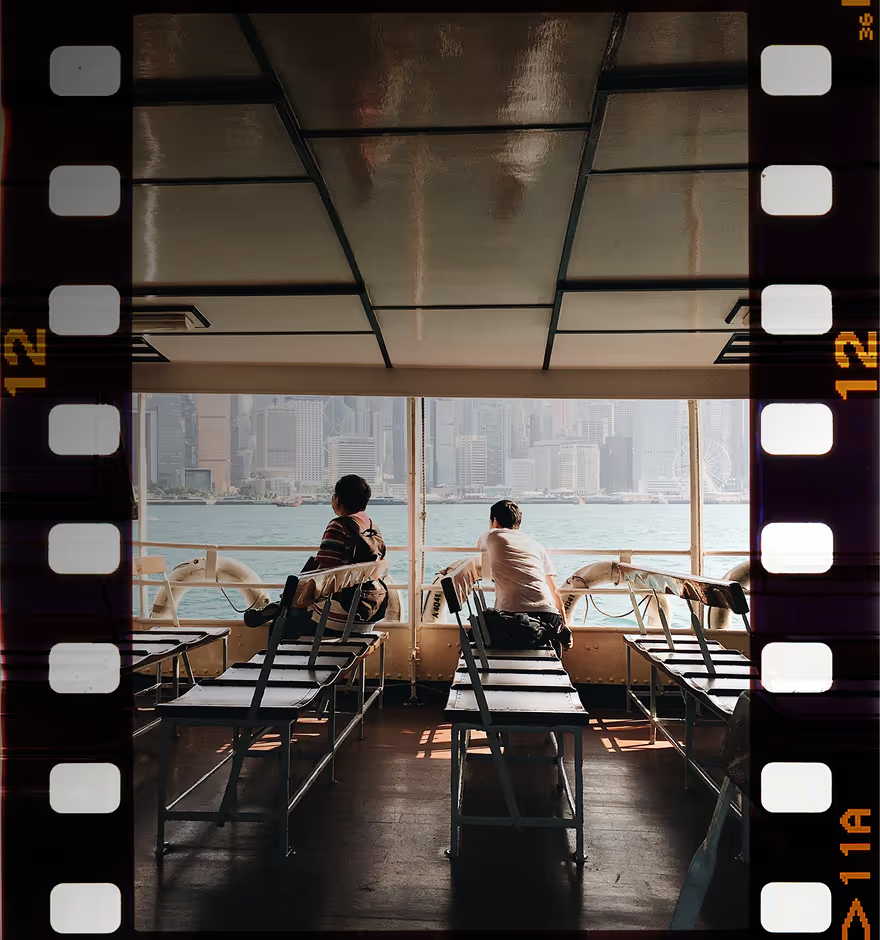
Distress Texture for Photos and Videos
Transform photos and videos with distressed textures, scratches, and light leaks for a vintage, film-inspired look.
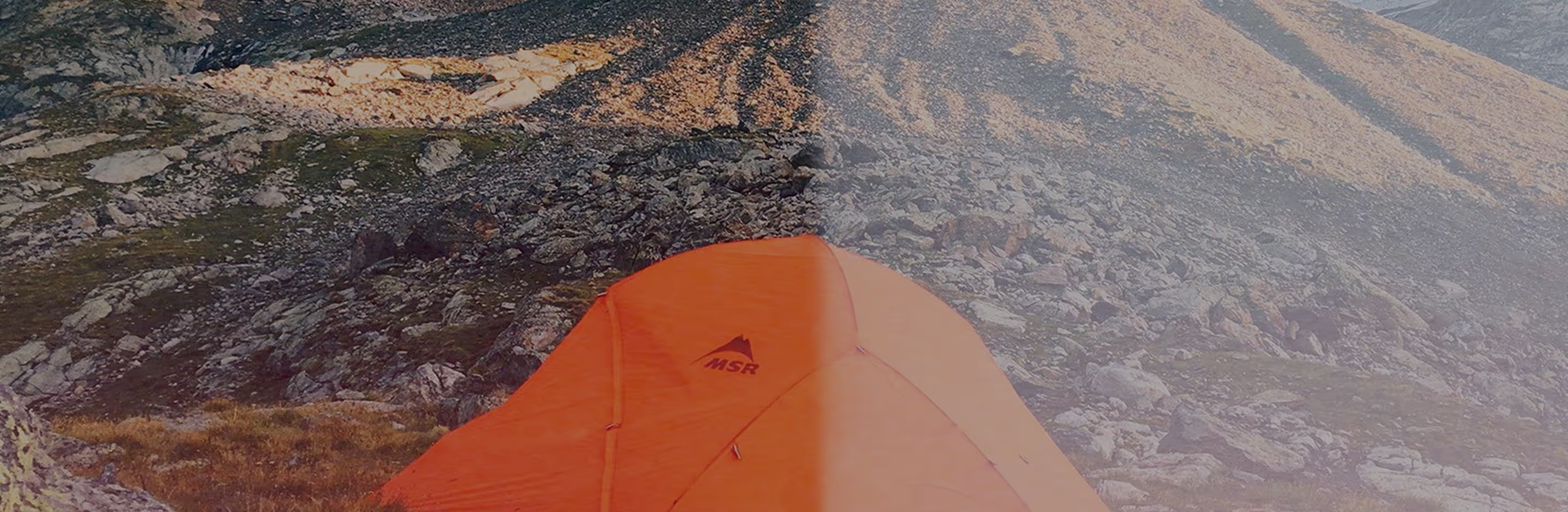
Make your photos and videos look timeworn
Turn clean digital shots into textured, timeworn visuals using real film damage scanned from vintage 35mm and analog film.
Upload your photo or video
Apply distressed texture
Fine-tune and export
When To Use Distressed Effects
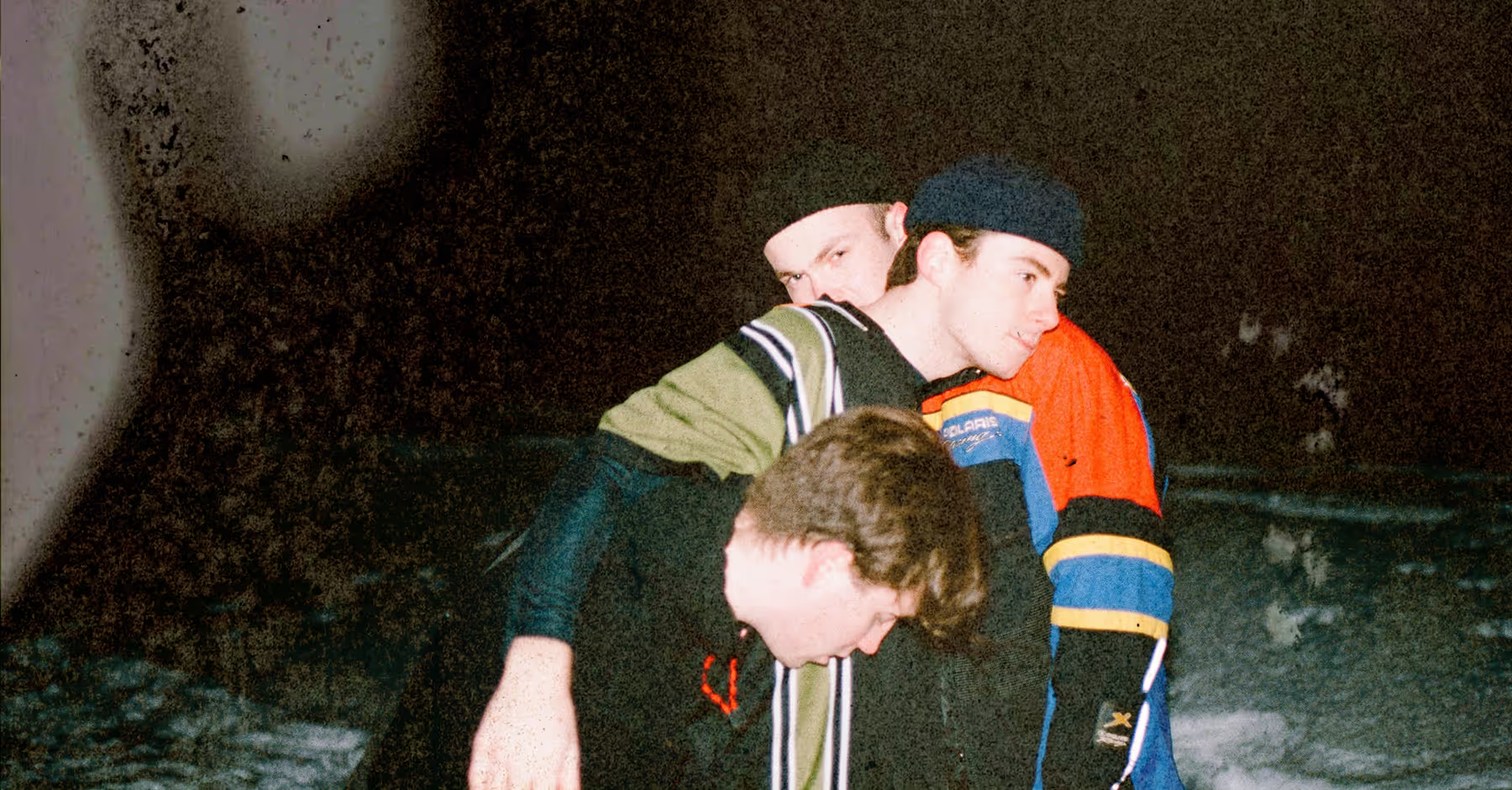
Distressed effects are ideal when you want to add grit, nostalgia, or emotional weight to your photos and videos. These effects lean into imperfection, creating a raw, cinematic look that feels expressive rather than overly polished.
They work especially well for moody portraits, dramatic landscapes, street photography, and textured product shots — anywhere atmosphere and feeling matter more than perfection.
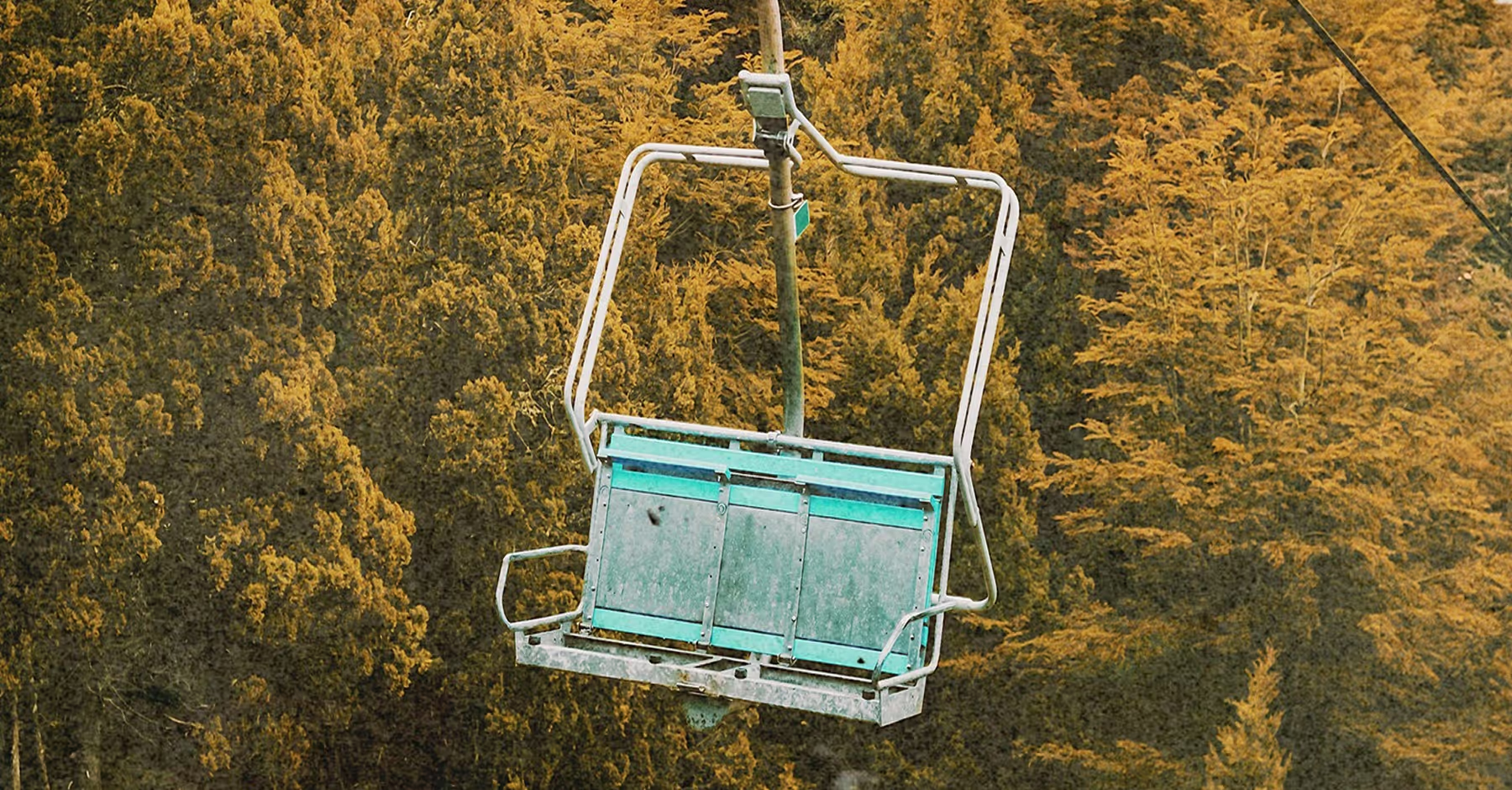
How To Apply Distressed TEXTURES
Open VSCO on your mobile device and select the photo or video you want to edit.
Head to FX and open the Distressed tab to browse the Burn, Expired, Broken, and Rip film looks.
Double-click the distressed effect and drag the strength slider to refine the added texture and depth.
Export to camera roll, post to your VSCO profile, or send straight to socials.

Distressed Textures for VideoS
Add character and atmosphere to motion clips with VSCO’s distressed video effects. Tools like Glow, Expired, Broken, and Bad Scan introduce texture, movement, and visual imperfections that give footage a cinematic, lived-in feel.
These effects are ideal for music videos, skate edits, and personal documentaries — any project where mood and storytelling take the lead. Fine-tune each effect in real time to control intensity and timing, then layer in additional options like light leaks or frames for even more creative flexibility.
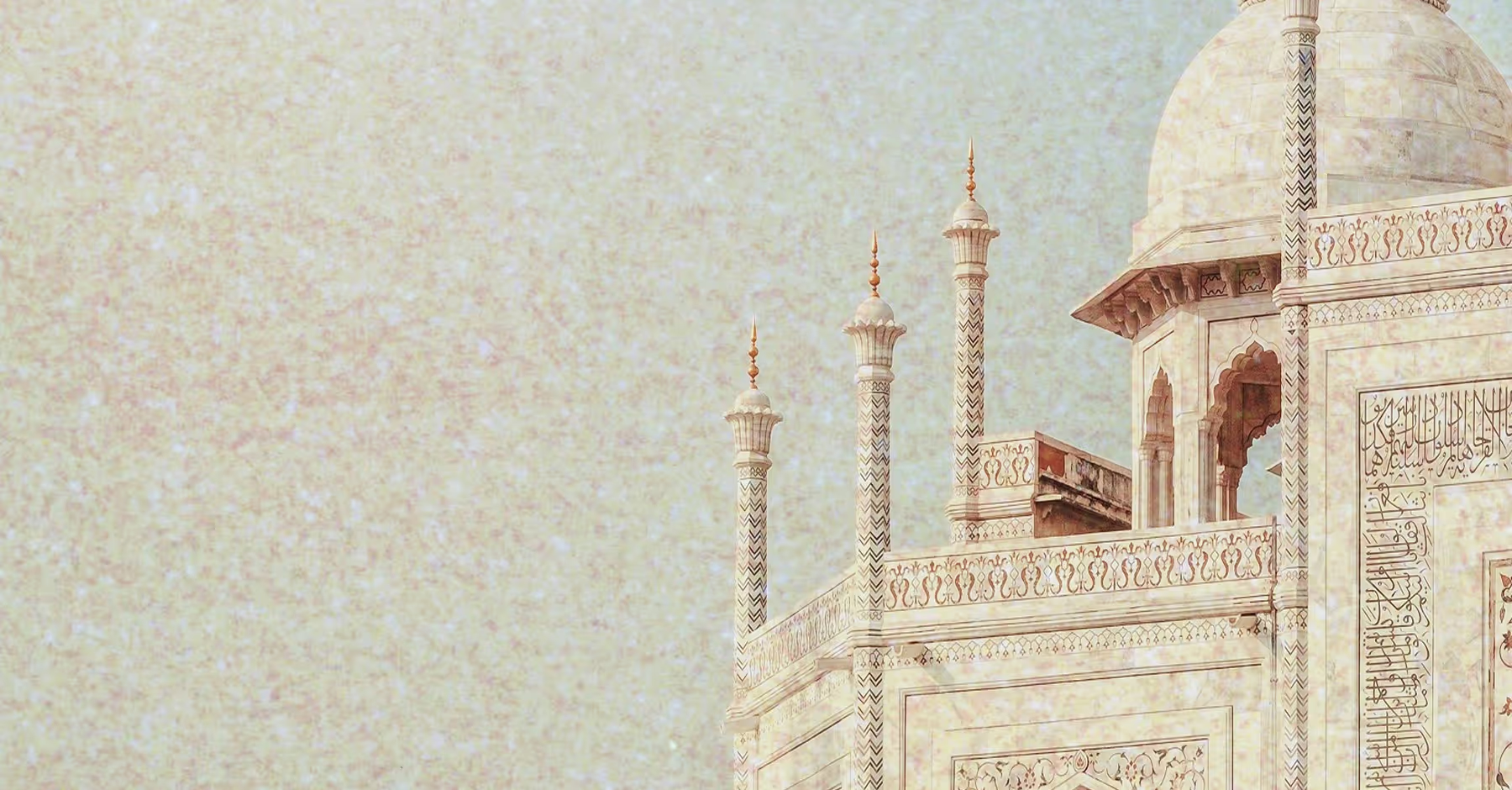
Build a Layered Vintage Look
Bring an old-school film character to your edits. Layer distressed effects with a vintage filter, tweak color with HSL, and mute shadows using the image fader to create a textured look that feels timeless.
Ideal for zine layouts, photo series, or creating a vintage-inspired social feed with full creative control.
Glow
Adds soft bloom and haze for a dreamlike, light-soaked finish.
Expired
Mimics the unpredictable color shifts and fading of expired film.
Broken
Introduces visual disruptions and distortion for a fragmented, experimental feel.
Burn
Recreates light burns and overexposed edges inspired by damaged film (photo only).
Rip
Adds torn and distressed details for a tactile, worn-in look (photo only).
Bad Scan
Simulates imperfect film transfers with glitches, noise, and scan artifacts (video only).
Frequently asked questions
What is a distress texture?
Distressed texture overlays add character and history to your images — think dust, scratches, lens flares, and fading that give photos a raw, nostalgic vibe. It’s like letting a little imperfection tell a story.
Is distressed editing only for vintage-style photos?
Not at all. While inspired by old film, distressed effects shine in modern, experimental, and editorial work too. They can add tension, mood, or texture to portraits, landscapes, street shots, or product photography.
Should distressed effects be subtle or bold?
Either — or both! A light touch can add depth and texture, while a stronger hand can completely transform the mood, turning the effect into the star of the image.
What types of photos work best with distressed effects?
Images with open space, strong contrast, or emotional weight tend to shine. Portraits, landscapes, street photography, and creative projects all benefit from that lived-in, imperfect charm.
COMPLETE YOUR FILM LOOK
Take your distressed edits even further by layering fun, creative effects. Add colorful light leaks, sprinkle in grain for texture, or finish with film borders to give your photos that perfect analog-meets-digital vibe.
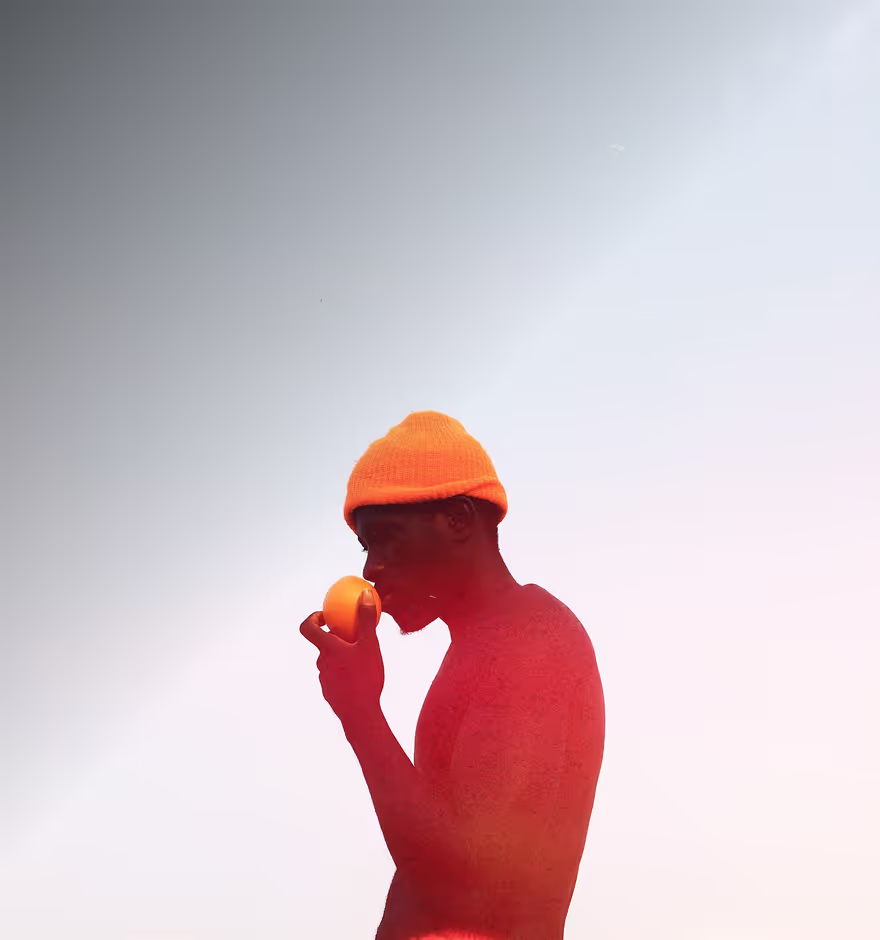
Light Leaks
Introduce film-style light and color effects.
GRAINY TEXTURE
Introduce authentic film-like texture for depth and mood.
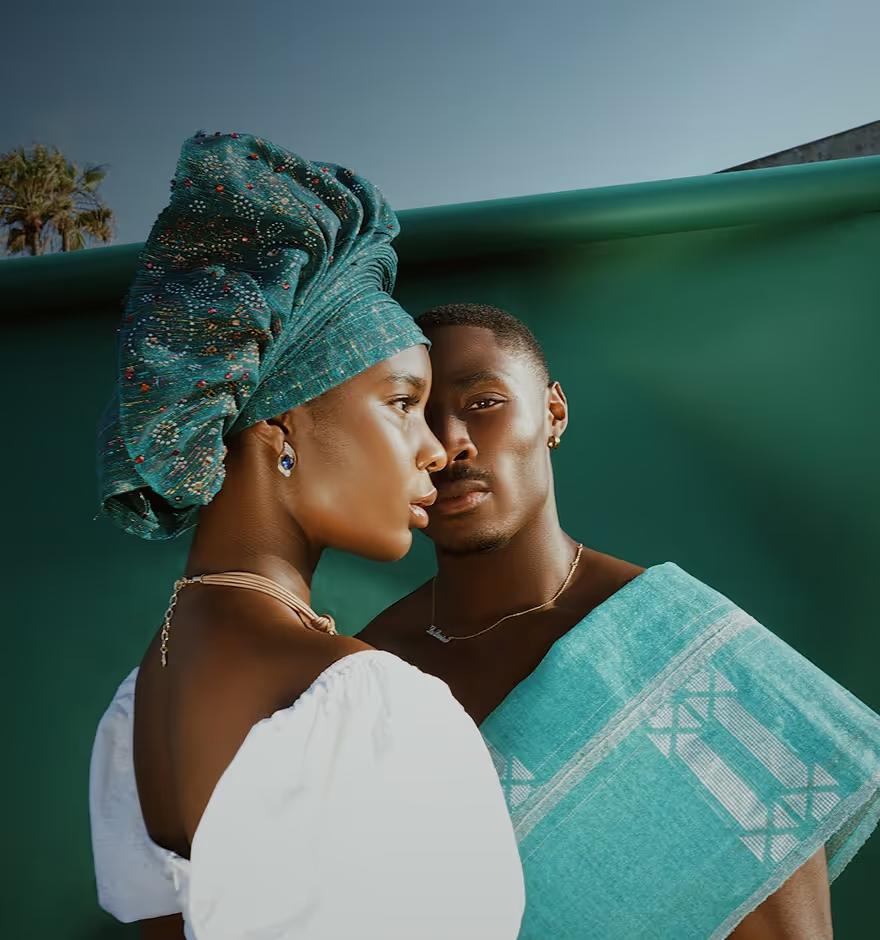
Film BORDERS
Frame your shots with classic analog film borders and style.