SPEED UP VIDEO
Accelerate clips up to 16x without sacrificing clarity, giving every moment an instant surge of energy and personality.

Speed up your videos with ease
The speed up tool lets you easily increase playback speed, create dynamic motion, and produce professional-looking edits without effort.
Import your video
Increase video speed 2x–16x
Fine-tune and export

Creative Uses for Speed Up Effects
Transform everyday footage into compelling stories. Sync action to rhythm, highlight shifting light and motion, or turn fleeting moments into cinematic time-lapses—all with precise speed adjustments.
Trim clips for precise edits, reverse sections for playful twists, and adjust audio independently to match your vision. Share your creations and explore what other VSCO creators are making for inspiration.
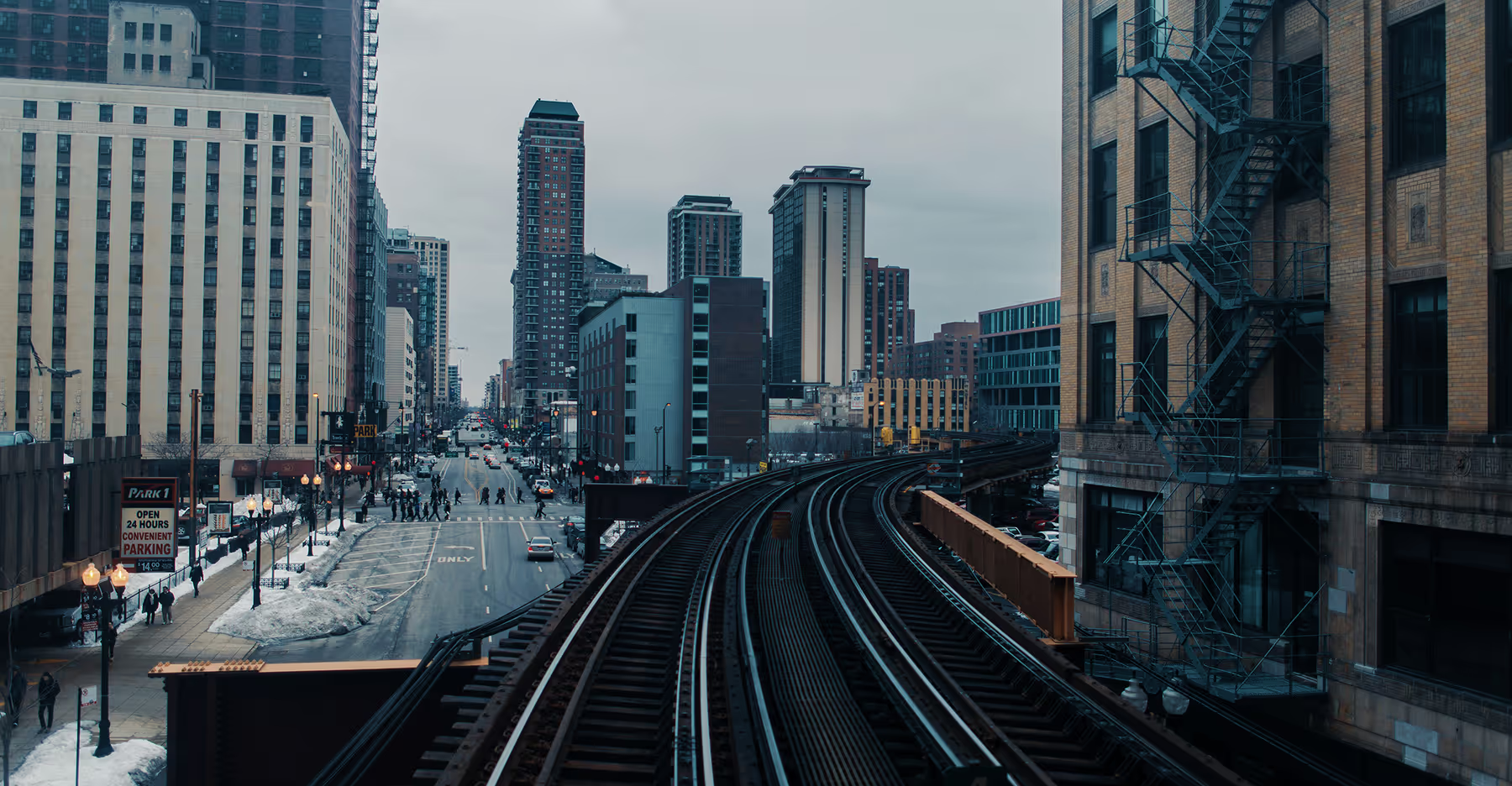
How To Speed Up Your Videos
Open the VSCO app on iOS or Android and import your footage to start editing.
Click ‘Edit Video’ and scroll to find the Speed tool. Adjust playback up to 16x and target specific sections.
Refine motion, smooth transitions, and control audio levels independently for perfect results.
Save your edited video to your device or share it directly on VSCO.
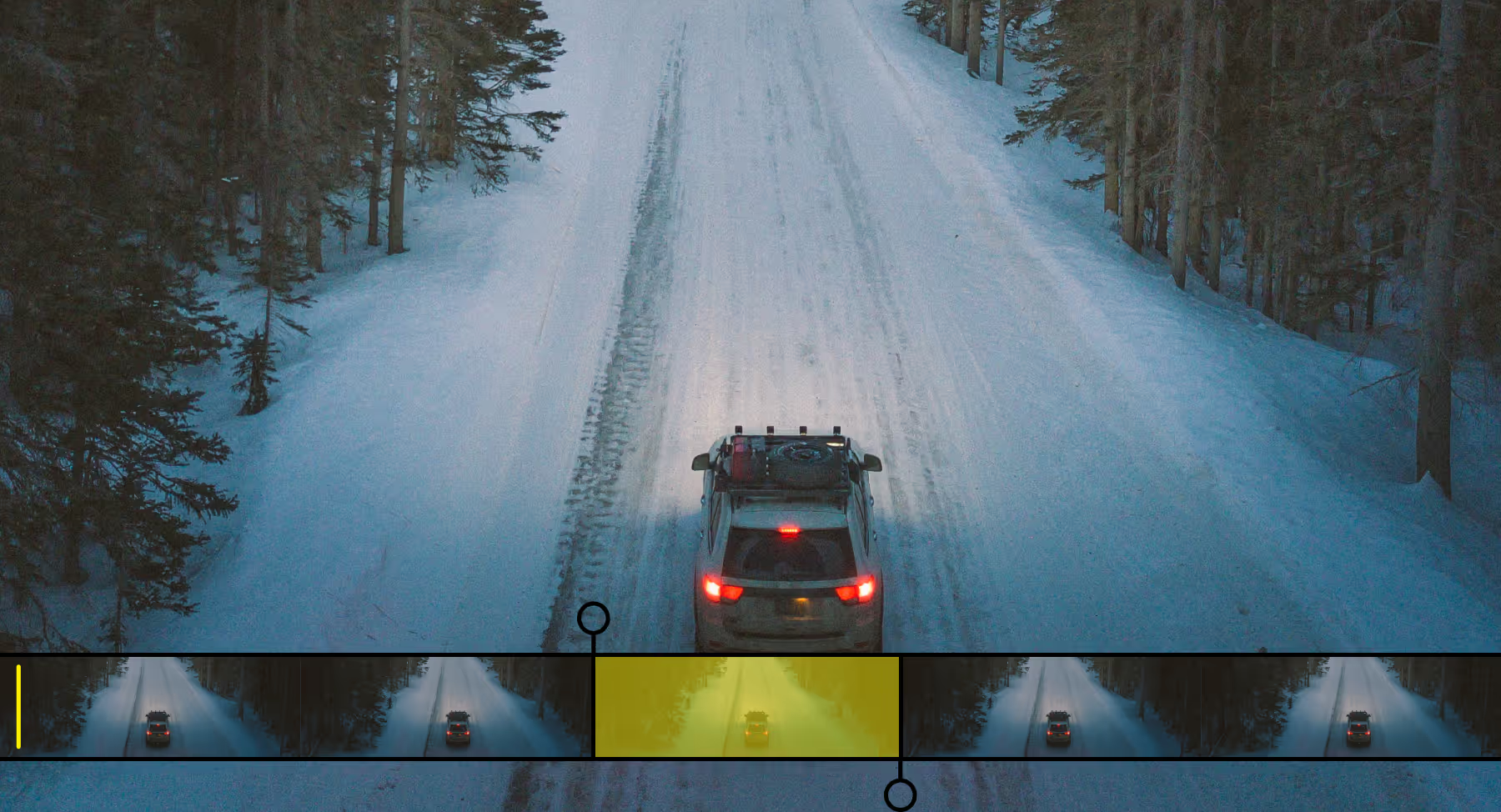
Speed Up Part of Your Video
Speed up your entire video or focus on a specific segment for precise, dynamic edits. Drag the start and end points to isolate sections of your video, then adjust playback speed to create cinematic shifts, playful twists, or dramatic pacing.
You can also experiment with speed ramping or reverse your video for even more creative effects, all while maintaining crisp, high-quality footage.
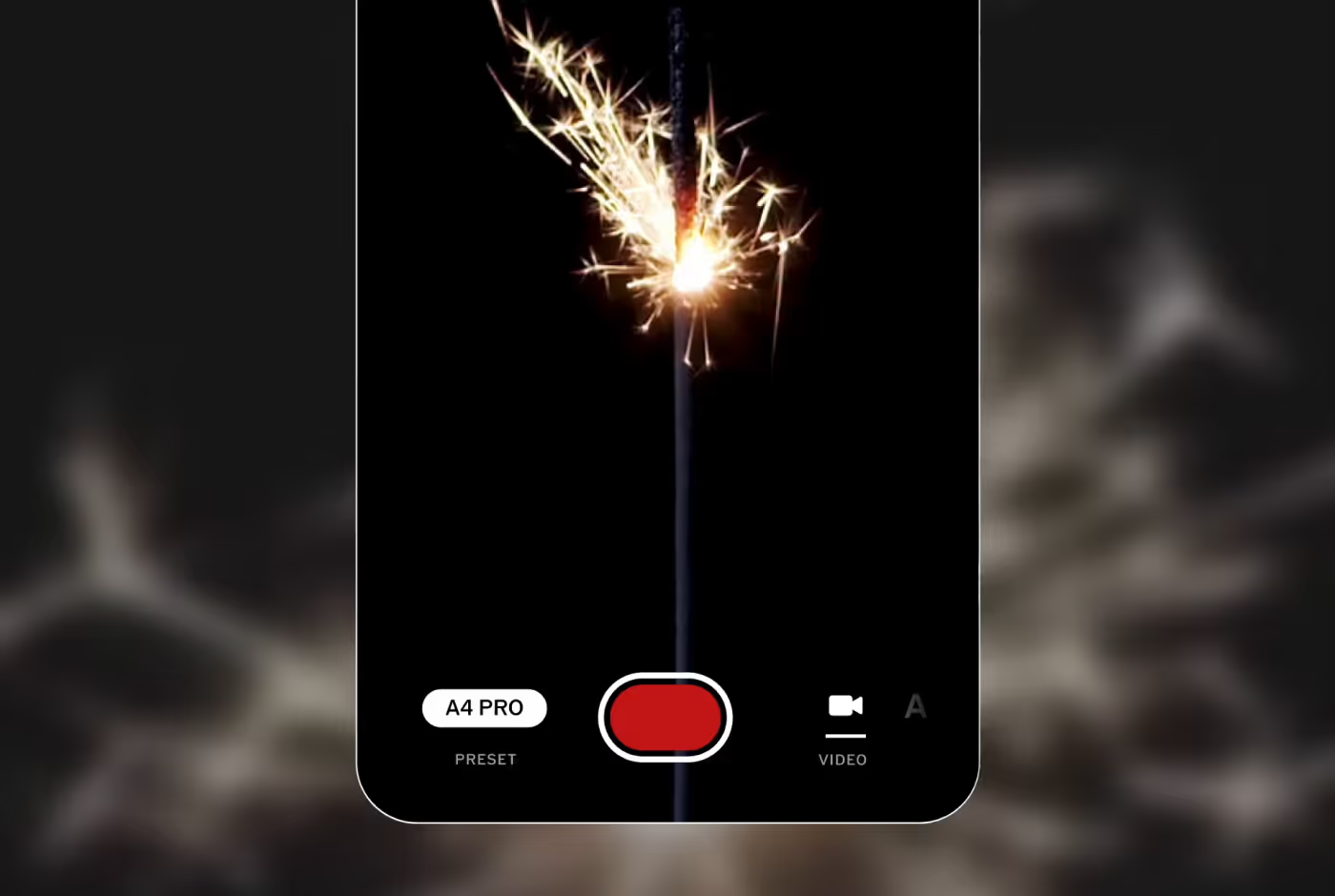
Shoot video with VSCO Capture
With VSCO Capture, you can record videos on your iPhone using VSCO’s live presets as you shoot. Then export your clips to the main VSCO app to access the video editor and adjust the speed of your videos.
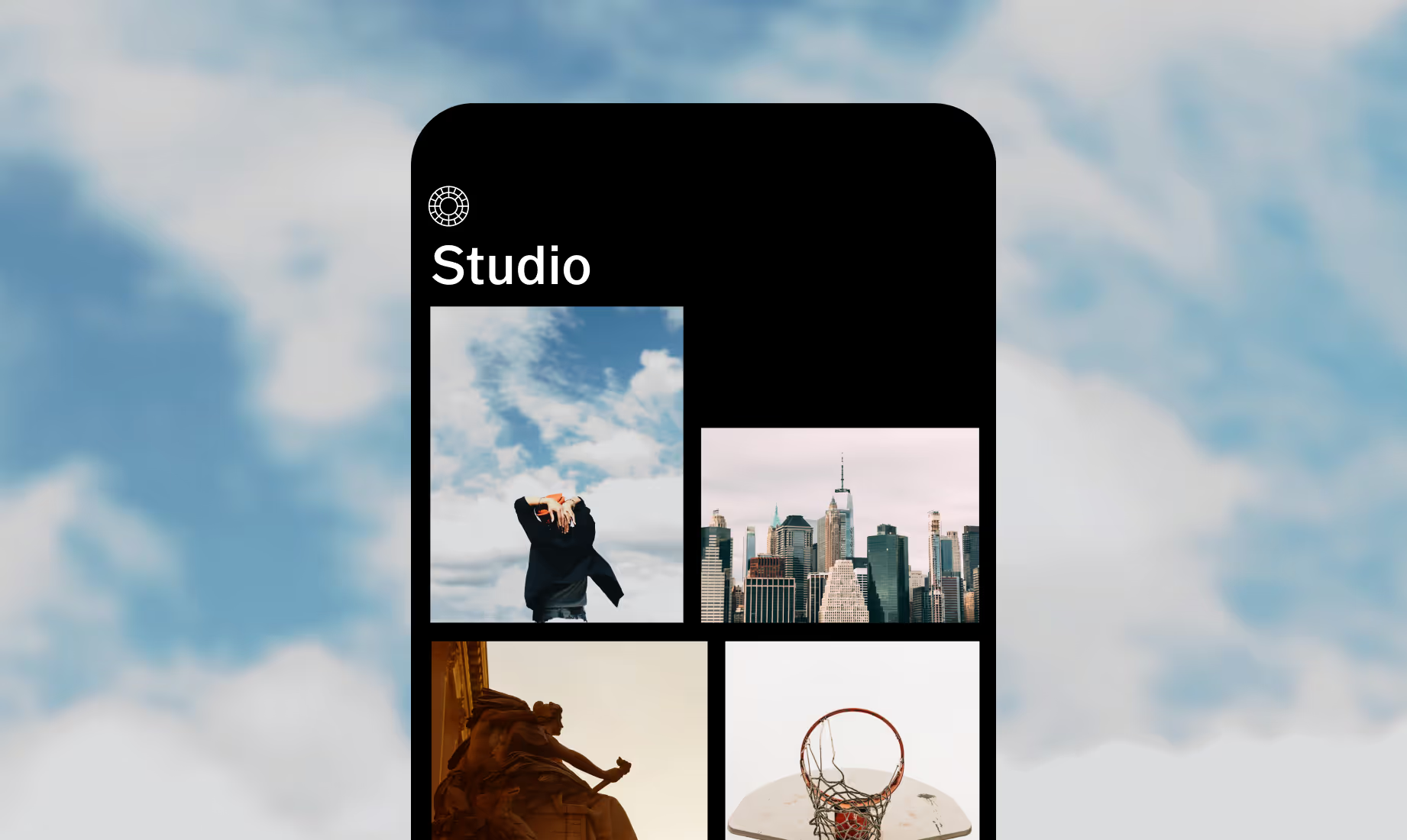
Download VSCO
Use the speed up tool for your next video with the VSCO video editing app for iOS and Android.



Frequently asked questions
Do speed up effects lower video quality?
No, VSCO’s processing engine maintains each frame in high quality, so your fast-motion videos stay crisp and smooth.
Can I mix video speed with other effects?
Yes. Pair Speed with film-inspired presets, a VHS effect, or Montage for unique, attention-grabbing edits. You can also use the volume tool to mute or adjust audio independently from your speed changes.
Which speeds can I choose?
Control playback with precision, from subtle 1.1x nudges to a speed up video 10x for mid-range motion, all the way to bold 16x fast-forwarding.
Can I speed up only part of my video?
Yes. Drag the start and end points of the speed tool to the segment you want to speed up, then apply speed changes to just the part you want for precise, creative edits.
related VIDEO EDITING TOOLS
Take video speed further by layering slow motion, reversing videos, and combining them with Montage. Mix effects to craft dynamic, cinematic, or playful clips that showcase your vision.
SLOW DOWN VIDEO
Highlight fleeting moments with smooth, cinematic slow-motion effects.

Reverse VIDEO
Add a playful twist with reverse motion clips.

Montage
Build dynamic visual narratives using multiple clips and transitions.