Slow Down Video
Create smooth, cinematic slow-motion videos with intuitive speed controls in VSCO’s slow motion video editor.
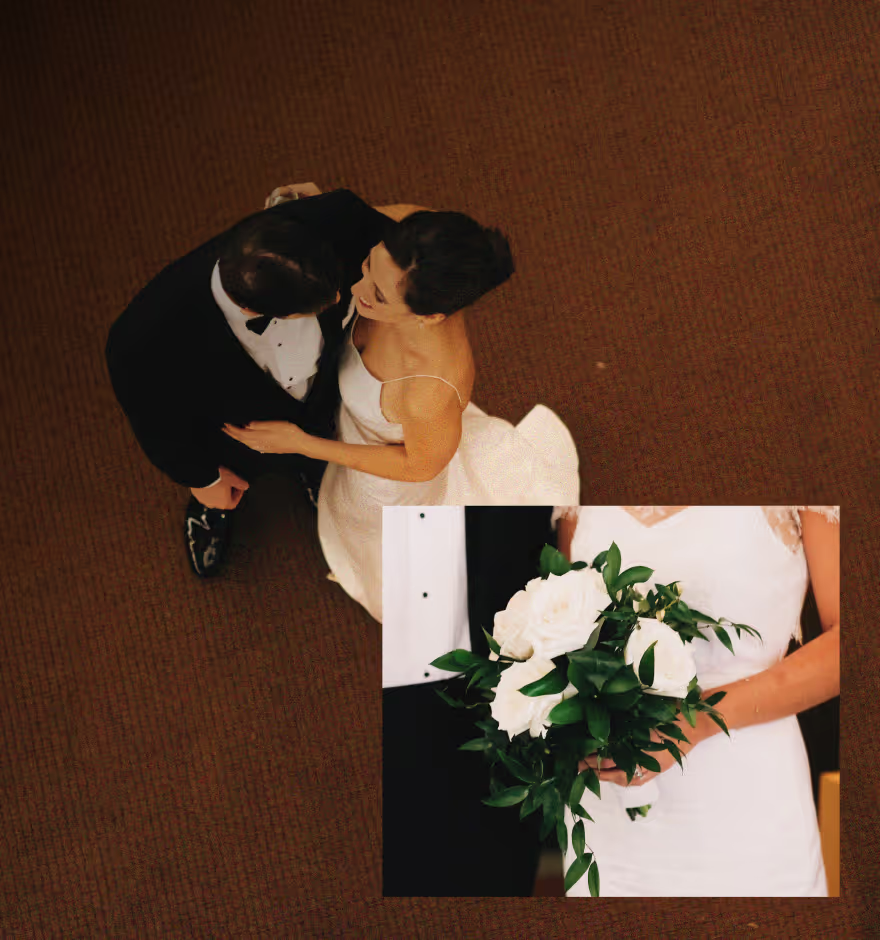
Make your videos feel more cinematic
Slow down your footage in seconds to highlight motion, emotion, and detail—no complicated timelines or editing experience needed.
Import your video
Adjust speed from 0.1x - 1x
Refine and export
When To Slow Down Your Video
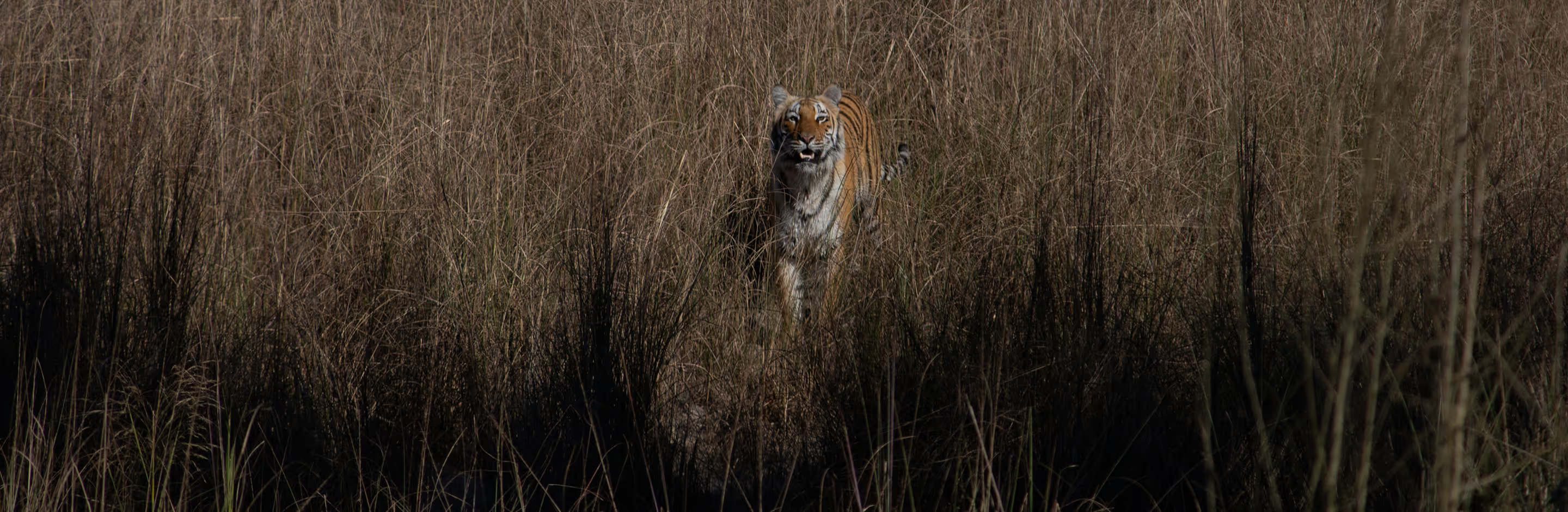
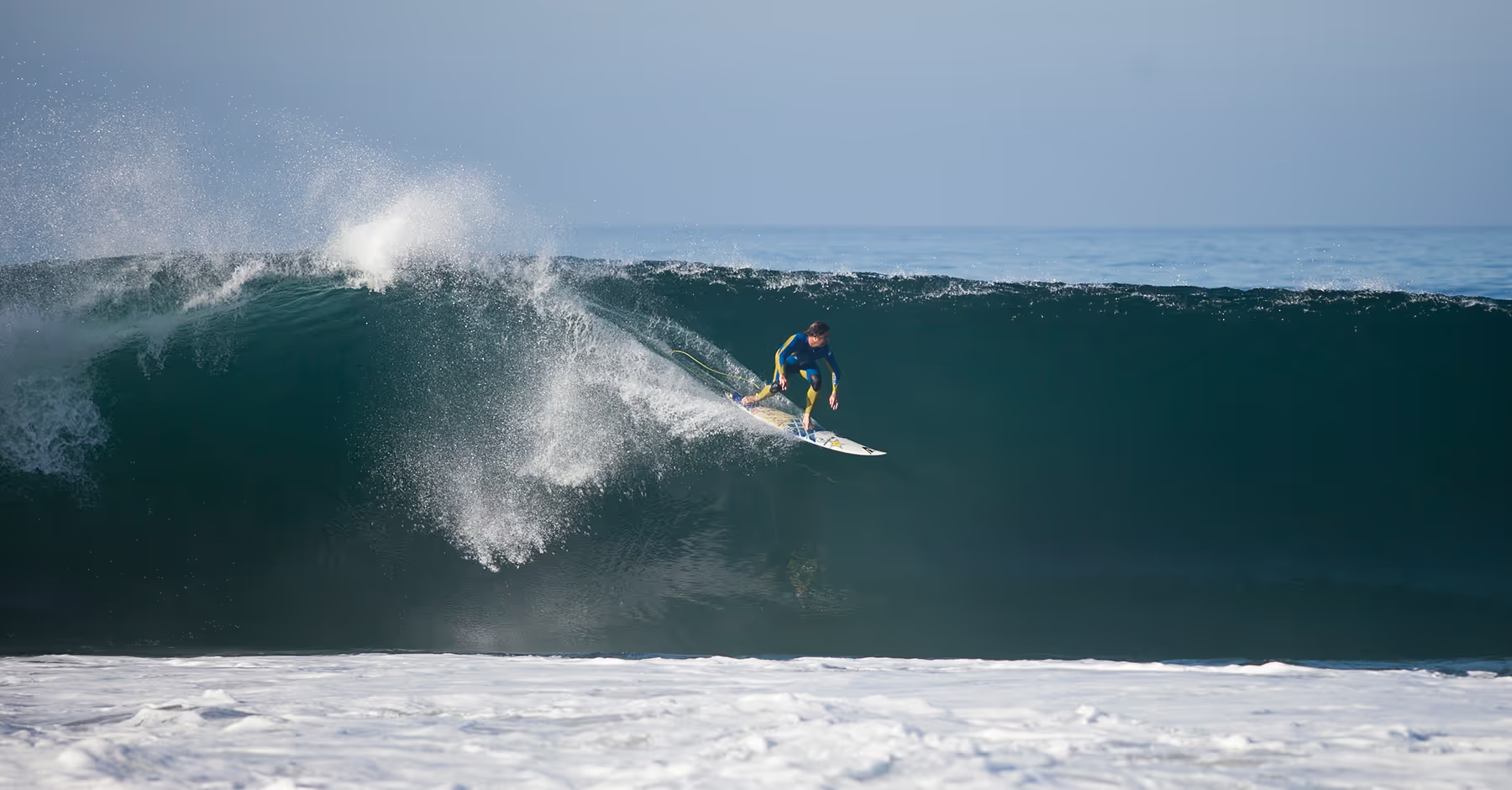
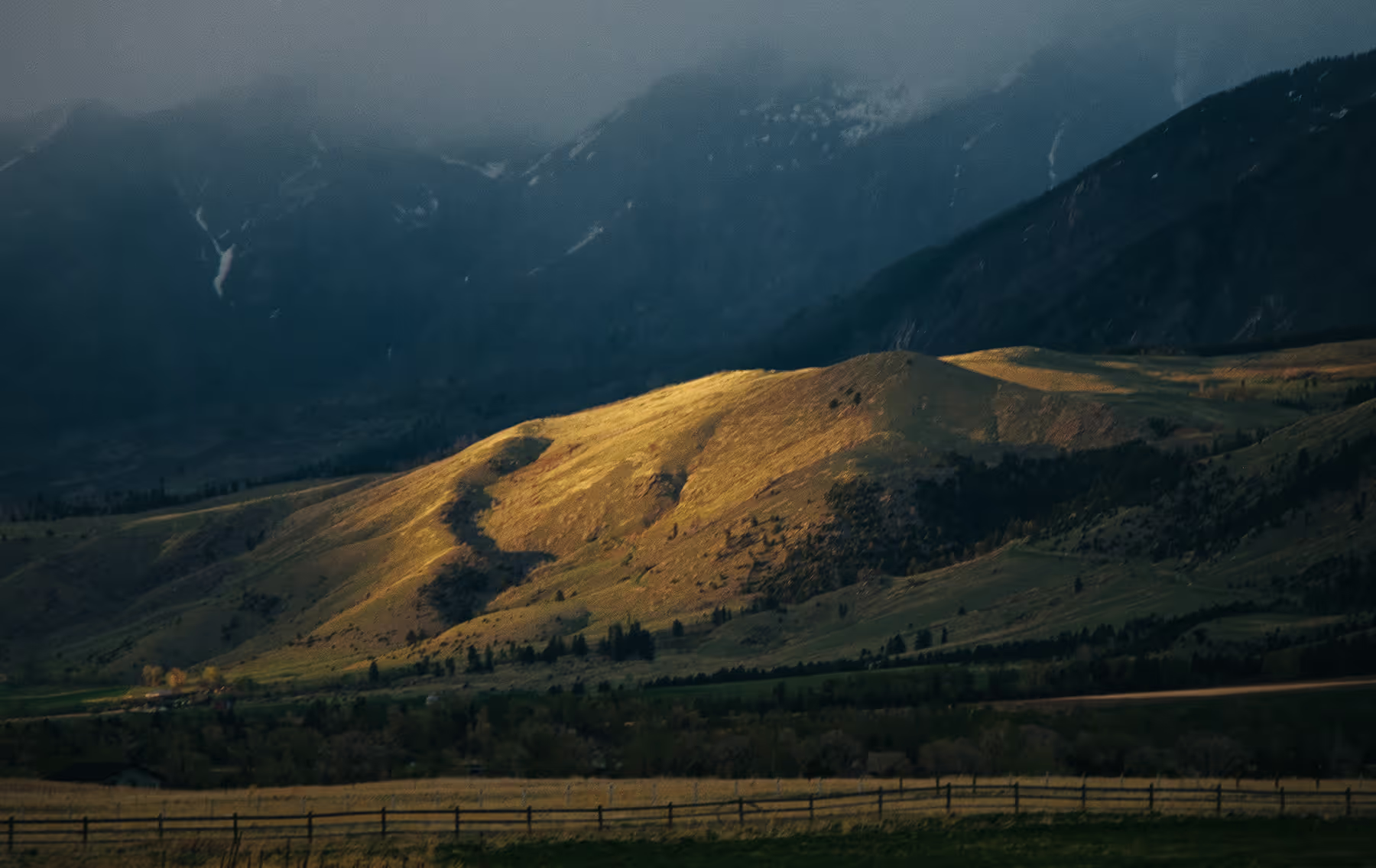
Slow-motion works best when you want viewers to linger on a moment. Emphasize movement in lifestyle clips, add drama to portraits or fashion videos, or create atmosphere in travel, nature, and landscape shots. It’s also perfect for product videos, action sequences, and artistic experiments where subtle motion matters.
Combine slow-motion clips with video filters or film effects like light leaks or a VHS filter to craft a cohesive, expressive visual style.
How To Slow Down a Video
Open the VSCO mobile app for iOS or Android and select your clip.
Tap ‘Edit Video’ and scroll through the video editing tools to select Speed.
Drag the slider to achieve your desired slowdown, from subtle to ultra-slow motion (0.1x - 1x). Select the full video or only part of the video to slow down.
Enable the smooth option for seamless playback, adjust audio independently, and trim your clip as needed.
Export or share your final slow motion video.
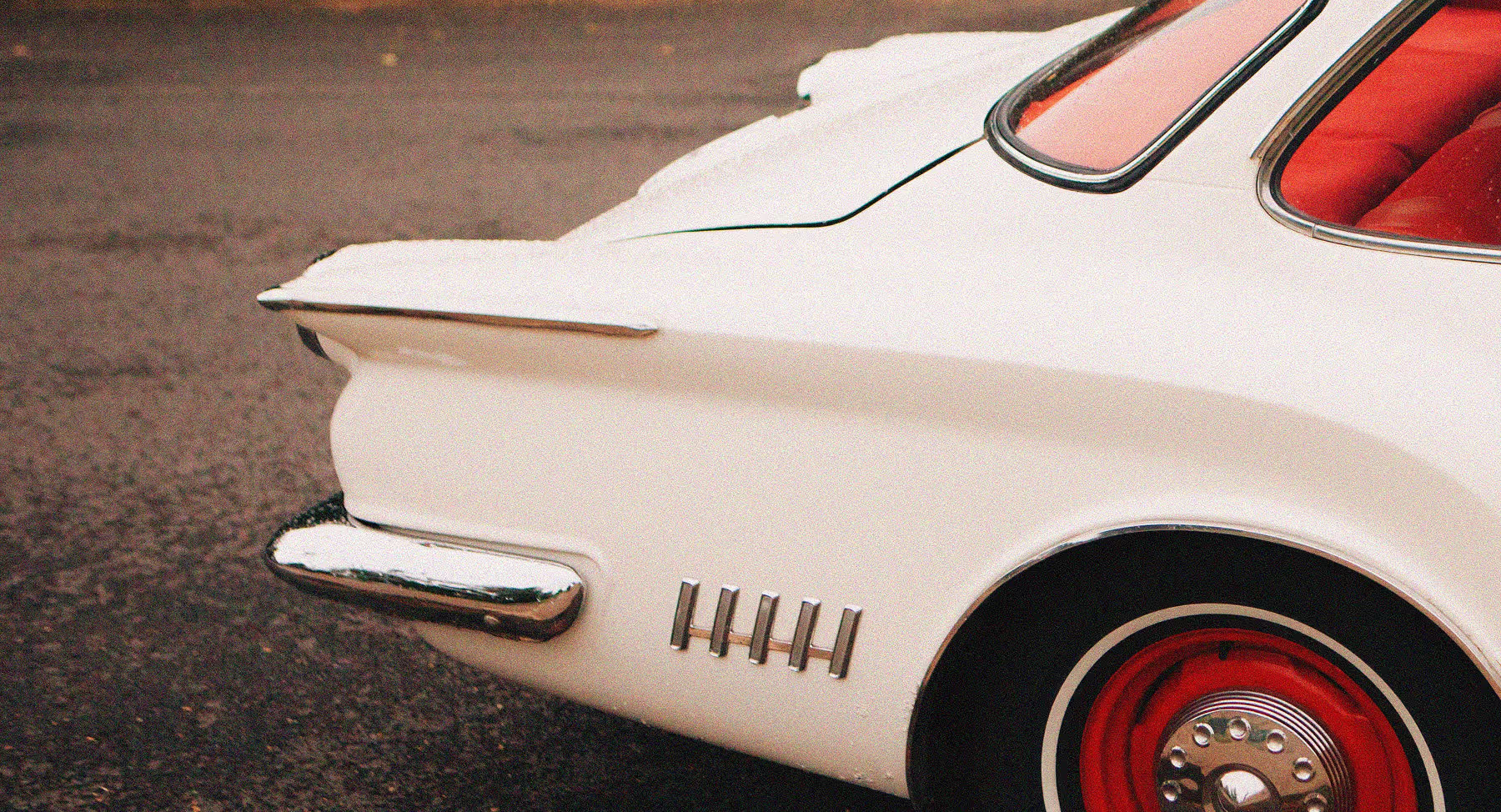
Designed for Seamless Slow Motion
VSCO’s slow motion video editor lets you slow videos down to 0.1x while keeping motion fluid and natural. The Smooth feature reduces choppy frames for a professional look or you can leave it choppy for a raw effect. Independent audio controls give you full creative flexibility—adjust natural ambience or mute and remove audio so you can add music later in your editing workflow.
It’s slow motion made simple, so you can focus on storytelling instead of technical details.
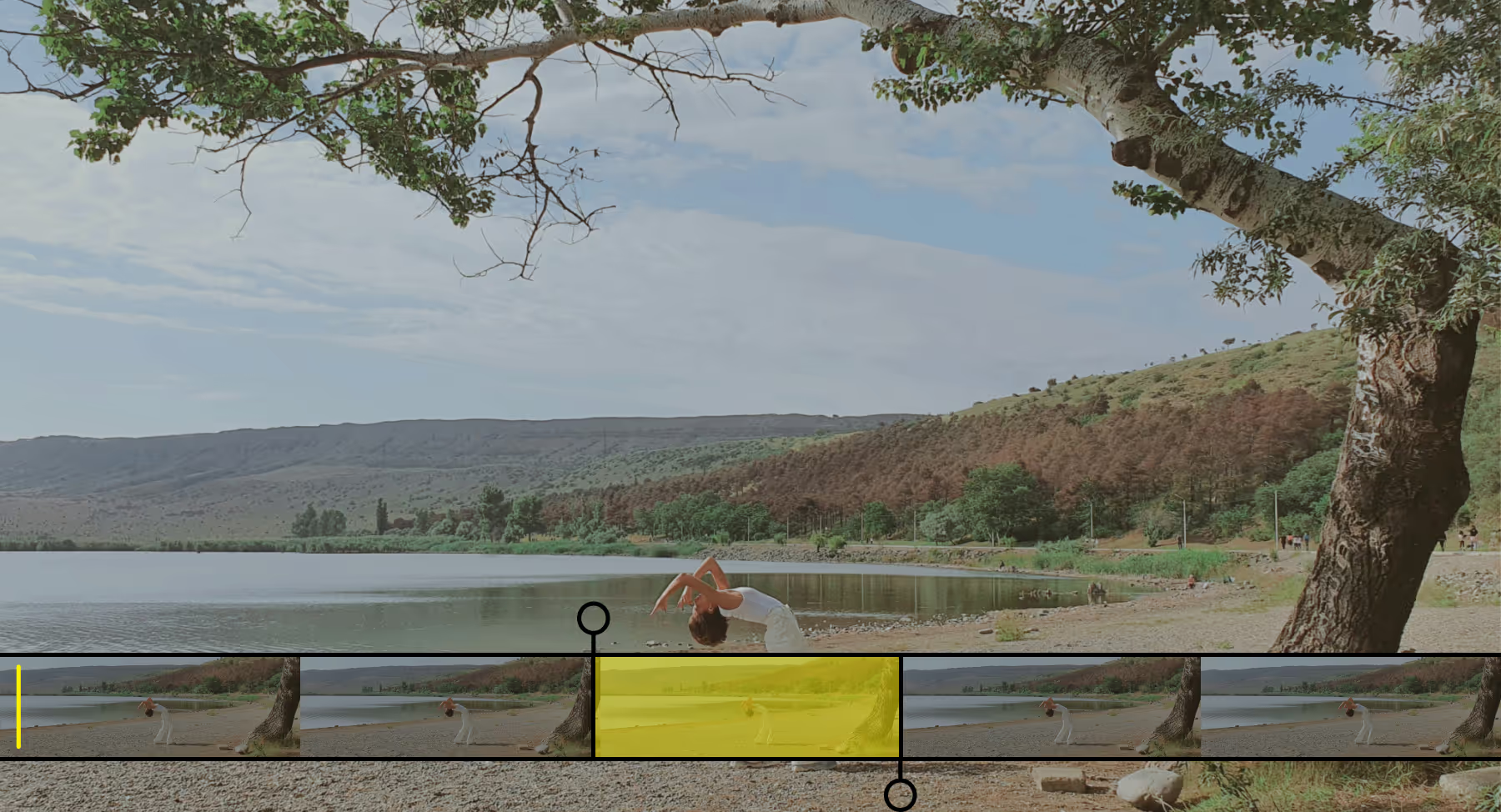
Slow Down Part of a Video
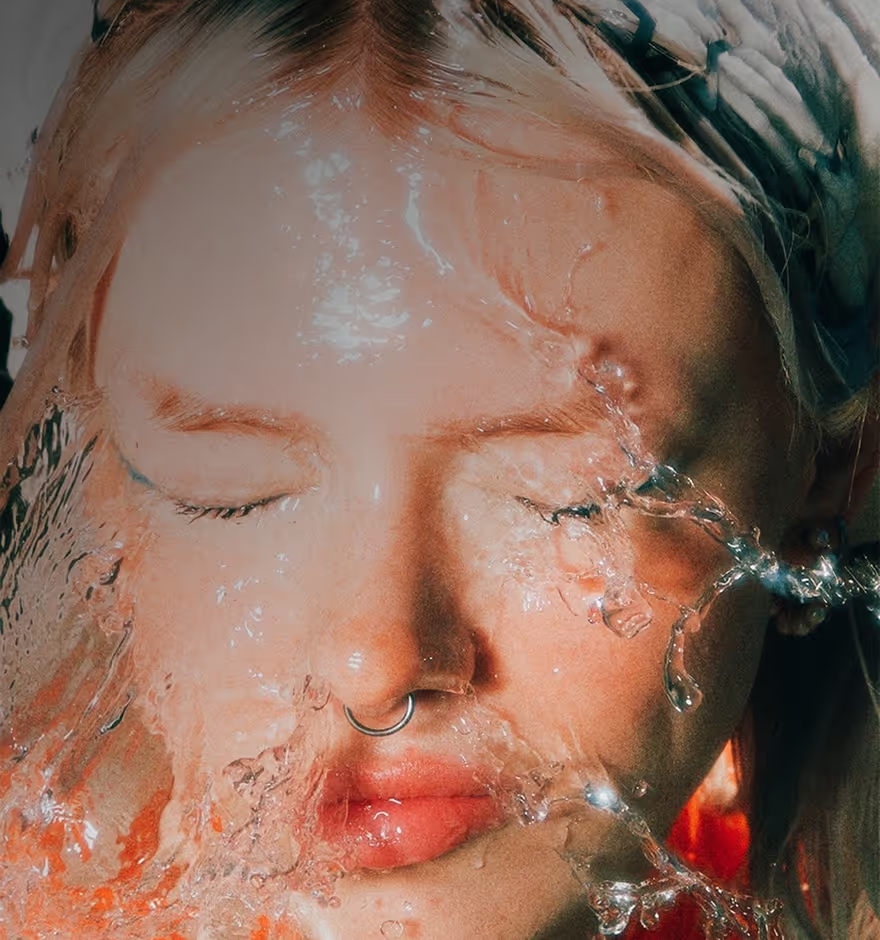
You don’t have to slow down your entire video to create impact or make your edit feel cinematic. Selectively applying slow motion to just part of a clip lets you emphasize or isolate a specific moment—like a subject’s expression, a splash of water, or the exact point of movement you want viewers to notice.
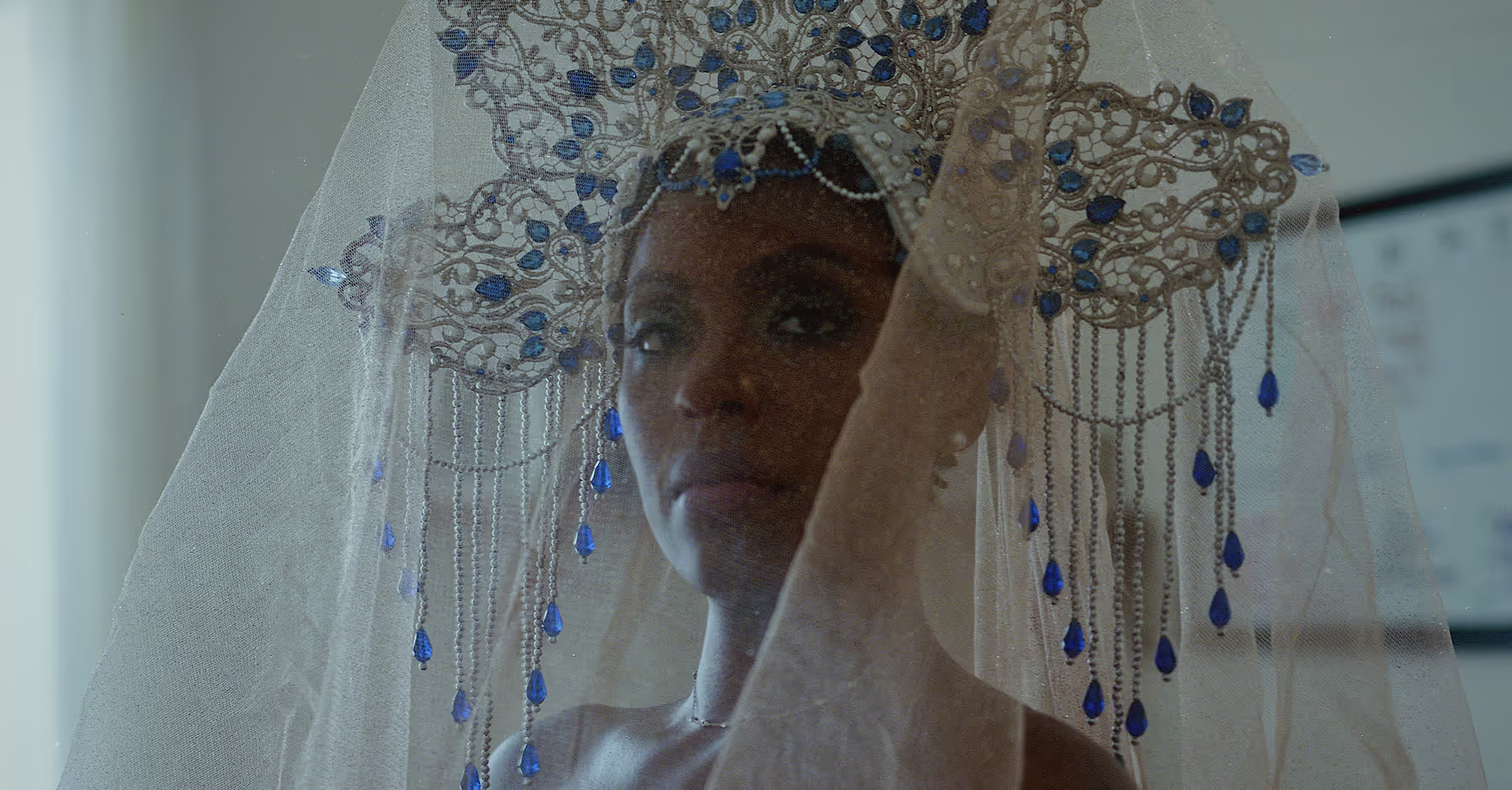
Add Effects to Your Slow-Mo Video
Slow-motion is just the start—pair it with other creative tools to elevate your videos. Experiment with reversing clips, adding a VHS filter for a nostalgic touch, or layering 8mm film frames, lens flares, grunge textures, and vintage-inspired overlays.
Create unique, cinematic moments by mixing effects and finding the look that fits your story.



Frequently asked questions
Can I slow down any video in VSCO?
Yes. You can slow down most videos imported into the VSCO mobile app, whether they’re recorded on your device or saved from other sources.
How slow can I make my video?
VSCO’s slow motion video editor lets you slow videos down as much as 0.1x for dramatic, cinematic slow motion, or use moderate speeds like 0.5x for a subtle, smooth effect.
Will slowing a video affect the audio?
How do I get smoother slow motion?
Turn on the Smooth option in the speed tool to reduce choppy frames, ensuring your slow-motion clips play seamlessly and look professionally polished.
MORE VIDEO EDITING TOOLS
Enhance your slow-motion videos by combining them with other VSCO tools for more creative impact. Speed up clips for dynamic contrast, reverse footage for playful or surprising effects, and use Montage to weave multiple clips together—perfect for storytelling, highlights, or eye-catching content.
Speed Up
Slow down some parts but speed up others for fast-motion, energetic effects, and creative storytelling.
Reverse
Play your video clips backward to create unique, eye-catching moments.
Montage
Combine multiple clips seamlessly to tell stories or highlight moments.