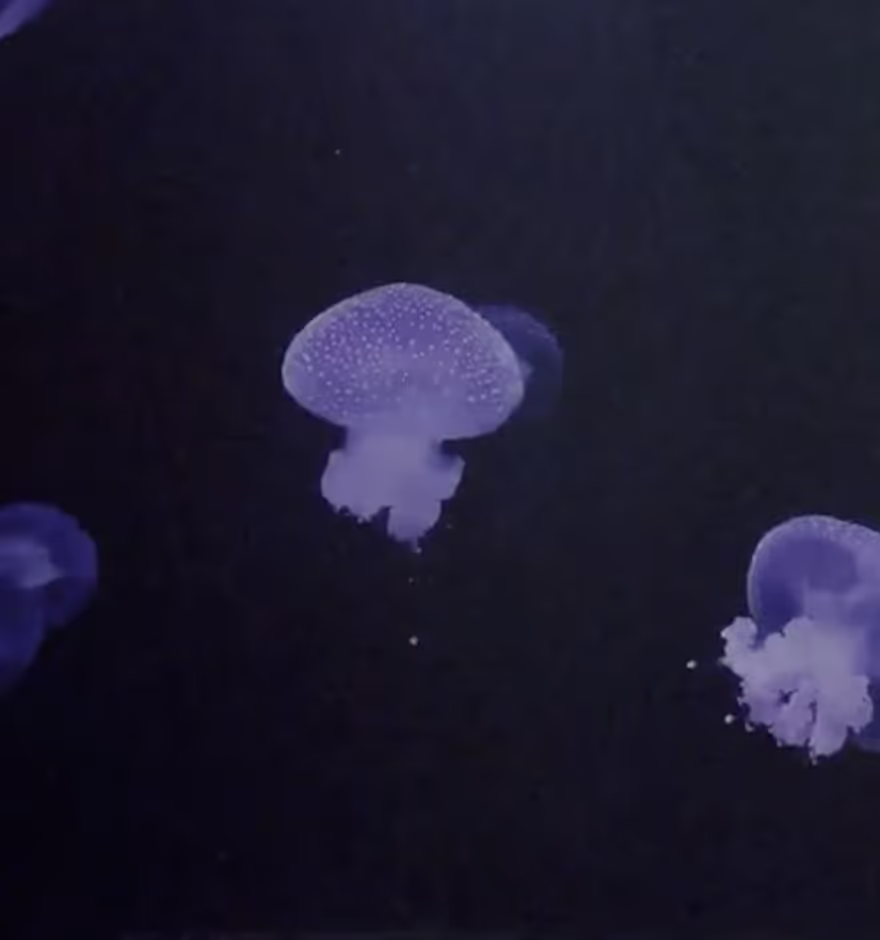
Apply a VHS Filter to Make Vintage Videos
Turn your video clips into retro recordings with the VHS effect in the VSCO video editing app.
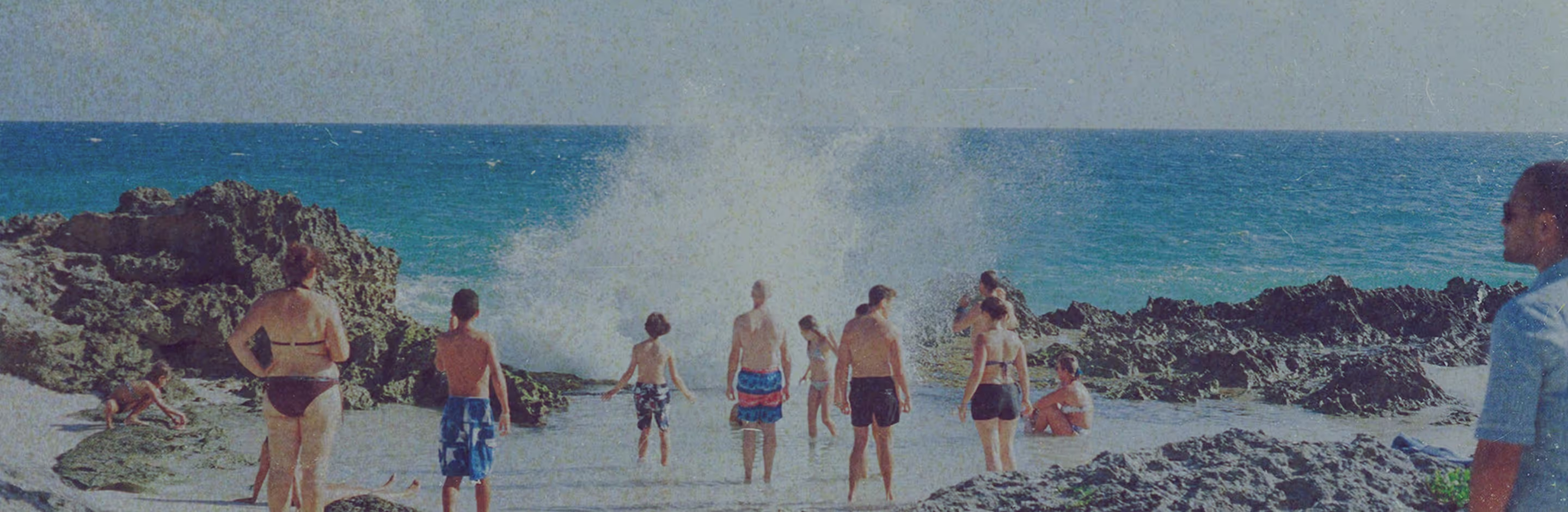
Make videos look vintage with a VHS overlay
Edit with the VHS effect in the VSCO photo and video editing app.
Import your videos
Apply the VHS video effect
Save, export, and share your VHS video
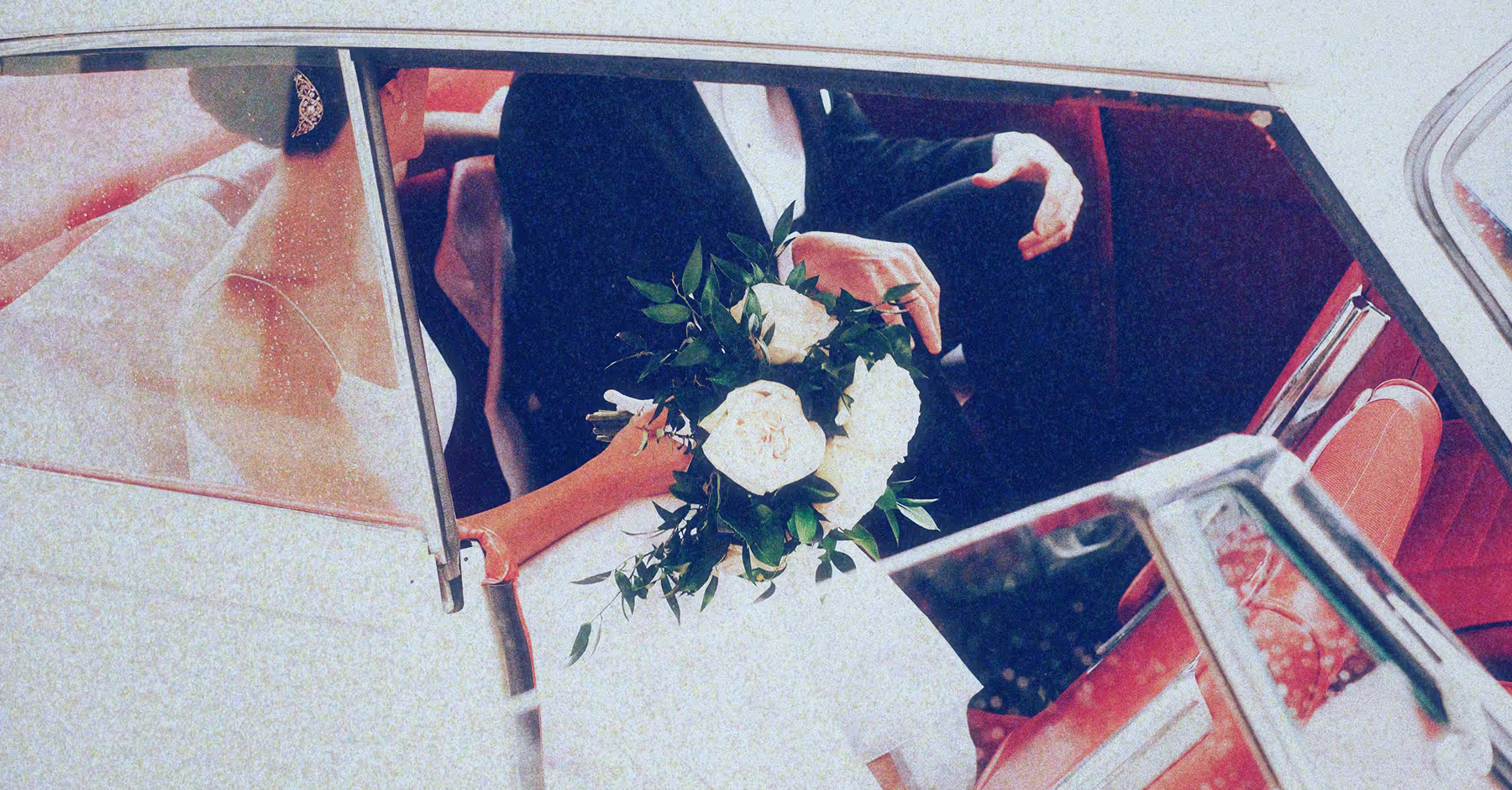
Add a VHS Filter to Any Video on Your Phone
The VHS effect adds analog texture, static, and subtle color shifts to make your videos look like they were captured on tape.
Pair your VHS video edits with vintage filters to enhance the retro feel.
Download the VSCO app on iPhone or Android to start creating with the VHS filter today.
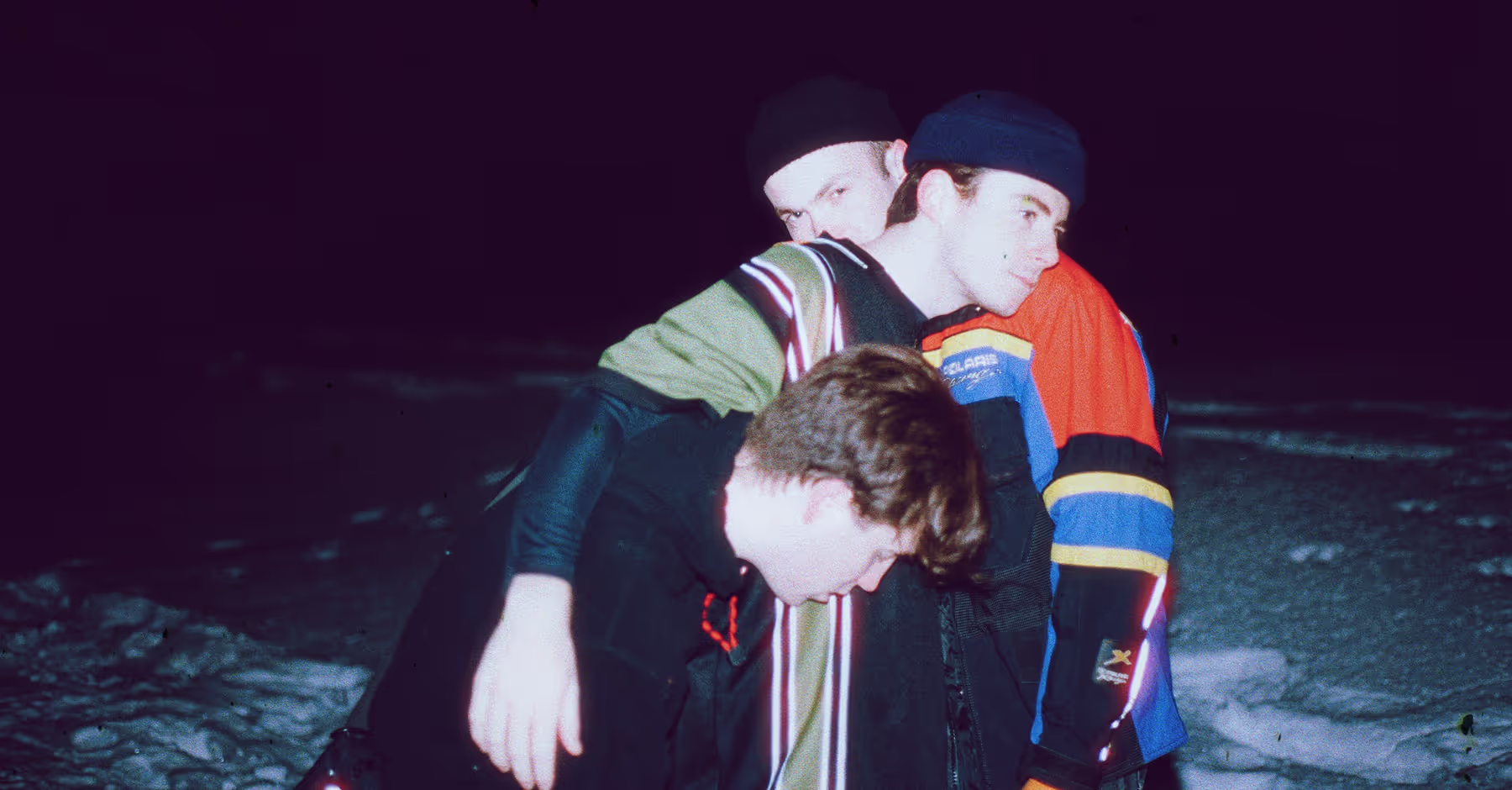
How to Apply a VHS Filter to Videos
Add videos to VSCO directly from your camera roll.
Go to the effects (FX) page and apply the VHS effect. Find it under the VFX category.
Enhance the VHS look with retro tools like Grain and Fade, or use film presets for the perfect color palette.
Save your VHS video edit, post it to your VSCO profile, and share instantly on social media.
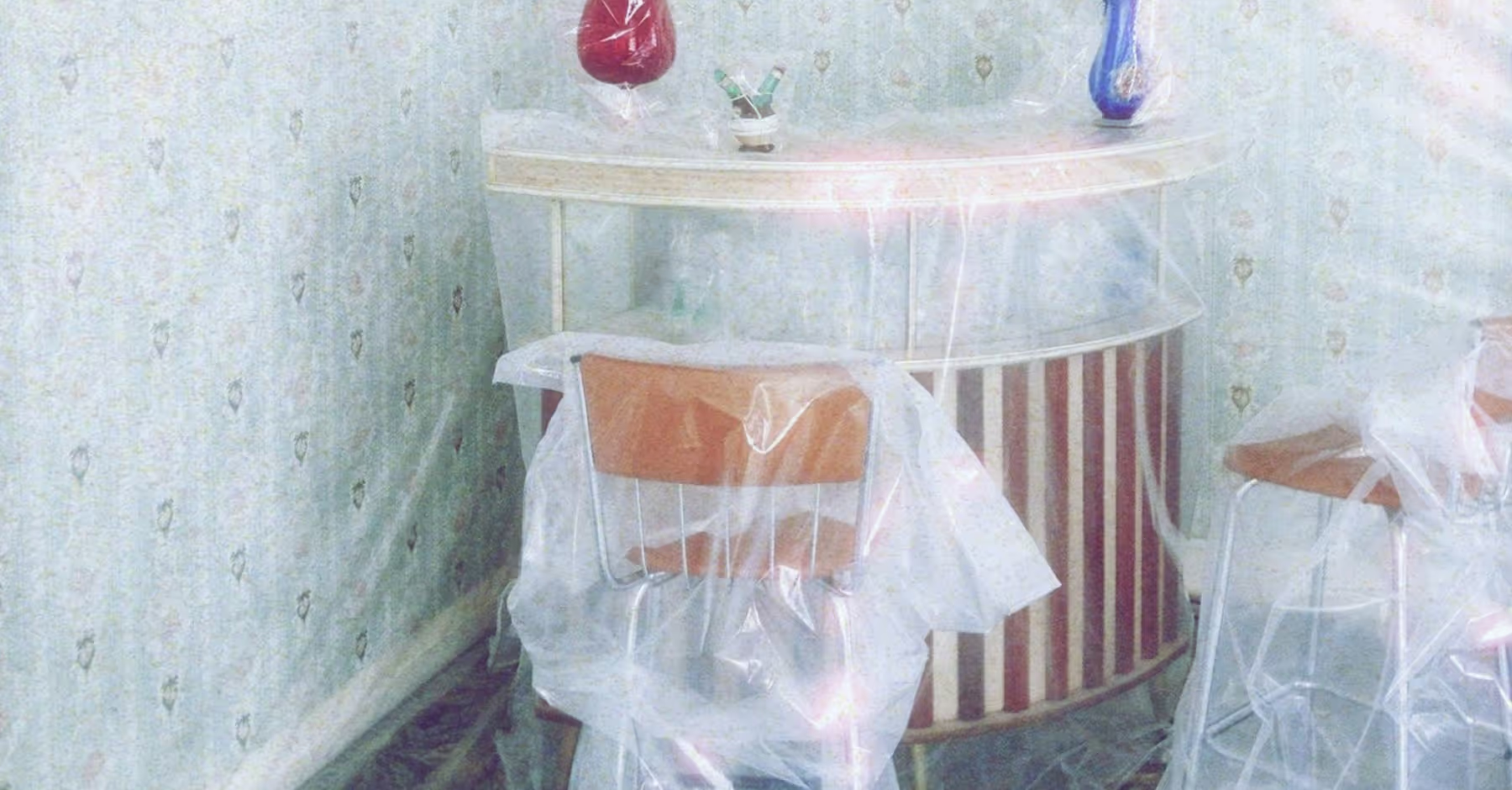
Bring Back the Look of Classic Home Videos
With the VHS filter, your digital video clips take on the nostalgic imperfections of 80s and 90s camcorders — from soft detail to timeworn color shifts.
Layer in 80s filters, 90s filters, and effects to give your edits even more depth, then post your videos directly to your VSCO profile and socials.



Frequently asked questions
How can I get a VHS effect?
What app makes videos look vintage?
VSCO is the best app for making videos look vintage with VHS filters, film-inspired presets, and retro editing tools.
How to edit video to look 90s VHS retro?
VSCO makes it easy to edit video with a VHS effect that adds the color shifts, grain, and tape-like distortion of 90s camcorders. You can also apply 90s-inspired film filters to match the color palettes of real 90s film stocks.
Can I make an iPhone video look like an old film?
VSCO lets you turn iPhone videos into old-film style edits with a VHS effect, film borders, and vintage textures. Make videos look like they were made on a camcorder, or experiment with other video formats like 8mm and 16mm.
MORE VIDEO EDITING TOOLS
Give your videos a true retro vibe with the VHS effect in VSCO. Layer grunge texture, add other film-inspired video overlays, and refine everything with the video editor.
VIDEO EDITOR
Use the video editor to trim videos, speed up or slow down, reduce or mute audio, and reverse playback.

Create GRUNGE Texture
Layer an authentic grunge effect on your videos to give them a tactile, retro feel.
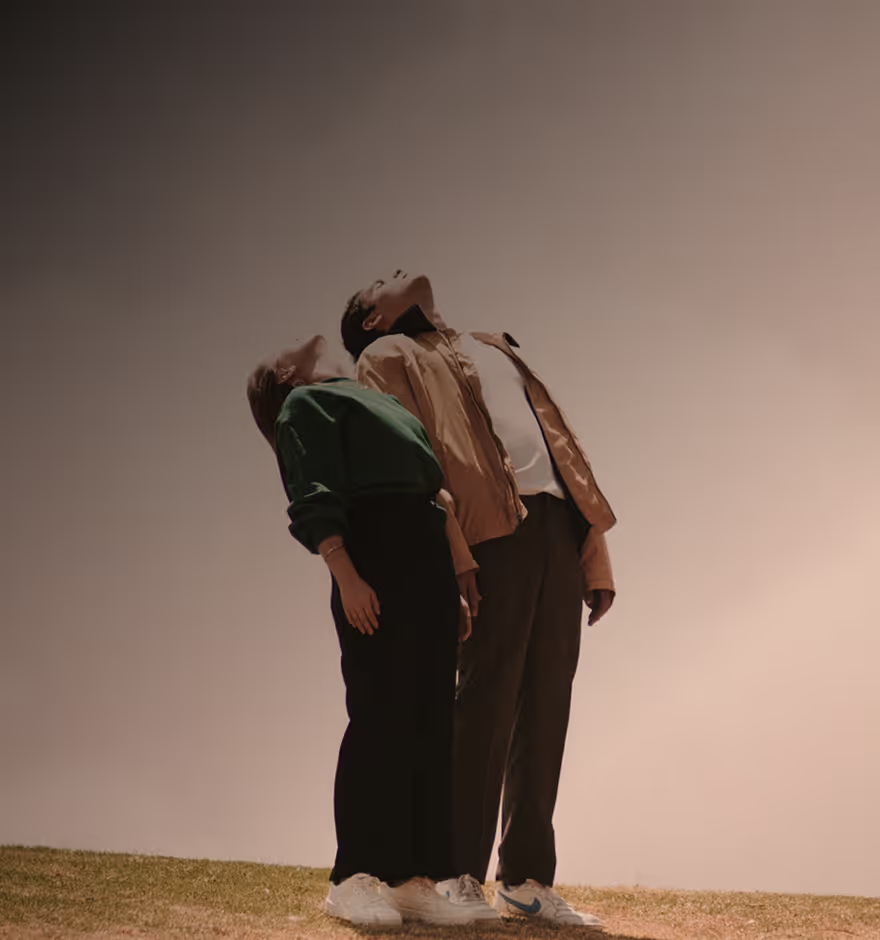
Explore other Video EFFECTS
Apply glitches, kaleidoscope effects, color shifts, and other film textures in one tap.