Bring the Tilt Shift Effect to Your Photos
Achieve a playful miniature-style look or guide attention to key details in images with linear blur.

Make your photos look more dimensional and immersive
Transform ordinary shots by keeping a crisp center in focus while subtly blurring the surrounding areas. It’s an easy way to add depth, mood, and visual storytelling to every frame.
Import your photo
Apply linear blur effect
Fine-tune and share

Use Linear Blur for a Tilt-Shift Effect
Bring focus and depth to your photos with the tilt-shift effect. Perfect for cityscapes, landscapes, architecture, travel shots, or product photography, it helps guide the viewer’s eye and create cinematic visual impact.
High-angle scenes benefit most, where selective focus can highlight key subjects while softening surroundings. Play with blur strength, contrast, and color to set the mood—from dreamy and ethereal to bold and striking. Every frame becomes an opportunity to tell a story and emphasize the details that matter most.
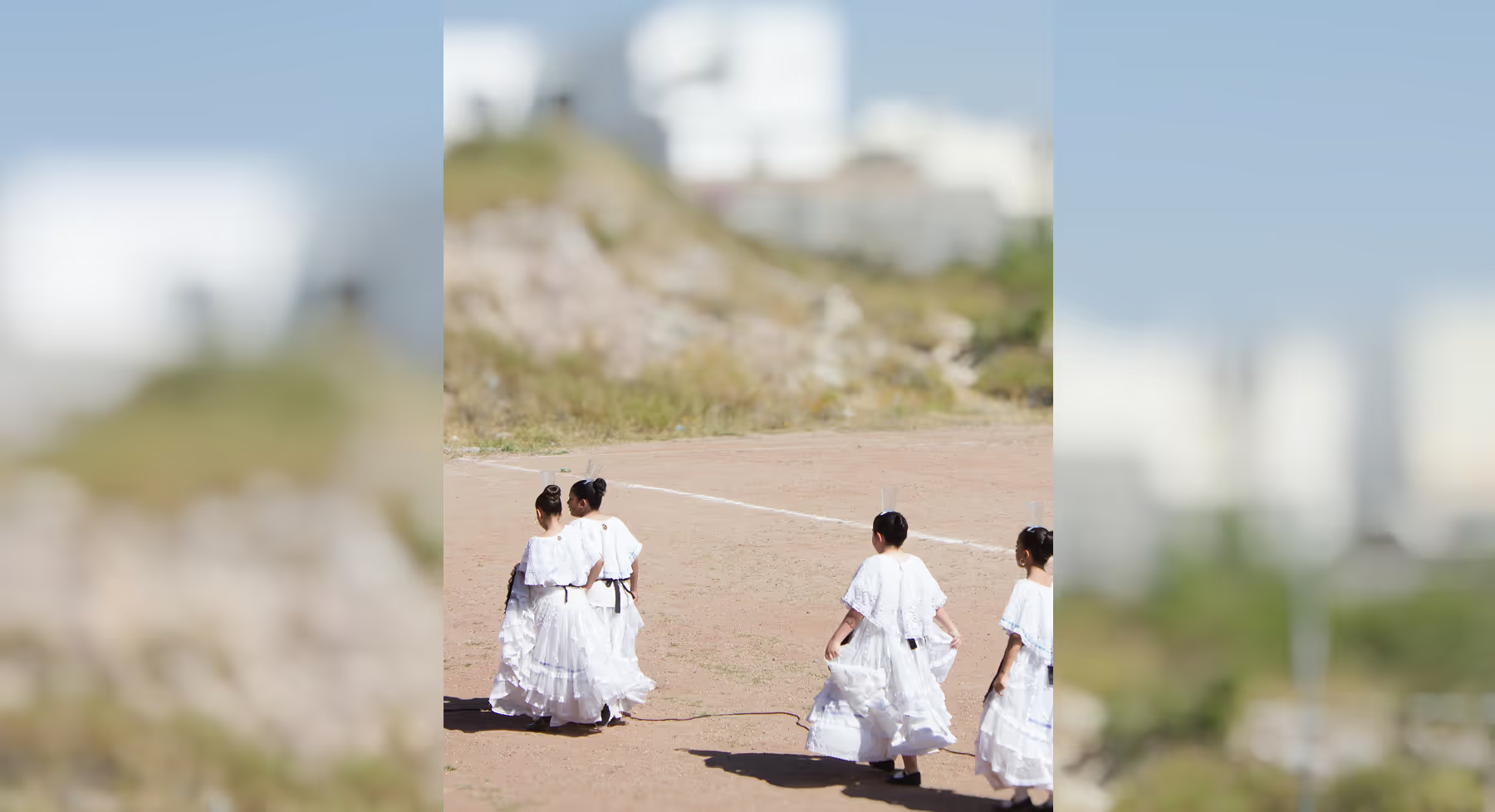
How To Get the Tilt Shift Effect
Import your image into VSCO from your camera roll, desktop, or Capture app.
Open the Blur tool and select Linear mode to simulate a tilt-shift depth-of-field effect.
Refine blur strength, focus position, color, contrast, and saturation for a miniature-style look.
Export your image or share directly to your feed, social platforms, or creative portfolio.

Create Professional Depth of Field
Selective focus, soft surroundings, real scenes that look like miniature worlds. The tilt-shift effect is traditionally locked behind an expensive lens. VSCO's linear blur tool puts it on your phone.
Place your focal band, dial in blur strength, and shape how depth falls across your image. Shrink cityscapes into dioramas. Add optical weight to portraits. No expensive gear required. Just precise control over what stays sharp and what fades away.
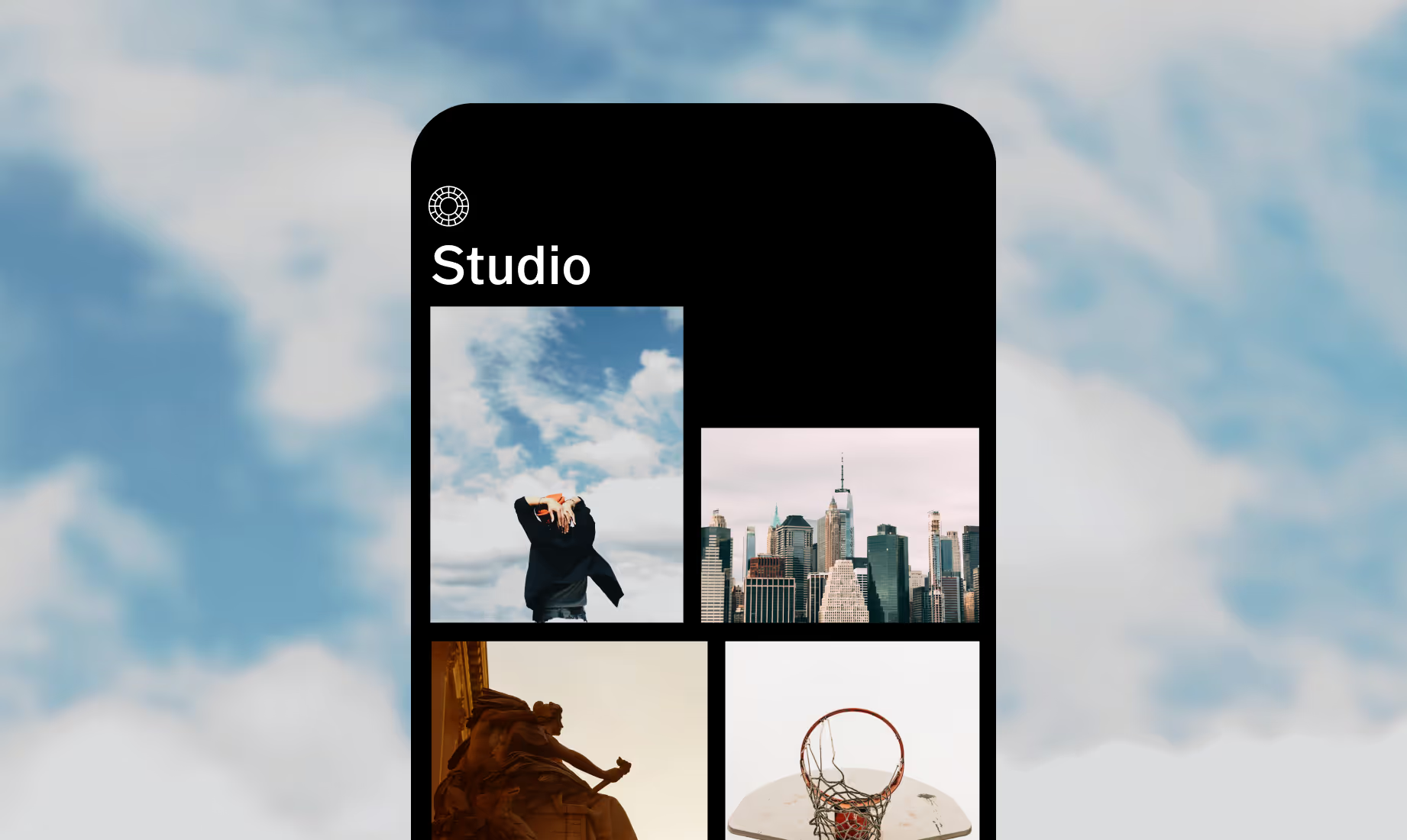
Download VSCO
Create a tilt-shift look by applying the Linear Blur tool to your photos in the VSCO app for iOS and Android.



Frequently asked questions
Does VSCO have a tilt-shift effect?
VSCO doesn’t use a label for “tilt-shift” effect, but you can create the effect using the Linear Blur tool to simulate shallow depth of field and miniature-style focus.
How do I create a tilt-shift look in VSCO?
Upload your photo, open the Blur tool, choose Linear mode, position the focus band, and adjust blur strength to achieve your desired miniature effect.
What photos work best for tilt-shift?
High-angle shots like cityscapes, landscapes, streets, architecture, and overhead scenes create the strongest illusion.
MORE WAYS TO EDIT PHOTOS
Try even more looks with VSCO’s Blur tool, or combine your edits with a Grain filter and Light Leaks to create layered, dynamic edits. Enhance depth and mood in photos, giving your visuals a more cinematic, expressive style.
Blur Tool
Create cinematic depth and control focus in your photos.
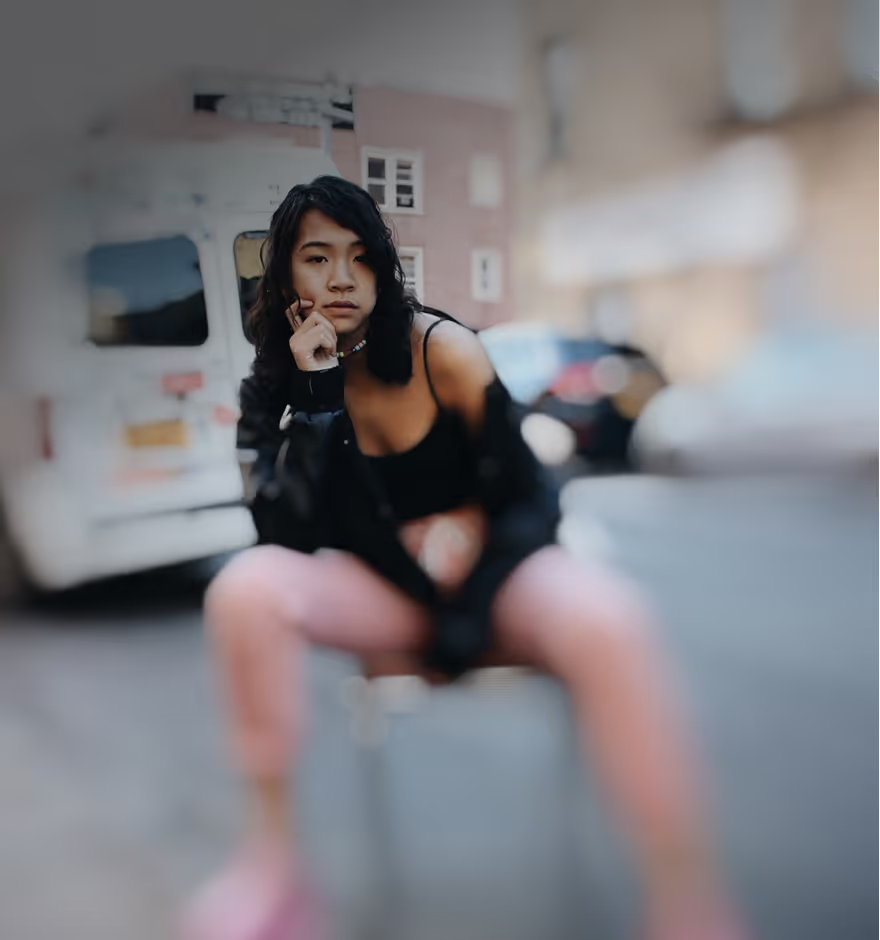
Grain Filter
Layer subtle or bold film grain to enhance vintage photo texture.
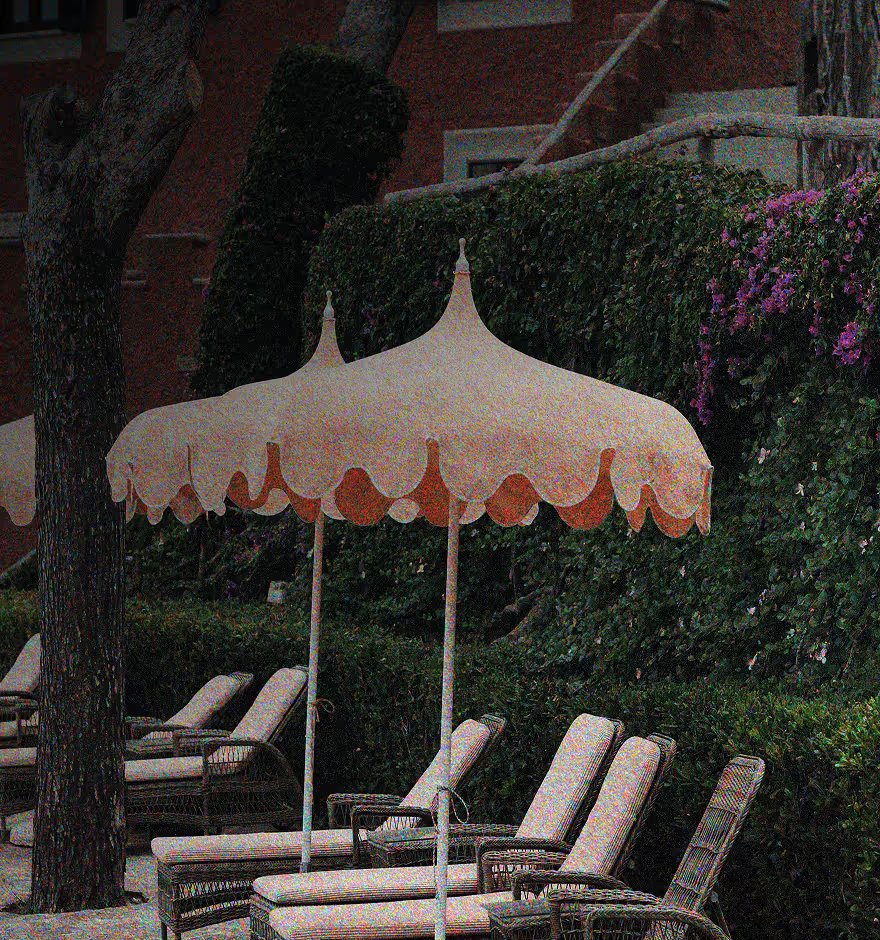
Light Leaks
Infuse warmth, glow, and creative highlights into images.