
Shoot with Motion Blur in VSCO Capture
Add a motion blur effect to your photos with the VSCO Capture camera app. Use manual shutter speed controls to create motion blur in-camera.
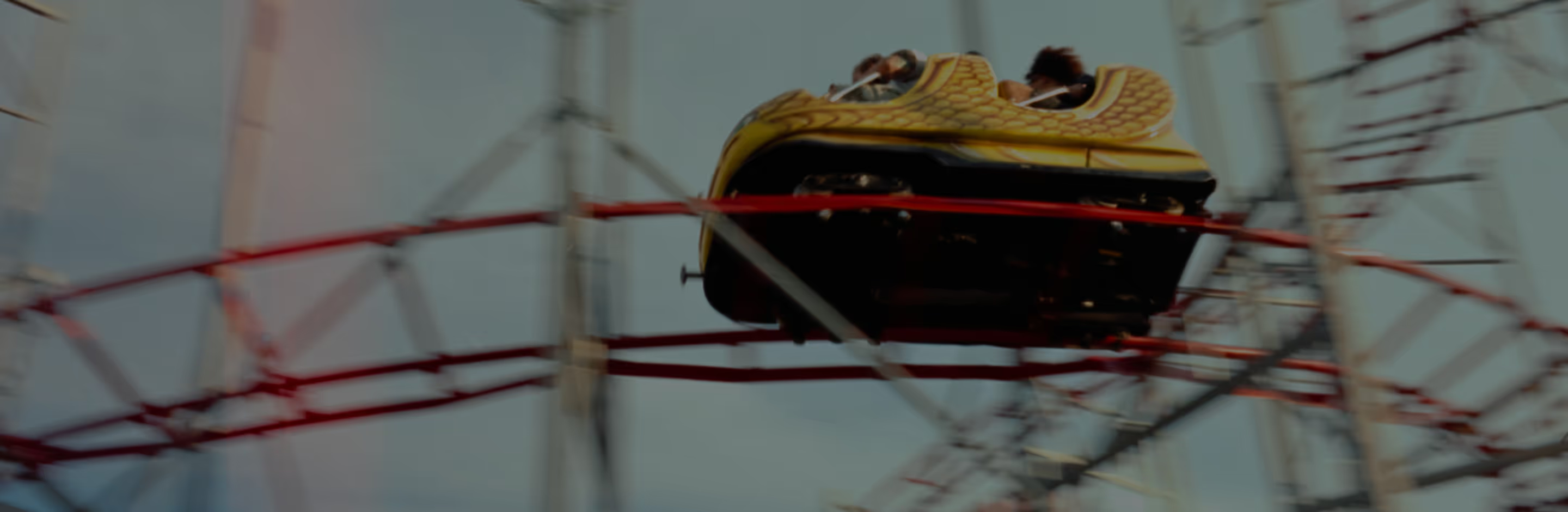
Create photos with motion blur
Add motion blur with a slow shutter in the VSCO Capture camera app.
Use Manual mode to select a slow shutter
Shoot, edit, and share your photo
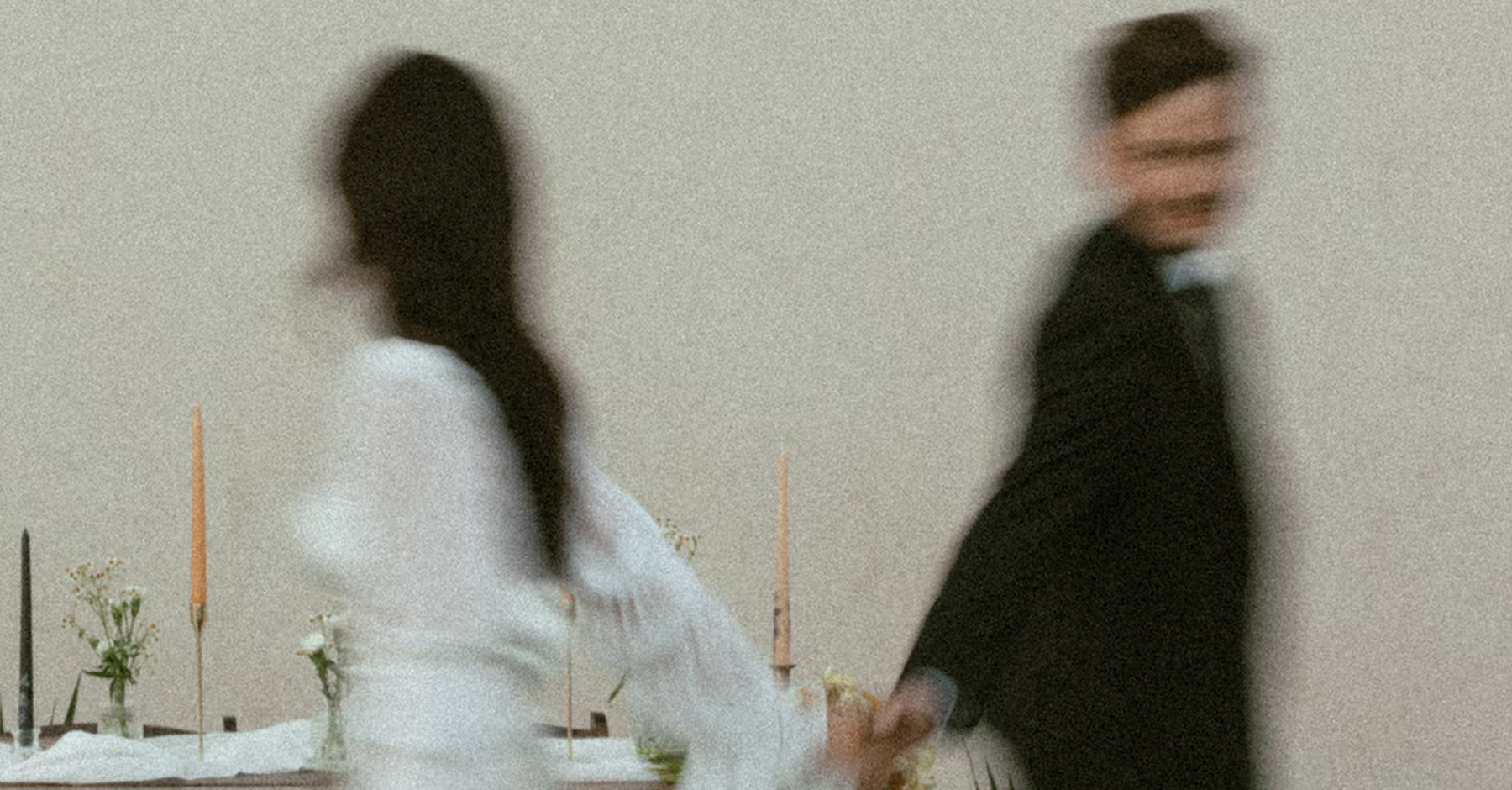
Get The Motion Blur Effect In Camera
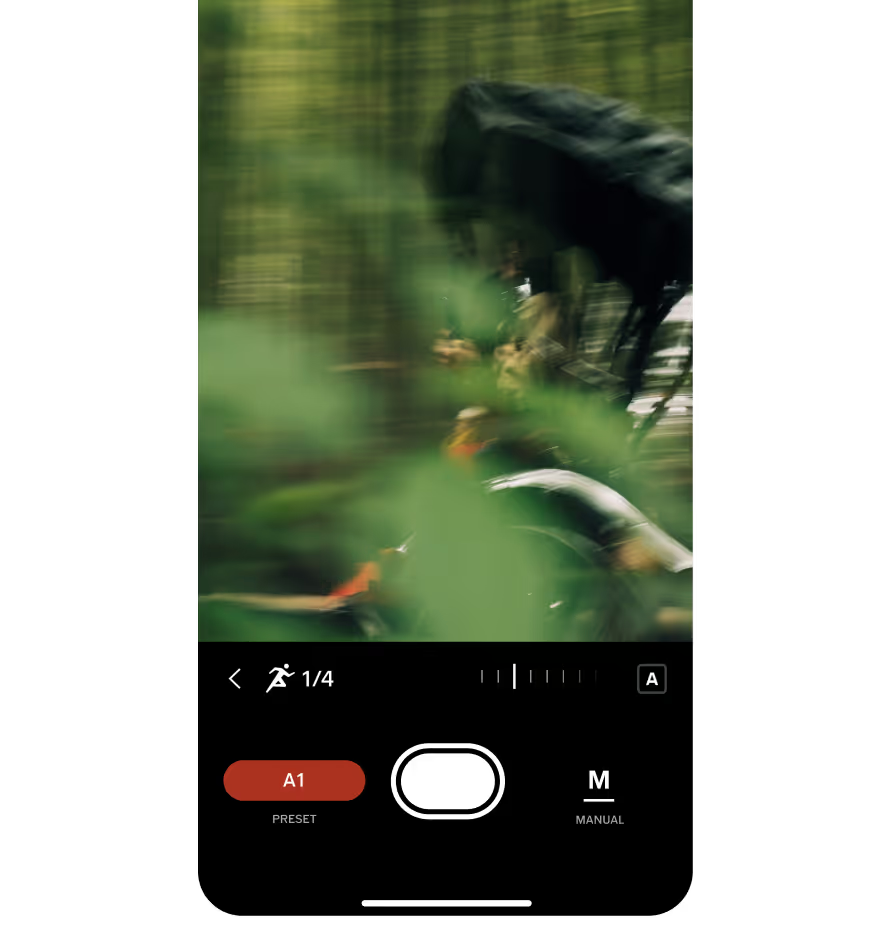
VSCO Capture lets you create motion blur by shooting in Manual mode and selecting a slower shutter speed, like 1/8.
Pan your camera smoothly, following a moving subject to blur the background and keep your subject sharp as you shoot.
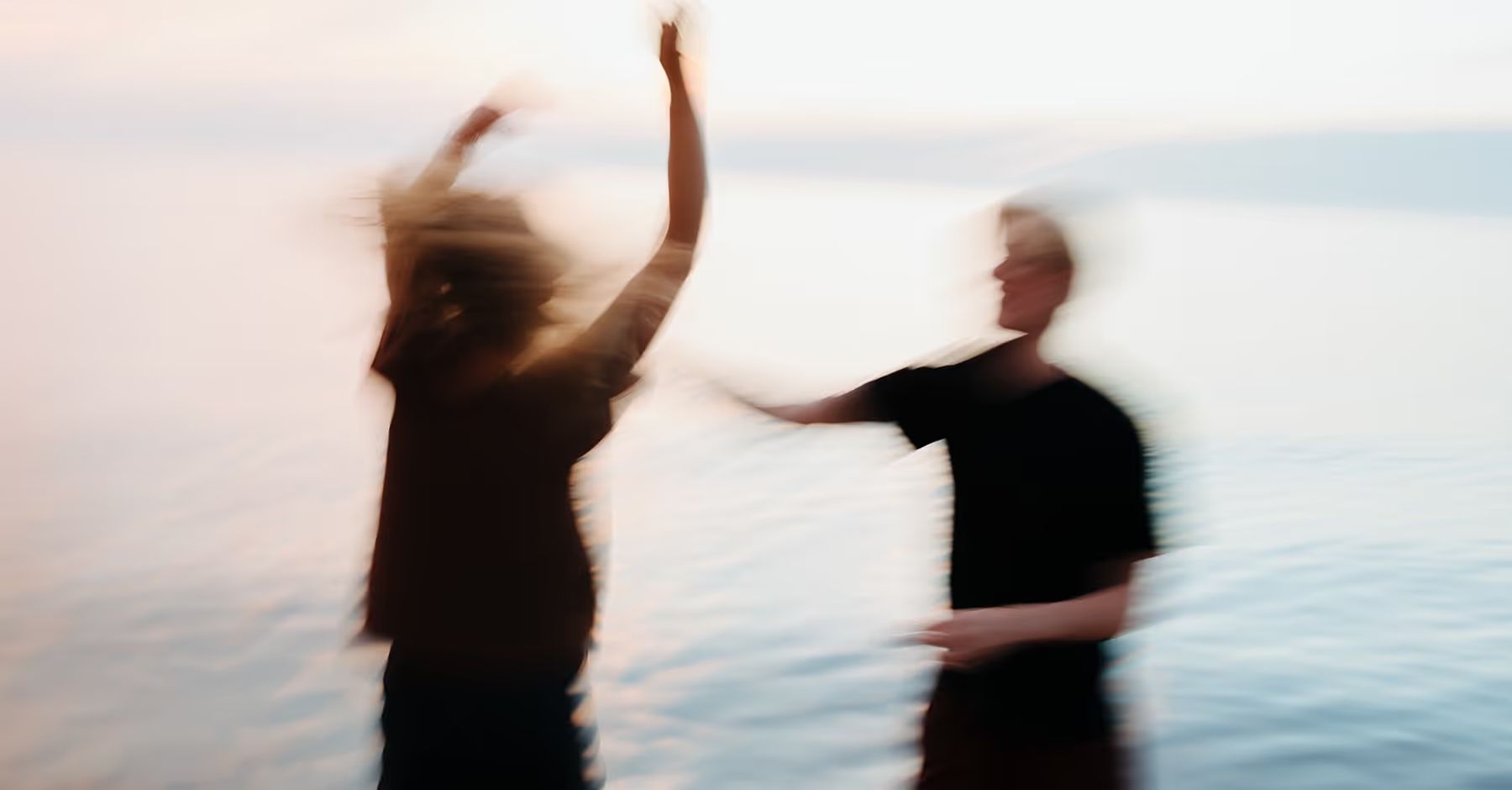
How to Add Motion Blur to Photos
Download the VSCO Capture camera app.
Manually select a slow shutter speed, like 1/8.
Instantly import your photos into the VSCO editing app for more editing tools.
Save your edited photo and post it directly to your profile or social media page.
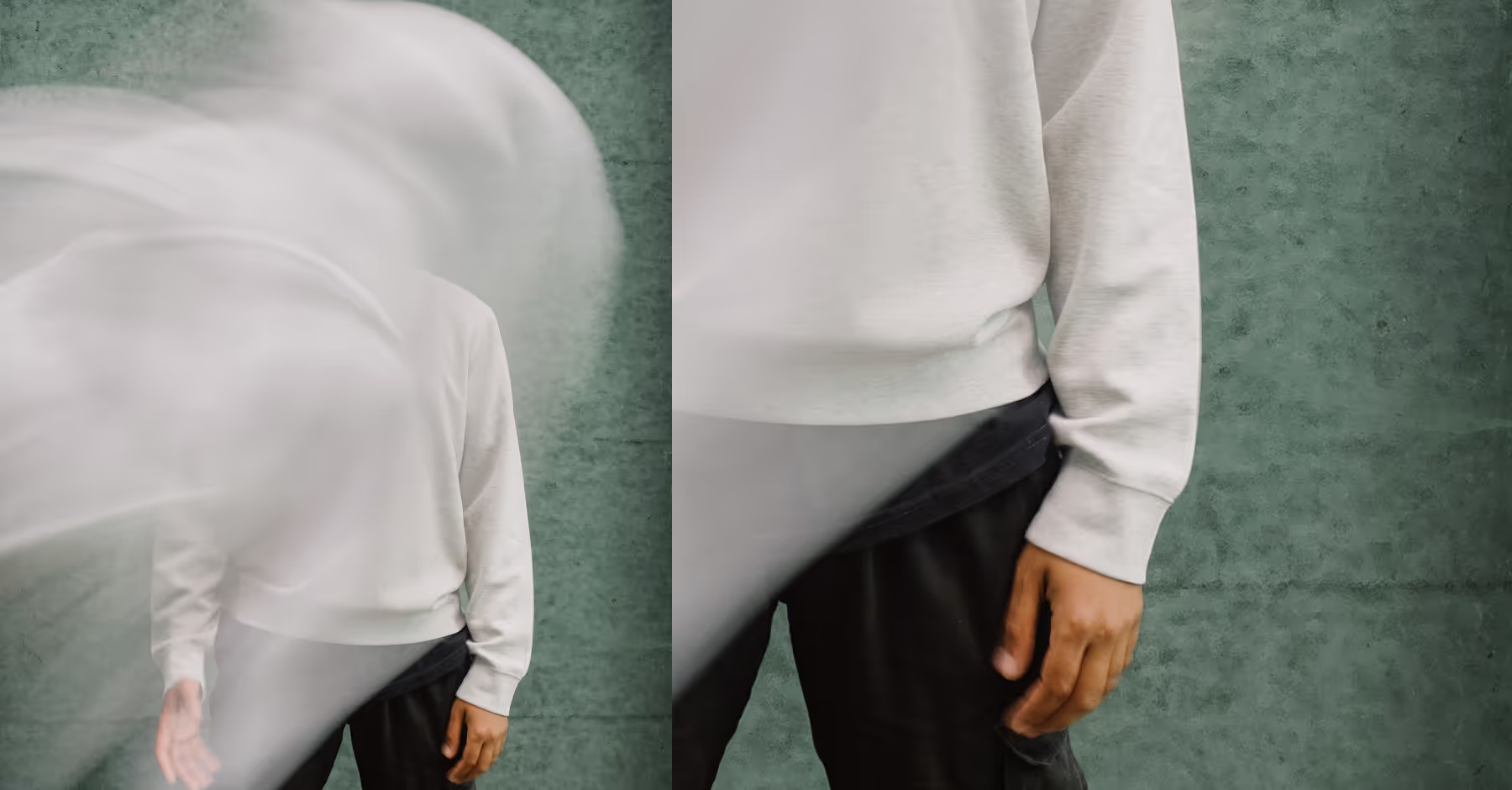
EDITING Motion Blur PHOTOS
Motion blur adds dynamic movement and cinematic flow to your photos.
Enhance your motion blur photos even further with more powerful editing tools and features like film effects, lens blur, and vignette.
DOWNLOAD VSCO CAPTURE
Download and try our free camera app VSCO Capture to create motion blur photos.

EDIT PHOTOS ON YOUR PHONE
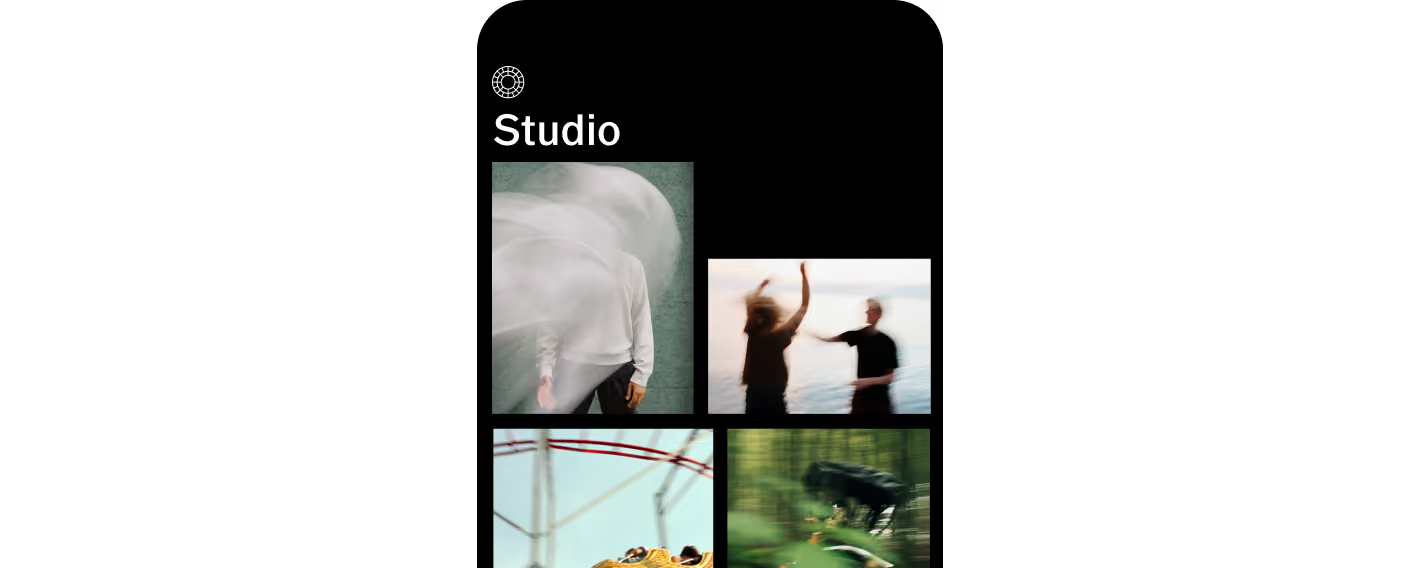
Apply more effects by exporting photos from VSCO Capture to the VSCO photo editing app.

EDIT PHOTOS ON DESKTOP
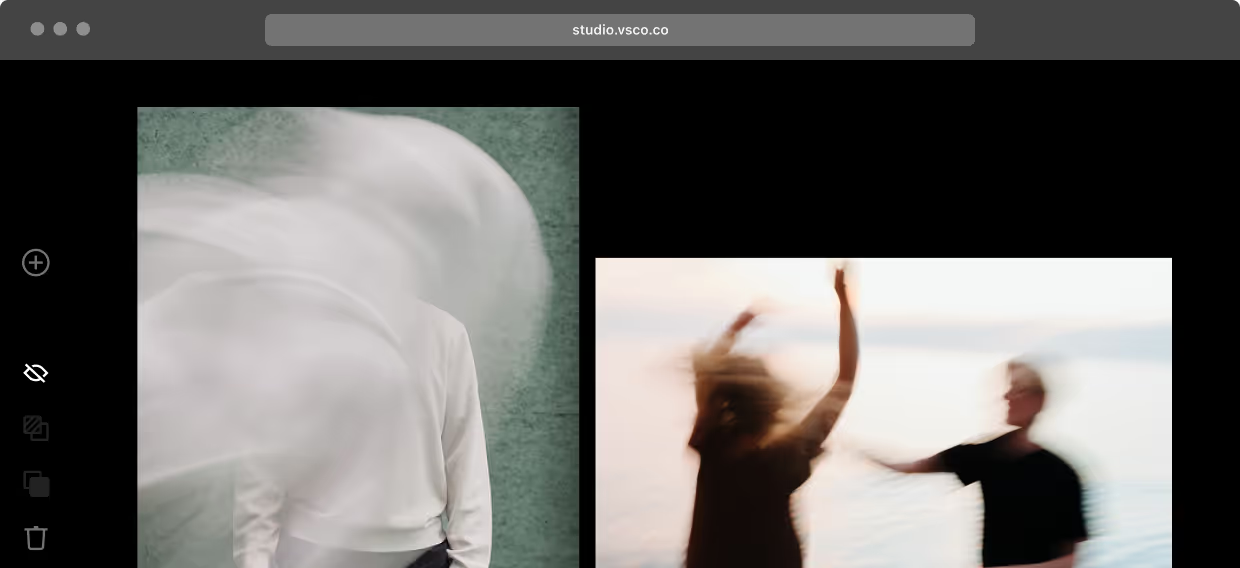
Sync your photo edits with VSCO Desktop Studio for PC & Mac and import from Adobe Lightroom.

Frequently asked questions
What is motion blur?
Motion blur is the streaking of moving subjects in photos, adding a sense of speed and dynamic motion. It’s easily achieved with slow shutter speeds in the VSCO Capture app.
Why use motion blur?
Motion blur adds drama, energy, and cinematic depth to your photos, turning ordinary scenes into visually striking shots.
How is motion blur created in photography?
Motion blur is created by capturing a moving subject with a slower shutter speed, letting movement blur across the frame while keeping key elements sharp. Shoot with a slow shutter in VSCO Capture.
What camera settings create motion blur?
The VSCO Capture camera app offers manual camera settings and controls to help create motion blur. Use a slow shutter speed, adjust exposure as needed, and consider panning your camera along with your subject to emphasize motion.
Can post-processing methods add motion blur?
Yes. While some apps simulate motion blur in post-processing, VSCO Capture lets you create authentic motion blur directly in-camera using manual shutter speed controls.
How to create motion blur on iPhone?
Create motion blur directly in-camera with the VSCO Capture camera app for iPhone. Shoot in Manual mode using a slow shutter speed, and pan with your subject for dynamic, cinematic blur.
Edit after you capture
Finesse your motion blur photos with VSCO’s creative photo editing tools. Apply vintage filters, soften focus with lens blur, and easily add a vignette to enhance depth.
Add Dozens of Film Effects
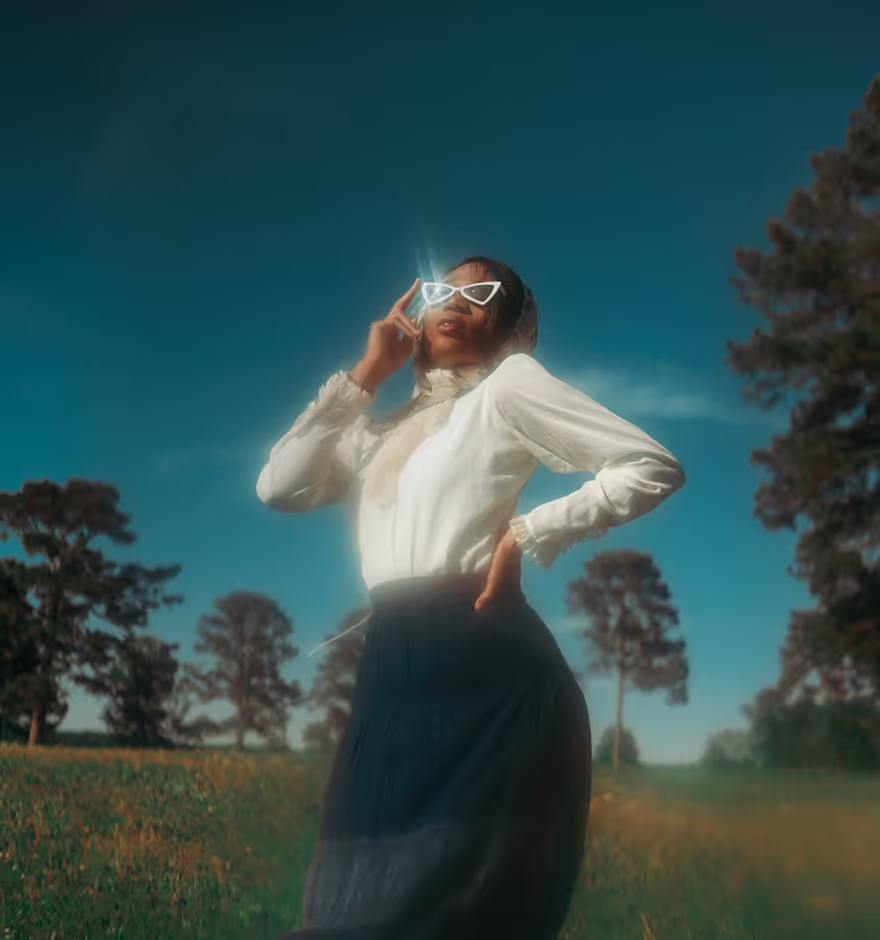
Apply film grain, lens flares, film frames, and more for an authentic film-inspired look.
Shift Focus with Lens Blur
Control focus with lens blur that mimics shallow depth of field lenses.
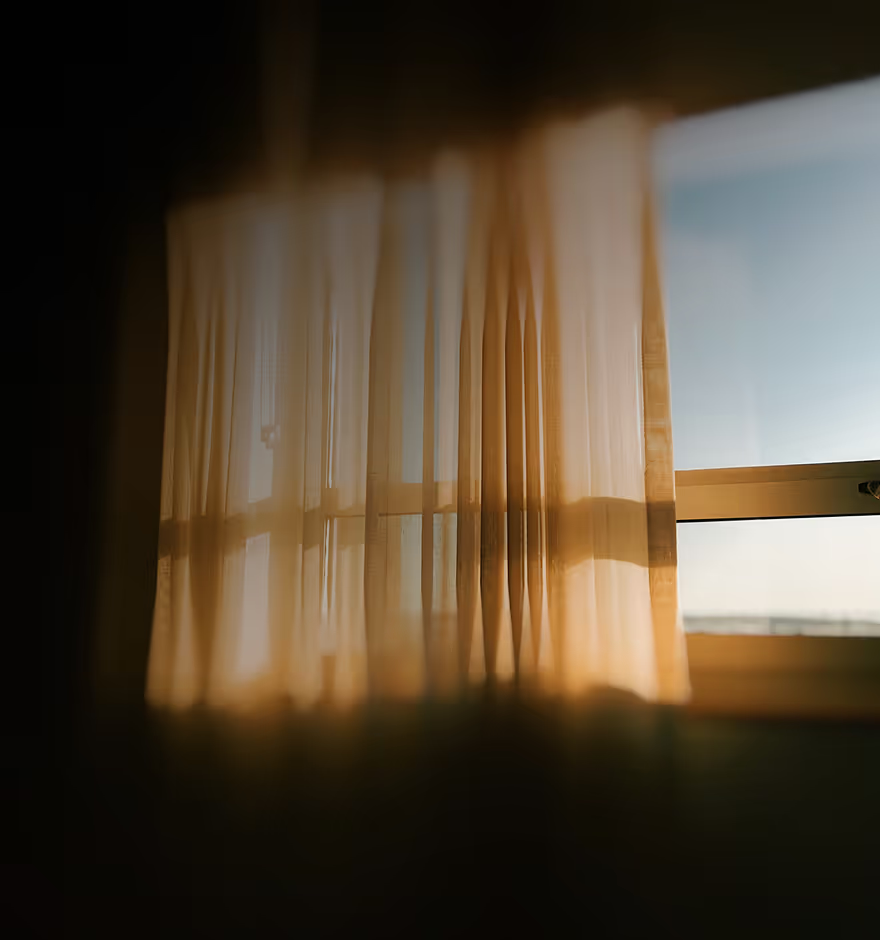
Darken Edges with Vignette
Draw attention to your subject by darkening edges with a subtle vignette effect.
ELEVATE YOUR PHOTOS WITH VSCO
