Expired Film EFFECT
Recreate the color shifts, texture, and surface artifacts of expired film by combining VSCO’s Distressed FX, film presets, grain, and light effects for photos and videos.
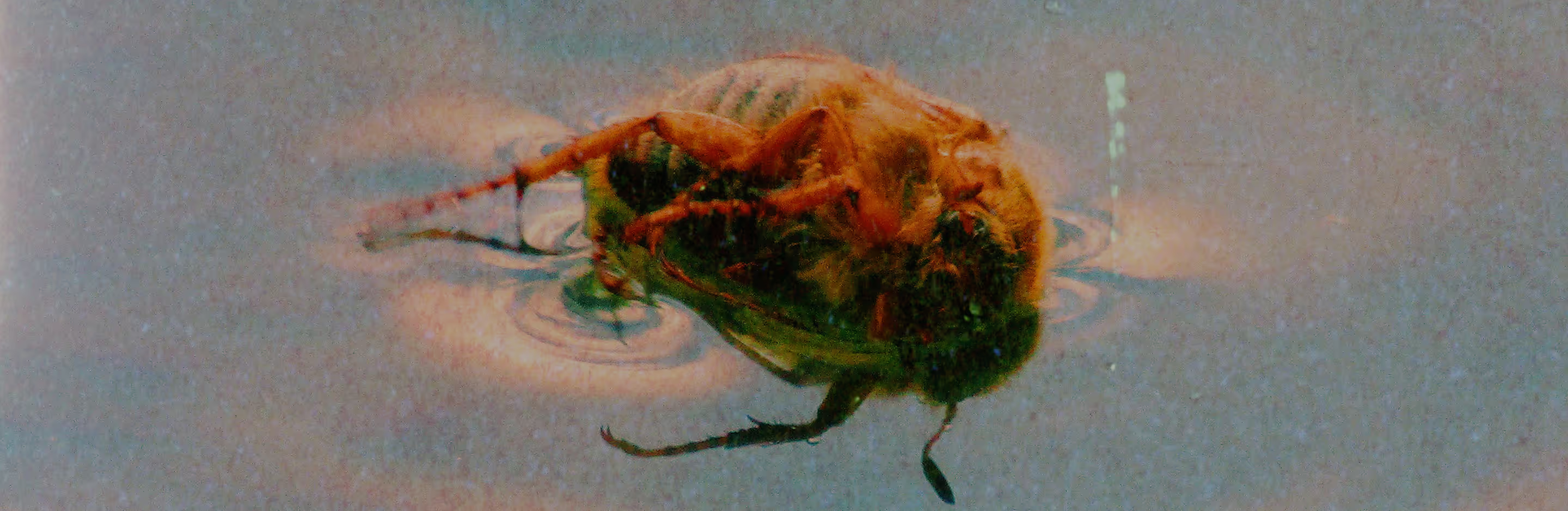
Make your photos look like burned film
Replicate the visual characteristics of aged film stock using layered textures, controlled color shifts, and analog-inspired effects—without traditional film processing.
Import your photo
Add expired film overlay
Fine-tune and share

Using Film Burn Overlays
Expired film is defined by imperfection. Rips, stains, uneven exposure, and color shifts become part of the image. Layer Distressed FX with film presets to recreate the unpredictability of real film and introduce controlled degradation into your workflow.
The result is a durable analog aesthetic with measurable texture, tonal variation, and cinematic presence.

How To Achieve Expired Film Style
Import your photo into VSCO, then open the editor to start crafting your analog-inspired look.
Apply dust, scratches, light leaks, and film presets like KP6, KP7, or AV4 to introduce authentic color shifts and tones.
Fine-tune intensity to seamlessly blend effects, then use tools like Grain, Saturation, and Contrast to dial in your look.
Export your finished photo, or share directly from VSCO.
When To Create the Expired Film Look
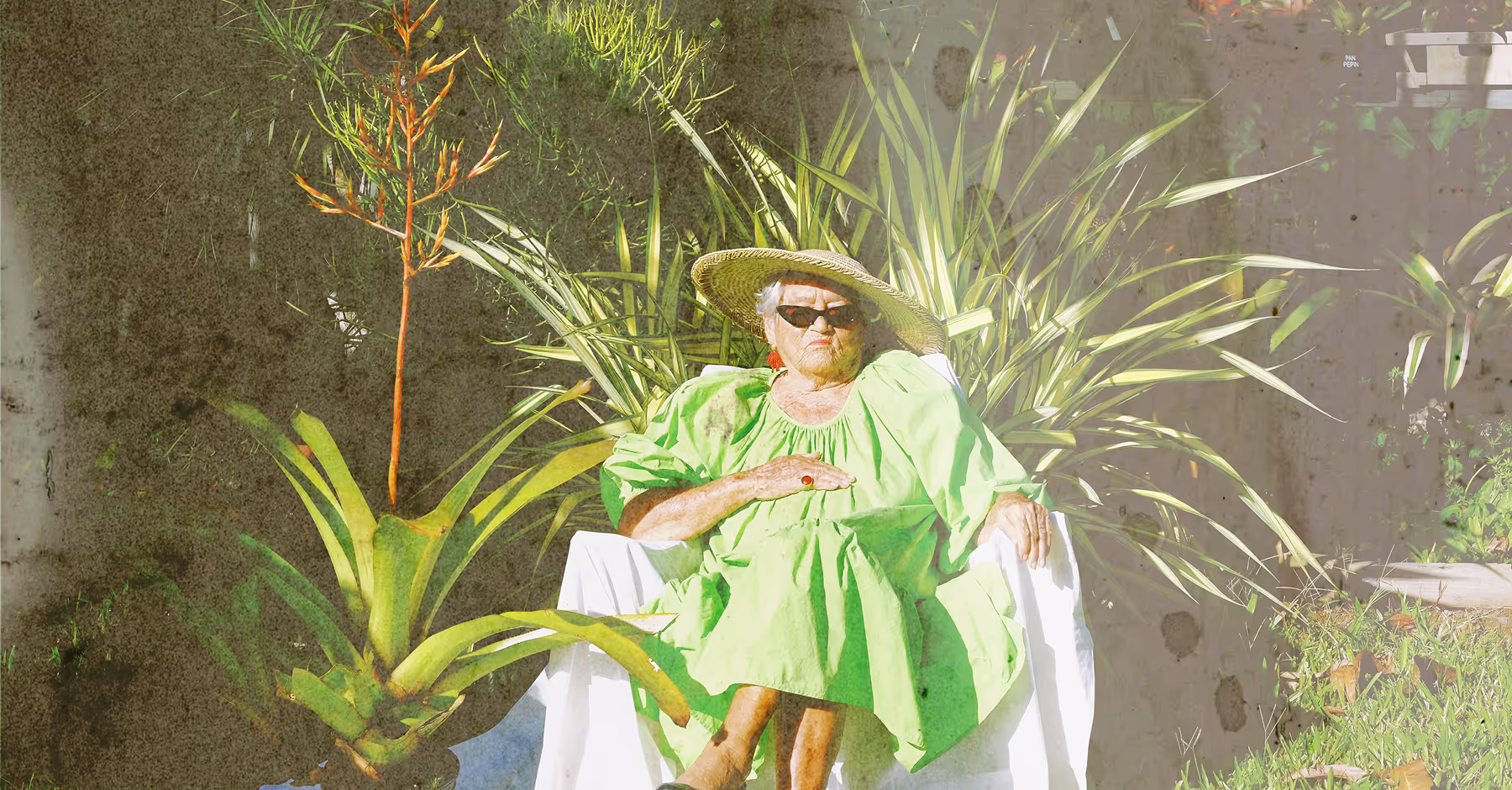
Use the expired film style when you want visible film degradation, tonal instability, and surface texture to be part of the final image. Well-suited for portraits requiring softened contrast, landscapes with subdued color response, and product or lifestyle images that benefit from analog texture.
Layer distressed textures, film presets, and grain, then experiment with 30+ light effects to produce varied, film-like outcomes consistent with expired stock behavior.
Download VSCO
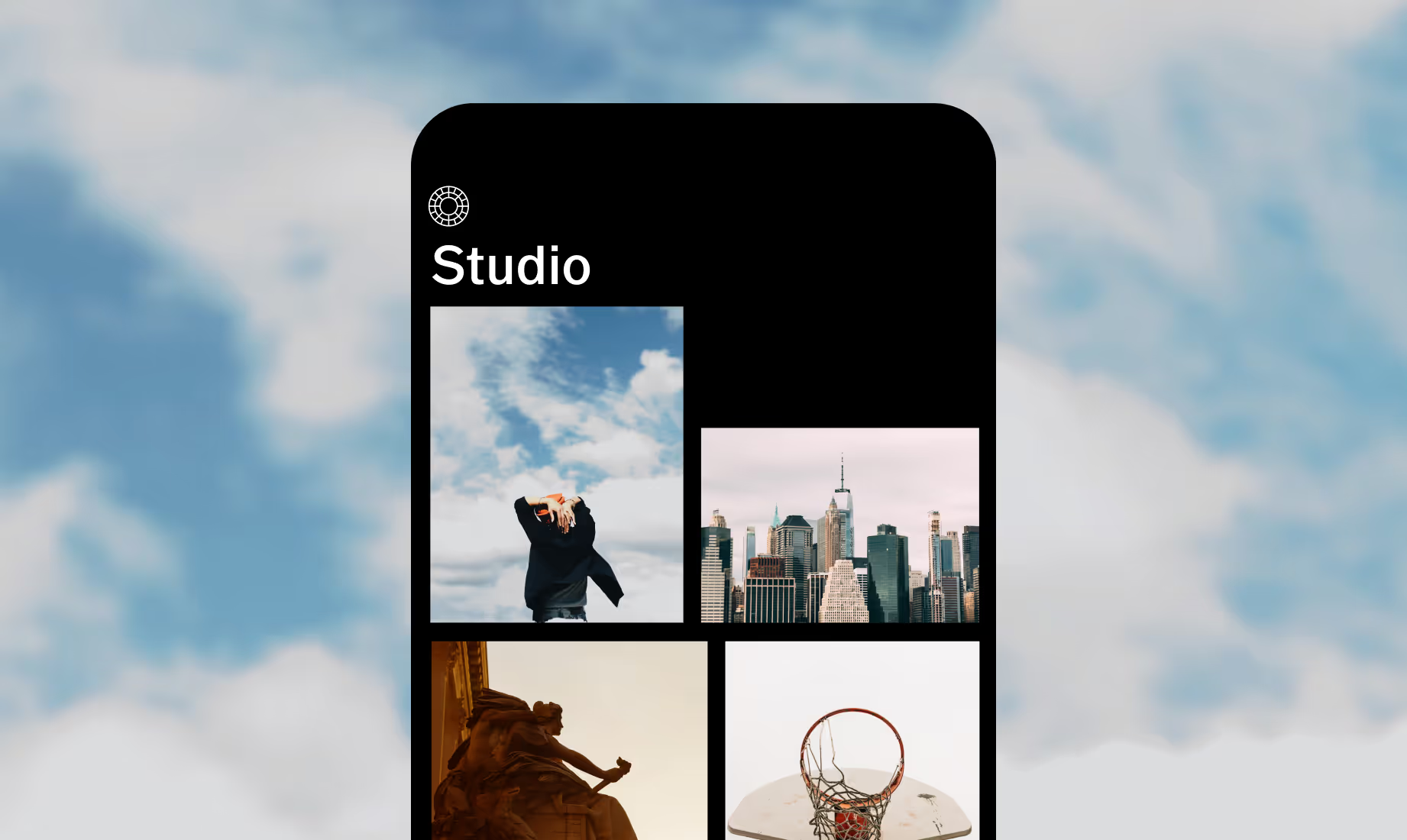
Make your photos look like expired film using the VSCO app for iOS and Android.



Frequently asked questions
What does expired film look like?
Expired film is defined by faded color, tonal shifts, reduced contrast, and subtle surface artifacts like grain, scratches, and light leaks—producing an analog aesthetic that feels both expressive and vintage.
Which tools create the expired film style?
Build the look by layering distressed textures with presets like KP6, KP7, or AV4, then refine it with tools like Grain, Contrast, and color for authentic analog character.
Can I apply this look to video?
Yes. You can apply film effects from grunge textures, film grain, and light leaks to videos—adding texture, warmth, and cinematic analog character to every frame.
Can I add light leaks and halation?
Yes. VSCO includes 20 light leak options for photos, 10 lens flares, and a halation effect inspired by vintage film and classic darkroom processing.
MORE FILM EMULATION TOOLS
Enhance the expired film look by combining VSCO’s core film tools. Use film effects, film filters, grain, and texture to introduce controlled imperfections, tonal shifts, and surface detail for precise analog emulation.
Film Effects
Add scratches, dust, rips, light leaks, and lens flares to photos and videos.
Film Borders

Grainy Texture
Introduce realistic film grain and subtle texture for an analog feel.