
Add Film Borders to Photos and Videos
Recreate the look of scanned film with authentic 8mm, 16mm, or 35mm film frame overlays.
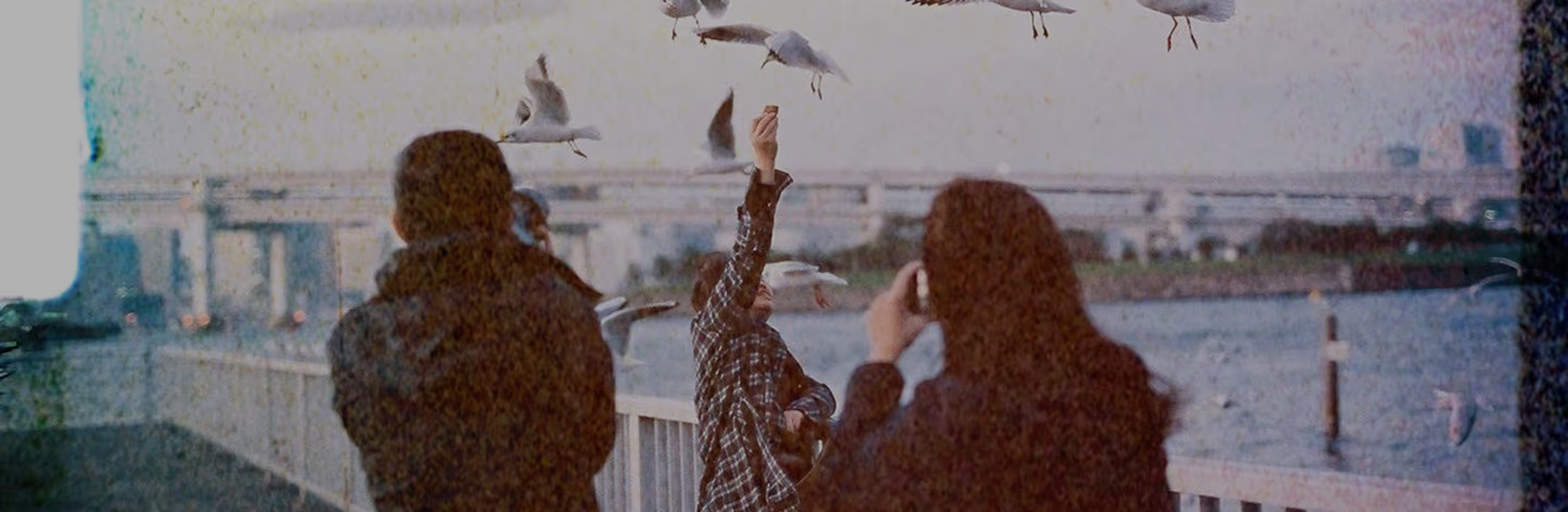
Make your photos look like film
Apply authentic film borders to photos or videos in seconds. You can adjust grain, color, and light without losing that analog feel.
Upload your photo
Choose a film border
Refine and share
When To Use Film Borders
Bring every shot to life with film frame overlays. 35mm captures playful, casual moments, 16mm adds retro depth to landscapes and products, and 8mm infuses videos with home-movie warmth. Layer grain, light leaks, or filters, remix your edits, and experiment freely.
From everyday moments to bold, cinematic scenes, VSCO invites you to play, push boundaries, and share — our global community celebrates every creative spark.
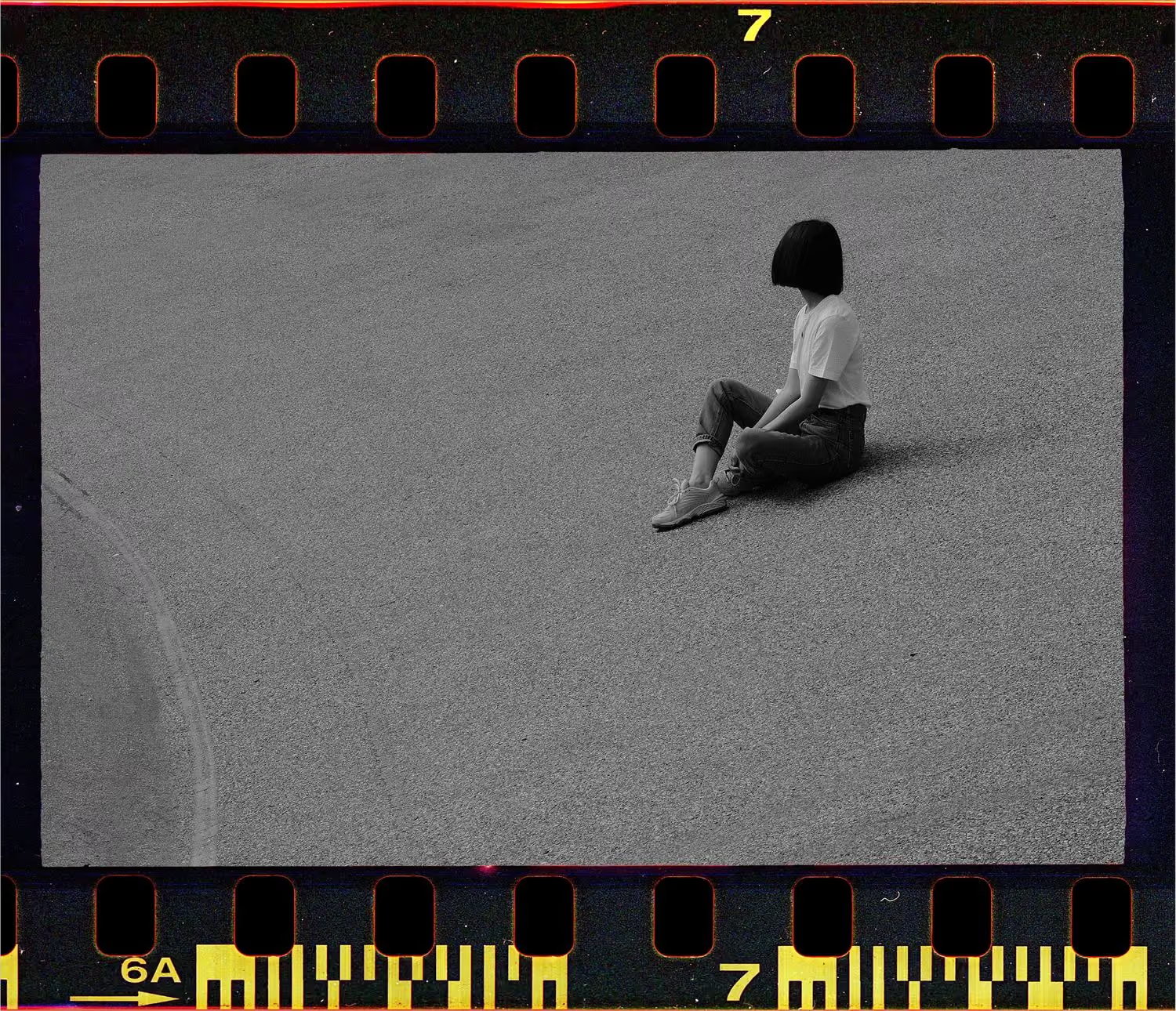
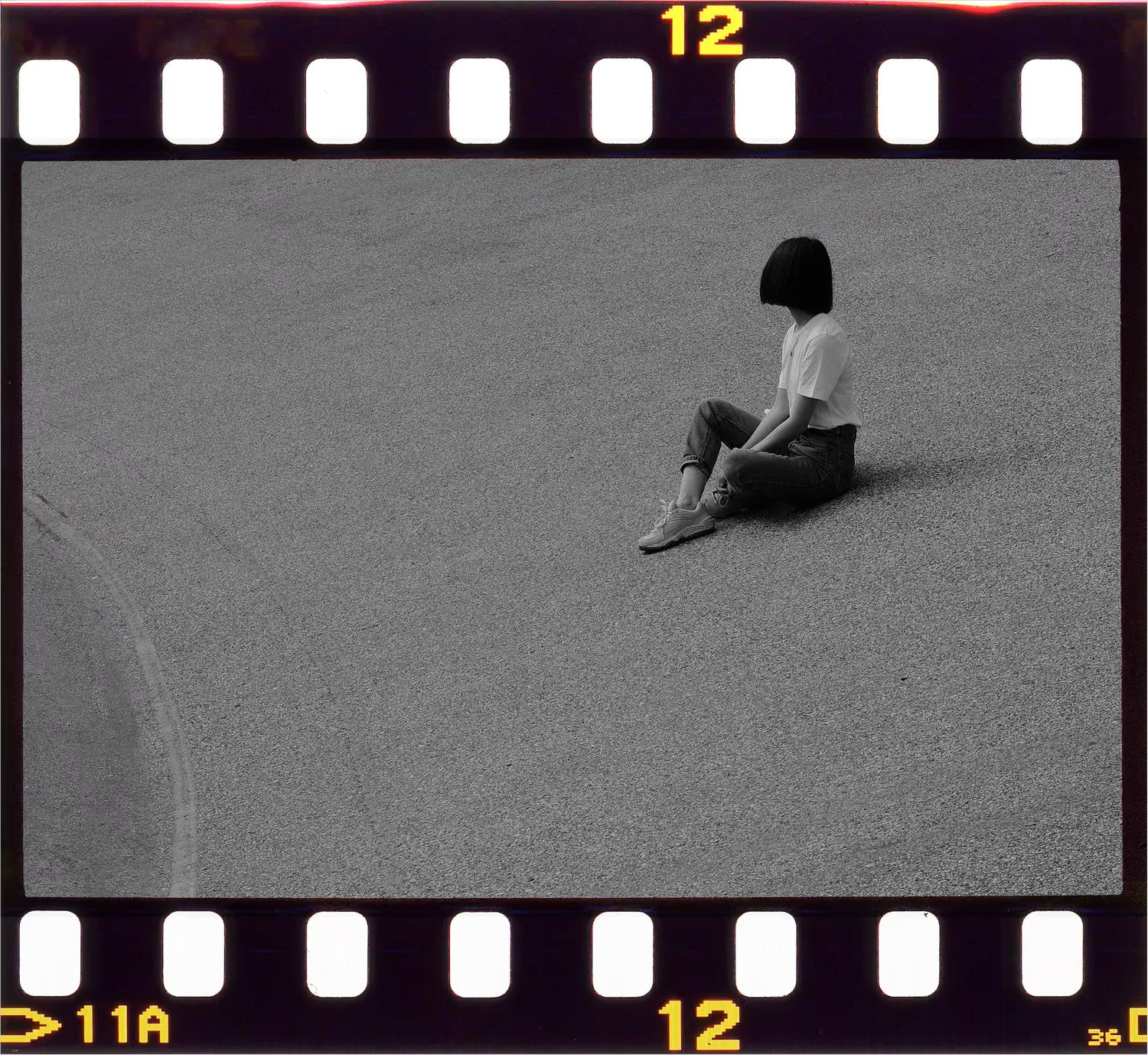
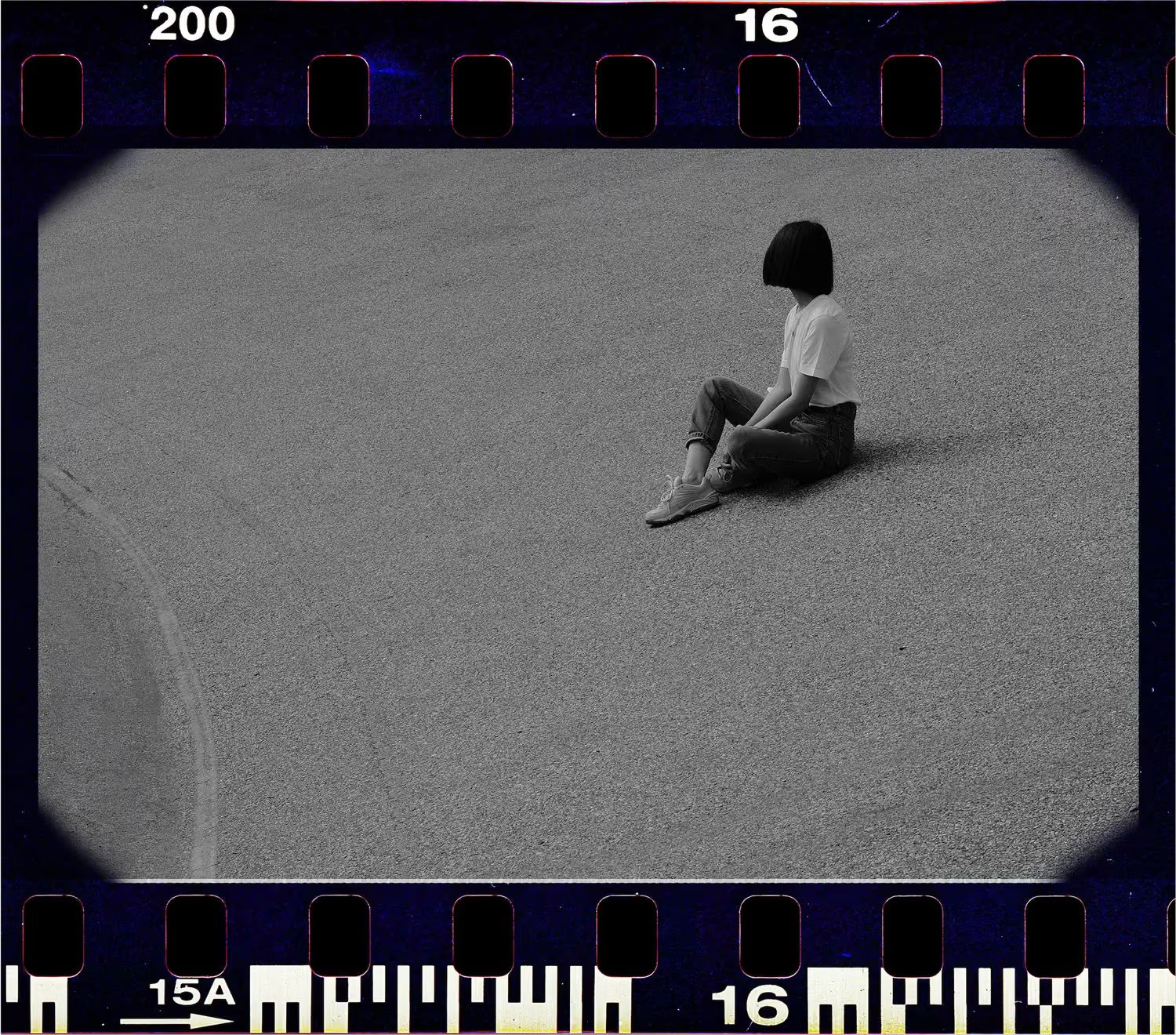
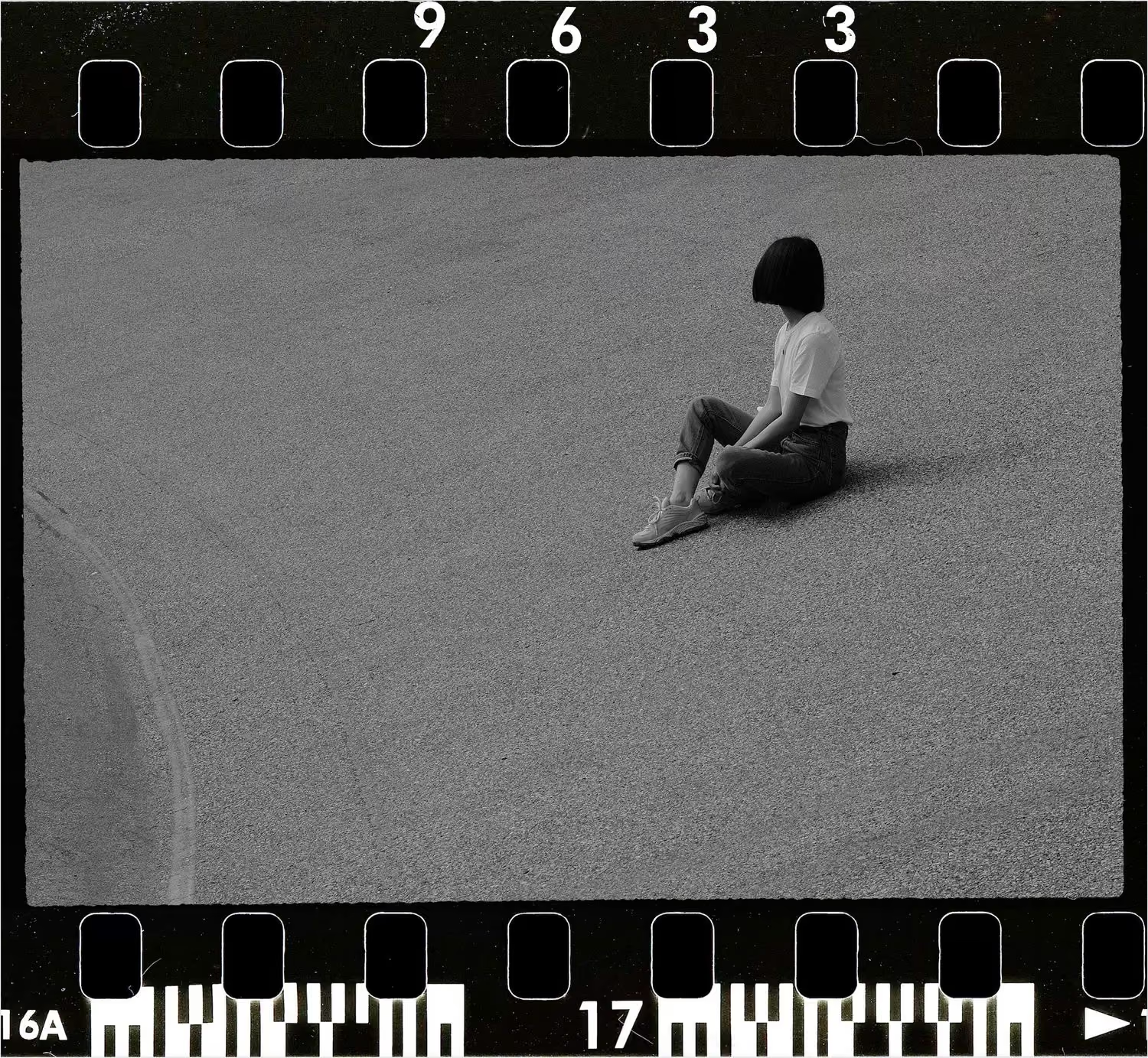
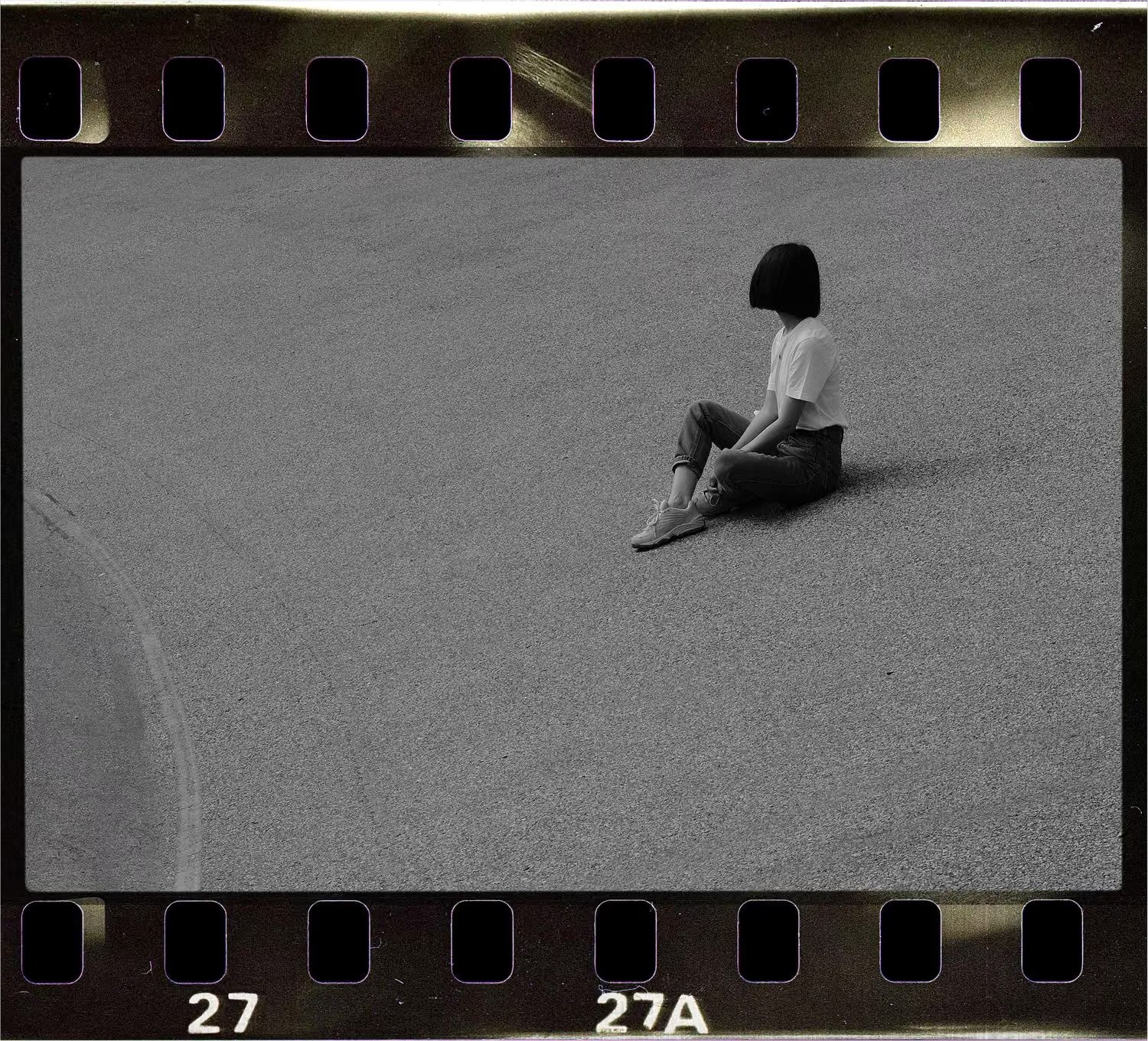
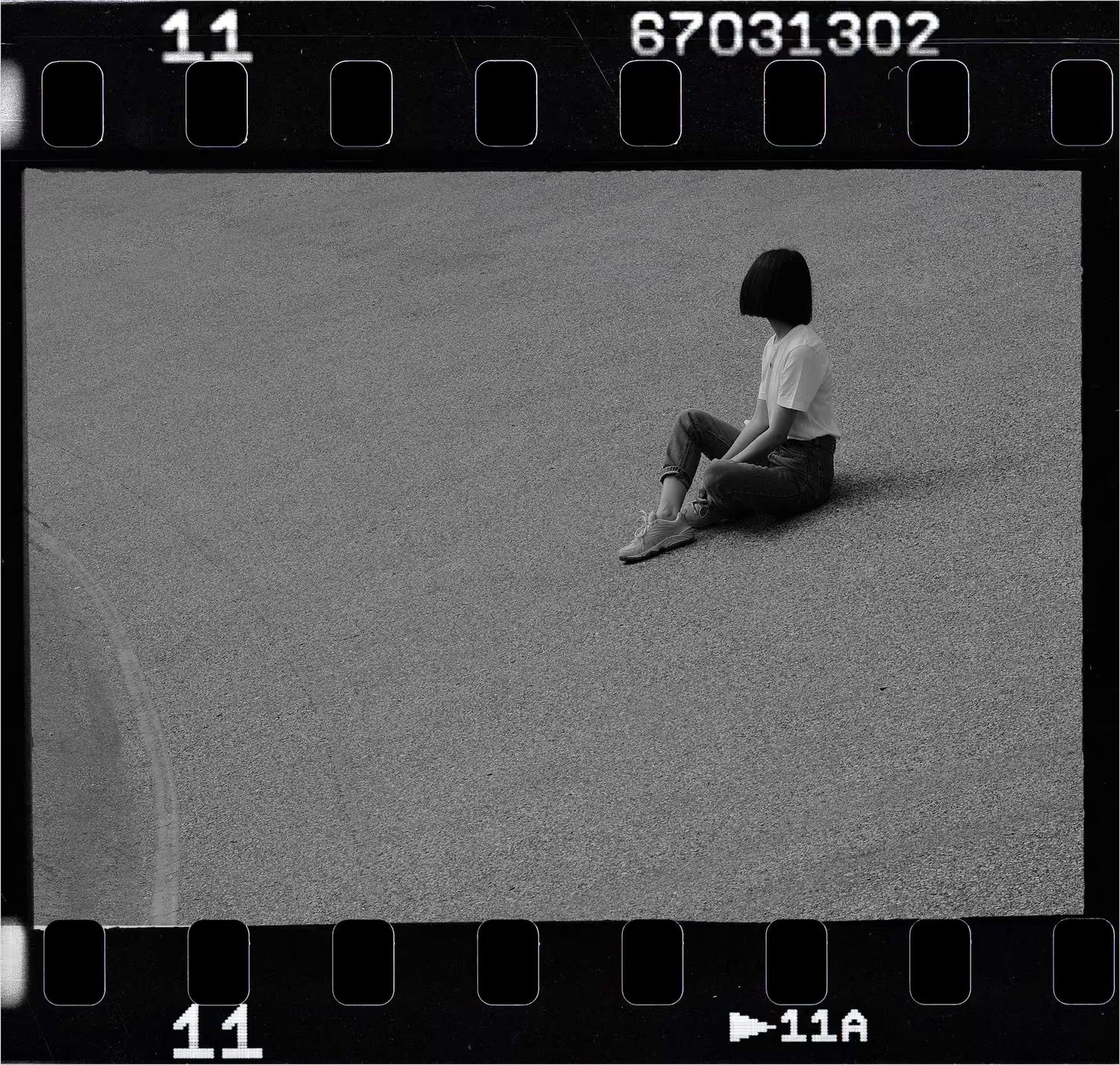
How To Apply Film Borders
Open the VSCO mobile app to import the media you want to edit.
In FX › Frames, scroll through 25 film frame options and tap one to preview it live.
Resize, change opacity, or apply presets to perfect your look. Optional sprocket overlays add extra texture.
Save in full resolution from the mobile app, then post, print, or share your creation.
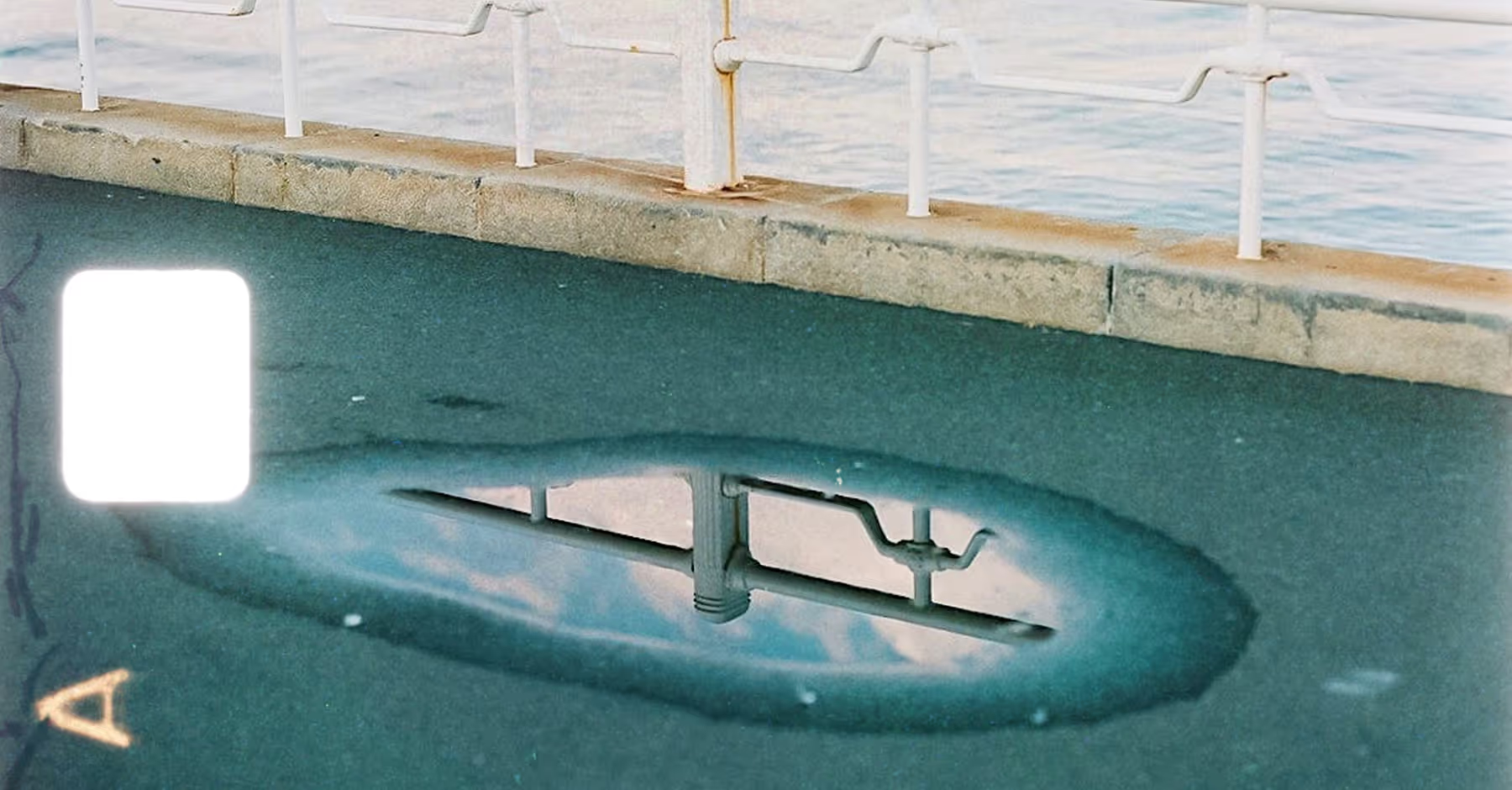
8mm, 16mm, 35mm Overlays + Film Sprockets
8mm film borders: Soft corners and subtle scratches give your photos and videos a dreamy, home-movie feel.
16mm film borders: Classic sprocket holes and faded edges add retro charm and cinematic depth.
35mm film borders: Crisp perforations and generous white space make your images gallery-ready and bold.
Film sprocket overlays: Add extra texture and authenticity with visible sprockets along your frame edges.
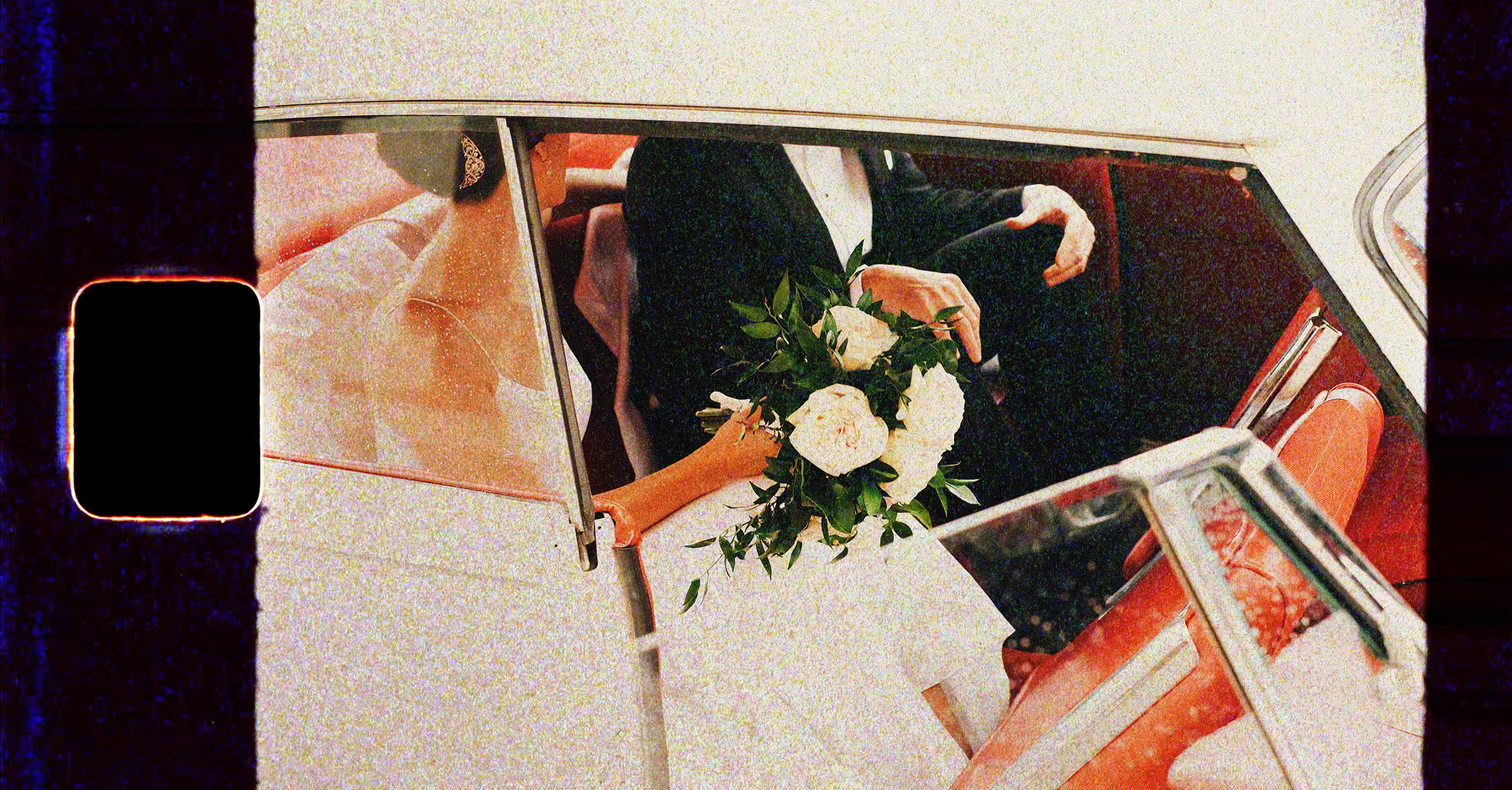
Add Film Borders to Videos
Film borders aren’t just for stills — they bring motion to life. Use 8mm, 16mm, or 35mm overlays on vlogs, reels, or short films, then layer effects like slow motion, reverse, or speed-ramping.
Add sprocket overlays for authentic film texture, and finish with VSCO’s color grading tools to make every clip feel vintage, cinematic, and ready to share anywhere.
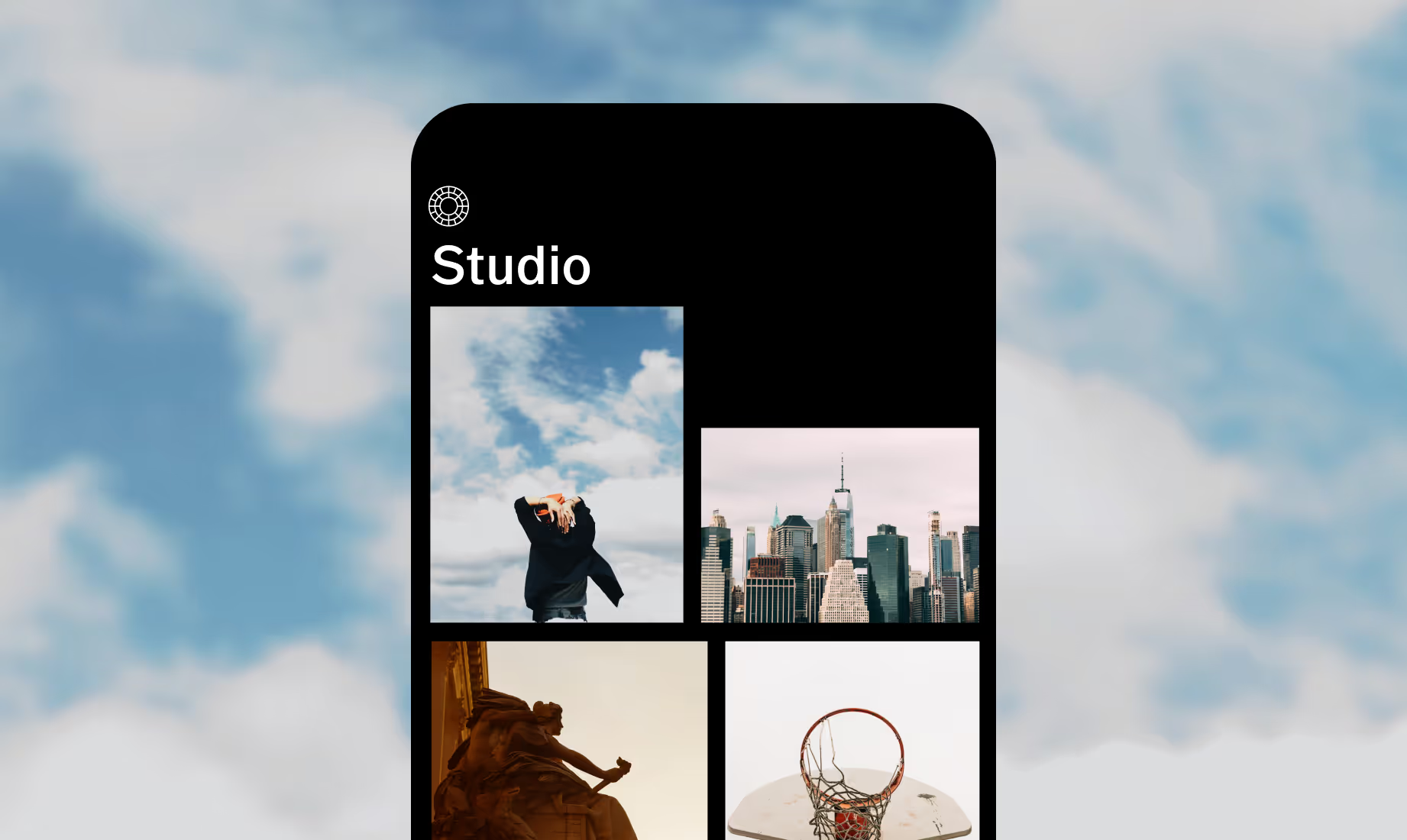
Add film borders on Your Phone
Give photos and videos a gritty look with film borders in the VSCO app for Android and iPhone.



Frequently asked questions
What’s the difference between 8mm, 16mm, and 35mm film frame overlays?
8mm gives tiny perforations and rounded corners for nostalgic, home-movie vibes. 16mm has larger sprocket holes and a taller frame, perfect for moody landscapes or product shots. 35mm delivers wide, crisp edges for gallery-ready photos. In VSCO, you can preview all three — tap each overlay to see exactly how it looks before applying.
How do I apply a film frame or sprocket overlay in the VSCO app?
Upload your photo or video, go to FX › Frames, and pick from the film border options including frames with sprocket overlays. Pinch and adjust to place the overlay on your image or video.
Can I combine film borders with other VSCO effects?
Yes. Add your film border first, then layer filters, light leaks, or grain for a cinematic finish.
Can I add film borders to videos?
Absolutely. There are 9 video film borders available to choose from in VSCO film effects. Choose an 8mm, 16mm, or 35mm film frame to make your videos look analog.
COMPLETE YOUR FILM LOOK
Combine overlays with photo borders, experiment with other film effects for authentic analog textures, or apply film filters to perfect your color and mood. These features work together to help you create cinematic, vintage-inspired visuals that stand out.
Photo Borders
Add a white border or custom color border to any image in seconds.
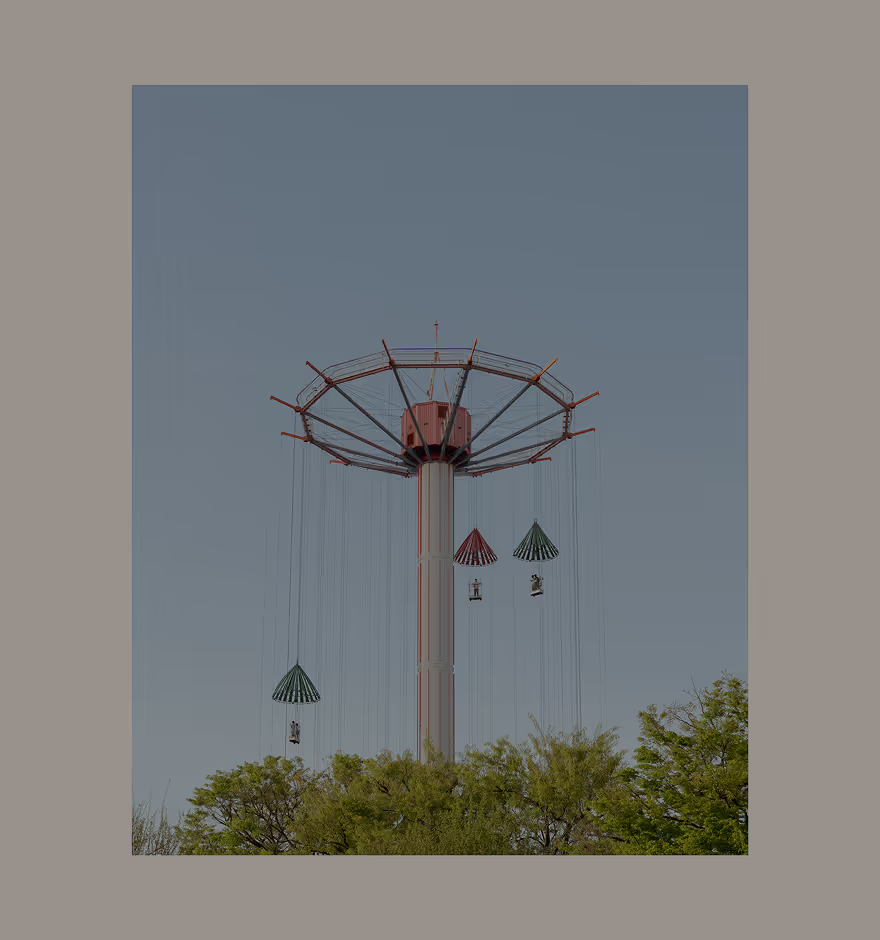
Film EFFECTS
Apply retro textures, light leaks, and distressed effects to photos.

ELEVATE YOUR PHOTOS WITH VSCO
