Add an 80s Filter to Your Photos
Turn any photo or video into a nostalgic ‘80s-style edit with vintage film presets, grain, and VHS-inspired effects.
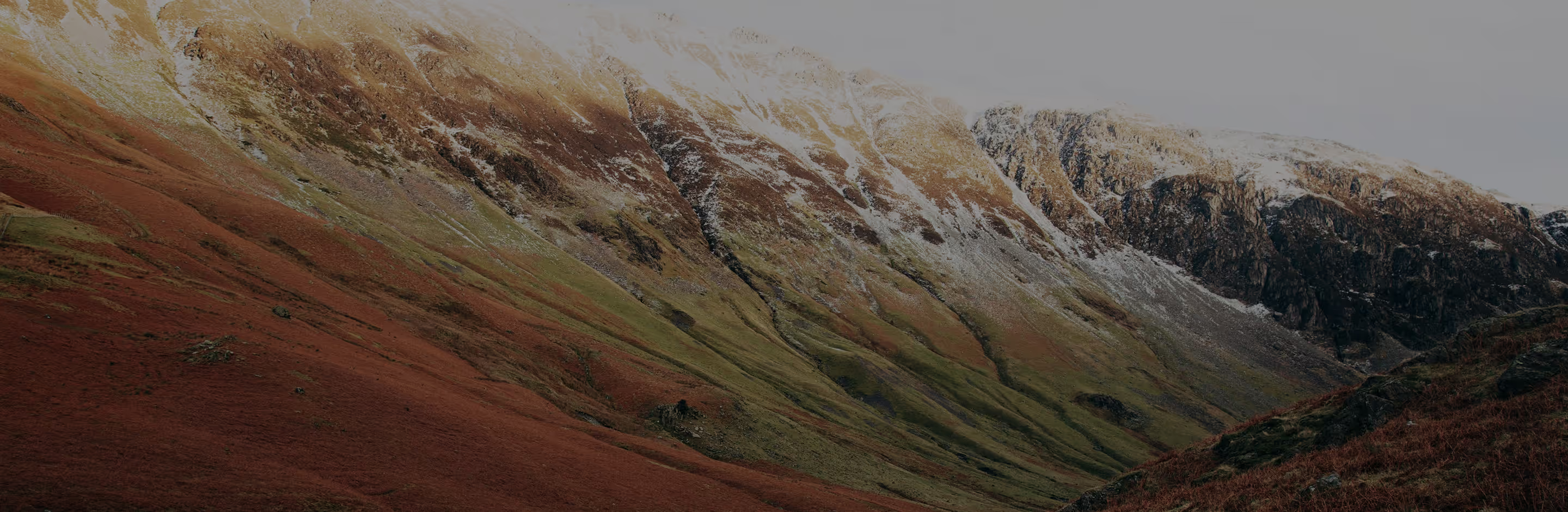
Give your photos a nostalgic 80s glow
Transform any photo into a nostalgic 80s-inspired edit with just a few taps using VSCO’s 80s filters and simple adjustment tools.
Import your photo
Apply an 80s-style filter
Fine-tune and share
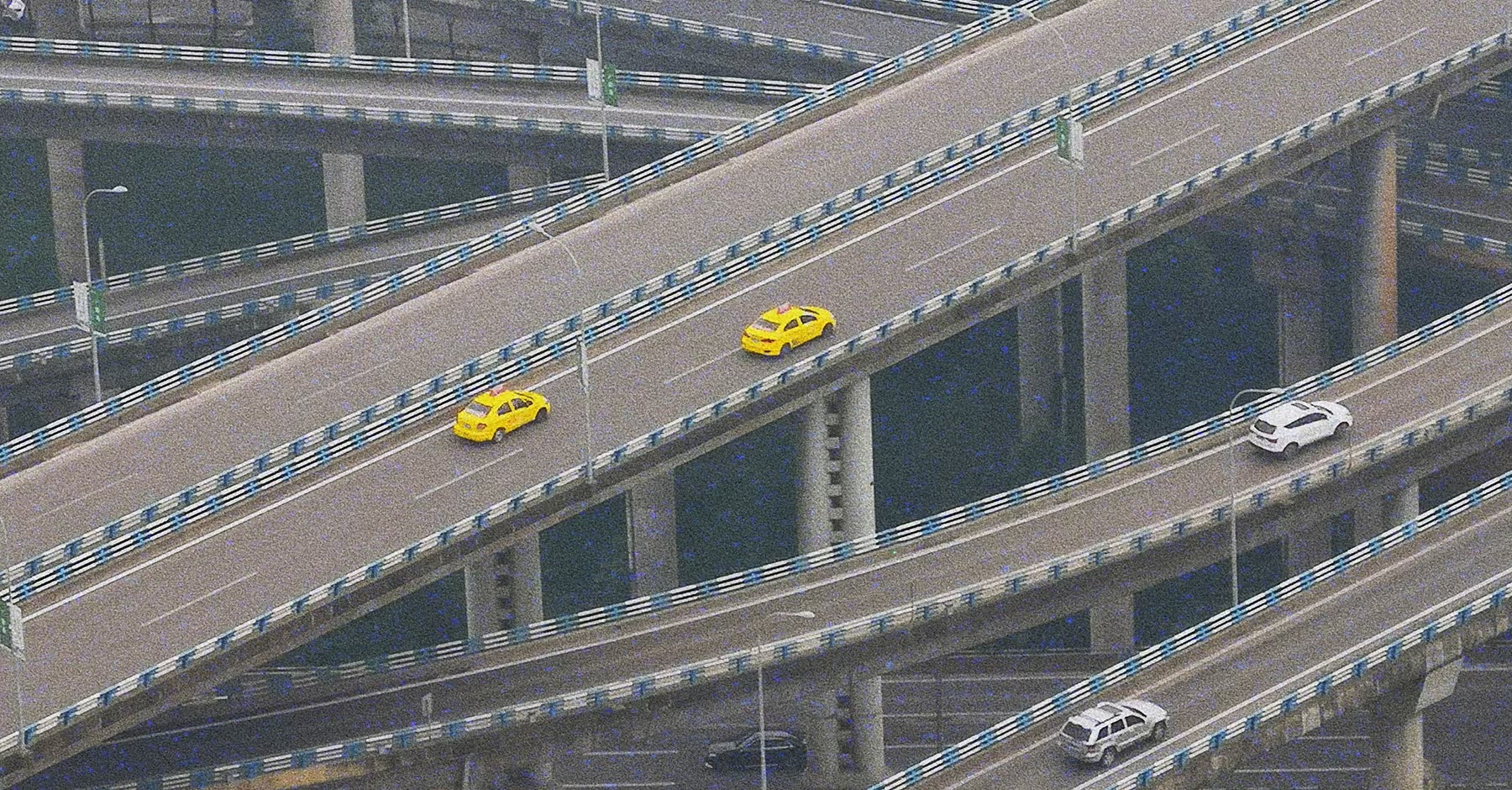
Using an 80s-Style Filter
Bring the spirit of the '80s into your edits with vintage filters like KG1, FS4, and C1. Whether you’re creating soft, glowing portraits, vibrant landscapes with faded tones, or lifestyle and product shots with vintage warmth, every image takes on cinematic, analog character.
Play with Grain, Fade, and Saturation to craft subtle film textures or bold retro looks. Layer from 25 light leak styles to add authentic film flares and imperfections, giving each photo or video that nostalgic 35mm or VHS-inspired feel.

How To Apply Vintage Filters for an 80s Look
Upload your photo or video in the VSCO mobile app (iOS or Android) or desktop editor.
Choose 80s filters like KG1, FS4, or C1, or apply the VHS effect for video.
Adjust Grain, Contrast, Saturation, and filter strength for a natural retro finish.
Save, export, and share your ‘80s-inspired edit instantly across platforms.
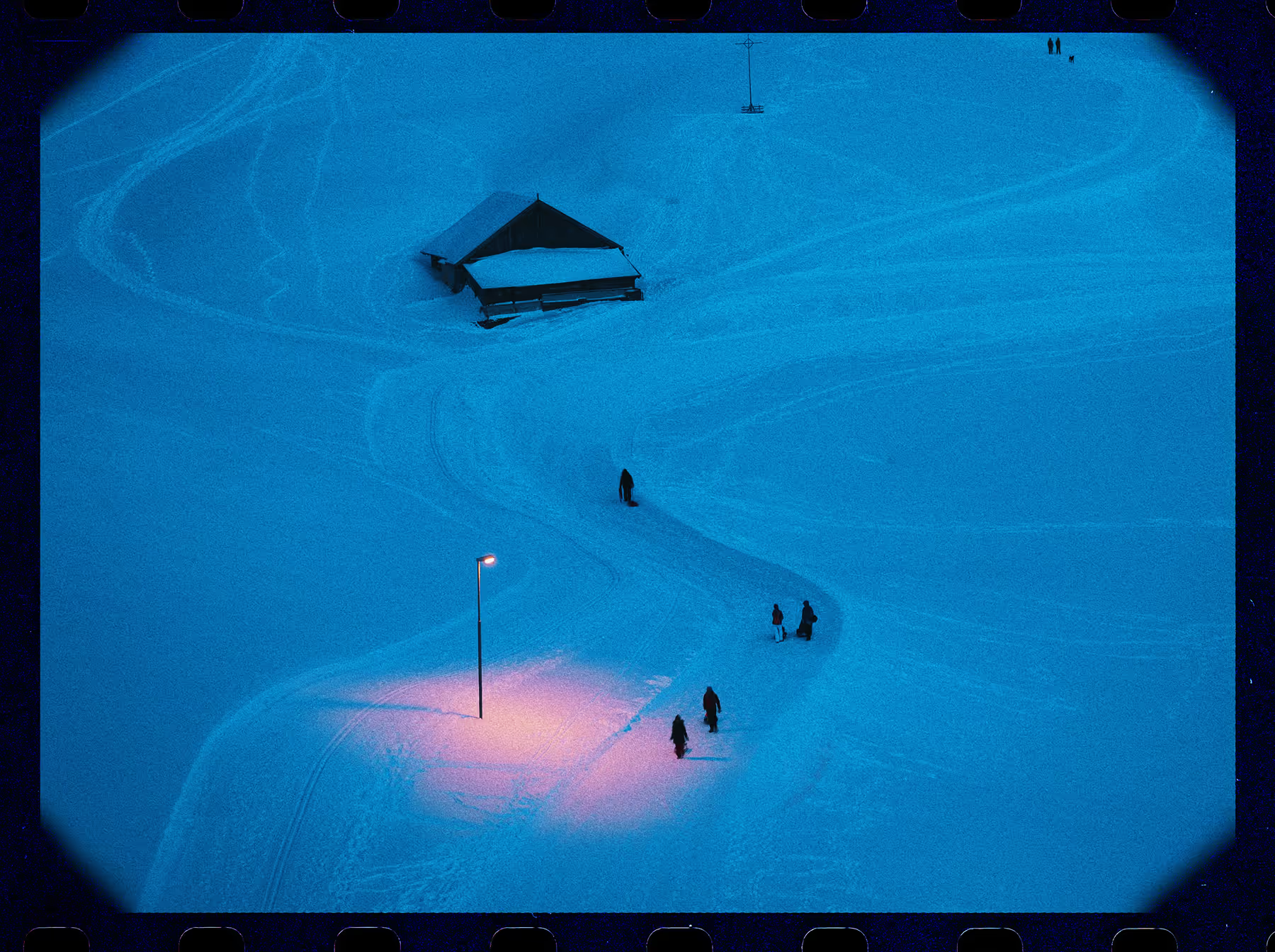
Create VHS-Style Video Magic
Bring your videos to life with VSCO’s VHS effect and step into authentic '80s nostalgia. Add soft blur, analog noise, and subtle color distortion for a retro camcorder feel, then layer in grain and faded contrast to enhance cinematic texture.
Perfect for music videos, reels, or throwback storytelling clips, the VHS effect transforms ordinary footage into organic, analog-inspired visuals. Experiment with intensity, overlays, and color shifts to create motion that feels truly alive—like stepping straight into a classic '80s film.
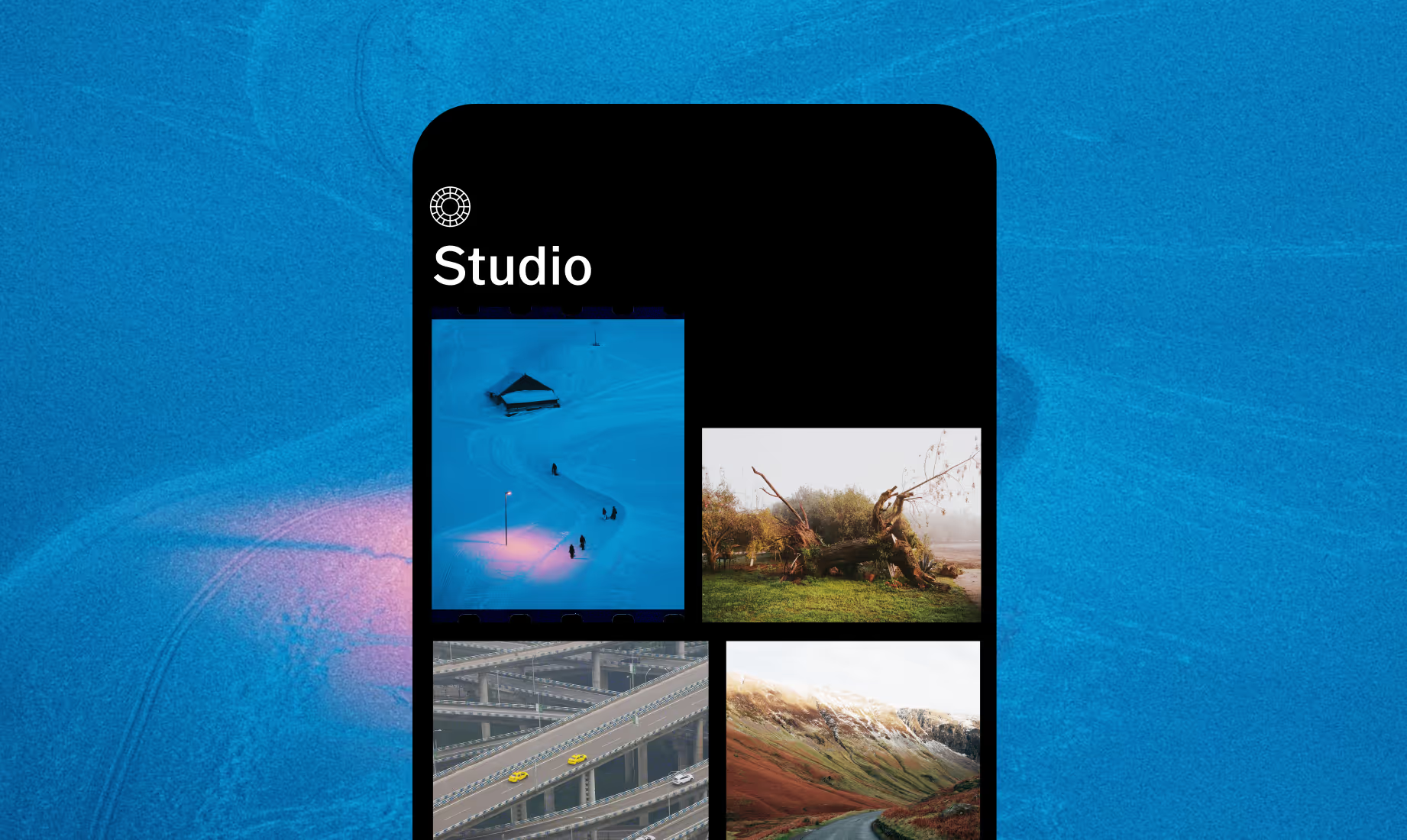



Frequently asked questions
Which VSCO presets best recreate the 80s aesthetic?
Vintage presets like KG1, FS4, and C1 emulate classic 80s film aesthetics, giving your photos soft tones, muted contrast, and nostalgic color shifts.
Can I adjust the intensity of 80s filters?
Yes! After applying a preset or VHS effect, you can adjust filter intensity, grain, contrast, and saturation to achieve either a subtle vintage feel or a bold retro statement.
How do I create an ‘80s VHS look in VSCO?
Apply the VHS effect to your video, then layer in grain, reduce contrast, and tweak colors to capture the imperfect, nostalgic look of old camcorder footage.
Are ‘80s-style filters available on mobile?
Absolutely. You can use all ‘80s-inspired presets and effects directly in the VSCO app for iOS and Android, whether you’re editing photos or videos.
MORE RETRO EFFECTS
Take your ‘80’s style edits further by pairing them with VSCO’s suite of creative tools. Add a grain filter, film filter, or blur effect to craft layered, nostalgic visuals with cinematic depth.
Film Filters
Apply Kodak, Fuji, and Ilford-inspired presets to bring the look of 80s film to your edits.

Grain Filter
Layer subtle or bold film grain to enhance vintage photo texture.
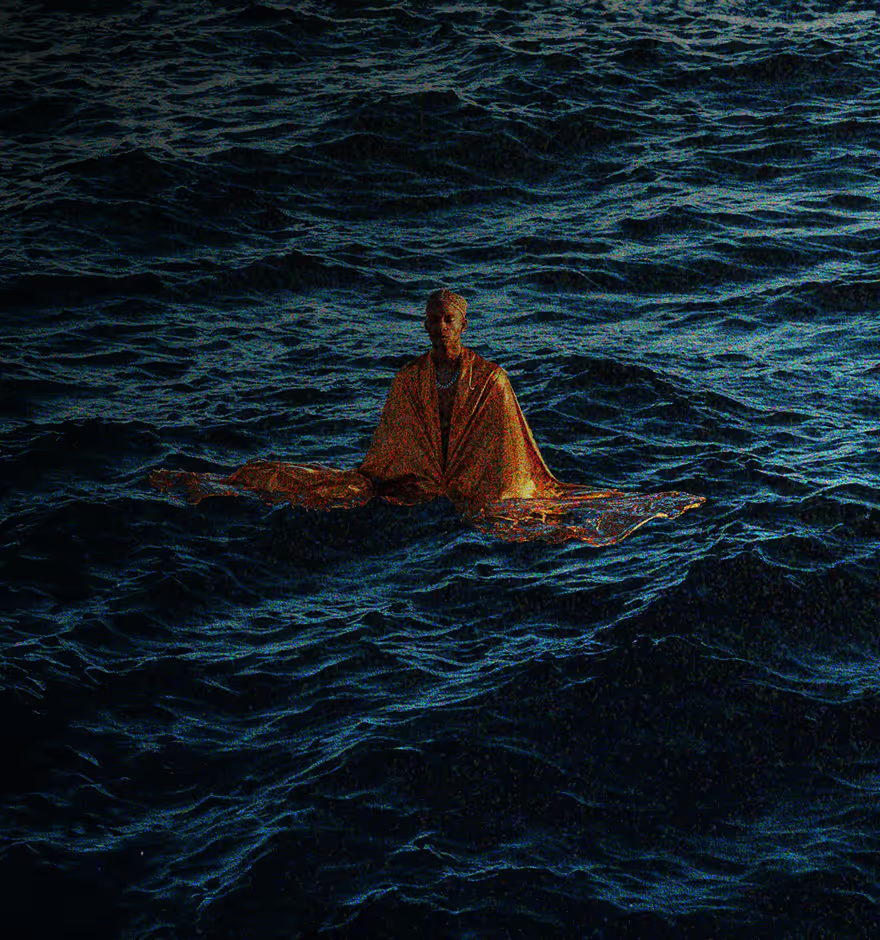
Blur Effect
Soften focus and guide attention with dreamy, cinematic blur edits.