
Film Burn Overlays for Photos
Emulate authentic film burn with raw overexposure and edge-bleed effects.
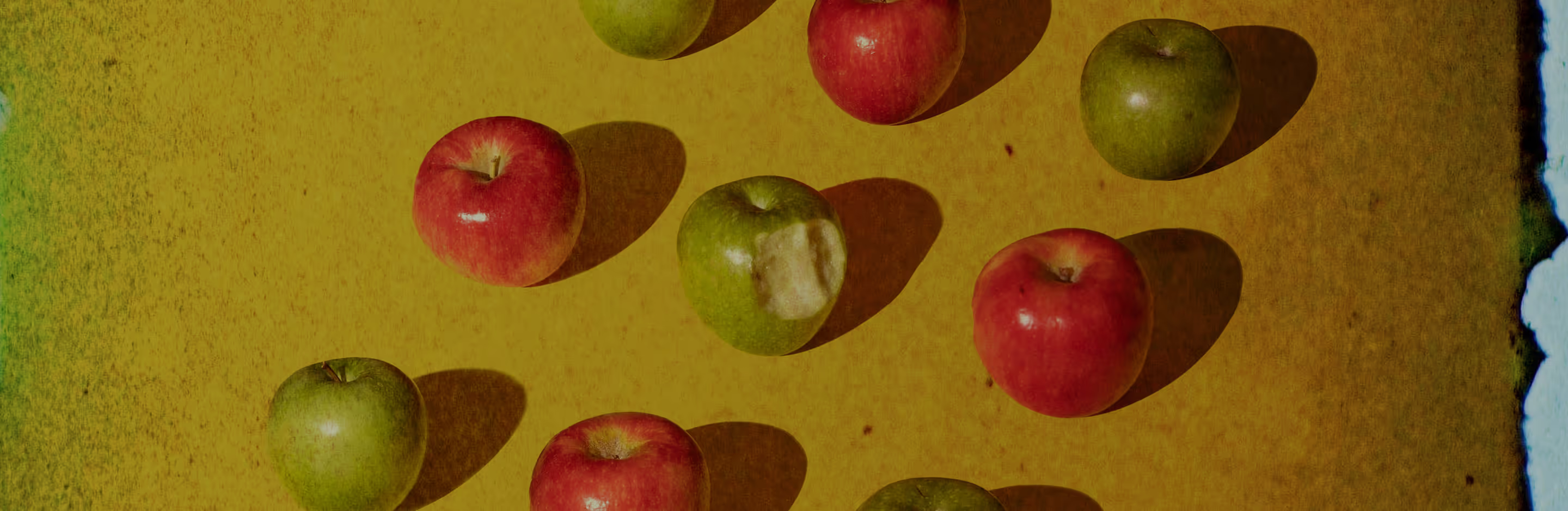
Make your photos look like burned film
Film burn overlays add glowing edges and subtle light leaks to photos—no darkroom required, just a few taps.
Import your video
Apply film burn overlays
Fine-tune and export

Using Film Burn Overlays
Film burn overlays introduce warmth, motion, or imperfection into your visuals. They enhance portraits with glowing highlights, landscapes with atmospheric flare, or products with cinematic, lived-in character.
Ideal for storytelling, editorial content, and creative experiments, the effect encourages playful exploration.

How To Apply Film Burn Overlays
Import images into the VSCO photo editing app to get started.
Find film burn effects in the Film FX → Distressed section and choose Burn 1a or Burn 1b.
Control intensity, scale, and color to create the perfect look.
Export your edit or share directly from the app.

Add Depth With Distressed Effects
Combine film burn overlays with VSCO’s distressed effects for an even more analog feel. Dust, scratches, and grunge textures layer naturally over burns, creating a vintage, imperfect aesthetic.
These effects are fully adjustable, letting you craft visuals that feel personal, expressive, and authentically film-inspired.
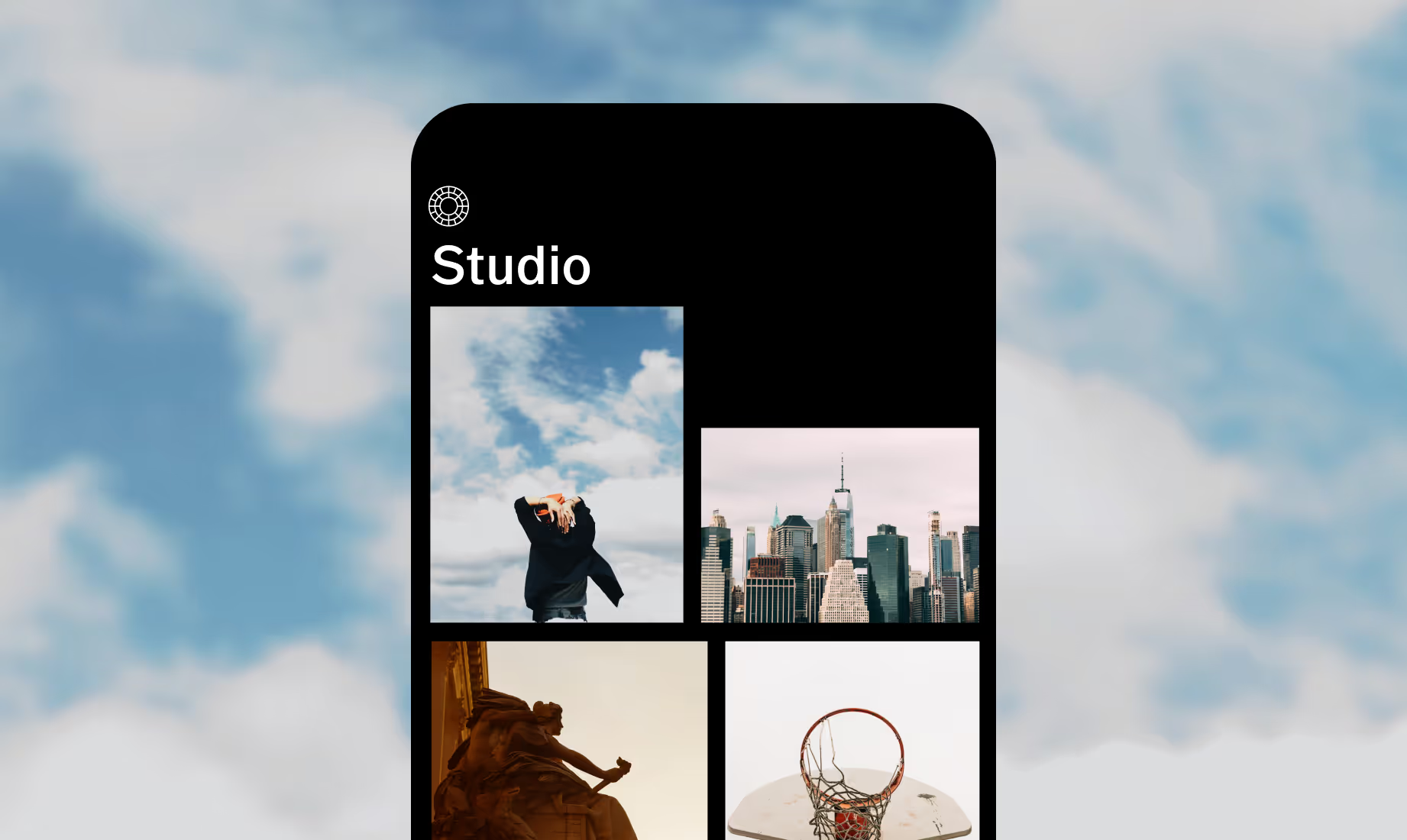
Download VSCO
Add film burn overlays to your photos using the VSCO app for iOS and Android.



Frequently asked questions
What is a film burn overlay?
A film burn overlay recreates the look of overexposed or damaged film. It adds glowing edges and color artifacts, emulating old film stock with natural deterioration and soft blue highlights.
Can I get the film burn effect for free?
Film burn overlays are included in VSCO’s Film (FX) effects, which require a VSCO membership to use.
How are film burn overlays different from light leaks?
Film burns are more intense than light leaks. Light leaks appear as soft, hazy light entering the frame, while film burns feature overexposure, saturated color, and visible edge degradation. You can preview both in VSCO’s Film FX section.
Why do film burns often appear on the edges of a frame?
Edges are where film is most vulnerable to exposure, heat, or chemical breakdown, creating the characteristic glow and artifacts of authentic film damage.
Are these film burns made from real film?
Yes. The overlays are derived from real analog film that was physically exposed and processed, capturing genuine imperfections.
Will film burn overlays work with digital photos?
Absolutely. Film burn overlays are designed to add analog character to digital images, helping break the clinical look of modern sensors with organic color and exposure artifacts.
Will quality suffer when I export?
No. VSCO maintains full resolution during export, so your photos remain crisp and high-quality.
MORE VINTAGE EFFECTS
Take your edits further by pairing a film burn overlay with other vintage effects. Explore the distressed textures, film borders, and the vintage filters to add depth, character, and creative control to your photos.
Distressed Texture
Layer worn, scratched, and vintage textures for nostalgic photo effects.

Film Borders
Apply 35mm, 16mm, or 8mm retro film borders and sprockets to your images.

Vintage Filters
Apply classic film-inspired vintage filtlers to give your photos a timeless, analog feel.
