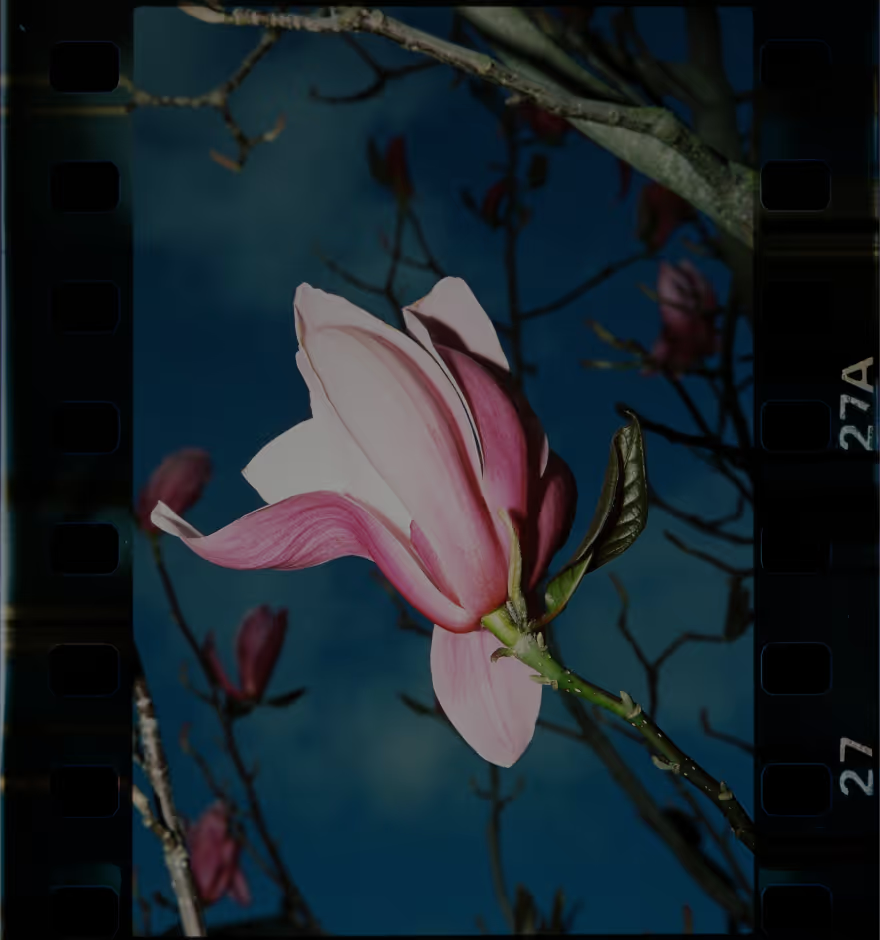
Scratched Texture
Create a classic film look with real scanned scratches, dust, and film grain that add authentic texture and character to your photos.
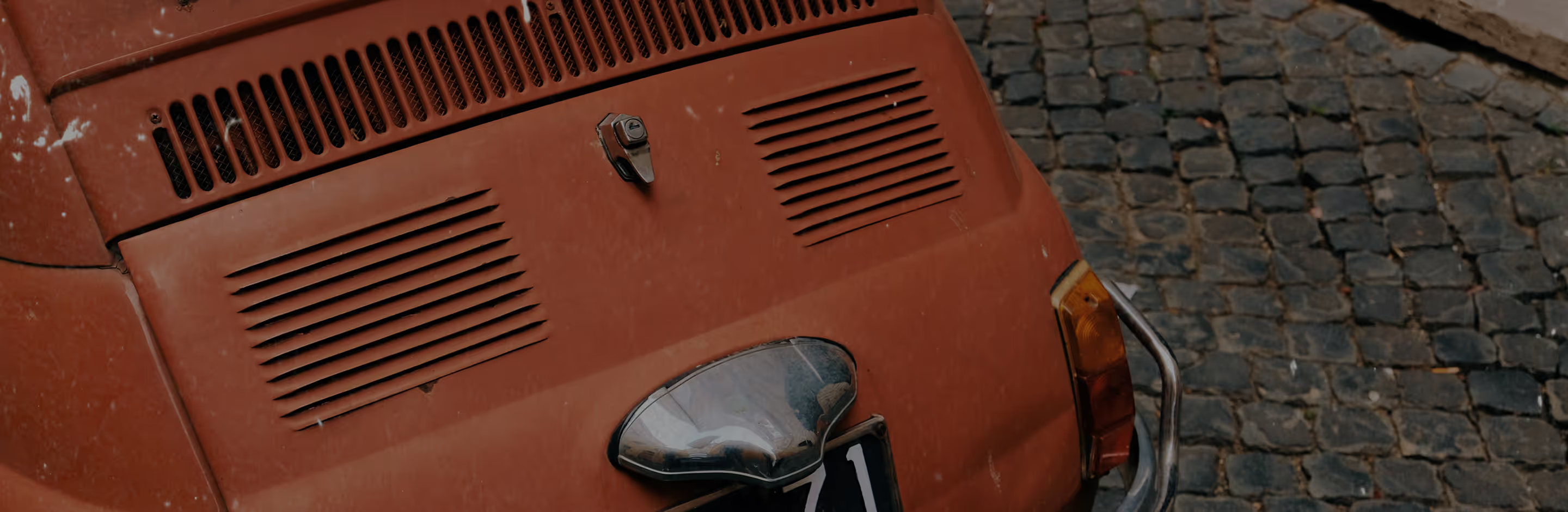
Make your photos look like scratched film
Add authentic scratches, dust, and distressed textures for a realistic analog look. Give your work depth and history without extra gear or complicating your editing workflow.
Import your photo
Apply a scratched texture overlay
Fine-tune and share
When To Use Scratched Texture
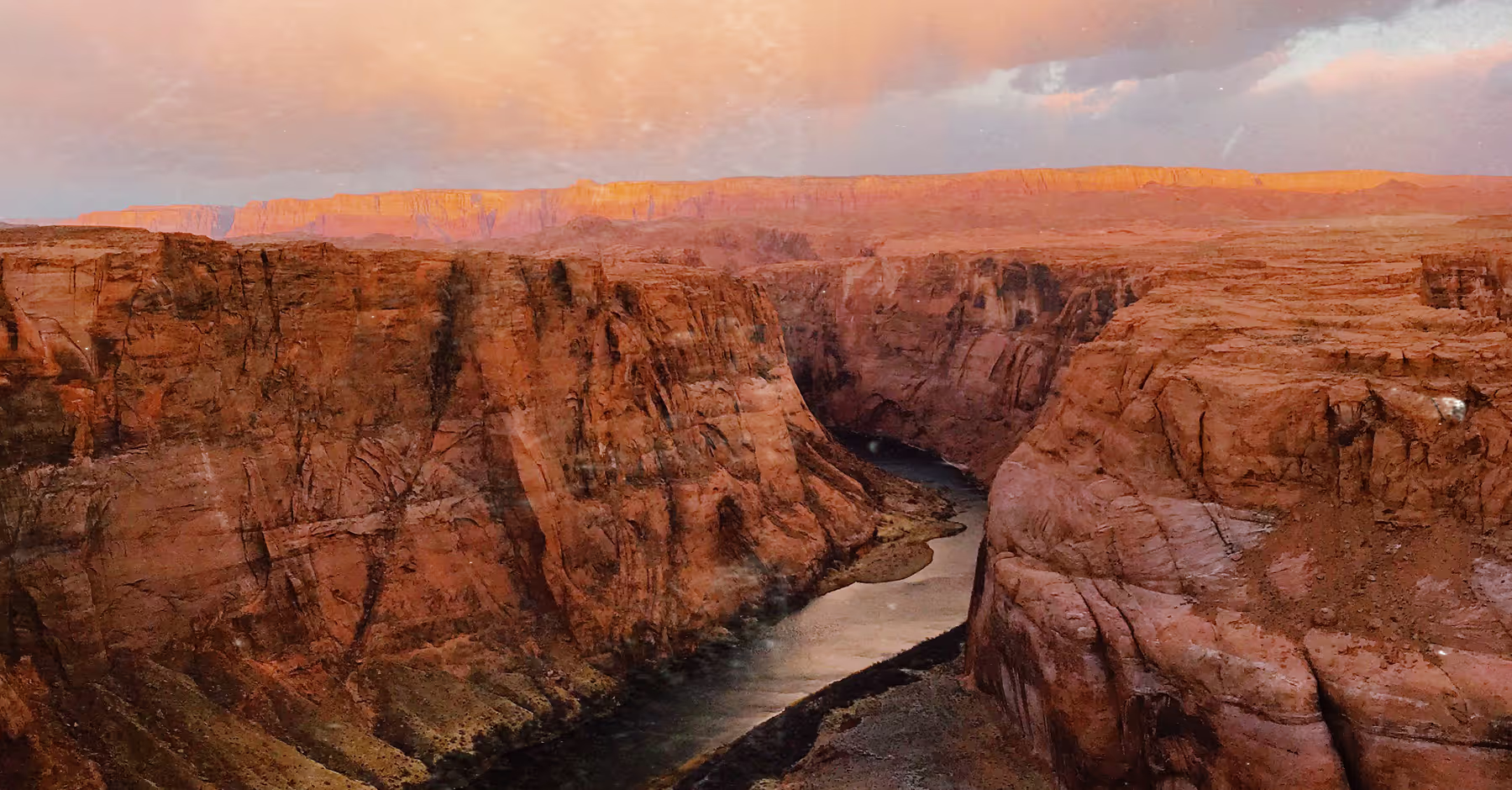
Scratched texture works best when you want to introduce character, mood, or intentional imperfection. Apply it to portraits for a timeless feel, landscapes to evoke atmosphere, and product shots for a bold, retro edge that stands out.
It pairs naturally with muted color palettes, high-contrast looks, and black-and-white edits. For a more refined analog result, layer scratches with Grain, Fade, or VSCO’s light leak effects—building depth and visual interest while maintaining a cohesive, film-inspired look.
How To Apply Scratched Texture
Open the VSCO mobile app on iOS or Android and import your photo.
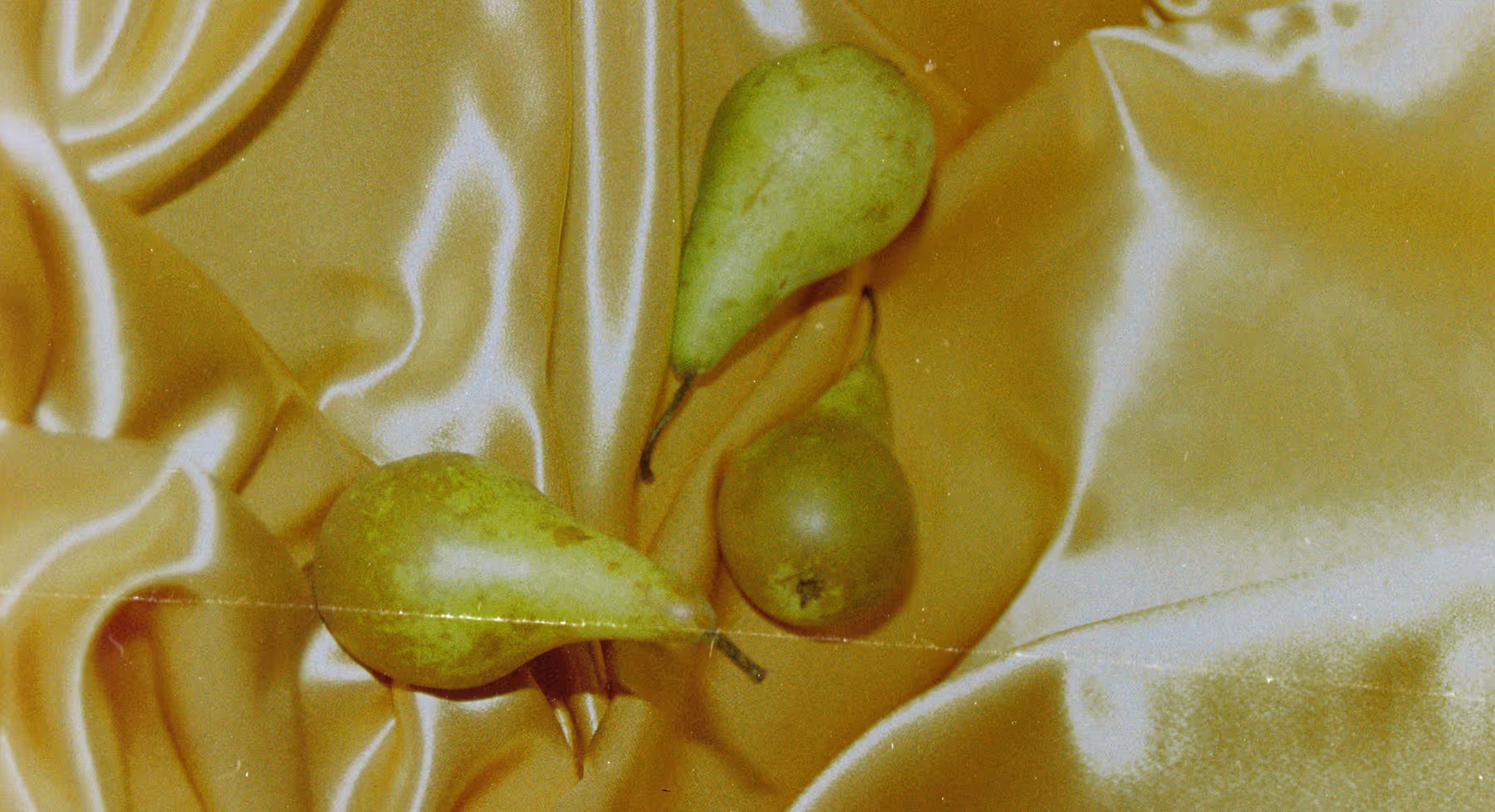
Tap edit, then head to the FX tab to explore Film FX textures. Select a scratched texture overlay to instantly add distressed detail.
Adjust intensity, size, and color using Grain and Fade tools for a more authentic film look.
When you’re finished, save or share your edit directly from the app.
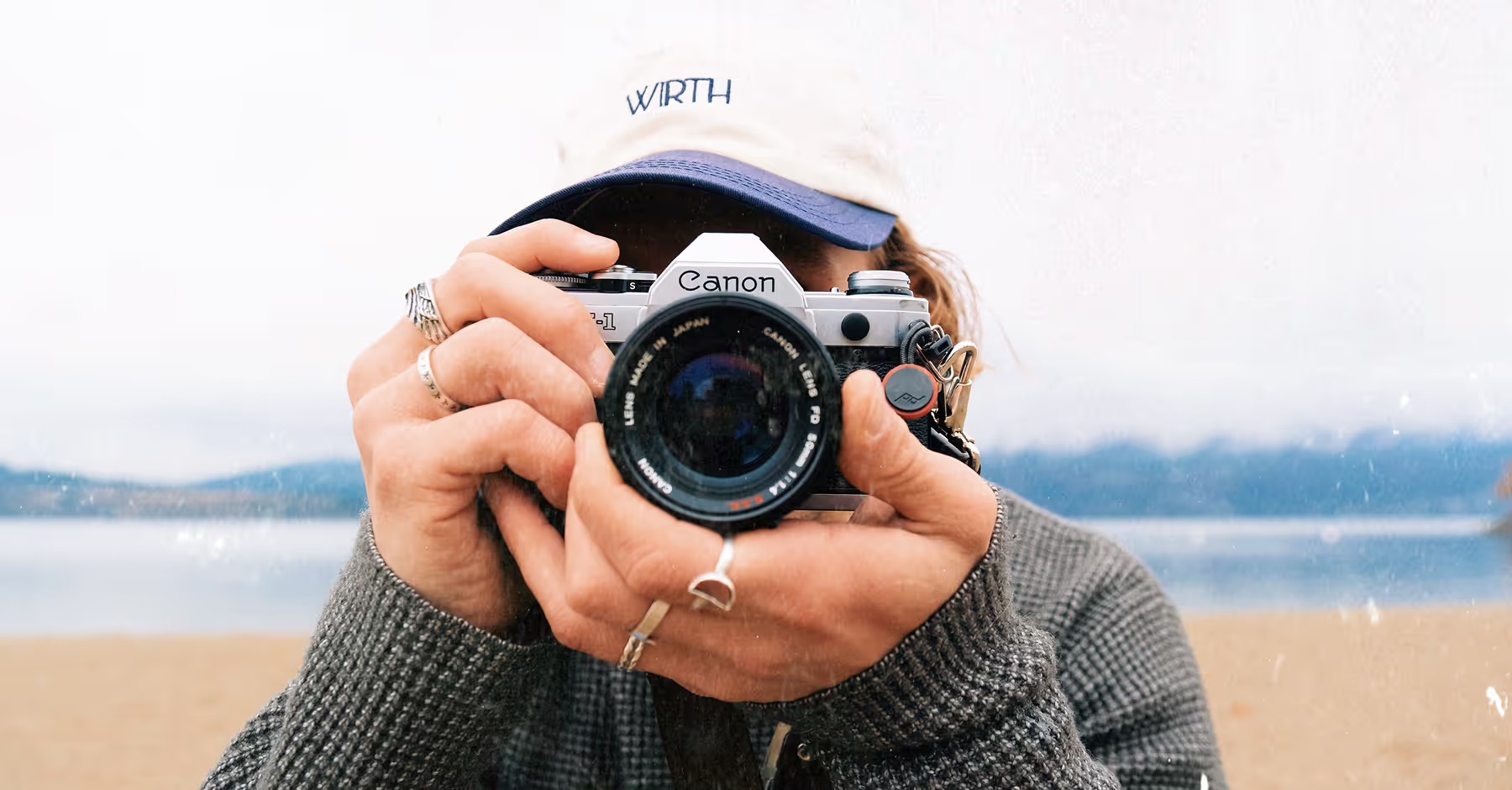
Experiment With Film-Inspired Details
Every scratch adds meaning. VSCO’s scratched texture effect gives you precise control, from subtle signs of wear to bold, distressed detail. Layer it with film filters, combine it with other textures, or keep it restrained for a realistic, film-worn feel.
Whether you’re recreating classic 35mm aesthetics or exploring a more raw, experimental direction, scratched textures help your edits feel expressive and authentic.



Frequently asked questions
What is scratched texture in VSCO?
Scratched texture is a Film FX effect that adds realistic dust, scratches, and distressed details inspired by analog film scans, giving your photos a nostalgic, vintage look.
Can I use scratched texture on videos?
The scratched texture overlays are only for photos, but Dust, Grain, and other distressed textures let you add gritty, cinematic texture to videos.
Are the scratches customizable?
Absolutely. Choose between three different scratch textures and further customize those by adjusting the strength and blend each effect to shape how the texture interacts with your image, keeping the result intentional and balanced.
Can I combine scratched texture with other effects?
Yes. Scratched texture pairs well with photo filters, grain, fade, film frames, and VSCO’s 25 light leak options, giving you flexibility to create layered, analog-inspired edits.
MORE FILM EFFECTS
Enhance cinematic edits by combining scratched texture with other VSCO Film FX tools. Layer Grain for added depth and texture, apply light leaks to introduce soft color flares, or finish with film frames to give your photos a polished, classic look.
GrainY FILTER
Add realistic film grain to give your photos rich texture.
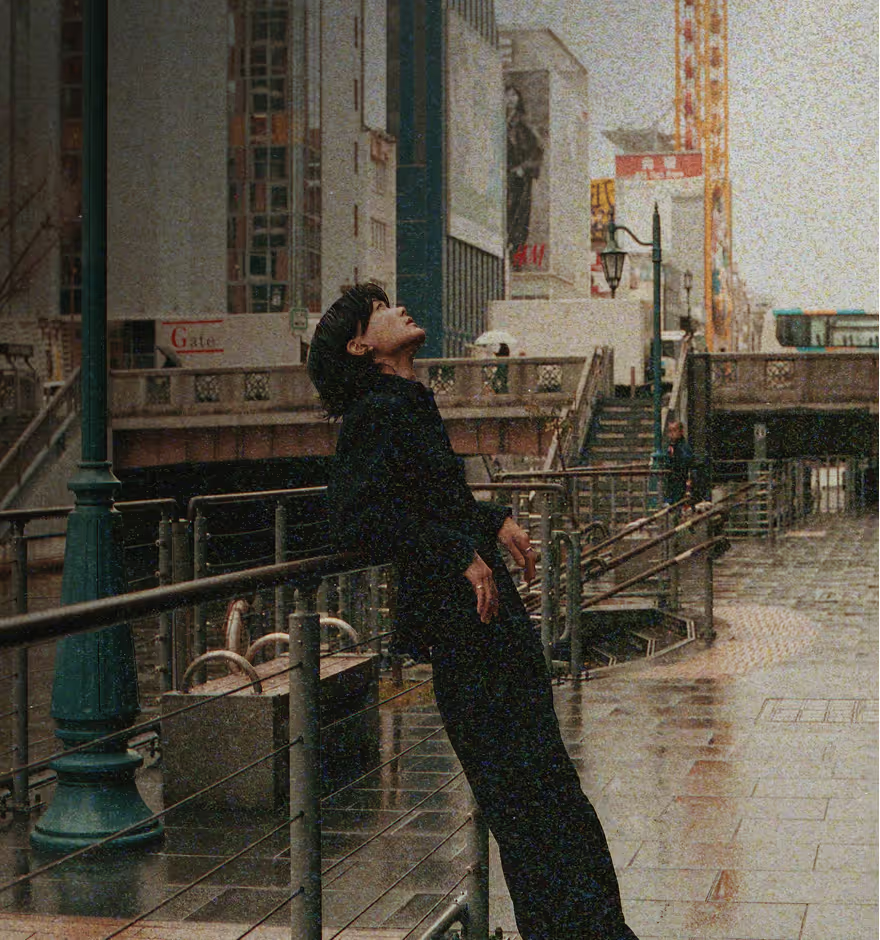
Light Leak OVERLAYS
Introduce film-inspired gradients for a classic, film photo glow.
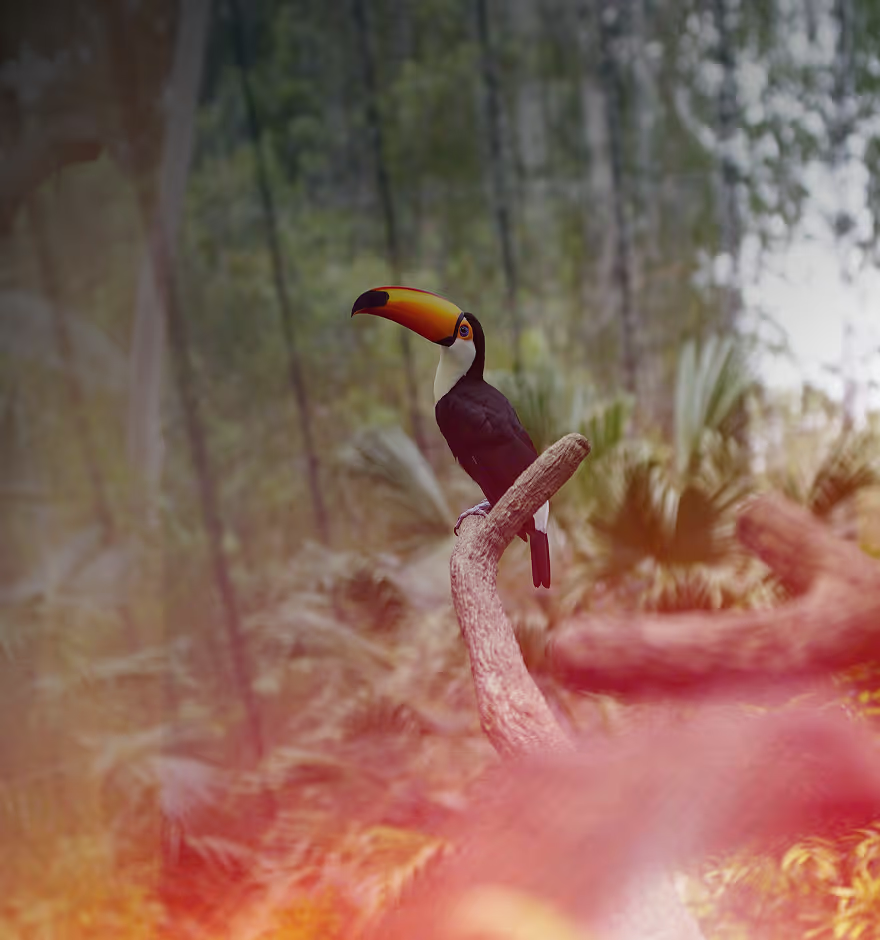
Film Frames
Frame your photos with classic 8mm, 16mm, or 35mm borders for a real film look.