90s Retro Picture Filters
From classic 90s filters to retro photo effects, the VSCO app makes it easy to give your pictures an authentic 90s aesthetic.

Edit with 90s-inspired filters and effects
Add a retro picture filters with the VSCO filter app.
Import your photos and videos
Apply a 90s filter like KG2, FS4, or C1
Save, export, and share
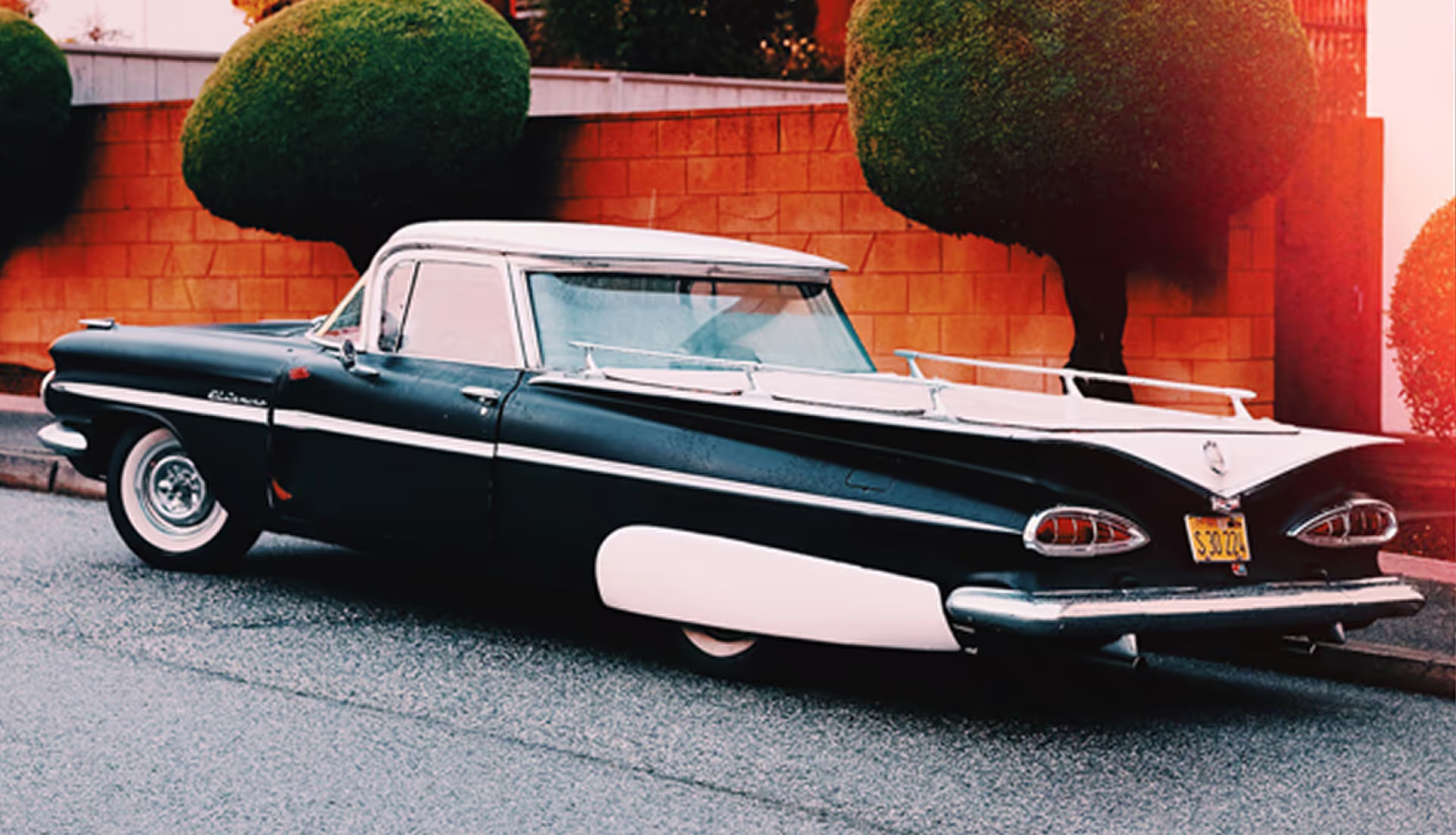
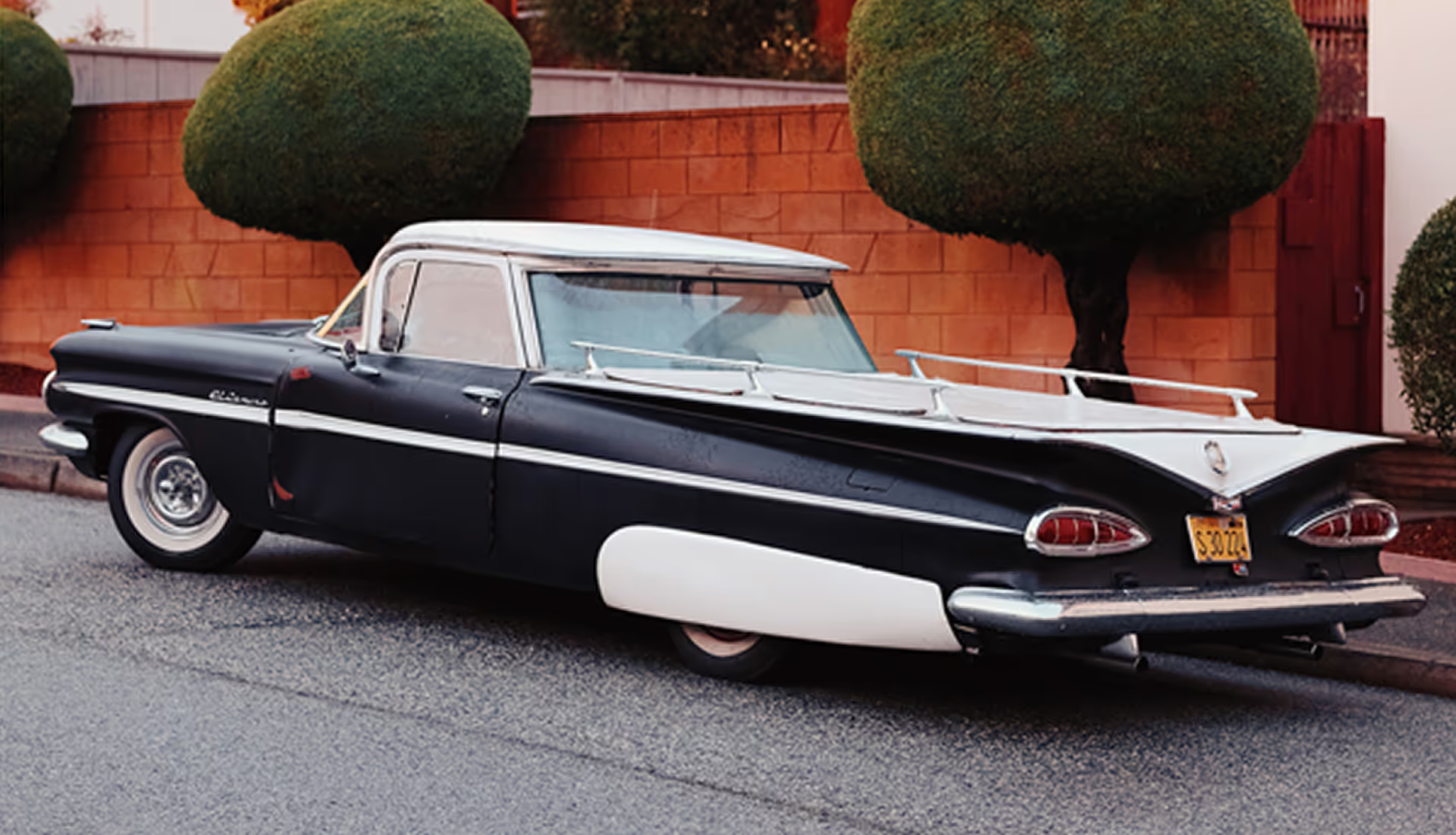
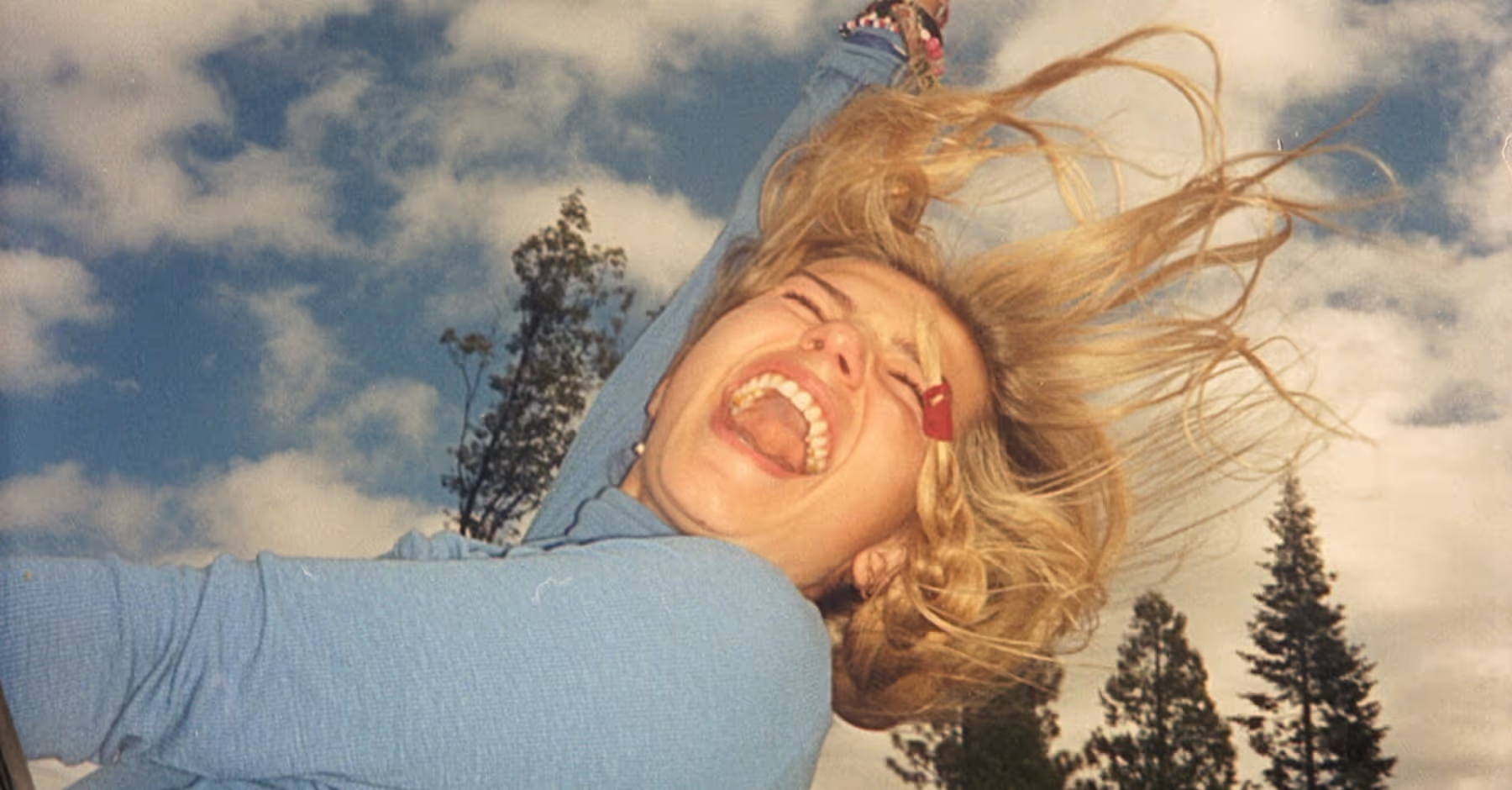
How to ADD a 90s Retro Filter
Add photos and videos to VSCO from your camera roll.
Choose from dozens of film-inspired presets that look and feel like the 90s—like KG2, FS4, and C1.
Apply retro film effects like lights leaks, grain, fade, and 35mm film borders.
Save your photo or video and post directly to your VSCO profile or social media.
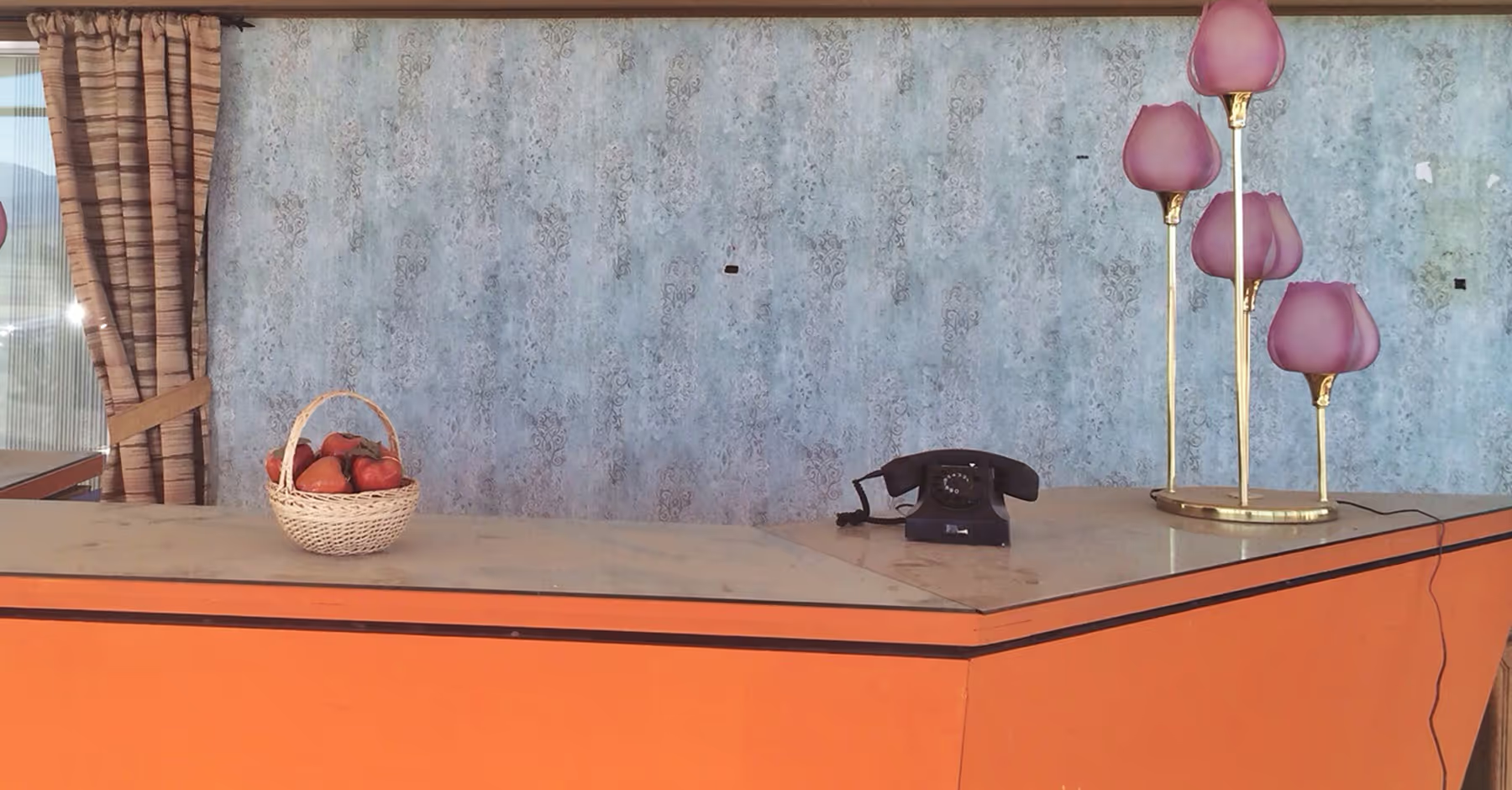
Find THE 90s Filter that Fits your Unique Style
With the right mix of filters and effects, your edits will take on the same retro character as 90s film. Recreate warm skin tones, soft highlights, and the imperfect charm of point-and-shoot cameras.
VSCO makes it easy to experiment until you find the look that feels most true to your style.
Add Retro Filters on Your Phone
Give photos a vintage touch with 90s filters in the VSCO app for Android and iPhone.

90S FILTERS on desktop
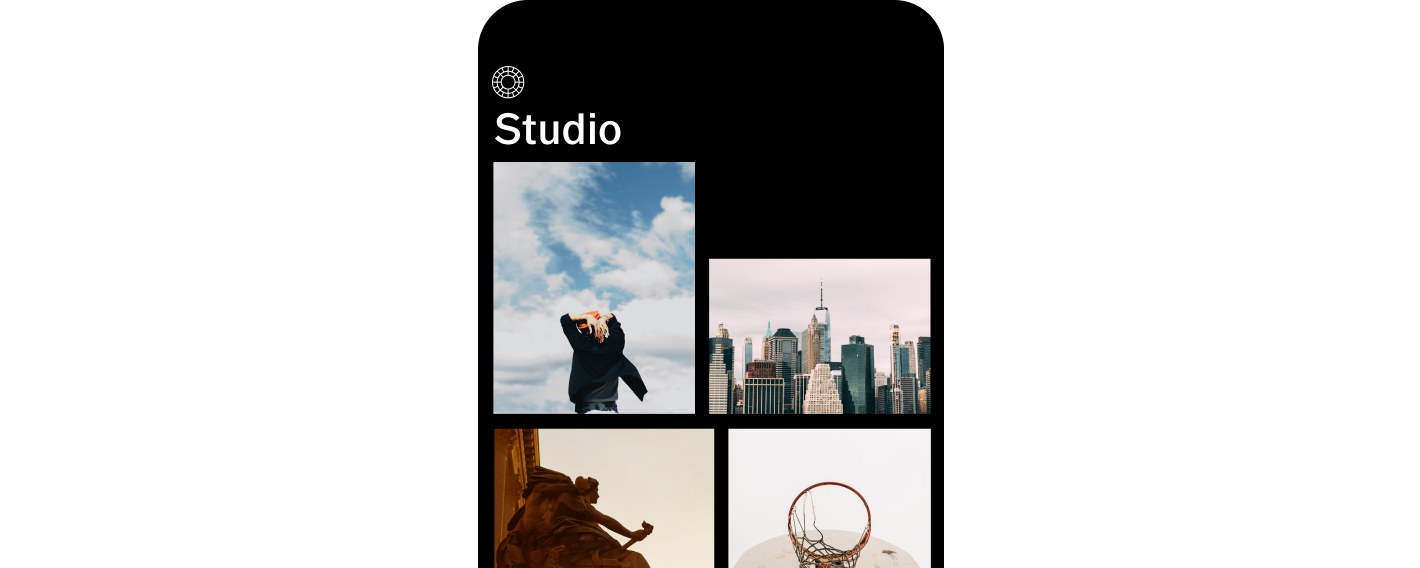
Add 90s filters using VSCO Desktop Studio for Windows PC & Mac, or edit with the Adobe Lightroom plugin.


ACCESS YOUR PHOTOS ANYWHERE
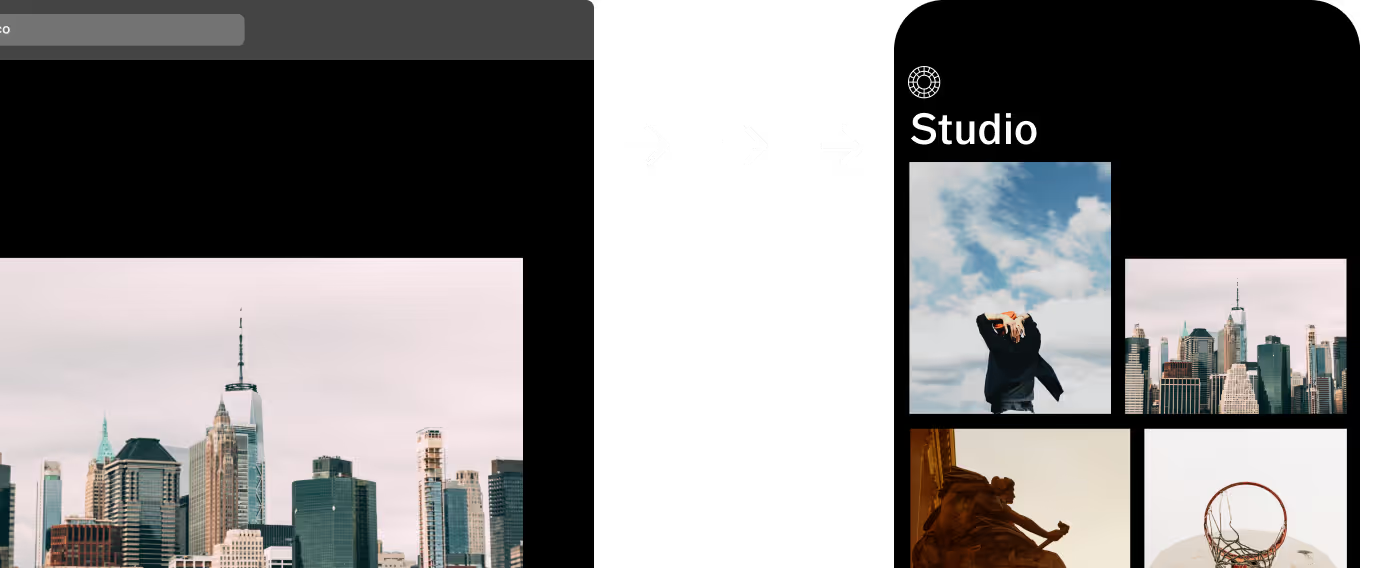
Edit your photos with VSCO Studio and sync seamlessly across mobile and desktop.

Frequently asked questions
How to get 90s effect on photos?
VSCO offers 90s-inspired filters and film effects you can apply on iPhone, Android, and our online editor to instantly give your photos a retro look.
Why do photos from the 90s look different?
Photos from the 90s often have warm tones, grain, and unique color shifts from film stocks like Kodak Gold and Fuji Superia, which VSCO recreates with presets and effects.
Can I edit my photo after applying a 90s filter?
What photo editing tools mimic a 90s look?
VSCO is the best app for mimicking 90s film with presets, grunge texture, lens flares, borders, and other film-inspired effects like Bloom and Halation.
Shoot with live 90s filters
With the VSCO Capture camera app, apply 90s-inspired filters in real time as you shoot. Explore 50+ live presets, refine with full manual controls, and apply film effects like Bloom and Halation for an authentic retro feel.


MORE FILM EFFECTS
Elevate your photos with 90s-inspired filters and effects that capture the charm of film. Add a grainy filter, grunge texture, soften highlights and shadows with Fade, and layer light leaks or 35mm borders.
Add Texture with Grain
Add a grainy filter for a textured, classic 90s look, with control over intensity, size, and color.

Apply Retro Fade
Soften tones and shadows for a subtle, vintage feel that adds depth to any photo.

Classic 90s Film Filters
Apply Kodak, Fuji, and Ilford-inspired presets to bring the look of 90s film to your edits.