MAKE YOUR PHOTOS AND VIDEOS CINEMATIC
Make any image feel like it belongs on the big screen with VSCO’s cinematic photography tools. Apply presets, textures, and effects to add mood, depth, and storytelling.
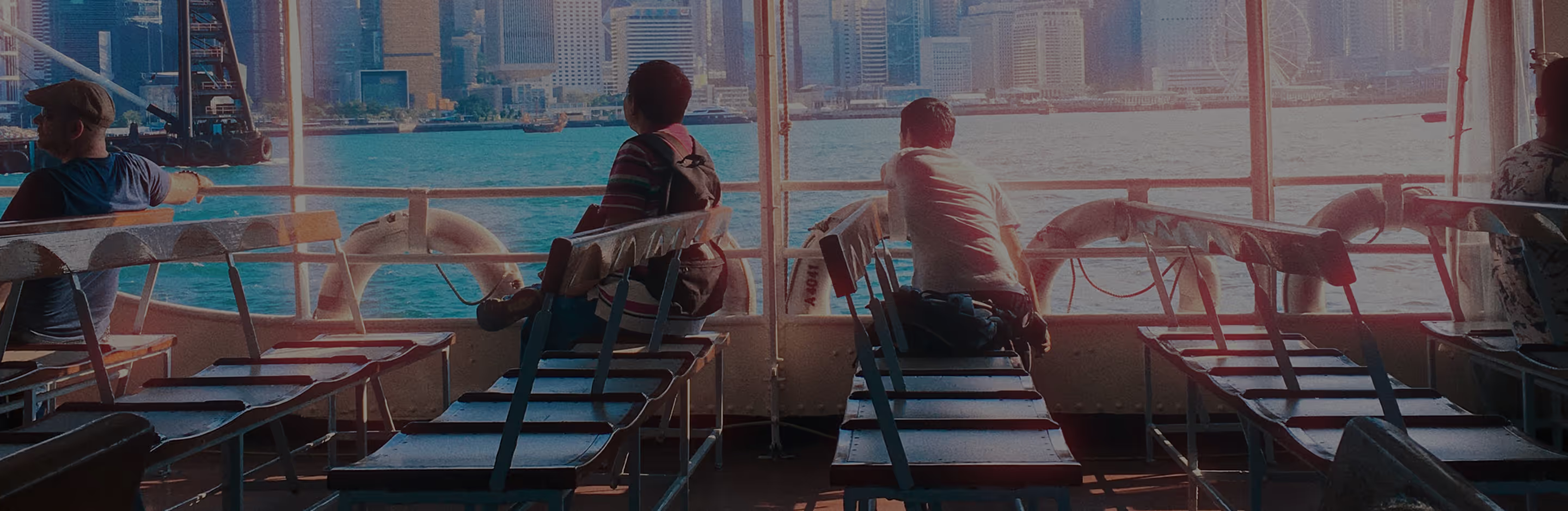
Make your photos and videos look like a movie
Bring your images and videos to life with VSCO’s professional-grade tools and effects. Effortlessly achieve film-inspired depth, dramatic tones, and expressive lighting in just a few steps:
Import your photo or video
Layer cinematic effects and filters
Fine-tune and share
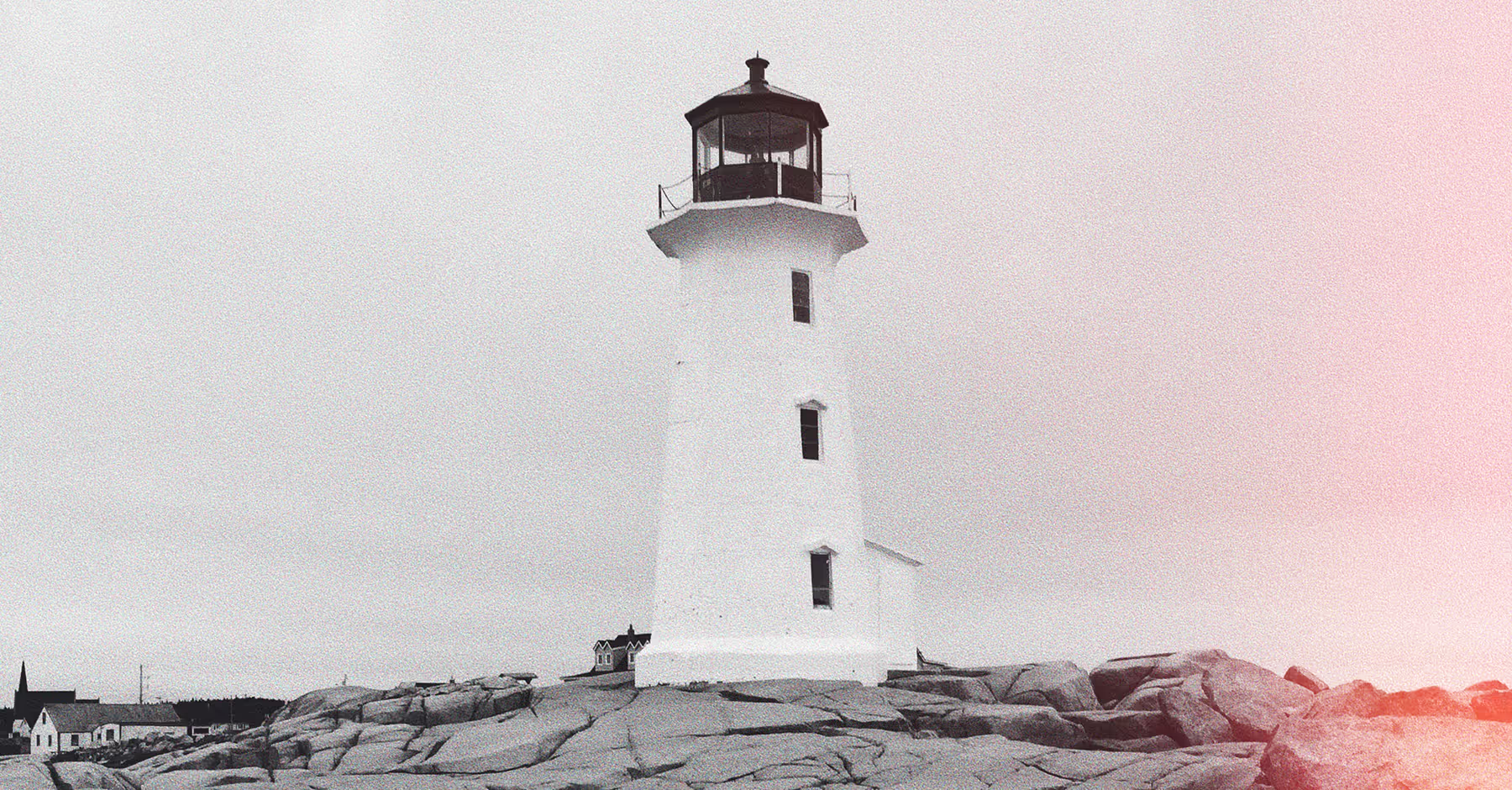
Using Film-Inspired Effects
VSCO’s full suite of tools lets you craft atmosphere in any photo or video. Experiment with professional presets for color grading, the Halation photo effect for soft highlights, and the Blur tool for depth and focus. Add grain, light leaks, or vignette to enhance drama or warmth.
Perfect for portraits, landscapes, or social posts, VSCO helps you capture mood and tell a story. Intuitive controls for contrast, tone, and saturation let you refine edits subtly or go bold, giving every image a professional, film-like feel.
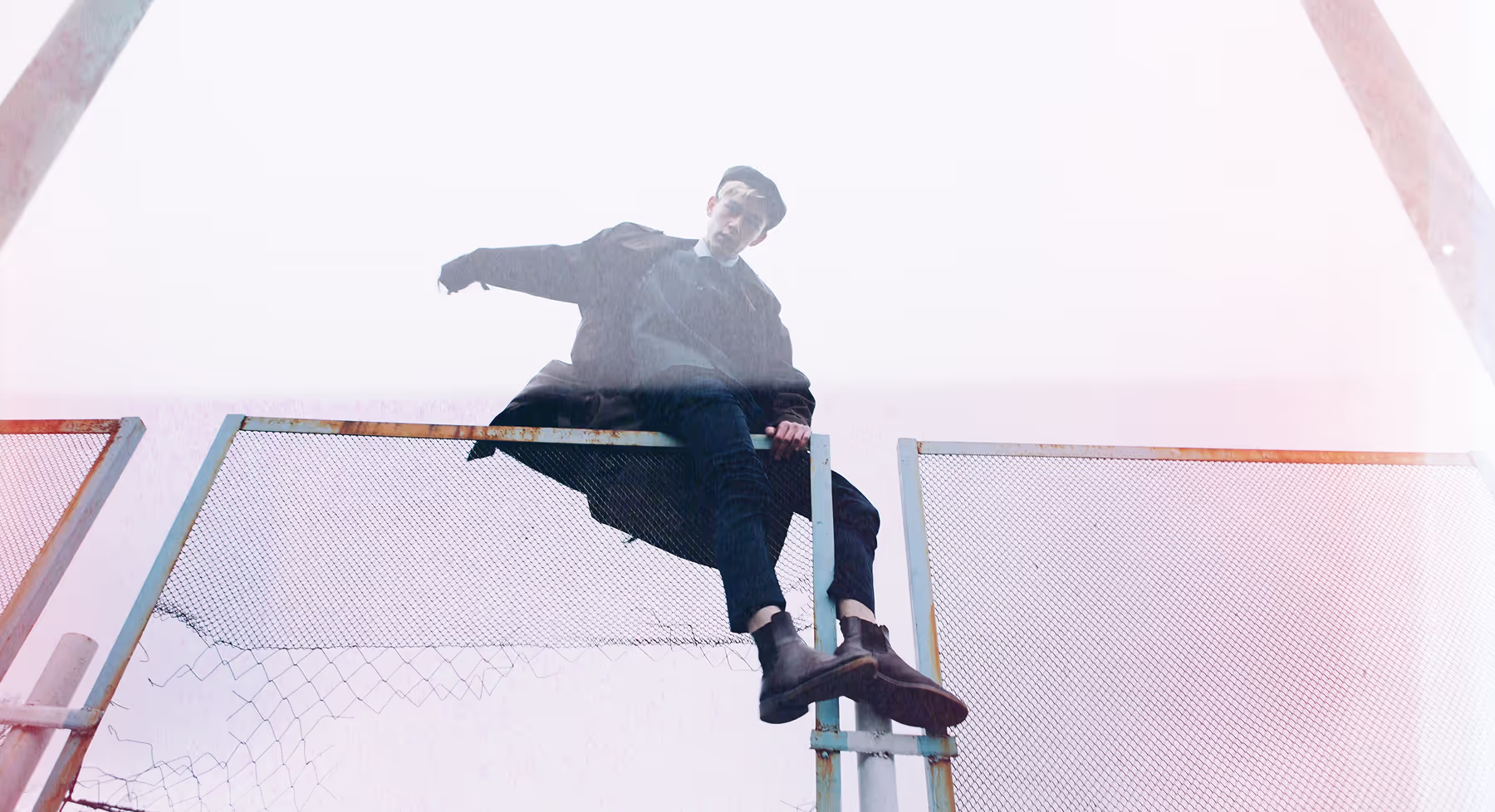
How To Apply Cinematic Effects
Select the photo or video you want to edit in the VSCO app or Desktop Studio.
Apply filters, halation, blur, or other cinematic tools to instantly add mood and dimension.
Refine contrast, tone, color, or layer effects like light leaks and grain for a polished look.
Export your finished image or video, or share directly in the VSCO app.
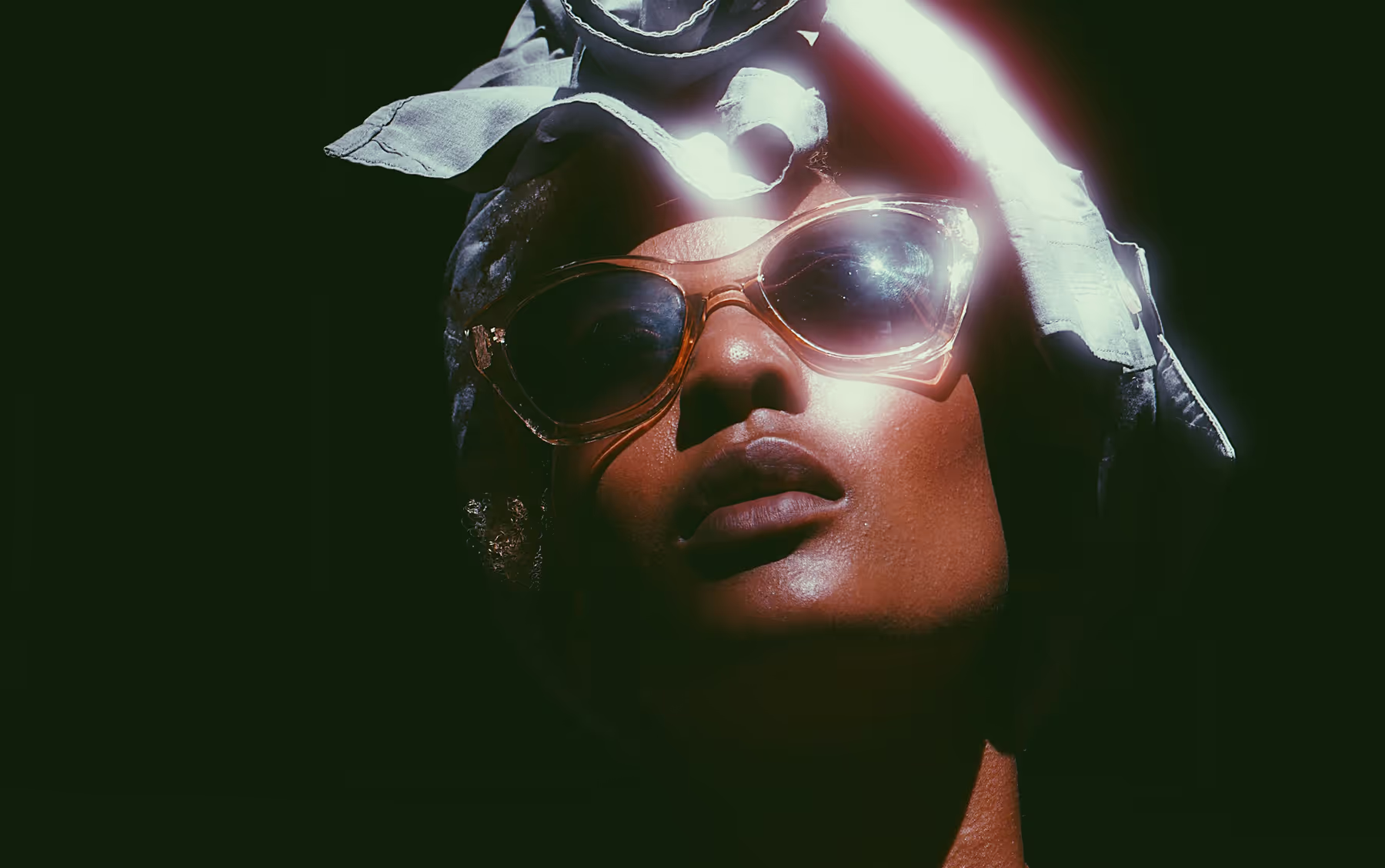
Experiment With Light, Tone, and Storytelling
Photography is about capturing emotion and narrative through light, perspective, and tone. VSCO makes it easy to explore textures, subtle blur, glow, and color adjustments to create depth and feeling in every shot.
Whether you’re capturing a quiet portrait, dramatic urban streets, or a natural landscape, each edit becomes an opportunity to craft images that feel cinematic and expressive.
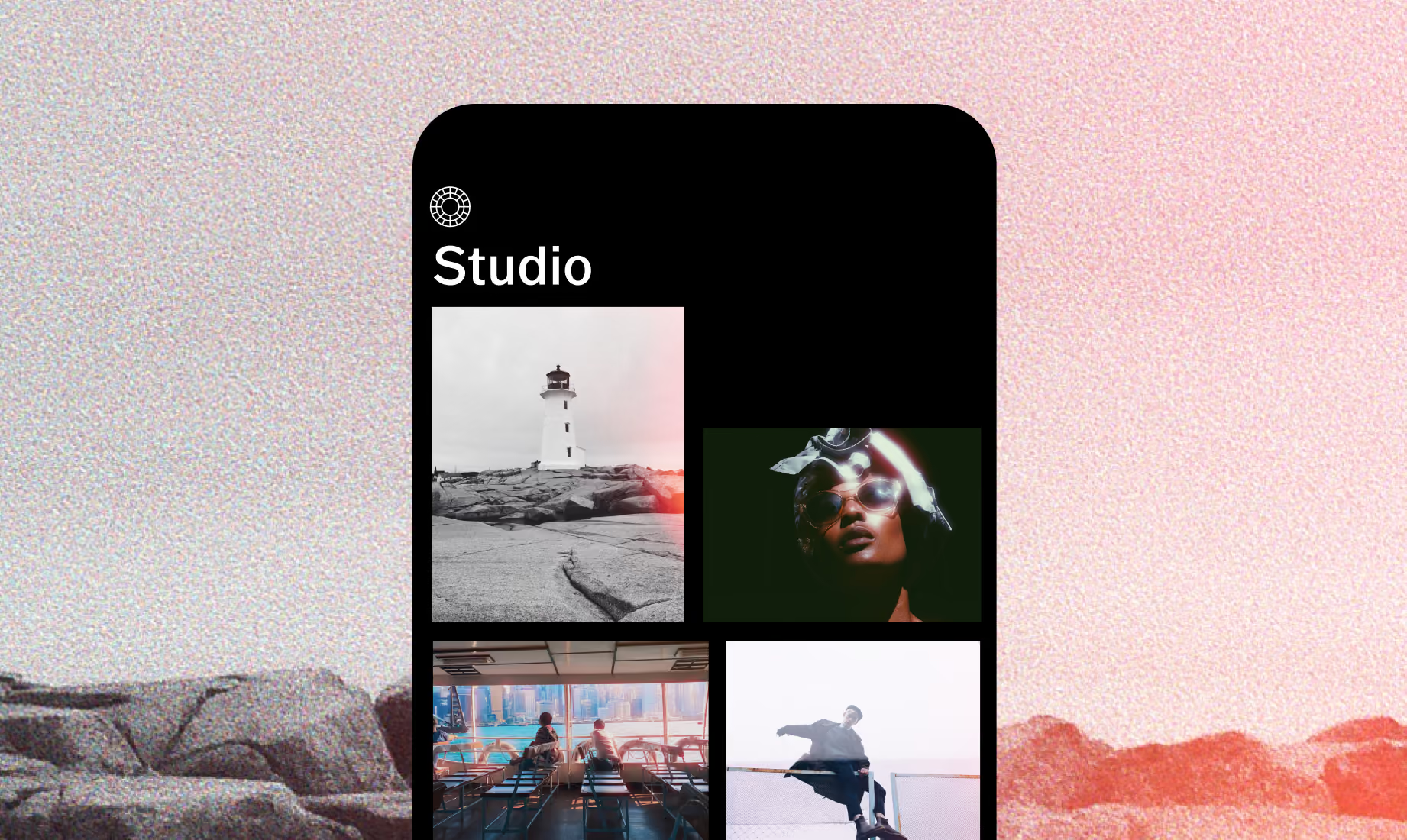
Download VSCO
Bring cinematic effects to your photos and videos using the VSCO app for iOS and Android.



Frequently asked questions
Which VSCO tools help achieve a cinematic look?
Use VSCO presets for mood, color, and tone, then explore effects like halation, subtle blur, grain, vignette, or fade. Tools such as HSL adjustments, clarity, and exposure let you refine highlights, shadows, and color balance for a polished, film-inspired result.
Can I layer multiple VSCO effects for a cinematic style?
Yes. Combine textures, light leaks, film borders, or dreamy glow effects with presets, contrast adjustments, and AI tools to craft a unique look. Each layer adds depth, atmosphere, or subtle drama to your photos.
Are cinematic effects suitable for all types of photography?
Absolutely. Portraits, landscapes, cityscapes, and product shots all benefit from mood, texture, and light adjustments. Even everyday moments gain cinematic impact with the right combination of color, tone, and effects.
Can I save and reuse cinematic settings for multiple photos?
Yes. VSCO lets you save edits as presets or recipes to maintain a consistent cinematic style across your images.
MORE EDITING TOOLS
Take your edits to the next level with VSCO more effects and tools. Use Film Filters to capture timeless analog looks, add Halation effect for soft, glowing highlights, and apply Blur to create depth and dramatic motion.
Film Filters
Apply Kodak, Fuji, and Ilford-inspired presets to add film character to your edits.
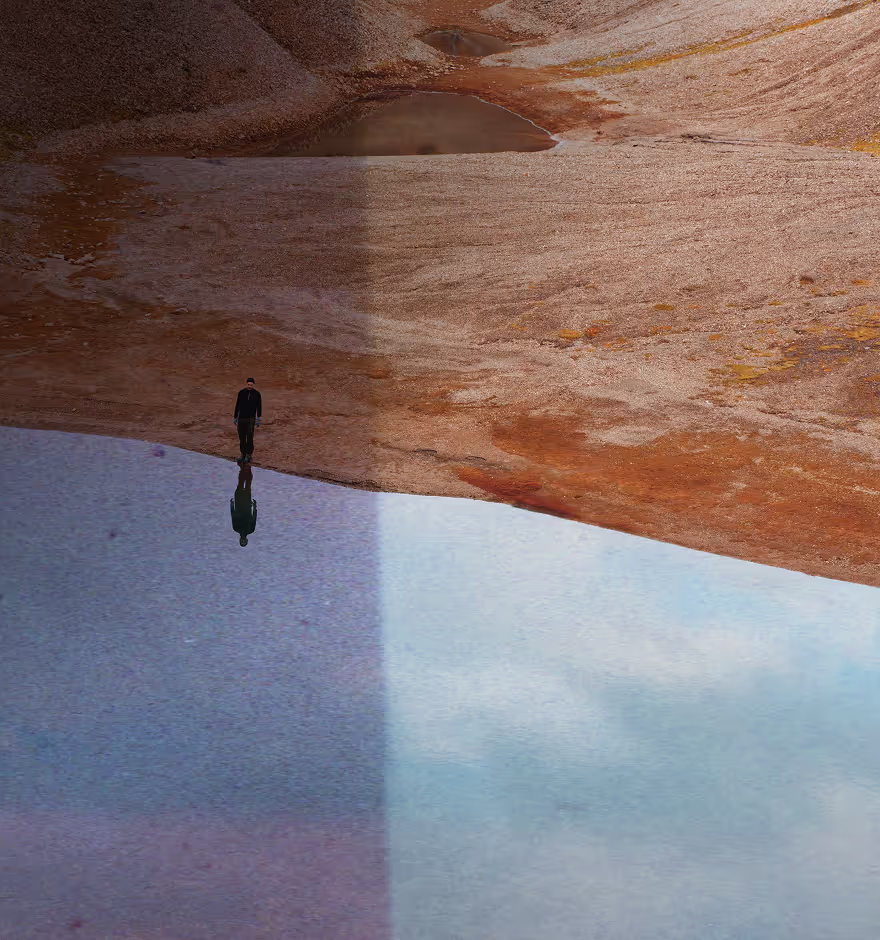
Halation Effect
Bring a soft, glowing quality to highlights across your photos and videos.
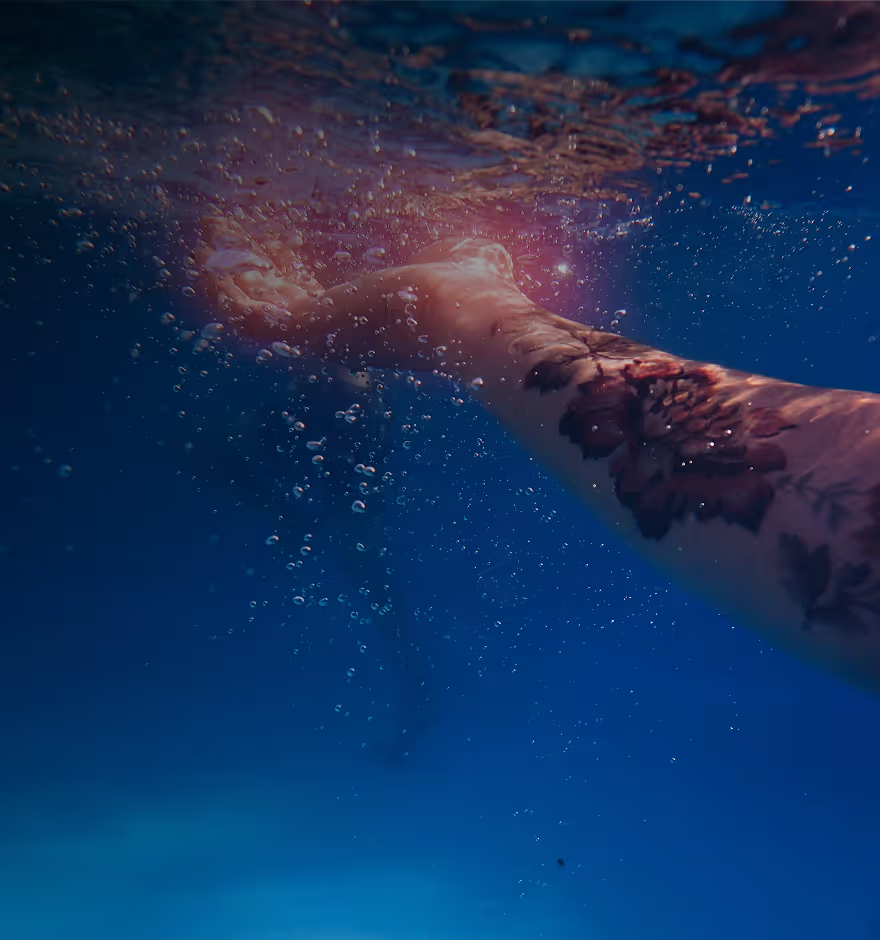
Blur Effect
Direct attention where it matters with soft, cinematic blur.