
VIDEO FILTERS AND EFFECTS BUILT FOR PROS
Apply filters and effects to your videos, use color grading tools, and refine every frame for a polished, cinematic look.
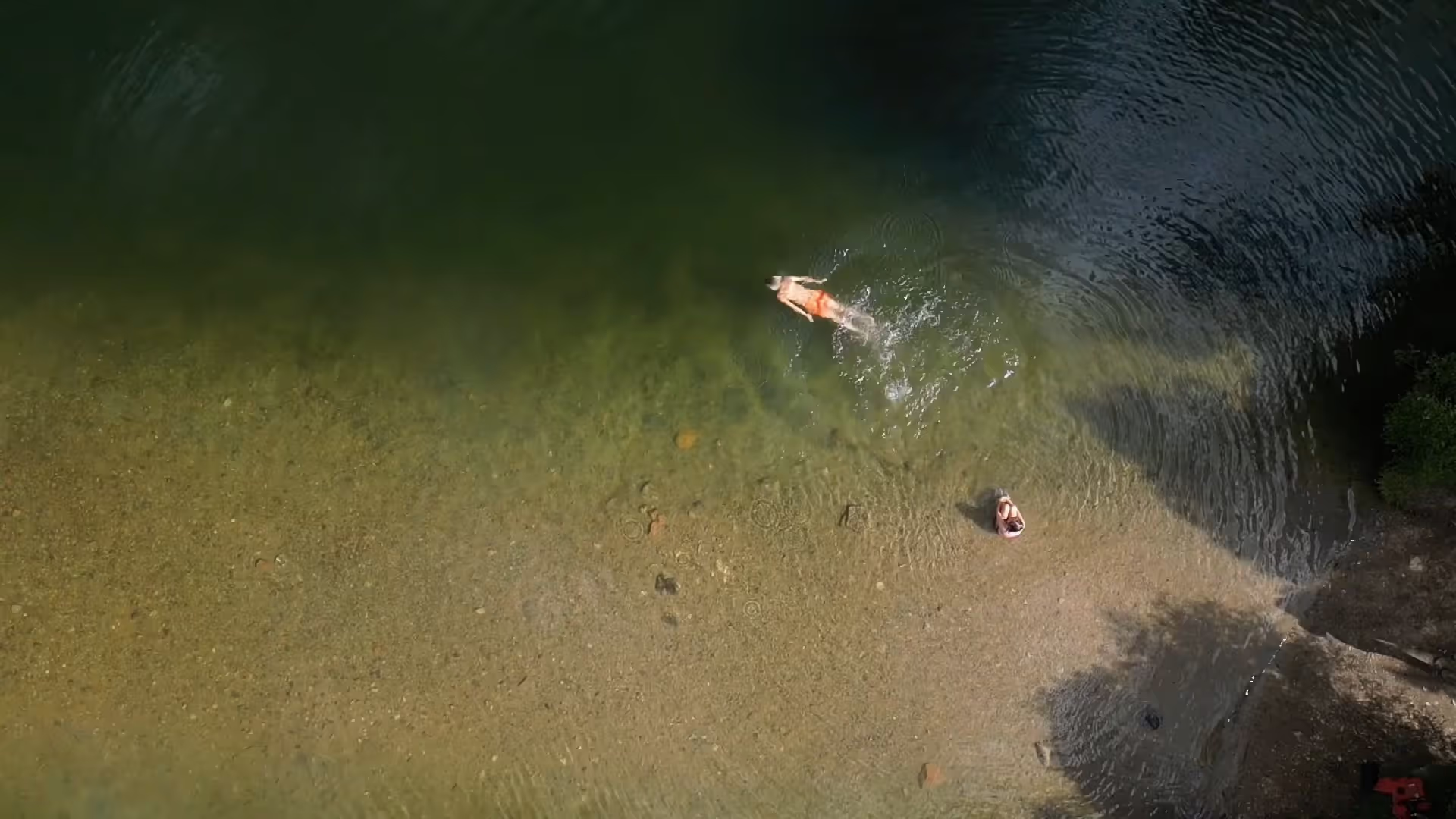
Grade with film-inspired color science, apply authentic effects, and create a cohesive look across every frame. VSCO’s mobile video editor is built for videographers ready to direct every detail.
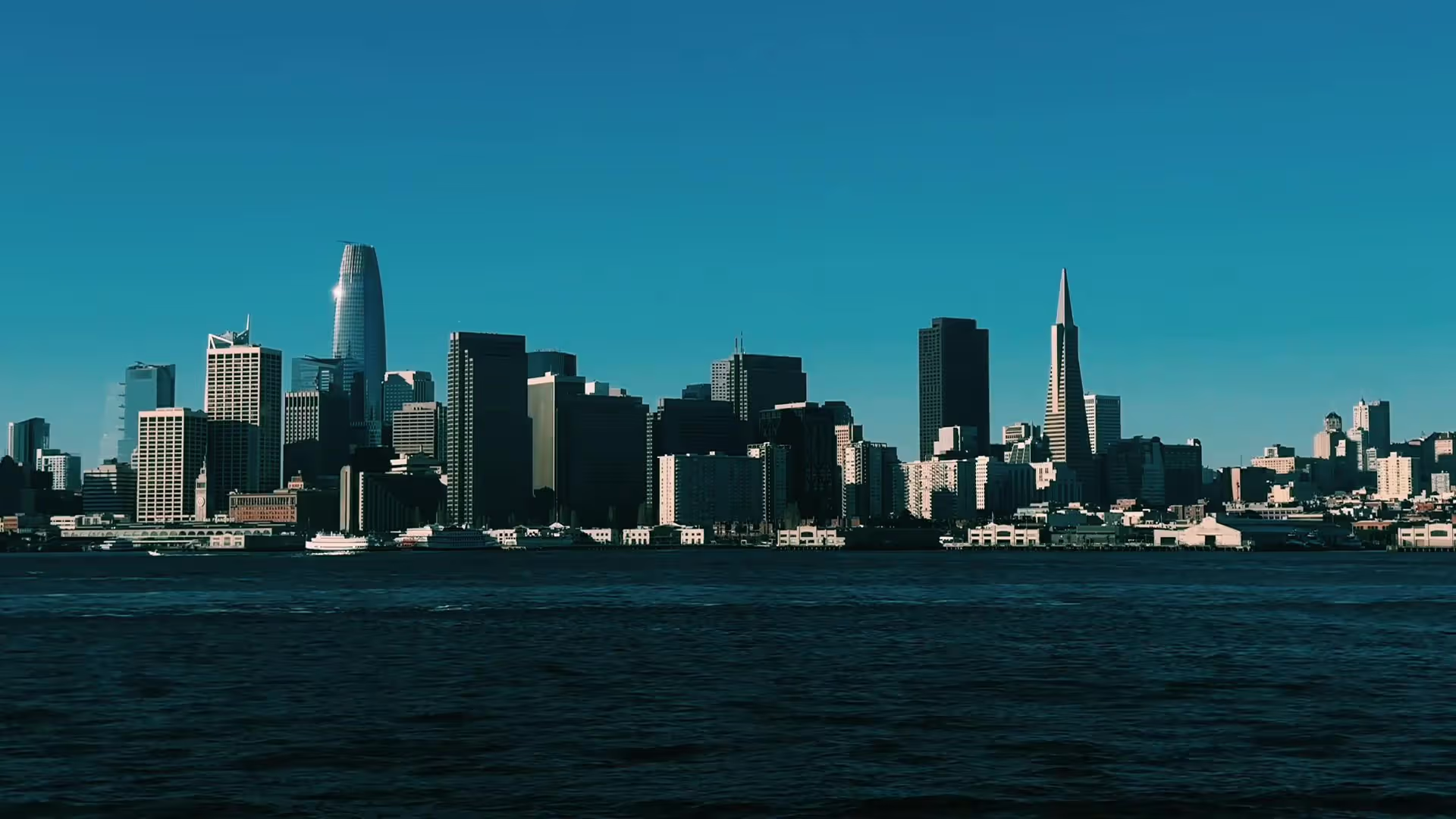
Make Videos That Feel Cinematic
The VSCO app includes a professional video editor that works seamlessly across workflows. Color grade with hundreds of lab-developed video presets, add film effects and textures, trim and cut with precision, control speed and audio, and deliver scenes worthy of the big screen.
Every tool works together so your visual style stays consistent across photos and video. One workflow, any aesthetic, no compromise.
Lock In Your Aesthetic with Video Presets
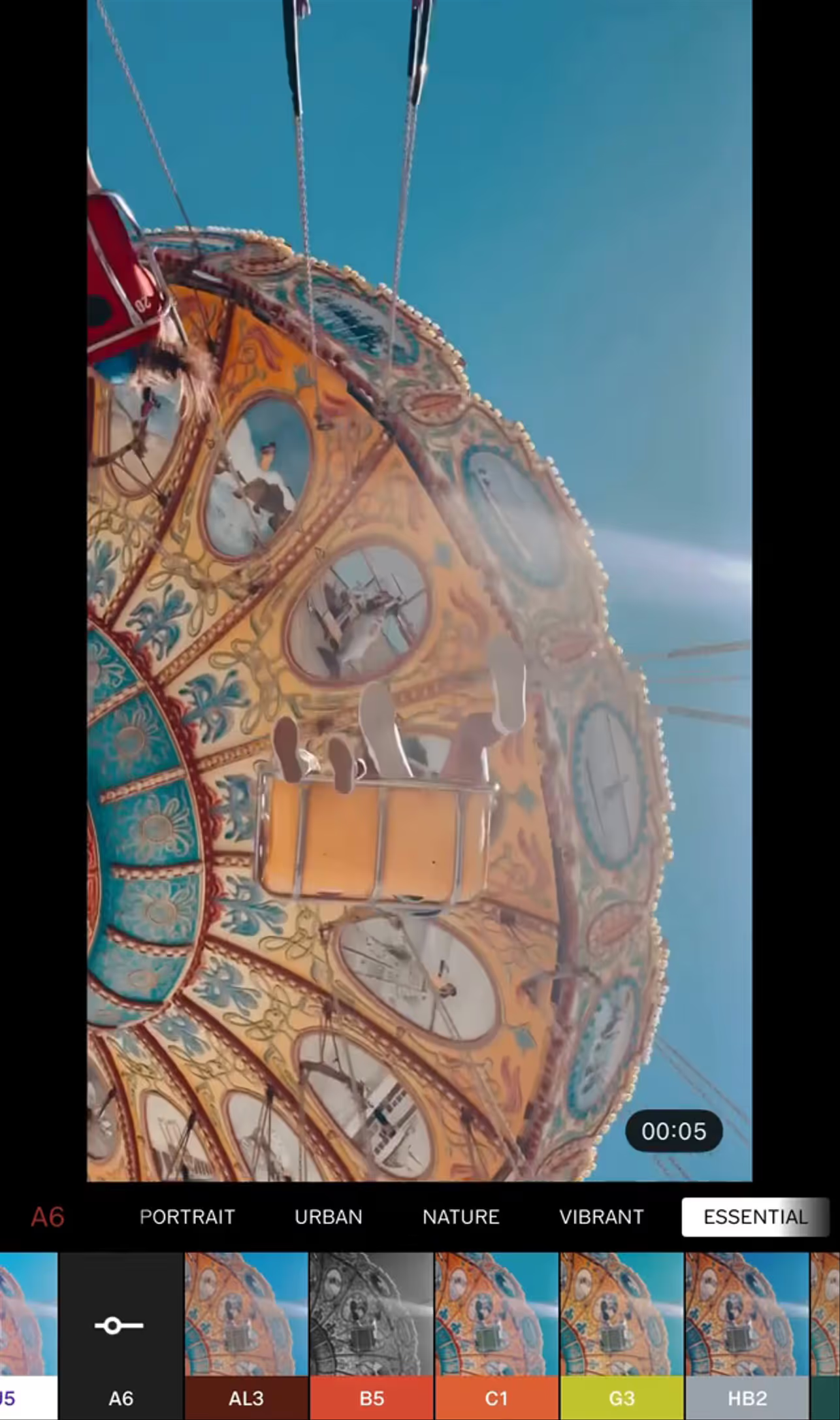
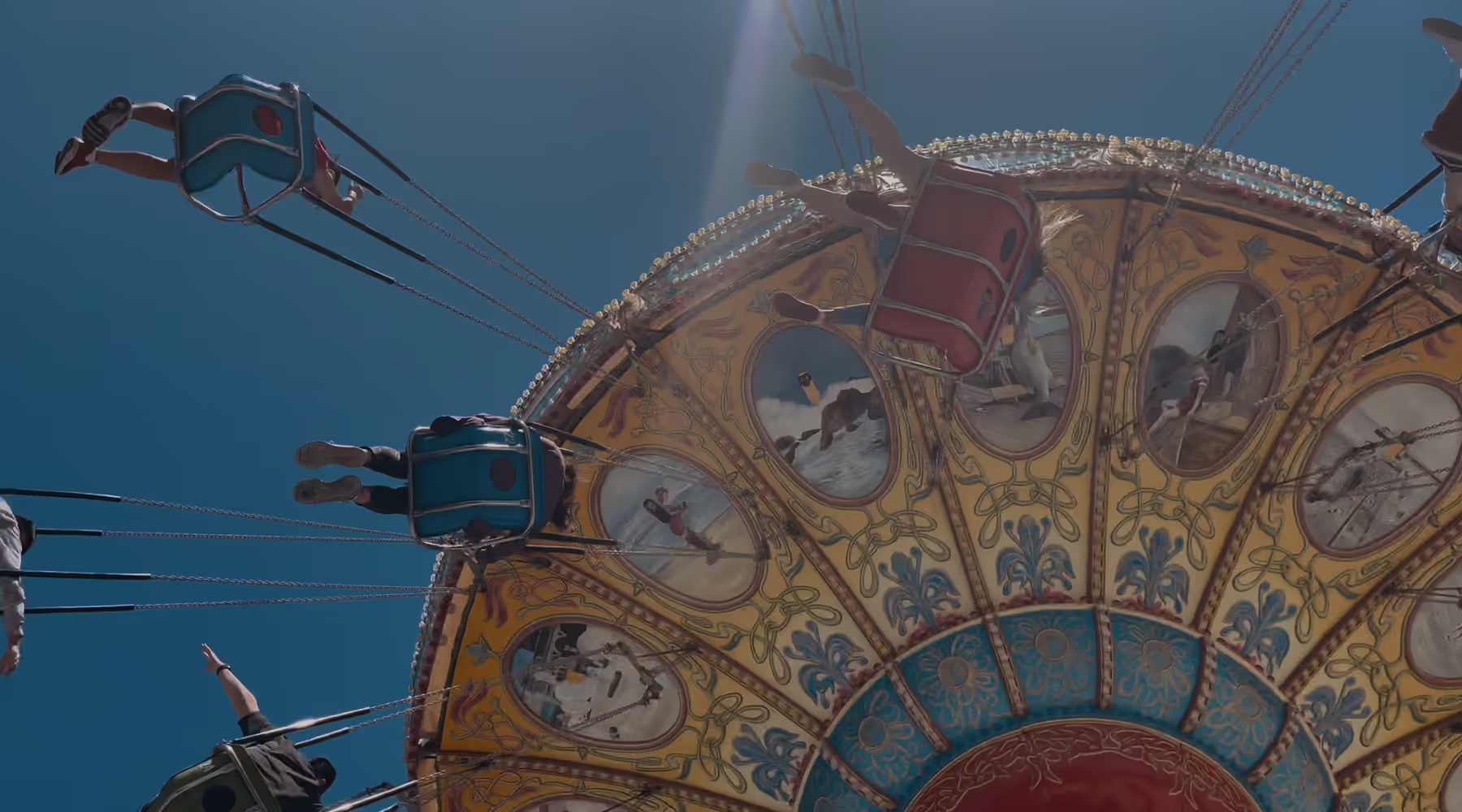
With video presets, one tap sets the mood. From the soft, nostalgic 70s warmth of M5 PRO to the bold, over-saturated 90s punch of AU5 and the cinematic depth of A4, VSCO's video filters transform ordinary footage into polished and professional final cuts.
Every video filter is fully customizable and built to work with motion, not just still frames. Color grade a travel series, a portrait session, or a short film and your signature look stays the same from start to finish.
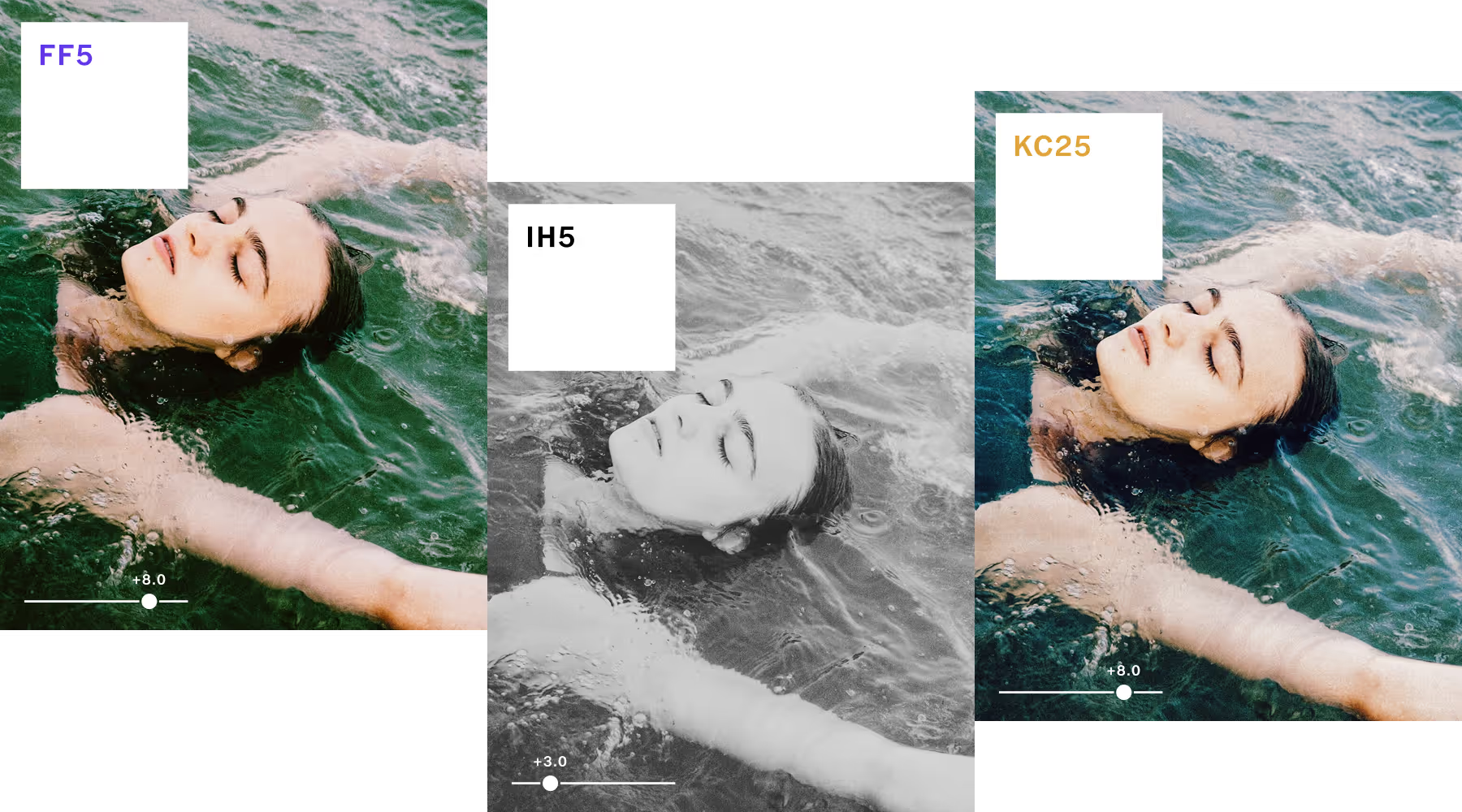
TRANSFORM YOUR VIDEO INTO FILM
Bring classic film looks to your videos with Film X filters, inspired by Kodak, Fuji, Agfa, and Ilford. Explore 25 meticulously crafted film filters, each with advanced Character and Warmth controls to shape your story.
Experiment with Character to explore the unique tonal range of each film stock. Fine-tune color balance with the Warmth slider—create cool, blue hues or add a golden hour glow to any shot.
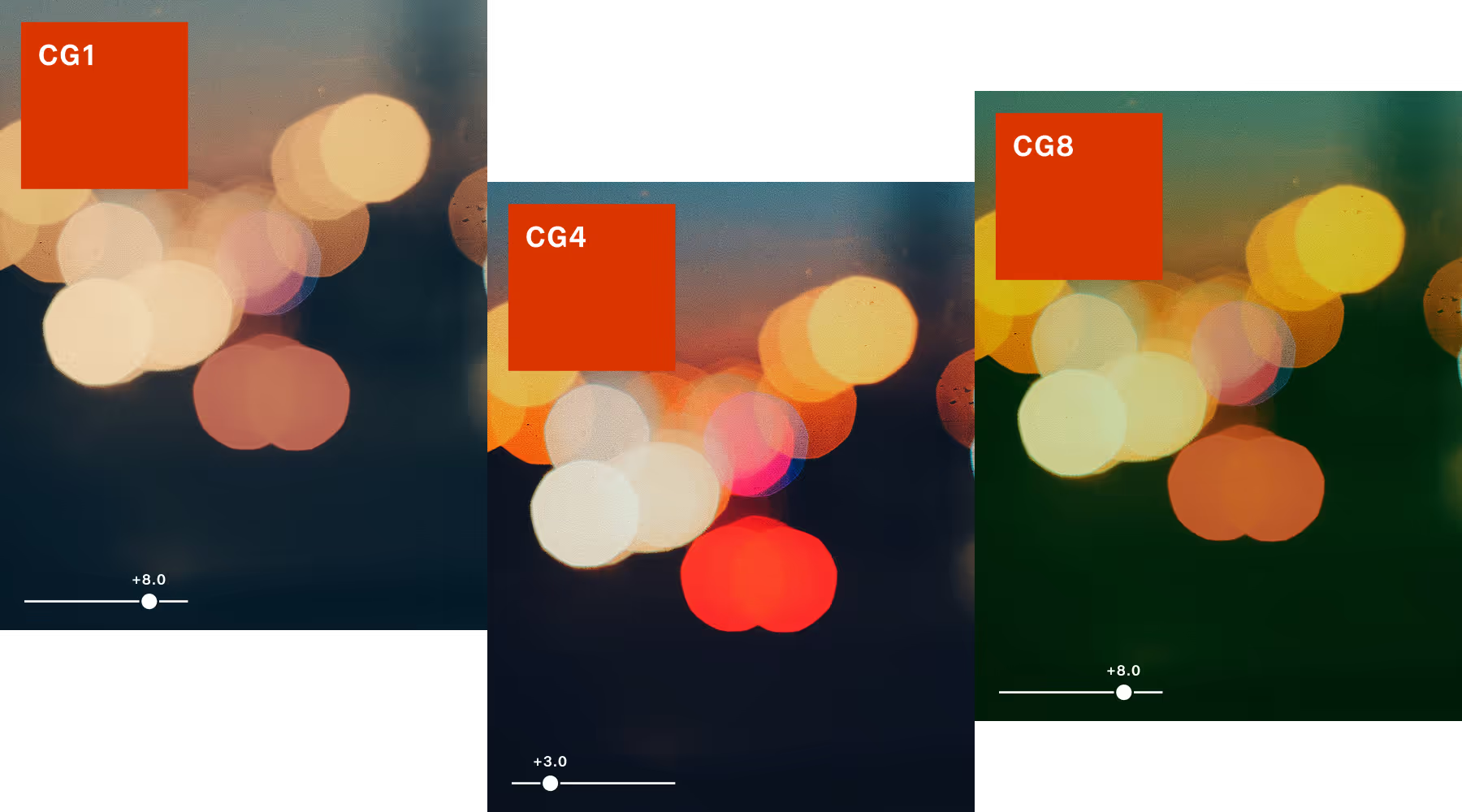
Color Grade Video with Precision
VSCO's video color grading tools give you cinematic presets inspired by real film, plus controls for exposure, contrast, temperature, tint, and more. Every creative decision is precise, not accidental. Skin tones stay natural. Mood stays intentional. And the look never tips into overprocessed.
Whether you're color correcting video for consistency across a client shoot or building a signature aesthetic for your own work, VSCO gives you the control to color grade video files with confidence and deliver results that hold up on any screen and in any format.
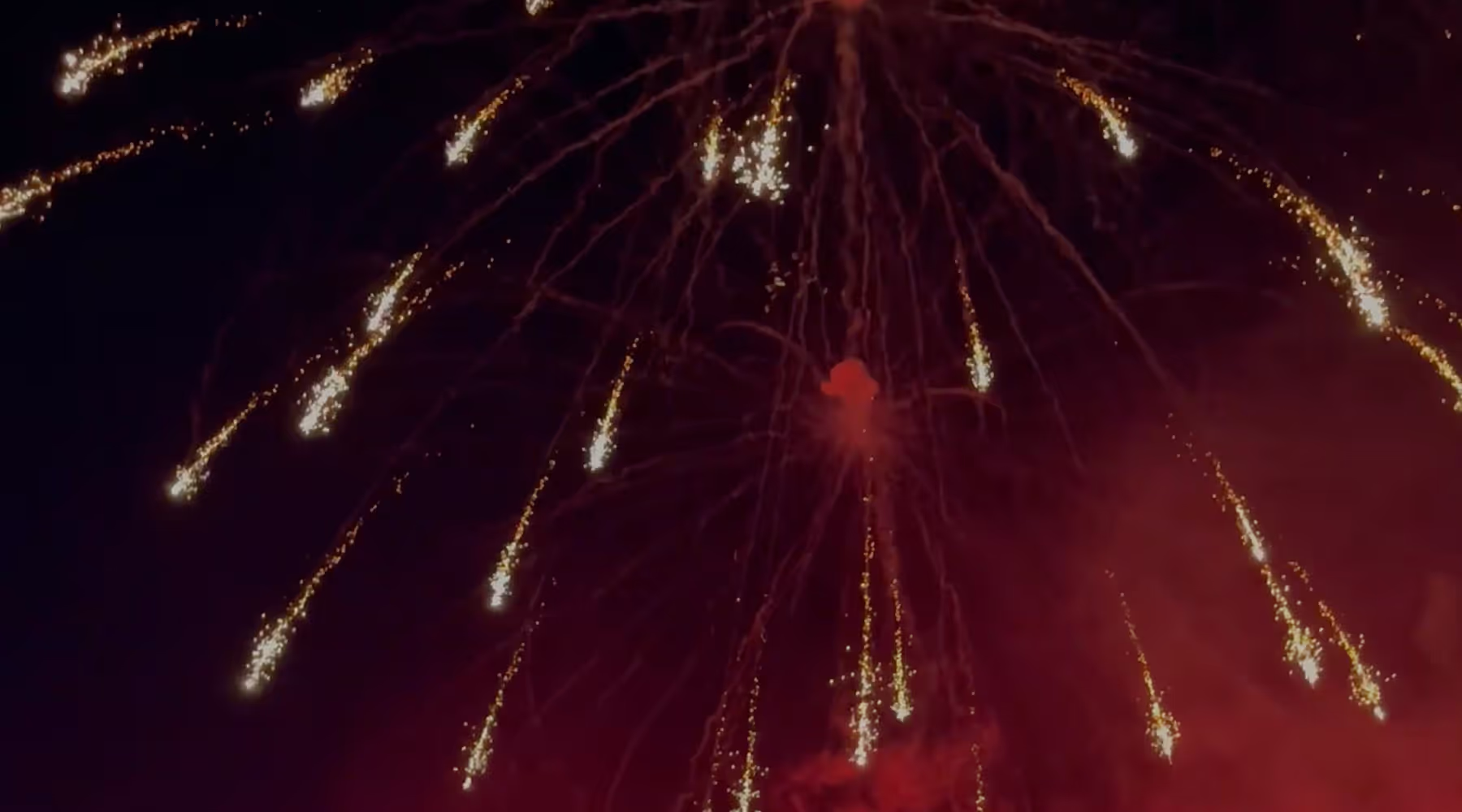
Apply Realistic Film Overlays for Videos
Discover video effects and overlays that bring depth, warmth, and motion to your videos.
TEXTURE EFFECTS
Add dust and grain overlays made from real film scans for authentic vintage texture.
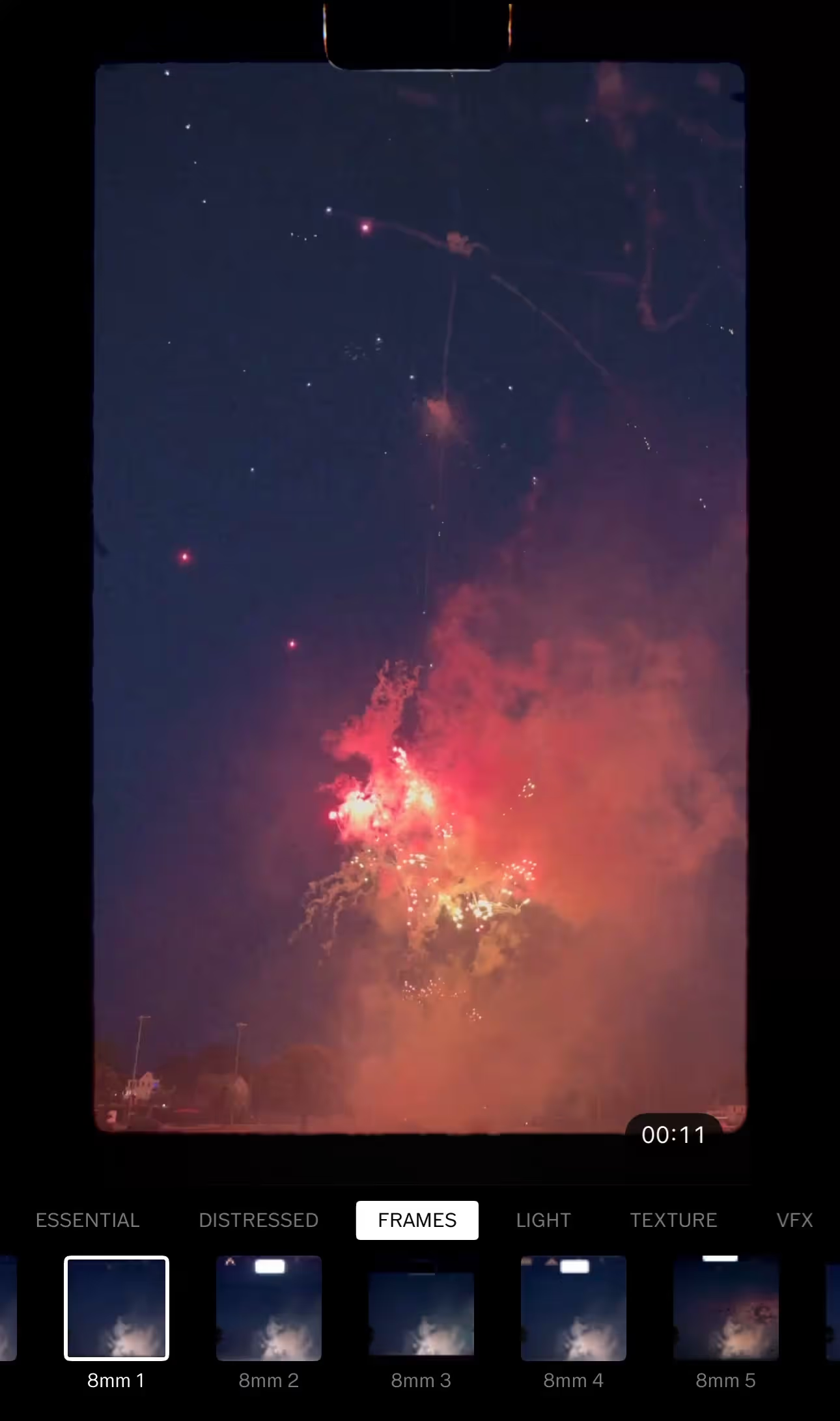
FILM FRAMES
Add an 8mm film frame for the vintage home movie look, or go cinematic with a 16mm or 35mm frame overlay.
DISTRESSED EFFECTS
Apply Glow, Bad Scan, Expired Film, or Broken distressed effects for a worn, analog aesthetic.
LIGHT EFFECTS
Create cinematic energy and warmth with customizable lens flares and light leaks.
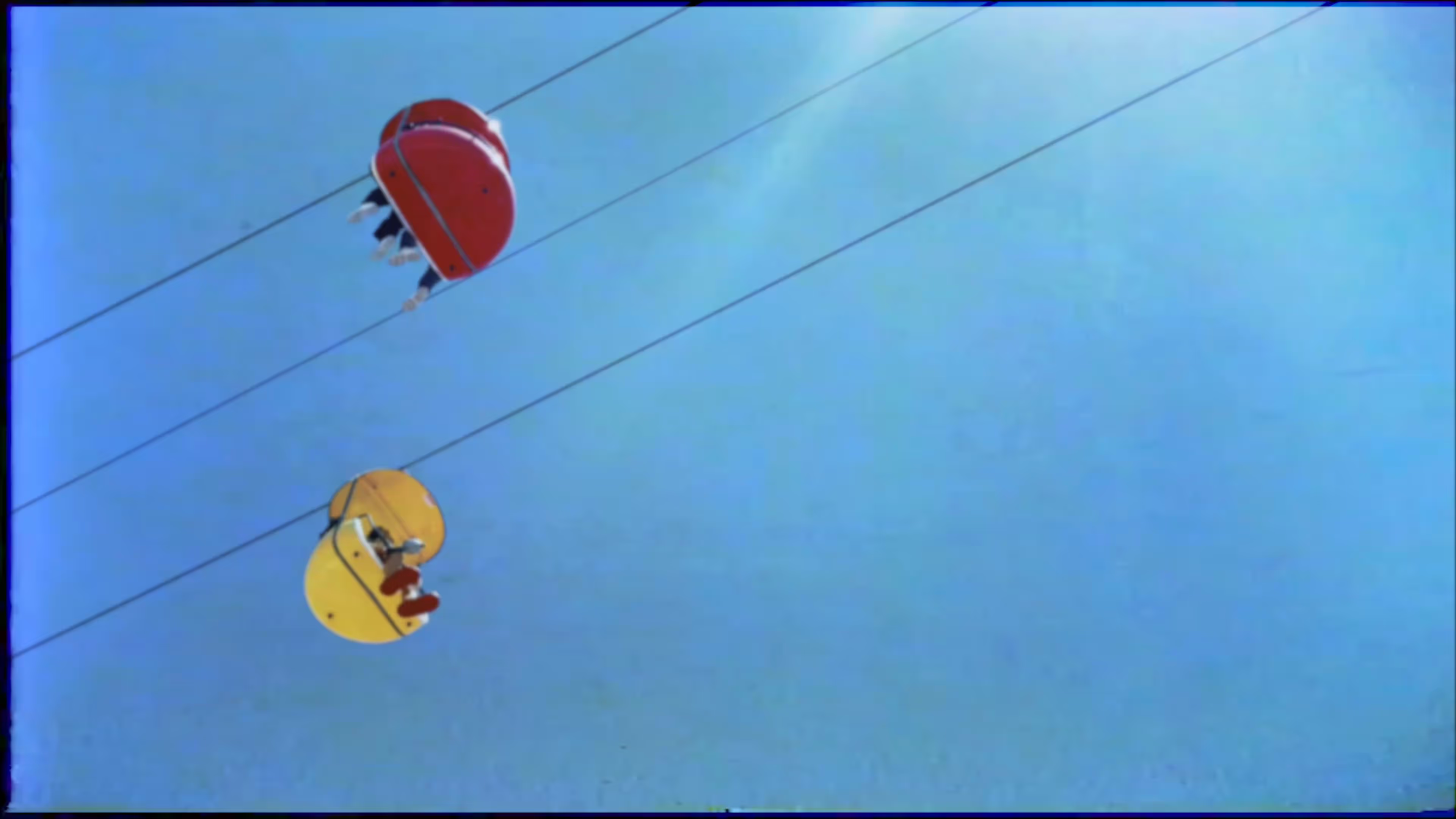
Add Retro Video Glitch and VHS Effects
Add character to your clips with video effects that turn digital moments into expressive visuals.
VHS EFFECT
Mimics the nostalgic playback and texture of analog VHS tapes. Apply the VHS filter.
GLITCH
Digitally distorts video for an intentional, lo-fi visual effect.
KALEIDO
Creates a mirrored, kaleidoscopic motion pattern.
CHROMA
Splits red, blue, and green hues for a vintage color shift.
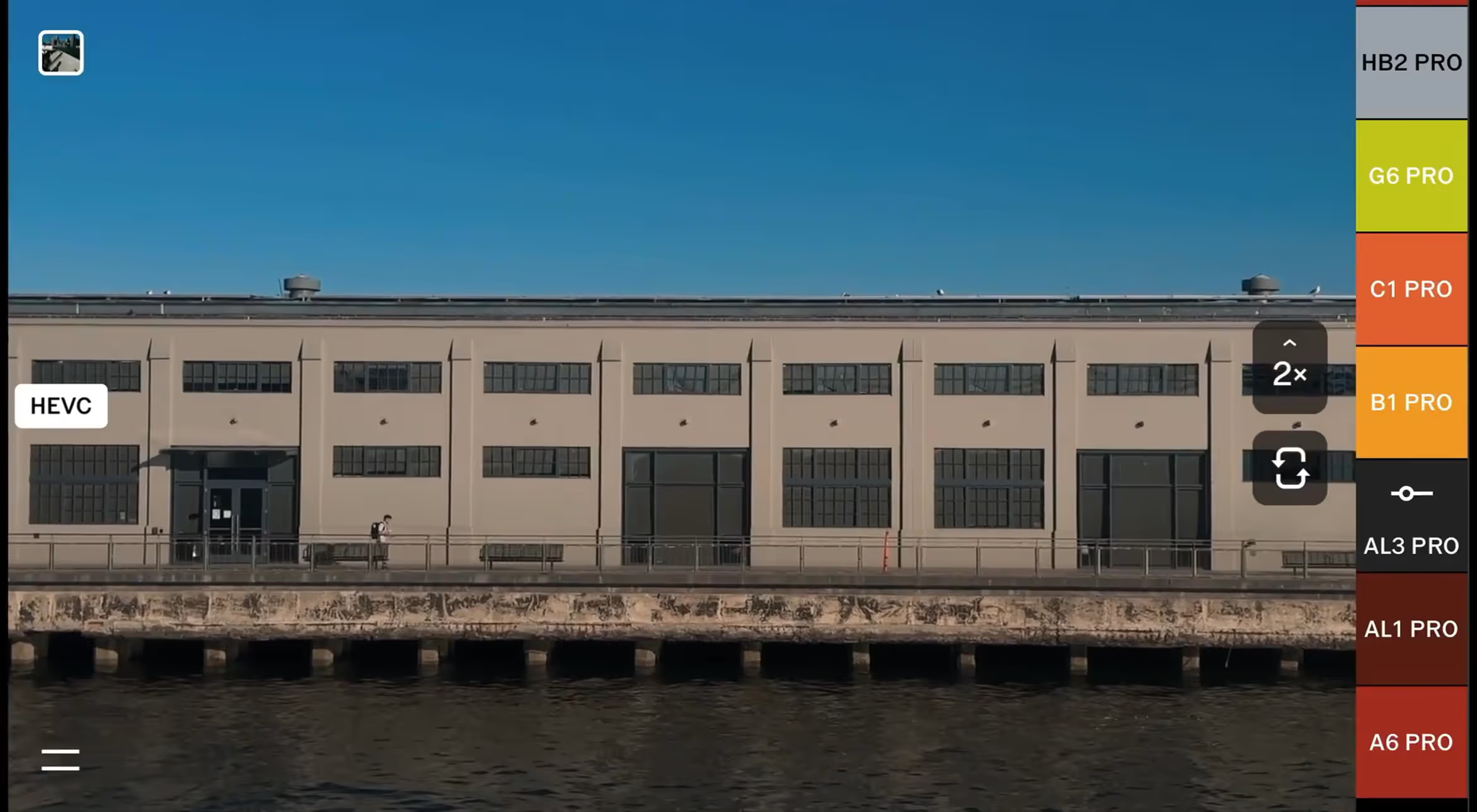
CAPTURE VIDEO AS YOU SEE IT
Preview your look before you press record, then capture it exactly as you see it. VSCO Capture lets you shoot video with 50+ live video filters so your aesthetic is locked in from the first frame, not figured out in post.
Capture in up to 1080p in HEVC or H.264 at 24fps or 30fps, then jump straight into VSCO's mobile video editor to refine the edit. Change your mind about the look? Reapply presets anytime until it's exactly right.
HOW TO EDIT VIDEO, ADD FILTERS AND EFFECTS
Open the VSCO video editing app to import your video. Select your video and tap ‘Edit Video’ to open the video editor menu for video filters, video effects, and editing tools.
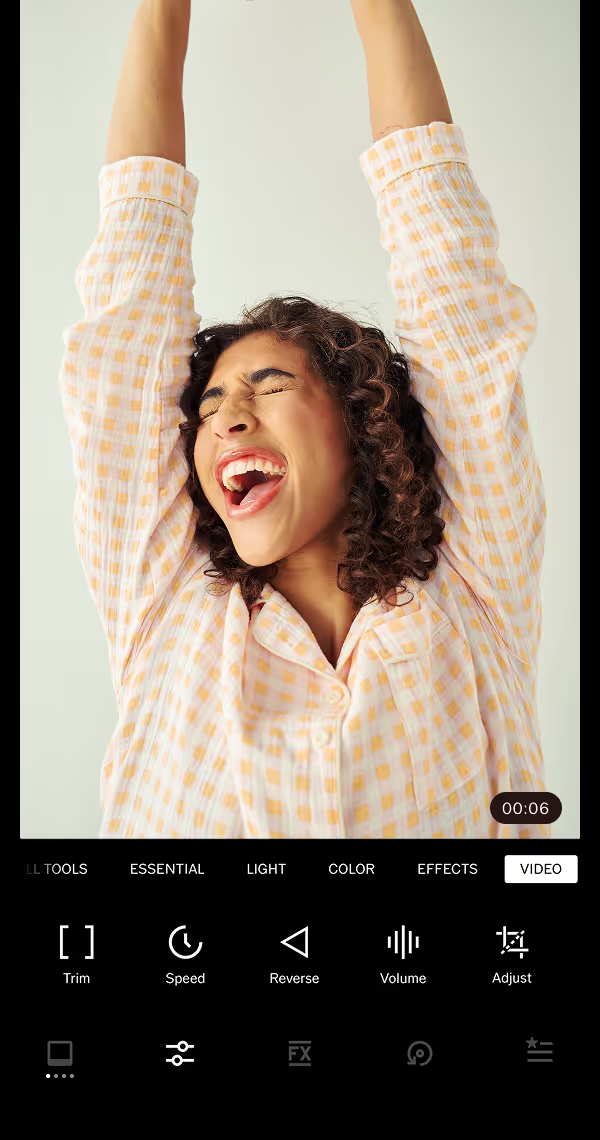
EDIT YOUR VIDEO
Trim clips to the perfect length, dial in smooth slow motion or speed ramps, reverse videos for creative loops, control audio levels, and crop or straighten your composition with the Adjust tool.
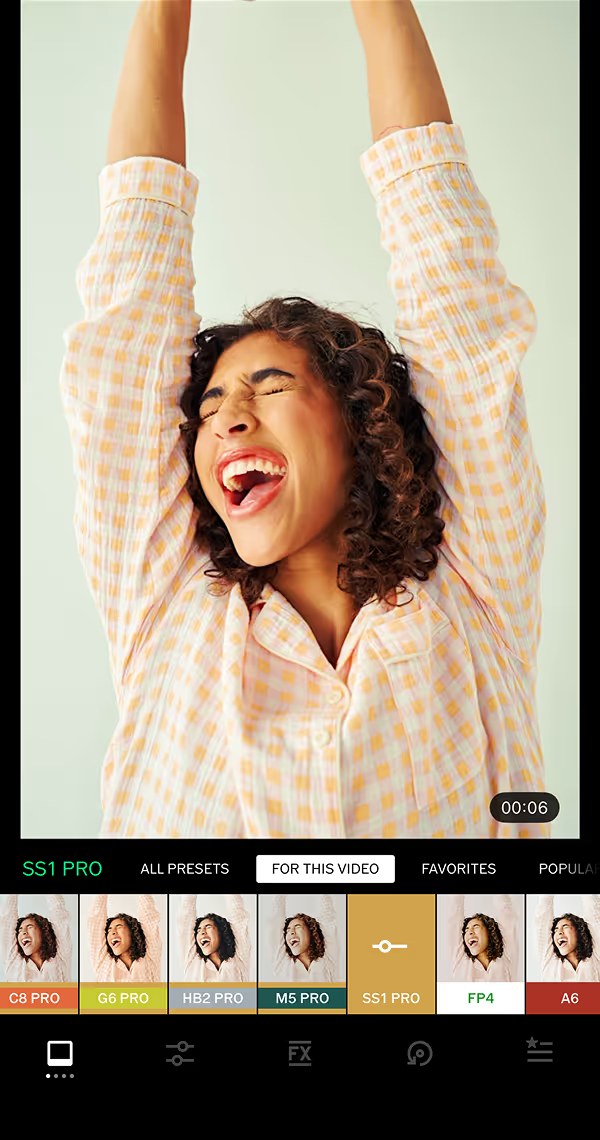
COLOR GRADE YOUR VIDEO
In the preset library, select a free video filter, Pro Preset, or Film X filter. Color grade and adjust light with other video editing tools like Exposure, Contrast, Saturation, White Balance, and more.
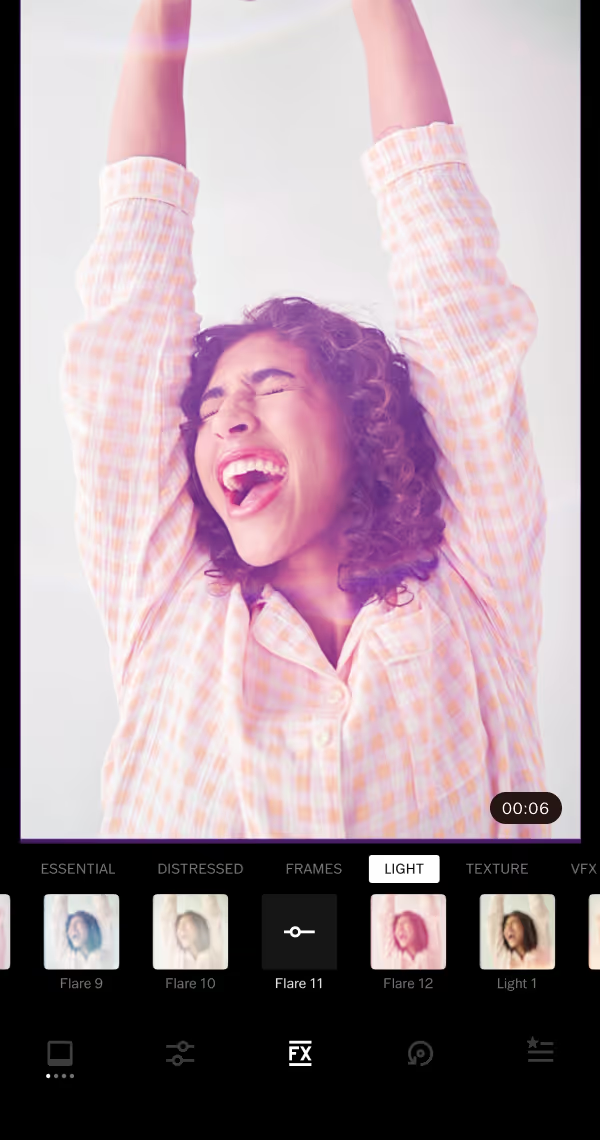
Apply video effects
Layer film overlays, frames, and textures for authentic analog warmth. Create atmosphere with light leaks, lens flares, and distressed effects, or apply the nostalgic 8mm frame to mimic vintage tape playback.
EVERYTHING YOU NEED TO CREATE VIDEO LIKE A PRO
Try the full range of tools inside VSCO’s mobile video editor. Edit, apply video effects, and clean up your clips to craft your story.

Slow down videos without losing quality. The smooth slo-mo feature keeps every frame clean and continuous.
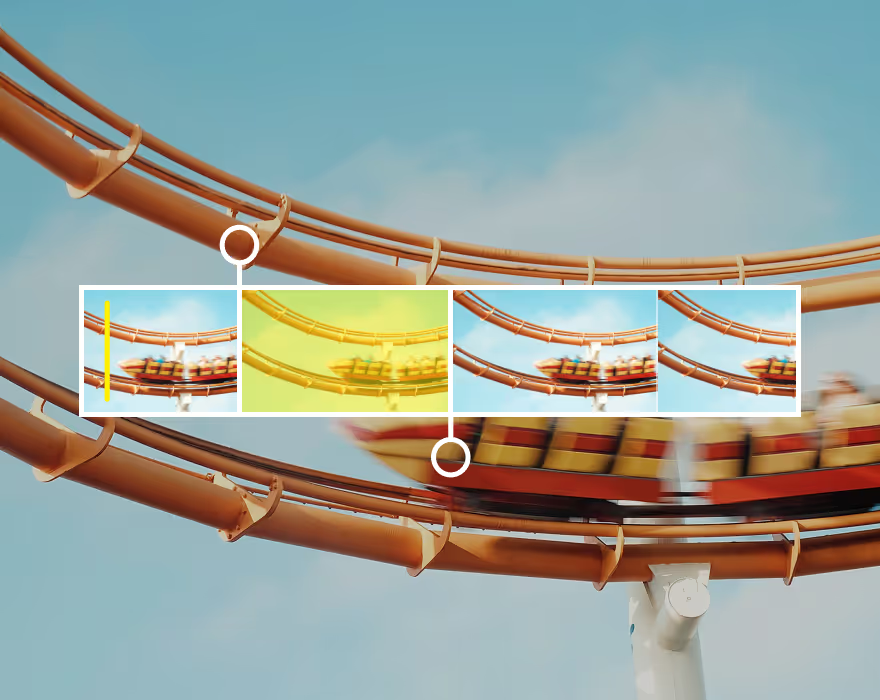
Trim, cut, and fine-tune your video’s start and end points with a precise video trimmer tool.
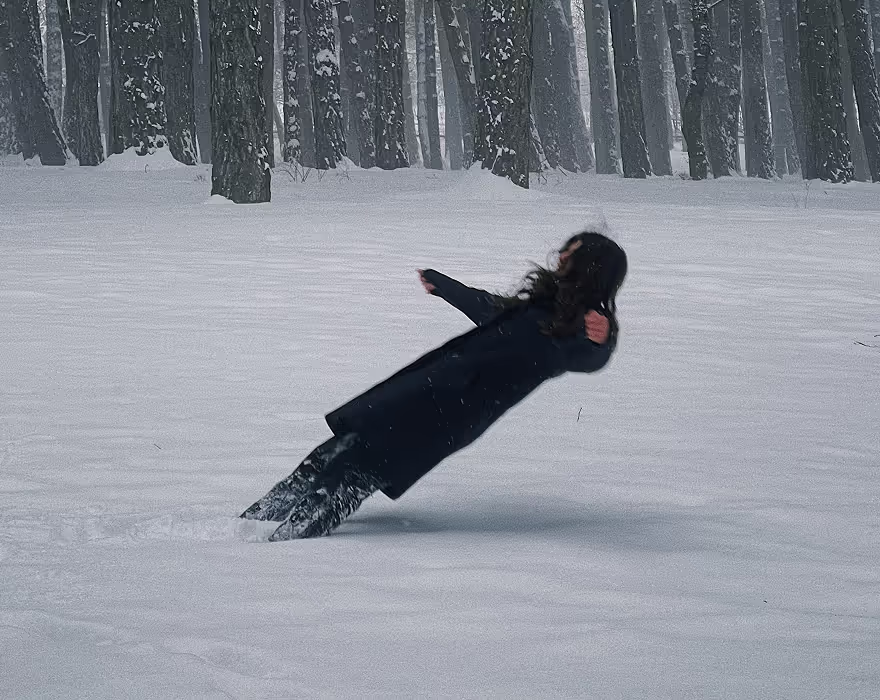
Reverse video playback or mirror clips to create seamless video loops without losing quality.
Frequently asked questions
How do I get the VSCO video effect?
To create that signature VSCO video effect, try applying retro video effects to your videos with VFX. Add vintage overlays and textures like Chroma, the VHS effect, and a video glitch effect using the mobile video editing app on iPhone or Android. Combine these video effects with our full suite of video filters and video editing tools to customize your own look.
How do I add filters to videos in VSCO?
Open the VSCO app, import your video, and tap Edit Video. From the preset library, choose a free, film, or Pro video filter to set your tone. You can continue adjusting color and light with tools for exposure, contrast, and warmth to perfect your look.
What are the best video filters in VSCO?
Popular VSCO video filters include A6, B1, and M5. These filters are favorites among creators for crafting distinct moods and color stories across mobile video projects.
What types of video effects can I apply in VSCO?
VSCO’s video effects include VHS, Glitch, Kaleido, and Chroma, each designed to add character and motion to your videos. You can also apply film overlays, light leaks, dust textures, and frame borders for authentic, analog-inspired depth.
Can I make videos look vintage or film-like in VSCO?
Yes—VSCO’s Film FX and overlays recreate the look of real film. Add 8mm or 16mm film frames, grain textures, or distressed effects like Bad Scan and Expired Film for a worn, cinematic aesthetic that mimics retro home movies or analog film cameras.
How do I make my videos look cinematic in VSCO?
Combine color grading, film filters, and light effects to achieve a cinematic look. Adjust tone curves for contrast, apply soft grain or lens flares, and finish with Film X presets to emulate Kodak or Fuji film aesthetics.
What tools help me color grade videos in VSCO?
Use Exposure, White Balance, Contrast, Saturation, Tone, and HSL to color grade videos. Adjust warmth to fix color balance or fine-tune hues to create a cinematic palette. These tools make it easy to give your footage professional color depth without complex software. You can also use our one-tap Color Grading Presets to create cinematic color palettes.
Can I combine filters and effects in one video?
Absolutely. Layering filters and effects is one of the best ways to craft mood and motion. Start with a base filter like A4 or M5, then add light leaks, film textures, or VHS distortion to give your video a unique, expressive finish.
Are VSCO video filters available on both iPhone and Android?
Yes, most video filters and effects are available on both iPhone and Android through the VSCO mobile app. Simply update to the latest version for the best editing experience.
Do I need VSCO Membership to access all video effects?
Some filters are free, but advanced Film FX and Pro presets require a VSCO Membership. Members unlock access to the full range of video editing tools, including Film X filters, distressed effects, and cinematic overlays.
Get Help
Get the most out of VSCO with assistance getting started, questions, or feedback.
Download VSCO
VSCO is a connected system for photographers. The photo editor is available on iPhone and Android, and desktop web on Mac and PC.