Remove Glasses Glare From Photos With AI
Clear the reflection off a subject's glasses without touching anything else in the frame, described in a sentence.
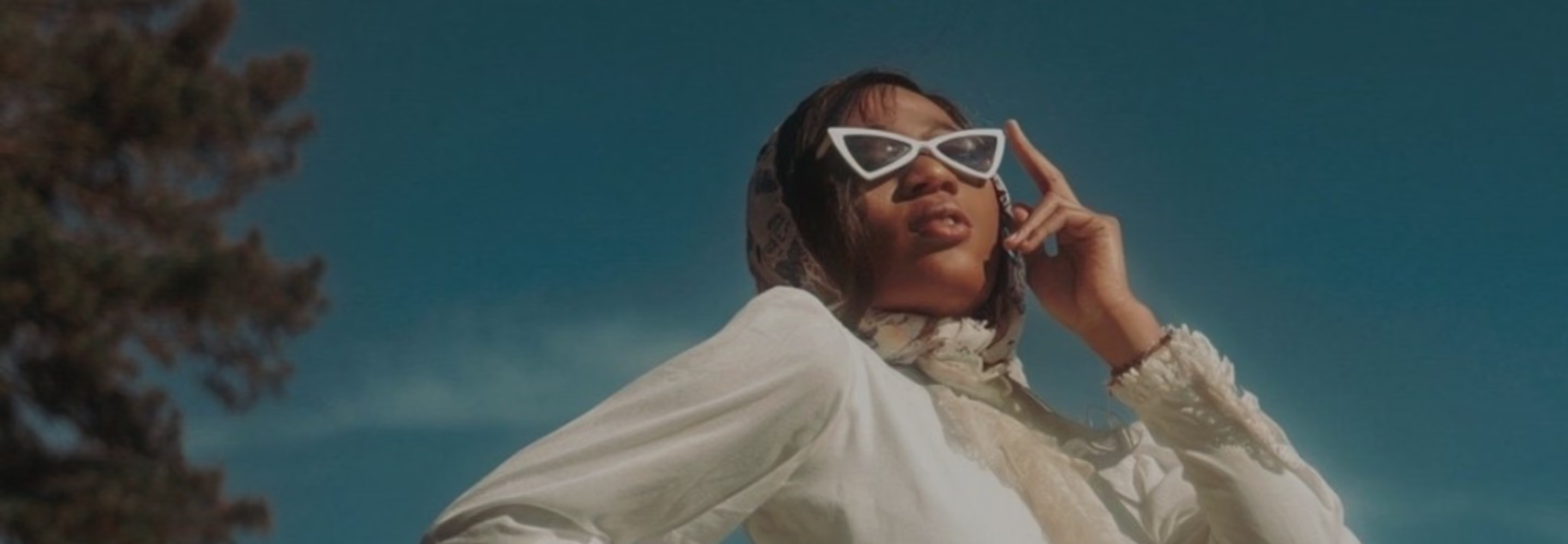
Remove glare from glasses with a simple text prompt. Keep the lighting and expression as you captured it, just without the distracting hot spots or your own reflecton.
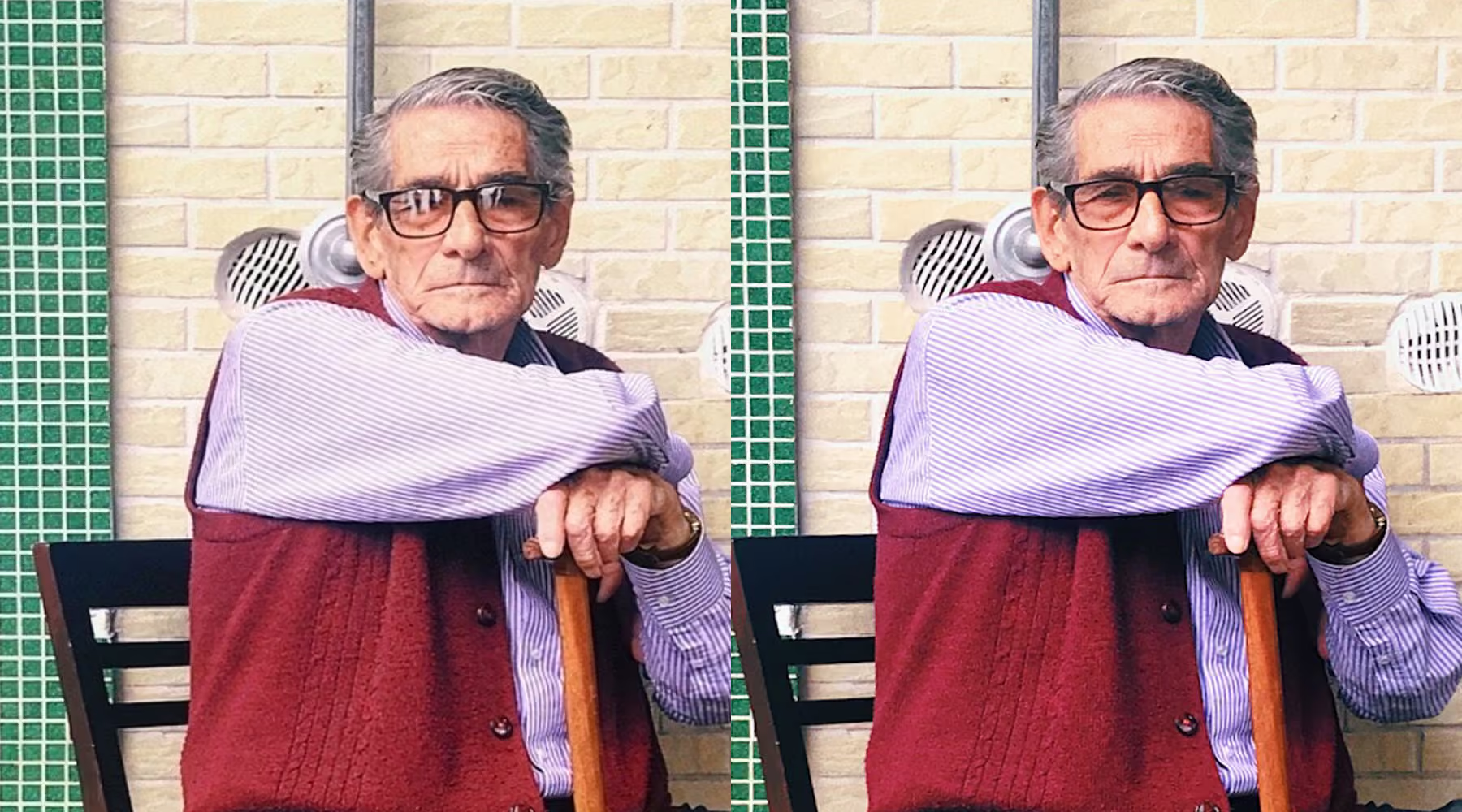
Remove Glare, keep the rest
Glasses glare isn't hard to see, but it's hard to fix. The reflection sits on a curved surface, directly over the one part of a portrait people really look at. Manual retouching means cloning carefully around a lens edge without flattening the light or making the glasses look fake.
With the Prompt tool in AI Lab, you describe what you want, and the edit happens at full resolution. The subject still looks like themselves, and you skip the complex editing workflow.
How to remove eyeglass glare with AI Prompt
Try a prompt like "remove glare from the glasses, keep natural lighting."
Rerun the prompt or adjust the wording until it looks right.
Save it, share it, or keep editing in VSCO.
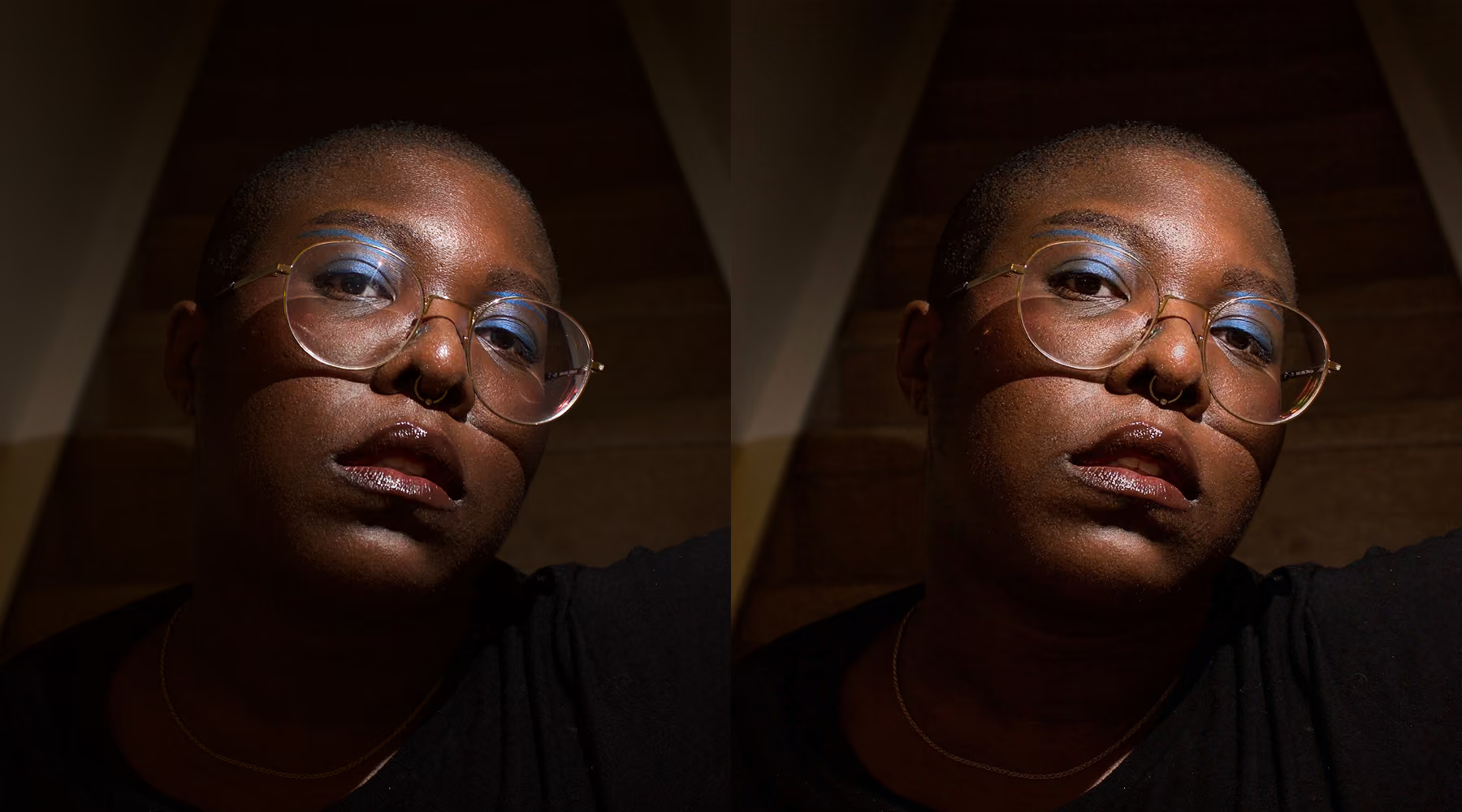
When Retakes Aren't an Option
Somebody's always wearing glasses. And in one frame out of the set, the light hits them just wrong enough to leave a little glare sitting over their eyes.
It's a small thing. But it's the difference between a photo you love and a photo you almost love, and on a wedding day or a school picture line, there's no going back to retake it.
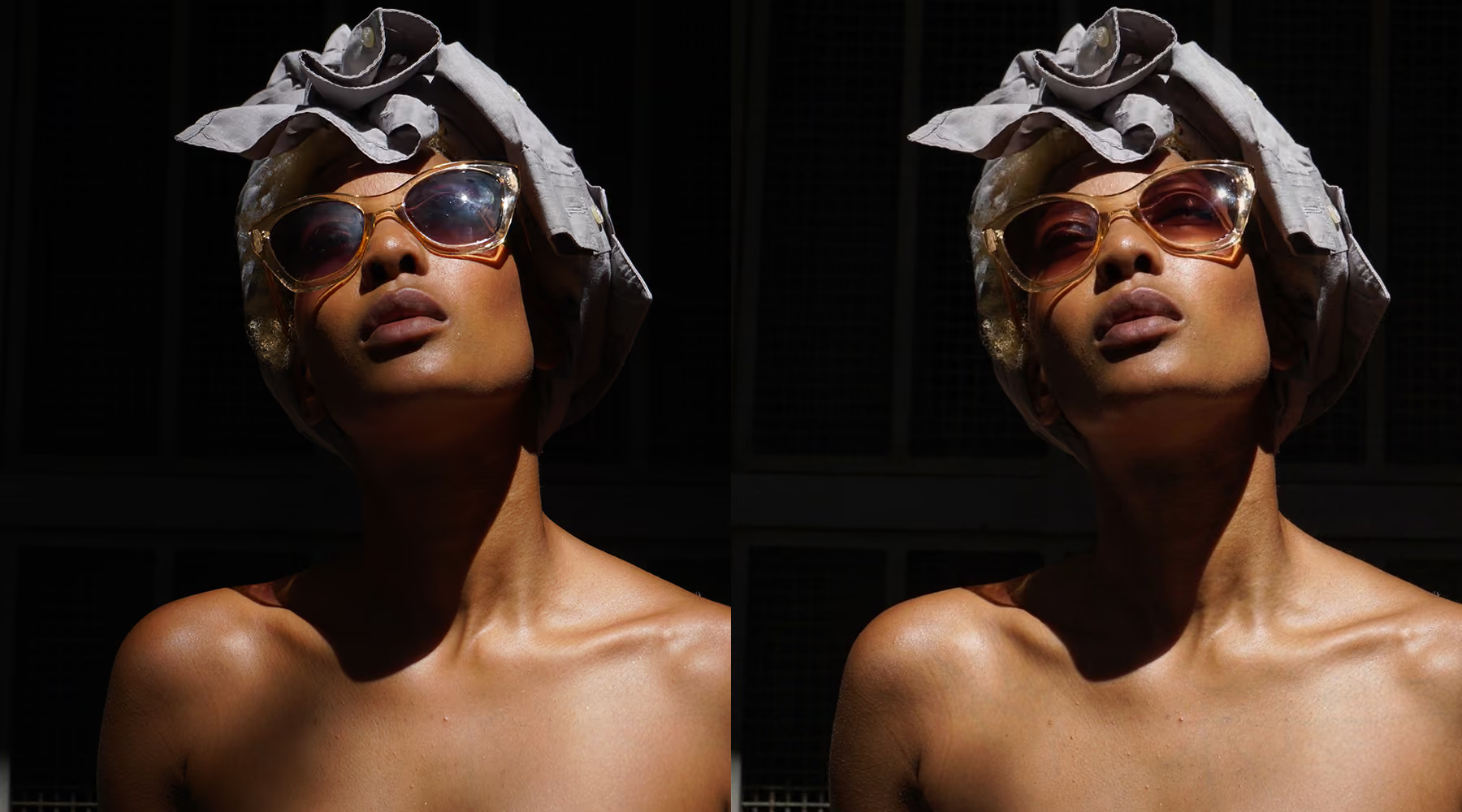
Fixed, Not Fake
Real glasses catch some light. A lens with zero reflection at all reads as edited, even to someone who couldn't tell you why. The Prompt tool knows the difference between the hot spot blocking the eyes and the soft, natural highlight that's supposed to be there.
Tell it how far to take it. "Remove the glare completely" for a reflection that's covering the eyes outright. "Soften the glare, keep some reflection" when you want some natural shine.
Download VSCO
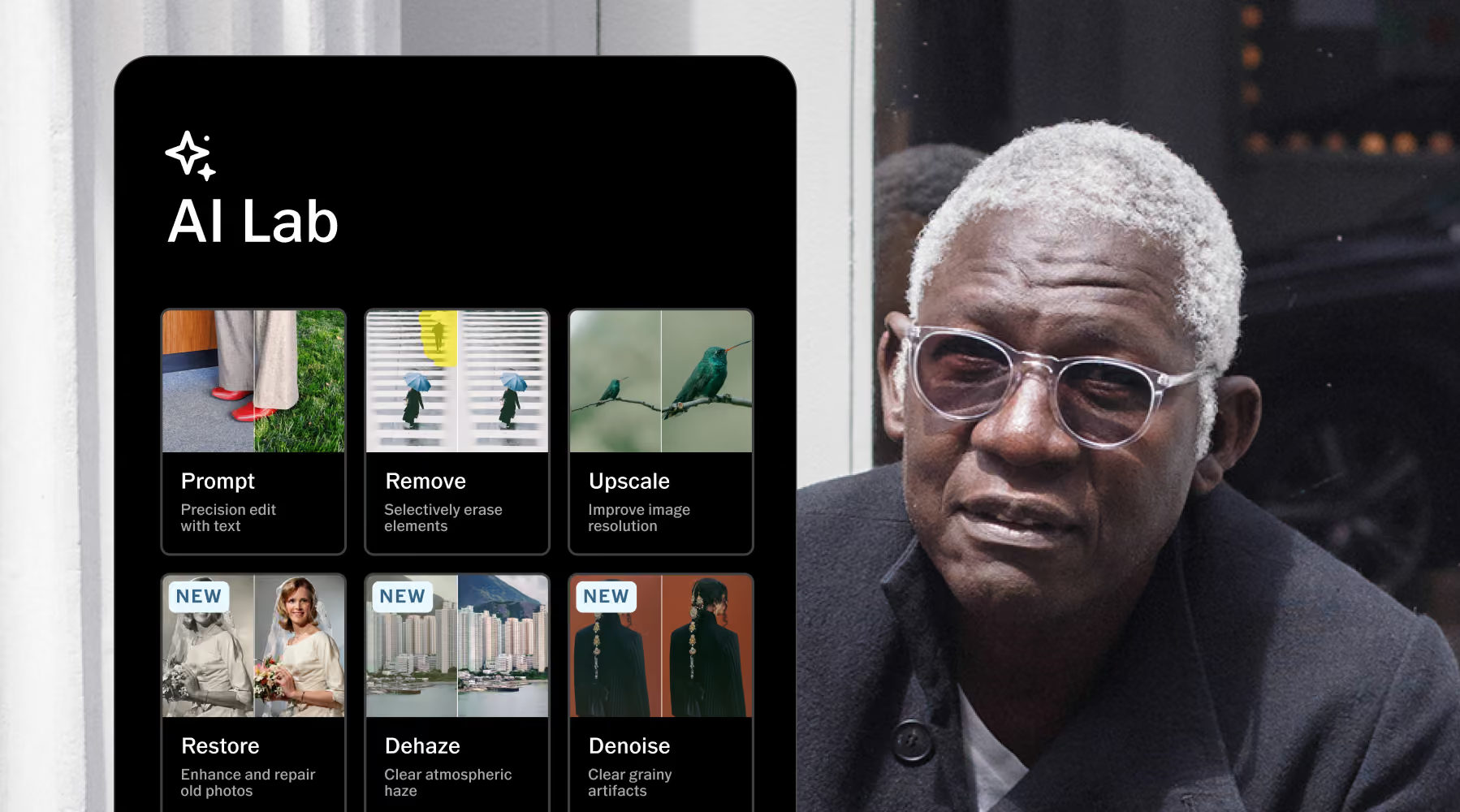
AI Lab is available in the VSCO app for iPhone. Download the app to try AI-powered tools like Restore, Remove, Upscale, and more, all built to support your workflow, not slow it down.
Frequently asked questions
How does AI remove eyeglass glare in photos?
You describe the fix in plain language, and the Prompt tool rebuilds that part of the image accordingly, softening or removing the reflection while keeping lighting, skin tone, and facial detail consistent with the rest of the photo.
Will removing glare affect eye detail or image quality?
No. The edit runs at full resolution, so texture and sharpness hold up. If eyes look overly bright or flat afterward, refining the prompt langauge usually corrects it.
What kind of prompts work best for glare removal?
Specific ones. "Remove the glare from his glasses, keep the lighting natural" works better than just "fix glasses." The more context you give about what should stay the same, the more accurate the result.
Can I refine the result if the glare isn’t fully removed?
Yes. Rerun the prompt or adjust the wording. Small changes, softer, more natural, keep more of the original reflection, usually get you the rest of the way there.
Does AI Lab overwrite my original image?
No. Every edit saves as a new version. Your original stays exactly as you captured it, so there's nothing to lose by trying.
Go further with AI editing
Remove clears anything else distracting from the frame, Denoise cleans up a noisy low-light shot, and Upscale gets your image print-ready.
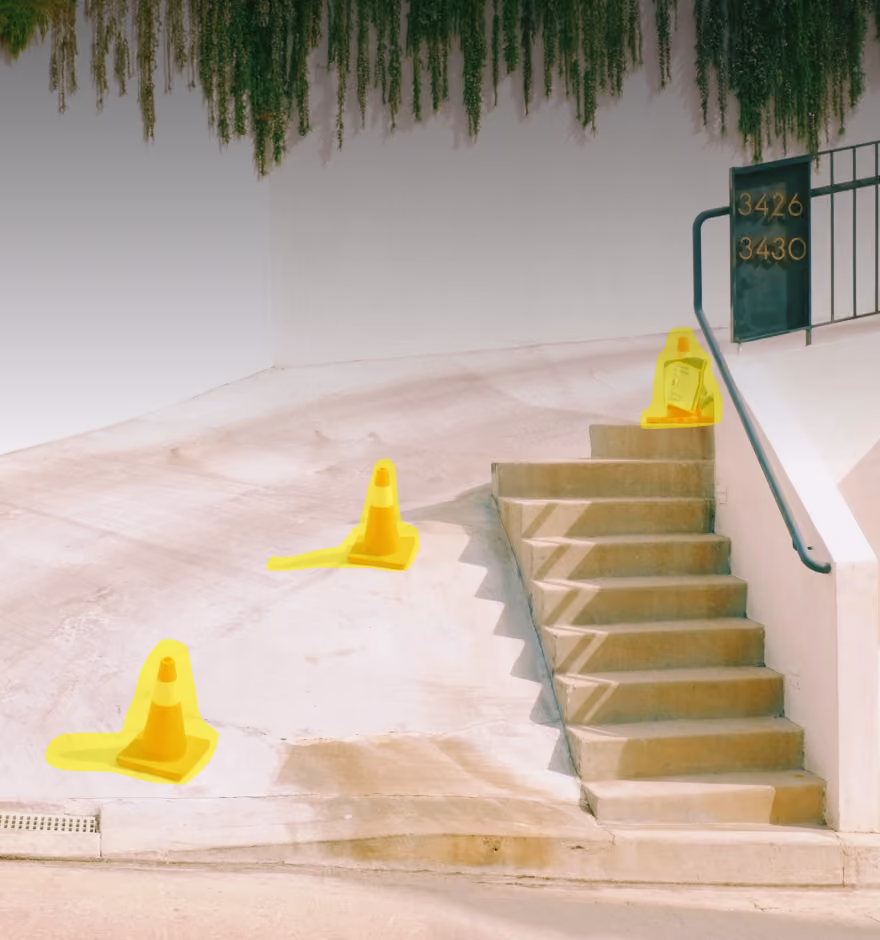
AI Remove
Erase distractions without disturbing the rest of the photo.
AI Denoise
Clean up grain and noise without losing real detail.
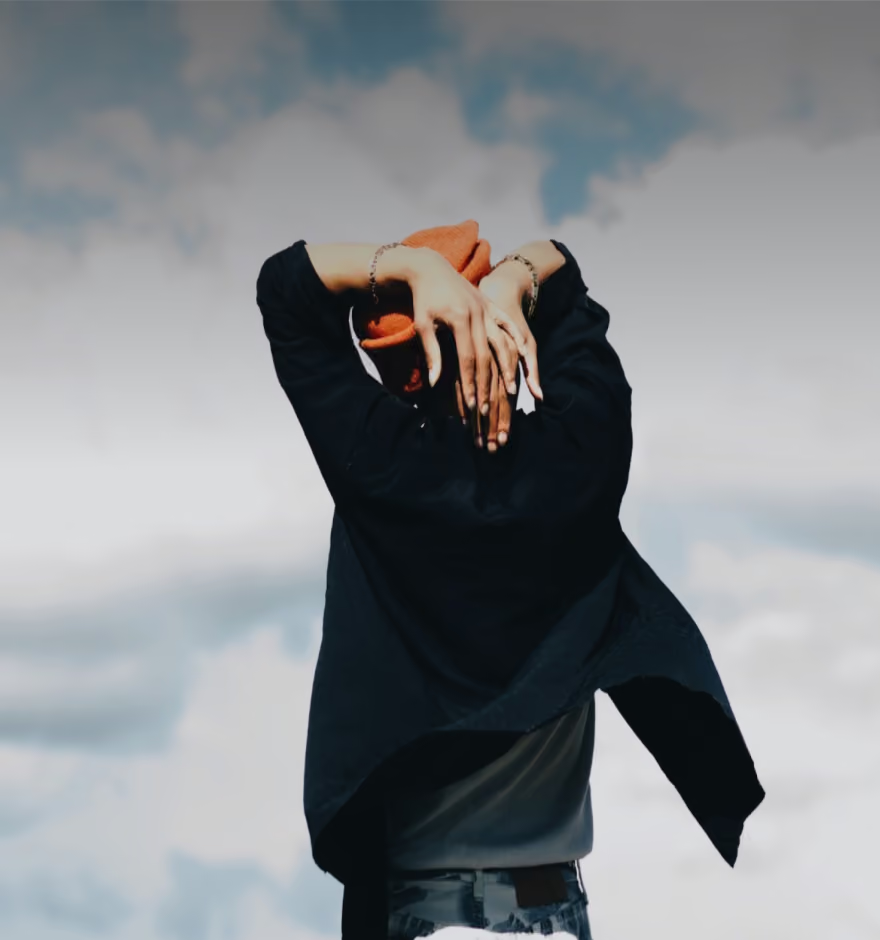
AI Upscale
Boost resolution up to 4x for prints and tight crops.